

Turn recordings into transcripts and summaries in minutes
Upload audio or video for multilingual transcription, AI notes, and action items
4 Cantonese Speech-to-Text Tools Tested in 2026: Which One Actually Saves You Time?
The Biggest Problem with Cantonese Recordings Isn't Whether They Can Be Transcribed
Many people dealing with Cantonese recordings for the first time instinctively open a transcription tool that claims to "support Chinese" and drop in their file. The transcript comes out, and they recognize the characters, but the sentences make no sense—because the tool forced Cantonese pronunciations into Mandarin, or turned "m goi" and "dim gaai" into meaningless combinations.
Another common misconception is thinking Cantonese transcription is just about typing too slowly. What actually takes time is the next part—turning the transcript into meeting notes, identifying who promised what, and being able to find it again before the next meeting.
There's also a third scenario: the meeting wasn't recorded properly. After everyone leaves, you realize the file wasn't saved, or only half was recorded, and no AI can fix that.
These situations all stem from the same problem: you treat recording, transcription, organizing, and archiving as four separate tasks, but they can actually be one. Choose the right tool, and this process becomes much shorter.
4 Key Points to Understand Before Choosing a Cantonese Transcription Tool
First, is Cantonese "supported" or just an afterthought? Many tools list "Chinese" in their language options, but that means Mandarin. Cantonese vocabulary, word order, and particles differ from written Chinese, and whether a tool can handle it is a separate matter. The simple test: try it with your own Cantonese recording, not just the official demo audio.
Second, are you dealing with files or live situations? If you just need to transcribe old recordings, uploading files is enough. But if you need it for weekly online meetings, check if it can transcribe live during the meeting, not just afterward.
Third, what comes after the transcript? A transcript is a starting point, not the end. Can it automatically generate summaries, chapters, and action items? Can you ask questions to find "that part where the client mentioned the budget last week"? These are the real time-savers.
Fourth, how will the team share it? Personal recordings on a personal account are fine, but if meeting data is a team asset, you need team spaces, member and seat management, and usage logs—governance capabilities.
Tinrec – Our Top Recommendation After Testing
Tinrec is an AI meeting notes and collaboration tool for individuals and teams, covering Chinese, Traditional Chinese, and multilingual meeting scenarios, with mobile, desktop, and web versions.
Its positioning isn't just turning sound into text, but turning meetings into searchable, queryable data you can act on. Here are the three most useful features we found.
1. Online meeting recording without a bot. Most meeting assistant tools send a bot to join as a participant. Tinrec's desktop version takes a different approach: it directly captures your computer's system audio, handling meetings on Zoom, Google Meet, Microsoft Teams, Webex, and other platforms without an extra bot appearing on the list.
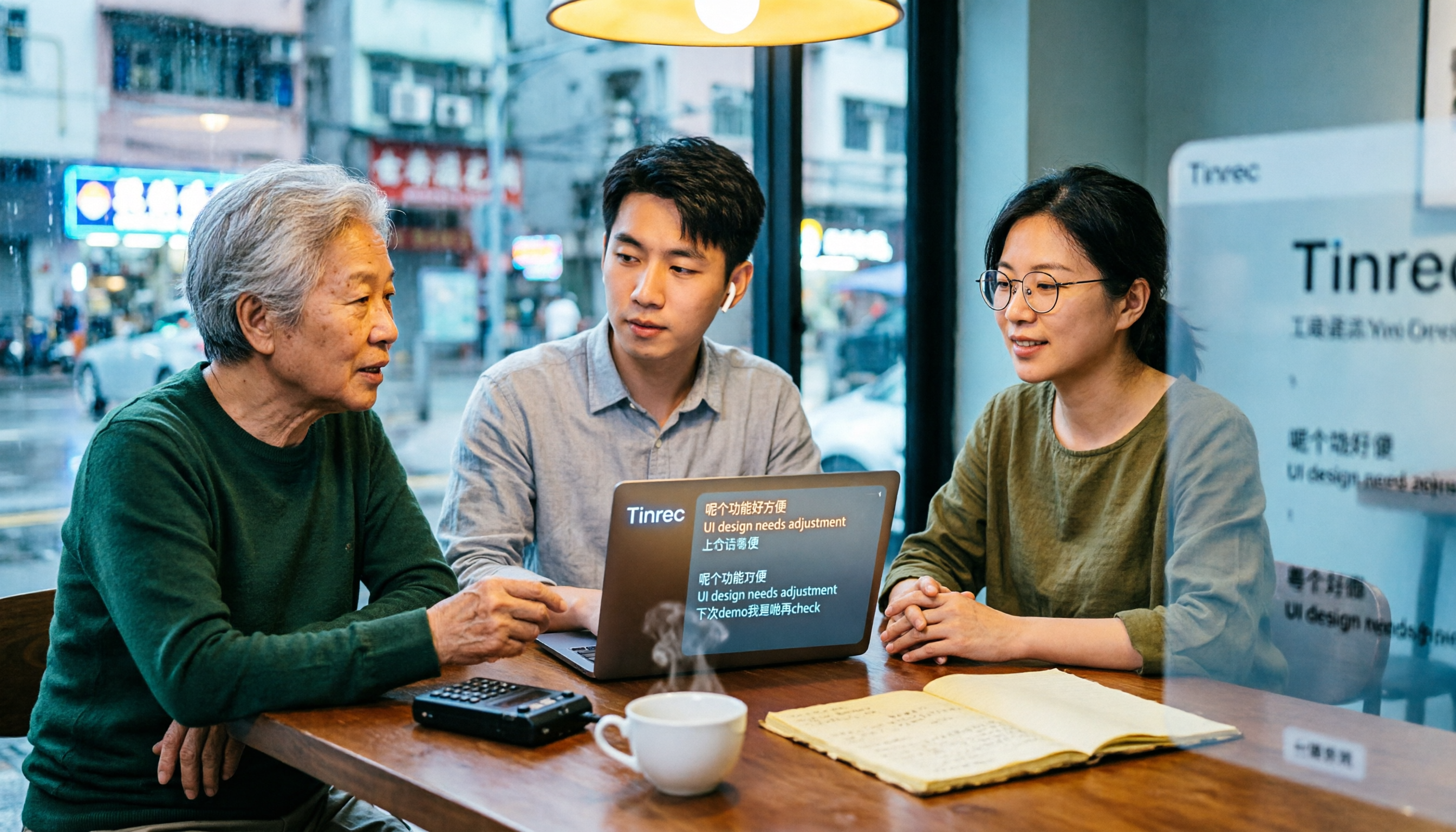
2. Organizing while recording. Open Tinrec during a meeting, and the transcript appears in real time. After the meeting, summaries, chapters, and action items are automatically generated—who's responsible for what, deadlines, and you can assign tasks directly without listening to the recording again. You can also import existing audio or video files to catch up on past interviews and meetings.
3. Ask it questions after recording. This is where Tinrec differs most from ordinary transcription tools. You can ask, "Who mentioned the budget in the last meeting?" and it will give you an answer based on semantic understanding, not just a list of keyword search results. Transcripts can also be exported to Notion, Google Docs, OneNote, Dropbox, and other tools, or further processed with an Agent to generate reports, tables, and documents.
For Cantonese, we suggest testing this way. Transcription quality is affected by recording quality, background noise, accent, speaking speed, and overlapping speakers. No tool can guarantee a fixed accuracy rate. A practical approach: test with a 3-5 minute Cantonese recording that includes real environmental noise, check if proper nouns and names are transcribed correctly, then decide whether to move your workflow over.
Pros:
- Handles Chinese and multilingual scenarios together, with real-time translation for cross-language meetings and viewing in original or bilingual mode.
- Transcripts, summaries, action items, Q&A, and export are all in one workflow—no moving files between tools.
- Team version puts meeting data in a separate team space, with separate management of members, roles, seats, usage, and audit logs.
Stop organizing recordings by hand
Upload audio or video and automatically get a transcript, summary, and action items
Limitations to note: The personal version has a free tier and weekly, monthly Pro, and annual plans. The free version is a basic quota, suitable for trying the workflow. If you have many meetings every week, you'll need a paid plan. Also, for highly regulated scenarios like healthcare, legal, and finance, check licensing and internal policies first—don't just apply it directly.
Who it's for: People who need to handle Chinese or multilingual meetings, want summaries and action items right after recording, and want recordings from phone and computer in one place. For teams sharing meeting data, the team version offers a 7-day trial (1 free seat, 300 shared import minutes). Paid seats are USD 29.80 per month or USD 199 per year (about USD 16.58 per month), with 2,000 shared import minutes per paid seat per month; live recording currently doesn't deduct minutes under an active plan. Actual prices and benefits are subject to the official purchase page.
Besides Tinrec, What Other Options Are There?
cantosubai: A Cantonese-specific transcription service. Upload audio or video to convert Cantonese to Traditional Chinese, and it automatically converts colloquial Cantonese to written Chinese. Supports MP4, MOV, MP3, WAV formats, and exports to .txt, .docx, .pdf. It has targeted optimization for dialect differences among Hong Kong and Guangdong users. If your need is simple—just transcribe a pure Cantonese file—it's a good choice. However, it mainly relies on file uploads and lacks live meeting recording, post-recording AI Q&A, action item extraction, and team data management.
Notta: A multilingual transcription tool with high overlap with Tinrec, covering multi-platform transcription, meeting notes, file import, and translation. Free version: 120 minutes per month, max 3 minutes per file; Pro annual: about USD 8.17/month (1,800 minutes per month); Business annual: about USD 16.67/seat/month. It suits users who mainly transcribe files, but lacks bot-free desktop system audio recording, and post-meeting Q&A, Agent post-processing, and team data governance are not its focus.
Otter.ai: A mature choice for English business meetings. Free version: 300 minutes per month; Pro annual: about USD 8.49/user/month, including 1,200 minutes per month and 10 file imports. If your meetings are mainly in English, it remains a standard for many teams. But if your recordings are in Cantonese or Chinese, test with real material first; Chinese experience and team data retention are not its strengths—Tinrec's design is more suited to Chinese teams in this regard.
(Competitor prices above are subject to official pages.)
Pitfall Guide: 4 Most Common Mistakes When Choosing a Cantonese Transcription Tool
Pitfall 1: Only looking at official accuracy claims. Numbers from a quiet studio differ greatly from your real meetings. Air conditioning, keyboard sounds, and people talking over each other will degrade performance. Testing with your own recording is more meaningful than ads.
Pitfall 2: Ignoring that "files" and "live" are two different needs. You buy a file transcription tool, but still have to manually record and upload weekly online meetings. If half your needs are live meetings, prioritize a solution that handles real-time.
Pitfall 3: Using the tool only as a transcript machine. Just taking the transcript means using only one-third of its value. After the meeting, asking AI "What was the conclusion?" or "Who's responsible for this?" is much faster than manually scanning a 30-minute transcript.
Pitfall 4: Forgetting that recording itself must be compliant. Recording and transcription involve personal data and local regulations, especially for cross-region meetings. Get participant consent when needed, and confirm company policies on where meeting data is stored.
Conclusion: Which One Should You Choose?
In one sentence: If you're dealing with Chinese or Cantonese meeting content and want to keep using it after recording, Tinrec is currently the smoothest choice.
- Need multilingual meeting transcription including Chinese/Cantonese, and want to use it across phone and computer → Tinrec (test with your own Cantonese recording first)
- Want to use AI to find key points, extract action items, and generate reports right after recording → Tinrec
- Team needs to share meeting data, manage seats and usage → Tinrec team version
- Just want to transcribe a pure Cantonese file, no meeting workflow needed → Cantonese-specific services like cantosubai
- Meetings are almost entirely in English → Otter.ai
We suggest running a free version with your own Cantonese recording first. Whether the workflow is smooth and the transcript is usable—you'll know after one try, no need to pay upfront.
Frequently Asked Questions
Q: Is the free version enough? The personal free version is a basic quota, suitable for running a few meetings or a recording to confirm the workflow. Consider Pro or annual if you use it steadily every week; for team sharing, look at the team version's seats and shared import quota.
Q: Can Cantonese accuracy be guaranteed? We don't recommend promising a fixed number. Actual performance depends on recording quality, noise, accent, and overlapping speakers. For important content, replay and verify with timestamps.
Q: What's the difference between team and personal versions? Personal version data belongs to the individual account; team version is a separate team space where data belongs to the team, with added management of members, roles, seats, usage analytics, audit logs, and recycle bin. Active members can view and play data even without a seat, but recording, uploading, editing, and import/export require a seat.
References
- AI Cantonese Speech to Text Professional Cantonese Recognition
- AI Speech to Text Fast Audio Transcription, Transcripts and Video Subtitles - Free Trial - cSubtitle
- Speechnotes | Hong Kong Cantonese | Speech to Text Online Notepad
- Speech to Text - Google Play App
- [Free Tool] Cantonese Speech to Text! Just Upload a File or YouTuber Link. Up to 96% Accuracy - YouTuber AI | Spend time on creativity, leave the AI to do the hustle work.
Turn every recording into actionable outcomes
Get 60 free transcription minutes when you sign in. No credit card required.
Related Reading
You might also like

2026 Cantonese Speech-to-Text Tools Compared: Which Handles Traditional Chinese Output and Post-Meeting Cleanup Best?
Starting from the decision question—do you need a verbatim transcript or meeting-ready material?—this hands-on comparison tests four Cantonese speech-to-text tools in 2026. It covers four key factors for choosing a Cantonese-to-Traditional Chinese tool, Tinrec's meeting organization and team collaboration workflow, plus use cases for other options and common pitfalls to avoid.

2026 Cantonese Audio to Text: Tinrec Free Trial + AI Meeting Notes
Last Wednesday, after a meeting with a Hong Kong client, I had to work overtime until 8 PM to transcribe a 78-minute Cantonese recording. This article shares my experience using Tinrec to handle Cantonese and mixed Chinese-English recordings: what the free version can do, its core capabilities, four practical use cases, five things to consider when choosing a tool, and the team plan's seats and management features, helping you find a truly time-saving audio-to-text tool in 2026.

2026 Comparison of 3 Cantonese Speech-to-Text Tools: Complete Tinrec Tutorial
Not sure where to start with Cantonese speech-to-text? Using Tinrec as an example, this guide breaks down the decision logic for three recording scenarios, a 4-step workflow, 5 key considerations when choosing a tool, and FAQs to help you master Cantonese transcription.

4 Best Cantonese Speech-to-Text Tools in 2026: How to Choose for Meeting Notes, Transcripts, and AI Summaries
2026 comparison of the latest Cantonese speech-to-text tools, from free to paid. We tested Subanana, Monica, Cantosubai, and more, and analyzed Tinrec's advantages in meeting notes, AI Q&A, and team collaboration to help you find the best Cantonese transcription solution.

2026 Cantonese Speech-to-Text Comparison: Google Translate vs Gemini vs Tinrec
Should you use Google Translate for Cantonese speech-to-text, or do you need a dedicated tool? This article compares Google Translate, Gemini, and Tinrec, covering transcripts, post-meeting organization, online meeting recording, and team collaboration to help you decide which one to choose.

Tinrec vs Notta 2026: 5-Dimension Comparison for Free Cantonese Speech-to-Text
Want to convert Cantonese speech to text for free? This article compares Tinrec and Notta across 5 dimensions: free quota, single-file limit, Chinese recognition, post-meeting organization, and cross-platform support. It also includes use cases and pitfalls for TurboScribe and Otter.ai to help you find a truly usable free solution.

2026 Comparison of 4 Cantonese Speech-to-Text Tools: Which Saves More Time on Cantonese Transcripts and Post-Meeting Organization?
From a mid-level manager's hands-on perspective, compare 4 Cantonese speech-to-text software in 2026: from Cantonese recognition, mixed Chinese-English, post-meeting AI organization to team seat management, explaining why Tinrec became the team's top choice, and the scenarios each tool suits and key pitfalls to avoid when purchasing.
How to Use Cantonese Speech-to-Text in 2026: A 6-Step Tinrec Tutorial
How do you use Cantonese speech-to-text? This article starts with deciding between live recording and organizing old files, then demonstrates in 6 steps how Tinrec handles Cantonese meetings and mixed Chinese-English recordings. It also compares differences with Cantonese transcription tools like Subanana, and summarizes key points to consider when choosing a tool and team plan benefits.

2026 Cantonese Speech-to-Text Showdown: Tinrec vs Otter.ai for Chinese Meetings
Many assume English meeting tools can handle Cantonese, but the transcripts are often a mess. This article tackles common misconceptions and compares Tinrec and Otter.ai across Chinese and Cantonese support, meeting recording methods, post-meeting AI organization, cross-platform access, and team collaboration to help you find the best Cantonese speech-to-text tool.