

Turn recordings into transcripts and summaries in minutes
Upload audio or video for multilingual transcription, AI notes, and action items
2026 Cantonese Speech-to-Text Tools Compared: Which Handles Traditional Chinese Output and Post-Meeting Cleanup Best?
Before Turning Cantonese into Traditional Chinese Text, Ask Yourself: Do You Need a Verbatim Transcript or Meeting-Ready Material?
Before choosing a tool, answer one question: What do you plan to do with the text after transcription?
If you just want to turn a Cantonese recording into a subtitle file, then "accurate listening and subtitle export" is enough.
But if you need meeting notes—who's responsible for what, what the deadlines are, who mentioned the budget last time—then you need more than transcription. You need a workflow that can organize, search, and track.
This explains why many people try three or four tools and still feel stuck: most tools compete on accuracy, but none solve "what happens after transcription."
If any of these three scenarios apply to you, this article is for you:
- Hong Kong clients or cross-department meetings conducted entirely in Cantonese, mixed with English terms like "this quarter's target."
- Interviews, courses, or livestream archives that need to become Traditional Chinese transcripts, with key points extracted.
- Videos that need subtitles, and you also want to look back later and check "who said this part."
Choose the right tool, and all three can be solved at once. Choose wrong, and you're just typing in a different place.
Before Choosing a Cantonese-to-Text Tool, Understand These 4 Key Points
1. Is it a dedicated Cantonese model? Some tools force a Mandarin model onto Cantonese, and start guessing when they encounter characters like "唔," "嘅," or "咗." When choosing a tool, check whether it treats Cantonese as a separate language.
2. Is the output Traditional or Simplified, spoken or written? This is the detail most people stumble on. "佢哋而家搞掂咗" and "他們現在處理好了" are two completely different products. Ideally, you can choose spoken/written × Traditional/Simplified yourself, rather than being stuck with one option.
3. Can it handle mixed Chinese and English? Real Cantonese meetings are almost never all Chinese—English technical terms, product names, and number units are everywhere. Whether it can preserve English as-is without random translation affects usability more than the accuracy rate on paper.
4. What can it do after transcription? A tool that only gives you a transcript is just handing the organization work back to you. Whether it can automatically generate summaries, extract action items, and let you ask questions about the recording is where real time savings happen.
Only when all four points align will it be a long-term solution.
Tinrec—Turning Cantonese Meetings into Searchable, Actionable Traditional Chinese Material
Tinrec is an AI meeting notes and collaboration tool for individuals and teams, available on web, desktop, and mobile. It doesn't just turn audio into text—it organizes meeting recordings into searchable, summarizable, queryable, and exportable material.
During the meeting: No need to invite a bot into the meeting room. The desktop version directly captures your computer's system audio, so when handling online meetings on Zoom, Google Meet, Microsoft Teams, or Webex, you don't need to invite an extra meeting bot as a participant. The transcript is generated in real time during the meeting, and by the time it ends, the summary, chapters, and key points are already organized.
After the meeting: You can ask questions about the recording. This is where it differs most from ordinary transcription tools. After recording, you can directly ask: "What was the conclusion of this meeting?" "Who's responsible for next month's budget?" It gives answers based on semantics, rather than dumping a string of keywords for you to sift through. Action items, mind maps, reports, and tables can also be generated.
Chinese and multilingual scenarios: Tinrec covers Chinese, Traditional Chinese, and multilingual meeting content, supports mixed Chinese-English organization, real-time translation during recording, and bilingual viewing. The team version also lets you maintain a glossary for more consistent recognition of technical terms. Transcription results can be exported in multiple formats and brought into existing workflows like Notion, Google Docs, OneNote, and Dropbox for further processing.
Stop organizing recordings by hand
Upload audio or video and automatically get a transcript, summary, and action items
If your content is in Cantonese, we recommend using the free quota to test with a segment of your own recording first. Actual performance is affected by recording quality, background noise, accent, and overlapping speakers—just like any tool. Testing it yourself is the most accurate.
Limitations to be clear about: File and web link imports consume quota, and heavy use requires payment. The team version is USD 29.80 per paid seat per month, or USD 199 annually (about USD 16.58 per month), with each paid seat providing 2,000 minutes of shared team import quota per month; eligible teams get a 7-day trial with 1 free seat and 300 minutes of shared team import quota. Prices and benefits are subject to the official purchase page.
Who it's for: People who frequently handle Chinese meetings, need Traditional Chinese transcripts, want to use AI to find key points right after recording, or switch between phone and computer. For teams sharing meeting material, the team version centralizes recordings, transcripts, summaries, action items, and member management in one space. It also lets you manage roles and seats, view usage and activity logs, and transfer data when members leave—so it doesn't leave with them.
Besides Tinrec, What Other Options Are There?
Subanana: A Hong Kong-based Cantonese transcription service. You can upload audio files, videos, or paste public links, and it outputs speaker-separated, punctuated transcripts in 4 combinations of spoken/written × Traditional/Simplified, exportable as SRT, VTT, TXT, DOCX, XLSX, and Markdown. If you only need subtitle files or transcripts, its Cantonese focus is a good fit. However, it lacks post-meeting AI Q&A and action item tracking, and has no team space or member seat management—you still have to handle post-transcription organization yourself.
Speechnotes (Hong Kong Cantonese): A web-based voice dictation notepad focused on real-time speech input, with built-in punctuation and Cantonese character correction. Suitable for people who need to turn dictation into text on the fly. But its focus is "speak and type," not meeting notes workflow. It has no AI summaries, action item extraction, or team sharing. It can't help with processing a full meeting recording.
Otter.ai: A veteran choice for English meetings. Basic is free with 300 minutes per month, Pro is about USD 8.49 per user per month billed annually, and there's also a Business plan. If your meetings are almost entirely in English, it's a great value. But Chinese and Cantonese are not its strong suit, and Traditional Chinese transcripts, mixed Chinese-English handling, and team meeting material retention are not its focus either.
Pitfall Guide: The 4 Most Common Mistakes When Choosing a Cantonese-to-Text Tool
Pitfall 1: Buying just because it says "supports Cantonese." Support and usability are two different things. Ask: Is there a dedicated Cantonese model? Is Traditional Chinese output native? Will mixed Chinese-English be randomly translated? Test with your own hardest recording using the free quota, rather than trusting ad copy.
Pitfall 2: Ignoring the difference between spoken and written language. Many people get a spoken transcript full of "嘅, 咗, 哋" and only then realize they need to translate it again. Whether you can switch to written language, Traditional, or Simplified with one click directly determines whether you'll spend an extra hour.
Pitfall 3: Using the tool only as a typewriter. If you only use a transcription tool to "turn audio into text," you're using only a third of its capability. With tools like Tinrec, after recording you can directly ask "What was the conclusion of this meeting?"—much faster than manually scanning a 30-minute transcript.
Pitfall 4: Not calculating free quota first. Some tools limit single-session length in the free version, some don't limit length but limit total volume, and some share quota. Confirm where your usage falls before deciding whether to pay, so you don't waste money.
Conclusion: Which One Should You Choose?
Back to the original question—do you need a verbatim transcript or meeting-ready material?
- Cantonese/Chinese meetings, need Traditional Chinese transcripts, and want automatic summaries and action items afterward → Tinrec
- Want to ask AI directly after recording, "Who mentioned the budget last time?" → Tinrec
- Need to use phone, computer, and web, and don't want to be locked into a single platform → Tinrec
- Team material needs to be retained and transferable when members leave → Tinrec team version
- Only need a subtitle file, budget is zero → Subanana
- Meetings are almost entirely in English, want to keep monthly costs low → Otter.ai
Simply put, if transcription is just the first step and what you really want to solve is "post-meeting organization," then Tinrec is the smoothest path. We recommend using its free quota first and testing with a segment of your own Cantonese recording—that's more accurate than any claim.
References
Turn every recording into actionable outcomes
Get 60 free transcription minutes when you sign in. No credit card required.
Related Reading
You might also like

How to Use Cantonese Speech-to-Text in 2026: A 5-Step Beginner's Guide
2026 Cantonese speech-to-text tutorial: starting from common pitfalls, we break down 5 practical steps, 4 key points to understand before choosing a tool, and 4 pitfalls to avoid. We also share hands-on experience with Tinrec for Cantonese and mixed Chinese-English classroom recordings, and offer buying advice for students.
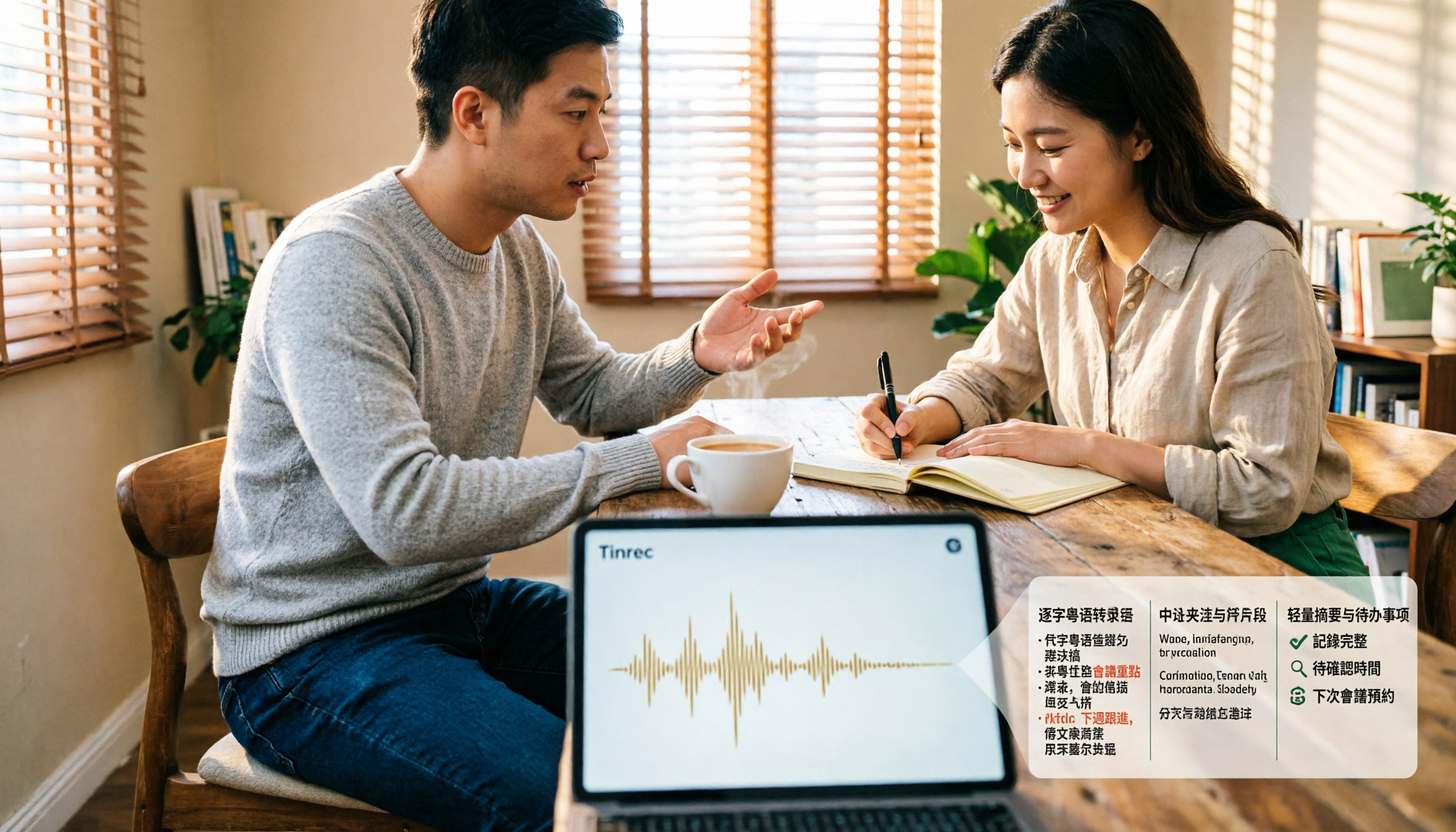
4 Cantonese Speech-to-Text Tools Tested and Compared for 2026: What's the Fastest Way to Transcribe Cantonese?
Transcribing Cantonese meetings, interviews, or YouTube videos is often much harder than Mandarin. This article compares 4 tools through hands-on testing, covering Cantonese models, spoken vs. written output, mixed Chinese-English handling, and post-transcription summaries and action items, so you can figure out the fastest way to transcribe Cantonese speech.

Best Cantonese Speech-to-Text Tools in 2026: 4 Tested, One Stands Out for Meetings
Tired of transcribing Cantonese meetings with mixed English and Chinese? This guide breaks down 4 key factors for choosing a Cantonese speech-to-text tool, compares Tinrec, Subanana, Otter.ai, and Notta in real-world tests, and highlights common pitfalls to help you find the tool that truly saves time.
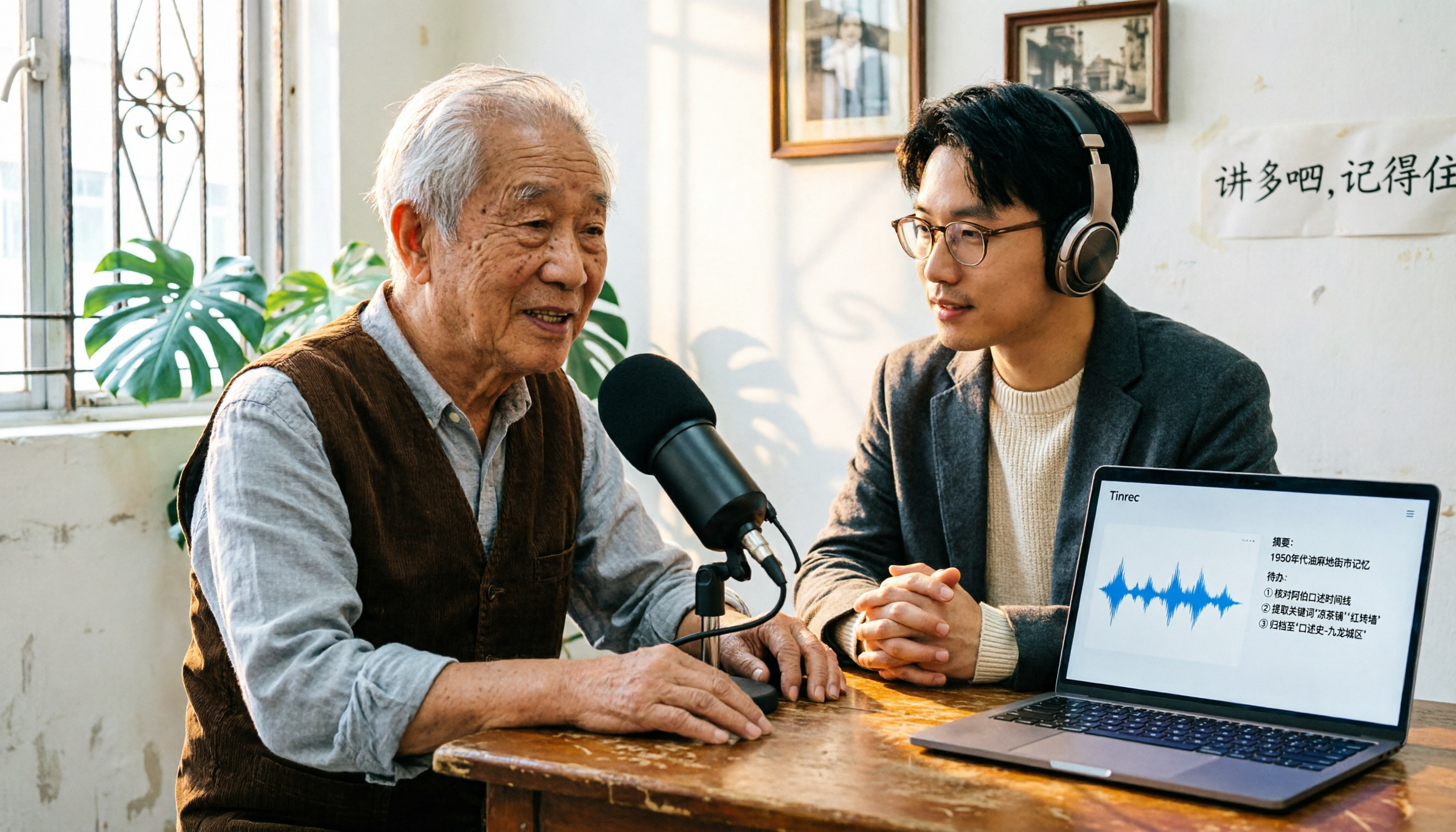
2026 Cantonese Speech-to-Text Comparison: Is Google's Built-in Feature Enough?
Google's built-in voice input can transcribe Cantonese in real time, but it can't handle pre-recorded audio files and lacks summarization and to-do organization. This article addresses common misconceptions, outlines 3 key purchasing factors, and compares Google's built-in feature, Subanana, Notta, and Tinrec (秒聽錄音) through hands-on testing, with a guide to avoiding pitfalls and scenario-based recommendations.
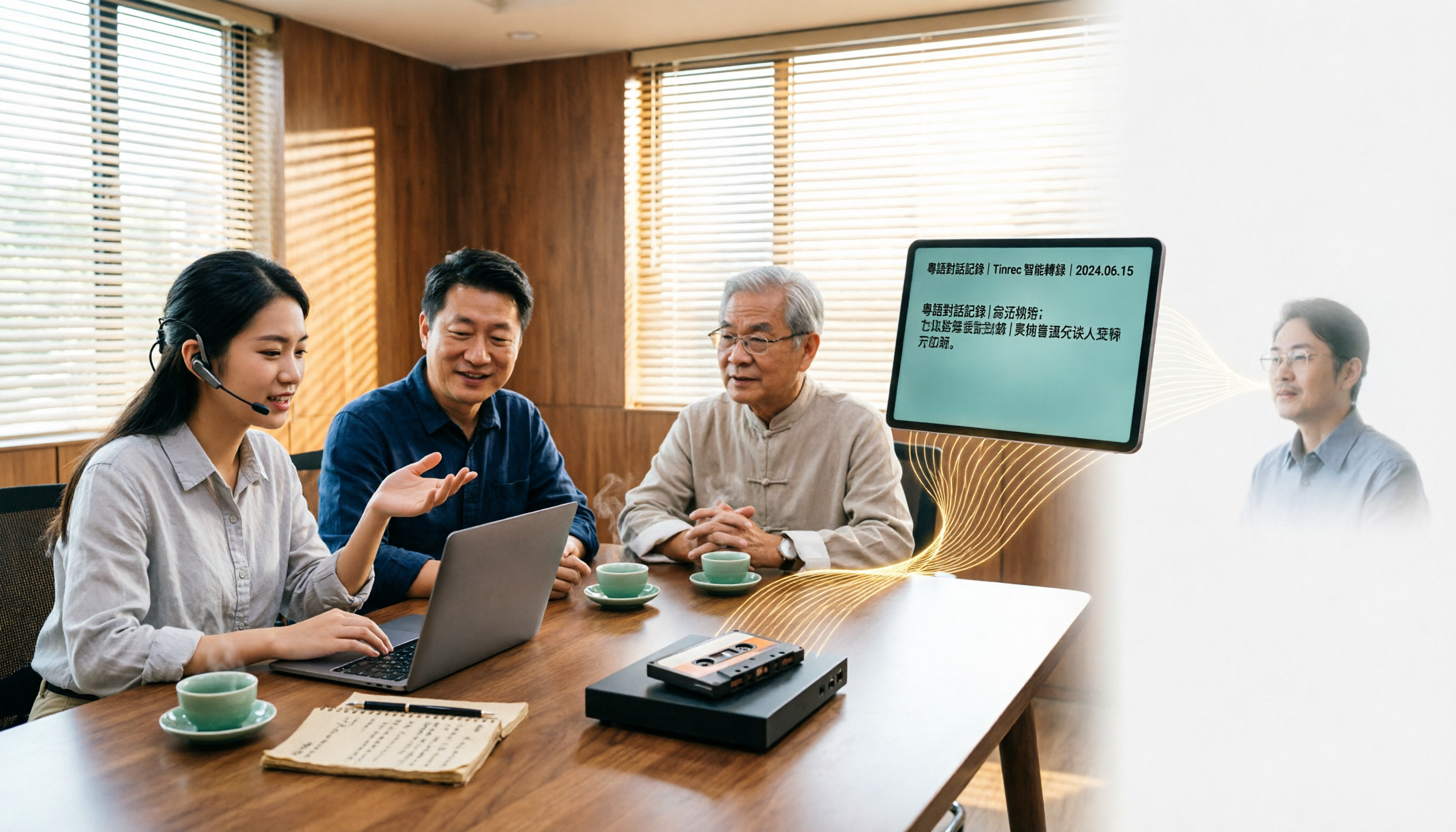
What Is Cantonese Speech-to-Text in 2026: Definition & How to Choose a Tool
What does Cantonese speech-to-text actually do? This article starts with a clear definition, how it works, and common misconceptions, explains why Cantonese is harder to transcribe than standard speech-to-text, then compares Tinrec and PLAUD Note across six practical dimensions: hardware requirements, online meetings, importing old files, post-meeting output, team management, and long-term cost. It also includes six FAQs to help you decide which tool to start with.

2026 Cantonese Audio to Text: Tinrec Free Trial + AI Meeting Notes
Last Wednesday, after a meeting with a Hong Kong client, I had to work overtime until 8 PM to transcribe a 78-minute Cantonese recording. This article shares my experience using Tinrec to handle Cantonese and mixed Chinese-English recordings: what the free version can do, its core capabilities, four practical use cases, five things to consider when choosing a tool, and the team plan's seats and management features, helping you find a truly time-saving audio-to-text tool in 2026.

2026 Comparison of 3 Cantonese Speech-to-Text Tools: Complete Tinrec Tutorial
Not sure where to start with Cantonese speech-to-text? Using Tinrec as an example, this guide breaks down the decision logic for three recording scenarios, a 4-step workflow, 5 key considerations when choosing a tool, and FAQs to help you master Cantonese transcription.

4 Best Cantonese Speech-to-Text Tools in 2026: How to Choose for Meeting Notes, Transcripts, and AI Summaries
2026 comparison of the latest Cantonese speech-to-text tools, from free to paid. We tested Subanana, Monica, Cantosubai, and more, and analyzed Tinrec's advantages in meeting notes, AI Q&A, and team collaboration to help you find the best Cantonese transcription solution.

2026 Cantonese Speech-to-Text Comparison: Google Translate vs Gemini vs Tinrec
Should you use Google Translate for Cantonese speech-to-text, or do you need a dedicated tool? This article compares Google Translate, Gemini, and Tinrec, covering transcripts, post-meeting organization, online meeting recording, and team collaboration to help you decide which one to choose.