

Turn recordings into transcripts and summaries in minutes
Upload audio or video for multilingual transcription, AI notes, and action items
It's 4 p.m., and your manager drops a 45-minute Cantonese meeting recording into the group chat, saying they need the key points for tomorrow morning's meeting. You put on your headphones, rewind the same sentence three times, and still aren't quite sure whether "唔係咁樣做" is a rejection or a reminder.
So you open a search bar and type "Cantonese speech to text," wondering if this can actually help. This article starts with that question: first, we'll clarify the definition, then use two common options, Tinrec and PLAUD Note, to show you where the real-world differences lie.
What Does Cantonese Speech-to-Text Mean?
In one sentence: it lets AI understand the Cantonese you speak and turn it into text you can read, search, and edit.
The input can be a recording, a video, or a meeting happening right now; the output is usually a transcript, and more advanced tools will also segment it, label speakers, add punctuation, and even generate summaries and action items.
Why Is Cantonese Transcription Especially Tricky?
- Cantonese has many tones; the same syllable with a different tone is a different word.
- Many colloquial characters (唔, 嘅, 咗, 啲, 嗰) are not common in written Chinese, so models need extra training.
- Code-switching between Chinese and English is very common; sentences like "呢個 deadline 要 push 前啲" appear every day.
- Lazy sounds, fast speech, multiple people talking over each other, and background noise all degrade recognition quality.
How Is It Different from "Speech Recognition" and "Transcript"?
| Term | Meaning |
|---|---|
| Speech recognition (ASR) | The underlying technology that converts sound into text |
| Speech-to-text | Packages recognition technology into a feature anyone can use |
| Transcript | The final text result you get |
| Meeting notes tool | Adds summaries, chapters, action items, and Q&A on top of the transcript |
That's why, even though they're all called "speech-to-text," some tools only give you plain text, while others organize everything all the way to something you can deliver.
Who Uses It?
- Office workers who need to organize Cantonese meetings, client interviews, and class recordings.
- Editors and content creators making subtitles.
- Project members whose teams span Hong Kong and Taiwan, with meetings mixing Chinese, English, and Cantonese.
- People who need to turn interview transcripts into research material.
One reminder: before recording, check local regulations and get consent from participants when required.
Tinrec vs PLAUD Note | Quick Overview
Tinrec (秒聽錄音) is an AI meeting notes and collaboration tool focused on post-recording organization, follow-up questions, and team knowledge retention. PLAUD Note is AI recording hardware, a card-sized device that captures audio for you.
| Item | Tinrec | PLAUD Note |
|---|---|---|
| Positioning | AI meeting notes and team collaboration tool | AI recording hardware |
| Hardware requirement | None; works on web, desktop, and mobile | Requires purchasing a device (USD 159/189; check official page) |
| Main input | Live recording, online meetings, audio and video files, mobile recording | Primarily device recording |
| Team capabilities | Team spaces, roles and seats, usage analytics, audit logs | Team membership and device management |
Next, we'll look at six dimensions: hardware requirements, online meetings, importing old files, post-meeting output, team management, and long-term cost.
Dimension 1 | Do You Need Extra Hardware?
PLAUD Note starts with a device; you must buy hardware before you can use it. On the U.S. official site, NotePin is currently USD 159 and Note Pro is USD 189.
Tinrec has no hardware barrier; you can start directly on web, desktop, or mobile. For someone who just wants to try transcribing one recording, the upfront investment is much lower.
→ This dimension: Tinrec wins.
Dimension 2 | How Do You Record Online Meetings?
PLAUD Note is primarily hardware recording. When a meeting is on your computer, you usually have to place the device near the speaker to pick up sound, and the result depends heavily on distance and ambient noise.
Tinrec's desktop app captures your computer's system audio directly, so it can handle meetings played on your computer from Zoom, Google Meet, Microsoft Teams, Webex, and other platforms without a meeting bot joining or an external device. Note that this means you need to actively open Tinrec to start recording; it does not automatically join all calendar meetings.
→ This dimension: Tinrec wins.
Dimension 3 | Can Existing Audio and Video Files Be Organized Directly?
Tinrec supports uploading audio and video files and can also handle some web link content, so old recordings sitting on your phone or in the cloud can be dropped right in.
PLAUD Note is designed mainly for device recording, capturing sound into the hardware first and then processing it; existing files require a separate workaround.
Stop organizing recordings by hand
Upload audio or video and automatically get a transcript, summary, and action items
→ This dimension: Tinrec wins.
Dimension 4 | Can Post-Meeting Output Become Something Deliverable?
PLAUD Note offers summaries, templates, and Q&A, which is enough for simple recording organization.
Beyond summaries, Tinrec also produces chapters, key points, and action items. You can keep asking AI questions about the meeting content, and use Agent post-processing to generate reports, tables, and documents, then export to Notion, Google Docs, OneNote, Dropbox, and other tools for further work.
→ This dimension: Tinrec wins.
Dimension 5 | How Do You Manage Team Usage?
PLAUD Note provides team membership and device management, leaning more toward a model where "a group of people each have their own device."
Tinrec's team edition is a separate team space: you can create multiple teams, invite members via join links, set owners/admins/regular members, assign and revoke seats, and keep meeting data centrally in the team. Admins can view usage trends and member details, manage team hotwords, and query and export audit logs; accidentally deleted audio can be recovered from the recycle bin. Note that this is currently team-level sharing plus role governance: roles determine who can manage, and seats determine who can record, upload, and export. It is not file-level granular permissions.
→ This dimension: Tinrec wins.
Dimension 6 | How Do You Calculate Long-Term Cost?
PLAUD Note has two cost stages: "hardware + subscription." The device starts at USD 159; membership is Starter at 300 minutes per month, Pro at USD 99.99/year, and Unlimited at USD 239.99/year.
Tinrec has no hardware cost. The personal plan includes a free version, weekly pass, and Pro monthly and annual plans, so you can choose based on usage frequency. The team plan offers a 7-day trial for first-time eligible users, 1 free seat, and 300 minutes of shared team import quota; after that, it's USD 29.80 per paid seat per month, or USD 199 per paid seat per year (about USD 16.58/month). Each paid seat includes 2,000 minutes of shared team import quota per month; under an active team plan and active seat, live recording currently does not deduct minutes. Actual prices and promotions are subject to the official purchase page.
→ This dimension: for meeting-organization-focused scenarios, Tinrec wins.
What Unique Advantages Does Each Have?
Tinrec's strengths:
- No extra hardware needed at all; works on web, desktop, and mobile.
- Desktop app records online meetings without a bot, adding no meeting participants.
- Complete post-meeting workflow: summaries, chapters, action items, mind maps, AI Q&A, and report and document generation.
- Team data can be retained and governed: team spaces, roles and seats, usage analytics, audit logs, hotwords, and recycle bin.
PLAUD Note's strengths:
- Standalone hardware; portable recording and phone call recording do not depend on a phone or computer.
- For people who just need "press once and record," the device form is relatively simple.
Conclusion: Which Should You Choose?
- If your problem is an endless backlog of existing Cantonese recordings and videos → Tinrec; files can be dropped right in.
- If you need to record online meetings on your computer → Tinrec; the desktop app captures system audio without a bot.
- If you need to ask follow-up questions and generate reports and action items after recording → Tinrec; AI Q&A and Agent post-processing are its strengths.
- If meeting data needs to become a team asset, with member, seat, and usage management → Tinrec; the team edition is designed for this.
- If you only need to record on the go, anytime, without taking out your phone, and don't need much post-meeting organization → PLAUD Note's hardware form is more intuitive.
In one sentence: for most users focused on meeting organization, Tinrec is the more complete choice. We recommend starting with the free quota, testing it with one of your own recordings, and deciding based on actual results.
FAQ
Q1: Is Cantonese speech-to-text accurate?
No tool can promise a fixed accuracy rate for all recordings. Clear, single-speaker, low-noise recordings work best; when multiple people talk over each other, background noise is loud, there are many technical terms, or accents are heavy, the error rate rises, and human proofreading is still needed.
Q2: Is Tinrec suitable for Cantonese content?
Tinrec covers Chinese, Traditional Chinese, and multilingual meeting scenarios, and provides team hotwords so you can add frequently used terms. Cantonese is a dialect with complex tones, so actual recognition performance will be affected by recording quality, accent, noise, and overlapping speech. We recommend using the free quota to upload one of your own recordings for a real test first.
Q3: Is the free version enough?
If you only occasionally organize a recording, the free version can be used first to check results. For short periods of intensive meetings or interviews, consider a weekly pass; if you have steady needs every week, then move to a Pro monthly or annual plan.
Q4: What's the difference between the team and personal versions?
Personal version data belongs to the individual account. The team version is a separate space where meeting data belongs to the team, with member invitations, roles and seats, shared quota, usage analytics, audit logs, and an audio recycle bin. Active members without a seat can view and play data but cannot upload, edit, or export.
Q5: What should I pay attention to before recording?
First check local regulations, obtain participant consent when required, and avoid recording or distributing others' content without authorization.
Q6: Where can I export organized content?
Tinrec supports multiple export formats and can also be used in Notion, Google Docs, OneNote, Dropbox, and other tools for further work.
(Third-party prices and benefits mentioned in this article are subject to their official pages; actual fees are subject to the purchase page.)
References
- Free Cantonese Speech-to-Text App 2026 | Subanana
- [Free Tool] Cantonese Speech-to-Text! Just upload a file or YouTuber link. Up to 96% accuracy - YouTuber AI | Spend time on creativity, leave the AI to do the hustle work.
- Speechnotes | Hong Kong Cantonese | Speech to Text Online Notepad
- Text-to-Speech Cantonese - Toolbang
- Speech-to-Text - Google Play App
Turn every recording into actionable outcomes
Get 60 free transcription minutes when you sign in. No credit card required.
Related Reading
You might also like

4 Cantonese Speech-to-Text Apps Compared (2026): Free Tiers and Accuracy Explained
Want to convert Cantonese speech to text without paying upfront? This article compares Tinrec, Subanana, Otter.ai, and Google AI Studio across four key criteria: free usage limits, mixed Chinese-English recognition, output formats, and post-meeting organization. It also highlights four common pitfalls and offers buying advice.

Free Cantonese Speech-to-Text Options in 2026: 3 Tools Compared
There are plenty of free Cantonese speech-to-text tools, but how the free quota works and whether they can handle mixed Chinese-English speech are the real deciding factors. This article covers three free approaches in 2026 and demonstrates the full workflow from recording and transcription to summaries, action items, and export using Tinrec, while also explaining free version limits and team plan pricing.

2026 Cantonese Speech-to-Text Online Software Comparison: Tinrec vs Subanana
Looking for Cantonese speech-to-text online software? This article addresses common misconceptions and compares Tinrec and Subanana in terms of input sources, post-meeting organization, cross-platform team collaboration, and pricing. It also covers Tinrec's core features, practical use cases, and key considerations for choosing the right solution for your meeting and interview needs.

5 Cantonese Speech-to-Text Tools Tested for 2026: Which One Works Best Beyond Google?
Beyond Google, what else is out there? In 2026, we tested and compared 5 common Cantonese speech-to-text approaches, breaking down real-time transcription, AI summaries, action item extraction, team collaboration, and seat management, so you can pick a tool that delivers meeting minutes you can hand off right after the meeting.

How to Choose Cantonese Speech-to-Text in 2026: 5 Steps from Recording to Transcript
People often make the same mistake when choosing Cantonese speech-to-text tools: focusing only on free plans and accuracy numbers. Drawing from a mid-level manager's real experience organizing Cantonese meeting notes, this article reviews five options—Tinrec, Subanana, YouTuber AI, Speechnotes, and an Android speech-to-text app—explaining each one's positioning, pricing, and ideal user, plus a 5-step selection framework and 4 things to know before use.

How to Use Cantonese Speech-to-Text in 2026: A 5-Step Beginner's Guide
2026 Cantonese speech-to-text tutorial: starting from common pitfalls, we break down 5 practical steps, 4 key points to understand before choosing a tool, and 4 pitfalls to avoid. We also share hands-on experience with Tinrec for Cantonese and mixed Chinese-English classroom recordings, and offer buying advice for students.
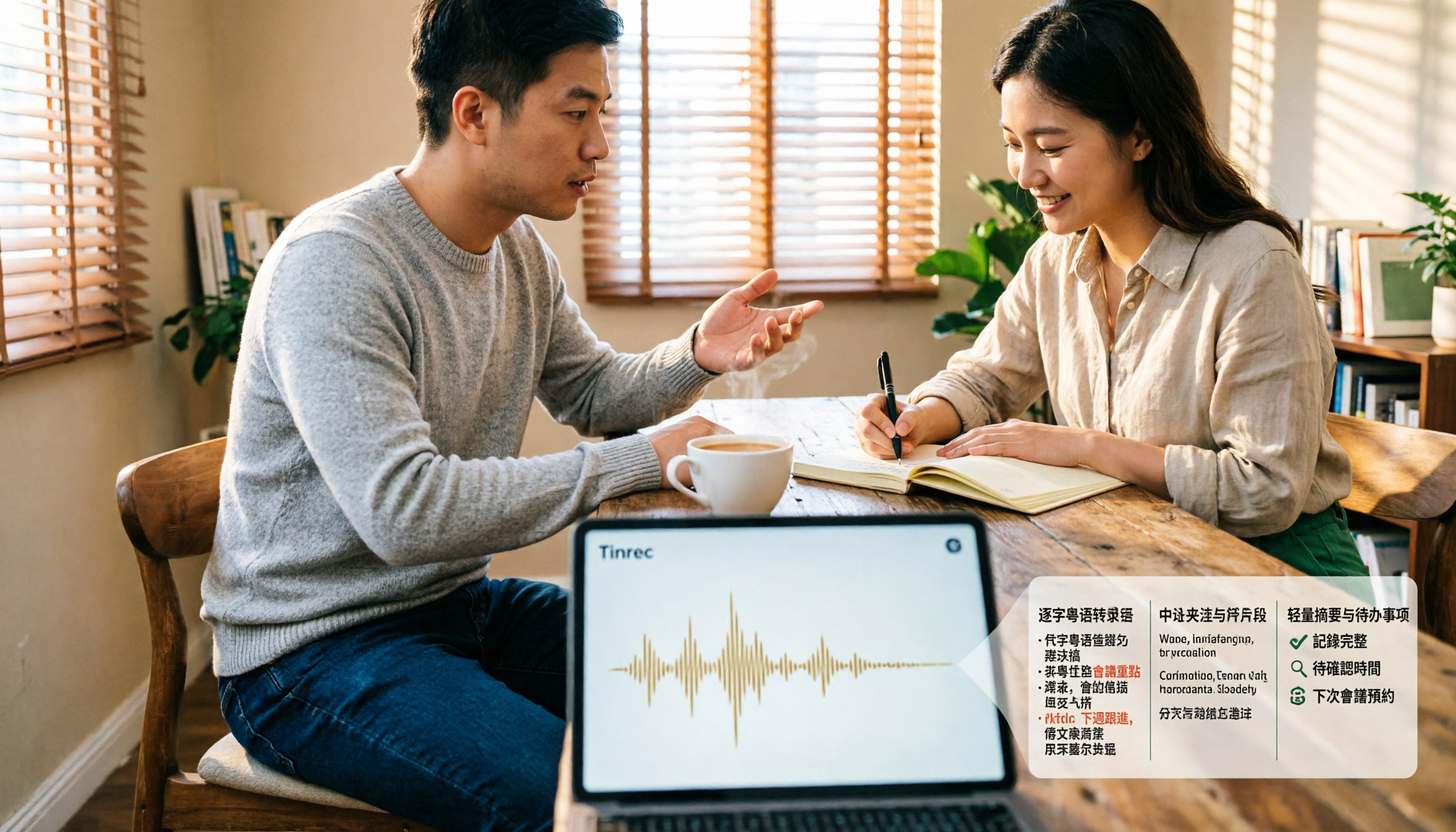
4 Cantonese Speech-to-Text Tools Tested and Compared for 2026: What's the Fastest Way to Transcribe Cantonese?
Transcribing Cantonese meetings, interviews, or YouTube videos is often much harder than Mandarin. This article compares 4 tools through hands-on testing, covering Cantonese models, spoken vs. written output, mixed Chinese-English handling, and post-transcription summaries and action items, so you can figure out the fastest way to transcribe Cantonese speech.

Best Cantonese Speech-to-Text Tools in 2026: 4 Tested, One Stands Out for Meetings
Tired of transcribing Cantonese meetings with mixed English and Chinese? This guide breaks down 4 key factors for choosing a Cantonese speech-to-text tool, compares Tinrec, Subanana, Otter.ai, and Notta in real-world tests, and highlights common pitfalls to help you find the tool that truly saves time.
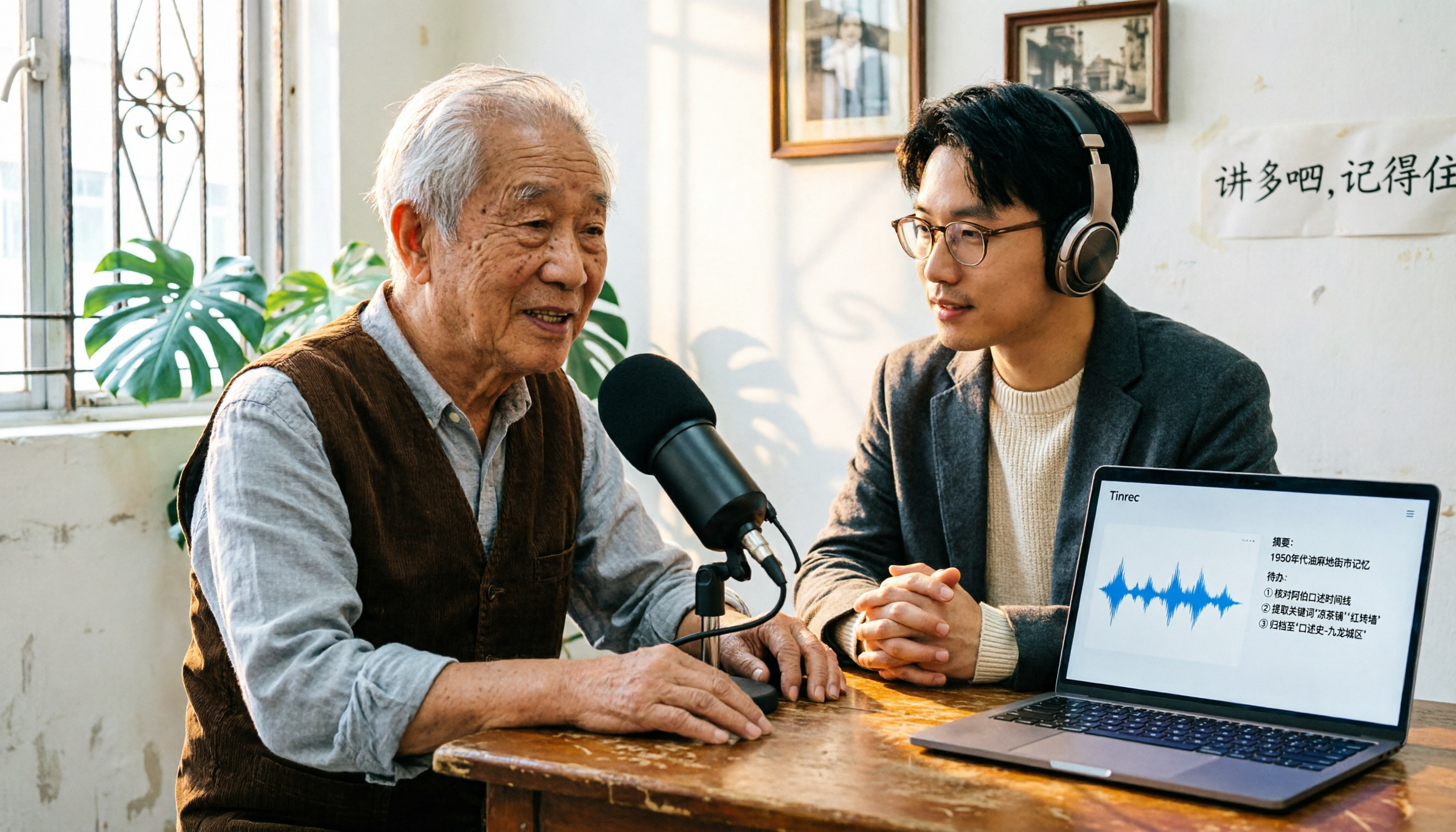
2026 Cantonese Speech-to-Text Comparison: Is Google's Built-in Feature Enough?
Google's built-in voice input can transcribe Cantonese in real time, but it can't handle pre-recorded audio files and lacks summarization and to-do organization. This article addresses common misconceptions, outlines 3 key purchasing factors, and compares Google's built-in feature, Subanana, Notta, and Tinrec (秒聽錄音) through hands-on testing, with a guide to avoiding pitfalls and scenario-based recommendations.