

Turn recordings into transcripts and summaries in minutes
Upload audio or video for multilingual transcription, AI notes, and action items
When many people search for Cantonese speech-to-text online software, the first metric they look at is "how many minutes can I get for free?" This is a common misconception—free quota only determines whether you can try it, not whether you can ultimately use it.
Why are people looking for Cantonese transcription solutions beyond Subanana?
Subanana is a well-known Cantonese transcription service. You upload audio or video files, paste a YouTube link, and the AI converts Cantonese conversations into speaker-separated, punctuated transcripts. It can handle mixed Chinese and English; output can be in spoken or written language, traditional or simplified Chinese, with 4 combinations, and export to SRT, VTT, TXT, DOCX, XLSX, Markdown. Free accounts can preview the first 15 minutes of each file, but export is a paid feature.
Its positioning is clear: turn already-recorded files into transcripts and subtitle files.
But if you encounter a different situation—you want to see text during the meeting, be able to query the transcript afterward, and keep data within the team rather than on someone's computer—then what you need is not just "a transcript," but a workflow that allows meeting content to be used further.
If you have such needs, Tinrec is worth learning about.
Tinrec vs Subanana: What are the differences in core experience?
Input sources: Only files, or can it capture live meetings too?
The first difference in transcription tools is what sources they can accept. If you always have ready-made audio files, an upload-based tool is sufficient. But most office workers' materials are scattered: a Zoom meeting, an interview recorded on a phone, a video sent by a colleague.
Tinrec covers real-time recording, desktop online meeting recording (captures computer system audio to process Zoom, Google Meet, Microsoft Teams, Webex, etc., without needing a meeting bot to join), audio and video file upload, and mobile recording. It can handle everything from "during the meeting" to "historical archives."
The more diverse your sources, the better a solution that can handle both live and file-based content will be.
After transcription: Do you want a transcript, or data you can continue working with?
Getting a transcript is just the starting point. The real time-consuming part is what comes after—extracting key points, listing action items, and writing meeting minutes that can be sent out.
Tinrec automatically generates summaries, chapters, and key points after transcription, extracts action items from discussions, and can produce mind maps when needed. The transcript itself is searchable, and you can continue to ask questions about the content.
Subanana's output is mainly transcripts and subtitle files. If your process stops at "I want a transcript," that's perfectly fine; but if you want "this transcript can directly become meeting minutes and an action list," the difference will emerge at this stage.
Cross-platform and team: Where does the data ultimately reside?
This is the most easily overlooked dimension, but it has the biggest impact. Is the tool installed on a personal computer or shared by the team? Does the data follow the person or the organization?
Tinrec offers web, desktop, and mobile use. The team version is an independent team space where meeting data belongs to the team, and it provides member invitations, roles such as owner/admin/member, and seat allocation and revocation. Administrators can view team usage trends and member details, query and export important operation logs, and there is an audio recycle bin to recover accidentally deleted recordings.
It is worth noting that active members without a seat can still view, play, and read team data, but cannot upload, edit, or export; when a member leaves, team resources are transferred to other active members and will not disappear with the personal account. This is something that pure personal tools find hard to match.
Free quota and pricing: First look at "what you can try," then look at the price
Free plans that only allow previews or short transcriptions are common. The key is whether you can see the real effect when trying.
Tinrec's personal version has a free version, weekly pass, Pro monthly, and Pro annual, so you can choose based on your usage pace. The team version offers a 7-day trial for first-time eligible users, 1 free seat, and 300 minutes of shared team import quota; paid seats are USD 29.80/seat/month, annual payment USD 199/seat/year, about USD 16.58/month, each paid seat provides 2,000 minutes of shared team import quota per month, and real-time recording under an active team plan is currently not deducted by minutes.
Stop organizing recordings by hand
Upload audio or video and automatically get a transcript, summary, and action items
Prices, currencies, and promotional content may vary by official purchase page, so it's advisable to check again before making a decision.
Overview of Tinrec's core features
Real-time recording to text: Open Tinrec and start recording, text appears synchronously. During meetings, you can look at the transcript to confirm no key points are missed, and the transcript is ready when the meeting ends.
Desktop bot-free online meeting recording: Records online meetings by capturing computer system audio, without adding an extra meeting bot to the meeting room. For participants, no unfamiliar account appears in the meeting list, which is especially useful for external meetings.
AI summary, chapters, and action items: The most troublesome part of long meetings is finding key points afterward. Tinrec automatically breaks content into chapters, organizes summaries, and extracts action items from discussions. A one-hour meeting can be structured in minutes.
AI conversational query: This is my most frequently used feature. After recording, you can directly ask "What was the conclusion of this meeting?" "Who is responsible for which item?" The system answers based on semantic understanding, without manually flipping through the entire transcript.
Agent post-processing and multi-format export: You can further generate reports, tables, and documents from meeting content, and export to Notion, Google Docs, OneNote, Dropbox, etc., for continued use. Real-time translation is also supported during recording, and you can view in original, translated, or bilingual mode.
Team space and governance: The team version centralizes recordings, transcripts, summaries, and action items in one space, and provides member roles, seats, usage analytics, operation log queries, and an audio recycle bin.
Practical use cases
Online meetings: For cross-border or cross-department Zoom, Meet, Teams meetings, the desktop version directly records system audio, and immediately after the meeting you have transcripts, summaries, and action items. Compared to asking "What was that part just now?" afterward, searching the transcript is much faster.
Offline meetings and client interviews: Start real-time recording on your phone or computer, and you can confirm spoken content against text on the spot. Client needs, objections, and commitments can be picked up directly from the action list afterward.
Classes and further education: The entire class content is converted into searchable text, so you don't need to re-listen to a two-hour recording when reviewing; just find the key paragraphs.
Team weekly meetings and project tracking: Meeting data is centralized in the team space, new members can review historical meetings; managers can grasp team usage through usage analytics and operation logs.
Points to note when choosing Cantonese speech-to-text tools
Are input sources broad enough: Only supporting file upload versus also supporting real-time recording, desktop meetings, and file import makes a big difference in applicable scenarios. Before choosing, list the three most common sources of materials you have.
Can it be used directly after transcription: Whether transcripts, summaries, action items, translation, and export can all be done in one tool. Having to piece together multiple tools is time-consuming in the long run.
Data ownership and team collaboration: If meeting content involves the team, confirm whether data is stored in a personal account or team space, and how data is transferred when members leave.
Actual performance with languages and accents: Tinrec covers Chinese, Traditional Chinese, and multilingual meeting scenarios, and also supports mixed Chinese-English content and real-time translation. However, when Cantonese is spoken quickly, mixed with English vocabulary, or multiple people speak overlapping, actual performance can be affected by audio quality, accent, and background noise. It is recommended to test with your own recordings and add common terminology to team hotwords.
Recording compliance and authorization: Before recording and transcribing, remember to comply with local regulations and obtain participant consent when necessary.
Conclusion: Is Tinrec worth a try?
If what you want is "convert existing files into a Cantonese transcript," an upload-based tool can satisfy that. But if you need "synchronous recording during meetings, querying afterward, and data staying with the team"—then Tinrec covers a more complete scope.
It puts real-time recording, bot-free online meeting recording, summaries, action items, AI Q&A, translation, and multi-format export into one workflow, and the team version adds management capabilities for members, seats, usage, and operation logs.
It is recommended to first use Tinrec's free version and run a test with one of your most troublesome meeting recordings. When it comes to performance, reading others' reviews is never as good as trying it yourself.
References
Turn every recording into actionable outcomes
Get 60 free transcription minutes when you sign in. No credit card required.
Related Reading
You might also like

4 Cantonese Speech-to-Text Apps Compared (2026): Free Tiers and Accuracy Explained
Want to convert Cantonese speech to text without paying upfront? This article compares Tinrec, Subanana, Otter.ai, and Google AI Studio across four key criteria: free usage limits, mixed Chinese-English recognition, output formats, and post-meeting organization. It also highlights four common pitfalls and offers buying advice.

Free Cantonese Speech-to-Text Options in 2026: 3 Tools Compared
There are plenty of free Cantonese speech-to-text tools, but how the free quota works and whether they can handle mixed Chinese-English speech are the real deciding factors. This article covers three free approaches in 2026 and demonstrates the full workflow from recording and transcription to summaries, action items, and export using Tinrec, while also explaining free version limits and team plan pricing.

5 Cantonese Speech-to-Text Tools Tested for 2026: Which One Works Best Beyond Google?
Beyond Google, what else is out there? In 2026, we tested and compared 5 common Cantonese speech-to-text approaches, breaking down real-time transcription, AI summaries, action item extraction, team collaboration, and seat management, so you can pick a tool that delivers meeting minutes you can hand off right after the meeting.

How to Choose Cantonese Speech-to-Text in 2026: 5 Steps from Recording to Transcript
People often make the same mistake when choosing Cantonese speech-to-text tools: focusing only on free plans and accuracy numbers. Drawing from a mid-level manager's real experience organizing Cantonese meeting notes, this article reviews five options—Tinrec, Subanana, YouTuber AI, Speechnotes, and an Android speech-to-text app—explaining each one's positioning, pricing, and ideal user, plus a 5-step selection framework and 4 things to know before use.

How to Use Cantonese Speech-to-Text in 2026: A 5-Step Beginner's Guide
2026 Cantonese speech-to-text tutorial: starting from common pitfalls, we break down 5 practical steps, 4 key points to understand before choosing a tool, and 4 pitfalls to avoid. We also share hands-on experience with Tinrec for Cantonese and mixed Chinese-English classroom recordings, and offer buying advice for students.
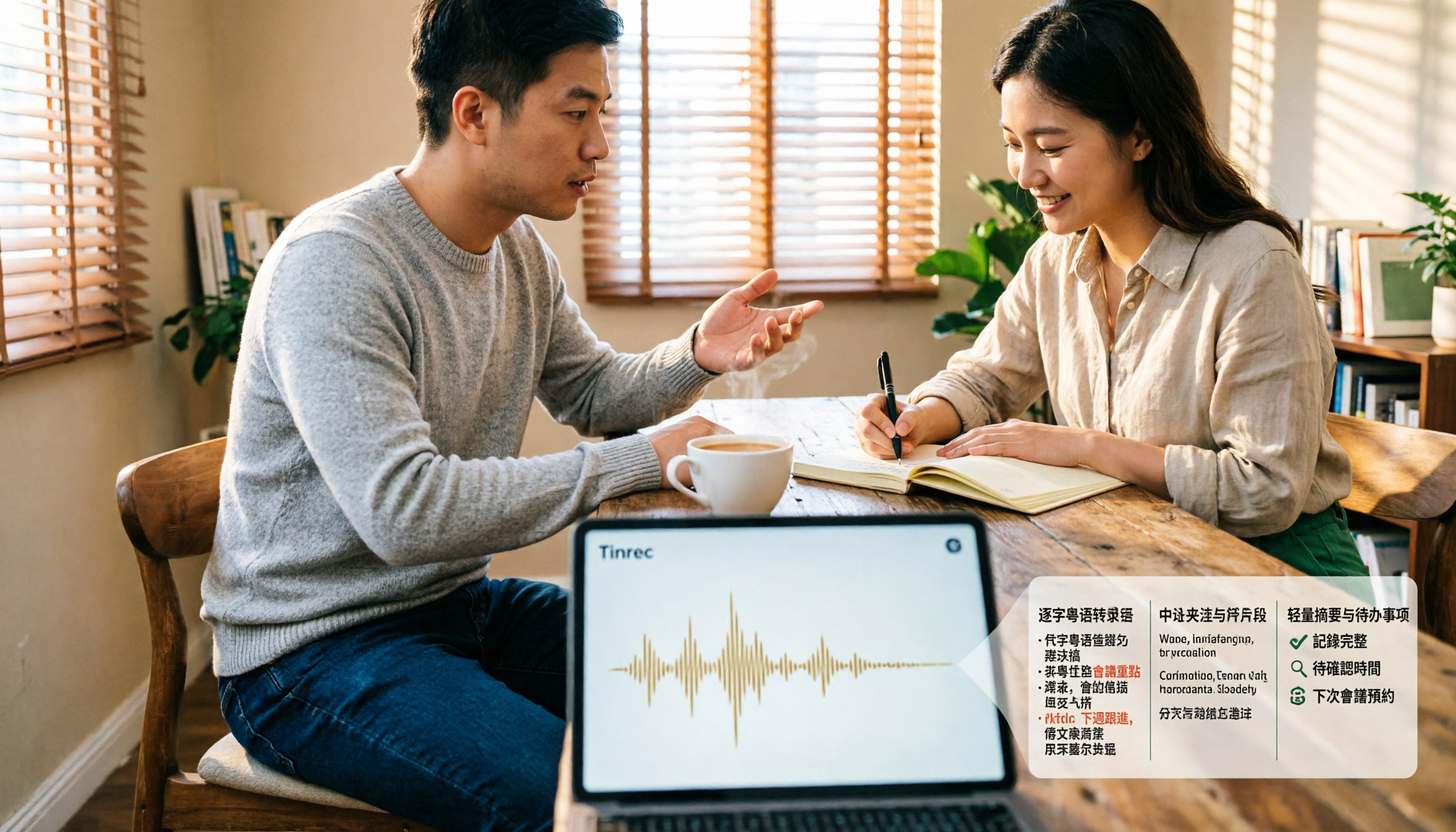
4 Cantonese Speech-to-Text Tools Tested and Compared for 2026: What's the Fastest Way to Transcribe Cantonese?
Transcribing Cantonese meetings, interviews, or YouTube videos is often much harder than Mandarin. This article compares 4 tools through hands-on testing, covering Cantonese models, spoken vs. written output, mixed Chinese-English handling, and post-transcription summaries and action items, so you can figure out the fastest way to transcribe Cantonese speech.

Best Cantonese Speech-to-Text Tools in 2026: 4 Tested, One Stands Out for Meetings
Tired of transcribing Cantonese meetings with mixed English and Chinese? This guide breaks down 4 key factors for choosing a Cantonese speech-to-text tool, compares Tinrec, Subanana, Otter.ai, and Notta in real-world tests, and highlights common pitfalls to help you find the tool that truly saves time.
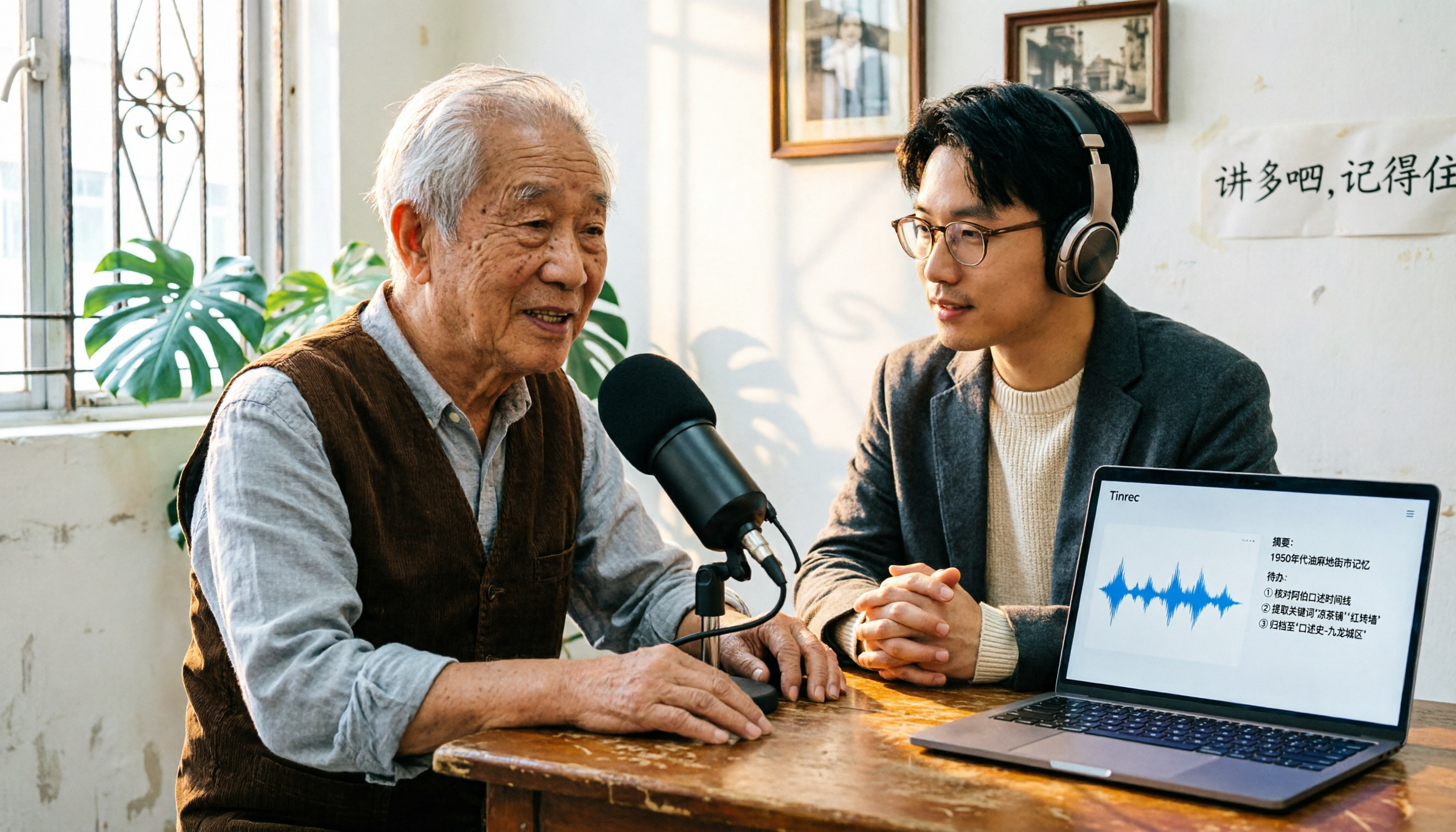
2026 Cantonese Speech-to-Text Comparison: Is Google's Built-in Feature Enough?
Google's built-in voice input can transcribe Cantonese in real time, but it can't handle pre-recorded audio files and lacks summarization and to-do organization. This article addresses common misconceptions, outlines 3 key purchasing factors, and compares Google's built-in feature, Subanana, Notta, and Tinrec (秒聽錄音) through hands-on testing, with a guide to avoiding pitfalls and scenario-based recommendations.
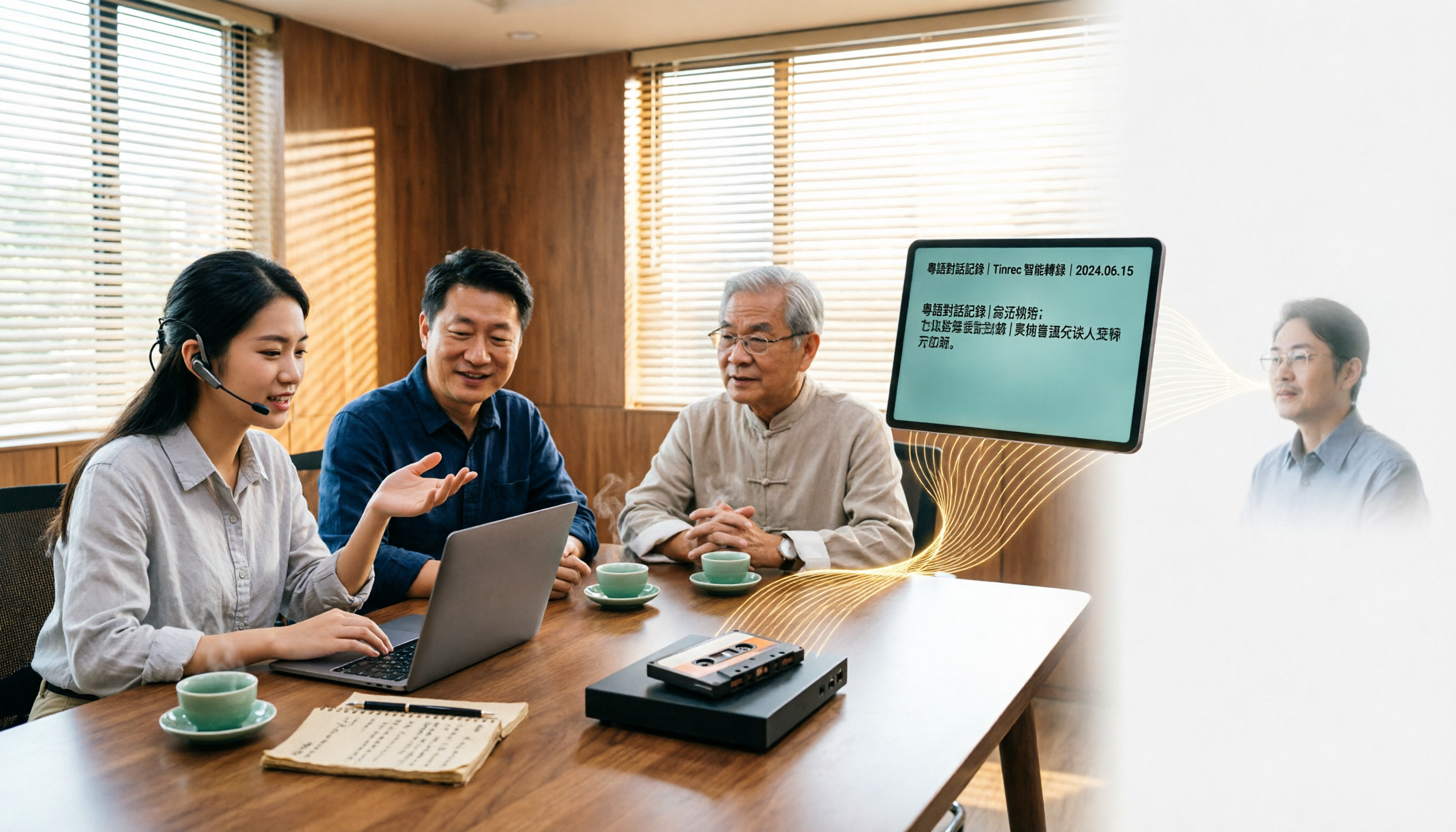
What Is Cantonese Speech-to-Text in 2026: Definition & How to Choose a Tool
What does Cantonese speech-to-text actually do? This article starts with a clear definition, how it works, and common misconceptions, explains why Cantonese is harder to transcribe than standard speech-to-text, then compares Tinrec and PLAUD Note across six practical dimensions: hardware requirements, online meetings, importing old files, post-meeting output, team management, and long-term cost. It also includes six FAQs to help you decide which tool to start with.