
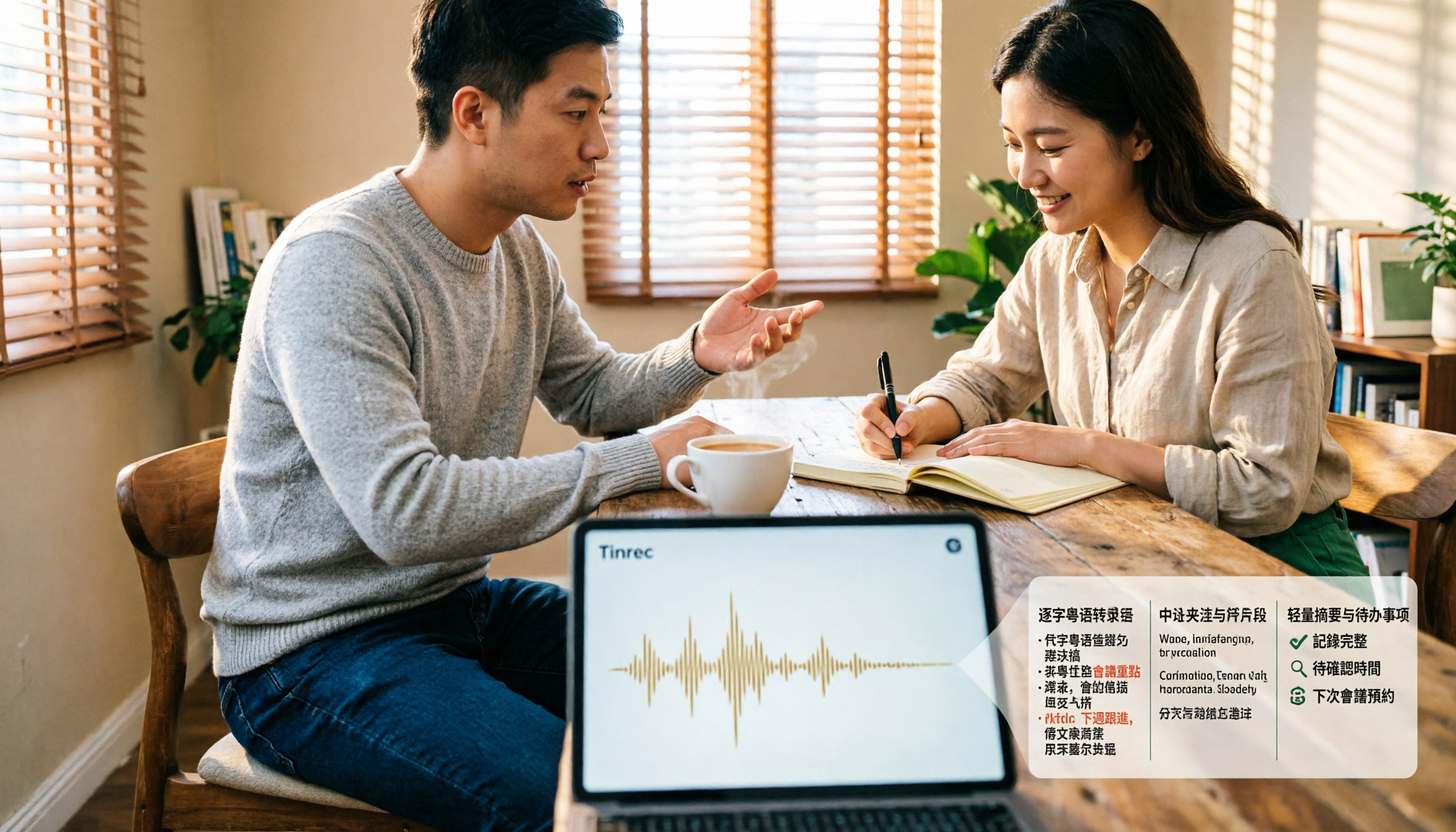
Turn recordings into transcripts and summaries in minutes
Upload audio or video for multilingual transcription, AI notes, and action items
How Do You Transcribe Cantonese Speech? First, Identify Where You're Stuck
You have a 40-minute Cantonese interview and want to turn it into a searchable transcript, but you hit a wall right away: you open your usual speech-to-text tool, and the Cantonese sections are almost entirely wrong.
Characters like "唔" "嘅" "咗" not showing up is just a minor issue. The real trouble is mixed Chinese-English—in Hong Kong meetings, "deadline," "follow up," and "confirm" get mixed with Cantonese, and the tool starts breaking sentences randomly whenever the language switches.
More often, after recording a meeting, what you actually need isn't just a transcript—it's "who said this, what was the conclusion, who's responsible for follow-up." Typing is just a means; organizing is the goal.
If you've encountered these situations, this article is for you. Below, we'll first cover how to choose a tool, then compare several common Cantonese transcription solutions in practice.
Before Choosing a Cantonese Speech-to-Text Tool, Understand These 4 Key Points
1. Does it use a Cantonese model, or force a Mandarin model? Many tools only say "supports Chinese" on their intro pages, but actually use a Mandarin model to guess Cantonese, resulting in homophone chaos. The first thing to do when choosing a tool is to confirm whether it has a model specifically for Cantonese, rather than just repurposing the Mandarin one. This difference is especially noticeable in noisy meeting rooms.
2. Do you want a spoken transcript or written Chinese? Cantonese transcription has a unique requirement: some people want "spoken" (transcribe exactly as spoken, for easy quoting later), while others want "written" (convert spoken Cantonese into smooth Chinese, for colleagues unfamiliar with Cantonese). Some tools offer both; others only one. First decide who will read this transcript, then choose.
3. Is your source a file, a YouTube link, or live recording?
- Organizing old recordings → need to upload audio or video files
- Organizing public videos → need to paste a link for direct parsing
- Recording an ongoing online meeting → need to handle meeting audio played from the computer
- Ad-hoc conversations, on-site interviews → need to record easily with a phone
These four scenarios require completely different features. Match them against your usage frequency first, so you don't pay for features you won't use.
4. What happens after transcription? A transcript is just raw material. The real time-saver is what comes next: automatic summaries, extracting action items, asking questions about the meeting content when needed, and exporting to Notion or Google Docs for further use. If a tool just dumps a big block of text on you, you still have to read it from start to finish.
Think through these four points, and the hands-on comparison below will make more sense.
Tinrec – Our Top Pick After Hands-On Testing
Tinrec is an AI meeting notes and collaboration tool for individuals and teams, supporting iOS, Android, web, and desktop. Its positioning isn't just converting sound to text, but organizing meeting content into searchable, queryable, exportable data.
During meetings, it transcribes as it records. The desktop version directly captures your computer's system audio, so for online meetings like Zoom, Google Meet, Microsoft Teams, and Webex, you don't need to send a separate meeting bot to join. This is especially practical for external client meetings—you don't want a stranger's account showing up in the participant list in front of a client. The mobile app is suitable for offline interviews and ad-hoc notes.
When the meeting ends, the summary and action items are ready. Tinrec automatically generates summaries, chapters, and key points, and extracts action items from the discussion. Who promised what and when it's due—no need to listen to the recording again. For cross-language meetings, it also supports real-time translation, viewable in original, translated, or bilingual mode.
After recording, you can ask it questions directly. This is where it differs most from ordinary transcription tools. You can ask "Who mentioned the budget in the last meeting?" or "What concerns did the client have about the delivery date?" It will give answers based on content semantics, rather than dumping a list of keyword search results. Then you can use the Agent to organize meeting content into reports, tables, or documents, and export to Notion, Google Docs, OneNote, Dropbox, etc., for further processing.
If used by a team. The team version provides an independent team space where meeting data belongs to the team, and you can manage members, roles, and seats. Team hotwords allow you to add company jargon and product codes to the dictionary, making recognition of technical terms more stable. The first eligible team trial is 7 days, 1 free seat, and 300 minutes of shared team import quota; team monthly is USD 29.80 per paid seat per month, annual is USD 199 per paid seat per year (about USD 16.58 per month), with each paid seat getting 2,000 minutes of shared team import quota per month. Under an active team plan and seat, live recording currently does not deduct minutes. Actual prices and benefits are subject to the official purchase page.
Stop organizing recordings by hand
Upload audio or video and automatically get a transcript, summary, and action items
Note: The free version is a basic quota, suitable for trying it out; if you have meetings to organize every week, consider a weekly pass or Pro plan. Also, Tinrec supports Chinese and multilingual transcription, as well as mixed Chinese-English content organization, but no tool should promise a fixed accuracy rate—Cantonese recognition performance is affected by recording quality, accent, background noise, and overlapping speakers. We recommend testing with your own most realistic recording, which is more accurate than any promotional number.
Who it's for: People who need Chinese/Cantonese meeting notes, don't want to add a bot to meetings, want to use AI to find key points directly after recording, and use both phone and computer. If a department or project team needs to share meeting data and manage members and usage, they should look at the team version, not share a personal account among multiple people.
Besides Tinrec, What Other Options Are There?
Subanana An online transcription tool focused on Cantonese, you can upload audio or video files, or paste a YouTube link, and it outputs speaker-separated, punctuated text. It handles mixed Chinese-English, and you can choose spoken or written style. The first 15 minutes of each file can be previewed for free. If you only occasionally need to process a public video or a single recording, it's an intuitive choice. However, it lacks AI chat query and team space/seat management, so you still have to organize and archive the output yourself.
Speechnotes (Hong Kong Cantonese version) A free online voice notepad—open the webpage and it transcribes in real time, and it will convert half-width punctuation to full-width and correct Cantonese characters typed with "o" into single characters. Suitable for lightweight needs like ad-hoc dictation or drafting while speaking. But it's essentially a notepad: no file upload transcription, no summaries or action items, and it can't turn a transcript into queryable data.
Notta A multilingual transcription tool with decent Chinese support. Free version: 120 minutes per month (max 3 minutes per session); Pro annual is about USD 8.17 per month, 1,800 minutes per month; Business plan has role permissions and usage reports. If your main need is bulk file transcription and multilingual translation, you can include it in your comparison. In contrast, Tinrec puts AI chat query, post-meeting Agent processing (turning transcripts directly into reports and tables), and team seat governance into one workflow—a combination rarely seen in ordinary transcription tools.
Pitfall Guide: 4 Most Common Mistakes When Choosing a Cantonese Speech-to-Text Tool
Pitfall 1: Only looking at advertised accuracy numbers. Numbers like "96% accuracy" or "98%" are usually measured in quiet environments with a single speaker. Real Cantonese meetings have air conditioning noise, people interrupting, and mixed Chinese-English, so performance will be lower. A more practical approach is to take a 5-10 minute recording of your own, run it through the free quota, and compare several tools with the same file—the answer will emerge.
Pitfall 2: Ignoring Cantonese spoken style and mixed Chinese-English. Pure Cantonese recordings are relatively easy, but the hard part is everyday speech that mixes Cantonese and English. When choosing a tool, it's best to directly test a mixed Chinese-English segment to see if it breaks sentences randomly or translates proper nouns into strange Chinese.
Pitfall 3: Using the tool only as a typewriter. If your process is "transcribe → read from start to finish → manually organize into minutes," you're only using less than half the tool's value. Tools like Tinrec focus on the latter half: summaries, action items, AI queries, and export. Instead of spending 40 minutes reading a transcript, spend 2 minutes asking it "What were the conclusions and action items of this meeting?"
Pitfall 4 (common in teams): Using a personal account to handle team needs. Dumping everyone's meeting recordings into one personal account works short-term, but once members change, data ownership, permissions, and usage become chaotic. For teams to accumulate meeting data long-term, they should start with a team space that has members, roles, and seats.
Conclusion: Which One Should You Choose?
Simply put, first see whether you lack "typing" or "organizing":
- Need to handle Cantonese meetings, Cantonese interviews, and want to ask AI directly for key points after recording → Tinrec (Chinese and multilingual transcription, AI chat query, summaries and action items)
- Don't want an extra bot in online meetings → Tinrec (desktop version captures system audio)
- Need to use the same data on phone, computer, and web → Tinrec (multi-platform, centralized meeting data storage)
- Department or project team needs to share meeting notes, manage members and usage → Tinrec team version (independent team space, roles and seats, usage analytics and audit logs)
- Only occasionally need Cantonese subtitles for a public video → Subanana (first 15 minutes free per file)
- Just want to casually dictate spoken words into a draft → Speechnotes (free online notepad, auto-corrects Cantonese characters)
If you're still unsure, the easiest way is to start with Tinrec's free version: take your most troublesome Cantonese recording, throw it in, and see if the transcript, summary, and query results work for you. If they do, consider upgrading; if not, you've only spent ten minutes.
References
- [Free Tool] Cantonese Speech to Text! Just upload a file or YouTuber link. Up to 96% accuracy - YouTuber AI | Spend time on creativity, leave the AI to do the hustle work.
- Speechnotes | Hong Kong Cantonese | Speech to Text Online Notepad
- Free Cantonese Speech to Text App 2026 | Subanana
- Speech to Text - Google Play App
- "Free + Cantonese OK: How to use Google AI Studio to turn your recording into..."
Turn every recording into actionable outcomes
Get 60 free transcription minutes when you sign in. No credit card required.
Related Reading
You might also like

4 Cantonese Speech-to-Text Apps Compared (2026): Free Tiers and Accuracy Explained
Want to convert Cantonese speech to text without paying upfront? This article compares Tinrec, Subanana, Otter.ai, and Google AI Studio across four key criteria: free usage limits, mixed Chinese-English recognition, output formats, and post-meeting organization. It also highlights four common pitfalls and offers buying advice.

Free Cantonese Speech-to-Text Options in 2026: 3 Tools Compared
There are plenty of free Cantonese speech-to-text tools, but how the free quota works and whether they can handle mixed Chinese-English speech are the real deciding factors. This article covers three free approaches in 2026 and demonstrates the full workflow from recording and transcription to summaries, action items, and export using Tinrec, while also explaining free version limits and team plan pricing.

2026 Cantonese Speech-to-Text Online Software Comparison: Tinrec vs Subanana
Looking for Cantonese speech-to-text online software? This article addresses common misconceptions and compares Tinrec and Subanana in terms of input sources, post-meeting organization, cross-platform team collaboration, and pricing. It also covers Tinrec's core features, practical use cases, and key considerations for choosing the right solution for your meeting and interview needs.

5 Cantonese Speech-to-Text Tools Tested for 2026: Which One Works Best Beyond Google?
Beyond Google, what else is out there? In 2026, we tested and compared 5 common Cantonese speech-to-text approaches, breaking down real-time transcription, AI summaries, action item extraction, team collaboration, and seat management, so you can pick a tool that delivers meeting minutes you can hand off right after the meeting.

How to Choose Cantonese Speech-to-Text in 2026: 5 Steps from Recording to Transcript
People often make the same mistake when choosing Cantonese speech-to-text tools: focusing only on free plans and accuracy numbers. Drawing from a mid-level manager's real experience organizing Cantonese meeting notes, this article reviews five options—Tinrec, Subanana, YouTuber AI, Speechnotes, and an Android speech-to-text app—explaining each one's positioning, pricing, and ideal user, plus a 5-step selection framework and 4 things to know before use.

How to Use Cantonese Speech-to-Text in 2026: A 5-Step Beginner's Guide
2026 Cantonese speech-to-text tutorial: starting from common pitfalls, we break down 5 practical steps, 4 key points to understand before choosing a tool, and 4 pitfalls to avoid. We also share hands-on experience with Tinrec for Cantonese and mixed Chinese-English classroom recordings, and offer buying advice for students.

Best Cantonese Speech-to-Text Tools in 2026: 4 Tested, One Stands Out for Meetings
Tired of transcribing Cantonese meetings with mixed English and Chinese? This guide breaks down 4 key factors for choosing a Cantonese speech-to-text tool, compares Tinrec, Subanana, Otter.ai, and Notta in real-world tests, and highlights common pitfalls to help you find the tool that truly saves time.
2026 Cantonese Speech-to-Text Comparison: Is Google's Built-in Feature Enough?
Google's built-in voice input can transcribe Cantonese in real time, but it can't handle pre-recorded audio files and lacks summarization and to-do organization. This article addresses common misconceptions, outlines 3 key purchasing factors, and compares Google's built-in feature, Subanana, Notta, and Tinrec (秒聽錄音) through hands-on testing, with a guide to avoiding pitfalls and scenario-based recommendations.

What Is Cantonese Speech-to-Text in 2026: Definition & How to Choose a Tool
What does Cantonese speech-to-text actually do? This article starts with a clear definition, how it works, and common misconceptions, explains why Cantonese is harder to transcribe than standard speech-to-text, then compares Tinrec and PLAUD Note across six practical dimensions: hardware requirements, online meetings, importing old files, post-meeting output, team management, and long-term cost. It also includes six FAQs to help you decide which tool to start with.