

Turn recordings into transcripts and summaries in minutes
Upload audio or video for multilingual transcription, AI notes, and action items
How to Choose Cantonese Speech-to-Text in 2026: 5 Steps from Recording to Transcript
I have about 15 meetings a week, and two of them are always with our Hong Kong team. Honestly, I used to think Cantonese speech-to-text just meant throwing a recording into a tool and waiting for it to spit out words—until my first Cantonese meeting notes turned into a night of fixing typos until 10 p.m.
Later I realized most people make the same mistake when choosing these tools: they only look at "free" and "accuracy numbers" without thinking about what they actually need. What you really want isn't just a transcript—it's meeting material you can actually use: with speakers, punctuation, searchability, and action items.
This article rounds up five current speech-to-text options that handle Cantonese, and walks through my own trial order to explain why I ultimately stuck with Tinrec.
Why You Need Cantonese Speech-to-Text
A 20-minute Cantonese video often takes an hour to transcribe by hand—and that's assuming you understand Cantonese. In cross-regional team meetings, mixing Cantonese, Mandarin, and English is the norm. Relying on your brain to listen and take notes means you'll often miss the key decisions.
Cantonese is especially tricky: spoken and written forms differ greatly, and many characters are unique to Hong Kong. That's why you need a dedicated solution, not a generic voice input tool.
Option 1 | Tinrec — The Most Complete AI Recording Assistant
One-line positioning: Turn meetings into searchable, collaborative, actionable team data.
I first used Tinrec in an online meeting with a Hong Kong client. Three things stood out:
Bot-free recording for online meetings: Tinrec's desktop version captures your computer's system audio directly, handling Zoom, Google Meet, Microsoft Teams, and Webex without inviting a meeting bot as an "attendee." For client meetings, this matters—you don't want the other side to see a strange bot join.
The real value comes after transcription: It doesn't just give you a transcript; it automatically generates summaries, chapters, key points, and action items. After a meeting, I don't have to dig through the whole thing—I just look at the summary and action items and can assign follow-ups in five minutes.
AI chat query: This is the most practical and unique feature for me. When my boss asks, "What was the bottom-line price we discussed with Hong Kong last time?" I don't need to search the transcript—I just ask that meeting directly. It supports follow-up questions across single or multiple meetings.
Other features like real-time translation (original, translated, or bilingual view), multi-format export (Notion, Google Docs, OneNote, Dropbox, etc.), mind maps, and mixed Chinese-English content organization make it more of a workflow tool than a simple transcriber.
For pricing, the personal plan includes a free version, weekly pass, Pro monthly, and Pro annual, so you can choose based on usage. For teams, the team plan offers a separate team space at USD 29.80 per paid seat per month, or USD 199 per paid seat per year (about USD 16.58 per month), with each paid seat providing 2,000 minutes of shared team import quota per month.
Who it's for: People who need Chinese/Cantonese meeting notes, don't want a bot joining meetings, and want meeting data to accumulate within the team.
Option 2 | Subanana — A Free Preview Tool Focused on Cantonese
Positioning: A speech-to-text tool centered on Cantonese.
Its feature is four output combinations: spoken/written × traditional/simplified. You can upload audio files or paste YouTube links, and the AI converts Cantonese dialogue into a transcript with speaker separation and punctuation, handling mixed Chinese-English too. For free, you can preview the first 15 minutes of each file.
Who it's for: People who want to try Cantonese transcription for free first, mainly with single audio files or YouTube videos.
Option 3 | YouTuber AI — Video Link to Subtitles
Positioning: A text tool that turns videos or audio files into subtitles.
Stop organizing recordings by hand
Upload audio or video and automatically get a transcript, summary, and action items
It supports uploading files or pasting YouTube links directly, aiming to automate subtitle creation. For the feeling of "I can type, but not everyone wants to type," it's a direct solution.
Who it's for: People whose main work is YouTube videos and subtitle creation, needing quick text output.
Option 4 | Speechnotes (Hong Kong Cantonese) — Instant Notes in Browser
Positioning: A voice dictation notepad you can use right in your browser.
Its Hong Kong Cantonese version converts your speech to text as you talk, helps fix punctuation, and corrects Cantonese characters typed with "o" into single characters. It's intuitive for quickly jotting down a thought without installing software.
Who it's for: People who need instant dictation, mainly short notes, and don't need to upload long audio files.
Option 5 | Speech-to-Text App (Android) — Mobile Quick Notes
Positioning: A continuous voice recognition note app on your phone.
It focuses on continuous, unlimited-length voice recognition, supports language switching and custom dictionaries, lets you edit while dictating, and can export text as files or share to other apps.
Who it's for: People who are used to taking quick notes on their phone, mainly for personal to-dos and short notes.
With So Many Options, How Should You Choose?
I've organized the selection logic below so you can match yourself directly:
- Want the most complete AI features (transcription + AI chat query + automatic summaries + action items) → Tinrec, currently the only option with all these parts.
- Need Cantonese + Mandarin + mixed Chinese-English meeting transcription → Tinrec, Chinese and multilingual meetings are its key scenarios.
- Need to switch between phone and computer → Tinrec, available on iOS, Android, and web.
- Need to handle Zoom, Meet, Teams online meetings without a bot joining → Tinrec desktop's bot-free recording.
- Need a team to share meeting data, manage members and usage → Tinrec team plan, with separate team space, seats, and usage analytics.
- Zero budget, just want to try Cantonese on a single audio file → Subanana's free preview (first 15 minutes per file) is a good start.
- Your job is just turning YouTube videos into subtitles → YouTuber AI and similar video link tools are more direct.
- You just need instant dictation for a passage → Speechnotes or your phone's voice input is enough.
4 Things to Know Before Using Cantonese Speech-to-Text
1. Don't treat "accuracy numbers" as a guarantee. Even the best tool will see accuracy drop with noisy environments, heavy accents, people talking over each other, or lots of technical terms. The right approach is to test with a real recording of your own, not just look at ad numbers.
2. A transcript is not the end goal. After you get the text, the real time goes into organizing key points and action items. Instead of finding a tool that "only transcribes," choose one that turns transcripts into summaries, action items, and queryable data—like Tinrec with its post-processing workflow.
3. Personal tools and team spaces are two different things. If meeting data needs to be accessible to the whole department, recordings under personal accounts become hard to find when people change roles. Tinrec's team plan makes meeting data owned by the team; when members leave, are removed, or lose their seat, resources can be transferred to other active members and won't be taken away personally.
4. Confirm legality before recording. Recording and transcription involve local laws and participant consent, especially for cross-regional meetings. Get consent when needed.
(Note: If you want the reverse—reading text aloud as Cantonese speech—that's text-to-speech (TTS), which is the opposite direction from this article.)
Summary
There are many Cantonese speech-to-text tools, but most people's real pain point isn't "can't transcribe"—it's "the transcript isn't usable." Tools like Subanana and YouTuber AI are sufficient for single files or video links. But if, like me, you handle mixed Chinese-Cantonese meetings every week and need to track conclusions, Tinrec will save you more time—transcription, summaries, action items, and AI chat query all in one flow, with data settling in your team space.
I suggest starting with the free version on a recording of your own to see how it handles your accent and scenario, then decide whether to upgrade. When it comes to meeting notes, don't stay up late fixing them yourself if a tool can save you the time.
References
- Free Cantonese Speech-to-Text App 2026 | Subanana
- [Free Tool] Cantonese Speech-to-Text! Just Upload a File or YouTube Link. Up to 96% Accuracy - YouTuber AI | Spend time on creativity, leave the AI to do the hustle work.
- Text-to-Speech Cantonese - Toolbang
- Speechnotes | Hong Kong Cantonese | Speech to Text Online Notepad
- Speech-to-Text - Google Play App
Turn every recording into actionable outcomes
Get 60 free transcription minutes when you sign in. No credit card required.
Related Reading
You might also like

4 Cantonese Speech-to-Text Apps Compared (2026): Free Tiers and Accuracy Explained
Want to convert Cantonese speech to text without paying upfront? This article compares Tinrec, Subanana, Otter.ai, and Google AI Studio across four key criteria: free usage limits, mixed Chinese-English recognition, output formats, and post-meeting organization. It also highlights four common pitfalls and offers buying advice.

Free Cantonese Speech-to-Text Options in 2026: 3 Tools Compared
There are plenty of free Cantonese speech-to-text tools, but how the free quota works and whether they can handle mixed Chinese-English speech are the real deciding factors. This article covers three free approaches in 2026 and demonstrates the full workflow from recording and transcription to summaries, action items, and export using Tinrec, while also explaining free version limits and team plan pricing.

2026 Cantonese Speech-to-Text Online Software Comparison: Tinrec vs Subanana
Looking for Cantonese speech-to-text online software? This article addresses common misconceptions and compares Tinrec and Subanana in terms of input sources, post-meeting organization, cross-platform team collaboration, and pricing. It also covers Tinrec's core features, practical use cases, and key considerations for choosing the right solution for your meeting and interview needs.

5 Cantonese Speech-to-Text Tools Tested for 2026: Which One Works Best Beyond Google?
Beyond Google, what else is out there? In 2026, we tested and compared 5 common Cantonese speech-to-text approaches, breaking down real-time transcription, AI summaries, action item extraction, team collaboration, and seat management, so you can pick a tool that delivers meeting minutes you can hand off right after the meeting.

How to Use Cantonese Speech-to-Text in 2026: A 5-Step Beginner's Guide
2026 Cantonese speech-to-text tutorial: starting from common pitfalls, we break down 5 practical steps, 4 key points to understand before choosing a tool, and 4 pitfalls to avoid. We also share hands-on experience with Tinrec for Cantonese and mixed Chinese-English classroom recordings, and offer buying advice for students.
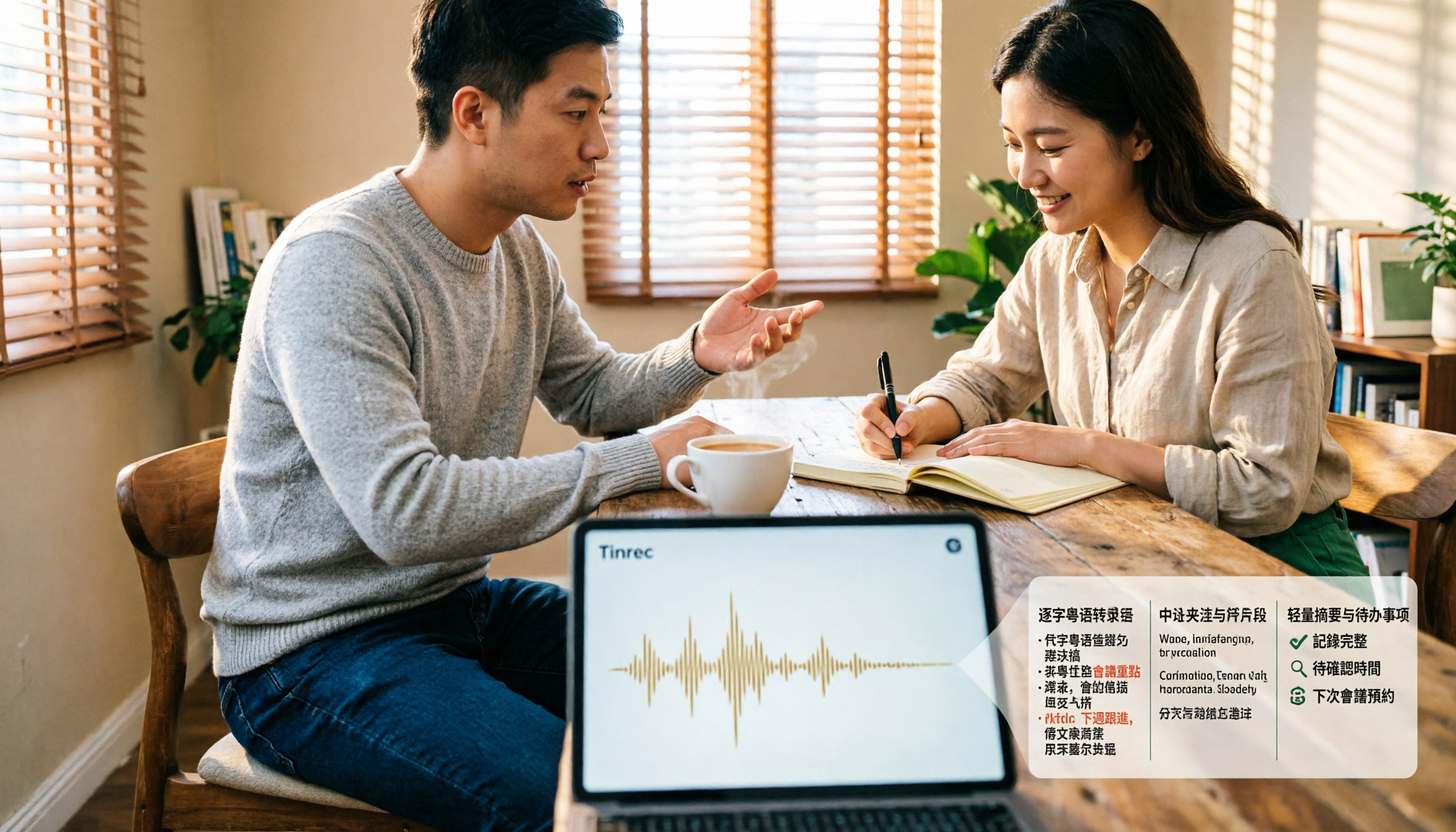
4 Cantonese Speech-to-Text Tools Tested and Compared for 2026: What's the Fastest Way to Transcribe Cantonese?
Transcribing Cantonese meetings, interviews, or YouTube videos is often much harder than Mandarin. This article compares 4 tools through hands-on testing, covering Cantonese models, spoken vs. written output, mixed Chinese-English handling, and post-transcription summaries and action items, so you can figure out the fastest way to transcribe Cantonese speech.

Best Cantonese Speech-to-Text Tools in 2026: 4 Tested, One Stands Out for Meetings
Tired of transcribing Cantonese meetings with mixed English and Chinese? This guide breaks down 4 key factors for choosing a Cantonese speech-to-text tool, compares Tinrec, Subanana, Otter.ai, and Notta in real-world tests, and highlights common pitfalls to help you find the tool that truly saves time.
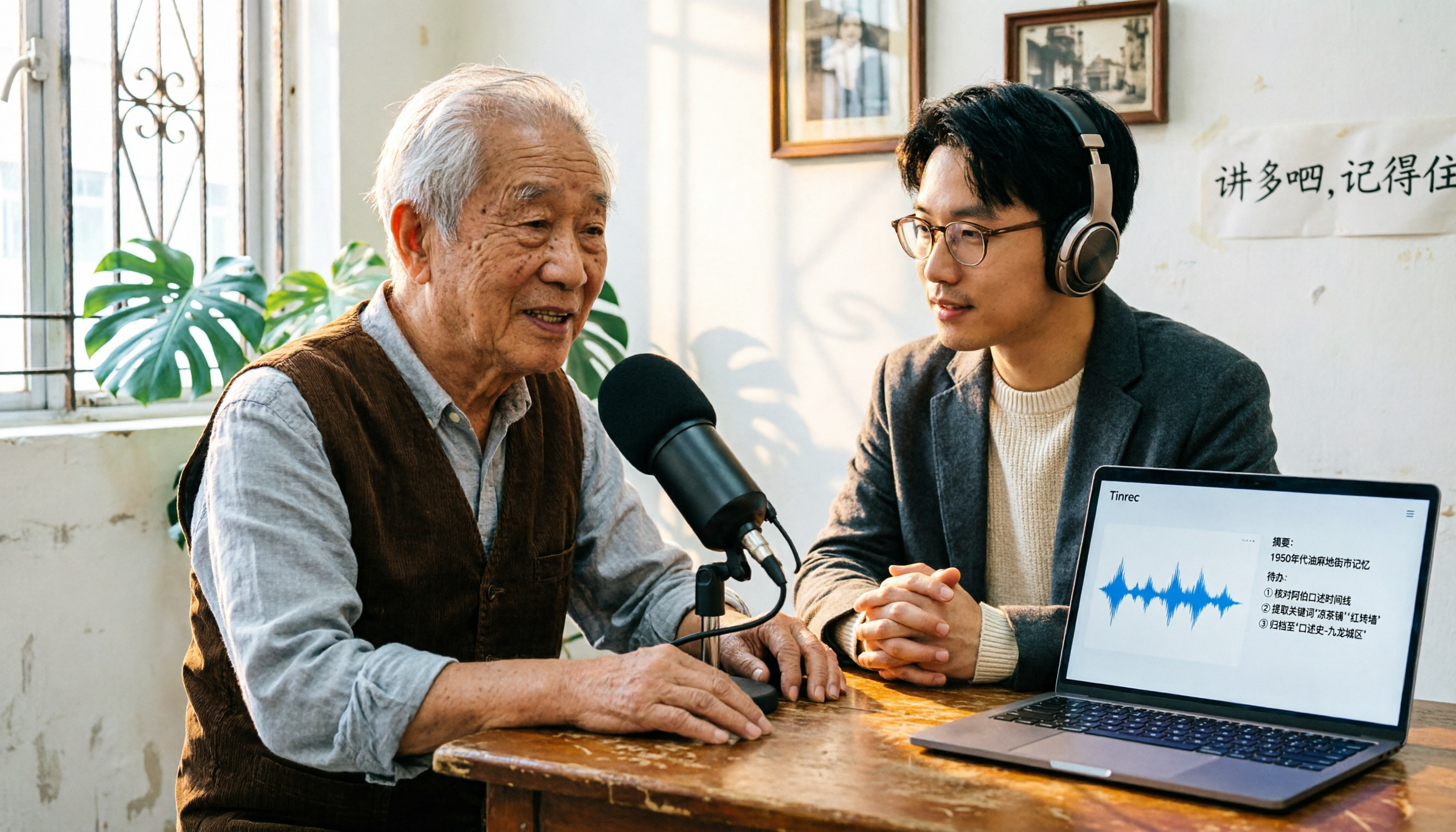
2026 Cantonese Speech-to-Text Comparison: Is Google's Built-in Feature Enough?
Google's built-in voice input can transcribe Cantonese in real time, but it can't handle pre-recorded audio files and lacks summarization and to-do organization. This article addresses common misconceptions, outlines 3 key purchasing factors, and compares Google's built-in feature, Subanana, Notta, and Tinrec (秒聽錄音) through hands-on testing, with a guide to avoiding pitfalls and scenario-based recommendations.
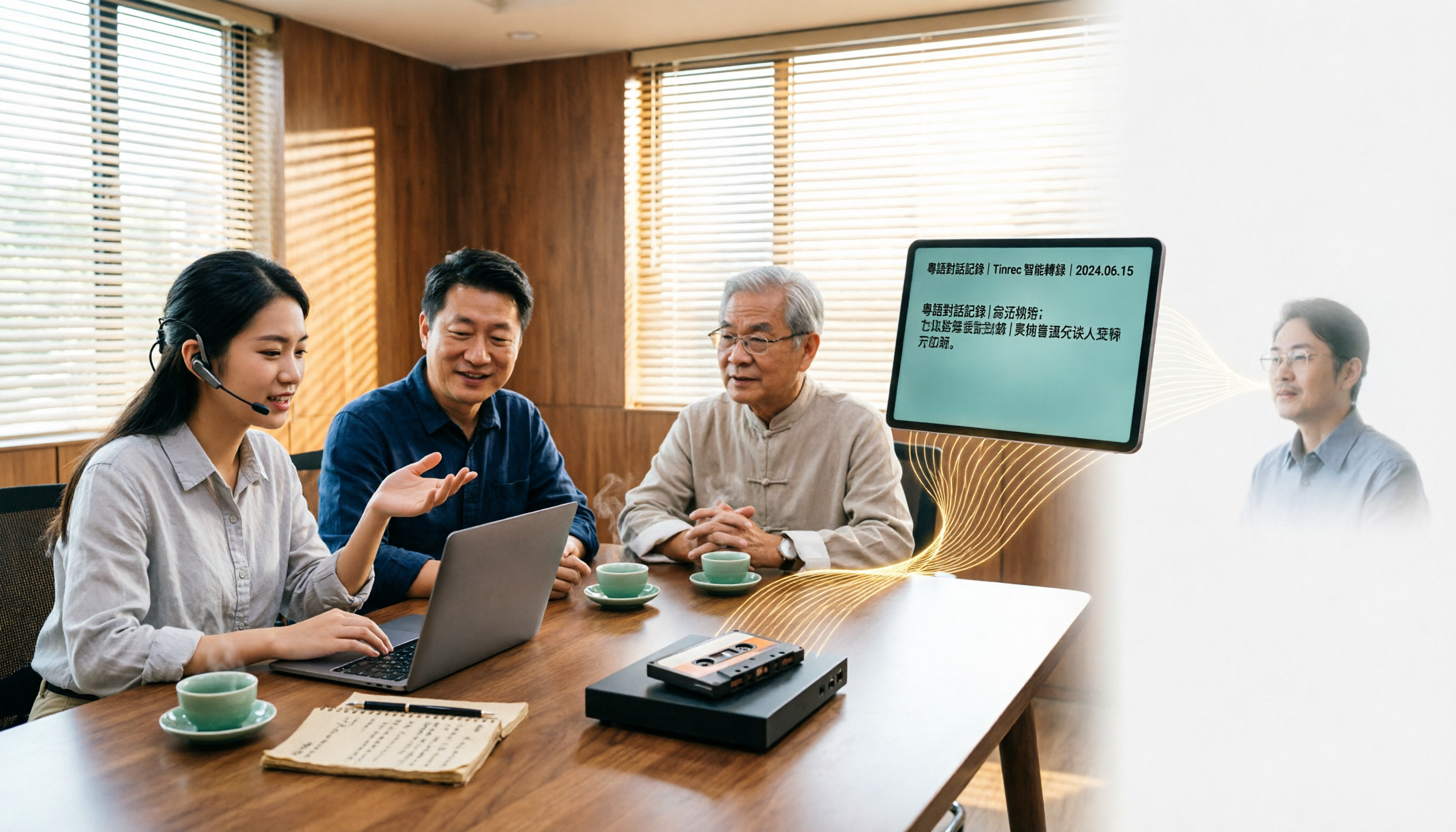
What Is Cantonese Speech-to-Text in 2026: Definition & How to Choose a Tool
What does Cantonese speech-to-text actually do? This article starts with a clear definition, how it works, and common misconceptions, explains why Cantonese is harder to transcribe than standard speech-to-text, then compares Tinrec and PLAUD Note across six practical dimensions: hardware requirements, online meetings, importing old files, post-meeting output, team management, and long-term cost. It also includes six FAQs to help you decide which tool to start with.