

Turn recordings into transcripts and summaries in minutes
Upload audio or video for multilingual transcription, AI notes, and action items
Free Cantonese Speech-to-Text Options in 2026: 3 Tools Compared
The word "free" can be very misleading when you're searching for Cantonese speech-to-text tools.
The real question usually isn't "is there a free tool" but "is the free quota enough to handle this recording I have?" When I help readers choose tools, I first confirm three things: Is this an online meeting or an already-recorded file? How many speakers are there, and how much mixed Chinese-English is involved? After transcription, do you want a verbatim transcript, or a polished summary you can use directly in a meeting?
This article uses these three questions as the main thread to clearly explain the three free approaches available today, and I'll also share my recent experience with Tinrec, my go-to tool, and what it can handle within the free tier.
What Can Cantonese Speech-to-Text Do for You?
Scenario 1: Meeting ends, transcript appears Previously, after a one-hour meeting, you might spend another forty minutes replaying the recording and typing up key points. With Tinrec, for example, as the meeting ends, AI has already generated a transcript, summary, and action items—who's responsible for what and when it's due, all listed for you.
Scenario 2: No more listening to interview recordings sentence by sentence For user interviews or expert interviews, the most time-consuming part is actually the post-interview organization. Tinrec supports uploading audio and video files for transcription, and mixed Chinese-English sentences will retain the original wording as much as possible. After transcription, you can even use AI Q&A to directly ask "What were the interviewee's concerns about pricing?"
Scenario 3: Video and course content becomes searchable If you have a batch of videos or course recordings, Tinrec can import some public content via web links, turning long content into searchable, queryable text data, making it much faster to write scripts or take notes later.
Scenario 4: Meeting data stays with the team Personal recordings sitting on your phone mean data scatters once you leave. Tinrec's team plan centralizes meeting data in a team space, so new members can look back at historical meetings, and data ownership doesn't leave with individuals.
Three Common Free Cantonese Transcription Approaches Today
The first is browser or system built-in voice dictation. No installation, zero cost, but it's "real-time typing"—you have to speak into the microphone for it to produce text. You can't feed it pre-recorded files, and in noisy environments or with multiple overlapping speakers, it easily misses words. It's better for jotting down a sentence or two.
The second is free online transcription websites. Upload a file, AI transcribes, then download. Free quotas are usually "first few minutes per file" or "a few files per day." It works for occasional short recordings, but if you have weekly meetings, you'll quickly hit the limit.
The third is AI meeting tools with free quotas, which I recommend more. Take Tinrec for example: the free version lets you experience recording, importing, summaries, and transcription. The key is that it handles "an entire meeting," not just giving you a block of text.
What Are the Core Capabilities of Cantonese Speech-to-Text Tools?
Real-time recording to text Transcribes as you record, not after. During meetings, you can read along and check for missed points—great for in-person meetings and on-site interviews.
Desktop bot-free meeting recording Tinrec's desktop version directly captures your computer's system audio, so for Zoom, Google Meet, Microsoft Teams, Webex, and other online meetings, you don't need to invite a meeting bot. Just open Tinrec and start recording—no strange extra participant.
Mixed Chinese-English and multilingual processing Cantonese meetings often have sentences like "this quarter's target." Tinrec covers Chinese, Traditional Chinese, and multilingual meeting content, and supports real-time translation during recording, viewable in original, translated, or bilingual mode.
Post-transcription organization This is the most practical part for me. Tinrec automatically generates AI summaries, chapters, and action items. For long meetings, you can scan the summary first; when you need details, use AI Q&A to ask "who mentioned the budget" or "what was the client's feedback."
Export and further processing Organized content can be exported in multiple formats and taken to Notion, Google Docs, OneNote, Dropbox, and other tools. Tinrec's Agent post-processing can also generate reports, tables, and documents based on meeting content, essentially saving you the "post-meeting homework."
Stop organizing recordings by hand
Upload audio or video and automatically get a transcript, summary, and action items
Practical Use Cases
Online meetings Cross-department weekly meetings often run over an hour with lots of mixed Chinese-English. Use Tinrec desktop to record directly on your computer, and afterward you get transcripts, summaries, and action items. Meeting notes no longer depend on one person typing furiously, and key points won't be missed because the note-taker didn't understand.
Offline meetings and interviews Start Tinrec real-time recording on your phone, transcribing as you talk. After the interview, read the AI summary first, then double-check a few key quotes—organization speed is vastly different. When you need to cite exact words, the transcript is right there.
Courses and lectures Speakers talk fast with many technical terms. You can set up hotwords in the team space first to improve recognition of specialized terms, then use AI Q&A to find key points later, without re-listening to three hours of audio.
Content creation and team handover Video materials and podcast interviews can be transcribed and then turned into scripts or articles. The team plan centralizes data in one space, so when members change or leave, data doesn't go with them.
5 Things to Watch When Choosing a Free Cantonese Transcription Tool
1. Understand how the free quota works Is it first few minutes per file, a few files per day, or how many minutes per month? Tinrec's free version provides a basic quota to experience recording, importing, summaries, and transcription. Test the workflow first, then decide whether to upgrade.
2. Confirm it truly supports Cantonese Some tools use Mandarin models and fail completely with Cantonese colloquial speech. Tinrec explicitly covers Chinese and Traditional Chinese scenarios and handles mixed Chinese-English content—this difference is obvious in actual use.
3. Can it help you organize after transcription? Transcripts are just the first step. Summaries, chapters, action items, and AI Q&A are where real time savings happen. Tinrec includes all of these in one workflow, so you don't have to copy text to other tools.
4. How are online meetings recorded? Tinrec desktop uses system audio capture, so no bot joins the meeting—friendlier for occasions where participant experience matters. Note that you have to open Tinrec and start recording yourself; it's not the type of tool that automatically joins all calendar meetings.
5. Where is data stored and how does the team manage it? For personal use, check export convenience; for team use, pay attention to member, role, and seat differences. Tinrec's team plan has an independent team space, seat management, usage analytics, and audit logs. Accidentally deleted audio can be restored from a 30-day recycle bin.
FAQ
Q: Is free Cantonese speech-to-text really enough? It depends on how many recordings you process per month. If it's just occasional short recordings, free web tools can handle it. If you have weekly meetings, choose an AI meeting tool with a free quota that allows seamless upgrades. Tinrec's free version lets you go through the full workflow first.
Q: What can Tinrec's free version do? The free version lets you experience recording, importing, summaries, and transcription with a basic quota. Actual available minutes and plan details vary by plan; please refer to the official purchase page for details.
Q: Will mixed Cantonese-English transcription be messy? Tinrec covers Chinese, Traditional Chinese, and multilingual meeting content, and will try to retain original English words. Actual results are affected by recording quality, noise, accents, simultaneous speakers, and technical terms. For important content, cross-check with transcript timestamps and recording playback.
Q: How is team pricing calculated? Tinrec's team plan is an independent team space, not multiple people sharing a personal account. The first eligible team trial is 7 days, 1 free seat, 300 minutes of shared team import quota; team monthly is USD 29.80 per paid seat per month, annual is USD 199 per paid seat per year (about USD 16.58 per month), each paid seat provides 2,000 minutes of shared team import quota per month. Real-time recording under an active team plan and active seat currently does not deduct minutes. Prices and promotions are subject to the official purchase page.
Q: What preparation is needed before recording? Recording involves personal data and privacy regulations. Before meetings or interviews, inform participants and obtain consent before starting recording and transcription.
Q: If I only need a transcript, do I still need Tinrec? If your need is just "convert file to text," free web tools are indeed enough. Tinrec's difference is the post-transcription summaries, action items, AI Q&A, export, and team data retention—if you want meeting notes you can directly use for work, this workflow saves more time.
Conclusion
Free Cantonese speech-to-text tools aren't unusable; the key is whether they can handle your actual workload and how much manual work remains after transcription.
If you only handle occasional short recordings, start with free web tools. If meetings are routine, Tinrec puts recording, transcription, summaries, action items, Q&A, and team retention into one workflow, and the free version lets you try this workflow first. I suggest trying it with a real Cantonese meeting recording—you'll know if it works within ten minutes.
References
- Free Cantonese Speech-to-Text App 2026 | Subanana
- Text-to-Speech Cantonese - Tool Bang
- Online AI Speech, Video, Audio Auto Transcription - Free Trial - cSubtitle
- Speech to Text - Google Play App
- [Free Tool] Cantonese to Text App, Web Use! Just Upload File or YouTube Link. Up to 96% Accuracy - YouTuber AI | Spend time on creativity, leave the AI to do the hustle work.
Turn every recording into actionable outcomes
Get 60 free transcription minutes when you sign in. No credit card required.
Related Reading
You might also like
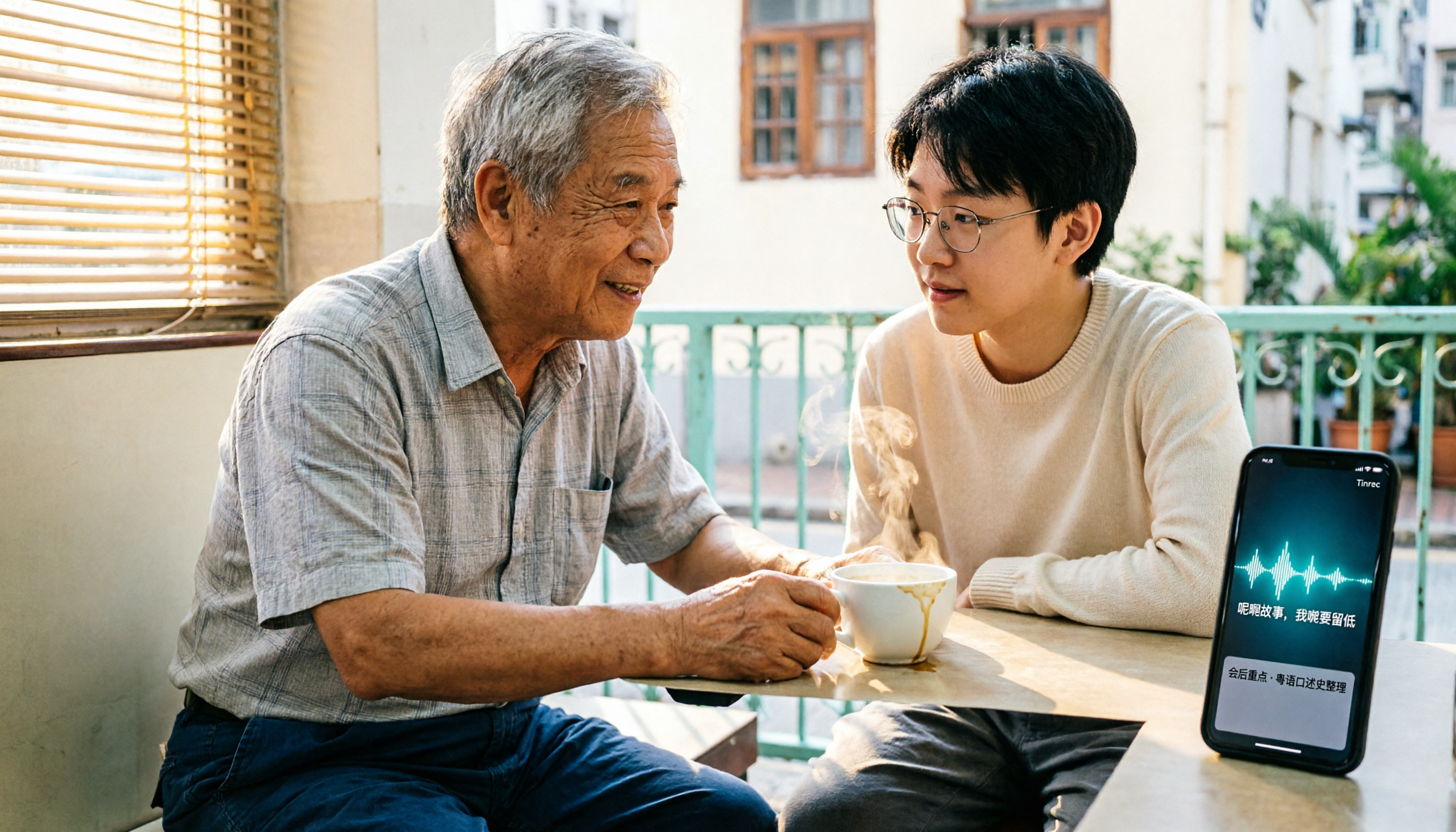
4 Cantonese Speech-to-Text Tools Tested for 2026: Which Free Version Understands Cantonese Best?
We tested and compared 4 Cantonese speech-to-text tools in 2026, covering free tier formats, Cantonese recognition, mixed Chinese-English handling, and post-meeting AI organization. We explain who each tool—Tinrec, Notta, Subanana, and PLAUD Note—suits best, and highlight the three most common pitfalls when choosing a free tool.

5 Free Online Cantonese Speech-to-Text Options in 2026: Free Limits, Cantonese Recognition, and Post-Meeting Tools Compared
Many free online Cantonese speech-to-text tools exist, but their limitations vary widely. This article examines three key criteria—how free quotas are calculated, whether a Cantonese model is used, and what you get after transcription—and outlines five evaluation dimensions plus common questions. It also uses Tinrec as an example to demonstrate a complete workflow from recording and transcription to summaries, action items, and team knowledge retention.

5 Best Cantonese Speech-to-Text Tools in 2026: Which Free Tier Is Actually Enough?
Are free Cantonese speech-to-text tools really usable? This article compares 5 common options from three angles: free tier limits, Cantonese and mixed Chinese-English recognition, and post-meeting organization. It uses Tinrec as the main hands-on test subject, walking through the full workflow from recording, transcription, summarization, action items, to team collaboration.

4 Cantonese Speech-to-Text Tools Tested for Google Meet in 2026: Which One Can You Trust for Meeting Notes?
Which Cantonese speech-to-text tool works with Google Meet? Drawing on a mid-level manager's hands-on testing, this article breaks down the differences between Google Meet's built-in captions and standalone transcription tools, explains how Tinrec uses bot-free desktop recording to handle online meetings with mixed Cantonese, Mandarin, and English, and covers real-time translation, AI summaries, action item extraction, AI Q&A, team spaces, and purchasing considerations.

Tinrec vs Notta 2026: 5-Dimension Comparison of Cantonese Speech-to-Text Apps
How to choose a Cantonese speech-to-text app in 2026? This article compares Tinrec and Notta across 5 dimensions, covering recognition conditions, audio retention, post-meeting organization, and team permissions, plus use cases for Otter.ai and PLAUD and 4 common pitfalls to avoid.

4 Cantonese Speech-to-Text Apps Compared (2026): Free Tiers and Accuracy Explained
Want to convert Cantonese speech to text without paying upfront? This article compares Tinrec, Subanana, Otter.ai, and Google AI Studio across four key criteria: free usage limits, mixed Chinese-English recognition, output formats, and post-meeting organization. It also highlights four common pitfalls and offers buying advice.
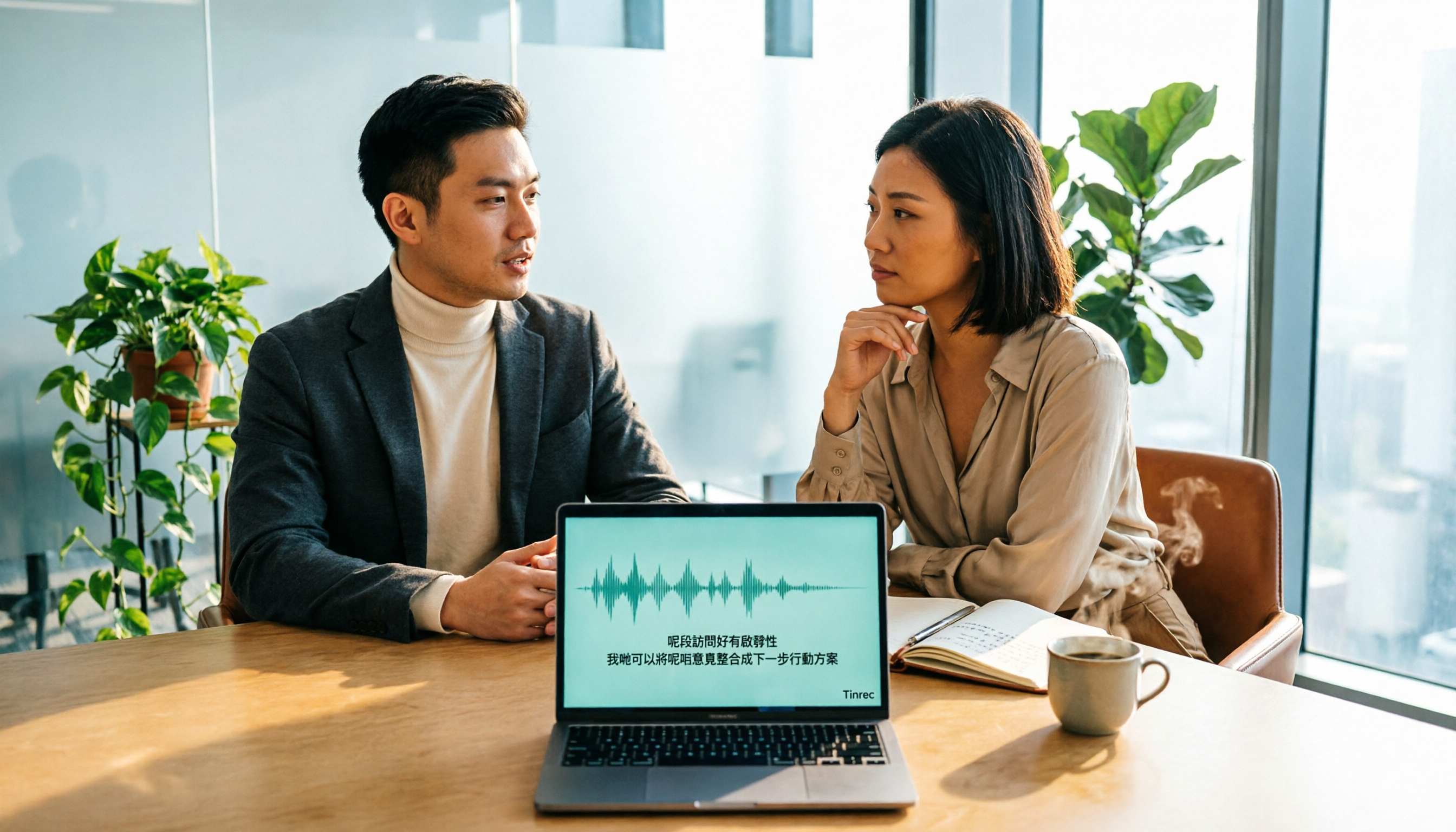
2026 Cantonese Speech-to-Text Online Software Comparison: Tinrec vs Subanana
Looking for Cantonese speech-to-text online software? This article addresses common misconceptions and compares Tinrec and Subanana in terms of input sources, post-meeting organization, cross-platform team collaboration, and pricing. It also covers Tinrec's core features, practical use cases, and key considerations for choosing the right solution for your meeting and interview needs.

5 Cantonese Speech-to-Text Tools Tested for 2026: Which One Works Best Beyond Google?
Beyond Google, what else is out there? In 2026, we tested and compared 5 common Cantonese speech-to-text approaches, breaking down real-time transcription, AI summaries, action item extraction, team collaboration, and seat management, so you can pick a tool that delivers meeting minutes you can hand off right after the meeting.

How to Choose Cantonese Speech-to-Text in 2026: 5 Steps from Recording to Transcript
People often make the same mistake when choosing Cantonese speech-to-text tools: focusing only on free plans and accuracy numbers. Drawing from a mid-level manager's real experience organizing Cantonese meeting notes, this article reviews five options—Tinrec, Subanana, YouTuber AI, Speechnotes, and an Android speech-to-text app—explaining each one's positioning, pricing, and ideal user, plus a 5-step selection framework and 4 things to know before use.