

Turn recordings into transcripts and summaries in minutes
Upload audio or video for multilingual transcription, AI notes, and action items
How to Use Cantonese Speech-to-Text in 2026: A 5-Step Beginner's Guide
"Just throw the recording into a transcription tool and hit convert, right?" — that was my naive thought as a freshman. Back then, I tossed a two-hour Cantonese lecture into a free web tool, and the output was a disaster: the speaker's "m4 hai6" (not) was written as "bu shi," all the "ge3" particles vanished, and mixed Chinese-English technical terms were pieced together haphazardly. Even worse, after spending 40 minutes manually fixing it, I realized I hadn't captured any of the professor's key points.
Later I figured out that the real pitfalls of Cantonese speech-to-text aren't in the "transcription" step itself, but in three things: whether the model truly understands Chinese and spoken Cantonese, whether the output has been organized, and whether you can find the exact sentence you need afterward.
Two-Hour Recording, Two-Hour Review — What You Need Isn't a Tool, It's Usable Data
Let me start with three real scenarios from people around me.
The first is in class. The professor speaks Cantonese, fast and fond of mixing in English, and handwritten notes just can't keep up. You record the audio, but when it's time to review before finals, you can only listen from start to finish — a two-hour audio file, and by the time you finish, it's dawn.
The second is group discussions. Four people talking over each other, switching between Cantonese, Mandarin, and English. After the meeting, everyone disperses, and no one remembers what the conclusions were or who was responsible for what.
The third is interviews or internship meetings. The other person has an accent, the recording sits on your phone, and you need "that number they mentioned" but can only slowly search by dragging the progress bar.
The common thread in these three scenarios is: what you lack is never just "turning sound into text," but turning it into data you can search, query, and directly use. Choose the right tool, and all three problems are solved at once.
Before Choosing a Cantonese Speech-to-Text Tool, Understand These 4 Key Points
1. Does it use a Chinese-priority model? Many tools treat Cantonese as an afterthought — their core is a Mandarin or English model, and when they encounter Cantonese, they guess wildly, so Cantonese characters like "m4," "ge3," "zo2," "di1" all go off the rails. Actual performance is also affected by accent, background noise, and multiple people talking over each other, so don't just look at the official accuracy numbers — test with your own recordings.
2. Can you choose between colloquial and written styles? Cantonese transcription has two needs: one is to preserve the original colloquial speech for easy comparison with the audio later; the other is to convert to a more formal written expression for submitting to teachers or supervisors. Whether the tool can switch between these directly affects how much time you'll spend editing afterward.
3. What can you do after transcription? A tool that only gives you a transcript is only doing half the job. What really saves time is summaries, chapters, to-do items, and "just ask directly." Think about it: if before finals you could directly ask "What are the three parts the professor said the report needs?" who would want to flip through 30 pages of transcript?
4. Free quota, cross-platform, and whether audio files are retained. Students have limited budgets, so you must check the free quota carefully — especially details like "maximum duration per session." Some tools' free versions can only transcribe 3 minutes at a time, which can't even cover one class. Also, recording on mobile and organizing on computer is the norm, so cross-platform support is important; finally, whether the tool retains the original audio file determines whether you can replay and verify later.
Tinrec — My Main Tool This Semester: 5-Step Hands-On
Tinrec is an AI meeting notes and collaboration tool for individuals and teams, available on mobile app, desktop, and web. It doesn't just convert sound to text; it organizes recordings into searchable, queryable, exportable data. I used it this semester to get through Cantonese classes and group projects. Here's my actual workflow.
Step 1: Decide on the audio source. For offline classes or interviews, start real-time recording directly; for online meetings (Zoom, Google Meet, Microsoft Teams, Webex), use the desktop version, which captures computer system audio directly without inviting a meeting bot as a "fifth participant." This is especially convenient for remote group meetings.
Step 2: Set the language, enable real-time translation if needed. If the speaker mixes Cantonese and English, or you want to see both original and translation, you can enable real-time translation and view in original, translated, or bilingual mode. The professor in one of my courses mixed Cantonese with English terms, and bilingual mode saved me a lot of time guessing words.
Step 3: After transcription, proofread before copying. This is a step many people skip. Cantonese colloquial characters and punctuation must be checked once; the transcript can be replayed against the timeline to verify with the original audio. I personally check "m4, ge3, zo2, di1" and mixed Chinese-English technical terms.
Stop organizing recordings by hand
Upload audio or video and automatically get a transcript, summary, and action items
Step 4: Let AI generate summaries, chapters, and to-dos. A two-hour class is broken into meaningful chapters, and key points and action items are automatically organized. Before finals, I almost only look at this summary, and click back to the transcript for details.
Step 5: Use AI Q&A to follow up, then export to your workflow. This is what surprised me most about Tinrec — it doesn't just throw keywords at you; it understands semantics and answers directly. For example, I directly ask "What are the three requirements the professor said for the final report?" and the answer comes right out. After organizing, you can export to Notion, Google Docs, OneNote, Dropbox, and also use Agent post-processing to generate reports, tables, and documents.
Speaking of advantages, the three I feel most: First, Chinese and mixed Chinese-English content is organized well — after recording a class, the time I save on retyping is considerable; Second, "no-bot" online meeting recording — no need to notify everyone "a bot is joining," which reduces social awkwardness; Third, AI Q&A plus summaries — this cuts my "review" from two hours to just over ten minutes. By the way, the team version also has "team hotwords" to maintain common terminology, which helps with recognizing technical terms.
Limitations must be honestly stated: the free version's basic quota is insufficient for those who record every class; heavy users should consider a weekly pass or Pro. Also, it requires an internet connection, so don't force it in places with poor signal. Finally, AI will inevitably miss words or misunderstand sometimes; actual performance is affected by recording quality, noise, accent, and overlapping speech. For important content, I still replay the original audio to verify.
Who is it for? If you frequently deal with Cantonese or mixed Chinese-English class or interview recordings and want to use AI to find key points directly after recording, Tinrec is the smoothest option I've tried so far. By the way, if your group project needs to share transcripts, it has a separate team version (not multiple people sharing one account): first-time eligible users can try 7 days free, including 1 free seat and 300 minutes of team shared import quota; paid seats are USD 29.80/month or USD 199/year (about USD 16.58/month), each paid seat has 2,000 minutes of team shared import quota per month, and real-time recording does not deduct minutes under an active plan. Honestly, this price is high for student groups, more suitable for labs or internship teams.
Besides Tinrec, What Other Options Are There?
Granola: Focuses on no-bot AI meeting notes, Basic free, Business USD 14/month. It can also show live transcripts, but does not support uploading pre-recorded audio or video, and does not save meeting audio. If you only record English online meetings and are used to taking notes while listening, it's smooth; but it can't help with organizing Cantonese recordings on your phone — while Tinrec can import audio/video files and retain audio.
Notta: Multilingual transcription tool, Free 120 minutes/month, max 3 minutes per session, Pro annual billing about USD 8.17/month, 1,800 minutes/month. Transcription and subtitle translation are its strengths, but it lacks no-bot desktop system audio recording, and post-meeting Q&A and team data accumulation are not its focus. If you just want batch file transcription, consider it, but for real-time online meeting recording, you'll need another solution.
PLAUD Note / NotePin: AI recording hardware, NotePin USD 159, Note Pro USD 189. Advantages are portable recording, long battery life, and convenient phone call recording. But you need to buy a device first, and it mainly relies on hardware recording; online meetings and historical audio organization are not its strong suits. Tinrec requires no extra hardware, works on mobile, desktop, and web, and can handle online meetings directly.
Pitfall Guide: The 4 Most Common Mistakes in Cantonese Transcription
Pitfall 1: Using a Mandarin model to transcribe Cantonese. The result is "m4" becomes "bu," "ge3" disappears. When choosing a tool, see if it takes Chinese and spoken Cantonese seriously, and don't believe "98% accuracy" claims — that's usually tested in a quiet studio. The correct approach is to test with a real recording of your own.
Pitfall 2: Only looking at free minutes, ignoring per-session duration limits. Some free versions can only transcribe 3 minutes at a time, so a 50-minute class needs to be split into a dozen segments. Read the rules carefully before deciding.
Pitfall 3: Treating the tool as just a typewriter. If you just transcribe and leave it, you're only using 10% of its capability. Summaries, chapters, to-dos, and AI Q&A are the keys to compressing two hours into ten minutes.
Pitfall 4: Forgetting legal and consent issues for recording. Before recording classes, interviews, or meetings, check school or company rules and get consent when needed. This isn't something a tool can handle for you, but it can be a big problem if you trip up.
Conclusion: How Should Students Choose?
In one sentence: If you need to handle Cantonese and mixed Chinese-English, and want to use it directly after transcription, Tinrec is my top choice.
- Classes or interviews in Cantonese or mixed Chinese-English → Tinrec (Chinese and mixed content is its focus)
- Online meetings without inviting a bot → Tinrec (desktop version captures system audio)
- After recording, want to directly ask "What are the key points?" → Tinrec (AI Q&A and summaries)
- Need to switch between mobile, desktop, and web → Tinrec
- Only occasionally transcribe short recordings, want to avoid spending first → Use Tinrec free version for now, evaluate weekly pass when quota runs out
My advice: Start with the free version and run it on one or two classes you'll actually use. If you feel the time saved is worth it, then consider a weekly pass or Pro — no need to pay upfront. After all, the most expensive thing for students isn't the tool subscription, but the hours you spend staying up late re-listening to recordings.
References
- Speechnotes | Hong Kong Cantonese | Speech to Text Online Notepad
- Free Cantonese Speech-to-Text App 2026 | Subanana
- Speech to Text - Google Play App
- [Free Tool] Cantonese Speech-to-Text! Just upload a file or YouTuber link. Up to 96% accuracy - YouTuber AI | Spend time on creativity, leave the AI to do the hustle work.
- Text to Speech Cantonese - Tool Bang
Turn every recording into actionable outcomes
Get 60 free transcription minutes when you sign in. No credit card required.
Related Reading
You might also like

4 Cantonese Speech-to-Text Apps Compared (2026): Free Tiers and Accuracy Explained
Want to convert Cantonese speech to text without paying upfront? This article compares Tinrec, Subanana, Otter.ai, and Google AI Studio across four key criteria: free usage limits, mixed Chinese-English recognition, output formats, and post-meeting organization. It also highlights four common pitfalls and offers buying advice.

Free Cantonese Speech-to-Text Options in 2026: 3 Tools Compared
There are plenty of free Cantonese speech-to-text tools, but how the free quota works and whether they can handle mixed Chinese-English speech are the real deciding factors. This article covers three free approaches in 2026 and demonstrates the full workflow from recording and transcription to summaries, action items, and export using Tinrec, while also explaining free version limits and team plan pricing.

2026 Cantonese Speech-to-Text Online Software Comparison: Tinrec vs Subanana
Looking for Cantonese speech-to-text online software? This article addresses common misconceptions and compares Tinrec and Subanana in terms of input sources, post-meeting organization, cross-platform team collaboration, and pricing. It also covers Tinrec's core features, practical use cases, and key considerations for choosing the right solution for your meeting and interview needs.

5 Cantonese Speech-to-Text Tools Tested for 2026: Which One Works Best Beyond Google?
Beyond Google, what else is out there? In 2026, we tested and compared 5 common Cantonese speech-to-text approaches, breaking down real-time transcription, AI summaries, action item extraction, team collaboration, and seat management, so you can pick a tool that delivers meeting minutes you can hand off right after the meeting.

How to Choose Cantonese Speech-to-Text in 2026: 5 Steps from Recording to Transcript
People often make the same mistake when choosing Cantonese speech-to-text tools: focusing only on free plans and accuracy numbers. Drawing from a mid-level manager's real experience organizing Cantonese meeting notes, this article reviews five options—Tinrec, Subanana, YouTuber AI, Speechnotes, and an Android speech-to-text app—explaining each one's positioning, pricing, and ideal user, plus a 5-step selection framework and 4 things to know before use.
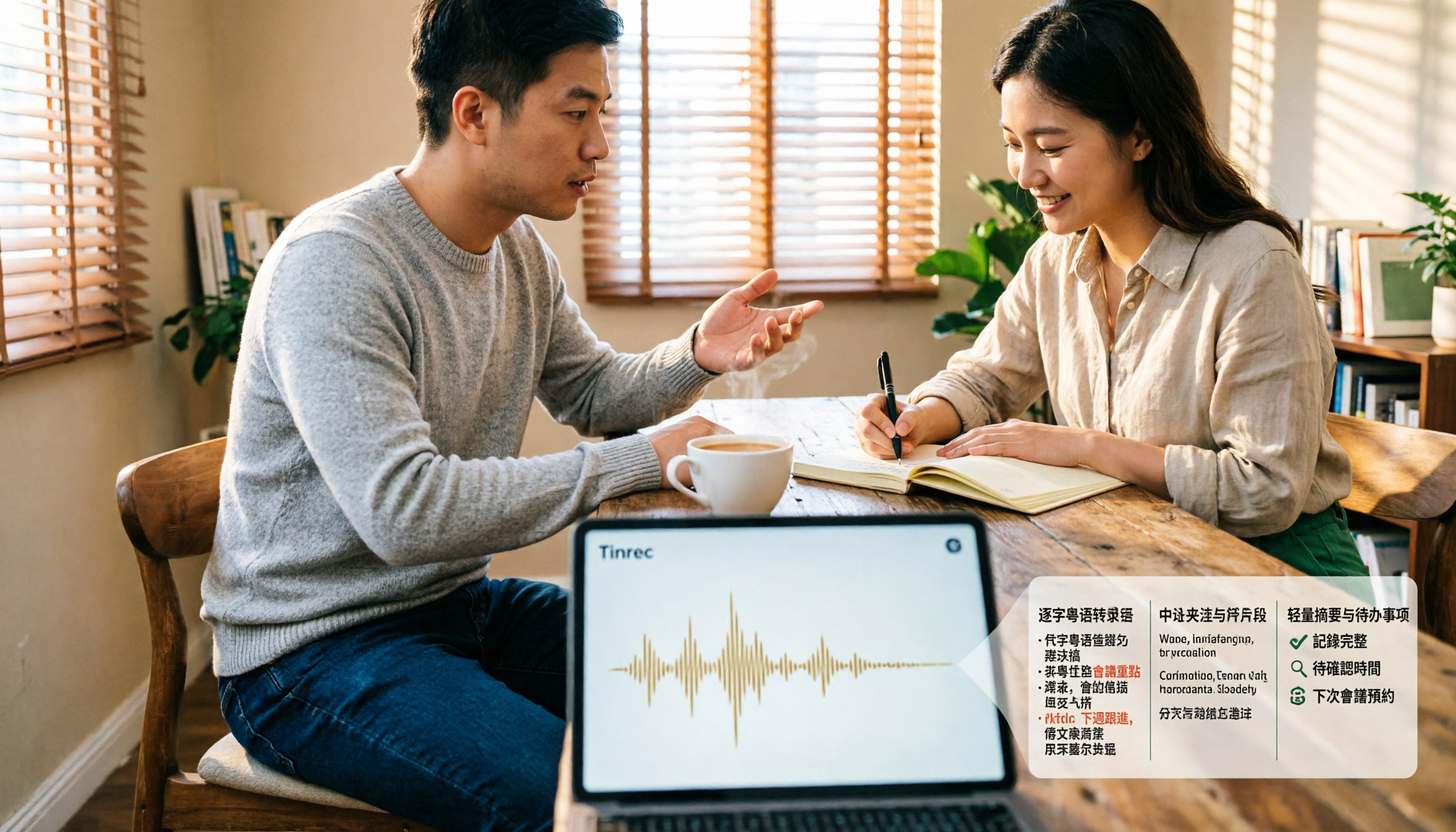
4 Cantonese Speech-to-Text Tools Tested and Compared for 2026: What's the Fastest Way to Transcribe Cantonese?
Transcribing Cantonese meetings, interviews, or YouTube videos is often much harder than Mandarin. This article compares 4 tools through hands-on testing, covering Cantonese models, spoken vs. written output, mixed Chinese-English handling, and post-transcription summaries and action items, so you can figure out the fastest way to transcribe Cantonese speech.

Best Cantonese Speech-to-Text Tools in 2026: 4 Tested, One Stands Out for Meetings
Tired of transcribing Cantonese meetings with mixed English and Chinese? This guide breaks down 4 key factors for choosing a Cantonese speech-to-text tool, compares Tinrec, Subanana, Otter.ai, and Notta in real-world tests, and highlights common pitfalls to help you find the tool that truly saves time.
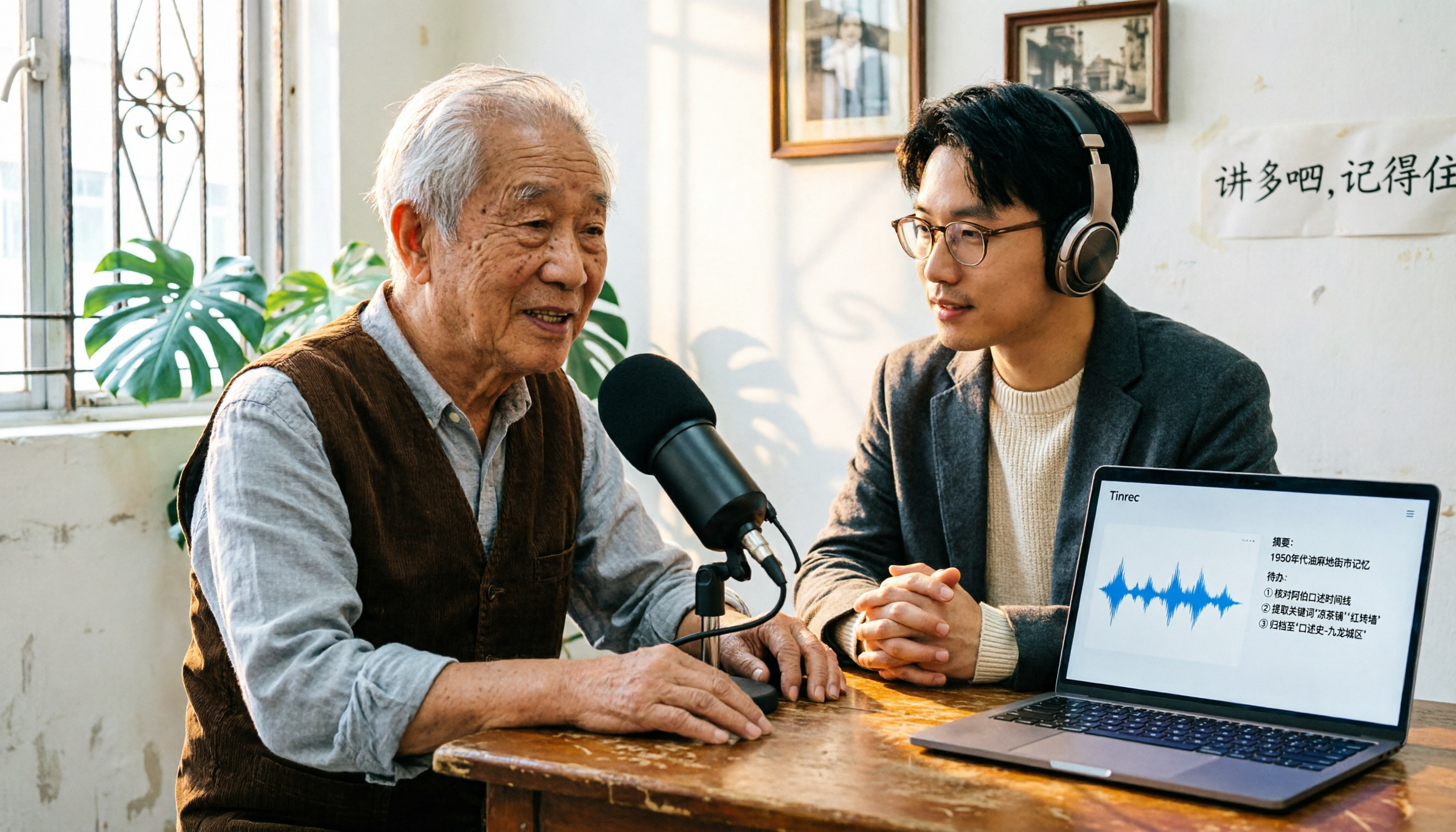
2026 Cantonese Speech-to-Text Comparison: Is Google's Built-in Feature Enough?
Google's built-in voice input can transcribe Cantonese in real time, but it can't handle pre-recorded audio files and lacks summarization and to-do organization. This article addresses common misconceptions, outlines 3 key purchasing factors, and compares Google's built-in feature, Subanana, Notta, and Tinrec (秒聽錄音) through hands-on testing, with a guide to avoiding pitfalls and scenario-based recommendations.

What Is Cantonese Speech-to-Text in 2026: Definition & How to Choose a Tool
What does Cantonese speech-to-text actually do? This article starts with a clear definition, how it works, and common misconceptions, explains why Cantonese is harder to transcribe than standard speech-to-text, then compares Tinrec and PLAUD Note across six practical dimensions: hardware requirements, online meetings, importing old files, post-meeting output, team management, and long-term cost. It also includes six FAQs to help you decide which tool to start with.