

Turn recordings into transcripts and summaries in minutes
Upload audio or video for multilingual transcription, AI notes, and action items
2026 Cantonese Speech-to-Text Comparison: Google Translate vs Gemini vs Tinrec
"For Cantonese speech-to-text, is Google Translate enough, or do I need a separate tool?" This is the question readers ask me most often.
First, the key point: Do you want to "understand a sentence" or "keep a record you can look back on"? For the former, Google Translate is more than enough; for the latter, you need a transcription tool.
I've been testing tools for over a decade, and I always start by thinking about what I'll ultimately do with the result before deciding which one to recommend. This article follows the same logic, comparing Google Translate and Tinrec side by side.
Tinrec vs Google Translate | Quick Overview
Google Translate is a free service provided by Google. According to its official description, it can instantly translate text, phrases, and web pages in English and over 100 other languages. When you encounter a Cantonese term you don't understand, you can look it up right away.
Tinrec is an AI meeting notes and collaboration tool for individuals and teams. It not only converts audio to transcripts but also organizes summaries, chapters, and to-dos, and supports AI Q&A, export, and team spaces.
Some search results also share using Gemini on Google AI Studio for Cantonese audio transcription, mentioning it's free, Cantonese-friendly, and supports long content. Below, we mainly compare Google Translate and Tinrec, which are most often asked about together.
| Item | Google Translate | Tinrec |
|---|---|---|
| Positioning | Free translation service | AI meeting notes and team collaboration tool |
| Main output | Translation | Transcript, summary, chapters, to-dos, reports |
| Cost | Free | Personal version has free and paid plans; team version priced per seat |
Dimension 1 | Do you want a translation or a transcript?
Google Translate's official description is clear: it translates text, phrases, and web pages. Its strength is "instantly knowing what a sentence means," perfect for those moments when you're stuck watching a Cantonese video or reading Cantonese comments.
The problem is that the translation result doesn't leave you with a searchable transcript that you can match to timestamps.
Tinrec takes a different path: it converts live recordings, online meetings, or audio/video files into transcripts, preserving the original spoken content for later search and review.
→ For this dimension: If you want "a record," Tinrec is more suitable; if you just want to "understand the meaning," Google Translate is fastest.
Dimension 2 | After transcription, can the content be used further?
Google Translate gives you a translation. After you copy and paste it into your notes, you still have to organize it yourself.
Tinrec also handles the post-transcription part: it automatically generates AI summaries, chapters, and key points, extracts to-dos from discussions, and even lets you view the meeting structure with a mind map. Even better is AI Q&A—you can directly ask a meeting, "What was the budget cap the client mentioned?"
When it's time to deliver, Tinrec can generate meeting minutes, reports, tables, and documents, and export to Notion, Google Docs, OneNote, Dropbox, and other tools for further processing.
→ For this dimension: Tinrec clearly wins.
Dimension 3 | How do you capture meetings and long audio files?
Google Translate's official description focuses on text, phrases, and web pages. If you have a full Cantonese meeting, the focus shifts to "how to turn it into a transcript."
Tinrec supports a wider range of input sources: live recording is suitable for in-person meetings and interviews; the desktop version captures computer system audio to handle online meetings on Zoom, Google Meet, Microsoft Teams, Webex, etc., without needing to invite an extra meeting bot; pre-recorded audio and video files can also be uploaded for transcription, and the mobile app is great for recording on the go.
Note that Tinrec is not a meeting bot that "automatically joins all calendar meetings." You need to open the desktop version yourself to start recording.
→ For this dimension: Tinrec wins.
Dimension 4 | Cross-language meetings and bilingual comparison
Tinrec supports real-time translation. During recording, you can view the original text, translation, or bilingual content. The team version also lets you maintain team hotwords, adding company-specific product names and terminology to improve recognition of professional terms.
Stop organizing recordings by hand
Upload audio or video and automatically get a transcript, summary, and action items
Google Translate remains very convenient for looking up individual words or sentences, especially when you don't need to keep a record.
→ For this dimension: If you need to understand content while in a meeting, Tinrec offers better integration; for quick lookups, Google Translate is sufficient.
Dimension 5 | For one person or the whole team?
Google Translate is a free tool that individuals can use immediately.
Tinrec's personal version includes a free plan, weekly pass, Pro monthly, and Pro annual, so you can choose based on your usage rhythm: for occasional transcription, start with the free plan; for short-term intensive meetings, consider the weekly pass; for regular weekly use, Pro is suitable; for long-term data accumulation, the annual plan is best.
The team version is a separate team collaboration space: you can create multiple teams, invite members via link, set roles (owner/admin/member), assign and revoke seats, centrally store meeting data, view usage trends and details, manage team hotwords, query and export audit logs, and access an audio recycle bin.
Pricing: Team monthly is USD 29.80 per paid seat per month; annual is USD 199 per paid seat per year, equivalent to about USD 16.58 per month. Each paid seat provides 2,000 minutes of shared team import quota per month. The first eligible team trial is 7 days, 1 free seat, and 300 minutes of shared team import quota.
Also note the difference between roles and seats: an active member without a seat can view, play, and read team data but cannot upload, edit, or export.
→ For this dimension: For personal free translation lookups, Google Translate wins; for teams turning meetings into transferable data, Tinrec wins.
What unique advantages does each have?
Tinrec's unique advantages:
- Desktop version records online meetings without a bot: directly captures system audio, no need to add an extra bot to the meeting.
- Complete post-transcription workflow: summaries, chapters, to-dos, Q&A, mind maps, and even Agent-generated reports and tables.
- Team space and governance: members, roles, seats, usage, audit, recycle bin—data stays with the team even when members leave.
- Multi-format and third-party export: take results into Notion, Google Docs, OneNote, Dropbox for further use.
Google Translate's unique advantages:
- Free, no installation required, ready to use.
- Supports text, phrase, and web page translation in over 100 languages, fastest for quick lookups.
Conclusion: Which one should you choose?
• If you want a searchable, organizable, reviewable Cantonese transcript → Tinrec
• If you want to see summaries, key points, and to-dos right after a meeting → Tinrec
• If you switch between phone and computer and also handle online meetings → Tinrec
• If you need to keep meeting data with the team and hand it off to others → Tinrec team version
• If you just occasionally want to understand a Cantonese sentence and don't need a record → Google Translate is enough
In one sentence: For most people who need to "turn speech into usable data," Tinrec is a more complete choice, while Google Translate is a free and fast auxiliary tool. Actual results will be affected by recording quality, accent, background noise, and overlapping speakers. We recommend trying it with your own Cantonese recording first before deciding whether to invest.
FAQ
Q1: Can Google Translate turn a Cantonese recording into a transcript?
Google Translate's official positioning is a free translation service that handles text, phrases, and web pages. If you want a transcript of an entire meeting, you'll need a dedicated transcription tool.
Q2: How accurate is Tinrec for Cantonese?
Tinrec covers Chinese, Traditional Chinese, and multilingual meeting scenarios, and can enhance professional terminology through team hotwords. Actual recognition results are affected by recording quality, accent, noise, and overlapping speakers. We do not recommend promising a fixed accuracy rate.
Q3: Is the free version enough?
Tinrec's personal free version is suitable for light use—try recording, importing, summarizing, and transcribing with the basic quota first. If you have regular weekly needs, consider Pro.
Q4: How do I record online meetings with Tinrec?
Use the desktop version to capture computer system audio for Zoom, Meet, Teams, Webex, etc., without a meeting bot. You need to open Tinrec yourself to start recording.
Q5: What's the difference between the team version and personal version?
Personal version data belongs to your personal account; the team version is a separate team space where data belongs to the team, with additional members, roles, seats, shared benefits, usage analytics, audit logs, and recycle bin.
Q6: What should I pay attention to before recording?
Please comply with local laws and regulations, and obtain consent from participants when necessary before starting recording and transcription.
References
- Text-to-Speech Cantonese - Toolbang
- Google Translate
- 2026 Practical Cantonese Real-Time Translation Tool Recommendations, Making Cantonese Learning Easier
- "Free + Cantonese OK: How to Use Google AI Studio to Turn Your Recordings into Text" Finding a good transcript app is painful; I don't know if you've tried different recording-to-text apps—either fake free, charging you a big price after a few minutes of trial, or only supporting English, not Cantonese, or requiring a whole API setup to use. // Recently I found that Google Gemini is world-class in this area: - [Truly Free] No subscription fee after a few uses - [Cantonese / Cantonese-friendly] Gemini is accurate
- Speech to Text - Google Play App
Turn every recording into actionable outcomes
Get 60 free transcription minutes when you sign in. No credit card required.
Related Reading
You might also like

How to Use Cantonese Speech-to-Text in 2026: A 5-Step Beginner's Guide
2026 Cantonese speech-to-text tutorial: starting from common pitfalls, we break down 5 practical steps, 4 key points to understand before choosing a tool, and 4 pitfalls to avoid. We also share hands-on experience with Tinrec for Cantonese and mixed Chinese-English classroom recordings, and offer buying advice for students.
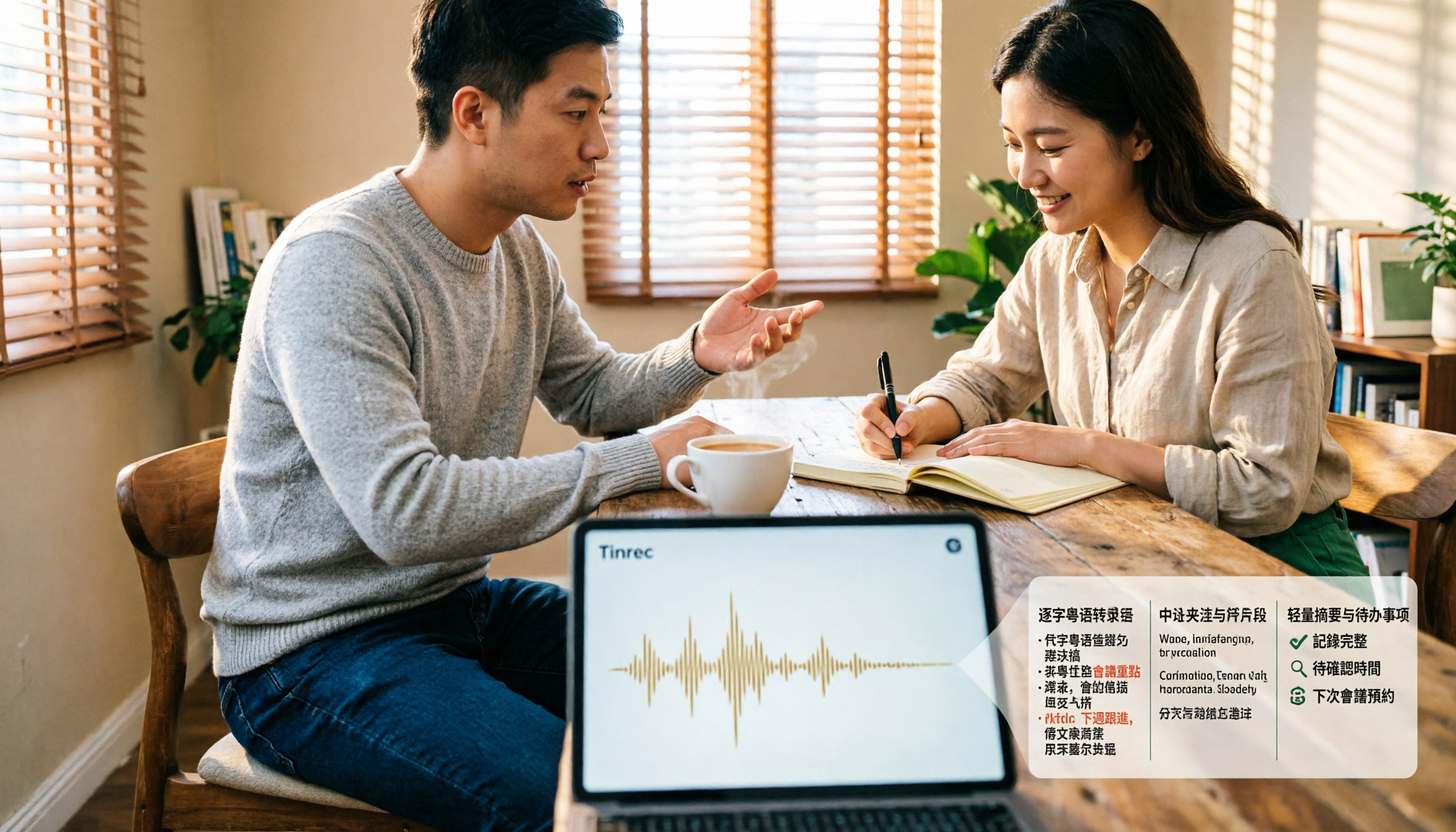
4 Cantonese Speech-to-Text Tools Tested and Compared for 2026: What's the Fastest Way to Transcribe Cantonese?
Transcribing Cantonese meetings, interviews, or YouTube videos is often much harder than Mandarin. This article compares 4 tools through hands-on testing, covering Cantonese models, spoken vs. written output, mixed Chinese-English handling, and post-transcription summaries and action items, so you can figure out the fastest way to transcribe Cantonese speech.

Best Cantonese Speech-to-Text Tools in 2026: 4 Tested, One Stands Out for Meetings
Tired of transcribing Cantonese meetings with mixed English and Chinese? This guide breaks down 4 key factors for choosing a Cantonese speech-to-text tool, compares Tinrec, Subanana, Otter.ai, and Notta in real-world tests, and highlights common pitfalls to help you find the tool that truly saves time.
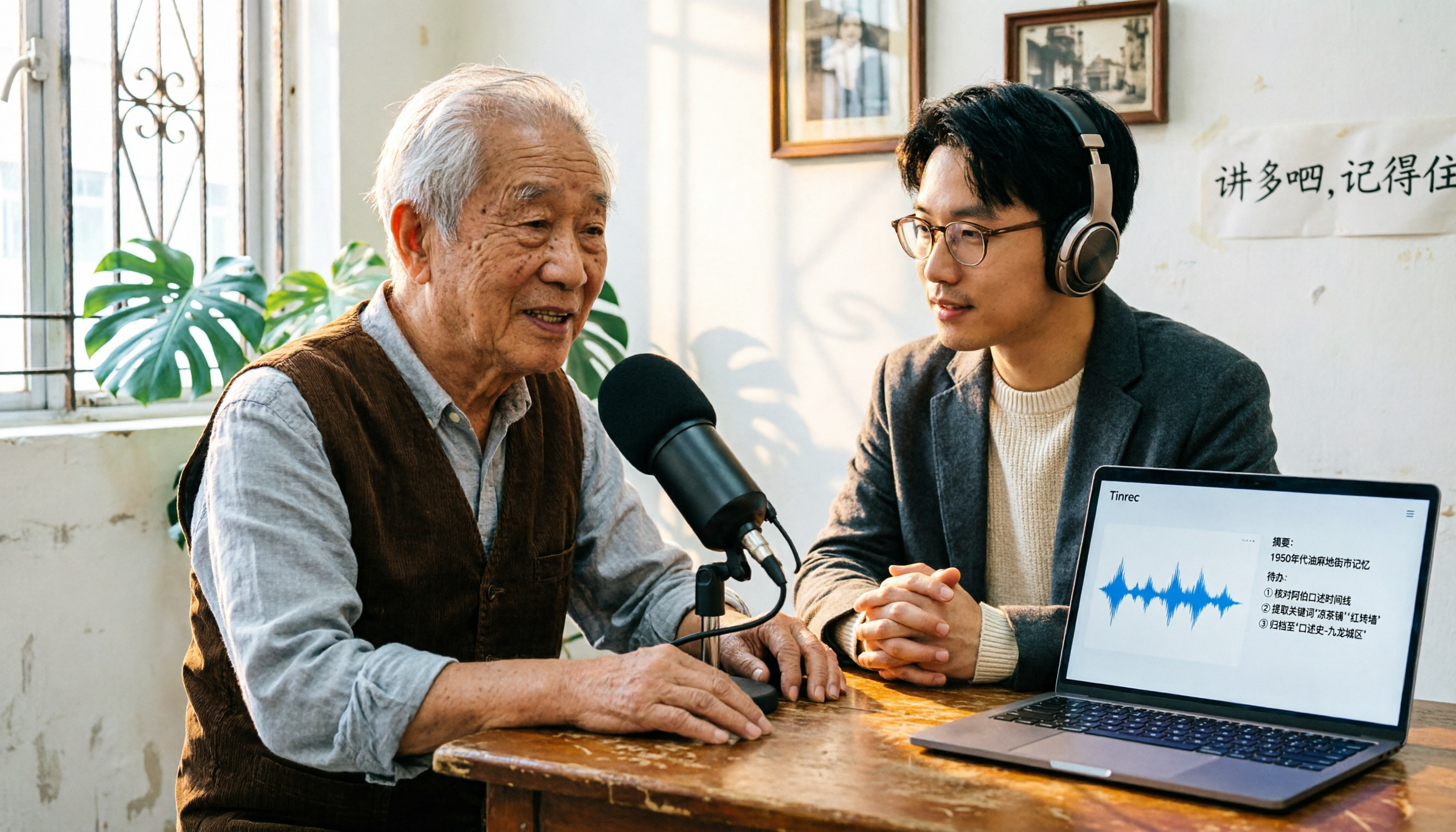
2026 Cantonese Speech-to-Text Comparison: Is Google's Built-in Feature Enough?
Google's built-in voice input can transcribe Cantonese in real time, but it can't handle pre-recorded audio files and lacks summarization and to-do organization. This article addresses common misconceptions, outlines 3 key purchasing factors, and compares Google's built-in feature, Subanana, Notta, and Tinrec (秒聽錄音) through hands-on testing, with a guide to avoiding pitfalls and scenario-based recommendations.

What Is Cantonese Speech-to-Text in 2026: Definition & How to Choose a Tool
What does Cantonese speech-to-text actually do? This article starts with a clear definition, how it works, and common misconceptions, explains why Cantonese is harder to transcribe than standard speech-to-text, then compares Tinrec and PLAUD Note across six practical dimensions: hardware requirements, online meetings, importing old files, post-meeting output, team management, and long-term cost. It also includes six FAQs to help you decide which tool to start with.

2026 Cantonese Speech-to-Text Tools Compared: Which Handles Traditional Chinese Output and Post-Meeting Cleanup Best?
Starting from the decision question—do you need a verbatim transcript or meeting-ready material?—this hands-on comparison tests four Cantonese speech-to-text tools in 2026. It covers four key factors for choosing a Cantonese-to-Traditional Chinese tool, Tinrec's meeting organization and team collaboration workflow, plus use cases for other options and common pitfalls to avoid.

2026 Cantonese Audio to Text: Tinrec Free Trial + AI Meeting Notes
Last Wednesday, after a meeting with a Hong Kong client, I had to work overtime until 8 PM to transcribe a 78-minute Cantonese recording. This article shares my experience using Tinrec to handle Cantonese and mixed Chinese-English recordings: what the free version can do, its core capabilities, four practical use cases, five things to consider when choosing a tool, and the team plan's seats and management features, helping you find a truly time-saving audio-to-text tool in 2026.

2026 Comparison of 3 Cantonese Speech-to-Text Tools: Complete Tinrec Tutorial
Not sure where to start with Cantonese speech-to-text? Using Tinrec as an example, this guide breaks down the decision logic for three recording scenarios, a 4-step workflow, 5 key considerations when choosing a tool, and FAQs to help you master Cantonese transcription.

4 Best Cantonese Speech-to-Text Tools in 2026: How to Choose for Meeting Notes, Transcripts, and AI Summaries
2026 comparison of the latest Cantonese speech-to-text tools, from free to paid. We tested Subanana, Monica, Cantosubai, and more, and analyzed Tinrec's advantages in meeting notes, AI Q&A, and team collaboration to help you find the best Cantonese transcription solution.