

Turn recordings into transcripts and summaries in minutes
Upload audio or video for multilingual transcription, AI notes, and action items
To turn mixed Chinese-English content into text, what you really need to choose first isn't "which app is the most popular," but whether your material is "typed out" or "spoken." If you're just replying to messages or writing emails and don't want to switch input methods, then you need a mixed Chinese-English input method; but if your material is a meeting recording, customer interview, or online course, then you need a tool that can instantly turn speech into a transcript and conveniently organize key points. Free options on this latter path are actually few, and Tinrec is one you can try with your own recording first. Below, we first lay out the 5 common free directions in 2026, then explain in depth why "mixed Chinese-English recordings" and "mixed Chinese-English typing" are completely different things.
First, distinguish the paths: mixed Chinese-English input methods, bilingual translation tools, and audio-to-text solve different problems
Let's line up the 5 common free directions.
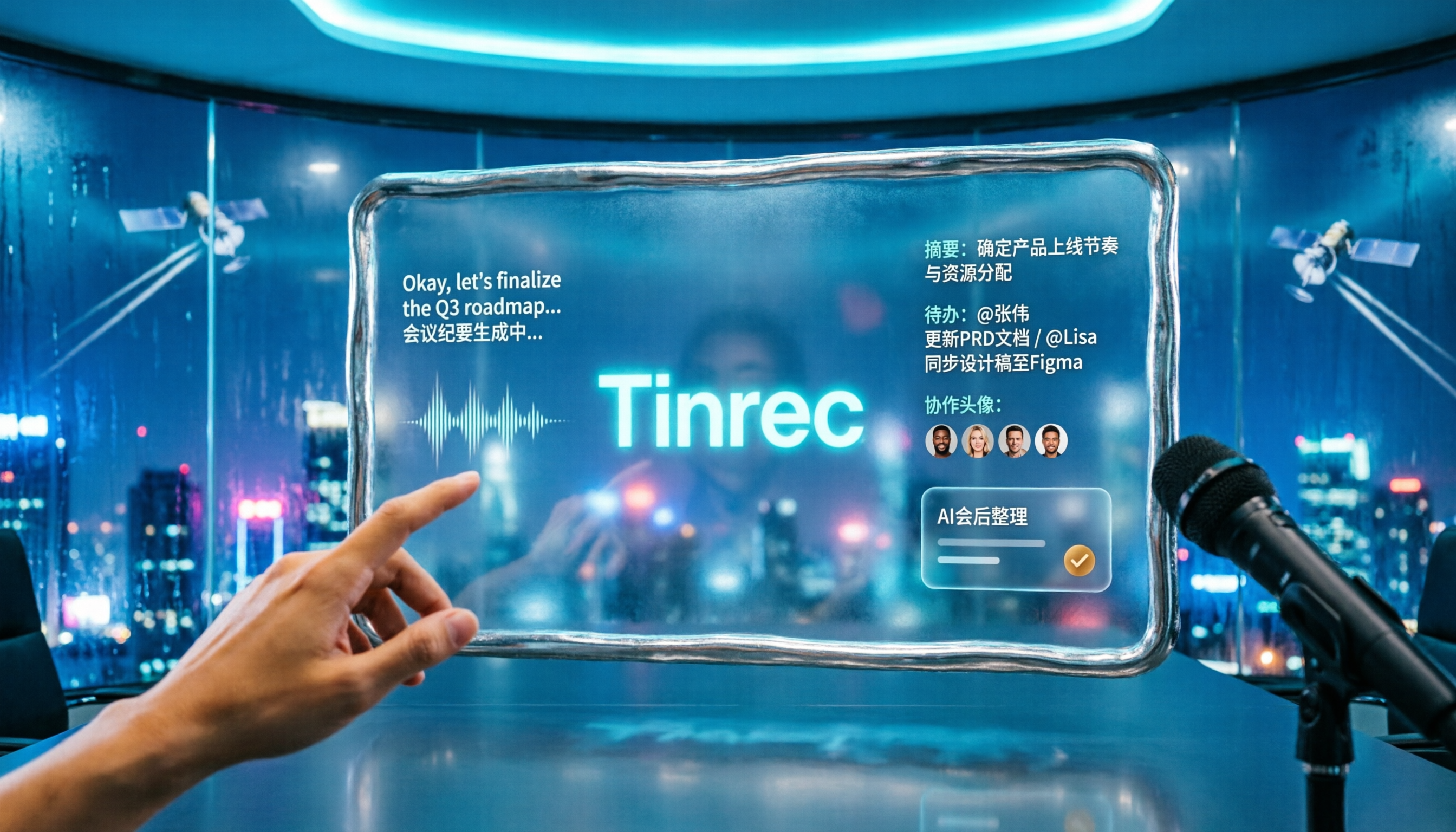
- Tinrec (free version): turns mixed Chinese-English meeting recordings, interviews, and online courses into searchable transcripts, and automatically generates summaries, chapters, and to-dos.
- ASUS Smart Input: a free input method on Windows, featuring a mixed Zhuyin and English mode, so you don't have to keep pressing Shift to switch.
- Jingjing Input Method: a third-party Mac input method that offers mixed Chinese-English typing, AI character selection, and English word prediction, and automatically handles full-width and half-width characters.
- Immersive Translate: an AI translation tool that translates in real time when you press the spacebar three times in a web input box, and supports bilingual PDF comparison.
- Google Translate: free real-time translation of text, phrases, and web pages, supporting over 100 languages.
See the pattern? Options 2 through 5 solve "typing" and "reading"; they cannot help you turn a 50-minute mixed Chinese-English meeting recording into a transcript. When the material is "sound," only the first path is useful.
Why are mixed Chinese-English recordings especially difficult to transcribe?
General transcription tools most often make mistakes in three areas. First, proper nouns: when a Chinese sentence contains product names, English abbreviations, or personal names, general models easily mishear abbreviations as Chinese homophones. Second, speech rate and accent: switching languages within the same sentence requires the model to determine language boundaries in an extremely short time. Third, the on-site environment: overlapping speakers, keyboard sounds, and air conditioning noise all directly lower recognition quality.
Tinrec has made targeted improvements for Chinese and multilingual meeting scenarios: it supports transcription for Chinese, Traditional Chinese, and multilingual meetings, can also organize mixed Chinese-English content, and allows maintaining common terms through team hotwords, making industry-specific terminology recognition closer to how your team actually speaks. Note that actual results are still affected by recording quality, accent, noise, and overlapping speakers; no tool can promise a fixed accuracy rate for all recordings, and for important content, it's advisable to listen back and verify against transcript timestamps.
Tinrec vs. common free methods: what's different in the core experience?
Mixed Chinese-English and multilingual processing. Input methods and translation tools are designed for "typing" and "reading," and are powerless with speech. Tinrec directly handles audio sources; sentences mixing Chinese and English are transcribed as-is, and it can also work with real-time translation, letting you view the same content in original, translated, or bilingual modes, which is especially useful for mixed Chinese-English international meetings.
Input sources and cross-platform. Free input methods are usually tied to a single operating system. Tinrec covers iOS, Android, and the web, and the desktop version can directly capture computer system audio to handle online meetings on Zoom, Google Meet, Microsoft Teams, Webex, and more, without needing to add a meeting bot to the room.
Post-meeting output. General free tools give you text or translations, and you still have to organize it yourself afterward. Tinrec automatically generates summaries, chapters, and to-dos, and can also answer AI questions about the entire meeting, such as directly asking "What was the conclusion?" or "Who is responsible for which item?" without manually flipping through dozens of pages of transcript.
Free quota and plan flexibility. The free version provides a basic quota so you can test results with real recordings; if you only occasionally organize a recording, the free version is quite sufficient. If you have short-term intensive meetings or interview needs, consider a weekly pass; if you use it regularly every week, the Pro monthly and annual plans are better for long-term data accumulation. Actual prices and benefits are subject to the official purchase page.
Stop organizing recordings by hand
Upload audio or video and automatically get a transcript, summary, and action items
Team collaboration and data ownership. This is the hardest gap for free tools to fill. The Tinrec team version provides an independent team space where meeting recordings and transcripts belong to the team, and can manage member roles, seats, sharing benefits, usage analytics, and audit logs; when a member leaves or is removed, their team resources can be handed over to other active members. The team version also offers a 7-day trial and team shared import quota; a paid seat, for example, is USD 199 per year, equivalent to about USD 16.58 per month.
Overview of Tinrec's core features
Real-time recording to text. Open Tinrec to record and transcribe simultaneously; offline meetings and face-to-face interviews both show text appearing in sync, and the transcript is already formed when the meeting ends, so you don't have to spend another evening re-listening to the recording.
Bot-free online meeting recording. The desktop version directly captures system audio, handling content from Zoom, Google Meet, Microsoft Teams, and Webex, without inviting an extra bot account into the meeting or disrupting the original participant list.
Real-time translation and bilingual view. During recording, you can switch between original, translated, or bilingual display. In mixed Chinese-English meetings, this feature lets you understand what the other party is saying in the moment, rather than looking it up slowly afterward.
Audio and video file transcription. Existing historical meeting, interview recordings, or video files can be directly uploaded and organized into text data without re-listening.
AI summaries, chapters, and to-dos. The most time-consuming part of long meetings is capturing key points. Tinrec organizes transcripts into structured summaries and chapters, and extracts to-dos from discussions, effectively eliminating the "post-meeting organization" work.
AI conversational query. After recording, you can directly ask questions about the meeting content, and Tinrec will find answers based on semantics, suitable for looking back at "When was that decision made?" or "What concerns did the client raise?"
Export and post-processing. Transcripts and summaries can be exported to Notion, Google Docs, OneNote, Dropbox, and other tools for further processing, and can also generate reports, tables, and meeting minutes, connecting to your existing workflow.
Practical usage scenarios
Mixed Chinese-English international meetings. When discussions alternate between Chinese and English, Tinrec records and transcribes simultaneously, and after the meeting you can use the summary to double-check conclusions, avoiding misunderstandings from different interpretations. Bilingual display also helps colleagues unfamiliar with English keep up.
Customer and requirements interviews. Interviews usually last an hour or more, and handwritten notes are bound to miss things. Use Tinrec to record while generating a transcript, and after the meeting use AI Q&A to extract the customer's requirements, concerns, and commitments all at once.
Classroom and online courses. When speakers mix Chinese and English for technical terms, the transcript plus chapter feature lets you review only key sections without re-watching the entire video.
Personal notes and inspiration. Record a segment on your phone when you think of something while walking; Tinrec will transcribe it and save it, and later you can find it by keyword search, much faster than browsing voice memos.
When choosing a mixed Chinese-English transcription tool, these points are worth noting
Language and mixed Chinese-English support. First confirm whether the tool truly handles Chinese mixed with English scenarios, rather than supporting only a single language. Tinrec provides transcription for Chinese, Traditional Chinese, and multilingual meetings, and allows custom team hotwords.
Whether recordings are retained. If there's only a transcript and no original audio, later verification is troublesome. Tinrec retains recordings, and transcripts can be listened back to against timestamps.
What can be produced after the meeting. A transcript is only the starting point. When choosing a tool, see whether it can provide summaries, chapters, to-dos, and Q&A; this determines whether you save 10 minutes or 2 hours.
Cross-platform and meeting platform coverage. Can it be used on phone, tablet, and computer? Can online meetings be recorded without a bot? These affect how smoothly you operate daily.
Team permissions and data ownership. When meeting data needs to be shared by multiple people, distinguish between "roles" and "seats": roles determine who can manage the team, seats determine who can record, upload, edit, and export. The Tinrec team version distinguishes governance and usage eligibility by roles and seats.
Recording laws and consent. Regardless of which tool you use, you should comply with local laws before recording, and obtain participant consent when necessary.
Conclusion: Is Tinrec worth a try?
If what you need to solve is "how to turn mixed Chinese-English recordings into usable text," then free input methods and translation tools basically can't help; they handle typing and reading, not sound. Tinrec's value lies in connecting the entire process: real-time transcription, bilingual viewing, automatic summaries and to-dos, AI Q&A, and finally exporting to existing workflows; when used by teams, meeting data can also accumulate in the team space and won't disappear just because someone leaves.
Mixed Chinese-English meetings are inherently difficult to handle. Rather than reading a bunch of reviews, it's better to directly use the free version to test with your own recording. The free version provides a basic quota; test one or two meetings first, and if it feels smooth, consider a weekly pass or Pro plan. For those who face mixed Chinese-English meetings every day, this "try before deciding" approach is the most practical.
References
- Immersive Translate - Next-generation AI translation software | Bilingual web page translation/PDF ...
- Good online translation tools, easy Traditional/Simplified Chinese-English conversion - Evinco Software Technical Sharing
- Google Translate
- "Jingjing Input Method" Mac input tool supporting mixed Chinese-English typing, with built-in AI character selection, common vocabulary, and English word prediction suggestions - KOCPC
- [Useful Tool Sharing] "ASUS Smart Input" switch-free mixed Chinese-English input mode and completely free | Transcendent Reader
Turn every recording into actionable outcomes
Get 60 free transcription minutes when you sign in. No credit card required.
Related Reading
You might also like

Best Free Multilingual Meeting Transcription Apps in 2026: We Tested 2, Tinrec Wins for Chinese Meetings
How to choose a free multilingual meeting transcription app? This article starts with common pitfalls and compares Tinrec and Otter.ai across free plans, Chinese multilingual support, bot-free recording, post-meeting organization, and team collaboration to help you decide which one fits your meeting scenario.

2026 Comparison of 5 Multilingual Meeting Transcription Tools: Which Handles Mixed Chinese-English Meetings Best?
Struggling to transcribe and summarize meetings that switch between Chinese and English? I tested popular multilingual meeting transcription tools, comparing live captions, post-meeting transcripts, AI summaries, and team collaboration. This article tells you which tool fits your meeting scenario and the common pitfalls to avoid.

2026 Comparison of 5 Multilingual Meeting Transcription Tools: Which Saves the Most Time for Meetings with Mixed Chinese and English?
In international meetings where Chinese, English, and Japanese are mixed, transcribing the meeting afterward takes the most time. This article uses Tinrec as an example to break down the core capabilities, practical use cases, and 5 key purchasing considerations for multilingual meeting transcription tools. It also compares the differences and pricing between the free and team versions to help you find a truly time-saving way to organize meetings.

Tinrec vs Otter.ai 2026: 5-Dimension Comparison for Multilingual Meeting Notes
Struggling with mixed-language meetings and post-meeting transcripts? This guide reviews 6 multilingual meeting transcription tools, comparing language support, real-time translation, post-meeting organization, and team collaboration. It uses 5 dimensions to compare Tinrec and Otter.ai, helping you choose the right solution for your meeting style.

2026 Comparison of 2 Multilingual Meeting Transcription Tools: Which Is Easier for Meetings with Mixed Chinese and English?
With over a dozen meetings a week, which meeting transcription tool is easier to learn? This article compares Tinrec and Otter.ai from the perspective of a mid-level manager across five dimensions: mixed Chinese-English recognition, online meeting recording, post-meeting organization, team collaboration, and learning curve. If you're tired of manually editing transcripts, this will show you the differences.

5 Multilingual Meeting Transcription Tools Tested for 2026: Which Handles Chinese Recognition and Post-Meeting Organization Best?
How do you choose a multilingual meeting transcription tool? This article starts with common pitfalls, outlines 4 key buying factors, and compares Tinrec, Notta, Otter.ai, Granola, and others on Chinese recognition, real-time translation, bot-free recording, post-meeting organization, and team collaboration. It also includes a pitfalls guide and scenario-based recommendations to help you find the tool that best fits your meeting workflow.

4 Multilingual Meeting Transcription Tools Tested: Which Handles Mixed Chinese-English Meeting Minutes Best?
The English term for meeting notes is 'meeting minutes,' not 'meeting record.' This article addresses common mistakes in English meeting minutes, outlines 4 key factors for choosing a multilingual meeting transcription tool, and compares Tinrec, Otter.ai, Notta, and Granola in real-world tests involving Chinese, mixed Chinese-English, and cross-language meetings.

What Is Multilingual Meeting Transcription? A Complete 5-Step Guide for 2026
What does multilingual meeting transcription mean? This article walks you through the definition and how it works in 5 steps, and compares Tinrec vs. Otter.ai on multilingual recognition, real-time translation, post-meeting organization, and team collaboration to help you choose the right tool.
2026 Comparison of 2 Tools for Transcribing Mixed Chinese-English Speech: Tinrec vs Yating Transcript, Which Is More Practical for Post-Meeting Organization?
When converting mixed Chinese-English meeting recordings to text files, a common mistake is to focus only on free options or accuracy. This article compares Tinrec and Yating Transcript across 5 dimensions, including mixed-language recognition, free quota, AI post-meeting organization, input sources, and team collaboration, to help you determine which tool better fits your use case.