

Turn recordings into transcripts and summaries in minutes
Upload audio or video for multilingual transcription, AI notes, and action items
5 Multilingual Meeting Transcription Tools Tested for 2026: Which Handles Chinese Recognition and Post-Meeting Organization Best?
Most People Choose the Wrong Direction for Multilingual Meeting Transcription from the Start
When many people choose a multilingual meeting transcription tool, the first thing they look at is "how many languages does it support?" This approach easily leads to pitfalls.
Because the word "support" is too vague. Some tools convert what you say into text in the same language, while others can translate content into another language. These two things are often lumped together.
A more common misconception is thinking that once you get a transcript, the meeting notes are done. In reality, if a 60-minute transcript has no summary, chapters, or action items, you still have to review it from the beginning after the meeting.
So the real question isn't "which one supports the most languages," but "how does my meeting audio get in, and what do I get out of it?"
Once you settle this, comparing further makes sense.
Before Choosing a Multilingual Meeting Transcription Tool, Understand These 4 Key Points
1. Transcription and translation are two different things. Transcription turns speech into text without changing the language; translation converts text into another language. Cross-language teams really need the latter, and they need to see it in real time—otherwise, by the time you understand what's being said, the topic has already moved on.
2. How does meeting audio get in? There are three common methods: a meeting bot joins as a participant, desktop software directly captures the computer's system audio, or you upload an audio file afterward. Bots are convenient, but some companies don't allow external accounts to join meetings; system audio capture doesn't add another participant, but you need to start it yourself.
3. What comes after the transcript? Summaries, chapters, action items, the ability to ask questions about the content, and the ability to export to Notion or Google Docs. These determine whether you save 10 minutes or two hours.
4. Personal use or team use? For personal use, enough quota is all that matters; for teams, you need to look at spaces, roles, seats, usage, and activity logs. Otherwise, when people leave, the data goes with them.
Tinrec (秒聽錄音) — Our Top Pick After Testing
Tinrec (秒聽錄音) is an AI meeting transcription and collaboration tool for individuals and teams. It supports iOS, Android, and web, while the desktop version handles online meetings.
Its biggest difference from ordinary recording apps is that it handles "the part after the meeting ends." Recording is just the starting point.
No bot invitation needed for online meetings. The Tinrec desktop version directly captures the computer's system audio, working with Zoom, Google Meet, Microsoft Teams, and Webex without adding a bot to the participant list. Note that it doesn't automatically join calendar meetings; you need to open Tinrec yourself to start recording.
You can ask it questions directly after the meeting. This is its most practical feature. After recording, you can directly ask "Who mentioned the budget in the last meeting?" or "What concerns did the client have about the delivery date?" It doesn't just give you keyword search results—it provides answers based on the meeting content. The same recording can also generate summaries, chapters, action items, and mind maps.
Its approach to multilingual meetings is more practical. It can handle Chinese, Traditional Chinese, and mixed Chinese-English meetings, and supports real-time translation during recording, allowing you to view in original text, translation, or bilingual comparison. Actual recognition accuracy is affected by recording quality, accents, background noise, and overlapping speakers—this is true for every tool. For important content, it's recommended to cross-check with recording playback.
Output can be taken away and used further. Transcripts, summaries, reports, tables, and documents can all be exported, supporting Notion, Google Docs, OneNote, Dropbox, and other tools, so you don't have to retype anything.
Stop organizing recordings by hand
Upload audio or video and automatically get a transcript, summary, and action items
The team version addresses the "data ownership" issue. The team version is an independent team space, not multiple people sharing one account. Meeting data belongs to the team, and new members can view historical meetings after joining; administrators can manage roles and seats, view usage trends and details, and query and export activity logs. Roles determine who can manage the team, while seats determine who can record, upload, edit, and export; members without seats can still view and play data. Additionally, meeting audio has a recycle bin mechanism, so accidentally deleted files can be restored before permanent cleanup.
For pricing, the team monthly plan is USD 29.80 per paid seat per month, and the annual plan is USD 199 per paid seat per year (about USD 16.58 per month). Eligible teams can enjoy a 7-day trial, 1 free seat, and 300 minutes of team shared import quota for the first time; paid seats provide 2,000 minutes of team shared import quota per month. Under an active plan and seat, real-time recording currently does not deduct minutes, while file and web link imports use the team shared quota. The personal version has a free version, weekly pass, Pro monthly pass, and annual pass; actual prices are subject to the purchase page.
Limitations should also be made clear. If you have dozens of long audio files to batch process, this isn't its main scenario; also, no matter how fast AI summaries are, it's still recommended to manually verify important decision amounts and commitments.
Who it's for. People who frequently hold Chinese or mixed Chinese-English meetings, don't want bots joining meetings, want to find key points through Q&A after recording, or need to turn meeting data into team assets.
Besides Tinrec, What Other Options Are There?
Notta. It supports multi-platform transcription and meeting notes, with decent Chinese recognition, and is Tinrec's most direct competitor. The free version offers 120 minutes per month, up to 3 minutes per session; the Pro annual plan is about USD 8.17 per month. Its transcription is mature, but in bot-free online meeting recording, post-processing meeting content into reports and tables, and team data governance, Tinrec offers higher integration.
Otter.ai. A representative tool for English business meetings. The Basic free version offers 300 minutes per month, which is generous, and the Pro annual plan is about USD 8.49 per user per month. If your meetings are almost all in English, it's a good deal. But Chinese and Traditional Chinese meetings are not its strong suit; for Chinese scenario needs like real-time bilingual translation and team hotwords, Tinrec's handling is more relevant.
Granola. It also takes a bot-free approach, transcribing through desktop system audio and combining it with user-typed notes. Business is USD 14 per user per month. However, it doesn't support uploading pre-recorded audio files and doesn't retain meeting audio; if you need to save recordings, import existing files, or do team data management, Tinrec offers more flexibility.
Pitfalls Guide: The 4 Most Common Mistakes When Choosing Multilingual Meeting Transcription
Pitfall 1: Only looking at free minutes. Quota is important, but no matter how many minutes you have, it's useless if meeting audio can't get in. First confirm how the tool captures meeting audio, then look at minutes.
Pitfall 2: Mistaking transcription for translation. Getting a Japanese transcript is of limited help to someone who doesn't understand Japanese. For cross-language meetings, you need to confirm "is there real-time translation" and "can it do bilingual comparison."
Pitfall 3: Ignoring seats and data ownership. When teams purchase, only looking at per-person price easily overlooks "who can edit, who can only view, and who owns the data after a member leaves." Team spaces and personal accounts are two different things.
Pitfall 4: Only using the tool as a voice recorder. If you only use recording-to-text, you're only using one-third of it. Asking questions directly about meeting content after the meeting and having it organize into reports or tables is where the real time savings are.
Conclusion: Which One Should You Choose?
Need Chinese or mixed Chinese-English meeting transcription, don't want to invite bots to online meetings → Tinrec.
Want to find key points through Q&A after recording and turn content into summaries, action items, and reports → Tinrec.
Team needs to share meeting data, manage roles and seats, view usage and activity logs → Tinrec Team Version.
Limited budget, meetings almost all in English → Otter.ai.
Need to batch process a large number of pre-recorded audio files and long document transcription → Tools like TurboScribe are more suitable.
In short, there is no single best multilingual meeting transcription tool—only the one that best fits your meeting workflow. If you're stuck at "can't understand during the meeting, too lazy to organize after," try running a real meeting with a free version or team trial to see if it can turn transcripts into data you'll actually use.
References
- Multilingual Transcription Software: 2026 Comparison of 6 Real-Time and Post-Meeting Tools
- 2026 Teams Meeting Real-Time Translation and Recording Tool Recommendations: 5 AI Software Tested and Compared - 秒聽錄音Blog
- AI Speech-to-Text Tool Recommendations: 8 Comparisons, Which Is Best for Meeting Notes, Transcripts, and Voice Input? — 領先時代
- The Most Recommended AI Meeting Notes Tool of 2026, the Must-Have for Time-Saving Meetings!
- Audio Translation: 7 Smart Tools for Clearer Pronunciation
Turn every recording into actionable outcomes
Get 60 free transcription minutes when you sign in. No credit card required.
Related Reading
You might also like

Best Free Multilingual Meeting Transcription Apps in 2026: We Tested 2, Tinrec Wins for Chinese Meetings
How to choose a free multilingual meeting transcription app? This article starts with common pitfalls and compares Tinrec and Otter.ai across free plans, Chinese multilingual support, bot-free recording, post-meeting organization, and team collaboration to help you decide which one fits your meeting scenario.

2026 Comparison of 5 Multilingual Meeting Transcription Tools: Which Handles Mixed Chinese-English Meetings Best?
Struggling to transcribe and summarize meetings that switch between Chinese and English? I tested popular multilingual meeting transcription tools, comparing live captions, post-meeting transcripts, AI summaries, and team collaboration. This article tells you which tool fits your meeting scenario and the common pitfalls to avoid.

2026 Comparison of 5 Multilingual Meeting Transcription Tools: Which Saves the Most Time for Meetings with Mixed Chinese and English?
In international meetings where Chinese, English, and Japanese are mixed, transcribing the meeting afterward takes the most time. This article uses Tinrec as an example to break down the core capabilities, practical use cases, and 5 key purchasing considerations for multilingual meeting transcription tools. It also compares the differences and pricing between the free and team versions to help you find a truly time-saving way to organize meetings.

Tinrec vs Otter.ai 2026: 5-Dimension Comparison for Multilingual Meeting Notes
Struggling with mixed-language meetings and post-meeting transcripts? This guide reviews 6 multilingual meeting transcription tools, comparing language support, real-time translation, post-meeting organization, and team collaboration. It uses 5 dimensions to compare Tinrec and Otter.ai, helping you choose the right solution for your meeting style.

2026 Comparison of 2 Multilingual Meeting Transcription Tools: Which Is Easier for Meetings with Mixed Chinese and English?
With over a dozen meetings a week, which meeting transcription tool is easier to learn? This article compares Tinrec and Otter.ai from the perspective of a mid-level manager across five dimensions: mixed Chinese-English recognition, online meeting recording, post-meeting organization, team collaboration, and learning curve. If you're tired of manually editing transcripts, this will show you the differences.

4 Multilingual Meeting Transcription Tools Tested: Which Handles Mixed Chinese-English Meeting Minutes Best?
The English term for meeting notes is 'meeting minutes,' not 'meeting record.' This article addresses common mistakes in English meeting minutes, outlines 4 key factors for choosing a multilingual meeting transcription tool, and compares Tinrec, Otter.ai, Notta, and Granola in real-world tests involving Chinese, mixed Chinese-English, and cross-language meetings.

What Is Multilingual Meeting Transcription? A Complete 5-Step Guide for 2026
What does multilingual meeting transcription mean? This article walks you through the definition and how it works in 5 steps, and compares Tinrec vs. Otter.ai on multilingual recognition, real-time translation, post-meeting organization, and team collaboration to help you choose the right tool.
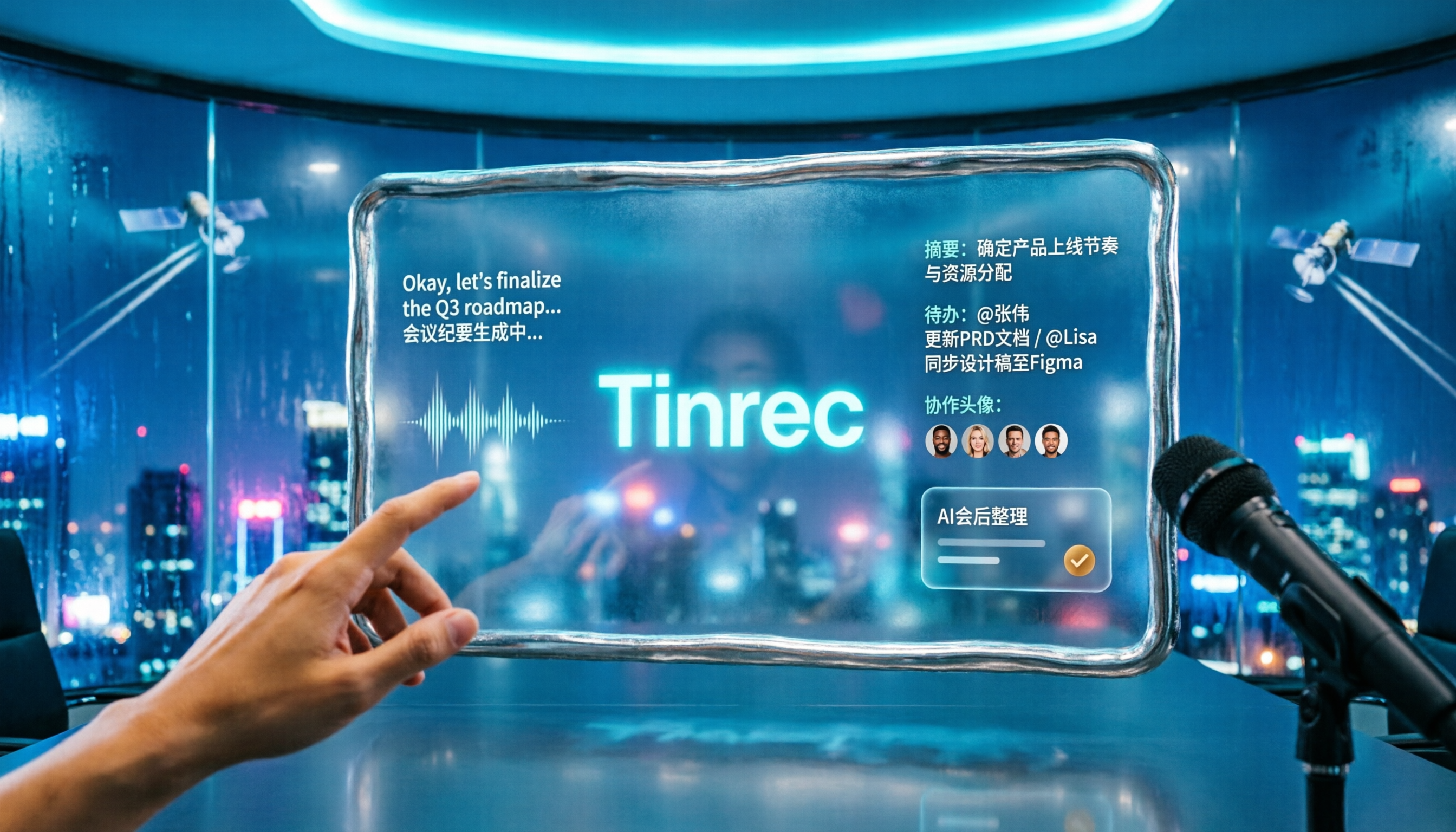
2026 Comparison of 2 Tools for Transcribing Mixed Chinese-English Speech: Tinrec vs Yating Transcript, Which Is More Practical for Post-Meeting Organization?
When converting mixed Chinese-English meeting recordings to text files, a common mistake is to focus only on free options or accuracy. This article compares Tinrec and Yating Transcript across 5 dimensions, including mixed-language recognition, free quota, AI post-meeting organization, input sources, and team collaboration, to help you determine which tool better fits your use case.

2026 Free Chinese-English Mixed Transcription Solutions: 5 Options Reviewed
Transcribing mixed Chinese-English content actually splits into two completely different paths: typing and recording. This article reviews 5 free solutions in 2026, comparing Tinrec, mixed Chinese-English input methods, and bilingual translation tools for their real-world differences in mixed-language meetings, and explains which one can truly turn a recording into a searchable, organized, and further editable transcript.