

Turn recordings into transcripts and summaries in minutes
Upload audio or video for multilingual transcription, AI notes, and action items
2026 Comparison of 2 Multilingual Meeting Transcription Tools: Which Is Easier for Meetings with Mixed Chinese and English?
When I used to choose meeting transcription tools, the first thing I looked at was "how many languages does it support?"—thinking the longer the language list, the more versatile. But after a few pitfalls, I realized: a high number of languages doesn't mean it can understand meetings with mixed Chinese and English. In our team's weekly meetings, eight out of ten are Chinese with English technical terms mixed in, like "we need to align on the budget before this deadline." Some tools just split that into two garbled segments.
Later I learned better: instead of looking at the number of languages, look at three things: how stable the recognition is for mixed Chinese-English, whether online meetings require an extra bot to join, and whether it can directly produce usable output after the meeting. This article compares Tinrec, which I've used the longest, and Otter.ai from these angles.
Tinrec vs Otter.ai | Quick Overview
First, the conclusion-oriented positioning:
- Tinrec: Focuses on Chinese and multilingual meeting transcription. The desktop version can directly capture system audio without a meeting bot. After the meeting, it can produce summaries, chapters, to-dos, AI Q&A, and can be stored in a team space.
- Otter.ai: A mature tool for English business meetings, covering Zoom, Teams, Google Meet, with real-time transcription, speaker identification, AI Chat, and workflows. Team management capabilities are also complete.
| Item | Tinrec | Otter.ai |
|---|---|---|
| Core positioning | AI meeting transcription and team collaboration | AI meeting assistant and meeting automation |
| Meeting capture | Desktop version captures system audio without a bot | Multiple methods including bot and desktop |
| Chinese experience | Chinese, mixed Chinese-English, real-time bilingual translation | Primarily English business meetings |
| Free plan | Free version available | Basic free, 300 minutes per month |
| Paid reference | Personal plans include weekly, Pro monthly, annual; team plans have seat options | Pro annual equivalent to USD 8.49/user/month, includes 1,200 minutes of in-app recording and 10 file imports per month |
Below, we compare across five dimensions.
Dimension 1 | Recognition of Chinese and Mixed Chinese-English
Otter.ai performs very well in English-dominant meetings; speaker identification and real-time transcription are mature. But if Chinese appears, or mixed Chinese-English like ours, its recognition tends to break at odd places, and technical terms are often spelled as English approximations.
Tinrec, on the other hand, treats Chinese, mixed Chinese-English, and multilingual meetings as its main scenarios. It supports real-time translation, allowing you to view original text, translation, or bilingual content during recording. When our team tested with the same internal meeting recording, for segments with mixed Chinese and English, Tinrec's output was noticeably closer to what was actually said—at least you don't have to retype the whole thing.
→ In this dimension: If your meetings are mainly in Chinese or mixed Chinese-English, Tinrec wins.
Dimension 2 | Recording Method for Online Meetings
Otter.ai's common approach is to send a meeting bot to join online meetings. This is common in English teams, but in some client meetings, an extra bot account prompts the question "Who is this?"—a bit awkward. Otter also offers desktop capabilities, not just the bot method.
Tinrec's desktop version directly captures computer system audio, handling online meetings like Zoom, Google Meet, Microsoft Teams, Webex, without needing a meeting bot to join. For those of us who often meet with external clients, having one less participant makes the screen much cleaner.
→ In this dimension: If you don't want an extra bot in the meeting, Tinrec is smoother.
Dimension 3 | Post-Meeting Organization and AI Usable Outputs
Otter.ai generates summaries, action items, and has AI Chat, which is sufficient for post-meeting organization of English meetings. However, its strengths are more concentrated on English content processing.
Stop organizing recordings by hand
Upload audio or video and automatically get a transcript, summary, and action items
In addition to transcripts, Tinrec automatically generates summaries, chapters, key points, and to-dos. It can do AI Q&A on meeting content, and can also use Agent post-processing to generate reports, tables, and documents, then export to tools like Notion, Google Docs, OneNote, Dropbox. Simply put, it also takes care of the "manual post-meeting organization" part.
→ In this dimension: If you need Chinese post-meeting deliverables, Tinrec is clearly more complete.
Dimension 4 | Team Collaboration and Data Retention
Otter.ai's Business plan provides team management and more import capabilities, mature for collaboration in English teams.
Tinrec's team version is an independent team space where meeting data belongs to the team. You can manage member roles and seats, view usage trends, member rankings and details, and there are audit logs and audio recycle bin. When a member leaves or loses a seat, resources can be handed over to other active members, so data doesn't disappear with the individual. Additionally, team hotwords can maintain common terminology, helping with recognition of technical terms. The first eligible team trial is 7 days, 1 free seat, 300 minutes of shared team import quota.
→ In this dimension: If you want to turn meetings into searchable, transferable team data, Tinrec's governance granularity is more suitable for Chinese teams.
Dimension 5 | Learning Curve and Ease of Use
Back to "which is easier to learn." Otter.ai's interface is mainly in English with many feature options. For Chinese users, it takes time to get familiar at first, especially workflows and integration settings.
Tinrec has a Chinese interface. The main operations are recording or uploading, waiting for transcription, viewing summaries and to-dos. AI Q&A is also just typing questions directly. For those who don't want to study tools, the learning curve is much gentler. In our team, non-technical colleagues can run a full meeting transcription by themselves in about half an hour.
→ In this dimension: For Chinese users to get started quickly, Tinrec is easier to learn.
What Are the Unique Advantages of Each?
Tinrec's unique advantages:
- Bot-free recording: Desktop version directly captures system audio without pulling a bot into the meeting.
- Chinese and mixed Chinese-English experience: Chinese, mixed Chinese-English, multilingual transcription, plus real-time translation and bilingual viewing—very practical for the Taiwanese workplace.
- Team data governance: Team space, roles, seats, usage analysis, audit logs, recycle bin, and hotwords turn meetings into team assets.
- Diverse post-meeting outputs: Beyond summaries, chapters, to-dos, and AI Q&A, it can also use Agent to generate reports, tables, and documents.
Otter.ai's unique advantages:
- Mature mindset for English business meetings: In English-dominant meetings, transcription, summaries, action items, and integrations are all stable.
- Rich experience in enterprise team management: The Business plan provides complete support for team and enterprise scenarios, suitable for organizations already using English as their primary work language.
Conclusion: Which Should You Choose?
In one sentence: If your meetings are mainly in English and your team is already used to Otter's ecosystem, then Otter.ai is sufficient. But if, like me, your meetings are mixed Chinese-English, you meet with external clients, and you need to organize decisions and to-dos for the team afterward, then Tinrec is a more complete choice.
Specifically:
- If you need Chinese and mixed Chinese-English recognition → Tinrec (Otter focuses on English meetings)
- If you don't want an extra bot in the meeting → Tinrec (desktop version captures system audio without a bot)
- If you need to directly produce summaries, to-dos, reports, or tables after the meeting → Tinrec (Agent post-processing and multi-format export)
- If you want to leave meeting data for the team, transferable and searchable → Tinrec (team space, seats, usage, audit, recycle bin)
- If you only meet in English and only need mature English meeting transcription → Otter.ai is enough
I would suggest first using Tinrec's free version, testing with a recording of your own team's mixed Chinese-English meeting, and seeing if the transcript and summary can be used directly. Saving that one hour after the meeting is what truly makes it "easy to learn."
References
- 2026 Latest 5 Bilingual Chinese-English Meeting Transcription AI Tool Recommendations: Solving Recording Organization and Cross-Language Communication Pain Points - Tinrec Blog
- No More Taking Turns Writing Meeting Minutes! 3 AI Tools for Real-Time Recording and Summary Generation, Letting You Focus on the Meeting | Manager Today
- How to Choose a Meeting Transcription Speech-to-Text Tool? 2026 AI Meeting Assistant Complete Buying Guide
- Chinese-English Meeting Minutes Template (2026) | Enterprise, School, Institution Meeting Format, Examples, and AI Auto-Generation Tutorial | Subanana
- Meeting Minutes AI Tool | Real-Time Recording, Summary Organization! 3 Tools to Let You Focus on the Meeting
Turn every recording into actionable outcomes
Get 60 free transcription minutes when you sign in. No credit card required.
Related Reading
You might also like

Best Free Multilingual Meeting Transcription Apps in 2026: We Tested 2, Tinrec Wins for Chinese Meetings
How to choose a free multilingual meeting transcription app? This article starts with common pitfalls and compares Tinrec and Otter.ai across free plans, Chinese multilingual support, bot-free recording, post-meeting organization, and team collaboration to help you decide which one fits your meeting scenario.

2026 Comparison of 5 Multilingual Meeting Transcription Tools: Which Handles Mixed Chinese-English Meetings Best?
Struggling to transcribe and summarize meetings that switch between Chinese and English? I tested popular multilingual meeting transcription tools, comparing live captions, post-meeting transcripts, AI summaries, and team collaboration. This article tells you which tool fits your meeting scenario and the common pitfalls to avoid.

2026 Comparison of 5 Multilingual Meeting Transcription Tools: Which Saves the Most Time for Meetings with Mixed Chinese and English?
In international meetings where Chinese, English, and Japanese are mixed, transcribing the meeting afterward takes the most time. This article uses Tinrec as an example to break down the core capabilities, practical use cases, and 5 key purchasing considerations for multilingual meeting transcription tools. It also compares the differences and pricing between the free and team versions to help you find a truly time-saving way to organize meetings.

Tinrec vs Otter.ai 2026: 5-Dimension Comparison for Multilingual Meeting Notes
Struggling with mixed-language meetings and post-meeting transcripts? This guide reviews 6 multilingual meeting transcription tools, comparing language support, real-time translation, post-meeting organization, and team collaboration. It uses 5 dimensions to compare Tinrec and Otter.ai, helping you choose the right solution for your meeting style.

5 Multilingual Meeting Transcription Tools Tested for 2026: Which Handles Chinese Recognition and Post-Meeting Organization Best?
How do you choose a multilingual meeting transcription tool? This article starts with common pitfalls, outlines 4 key buying factors, and compares Tinrec, Notta, Otter.ai, Granola, and others on Chinese recognition, real-time translation, bot-free recording, post-meeting organization, and team collaboration. It also includes a pitfalls guide and scenario-based recommendations to help you find the tool that best fits your meeting workflow.

4 Multilingual Meeting Transcription Tools Tested: Which Handles Mixed Chinese-English Meeting Minutes Best?
The English term for meeting notes is 'meeting minutes,' not 'meeting record.' This article addresses common mistakes in English meeting minutes, outlines 4 key factors for choosing a multilingual meeting transcription tool, and compares Tinrec, Otter.ai, Notta, and Granola in real-world tests involving Chinese, mixed Chinese-English, and cross-language meetings.

What Is Multilingual Meeting Transcription? A Complete 5-Step Guide for 2026
What does multilingual meeting transcription mean? This article walks you through the definition and how it works in 5 steps, and compares Tinrec vs. Otter.ai on multilingual recognition, real-time translation, post-meeting organization, and team collaboration to help you choose the right tool.
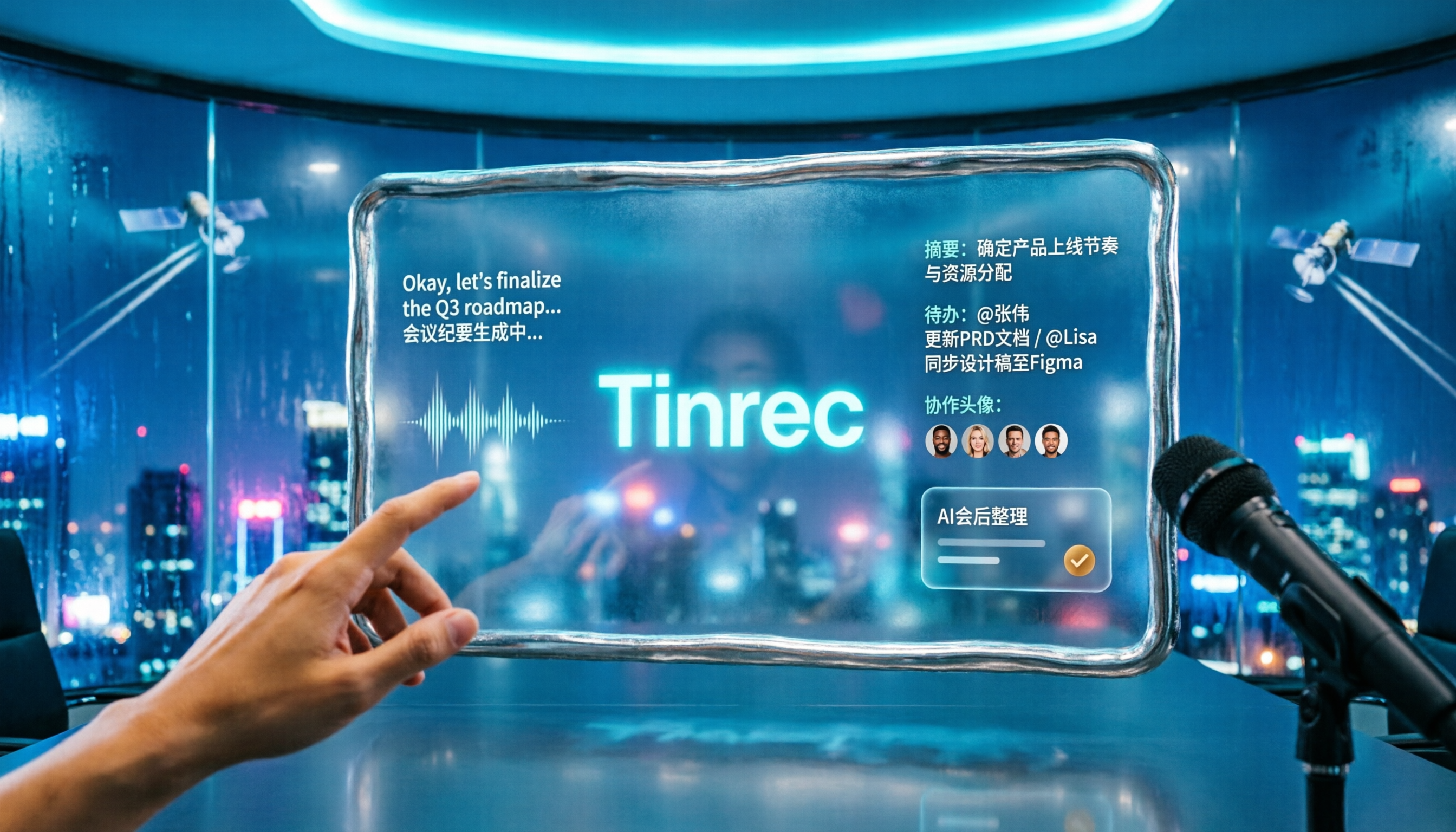
2026 Comparison of 2 Tools for Transcribing Mixed Chinese-English Speech: Tinrec vs Yating Transcript, Which Is More Practical for Post-Meeting Organization?
When converting mixed Chinese-English meeting recordings to text files, a common mistake is to focus only on free options or accuracy. This article compares Tinrec and Yating Transcript across 5 dimensions, including mixed-language recognition, free quota, AI post-meeting organization, input sources, and team collaboration, to help you determine which tool better fits your use case.

2026 Free Chinese-English Mixed Transcription Solutions: 5 Options Reviewed
Transcribing mixed Chinese-English content actually splits into two completely different paths: typing and recording. This article reviews 5 free solutions in 2026, comparing Tinrec, mixed Chinese-English input methods, and bilingual translation tools for their real-world differences in mixed-language meetings, and explains which one can truly turn a recording into a searchable, organized, and further editable transcript.