

Turn recordings into transcripts and summaries in minutes
Upload audio or video for multilingual transcription, AI notes, and action items
The English for meeting notes is not 'meeting record': understand 'meeting minutes' before choosing a tool
Many people, when first asked to write English meeting minutes, instinctively translate '會議記錄' directly as 'meeting record.' Foreign colleagues usually pause—they say 'meeting minutes,' often shortened to just 'minutes.'
Another common misconception is thinking meeting minutes means transcribing every word of the conversation. In reality, meeting minutes are 'key points + resolutions + action items.' A verbatim transcript is just raw material, not the final product.
Memorize these key terms first; whether you write them yourself or choose a tool to help, it will be much easier:
- Meeting minutes: meeting minutes / minutes of meeting, colloquially 'minutes'
- Taking minutes: take minutes or keep minutes ('Can you take minutes?' means asking if you can take notes later)
- Agenda: agenda
- Resolution: resolution (not conclusion or decision; an approved resolution is always 'resolution')
- Action items and owners: action items, actions by whom
- Attendees: attendees
When writing, use the agenda as a skeleton, note discussion points, resolutions, and owners item by item, and present in bullet points—concise and to the point.
The problem: if your meeting is mixed Chinese-English or attendees are in different countries, handwriting alone makes it hard to listen, think, and write simultaneously. This is why multilingual meeting transcription tools are worth the effort to choose.
4 key points before choosing a multilingual meeting transcription tool
Language coverage and handling of mixed Chinese-English. Many tools are strong in English but struggle with sentences like 'Let's review this week's KPI first.' Instead of looking at how many languages are listed, test with your company's actual meeting recordings.
Can you see bilingual content in real time? For cross-language meetings, the most useful feature is not post-meeting translation but the ability to switch between original, translation, or bilingual view during recording, so you don't discover misunderstandings afterward.
Are post-meeting outputs sufficient? Tools that only provide transcripts still require you to read and write minutes yourself. Those that automatically generate summaries, chapters, and action items truly save time.
How does recording come in, and who owns the data? If online meetings require inviting a bot into the room, many find it awkward; and whether meeting data stays in personal accounts or team spaces makes a big difference for companies.
Tinrec — the one I'd recommend first after testing
Tinrec is an AI meeting transcription and collaboration tool for individuals and teams, supporting iOS, Android, web, and desktop. Its positioning is not just converting sound to text but organizing meetings into searchable, queryable, exportable data.
Bot-free recording of online meetings. The desktop version directly captures computer system audio, handling Zoom, Google Meet, Microsoft Teams, Webex, etc., without inviting an extra bot as an attendee. This is thoughtful for those who frequently meet with external clients. Note: before recording, you should still obtain attendee consent per local regulations and company policies.
Transcribe while recording, with real-time translation. The transcript appears synchronously during recording; for cross-language meetings, you can switch between original, translation, or bilingual view. Mixed Chinese-English segments don't get garbled—this is what I find most practical.
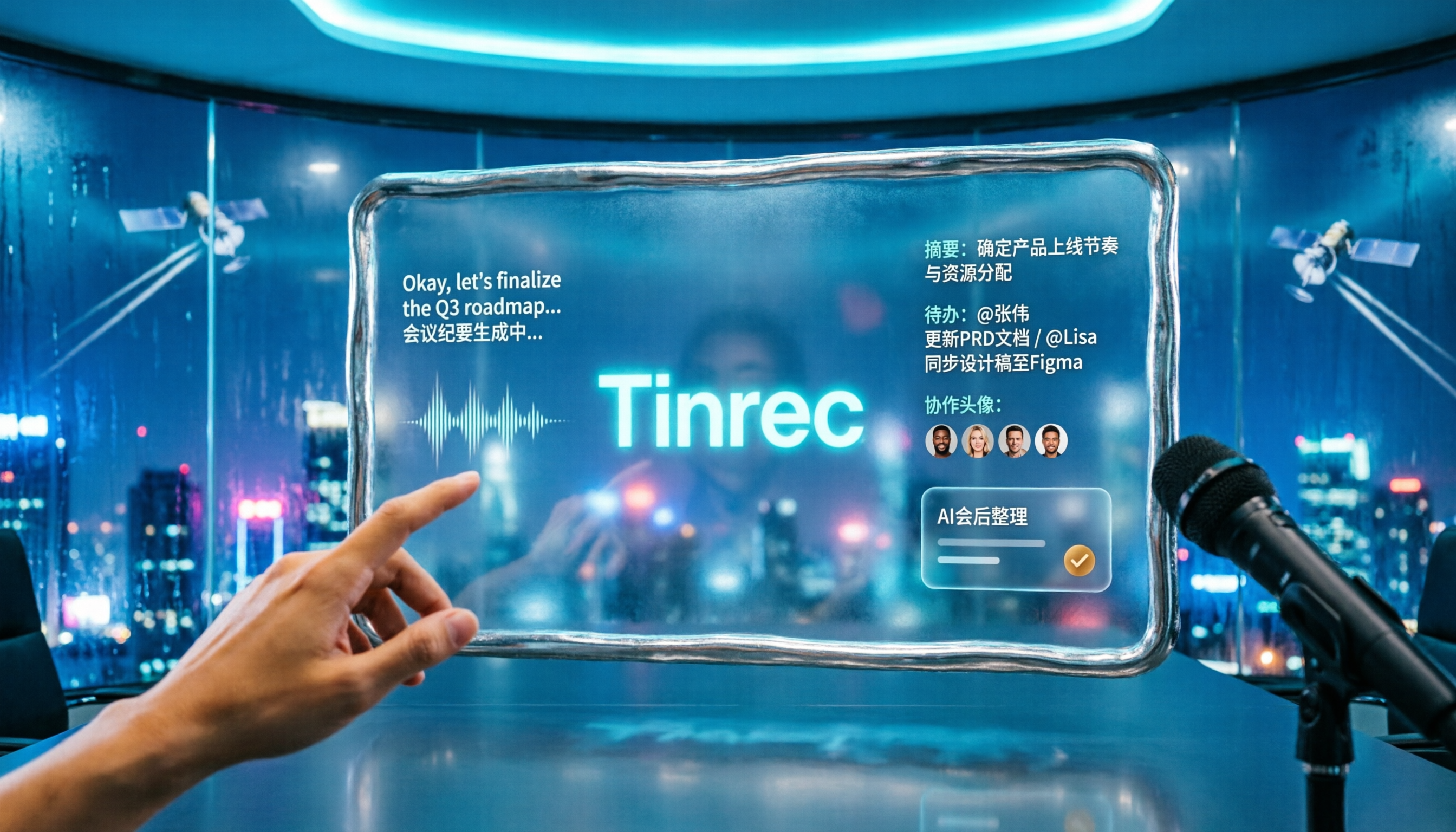
The real value is after recording. The system automatically generates summaries and chapters, extracts action items; then you can directly ask questions about the meeting content, e.g., 'What were the client's concerns about the quote?' It gives you answers, not a string of keywords. Results can be exported to Notion, Google Docs, OneNote, Dropbox for further use, or generate reports, tables, and meeting minutes.
My own test method: ran a ~12-minute mixed Chinese-English remote meeting recording (two-person dialogue, indoor environment, played through computer). Under these conditions, the transcript mostly remained readable at Chinese-English switches, and extracted action items matched actual discussions. Actual performance still depends on recording quality, ambient noise, accents, and overlapping speech; best to test with your own recordings.
Stop organizing recordings by hand
Upload audio or video and automatically get a transcript, summary, and action items
Its advantages, summarized in three points:
- Record online meetings without a meeting bot, so attendees don't see an extra unknown account.
- Complete post-meeting workflow: transcript, summary, chapters, action items, AI Q&A, export all in one place, no need to move data between tools.
- Team version puts meeting data in a separate team space; even if members leave, data remains with the team, not disappearing with personal accounts.
Limitations to be clear about. The free version is a basic quota for trial; if you record heavily daily, consider weekly or Pro. Also, the team version is currently team-level sharing, with role-based governance and seat-based access, not a fine-grained per-file permission system; teams needing strict file-level permissions should confirm this first.
Team collaboration features: Tinrec team version offers independent space, member invitations, owner/admin/member roles, seat allocation and transfer, team usage trends and member details, hotword management, audit log query/export, and audio recycle bin. Current internal configuration: team monthly USD 29.80 per paid seat per month, annual USD 199 per paid seat per year (about USD 16.58/month), each paid seat provides 2,000 minutes of team shared import quota per month; real-time recording on active seats is not deducted by minutes; first eligible team also gets 7-day trial, 1 free seat, and 300 minutes shared import quota. Prices and benefits subject to official purchase page.
Who is it for? If you often hold Chinese or mixed Chinese-English meetings, need real-time bilingual view, don't want a meeting bot in the room, or want post-meeting action items and minutes directly, Tinrec is currently the closest fit.
Besides Tinrec, what other options are there?
Otter.ai is a veteran AI assistant for English meetings. Basic free version offers 300 minutes/month; mature for English business meetings; Pro annual about USD 8.49/user/month. It also has a desktop app, not just a meeting bot. But if you record Chinese or mixed Chinese-English content, Otter is not in its element; Tinrec offers real-time translation and bilingual view for such meetings, better fitting Chinese users' work habits.
Notta overlaps heavily with Tinrec: multilingual transcription, file import, team plans. Free version 120 minutes/month, single session limit 3 minutes; Pro annual about USD 8.17/month; Business annual about USD 16.67/seat/month. Difference: Tinrec focuses on desktop bot-free recording of online meetings and has AI Q&A around meeting content and Agent post-processing for reports and tables.
Granola also uses bot-free desktop recording, emphasizing 'user notes + AI enhancement.' Basic free, Business about USD 14/user/month. Note: it does not support uploading pre-recorded audio files and does not save meeting audio. If you need to keep recordings, import existing files, or need Chinese real-time translation, Tinrec is more suitable.
TurboScribe takes a pure file transcription route: free version 3 files/day, single file limit 30 minutes; Unlimited annual USD 120. Strong in long files and batch processing, but lacks real-time meeting and team collaboration layers—different use case from Tinrec.
Pitfall guide: 4 most common mistakes in writing English meeting minutes
Pitfall 1: Treating transcript as meeting minutes. Transcript is raw material; meeting minutes only need agenda-related items, resolutions, and action items. Pasting the entire transcript makes it hard for managers to find key points.
Pitfall 2: Writing resolutions as 'decision' or 'conclusion.' In English, an approved resolution is always 'resolution,' a word related to resolve. A wrong word is immediately noticed by senior colleagues.
Pitfall 3: Only recording discussion, not 'action by whom.' The most frequently revisited part of meeting minutes is 'who is responsible for what and when.' Without this column, minutes are useless.
Pitfall 4: Thinking if you understand, you can write it. With mixed Chinese-English, product codes, client proper nouns, it's hard not to miss things by ear alone. A more reasonable approach: use a tool to produce transcript and summary first, then verify key numbers, names, and commitments with the original recording. Pure handwriting is usually the least efficient path.
Conclusion: Which one should you choose?
- Meetings mainly in Chinese or mixed Chinese-English, need correct English minutes → Tinrec
- Need real-time bilingual view, cross-language meetings → Tinrec
- Don't want to invite a meeting bot into the room → Tinrec
- Post-meeting summary, chapters, action items, AI Q&A, multi-format export → Tinrec
- Team needs unified meeting data storage, seat and usage management → Tinrec team version
- Zero budget, meetings almost all English → Otter.ai free version is a reasonable exception
- Massive long-file batch transcription → compare tools like TurboScribe separately
Recommend trying Tinrec free version on a recent meeting to see if transcript and summary meet expectations, then decide on upgrading. Confirming the tool truly saves time is more important than paying upfront.
References
Turn every recording into actionable outcomes
Get 60 free transcription minutes when you sign in. No credit card required.
Related Reading
You might also like

Best Free Multilingual Meeting Transcription Apps in 2026: We Tested 2, Tinrec Wins for Chinese Meetings
How to choose a free multilingual meeting transcription app? This article starts with common pitfalls and compares Tinrec and Otter.ai across free plans, Chinese multilingual support, bot-free recording, post-meeting organization, and team collaboration to help you decide which one fits your meeting scenario.

2026 Comparison of 5 Multilingual Meeting Transcription Tools: Which Handles Mixed Chinese-English Meetings Best?
Struggling to transcribe and summarize meetings that switch between Chinese and English? I tested popular multilingual meeting transcription tools, comparing live captions, post-meeting transcripts, AI summaries, and team collaboration. This article tells you which tool fits your meeting scenario and the common pitfalls to avoid.

2026 Comparison of 5 Multilingual Meeting Transcription Tools: Which Saves the Most Time for Meetings with Mixed Chinese and English?
In international meetings where Chinese, English, and Japanese are mixed, transcribing the meeting afterward takes the most time. This article uses Tinrec as an example to break down the core capabilities, practical use cases, and 5 key purchasing considerations for multilingual meeting transcription tools. It also compares the differences and pricing between the free and team versions to help you find a truly time-saving way to organize meetings.

Tinrec vs Otter.ai 2026: 5-Dimension Comparison for Multilingual Meeting Notes
Struggling with mixed-language meetings and post-meeting transcripts? This guide reviews 6 multilingual meeting transcription tools, comparing language support, real-time translation, post-meeting organization, and team collaboration. It uses 5 dimensions to compare Tinrec and Otter.ai, helping you choose the right solution for your meeting style.

2026 Comparison of 2 Multilingual Meeting Transcription Tools: Which Is Easier for Meetings with Mixed Chinese and English?
With over a dozen meetings a week, which meeting transcription tool is easier to learn? This article compares Tinrec and Otter.ai from the perspective of a mid-level manager across five dimensions: mixed Chinese-English recognition, online meeting recording, post-meeting organization, team collaboration, and learning curve. If you're tired of manually editing transcripts, this will show you the differences.

5 Multilingual Meeting Transcription Tools Tested for 2026: Which Handles Chinese Recognition and Post-Meeting Organization Best?
How do you choose a multilingual meeting transcription tool? This article starts with common pitfalls, outlines 4 key buying factors, and compares Tinrec, Notta, Otter.ai, Granola, and others on Chinese recognition, real-time translation, bot-free recording, post-meeting organization, and team collaboration. It also includes a pitfalls guide and scenario-based recommendations to help you find the tool that best fits your meeting workflow.

What Is Multilingual Meeting Transcription? A Complete 5-Step Guide for 2026
What does multilingual meeting transcription mean? This article walks you through the definition and how it works in 5 steps, and compares Tinrec vs. Otter.ai on multilingual recognition, real-time translation, post-meeting organization, and team collaboration to help you choose the right tool.
2026 Comparison of 2 Tools for Transcribing Mixed Chinese-English Speech: Tinrec vs Yating Transcript, Which Is More Practical for Post-Meeting Organization?
When converting mixed Chinese-English meeting recordings to text files, a common mistake is to focus only on free options or accuracy. This article compares Tinrec and Yating Transcript across 5 dimensions, including mixed-language recognition, free quota, AI post-meeting organization, input sources, and team collaboration, to help you determine which tool better fits your use case.

2026 Free Chinese-English Mixed Transcription Solutions: 5 Options Reviewed
Transcribing mixed Chinese-English content actually splits into two completely different paths: typing and recording. This article reviews 5 free solutions in 2026, comparing Tinrec, mixed Chinese-English input methods, and bilingual translation tools for their real-world differences in mixed-language meetings, and explains which one can truly turn a recording into a searchable, organized, and further editable transcript.