

Turn recordings into transcripts and summaries in minutes
Upload audio or video for multilingual transcription, AI notes, and action items
2026 Complete Guide to Meeting Productivity Tools: From Recording to Action, Make Meetings Simple with Tinrec
After a two-hour project meeting, you look at pages of notes but can't remember who promised to do what. Or after an online meeting, you have to spend time listening to the recording again just to find that key number the client mentioned. Almost every office worker has experienced these scenarios. The purpose of meeting productivity tools is to turn these scattered processes into searchable, actionable data. Take Tinrec as an example: it handles recording, transcription, summarization, and action item extraction in one smooth flow, and the learning curve is lower than you might think.
What Can Meeting Productivity Tools Do for You?
Scenario 1: Produce meeting notes in 5 minutes after a meeting In the past, after a two-hour meeting, you might spend another hour organizing meeting notes. Now with AI meeting tools—using Tinrec as an example—as soon as the meeting ends, AI has already generated summaries, conclusions, and action items. Who is responsible for what and what the deadlines are is clear at a glance.
Scenario 2: Record online meetings without a meeting bot Many meeting tools require adding a bot to the meeting, so participants see an unfamiliar account. Tinrec's desktop version directly captures computer system audio without inviting a bot, so you can record Zoom, Google Meet, Microsoft Teams, Webex, and other online meetings and generate live transcripts. Internal and external meetings feel more natural.
Scenario 3: Use AI Q&A to find key points after the meeting Two weeks after the meeting, your manager suddenly asks: "What were the client's concerns about the quote at the time?" You don't need to listen to the recording again. Tinrec supports AI Q&A. You can type a question directly, and it will answer based on the meeting transcript with corresponding timestamps.
What Are the Core Capabilities of Meeting Productivity Tools?
Real-time recording-to-text: Transcribe while recording, not after recording is finished. Tinrec generates a transcript synchronously during recording with low latency, so during the meeting you can follow the text to confirm whether any key points were missed. Suitable for in-person meetings, interviews, and on-site notes.
Bot-free online meeting recording: Tinrec's desktop version captures system audio and does not require a meeting bot to join. It supports platforms such as Zoom, Google Meet, Microsoft Teams, and Webex. You just open Tinrec, select system audio recording, and start capturing.
AI summaries and chapters: The biggest fear with long meetings is not being able to find key points. Tinrec automatically generates meeting summaries, chapters, and highlights, breaking two hours of content into an easy-to-browse structure. You can grasp the flow of the entire meeting within minutes.
Action item extraction and AI Q&A: Tinrec can extract action items from discussions and mark owners and deadlines. If you still have questions after the meeting, you can ask AI directly—"Who mentioned the budget in the meeting?" "What was the client's feedback?"—and it will answer based on semantic understanding.
Multi-format export and workflow integration: Organized results can be exported to Notion, Google Docs, OneNote, Dropbox, and other tools for further processing into reports, tables, or meeting minutes. Tinrec's Agent post-processing can also generate documents based on meeting content.
Team workspace and seat management: For team use, Tinrec's team version provides an independent team workspace, and meeting data belongs to the team. Administrators can invite members, assign seats, view usage analytics, and audit logs. When members leave, data can be handed over and will not disappear with individual accounts.
Practical Use Cases
Workplace weekly meetings and project meetings: In weekly project progress meetings, participants report in turn. Tinrec transcribes in real time and automatically generates summaries and action items after the meeting. Before the next meeting, you can quickly review the previous decisions and track action items.
Stop organizing recordings by hand
Upload audio or video and automatically get a transcript, summary, and action items
Customer interviews and requirements communication: When sales or customer success teams visit clients, they use Tinrec to record conversations. After the meeting, AI summaries organize customer needs, objections, and commitments for follow-up. If needed, they can also be exported as reports for internal teams.
Course learning and lecture notes: Students or continuing learners can use Tinrec to record course content and transcribe it into text in real time. After class, they can use AI Q&A to review key points or export transcripts as notes. It supports Chinese and mixed Chinese-English content, which is very friendly for Taiwanese users.
Team knowledge retention: The team version centralizes each meeting's recordings, transcripts, summaries, and action items in the team workspace. After new members join, they can view historical meeting data and quickly understand the project context. Managers can also understand team usage through usage analytics.
5 Things to Pay Attention to When Choosing a Meeting Productivity Tool
Ease of onboarding: This is the most common reader question—"which is easier to learn?" After downloading Tinrec's desktop version, you can start by selecting system audio recording. There is no need to set up a meeting bot or enable complex permissions. The interface is intuitive, and you can get started the first time you use it.
Level of Chinese language support: Taiwanese users often need Chinese meeting notes, sometimes mixed with English. Tinrec supports Chinese, Traditional Chinese, and multilingual meeting scenarios, and provides a team hotword feature to maintain professional terminology and improve recognition.
Post-meeting organization capability: Transcription is only the first step. Tinrec automatically generates summaries, chapters, action items, and mind maps, and also supports AI Q&A and Agent post-processing. These features determine how much organizing time you save.
Cross-platform and device support: Meetings don't always happen at a computer. Tinrec offers iOS, Android, web, and desktop versions. You can record on your phone, and data syncs to the cloud.
Team collaboration and governance: For team use, pay attention to whether the tool provides an independent team workspace, role and seat management, usage analytics, and audit logs. Tinrec's team version distinguishes roles and seats. Members can share viewing, and only those with seats can record, upload, and edit.
Frequently Asked Questions
Q1: Which meeting productivity tool is easier to learn? A: Using Tinrec as an example, its desktop version is very intuitive to operate. After downloading, open it and select system audio or microphone recording to start. There is no need to invite a meeting bot or set up complex integrations. Most users can complete recording and transcription on their first try.
Q2: Is Tinrec's free version enough? A: The free version provides a basic quota, suitable for light use, such as occasionally organizing a recording. If you have meetings every week, consider the Pro monthly or annual plan; for short-term intensive use, there is a weekly plan. The team version offers a 7-day trial, including 1 free seat and 300 minutes of team shared import quota.
Q3: Do I need to add a meeting bot to the meeting? A: No. Tinrec's desktop version directly captures computer system audio, so there won't be an extra bot account in the meeting. You only need to actively open Tinrec to start recording. Currently, it does not support automatically joining all calendar meetings.
Q4: Which meeting platforms does Tinrec support? A: Tinrec's desktop version can handle meeting audio played on a computer, so it works with common platforms such as Zoom, Google Meet, Microsoft Teams, and Webex. It captures system audio and is not an official partnership with the platforms.
Q5: What is the difference between the team version and the personal version? A: Personal version data is managed under an individual account. The team version provides an independent team workspace, meeting data belongs to the team, and it adds capabilities such as member invitations, role and seat management, shared benefits, usage analytics, audit logs, and an audio recycle bin. When members leave, team resources can be handed over to other active members.
Conclusion
The core value of meeting productivity tools is not turning recordings into text, but turning meetings into searchable, actionable data. From bot-free recording, real-time transcripts, AI summaries, and action item extraction to team workspaces, Tinrec covers pre-meeting, in-meeting, and post-meeting needs. If you are looking for a tool that is easy to learn, Chinese-friendly, and able to retain team knowledge, try Tinrec's free version and use one meeting to experience the difference AI can make in organizing your meeting notes.
References
- 2026 Efficient Work Techniques! A Review of 9 Office Productivity Tool Apps | 104 Workplace
- Exploring the Diversity of Collaboration Platforms: Overview of the Best Meeting Tools - QuickMeetingHub
- Must-Have for Office Workers! 10 Productivity Tool Recommendations | DreamBuilder Education - DreamBuilder Education Platform
- 2026 Best 8 Meeting Scheduling Software Recommendations - Tinrec Blog
- How to Choose a Conference Management System? Feature Comparison and Implementation Evaluation Key Points (Including Enterprise Use Cases)
Turn every recording into actionable outcomes
Get 60 free transcription minutes when you sign in. No credit card required.
Related Reading
You might also like

2026 Top 5 Meeting Productivity Tools Compared: Which Is Best for Chinese Meetings and Post-Meeting Organization?
Tired of working overtime after meetings? This article compares Tinrec and Otter.ai across transcription for Chinese and mixed Chinese-English, online meeting audio capture, post-meeting summaries and action items, export and processing, and team seat management to help you determine which meeting productivity tool truly fits your meeting scenarios.

2026 Comparison of 4 Meeting Efficiency Tools: Which Is Best for Chinese Meetings and Post-Meeting Organization?
In this 2026 comparison of 4 meeting efficiency tools, we examine four key aspects: meeting capture methods, Chinese language support, post-meeting organization, and team collaboration. We take a deep dive into Tinrec's bot-free recording, AI Q&A, and team spaces, and briefly review the suitable scenarios for Fireflies.ai, Notta, and Granola to help you choose the most convenient meeting efficiency tool.

4 Meeting Productivity Tools Tested for 2026: Which One Saves the Most Time on Chinese Meeting Minutes?
A hands-on comparison of 4 meeting productivity tools in 2026, breaking down differences in recording methods, Chinese recognition, post-meeting organization, and team data ownership, plus 4 key points to consider before buying and 3 common pitfalls.
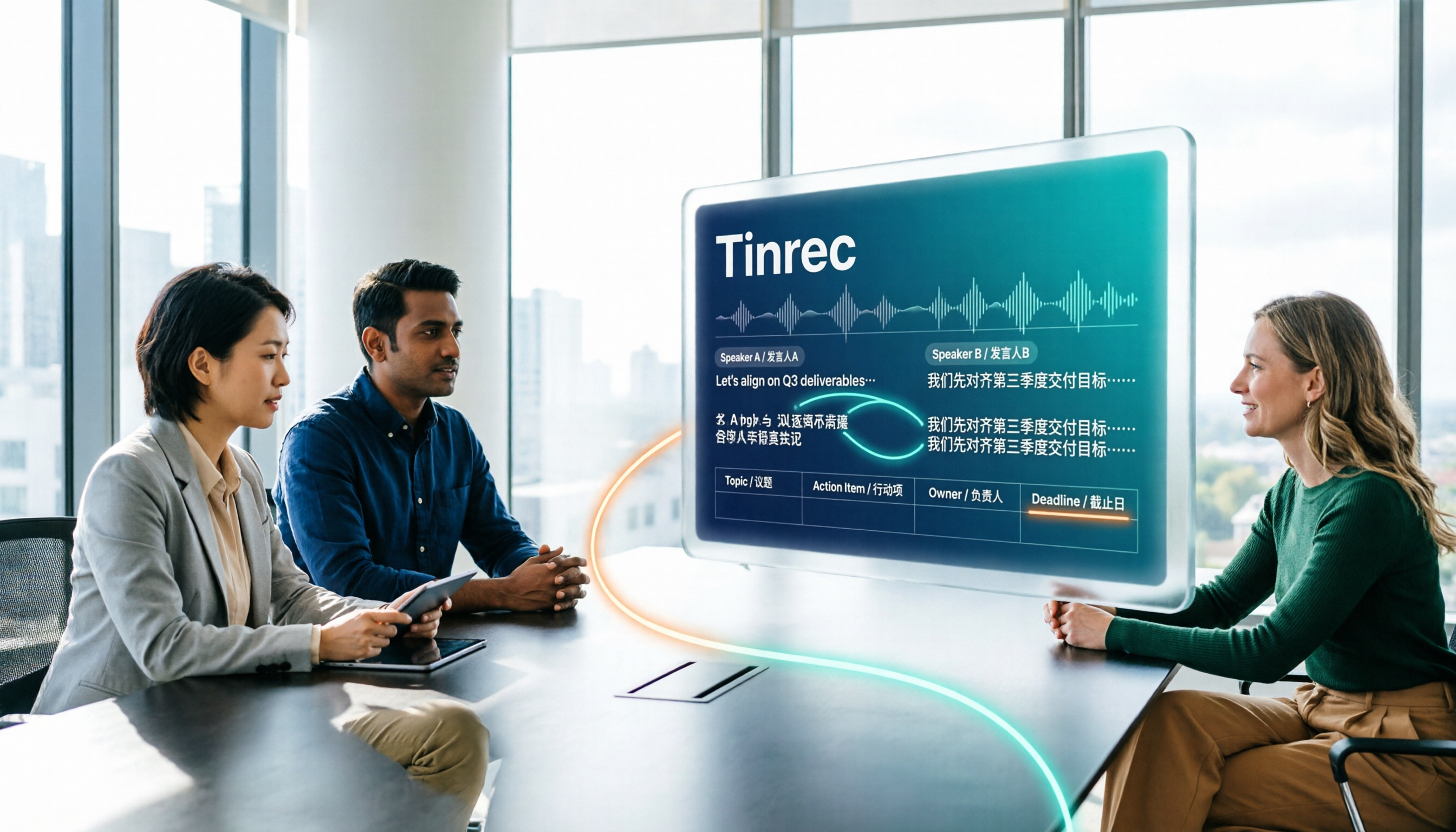
How to Create a Multilingual Meeting Minutes Table in 2026: 5 Steps from Recording to Bilingual Transcript
In meetings with multiple speakers mixing Chinese and English, it's hard to keep track of speakers and table columns while typing. This article breaks down the 5 steps for creating a multilingual meeting minutes table, then compares Tinrec and Otter.ai in the same workflow across multiple dimensions to help you decide which tool better fits your meeting style.

2026 Comparison of 4 Meeting Productivity Tools: Which One Lets You Use Results Right After the Meeting Without a Bot?
Which meeting productivity tool is best? This article tests and compares Tinrec, Otter.ai, Notta, and Granola across five key areas: recording method, post-meeting organization, Chinese and multilingual support, team permissions, and quota calculation. It explains the practical differences in bot-free desktop recording, AI Q&A, action item extraction, and team spaces, with a guide to common pitfalls and scenario-based recommendations.

5 Best AI Meeting Note Takers in 2026: Which One Actually Saves You Time After the Call?
Most people pick meeting tools based on call stability, but the real time sink is post-meeting organization. This article covers common mistakes, 5 key buying factors, and hands-on comparisons of Tinrec, Otter.ai, Notta, and Granola—including recording methods, Chinese language performance, AI Q&A, and team data ownership—plus a pitfalls guide and selection advice.

5 Best AI Meeting Tools of 2026: Tested and Compared — Which One Lets You Leave Work Early?
Many people think buying a transcription tool will save time, but it only turns 're-listening to 60 minutes' into 'reading a 60-minute transcript.' We tested 5 meeting productivity tools in real bilingual meetings, breaking down key differences like bot-free recording, AI summaries and action items, conversational search, and team data ownership. We also cover 4 common pitfalls to help you find the tool that truly lets you wrap up after a meeting.

2026 Comparison of 4 Meeting Productivity Tools: Which Free Version Best Turns Meetings into Usable Data?
We tested 4 meeting productivity tools easily available in Taiwan, comparing free tiers, recording methods, post-meeting processing, and team data ownership. Tinrec wins with bot-free desktop recording, Chinese meeting transcripts, AI Q&A, and team spaces. This article also covers the 4 most common pitfalls when choosing free meeting tools.

2026 Multilingual Meeting Transcription Tools Compared: Which One Really Understands Code-Switching Meetings?
Meetings with mixed Chinese and English, multiple people talking over each other, and transcripts that always fall apart? This article focuses on Tinrec as the primary hands-on test subject, breaking down the capabilities that the latest 2026 multilingual meeting transcription tools should have—real-time transcription, live translation, AI summaries and action items, AI Q&A, and team collaboration—plus 5 key buying considerations and FAQs to help you understand how to choose and use them.