

Turn recordings into transcripts and summaries in minutes
Upload audio or video for multilingual transcription, AI notes, and action items
2026 Top 5 Meeting Productivity Tools Compared: Which Is Best for Chinese Meetings and Post-Meeting Organization?
The meeting itself is rarely the most time-consuming part. What really eats into work hours is the post-meeting phase: re-listening to recordings, filling in transcripts, organizing decisions, pasting action items into group chats, and then confirming again next week who did what.
So when you're looking for "the best meeting productivity tool," the first thing to determine isn't the length of the feature list, but where your pain points lie. Start by answering three questions:
- Are your meetings primarily in Chinese (or even mixed Chinese-English), or primarily in English?
- When meeting online, are you willing to invite an extra "meeting bot" into the room?
- Are these meeting notes ultimately for your own reference, or do they need to be shared, handed off, and searched by the team?
Different answers lead to different choices.
Meeting productivity tools that are often mentioned in the market can be roughly divided into five categories: built-in transcription from meeting platforms (Zoom, Google Meet, Microsoft Teams, Webex), meeting bot AI assistants (Otter.ai, Fireflies.ai), general transcription tools (Notta, TurboScribe), AI recording hardware (PLAUD Note), and AI meeting note tools that directly capture system audio on desktop (Tinrec). The first two categories are quite mature for English meetings, but Chinese users often struggle with transcription quality and post-meeting organization. Below, we focus on Tinrec and Otter.ai, which are most often compared, and break down each dimension.
Tinrec vs Otter.ai | Quick Overview
Otter.ai is a mature English business AI meeting assistant, with years of deep focus on English meeting scenarios; Tinrec positions itself as an AI meeting notes and collaboration tool for individuals and teams, with an emphasis on Chinese meetings and post-meeting data retention.
| Item | Tinrec | Otter.ai |
|---|---|---|
| Core positioning | AI meeting notes and team collaboration | Mature English business AI meeting assistant |
| Online meeting audio capture | Desktop version captures system audio, no bot needed | Supports meeting bot and desktop methods |
| Chinese scenarios | Chinese, multilingual meetings, real-time translation and bilingual view | Primarily designed for English business meetings |
| Team capabilities | Team spaces, roles, seats, usage, audit, recycle bin | Mature team and enterprise management capabilities |
| Pricing reference | Personal: free, weekly pass, Pro monthly and annual; Team: USD 29.80 per paid seat per month | Basic free 300 minutes per month; Pro annual billing equivalent to about USD 8.49 per user per month |
The dimensions compared in this article include: Chinese transcription, audio capture method, post-meeting organization, data retention and export, and team governance.
Dimension 1 | Transcription Experience for Chinese and Mixed Chinese-English
Otter.ai's strength lies in English business meetings, with mature English recognition, summarization, and workflow integration that are hard to surpass after years of user habits. However, its product focus is on English scenarios, and Chinese (especially Cantonese and mixed Chinese-English) is not its home turf. When encountering frequent language switching or heavily accented segments, more manual proofreading is usually required.
Tinrec treats Chinese meetings as its primary scenario: it supports transcription for Chinese and multilingual meetings, organization of mixed Chinese-English content, and provides real-time translation with original text, translation, and bilingual views. Teams can also maintain "hotwords" to add internal product names, abbreviations, and technical terms, reducing the chance of proper nouns being misheard.
It should be noted that no tool should promise a fixed accuracy rate; actual performance is affected by recording quality, background noise, accents, and overlapping speakers.
→ In this dimension: For Chinese and mixed Chinese-English meeting scenarios, Tinrec is clearly more suitable.
Dimension 2 | How to Capture Online Meetings: Do You Need an Extra "Attendee"?
Otter.ai is best known for joining online meetings as a meeting bot, automatically appearing in the attendee list. This is convenient for internal English meetings, but if the meeting involves clients or external partners, or if company policy does not allow third-party bots, the situation can be awkward. Otter currently also offers desktop capabilities, so it's not limited to the bot approach.
Stop organizing recordings by hand
Upload audio or video and automatically get a transcript, summary, and action items
Tinrec takes a different path: the desktop version directly captures the computer's system audio, handling Zoom, Google Meet, Microsoft Teams, and Webex meetings played on the computer, without adding an extra bot to the list. Note that this still requires the user to actively open Tinrec to start recording; it does not automatically join all meetings on the calendar, nor does it imply official partnerships with these platforms.
→ In this dimension: If you don't want an extra attendee, or if the meeting includes external clients, Tinrec's process is smoother.
Dimension 3 | Post-Meeting Organization: Summaries, Action Items, and AI Follow-up
Otter.ai provides summaries, action items, and AI Chat, quickly condensing meeting content into key points, which is already sufficient for English meeting users.
Tinrec is more complete in "producing work products that can be delivered directly": beyond transcripts, it offers AI summaries, chapters, highlights, action items, and mind maps, and allows continuous AI Q&A across single or multiple meetings, then uses Agent post-processing to generate reports, tables, and documents. In other words, what you get is not just a record, but material you can continue working with.
→ In this dimension: If you need post-meeting outputs that can be further processed, Tinrec leads.
Dimension 4 | Recording Retention, Export, and Further Processing
Otter.ai's recording and data retention methods depend on the plan, and export and integration are mainly based on its existing ecosystem.
Tinrec retains audio and supports multi-format export, allowing results to be brought into Notion, Google Docs, OneNote, Dropbox, and other tools for continued use; if audio is accidentally deleted, the team version has a recycle bin for process-based recovery. For those who need to verify original statements afterward, having both "transcript + recording" on hand is much more reassuring.
→ In this dimension: If you need to retain recordings and bring them into existing workflows, Tinrec has an advantage.
Dimension 5 | Team Collaboration: Members, Roles, and Seats
Otter.ai's Business plan provides team and management capabilities, operating smoothly for enterprises already accustomed to its ecosystem.
Tinrec's team version separates "roles" and "seats": roles determine who can manage the team, members, and audit settings; seats determine whether members can record, upload, edit, import, and export. Active members without seats can still view, play, and read team data, but cannot perform resource usage operations. Team resources belong to the team; when a member leaves or loses a seat, their responsible resources can be handed over to other members. Administrators can also view usage trends, member details, audit logs, and maintain team hotwords.
→ In this dimension: If you need clear member and usage governance, Tinrec's role/seat design is more intuitive.
What Are the Unique Advantages of Each?
Tinrec's unique advantages:
- Bot-free desktop recording, no extra attendee in the meeting list, and audio is retained for review.
- Complete Chinese and multilingual meeting experience, supporting real-time translation and bilingual transcripts, with team hotwords to optimize technical terms.
- Complete workflow after transcription: summaries, chapters, action items, mind maps, AI Q&A, then generate reports, tables, and documents.
- Team spaces combine roles, seats, usage analytics, audit logs, and audio recycle bin, allowing meeting data to settle as team assets.
Otter.ai's unique advantages:
- High maturity for English business meetings, with deep accumulation in English recognition, summarization, and workflow integration.
- Comprehensive existing integrations and enterprise management capabilities, low switching cost for English teams already using it.
Conclusion: Which Should You Choose?
- Your meetings are mainly in Chinese, or even mixed Chinese-English → Tinrec
- You don't want a bot appearing in the attendee list → Tinrec
- You need more than transcripts—summaries, action items, and data you can continue to query → Tinrec
- Meeting content needs to be shared with the whole team, searched historically, and handed over → Tinrec team version (roles and seats managed separately)
- If 90% of your meetings are in English and your team already uses Otter's workflow → Otter.ai is still competent
In one sentence: For most teams and individuals who primarily hold Chinese meetings, Tinrec is the more complete choice. If you want to confirm actual performance first, you can use the free version's basic quota and test with a real meeting recording of your own—it will be much more accurate than looking at spec sheets.
Final reminder: Before recording and transcribing, please obtain consent from attendees in accordance with local regulations; for pricing, quotas, and plan details of each tool, please refer to official announcements.
References
- Which AI meeting summary is good? Conclusion first: 6 Traditional Chinese tool recommendations and tests - Tinrec Blog
- Top 5 recommended online meeting software to greatly improve remote work meeting efficiency | On-line to Know
- 2026 Best 8 Meeting Scheduling Software Recommendations - Tinrec Blog
- Exploring the diversity of collaboration platforms: Overview of the best meeting tools - QuickMeetingHub
- 13 Best Meeting Scheduling Apps in 2026: My In-Depth Comparison
Turn every recording into actionable outcomes
Get 60 free transcription minutes when you sign in. No credit card required.
Related Reading
You might also like

2026 Comparison of 4 Meeting Efficiency Tools: Which Is Best for Chinese Meetings and Post-Meeting Organization?
In this 2026 comparison of 4 meeting efficiency tools, we examine four key aspects: meeting capture methods, Chinese language support, post-meeting organization, and team collaboration. We take a deep dive into Tinrec's bot-free recording, AI Q&A, and team spaces, and briefly review the suitable scenarios for Fireflies.ai, Notta, and Granola to help you choose the most convenient meeting efficiency tool.
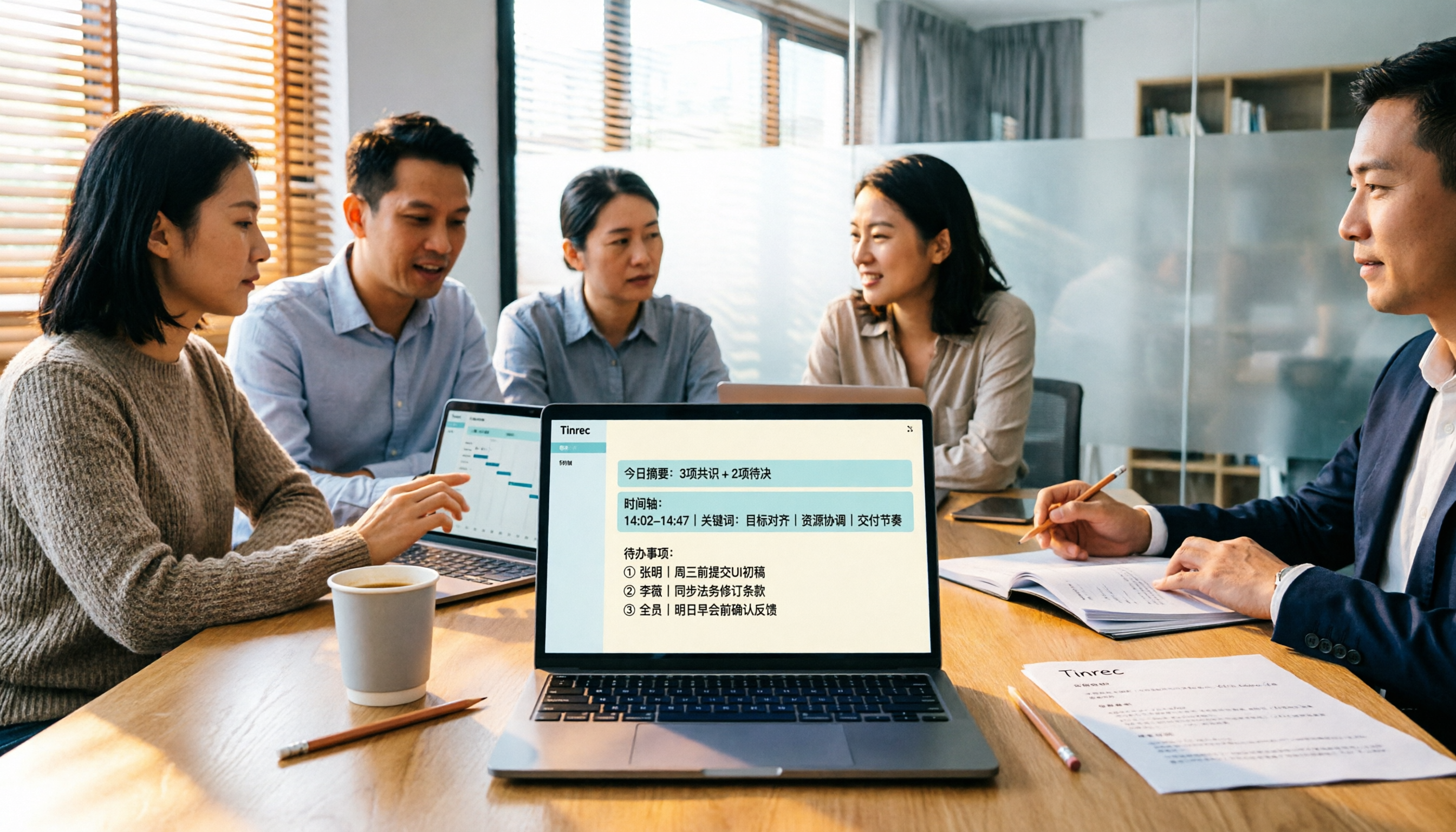
4 Meeting Productivity Tools Tested for 2026: Which One Saves the Most Time on Chinese Meeting Minutes?
A hands-on comparison of 4 meeting productivity tools in 2026, breaking down differences in recording methods, Chinese recognition, post-meeting organization, and team data ownership, plus 4 key points to consider before buying and 3 common pitfalls.

Tinrec vs Otter.ai in 2026: A 5-Dimension Comparison — Which Meeting Productivity Tool Is Easier to Learn?
Which meeting productivity tool is easier to learn? This article compares Tinrec and Otter.ai across five dimensions: ease of onboarding, Chinese language support, post-meeting organization, cross-platform availability, and team collaboration. It also uses Tinrec as an example to demonstrate a complete workflow from recording and transcription to summaries and action items, helping you find the tool that is easiest to learn and best suited for Chinese-language meetings.
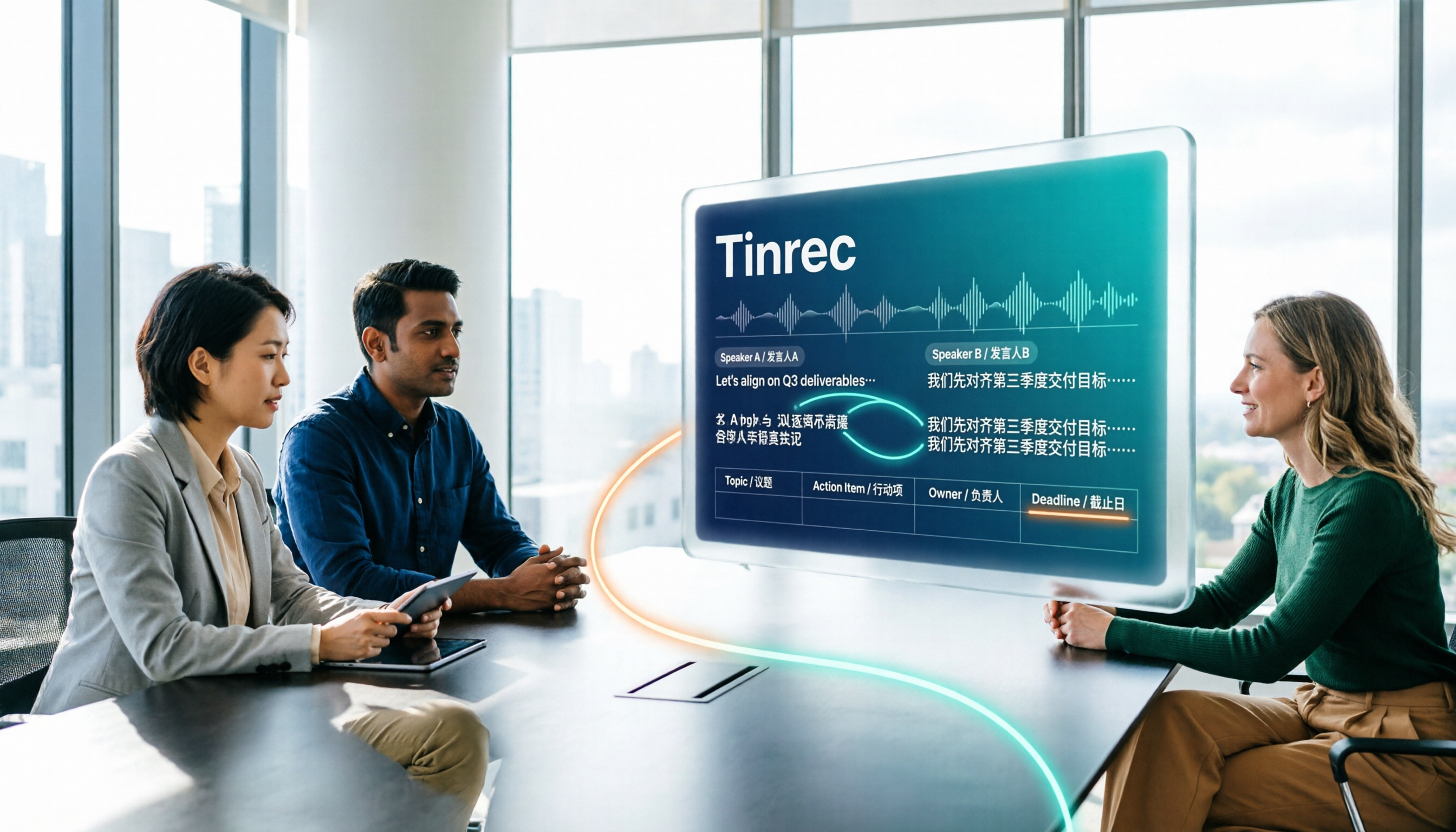
How to Create a Multilingual Meeting Minutes Table in 2026: 5 Steps from Recording to Bilingual Transcript
In meetings with multiple speakers mixing Chinese and English, it's hard to keep track of speakers and table columns while typing. This article breaks down the 5 steps for creating a multilingual meeting minutes table, then compares Tinrec and Otter.ai in the same workflow across multiple dimensions to help you decide which tool better fits your meeting style.

2026 Comparison of 4 Meeting Productivity Tools: Which One Lets You Use Results Right After the Meeting Without a Bot?
Which meeting productivity tool is best? This article tests and compares Tinrec, Otter.ai, Notta, and Granola across five key areas: recording method, post-meeting organization, Chinese and multilingual support, team permissions, and quota calculation. It explains the practical differences in bot-free desktop recording, AI Q&A, action item extraction, and team spaces, with a guide to common pitfalls and scenario-based recommendations.

5 Best AI Meeting Note Takers in 2026: Which One Actually Saves You Time After the Call?
Most people pick meeting tools based on call stability, but the real time sink is post-meeting organization. This article covers common mistakes, 5 key buying factors, and hands-on comparisons of Tinrec, Otter.ai, Notta, and Granola—including recording methods, Chinese language performance, AI Q&A, and team data ownership—plus a pitfalls guide and selection advice.

5 Best AI Meeting Tools of 2026: Tested and Compared — Which One Lets You Leave Work Early?
Many people think buying a transcription tool will save time, but it only turns 're-listening to 60 minutes' into 'reading a 60-minute transcript.' We tested 5 meeting productivity tools in real bilingual meetings, breaking down key differences like bot-free recording, AI summaries and action items, conversational search, and team data ownership. We also cover 4 common pitfalls to help you find the tool that truly lets you wrap up after a meeting.

2026 Comparison of 4 Meeting Productivity Tools: Which Free Version Best Turns Meetings into Usable Data?
We tested 4 meeting productivity tools easily available in Taiwan, comparing free tiers, recording methods, post-meeting processing, and team data ownership. Tinrec wins with bot-free desktop recording, Chinese meeting transcripts, AI Q&A, and team spaces. This article also covers the 4 most common pitfalls when choosing free meeting tools.

2026 Multilingual Meeting Transcription Tools Compared: Which One Really Understands Code-Switching Meetings?
Meetings with mixed Chinese and English, multiple people talking over each other, and transcripts that always fall apart? This article focuses on Tinrec as the primary hands-on test subject, breaking down the capabilities that the latest 2026 multilingual meeting transcription tools should have—real-time transcription, live translation, AI summaries and action items, AI Q&A, and team collaboration—plus 5 key buying considerations and FAQs to help you understand how to choose and use them.