

Turn recordings into transcripts and summaries in minutes
Upload audio or video for multilingual transcription, AI notes, and action items
2026 Meeting Efficiency Toolbox: Bot-Free Recording + AI To-Do Organization
You've filled your meeting toolbox, so why are meetings still exhausting and messy?
Let me start with a misconception I see often: many people equate "meeting efficiency" directly with "how many meeting apps I've installed."
So they use one app for video, another for shared notes, and yet another for to-dos. It looks like a complete toolkit, but in reality, post-meeting data is scattered across different platforms, and no one can find anything.
Another even more common misconception is that "having a recording means having a record." A two-hour meeting gets fully recorded, but no one is going to re-listen to two hours after the meeting—that recording just takes up space.
There's also the idea that "having a transcript means it's organized." Transcripts are great, but they don't tell you what the conclusion was or who needs to do what. You have to flip through 30 pages of text yourself, and finding a decision still relies on guessing keywords with Ctrl+F.
So the real question isn't "how many tools should I install," but "does this tool turn the meeting into data you can directly use?"
Before Choosing a Meeting Efficiency Tool, Understand These 4 Key Points
1. How is the meeting recorded?
One way is a meeting bot joining the meeting room; the other is desktop software directly capturing the computer's system audio. The former adds an extra participant, which isn't always convenient when meeting with external clients; the latter doesn't touch the meeting itself but requires you to actively start the tool. You need to think this through from the start.
2. After transcription, what else is there?
Tools that only provide transcripts still require you to read them yourself afterward. Tools that also provide summaries, chapters, to-dos, and even let you ask follow-up questions are the real time-savers. This is the biggest differentiator when filtering.
3. Where does the data end up?
Personal accounts and team spaces are two different things. If meeting data is a shared team asset, you need to consider whether the data remains after members leave and whether new hires can access historical meetings.
4. How are quotas calculated?
How long can the free version record? Does importing files deduct extra quota? Is the team plan per person or per seat? These directly affect long-term costs, so don't just look at the upfront price.
Tinrec — Our Top Pick After Testing
Tinrec is an AI meeting notes and collaboration tool for individuals and teams, supporting iOS, Android, desktop, and web.
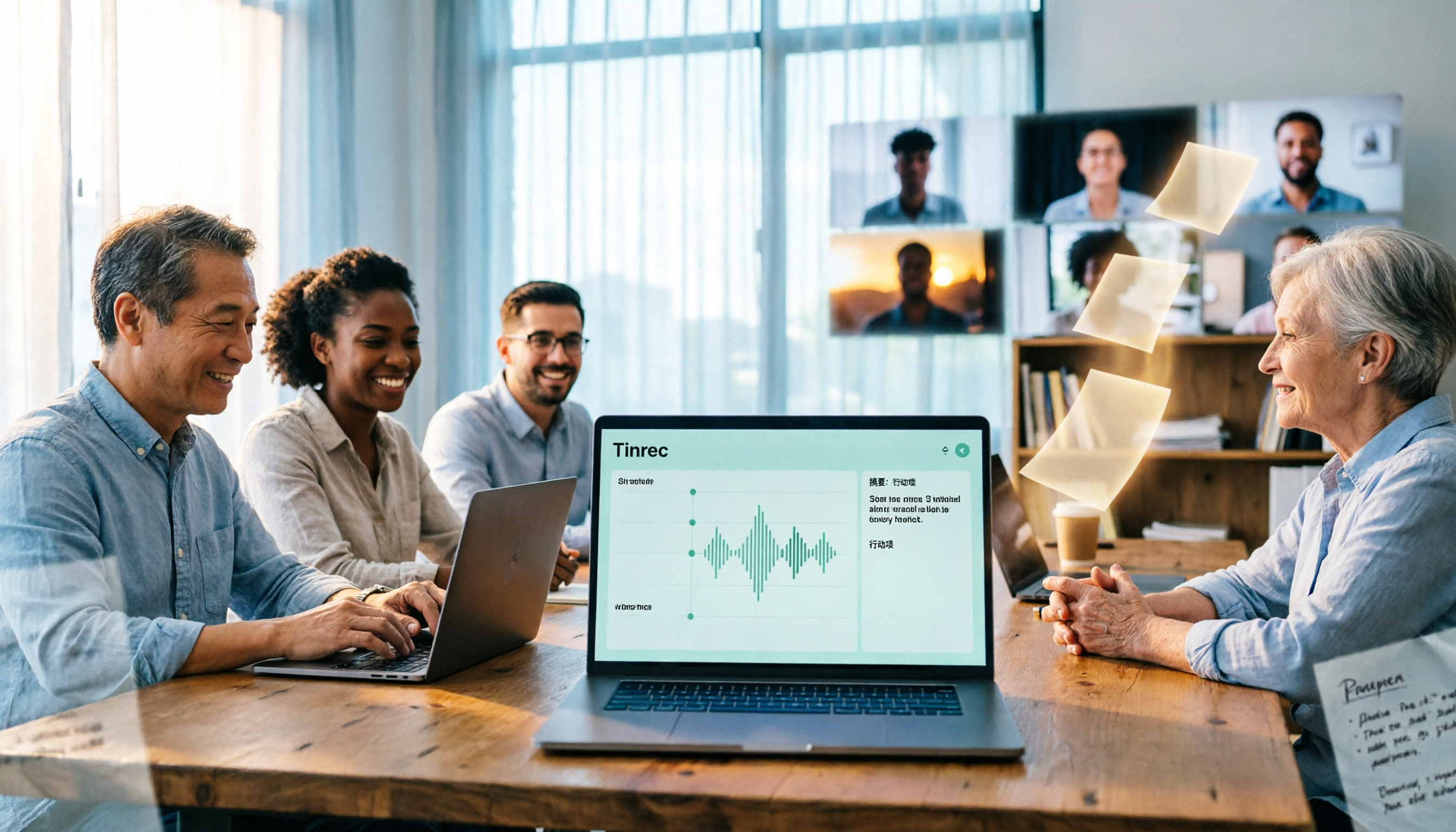
Its most critical difference is "no meeting bot." The desktop version directly captures the computer's system audio, handling Zoom, Google Meet, Microsoft Teams, and Webex without adding a stranger to the meeting room. For those who frequently meet with external clients, the experience is vastly different.
The second difference is "usable after recording." During the meeting, it transcribes in real time, and after it ends, it automatically generates summaries, chapters, and to-dos—who's responsible for what and when it's due, listed directly. Even better is AI Q&A: you can directly ask it "Who mentioned the budget in the last meeting?" It understands the content and gives you an answer, not a string of keyword search results. Few tools in the same price range have this capability.
The third difference is "team retention." The team version provides an independent team space where meeting recordings, transcripts, summaries, and TODOs are centrally stored, and new members can view historical data. Managers can manage members, roles, and seats, view usage trends and details, and query and export audit logs. When a member leaves or loses their seat, their team resources can be handed over to others—data doesn't follow the person.
Other notable features include: real-time translation and bilingual viewing during recording, support for uploading existing audio and video files, export to Notion, Google Docs, OneNote, Dropbox for continued use, and Agent post-processing to generate reports, tables, and documents from meeting content.
Plans and Limitations (Frankly)
The personal version starts with a free plan, offering basic quota for trial recording, importing, summaries, and transcription; as usage increases, consider weekly cards or Pro monthly/annual cards. For those who need long-term data retention, the annual card is more cost-effective.
Stop organizing recordings by hand
Upload audio or video and automatically get a transcript, summary, and action items
The team version offers a 7-day trial for first-time eligible users, 1 free seat, and 300 minutes of shared team import quota; thereafter, monthly payment is USD 29.80 per paid seat per month, annual payment is USD 199 per paid seat per year (about USD 16.58 per month), with each paid seat providing 2,000 minutes of shared team import quota per month. Under an active team plan and active seat, real-time recording currently does not deduct minutes; file and web imports use the shared team quota. Actual prices, currencies, and promotions are subject to the official purchase page.
Keep in mind a few things: Tinrec is not a bot that "automatically joins all calendar meetings"; you need to actively start the desktop version to begin recording. The team version currently focuses on team-level sharing; role control governs administration, and seat control governs usage eligibility, not file-level granular permissions. Recognition accuracy is also affected by recording quality, accents, multiple people talking over each other, and technical terminology. For important content, it's recommended to cross-check with transcript timestamps and recording playback.
Who It's For
If you frequently meet with external parties, don't want an extra meeting bot, your meeting content is mainly in Chinese or mixed Chinese-English, and you want to use AI to find key points directly after the meeting and keep data within the team—Tinrec is currently the smoothest choice.
Besides Tinrec, What Other Options Are There?
Otter.ai: A mature choice for English business meetings. Free version offers 300 minutes per month; Pro annual payment is about USD 8.49 per user per month. It's indeed handy for organizing English meetings, but Chinese meetings aren't its strong suit, and it lacks Tinrec's combination of "desktop bot-free recording + real-time translation." If your meetings are almost entirely in English, you can prioritize it; if mainly Chinese meetings, Tinrec is more suitable.
Notta: The competitor with the highest overlap with Tinrec, offering multi-platform transcription, file import, translation, and team plans. Free version offers 120 minutes per month, max 3 minutes per session; Pro annual payment is about USD 8.17 per month. It's suitable for simple transcription and subtitles, but Tinrec's bot-free online meeting recording, AI Q&A, and team space retention are relatively weak areas for it.
Granola: An AI meeting notes tool that also takes the bot-free route. Basic is free, Business is USD 14 per user per month. It emphasizes combining handwritten notes with AI, but it doesn't save meeting audio and doesn't support uploading pre-recorded audio files. If you need to keep recordings, import historical audio, or need Chinese bilingual transcripts, Tinrec's coverage is more complete.
(Competitor prices above are subject to official pages; plans and benefits may change at any time.)
Pitfalls Guide: The 4 Most Common Mistakes When Choosing Meeting Efficiency Tools
Pitfall 1: Only looking at advertised recognition rates. Many tools boast high accuracy, but that's usually measured in quiet environments. Real meeting rooms have air conditioning noise, keyboard sounds, and people talking over each other, so performance will drop. It's best to test with one of your own meetings, not just ads.
Pitfall 2: Ignoring "post-meeting output." Using a tool only as a voice recorder or transcription machine means you're only using part of its capabilities. With Tinrec's AI Q&A, you can directly ask "What was the conclusion of this meeting?" after recording, which is much faster than flipping through 30 minutes of transcript yourself.
Pitfall 3: Not thinking about data ownership. Recording team meetings with a personal account means data scatters once the person leaves. If meetings are a team asset, you should use a team space from the start and understand the difference between members, roles, and seats—active members can view data, but only those with a seat can record, upload, edit, and export.
Pitfall 4: Thinking the tool will automatically run your meetings. Currently, most bot-free solutions require you to actively initiate recording; if you don't start it, it won't record. Think of it as "one less step" rather than "completely hands-off" so your expectations aren't disappointed.
Conclusion: Which Tools Should Be in Your Meeting Toolbox?
Bottom line: most people's toolbox doesn't actually need five tools. One that can record, organize, answer follow-up questions, and retain data is enough.
- Need Chinese meetings + bot-free recording → Tinrec (desktop captures system audio, works with Zoom, Meet, Teams, Webex)
- Want to use AI to ask key points directly after recording → Tinrec (AI Q&A is its most obvious gap compared to same-price tools)
- Need to use on phone, computer, and web → Tinrec (multi-platform, can also import historical audio)
- Team needs to share meeting data, manage seats and usage → Tinrec team version (team space, roles/seats, usage analysis, and audit logs)
- Meetings are almost entirely in English, budget is zero → Otter.ai free version (one of the few scenarios in this article recommending other tools)
- Only need bulk file transcription and subtitles → Notta or dedicated file transcription tools, then organize manually afterward
I suggest first using Tinrec's free version to record a real meeting and feel how much difference "no need to re-listen after the meeting" makes. If it feels smooth, then consider upgrading—no need to pay from the start.
References
- 12 Practical Tools for Working from Home: Video Conferencing, Project Management, and To-Do Reminders All in One! | Manager Today
- Toolbox Meeting | Noah United Technology
- [Lazy Pack] 90 Tools to Boost Efficiency
- Toolbox Meeting and Hazard Prediction Activity - Google Play App
- 8 Free Interactive Tools to Level Up Your Online Meetings!
Turn every recording into actionable outcomes
Get 60 free transcription minutes when you sign in. No credit card required.
Related Reading
You might also like

How to Choose Meeting Efficiency Tools in 2026: 5 Steps from Meeting to Follow-Up
Four meetings a day and real work only happens at night? This article breaks down the complete workflow from meeting to post-meeting follow-up in 5 steps, outlines 4 key points to consider before choosing a meeting efficiency tool, and hands-on tests Tinrec's desktop bot-free recording, AI summaries and Q&A, and team spaces. It also briefly reviews Granola, Notta, and PLAUD for their suitable scenarios, helping you choose the right platform in one go.
2026 Free Online Meeting Productivity Tools Comparison: Tinrec vs Otter.ai Free Version
After an online meeting, the real time-consuming part is post-meeting organization. This article compares Tinrec and Otter.ai, two online meeting productivity tools with free versions, across five dimensions: no-bot recording, Chinese meeting support, free version quotas, post-meeting outputs, and team data retention. It also includes pricing and FAQs to help you decide if the free version is sufficient.

6 Best Free Meeting Productivity Tools in 2026: A Complete Comparison
The meeting ends, but the work is just beginning. This article reviews 6 meeting productivity tools with free plans and compares Tinrec and Granola across 5 dimensions—audio retention, file import, Chinese language support, post-meeting output, and team governance—to help you find the right meeting notes workflow.

2026 Comparison of 3 Meeting Efficiency Tools: Which One Saves the Most Time on Chinese Meeting Notes?
Which meeting efficiency tool is better? This article compares Tinrec, Otter.ai, and Granola in real-world scenarios, focusing on Chinese meeting organization, meeting capture methods, post-meeting outputs, handling old recordings, and team data management. It concludes with a ready-to-use starter checklist.

2026 Comparison of 5 Online Meeting Productivity Tools: Which One Turns Meetings into Searchable Team Data?
From bot-free recording, post-meeting summaries, and AI Q&A to team knowledge retention, we put 5 online meeting productivity tools to the test. Find out which one best fits your meeting scenarios and team collaboration needs.

2026 Comparison of 4 Meeting Productivity Toolkits: Which AI Meeting Notes Save the Most Time?
Starting from post-meeting organization pain points and purchasing decision factors, this hands-on comparison evaluates Tinrec, Otter.ai, Notta, and Granola on Chinese meetings, bot-free recording, AI meeting notes, action item extraction, and team collaboration, and provides buying criteria and pitfalls to avoid.

6 Best AI Meeting Tools in 2026: Free vs. Team Plans Compared
A side-by-side comparison of 6 meeting productivity tools in 2026. Based on real needs from student group projects and internship meetings, we compare Tinrec, Otter.ai, Notta, Granola, TurboScribe, and PLAUD on positioning, post-meeting organization, free tiers, and paid pricing. We also provide selection advice based on three questions: meeting format, post-meeting needs, and budget, so you can see at a glance which one to choose.

2026 Comparison of 5 Meeting Productivity Apps: Which AI Meeting Notes and Summaries Save the Most Time?
How to choose a meeting productivity tool in 2026? This article uses Tinrec as an example to test AI meeting notes, real-time transcription, summary to-dos, bot-free recording, and team collaboration features, and compiles 5 key considerations and FAQs to help you find the most time-saving meeting organization solution.

2026 Comparison of 4 Meeting Productivity Apps: Which One Can Generate Action Items Without a Meeting Bot?
2026 comparison of 4 meeting productivity apps. From bot-free recording, transcripts, AI summaries and action items, to team knowledge retention, we cover 4 key buying factors and 4 common pitfalls to help you decide which app best fits meetings with Chinese and mixed Chinese-English.