

Turn recordings into transcripts and summaries in minutes
Upload audio or video for multilingual transcription, AI notes, and action items
2026 Comparison of 5 Online Meeting Productivity Tools: Which One Turns Meetings into Searchable Team Data?
First, Decide If You Need a "Meeting Tool" or a "Post-Meeting Productivity Tool"
There are plenty of articles recommending online meeting productivity tools, but most only compare video stability and free minutes. The real question you should ask first is: what do you get after the meeting ends?
If you only occasionally video chat with friends and family, built-in platform features are enough. But if you're an office worker, project manager, or salesperson, the pain point usually isn't "not being able to speak up"—it's having to spend time after the meeting replaying recordings, organizing transcripts, and chasing action items.
What's worse, meeting content gets scattered across personal computers, chat rooms, and cloud drives. When someone leaves, the data disappears with them. Next time you need to check "who mentioned the budget last time," you have to manually scrub through tens of minutes of video.
This article isn't about replacing all your existing tools. It's to help you determine: which tool can turn meetings from "one-off calls" into "searchable, queryable, transferable data."
Before Choosing an Online Meeting Productivity Tool, Understand These 4 Key Points
1. How are meetings recorded? A common approach is to have a meeting bot join the call. But bots can disturb participants, and not every platform welcomes them. Another approach is desktop software that directly captures your computer's system audio without adding an extra participant. Tinrec's desktop version uses the latter, ideal for low-interference recording of Zoom, Google Meet, Microsoft Teams, and Webex.
2. Does the post-meeting output only include a transcript? A transcript is basic, but in practice you need summaries, chapters, action items, and an AI Q&A you can query. If a tool only gives you a big block of text, you've barely saved any organizing time.
3. Is Chinese and multilingual meeting support sufficient? In Taiwan's workplace, mixed Chinese-English, technical terms, and accents are common. Whether a tool supports Chinese, Traditional Chinese, multiple languages, real-time translation, and team hotwords directly affects usability.
4. Who owns the team data? Personal versions are fine for individual use. But team meetings should go into a team space with member, role, seat, usage, and audit management. Tinrec's team version puts meeting data under team ownership, so when members leave, data can be handed over and won't be taken away by individuals.
Tinrec — Our Top Pick After Testing
Tinrec is an AI meeting notes and collaboration tool for individuals and teams. It supports real-time recording, bot-free online meeting transcription, audio/video file import, real-time translation, and automatically generates summaries, chapters, action items, and mind maps. It doesn't just convert voice to text—it organizes meetings into searchable, summarizable, queryable, exportable, and further processable data.
Let's start with the most impactful scenario: when a meeting starts, open Tinrec's desktop version. It directly captures your computer's system audio without inviting a meeting bot. It works with Zoom, Google Meet, Microsoft Teams, Webex, and other online meetings, and is virtually unnoticeable to participants. During the meeting, the transcript is generated in real time. After the meeting, AI summaries, chapters, and action items are already organized—who's responsible for what, what the deadlines are—you can follow up directly.
The second difference is AI Q&A. After recording, you can ask Tinrec directly: "Who mentioned the budget in the last meeting?" It doesn't just give you keyword search results; it answers based on semantic understanding. Tinrec also offers AI Q&A, multi-format export, and Agent post-processing, so meeting content can continue to become reports, tables, and documents instead of lying in a recording file.
The third advantage is team knowledge retention. Tinrec for Teams provides an independent team space where meeting data belongs to the team. Admins can manage roles, seats, sharing permissions, usage analytics, and audit logs, plus an audio recycle bin and team hotwords. Even without a seat, members can view, play, and read team data; only with a seat can they record, upload, edit, import, and export. This is very practical for departments, project teams, and teams that need handovers.
Stop organizing recordings by hand
Upload audio or video and automatically get a transcript, summary, and action items
We should also be honest about limitations. Tinrec's free version has a basic quota, suitable for light use. If you import a large number of files weekly, pay attention to the team shared import minutes. Actual transcription quality is affected by recording quality, noise, accents, overlapping speakers, and technical terms. For important content, we recommend cross-checking with transcript timestamps and recording playback. Currently, Tinrec is not a meeting bot that automatically joins all calendar meetings; instead, users initiate bot-free recording via the desktop version.
Pricing: The personal version has a free tier, weekly pass, Pro monthly, and Pro annual, selectable based on your tasks. The team version offers a 7-day trial for first-time eligible users, 1 free seat, and 300 minutes of team shared import quota; team monthly is USD 29.80 per paid seat per month, annual is USD 199 per paid seat per year (about USD 16.58 per month), and each paid seat provides 2,000 minutes of team shared import quota per month. Under an active team plan and active seat, real-time recording is currently not deducted by minutes. Prices, currencies, and promotions are subject to the official purchase page.
If you frequently handle Chinese meetings, want bot-free recording, want to use AI to find key points directly after meetings, or need to retain meeting data in a team space, Tinrec is a top choice worth trying first.
Besides Tinrec, What Other Options Are There?
Otter.ai A mature English business meeting assistant. Basic is free with 300 minutes per month; Pro annual is about USD 8.49 per user per month, including 1,200 minutes of in-app recording and 10 file imports per month. It's great for teams primarily holding English meetings. However, if you need Chinese meetings, bot-free desktop recording, and team data retention, Tinrec is a more complete fit; Otter.ai also offers desktop capabilities, so it can't be simplified as only a meeting bot.
Granola A bot-free AI meeting notes tool. Basic is free, Business is USD 14 per user per month, Enterprise is USD 35 per user per month. It emphasizes using desktop system audio plus user handwritten notes to generate meeting content, and also supports real-time transcript viewing, copying, and searching. But Granola does not support uploading pre-recorded audio files, nor does it save meeting audio files. If you need to keep recordings, import historical files, have a Chinese experience, and manage team data, Tinrec is more suitable.
Notta A multi-platform transcription and meeting notes tool. Free is 120 minutes per month, max 3 minutes per session; Pro annual is about USD 8.17 per month, 1,800 minutes per month; Business annual is about USD 16.67 per seat per month, offering unlimited transcription, role permissions, and usage reports. Notta has decent coverage in transcription and translation. But Tinrec emphasizes bot-free online meeting recording, team space, AI Q&A, and Agent post-processing—these are differences worth prioritizing when choosing.
Pitfall Guide: The 4 Most Common Mistakes When Choosing Online Meeting Productivity Tools
Pitfall 1: Only looking at video quality, ignoring post-meeting organization. Stable video is important, but the value of a meeting is usually after it ends. Transcripts, summaries, action items, and a queryable database are the keys to saving time. When choosing a tool, remember to test "what do I get after the meeting."
Pitfall 2: Thinking a meeting bot must join. Bots joining meetings can sometimes be disruptive and may face platform restrictions. If you need low-interference recording, consider an approach like Tinrec's desktop version that captures system audio without an extra participant.
Pitfall 3: Using a personal account as a team tool. Sharing files via personal accounts is convenient short-term but leads to permission, usage, and handover issues long-term. Team meeting data should go into a team space, with roles and seats managing usage rights, so handover is possible when members leave.
Pitfall 4: Treating a transcription tool as just "audio to text." If you only get a transcript, you're using only a third of the tool. AI Q&A, summaries, chapters, export to Notion, Google Docs, OneNote, Dropbox, and generating reports and tables—these turn meeting content into real work output.
Conclusion: Which One Should You Choose?
In one sentence: if you want to turn meetings into searchable, collaborative, actionable team data, Tinrec is our top pick in this article.
- Need Chinese meetings, mixed Chinese-English, and multilingual transcription → Tinrec
- Don't want a meeting bot to join, prefer bot-free desktop recording → Tinrec
- Want to use AI Q&A to find key points, generate summaries and action items after meetings → Tinrec
- Need team space, member seats, usage analytics, and audit logs → Tinrec Team
- Zero budget and mainly recording English meetings → Otter.ai is a worthy exception
We suggest trying Tinrec's free version first to confirm that the transcript, summary, and AI Q&A fit your meeting workflow, then evaluate whether to upgrade or adopt the team version. No need to pay upfront—testing with real meetings is the most accurate.
References
- Top 5 Recommended Online Meeting Software to Greatly Improve Remote Work Meeting Efficiency | On-line to Know
- How to Choose Online Meeting Software? Master 5 Software Features, Prices, and Use Cases at Once! - 棋崚ALEN
- Top 5 Recommended Online Meeting Software to Greatly Improve Remote Work Meeting Efficiency! - EventX
- Free Video Conferencing and Online Meetings | Cisco Webex
- 8 Free Interactive Tools to Level Up Your Online Meetings!
Turn every recording into actionable outcomes
Get 60 free transcription minutes when you sign in. No credit card required.
Related Reading
You might also like

2026 Meeting Productivity Tools Comparison: Tinrec vs Notta in 5 Key Areas
How to choose a meeting productivity tool in 2026? This hands-on comparison of Tinrec and Notta covers five dimensions—meeting capture, Chinese-language experience, post-meeting organization, team governance, and pricing—to help you decide which fits your meeting and team workflow.

4 Meeting Productivity Tools Tested for 2026: Which Saves Software Engineers the Most Time on Meeting Notes?
Software engineers often have meetings with mixed Chinese and English, and don't want a meeting bot appearing on the participant list. This article tests and compares 4 meeting productivity tools in 2026, covering transcripts, AI summaries and Q&A, bot-free recording, and team data ownership, and honestly lists each option's free tier and paid pricing to help you find the one that truly reduces your post-meeting work.

2026 Meeting Efficiency Tools Comparison: Which AI Meeting Notes Actually Save Time?
Still spending two hours after a meeting to organize? This article breaks down the four-step workflow of meeting efficiency tools—recording, organizing, querying, and archiving—and tests four tools: Tinrec, Otter.ai, Granola, and PLAUD. It compares bot-free online meeting recording, Chinese and mixed Chinese-English transcripts, AI summaries and Q&A, team data archiving, and pricing. It also covers four common purchasing pitfalls to help you decide which tool truly saves time.
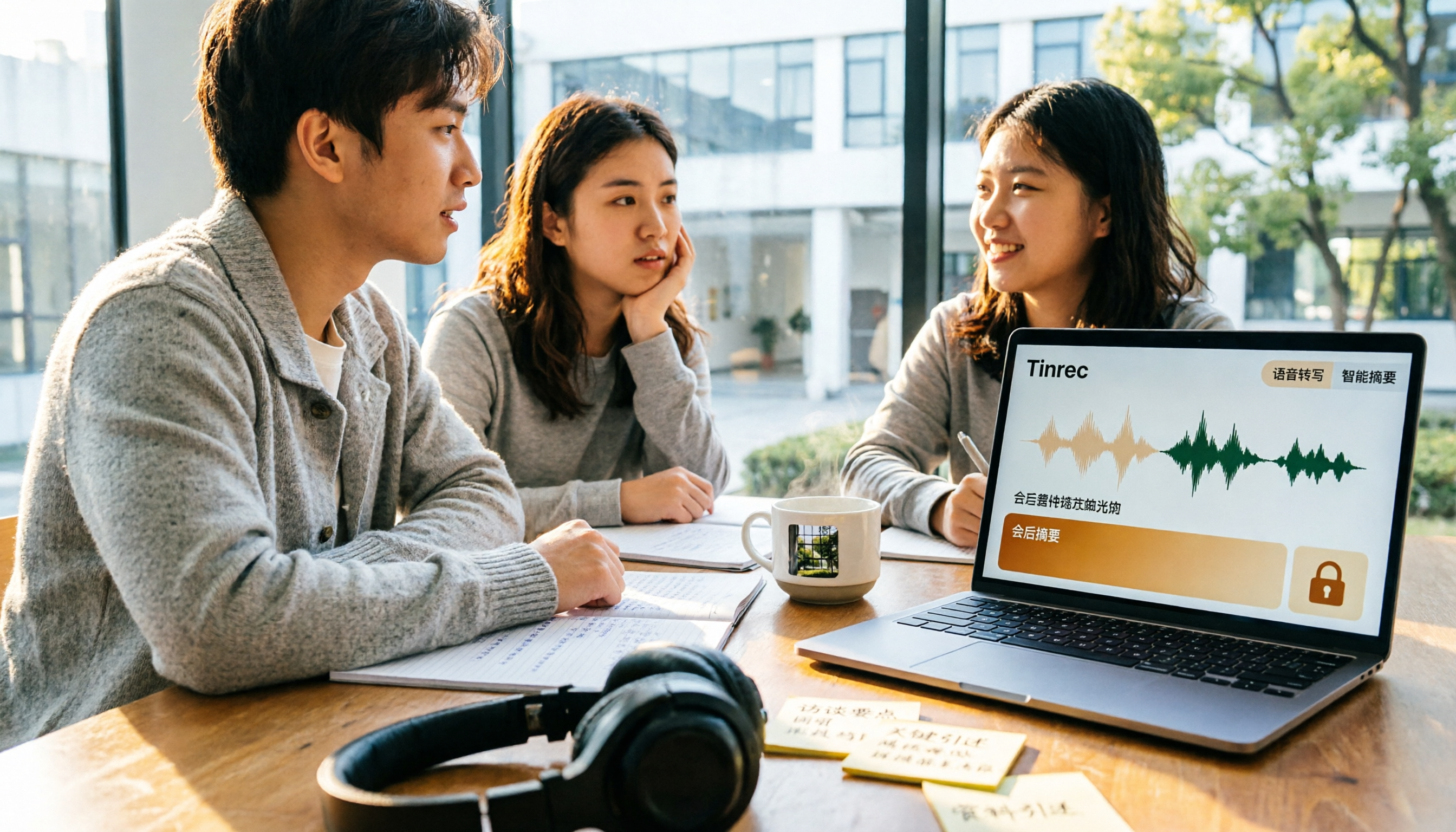
5 Best Meeting Productivity Tools in 2026: A Student's Hands-On Comparison from Free to Paid
From group discussions to graduation project interviews, I tested 5 meeting productivity tools including LINE, Google Meet, Otter.ai, and Tinrec. I compared Chinese transcription, bot-free recording, post-meeting outputs, payment flexibility, and data ownership, with a focus on the five-dimension comparison between Tinrec and Otter.ai, to help you decide which one best fits students and small teams.

Best Meeting Productivity Tools in 2026: We Tested 2 — This One Wins for Chinese Meetings
In 2026, the biggest mistake when choosing a meeting productivity tool isn't having too many meetings — it's ending up with nothing after the meeting. We break down Tinrec and Otter.ai across 5 dimensions: Chinese transcription, bot-free recording, post-meeting output, real-time translation, and team governance, so you can confidently say which one to pick on a budget.

How to Choose Meeting Efficiency Tools in 2026: 5 Steps from Meeting to Follow-Up
Four meetings a day and real work only happens at night? This article breaks down the complete workflow from meeting to post-meeting follow-up in 5 steps, outlines 4 key points to consider before choosing a meeting efficiency tool, and hands-on tests Tinrec's desktop bot-free recording, AI summaries and Q&A, and team spaces. It also briefly reviews Granola, Notta, and PLAUD for their suitable scenarios, helping you choose the right platform in one go.

2026 Free Online Meeting Productivity Tools Comparison: Tinrec vs Otter.ai Free Version
After an online meeting, the real time-consuming part is post-meeting organization. This article compares Tinrec and Otter.ai, two online meeting productivity tools with free versions, across five dimensions: no-bot recording, Chinese meeting support, free version quotas, post-meeting outputs, and team data retention. It also includes pricing and FAQs to help you decide if the free version is sufficient.

6 Best Free Meeting Productivity Tools in 2026: A Complete Comparison
The meeting ends, but the work is just beginning. This article reviews 6 meeting productivity tools with free plans and compares Tinrec and Granola across 5 dimensions—audio retention, file import, Chinese language support, post-meeting output, and team governance—to help you find the right meeting notes workflow.

2026 Comparison of 3 Meeting Efficiency Tools: Which One Saves the Most Time on Chinese Meeting Notes?
Which meeting efficiency tool is better? This article compares Tinrec, Otter.ai, and Granola in real-world scenarios, focusing on Chinese meeting organization, meeting capture methods, post-meeting outputs, handling old recordings, and team data management. It concludes with a ready-to-use starter checklist.