

Turn recordings into transcripts and summaries in minutes
Upload audio or video for multilingual transcription, AI notes, and action items
From 9:30 AM Meetings to Clocking Out, Real Work Only Happens at Night
Morning stand-up, midday client requirements, afternoon cross-department review, and an end-of-day progress recap—four meetings a day, yet meeting notes are still pieced together from handwritten notes and scattered chat messages.
"Who said that decision last time?" "Where did the client write down the budget limit?" These questions take forever to answer each time. The meetings themselves aren't tiring; it's the two hours after that drain you. Instead of switching to another fancy video conferencing tool, it's better to first fill the gap in the "meeting → post-meeting" workflow.
The 5 Steps to Meeting Efficiency: From Meeting to Follow-Up
Step 1: Capture the content. Handwritten notes only catch about 30%, and the other 70% is lost during discussion. At minimum, have a recording to refer back to.
Step 2: Turn audio into searchable text. With a transcript, you can find key details like "who mentioned the budget in which segment."
Step 3: Extract summaries, chapters, and action items. A 60-minute meeting usually has only 5 minutes of key points. Who is responsible for what and when it's due must be listed separately.
Step 4: Ask follow-up questions and export results. "What was the conclusion of last week's meeting?" should be asked directly to the tool, not manually Ctrl+F'd. Organized content should also be able to flow into Notion, Google Docs, and other workflows.
Step 5: Consolidate into team knowledge. If meeting data stays on personal devices, it's lost when people leave. Put it in a team space so new members can look up past decisions.
If any of these 5 steps is missing, efficiency gets stuck there.
Before Choosing a Meeting Efficiency Tool, Understand These 4 Key Points
1. How does it "enter" the meeting? A common approach is to send a meeting bot as a participant. The advantage is automation; the downside is an extra unknown account on the attendee list, which external clients will question. Another approach is desktop software that directly captures the computer's system audio, adding no one to the meeting. The latter is much cleaner for external meetings.
2. Performance with Chinese and mixed Chinese-English. Most tools excel at English business meetings. If your meetings are in Chinese with occasional English technical terms, check if it handles Chinese and specialized terminology.
3. Are post-meeting outputs sufficient? A transcript alone is only one-third of the job. Summaries, chapters, action items, AI Q&A, and export formats determine whether you'll actually keep using it.
4. How is team management handled? With multiple users, clarify: who can manage, who can use, and who owns the data. Saving money by sharing one set of credentials will make handovers and offboarding very painful later.
Tinrec — After Testing, We Put It First
Tinrec is an AI meeting notes and collaboration tool for individuals and teams, covering iOS, Android, desktop, and web.
In practice, it solves exactly those 5 steps. Open the desktop version during a meeting, and it directly captures the computer's system audio, processing meeting content played on Zoom, Google Meet, Microsoft Teams, Webex, etc., without inviting any bot—the attendee list stays clean, and external clients won't see an extra unknown account. During the meeting, it generates transcripts in real time and can translate instantly, viewable in original, translated, or bilingual mode, and can organize mixed Chinese-English segments into readable text.
The post-meeting part is where it diverges from ordinary transcription tools. AI automatically generates summaries, chapters, and action items; more practically, AI Q&A lets you directly ask "who mentioned the budget in this meeting," and it gives answers based on semantics, not a list of keyword search results. Organized content can be exported to Notion, Google Docs, OneNote, Dropbox, and further used with Agent to generate reports, tables, and meeting minutes.
Testing conditions: We used a mixed Chinese-English internal meeting recording (indoor environment, standard meeting microphone, about 40 minutes). With clear single-speaker speech, the transcript is directly usable; with multiple people talking over each other or noticeable air conditioning noise, you still need to refer back to the recording. Tinrec does not publicly promise a fixed accuracy rate; actual performance is affected by recording quality, accent, noise, and specialized terminology.
Stop organizing recordings by hand
Upload audio or video and automatically get a transcript, summary, and action items
Three advantages. First, no bot needed—the desktop version captures system audio, handling online meetings, offline recordings, and uploading existing audio files, which is its biggest difference from other tools. Second, beyond the transcript, there's a complete workflow: summaries, action items, Q&A, translation, export, and report generation all in one go, so you can move straight into execution after the meeting. Third, the team version turns data into an asset: independent team spaces, data owned by the team, with roles for owner, admin, and regular members, ability to assign or revoke seats, view usage trends and activity logs; when a member leaves, resources can be handed over to others, so data doesn't leave with the person.
Limitations should also be clear. The free version offers basic quota; heavy users need to pay. The team version offers a 7-day trial for first-time eligible users, 1 free seat, and 300 minutes of shared team import quota. Paid seats are USD 29.80/seat/month, or USD 199/seat/year (about USD 16.58/month), with each paid seat providing 2,000 minutes of shared team import quota per month. Under an active plan, real-time recording is currently not deducted by minutes; prices and benefits are subject to the official purchase page. Also, the team version is team-level sharing, not file-level granular permissions: roles determine who can manage, seats determine who can record, upload, and edit, while members without seats can still view and play. If you need to set different viewing permissions per file, it currently doesn't fit.
Who is it for? People who frequently hold Chinese or mixed Chinese-English meetings, don't want bots in meetings, want summaries and action items right after, and use a mix of phone, computer, and web.
Besides Tinrec, What Other Options Are There?
Granola: An AI meeting notes tool that also takes the bot-free route. Basic is free, Business is USD 14/user/month. Its strength is combining your handwritten notes with AI. However, Granola doesn't save meeting audio files and doesn't support uploading pre-recorded audio—if you want to refer back to original recordings or organize old meeting files, you'll need a tool like Tinrec that retains audio and supports file import.
Notta: A multilingual transcription and translation tool. Free offers 120 minutes per month, max 3 minutes per session; Pro annual billing is about USD 8.17/month; Business annual billing is about USD 16.67/seat/month. Suitable for bulk file transcription. However, its main focus is transcription and translation; bot-free desktop recording and post-meeting team knowledge consolidation are where Tinrec is more complete.
PLAUD Note / NotePin: AI recording hardware. NotePin USD 159, Note Pro from USD 189; membership Starter 300 minutes/month, Pro USD 99.99/year, Unlimited USD 239.99/year. Portable recording is convenient, but you need to carry an extra device and charge it. If you mainly handle online meetings and existing files, Tinrec requires no extra hardware and works on phone, desktop, and web.
Pitfall Guide: The 3 Most Common Mistakes When Choosing Meeting Efficiency Tools
Pitfall 1: Only looking at "how many platforms it supports." A support list doesn't equal actual experience. Ask clearly whether it sends a bot to join meetings or directly captures system audio—the former adds an unknown attendee in external meetings, the latter doesn't.
Pitfall 2: Thinking a transcript equals efficiency. A transcript only solves "findability," not "readability." Without summaries, action items, and Q&A, you still have to reread 60 minutes of text yourself.
Pitfall 3: Sharing one personal account across the team. You save on seat fees, but the cost is messy data ownership, no audit trail, and when someone leaves, no one knows the account password. Team use should use team spaces, with roles and seats managed separately.
Conclusion: Which One Should You Choose?
In one sentence: If you need to handle Chinese meetings and want to finish post-meeting work in one go, Tinrec is our top pick this time.
- Holding Chinese or mixed Chinese-English meetings → Tinrec (Chinese and multilingual meeting experience is key)
- Don't want bots on the attendee list → Tinrec (desktop captures system audio)
- Need summaries, action items, and the ability to directly ask "who mentioned the budget last time" → Tinrec (AI Q&A and Agent post-processing)
- Mixing phone, computer, and web → Tinrec (multi-platform coverage)
- Department needs to consolidate historical meetings, manage members and usage → Tinrec team version (spaces, roles, seats, usage and activity logs)
- Only exception: If you only have a large number of existing long audio files for batch transcription and a very low budget → a transcription-focused tool like Notta is more direct.
We suggest first using the free version or team trial for a real meeting to see if the workflow fits, then decide whether to upgrade. Tools are meant to save time, not add learning costs.
References
- Top 5 Recommended Online Meeting Software to Greatly Improve Remote Work Meeting Efficiency | On-line to Know
- How to Choose Online Meeting Software? Master 5 Software Features, Prices, and Use Cases at Once! - ALEN
- Top 5 Recommended Online Meeting Software to Greatly Improve Remote Work Meeting Efficiency! - EventX
- Video Conferencing Tools and Software | Microsoft Teams
- Google Meet: Online Voice and Video Conferencing Calls | Google Workspace
Turn every recording into actionable outcomes
Get 60 free transcription minutes when you sign in. No credit card required.
Related Reading
You might also like

2026 Meeting Productivity Tools Comparison: Tinrec vs Notta in 5 Key Areas
How to choose a meeting productivity tool in 2026? This hands-on comparison of Tinrec and Notta covers five dimensions—meeting capture, Chinese-language experience, post-meeting organization, team governance, and pricing—to help you decide which fits your meeting and team workflow.

4 Meeting Productivity Tools Tested for 2026: Which Saves Software Engineers the Most Time on Meeting Notes?
Software engineers often have meetings with mixed Chinese and English, and don't want a meeting bot appearing on the participant list. This article tests and compares 4 meeting productivity tools in 2026, covering transcripts, AI summaries and Q&A, bot-free recording, and team data ownership, and honestly lists each option's free tier and paid pricing to help you find the one that truly reduces your post-meeting work.

2026 Meeting Efficiency Tools Comparison: Which AI Meeting Notes Actually Save Time?
Still spending two hours after a meeting to organize? This article breaks down the four-step workflow of meeting efficiency tools—recording, organizing, querying, and archiving—and tests four tools: Tinrec, Otter.ai, Granola, and PLAUD. It compares bot-free online meeting recording, Chinese and mixed Chinese-English transcripts, AI summaries and Q&A, team data archiving, and pricing. It also covers four common purchasing pitfalls to help you decide which tool truly saves time.
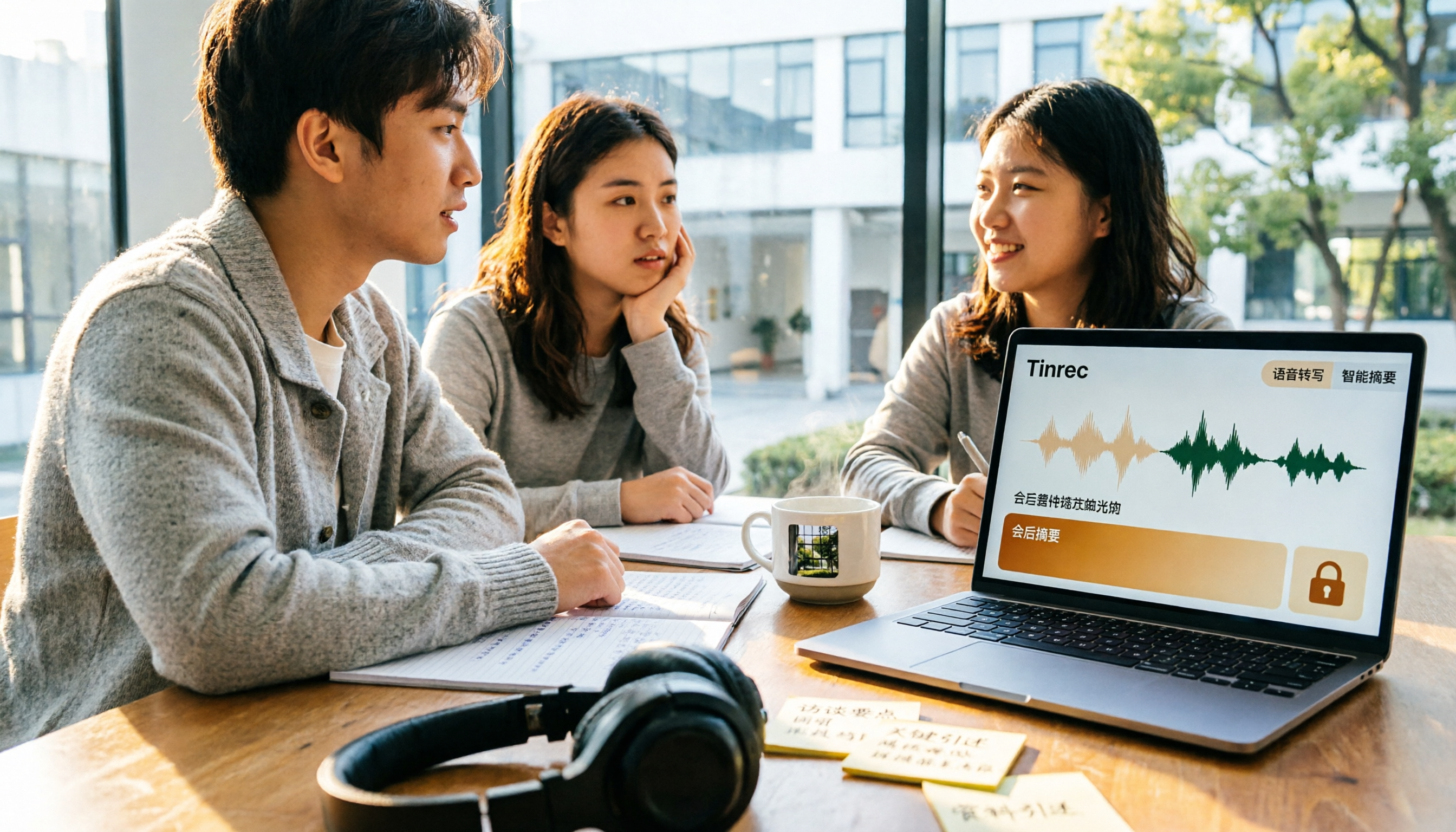
5 Best Meeting Productivity Tools in 2026: A Student's Hands-On Comparison from Free to Paid
From group discussions to graduation project interviews, I tested 5 meeting productivity tools including LINE, Google Meet, Otter.ai, and Tinrec. I compared Chinese transcription, bot-free recording, post-meeting outputs, payment flexibility, and data ownership, with a focus on the five-dimension comparison between Tinrec and Otter.ai, to help you decide which one best fits students and small teams.

Best Meeting Productivity Tools in 2026: We Tested 2 — This One Wins for Chinese Meetings
In 2026, the biggest mistake when choosing a meeting productivity tool isn't having too many meetings — it's ending up with nothing after the meeting. We break down Tinrec and Otter.ai across 5 dimensions: Chinese transcription, bot-free recording, post-meeting output, real-time translation, and team governance, so you can confidently say which one to pick on a budget.

2026 Free Online Meeting Productivity Tools Comparison: Tinrec vs Otter.ai Free Version
After an online meeting, the real time-consuming part is post-meeting organization. This article compares Tinrec and Otter.ai, two online meeting productivity tools with free versions, across five dimensions: no-bot recording, Chinese meeting support, free version quotas, post-meeting outputs, and team data retention. It also includes pricing and FAQs to help you decide if the free version is sufficient.

6 Best Free Meeting Productivity Tools in 2026: A Complete Comparison
The meeting ends, but the work is just beginning. This article reviews 6 meeting productivity tools with free plans and compares Tinrec and Granola across 5 dimensions—audio retention, file import, Chinese language support, post-meeting output, and team governance—to help you find the right meeting notes workflow.

2026 Comparison of 3 Meeting Efficiency Tools: Which One Saves the Most Time on Chinese Meeting Notes?
Which meeting efficiency tool is better? This article compares Tinrec, Otter.ai, and Granola in real-world scenarios, focusing on Chinese meeting organization, meeting capture methods, post-meeting outputs, handling old recordings, and team data management. It concludes with a ready-to-use starter checklist.

2026 Comparison of 5 Online Meeting Productivity Tools: Which One Turns Meetings into Searchable Team Data?
From bot-free recording, post-meeting summaries, and AI Q&A to team knowledge retention, we put 5 online meeting productivity tools to the test. Find out which one best fits your meeting scenarios and team collaboration needs.