

Turn recordings into transcripts and summaries in minutes
Upload audio or video for multilingual transcription, AI notes, and action items
Best Meeting Efficiency Tools in 2026: We Tested 5, and the One With No Bot Recording Is the Easiest
When choosing a meeting efficiency tool, many people's first instinct is to lay out the feature list and compare specs—who has more transcription minutes, who integrates with more services. But after testing a round with my team, I found the only question that really matters first is: does this tool help you "write it down" or help you "put it to use"?
I attend about 15 meetings a week—weekly meetings, project progress meetings, one-on-ones, cross-department coordination. What used to bother me most wasn't the meeting itself, it was after the meeting. Because every meeting has a pile of decisions and action items to organize, it felt like my work only started after the meeting ended. So this isn't a spec comparison. I put 5 common meeting efficiency tools into my own real meeting scenarios and tested them, using "can it save an hour of post-meeting busywork" as the standard, and I'll talk about these tools in two categories.
What Can Meeting Efficiency Tools Do for You?
Let me start with the conclusion: a good meeting efficiency tool doesn't save you typing time, it saves you time "going back to find information." Take Tinrec as an example—in my daily routine it mainly solves four things:
Scenario 1: Get meeting notes within 5 minutes after the meeting. Before, after a two-hour meeting, I'd still spend another hour organizing. Now when the meeting ends, the summary, conclusions, and action items are already structured and listed—who's responsible for what, when it's due, all clear at a glance.
Scenario 2: No need to invite a meeting bot. This is very practical for me. During client meetings, when an unfamiliar "participant" suddenly appears on screen, clients usually ask "who is that?" Tinrec's desktop version directly captures your computer's system audio to process meeting content from Zoom, Google Meet, Microsoft Teams, and Webex, without an extra bot joining.
Scenario 3: Even casual audio recordings can be organized. One-on-ones, things assigned to you on the fly—record them on your phone, then drop them into Tinrec to transcribe and generate a summary. Much faster than listening to the recording over and over.
Scenario 4: Turn past meetings into searchable data. When the boss asks "what was that decision last time?" I used to flip through notes for 3 minutes and still not find it. Now I just ask a question directly about the meeting content.
What Are the Core Capabilities of Meeting Efficiency Tools?
Laid out, these tools' capabilities can be divided into five layers. I'll use Tinrec as an example to explain what each layer actually does.
Real-time transcription. It transcribes while recording, not after. During the meeting you can follow along with the text to confirm nothing important is missed, and mixed Chinese-English content can be organized together.
AI summary and chapters. It doesn't just condense the transcript into one big paragraph—it breaks it down structurally: meeting topic, discussion conclusions, action items, and owners listed separately. Once long meetings are split into chapters, reviewing them is much faster.
Action item extraction and AI Q&A. After transcription, you can ask it questions directly, like "who mentioned the budget in this meeting?" or "what was the client's feedback?" It answers based on semantic understanding, rather than dumping a bunch of keyword matches on you. Tinrec also supports real-time translation, so cross-language meetings can be viewed in original, translated, or bilingual mode.
Multi-format output and third-party export. Transcripts, summaries, and action items can be exported as documents, reports, or tables, and can also be exported to Notion, Google Docs, OneNote, or Dropbox for further processing. This is critical for people who need meeting notes to fit into existing workflows.
Team space and governance. If you lead a team like I do, this layer is the dividing line. Tinrec's team version provides an independent team space where meeting data belongs to the team, plus member and seat management, usage analytics, audit logs, audio recycle bin, and team hotwords.
Real-World Use Cases
Department weekly meetings and project meetings. I regularly use Tinrec to record weekly meetings and project progress meetings. Afterward I don't need to spend time organizing key points—action items are listed directly, and I just confirm the owners are correct. The most time-consuming part of cross-department communication is never the communication itself, it's the follow-up and confirmation after.
Stop organizing recordings by hand
Upload audio or video and automatically get a transcript, summary, and action items
Client interviews and requirements communication. Sales and customer success teams can fully capture client needs, concerns, and commitments, then organize them into deliverable materials after the meeting, rather than relying on memory.
Interviews and research. For recordings like user interviews and expert interviews, after transcription you can directly search for the clips you want to quote, saving the time of listening to recordings repeatedly.
Course and content organization. Online courses, lectures, and webinars can be recorded, transcribed, and summarized, then looked up later when needed.
5 Things to Watch When Buying a Meeting Efficiency Tool
1. Does it handle "recording" or "meetings." This is the judgment question from the beginning of the article. Tools that only transcribe give you a transcript; tools that can organize into summaries, action items, Q&A, and even generate reports and tables are the ones that save you post-meeting time. Tinrec is the latter.
2. How the meeting gets recorded. Some tools use a bot to join the meeting, others capture system audio on the desktop. If you often have external client meetings, the approach that doesn't add an unfamiliar participant is usually less awkward. Tinrec's desktop version is the latter, but you need to actively open Tinrec to start recording.
3. Where the data goes afterward. Can transcripts be exported to Notion, Google Docs, OneNote, Dropbox? Can it generate reports or tables? If not, your meeting data just becomes another silo. Tinrec supports multi-format output and third-party export.
4. Personal use or team use. For individual use, look at quota and transcription quality; for team use, also look at members, roles, seats, and usage. Tinrec's team version separates roles (who can manage the team and audit) from seats (who can record, upload, export). Members with valid access but no seat can still view, play, and read team data, but cannot perform resource-using operations like upload, edit, import, or export.
5. Language and terminology. Chinese meetings, mixed Chinese-English, and cross-language meetings have very different needs. Tinrec covers Chinese, Traditional Chinese, and multilingual scenarios, supports real-time translation and bilingual viewing, and the team version can maintain team hotwords. Actual performance is affected by recording quality, noise, accents, multiple people speaking at once, and specialized terminology—we recommend testing with your own recordings.
FAQ
Q: Is Tinrec's free version enough? It depends on your meeting frequency. For occasional recording organization, the free version lets you try recording, import, summary, and transcription with basic quota; if you have a dozen meetings a week like me, the time saved on organizing alone is worth upgrading to Pro; for short-term intensive meetings or interviews, consider a weekly pass.
Q: Does Tinrec need a meeting bot to join? No. Tinrec's desktop version directly captures computer system audio to process meeting content from Zoom, Google Meet, Microsoft Teams, and Webex, but you need to actively open Tinrec to start recording—it doesn't automatically join all calendar meetings.
Q: What's the difference between the team version and personal version? Personal version data belongs to the individual account; the team version is an independent team space where meeting data belongs to the team, with additional capabilities like members, roles, seats, sharing benefits, usage analytics, audit logs, and audio recycle bin. Currently the permission design is mainly team-level sharing, not file-level granular permissions.
Q: Can team members without a seat see the data? They can view, play, and read team data; only after getting a seat can they record, upload, edit, import, and export. When a member leaves or is removed, team resources are not taken away by the individual—they are handed over to other valid members.
Q: How is the team version priced? Based on the product's current internal configuration, the team monthly plan is USD 29.80 per paid seat per month, and the annual plan is USD 199 per paid seat per year, about USD 16.58 per month; each paid seat provides 2,000 minutes of team shared import quota per month, and real-time recording within a valid team plan is currently not deducted by minutes. Actual prices, currencies, and promotions are subject to the official purchase page.
Q: How accurate is audio-to-text transcription? Rather than listening to marketing numbers, try it once with your own meeting recording. Actual performance is affected by recording quality, noise, accents, overlapping speakers, and specialized terminology. For important content, we recommend cross-checking with transcript timestamps and recording playback—don't completely replace human confirmation.
Summary
Back to the question from the beginning: should you choose a meeting efficiency tool that "helps you write it down" or "helps you put it to use"? My answer is pragmatic—the one that saves you that post-meeting hour is the real efficiency tool, no matter how pretty the spec sheet is.
If you have more than 3 meetings a week, I suggest trying it directly with one of your own meetings. Tinrec's free version lets you experience the basic flow of recording, import, summary, and transcription; if you're in meetings every day, go straight to Pro; if you lead a team, then evaluate the value of team space in turning meetings into searchable, traceable data.
References
- Top 5 Recommended Online Meeting Software to Greatly Improve Remote Work Meeting Efficiency! - EventX
- Top 5 Recommended Online Meeting Software to Greatly Improve Remote Work Meeting Efficiency | On-line to Know
- 6 Best Free Video Conferencing Software Platforms in 2026
- How to Choose a Conference Management System? Feature Comparison and Implementation Evaluation Key Points (Including Enterprise Use Cases)
- Top 4 Free Online Video Software Recommendations - Pros and Cons Analysis, Feature Tutorial and Introduction | EG Web Design
Turn every recording into actionable outcomes
Get 60 free transcription minutes when you sign in. No credit card required.
Related Reading
You might also like

2024 Meeting Productivity Tools Comparison: Tinrec vs Otter.ai — Which Is Better for Chinese-Speaking Teams?
Most people choose meeting productivity tools based only on transcription accuracy, but the real pitfalls are often that no one reads the transcripts, recordings are scattered across personal accounts, and a bot unexpectedly joins the meeting. This article compares Tinrec and Otter.ai across five dimensions—Chinese-language experience, recording methods, post-meeting outputs, team governance, and pricing—to help you decide which tool better fits your meeting scenarios.

7 Best Meeting Productivity Tools in 2026: How to Choose a PTT-Approved Audio-to-Text Solution
In 2026, PTT discussions about meeting productivity often focus on mobile app usability and microphone clarity, but overlook the real bottleneck: post-meeting organization. This article reviews 7 meeting productivity tools, covering their positioning, pricing, and ideal users—from bot-free online meeting recording, transcription, AI summaries, to team knowledge retention.

4 Meeting Productivity Tools Tested for 2026: Which One Actually Saves You Post-Meeting Time?
Spending hours organizing meeting notes after the meeting ends? This article starts with common pitfalls, breaks down 4 key factors for choosing a meeting productivity tool, and compares Tinrec, Otter.ai, Notta, and Granola in Chinese transcription, post-meeting organization, and team collaboration. It also includes a guide to avoid pitfalls and scenario-based selection advice.
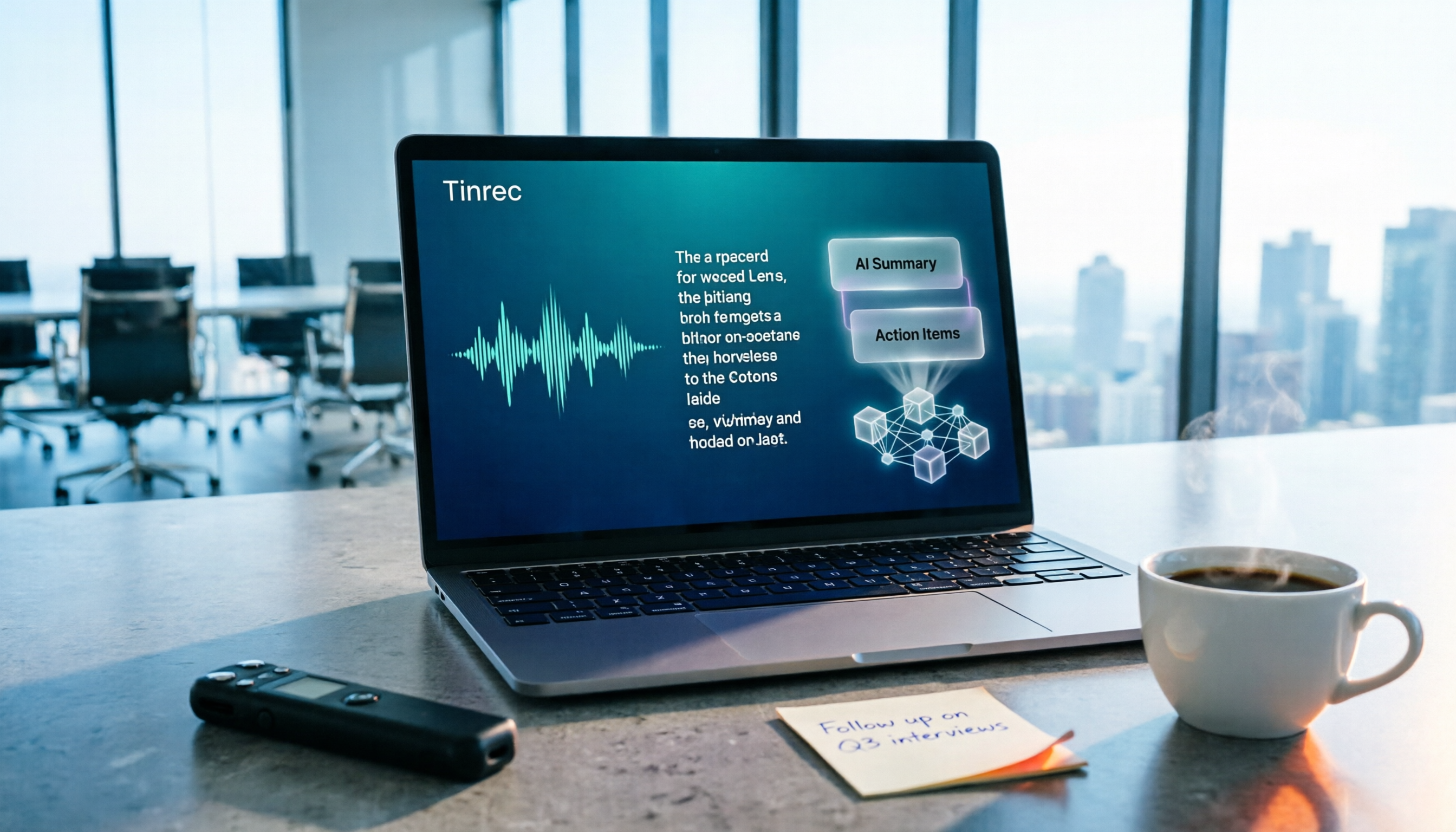
How to Choose a Free Meeting Productivity Tool in 2026: 5 Steps from Recording to Meeting Minutes
Starting from the pain points of post-meeting organization, this article compares built-in free meeting tools from platforms with Tinrec, and breaks down the complete workflow from recording, transcription, AI summarization, to team knowledge retention in 5 steps, helping readers determine if a free plan is sufficient and how to choose.

2026 Meeting Efficiency Tools Comparison: Which AI Meeting Notes Actually Save You Post-Meeting Time?
Meeting efficiency tools review 2026: This article uses Tinrec as the main test subject, breaking down what meeting efficiency tools can do for you, six core capabilities, four practical use cases, and 5 key points to consider when purchasing, covering Chinese recognition, bot-free online meeting recording, AI summaries and action items, team roles and seat management, plan quotas, and includes FAQs.

2026 Meeting Productivity Tools Comparison: Tinrec vs Otter.ai Five-Dimension Test, Which Should Chinese Teams Choose?
There are countless meeting productivity tools, but the first thing to clarify is whether your meetings are primarily in Chinese or English, and whether data needs to stay within the team. This article compares Tinrec and Otter.ai across five dimensions, breaking down Chinese transcription, meeting capture methods, post-meeting outputs, team spaces, and pricing plans, with an FAQ to help Chinese teams quickly decide which one to choose.

2026 Meeting Productivity Tools: Tinrec vs PLAUD Note — 5-Point Hands-On Comparison
Meeting's over, but the transcript, notes, and action items aren't done? This article compares two common approaches to meeting productivity tools—Tinrec and PLAUD Note—across 5 dimensions: software-based bot-free recording, file import, post-meeting AI Q&A, and team data governance versus hardware-based portable recording. It includes step-by-step instructions and selection advice to help you decide which one actually saves you from after-hours overtime.

Best Meeting Productivity Tools in 2026: Tested 5, This One Excels at Chinese Meetings
If you have more than 3 meetings a week, post-meeting organization is often the most time-consuming part. This article, based on real-world scenarios, covers what meeting productivity tools can do, their core capabilities, and 5 key factors to consider when choosing one. It uses Tinrec as an example to illustrate the complete workflow from recording, transcription, summarization, action items, to team collaboration, and includes a FAQ at the end.
2026 Meeting Efficiency Tools Comparison: Beyond Zoom and Teams, What Are Your Options?
How do you choose a meeting efficiency tool? This article starts with common misconceptions, then compares Tinrec, Otter.ai, Notta, and Granola in real tests, explaining differences in bot-free online meeting recording, AI summaries and action items, AI Q&A, and team knowledge retention. It also covers 4 key buying factors and 3 common pitfalls to help you choose the right tool for your meeting scenarios.