
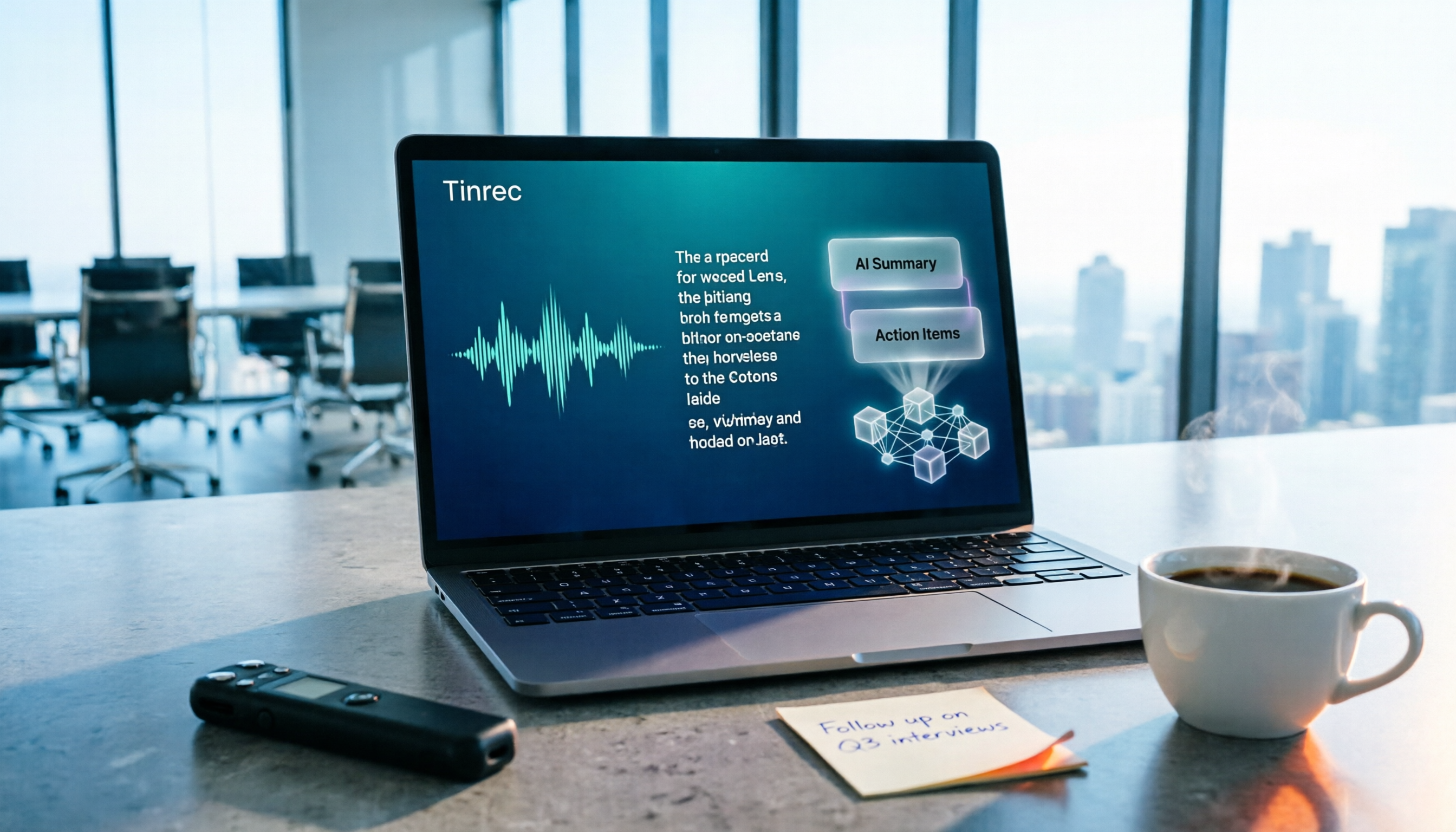
Turn recordings into transcripts and summaries in minutes
Upload audio or video for multilingual transcription, AI notes, and action items
The meeting just ended, and your boss drops a message in the group chat: "Who was responsible for that decision last week?" All you have is a 90-minute recording, and you have to listen from the beginning again. The problem with meeting efficiency often isn't that the meeting can't happen—it's that after it ends, the content doesn't turn into data you can use immediately.
Why aren't free meeting tools enough even after you use them?
Video meetings themselves cost almost nothing. Google Meet is tied to Gmail and Google Calendar, so sending invites and scheduling are done in one go; Zoom's free version allows 40-minute meetings with up to 100 participants, and attendees don't even need to register; Microsoft Teams has a free version with in-meeting chat and file sharing; Webex can also be used with a free registration. If your meeting participants are in Taiwan, LINE is the lowest-barrier temporary option, though its features are relatively basic.
These tools solve the problem of "getting the meeting done." But what really eats up time is the follow-up organization: who said what, what was decided, and who owns the action items. Built-in transcription mostly stays within its own ecosystem; switch to another meeting platform, and the data scatters elsewhere. When you need to consolidate content from different sources into summaries, action items, and a searchable database, you'll find a missing piece. This is why many people start searching for "free meeting productivity tools"—they don't just need to hold the meeting, they need to use it immediately after it ends.
What's the core experience difference between Tinrec and built-in free tools?
1. Meeting capture method Most platforms' built-in recording is tied to their own meetings, so cross-platform becomes separate recordings. Tinrec's desktop version directly captures computer system audio without inviting a meeting bot, and can record Zoom, Google Meet, Microsoft Teams, and Webex meetings played on your computer. This is especially practical for client meetings where you don't want a stranger's account appearing on the participant list.
2. Input source coverage Built-in transcription usually only handles online meetings on its own platform. Besides online meetings, Tinrec also supports real-time recording (offline meetings, interviews, on-site notes), audio/video file uploads, mobile device recording, and some web link imports. In-person meetings and historical recordings can all enter the same workflow.
3. Post-meeting output Many free plans stop at transcription. Tinrec generates AI summaries, chapters, key points, and action items on top of the transcript, and you can continue asking questions about the meeting content. The transcript is raw material; summaries and action items are what you can directly report.
4. Language and translation Tinrec covers Chinese, Traditional Chinese, and multilingual meeting scenarios, supports mixed Chinese-English content, and during recording you can switch between original text, translation, or bilingual view. Actual results are affected by recording quality, noise, accents, and overlapping speakers, but at least cross-language meetings don't require hiring a separate translator.
5. Team knowledge retention Platform data is usually tied to individual accounts. Tinrec's team version provides an independent team space where meeting data belongs to the team, with member management, roles, seats, usage analytics, audit logs, and an audio recycle bin; when members change, their responsible resources can be handed over, so data doesn't leave with the person.
Overview of Tinrec's core features
Real-time audio to text: Text is generated simultaneously as recording starts, so you can check and verify during the meeting without waiting until afterward to discover missed key points.
Bot-free online meeting recording: The desktop version captures system audio, records online meetings without adding extra participants, and generates transcripts in real time, so you don't have to compare with platform recordings afterward.
AI summaries, chapters, and action items: Long meetings are automatically broken into structure and key points, and action items are extracted from discussions. When reporting, you can state conclusions directly instead of retelling the entire conversation.
Stop organizing recordings by hand
Upload audio or video and automatically get a transcript, summary, and action items
AI Q&A: Ask questions directly about meeting content afterward, such as "What was the conclusion?" or "Who is responsible for what?" Use semantic understanding to find answers without manually scanning the entire transcript.
Multi-format export and Agent post-processing: Results can be exported to existing workflows like Notion, Google Docs, OneNote, and Dropbox, and Agents can further generate reports, tables, and meeting minutes.
Team space and governance (Team version): Centrally store recordings, transcripts, summaries, and action items. Admins can assign seats, view usage trends and member details, and query and export important operation logs.
5 steps: from recording to meeting minutes
- Start recording: For online meetings, use the desktop version to capture system audio; for offline occasions, use a mobile device or web version for real-time recording.
- Verify while recording: Transcripts are generated simultaneously; enable real-time translation when needed to compare original text, translation, or bilingual view.
- Get summaries and chapters after the meeting: First look at the summary to grasp conclusions, then use chapters to jump to sections you care about.
- Ask AI and capture action items: Follow up on details about meeting content and organize action items from discussions.
- Export and retain: Export results to existing tools or save them in the team space so colleagues can find them later.
Practical use cases
Weekly and project meetings: Regular weekly meetings easily accumulate a lot of records. With Tinrec's real-time transcription plus summaries and action items, decisions and owners stay in one place, so you don't have to dig through chat logs before next week's meeting.
Customer interviews and sales conversations: Customer needs, concerns, and commitments are scattered throughout the conversation. After the meeting, use AI Q&A to confirm "What concerns did the customer mention?" and then export the organized material into follow-up documents.
Courses, lectures, and research interviews: Long content is hardest to review. Tinrec's chapters and key points can compress two hours of content into a scannable structure, and you can return to the transcript for reference when needed.
Personal knowledge accumulation: Historical recordings and scattered notes can be imported centrally and retrieved later via Q&A. Recordings are no longer files lying on your phone, but searchable, queryable data.
Points to note when choosing a free meeting productivity tool
How free quotas are calculated: Free plans usually limit by minutes or number of files. Tinrec's free version provides a basic quota so you can actually run through a complete workflow of recording, importing, summarizing, and transcribing before deciding whether to upgrade; for short-term intensive use or long-term retention, there are weekly cards and Pro monthly/annual cards with different rhythms.
Can it handle your actual meeting formats: If you only meet on a single platform, built-in features are enough; if you have online meetings, in-person interviews, and existing recording files, confirm whether the tool covers multiple input sources.
Post-meeting output, not just transcripts: Transcripts are just the starting point. Summaries, chapters, action items, Q&A, and export are the keys to whether you'll actually revisit this record.
Team permission design: In the team version, look at "roles" and "seats" separately. Roles determine who can manage the team and view audits; seats determine whether members can record, upload, and edit; members without seats can still view and read team data but cannot perform resource usage operations.
Recording and personal data compliance: Recording regulations differ across regions. Before recording, confirm local laws and obtain participant consent—this is a step no tool can handle for you.
Conclusion: Is Tinrec worth a try?
If all you need is to "get the meeting done," free tools like Google Meet, Zoom, and Teams are enough. But if you need "usable immediately after the meeting"—cross-platform recording, summaries and action items beyond transcripts, AI follow-up questions after the meeting, and data that can be retained as a team-searchable asset—then Tinrec is worth adding to your comparison list.
Its free version lets you run through a workflow with a basic quota, which is more accurate than any review. For team use, you can start with a 7-day trial with 1 free seat and 300 minutes of team shared import quota; subsequent monthly payment is USD 29.80 per paid seat per month, annual payment is USD 199 per paid seat per year (about USD 16.58 per month), each paid seat provides 2,000 minutes of team shared import quota per month, and real-time recording under an active team plan is currently not deducted by minutes; actual prices and benefits are subject to the official purchase page.
Test it once with your own meeting recording to see if the summary captures key points and whether the action items are the ones you actually need—that's the most practical way to choose a tool.
References
- Top 5 Recommended Online Meeting Software to Greatly Improve Remote Work Meeting Efficiency | On-line to Know
- Free Video Chat and Meetings | Microsoft Teams
- Free Video Conferencing: Reliable and Easy to Use | Zoom
- 2026 Free Online Meeting Software and Video Software Recommendation List! Comparing Differences Between Teams, Zoom, and Google Meet | Tasker Article Column
- Free Video Conferencing and Online Meetings | Cisco Webex
Turn every recording into actionable outcomes
Get 60 free transcription minutes when you sign in. No credit card required.
Related Reading
You might also like

2026 Meeting Efficiency Tools Comparison: Which One Turns Meetings into Actionable Data?
With so many meeting efficiency tools available, how do you choose? This hands-on comparison of Tinrec, Otter.ai, Granola, and PLAUD Note breaks down meeting capture methods, post-meeting outputs, Chinese language experience, and team data ownership, plus a quick comparison table and 3 common pitfalls to help you find the right meeting notes workflow.

5 Meeting Productivity Tools Tested for 2026: Which AI Meeting Notes Actually Save Time?
The meeting is over—now the real pain begins. This hands-on comparison of Tinrec, Otter.ai, Notta, PLAUD Note, and more breaks down free tiers, Chinese and mixed-language transcription, post-meeting output, and team licensing, plus 5 buying tips and 4 common pitfalls to help you find the tool that truly saves time after the meeting.

4 Meeting Productivity Tools Tested and Compared in 2026: How to Choose an AI Meeting Recorder That Actually Works
2026 meeting productivity tool recommendations. Starting from common meeting note pain points, this article hands-on compares Tinrec, Otter.ai, Notta, and Granola, analyzing Chinese transcription, post-meeting organization, bot-free recording, and team collaboration, with buying criteria and pitfalls to avoid, helping you find the AI meeting assistant that saves the most time after meetings.

2026 Meeting Efficiency Tools Review: Tinrec vs Otter.ai for Chinese Transcription & Post-Meeting Action Items
There are countless meeting efficiency tools, but what really matters is Chinese transcription, recording methods, and post-meeting organization. This article compares Tinrec and Otter.ai across six dimensions—from bot-free recording and AI summary action items to team seat management and pricing—to help you decide which one is worth bringing into your company.

4 Meeting Productivity Tools Compared in 2026: Which AI Note-Taker Saves the Most Time for Chinese Meetings?
Looking for a meeting productivity tool but overwhelmed by mixed reviews on PTT? This hands-on comparison of Tinrec, Notta, Granola, and Otter.ai breaks down their differences—from Chinese and mixed Chinese-English recognition, meeting capture methods, post-meeting outputs, team data retention, to pricing models. We also highlight the 4 most common pitfalls when choosing a tool, so you can quickly see which one fits your needs.

2024 Meeting Productivity Tools Comparison: Tinrec vs Otter.ai — Which Is Better for Chinese-Speaking Teams?
Most people choose meeting productivity tools based only on transcription accuracy, but the real pitfalls are often that no one reads the transcripts, recordings are scattered across personal accounts, and a bot unexpectedly joins the meeting. This article compares Tinrec and Otter.ai across five dimensions—Chinese-language experience, recording methods, post-meeting outputs, team governance, and pricing—to help you decide which tool better fits your meeting scenarios.

7 Best Meeting Productivity Tools in 2026: How to Choose a PTT-Approved Audio-to-Text Solution
In 2026, PTT discussions about meeting productivity often focus on mobile app usability and microphone clarity, but overlook the real bottleneck: post-meeting organization. This article reviews 7 meeting productivity tools, covering their positioning, pricing, and ideal users—from bot-free online meeting recording, transcription, AI summaries, to team knowledge retention.

4 Meeting Productivity Tools Tested for 2026: Which One Actually Saves You Post-Meeting Time?
Spending hours organizing meeting notes after the meeting ends? This article starts with common pitfalls, breaks down 4 key factors for choosing a meeting productivity tool, and compares Tinrec, Otter.ai, Notta, and Granola in Chinese transcription, post-meeting organization, and team collaboration. It also includes a guide to avoid pitfalls and scenario-based selection advice.

2026 Meeting Efficiency Tools Comparison: Which AI Meeting Notes Actually Save You Post-Meeting Time?
Meeting efficiency tools review 2026: This article uses Tinrec as the main test subject, breaking down what meeting efficiency tools can do for you, six core capabilities, four practical use cases, and 5 key points to consider when purchasing, covering Chinese recognition, bot-free online meeting recording, AI summaries and action items, team roles and seat management, plan quotas, and includes FAQs.