

Turn recordings into transcripts and summaries in minutes
Upload audio or video for multilingual transcription, AI notes, and action items
Two-Hour Meeting, Two More Hours to Organize? You Don't Need More Tools—You Need a Solution
It's Wednesday afternoon, and you just wrapped up a two-hour cross-departmental meeting. Everyone was engaged in the discussion, but now that it's over, you're staring at the recording on your phone, thinking only one thing: how long will it take to organize this?
What's worse, your meeting was in Chinese with English project names mixed in, and everyone spoke at different paces. Manually transcribing is often more exhausting than the meeting itself.
If you've been in this situation, this article is for you. Discussions about meeting note tools never stop, and we've actually tested several common options to help you find the one that truly saves time after meetings.
Before Choosing a Meeting Productivity Tool, Understand These 4 Key Points
The first key is "Chinese transcription stability." Many tools perform well in English meetings, but when it comes to Chinese mixed with English, accents, or technical terms, the transcript is full of errors. Instead of relying on advertised accuracy rates, try running a segment of your own meeting recording.
The second key is "post-meeting organization." A tool that only gives you a transcript has only done half the job. The real differentiator is whether it can automatically generate summaries, chapters, action items, and even let you ask follow-up questions with AI.
The third key is "meeting recording method." Traditional meeting bots need to join as a participant, which some companies find intrusive. Now there are tools that capture system audio directly from the desktop without adding a bot, making it more seamless for participants.
The fourth key is "team collaboration and data ownership." If meeting data only exists in personal accounts, it's hard to hand over when someone leaves. Team spaces, seat management, and permission roles are essential to clarify when purchasing for a team.
Tinrec – Our Top Pick After Testing
Tinrec is an AI meeting recording and collaboration tool for individuals and teams, available on iOS, Android, and web. It doesn't just convert audio to text; it turns meeting recordings into searchable, summarizable, queryable, and exportable data.
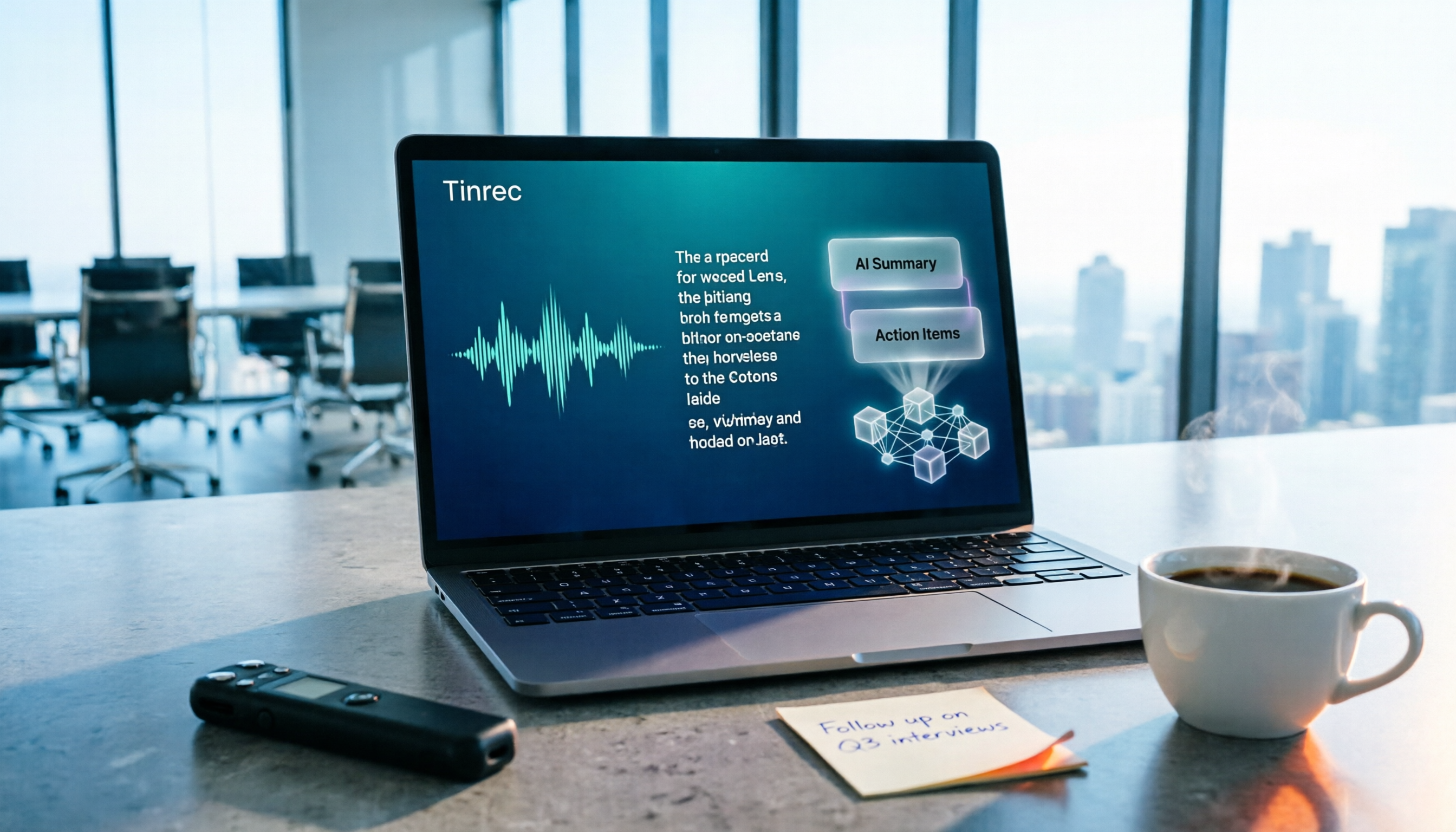
In practice, you can open Tinrec to record in real-time, and it will generate a transcript as it records. After the meeting, AI has already automatically generated a summary and chapters, and extracted action items from the discussion—who is responsible for what, what's next, all clear. For long meetings that need quick review, this is much faster than manually re-listening to the recording.
It also has a core feature that sets it apart from most competitors: AI Q&A. After recording, you can directly ask Tinrec: "Who mentioned the budget in the last meeting?" It will answer based on semantic understanding, rather than just giving you keyword search results. This is especially useful when organizing historical meetings or interview data.
If you frequently handle online meetings, Tinrec's desktop version can capture computer system audio directly, without inviting a meeting bot to join Zoom, Google Meet, Microsoft Teams, or Webex. Users actively start recording, and no extra bot participant appears in the meeting, making it more natural for client meetings or cross-departmental meetings.
Tinrec also supports real-time translation, allowing you to view the original text, translation, or bilingual content during recording, and export results to Notion, Google Docs, OneNote, Dropbox, and other tools. For those who need to deliver reports or tables after meetings, it can also generate documents through Agent post-processing.
Stop organizing recordings by hand
Upload audio or video and automatically get a transcript, summary, and action items
Honestly, the free version has a basic quota, suitable for light use; if you have regular meetings every week, the Pro monthly or annual plan is more suitable. The team version is a separate space, providing members, roles, seats, usage analytics, and audit logs. Currently, team monthly is USD 29.80 per paid seat per month, annual is USD 199 per paid seat per year (about USD 16.58 per month). Eligible teams get a 7-day trial, 1 free seat, and 300 minutes of shared team import quota. Note that real-time recording currently does not deduct minutes under an active team plan and seat, but file imports use the shared team quota.
Tinrec does not promise a fixed accuracy rate, as actual performance is affected by recording quality, noise, accents, and overlapping speech. But for Chinese meetings, mixed Chinese-English content, and post-meeting organization workflows, it's the smoothest option we've tested. If you often need to turn meeting content into usable team data, Tinrec is well worth trying.
Besides Tinrec, What Other Options Are There?
Otter.ai: A mature choice for English meetings, free version 300 minutes per month, Pro annual about USD 8.49 per user per month. Its English transcription and meeting integrations are strong, but Chinese meeting experience is not its focus, and Tinrec's bot-free desktop recording and Chinese real-time translation are areas it emphasizes less. If you mainly record English meetings, consider it.
Notta: A multi-platform transcription tool with high overlap with Tinrec, free version 120 minutes per month, max 3 minutes per session, Pro annual about USD 8.17 per month. It's suitable for file transcription and translation, but Tinrec is more complete in team spaces, AI Q&A, and Agent post-processing, turning meetings into searchable team data.
Granola: Also records meetings without a bot, Basic free, Business USD 14 per user per month. Its feature is combining user handwritten notes with AI enhancement, but it does not save meeting audio and does not support uploading pre-recorded audio files. If you need to keep recordings, import historical files, or manage team data, Tinrec is more suitable.
Pitfalls to Avoid: 3 Most Common Mistakes When Choosing Meeting Productivity Tools
First pitfall: Only looking at transcription minutes. Many tools advertise hundreds of minutes per month, but if you only get a transcript, you still have to read the whole thing. What really saves time is summaries, action items, and Q&A features, not minutes.
Second pitfall: Thinking you must have a meeting bot. Bots joining meetings are convenient, but not the only way. Desktop system audio capture without a bot is more seamless for participants and won't add a stranger account in client meetings.
Third pitfall: Ignoring team data ownership. Sharing personal accounts may seem cost-saving, but data is hard to hand over when members leave. Team versions should distinguish roles and seats, allowing members without seats to view data, but only those with seats can record, upload, and edit. Be sure to clarify before purchasing.
Conclusion: Which One Should You Choose?
If you need Chinese meeting transcription, mixed Chinese-English content organization, and want to use AI to find key points after meetings → Tinrec is currently the most suitable choice.
If you frequently record online meetings and don't want a bot to join → Tinrec desktop version captures system audio directly, no need to invite extra participants.
If you need a team to collectively build meeting data and manage member permissions and usage → Tinrec team version provides spaces, roles, seats, and audit logs.
If you have a limited budget and only record English meetings → Otter.ai free version 300 minutes per month is the only recommended exception in this article.
Overall, Tinrec moves meetings from "recorded" to "organized, findable, actionable." We suggest starting with the free version, running a meeting recording you have, and experiencing the difference in transcript, summary, and AI Q&A. If it meets your needs, then consider upgrading to a paid plan.
Finally, before recording, please be aware of local laws and company policies, and obtain consent from participants when necessary.
References
Turn every recording into actionable outcomes
Get 60 free transcription minutes when you sign in. No credit card required.
Related Reading
You might also like

2026 Meeting Efficiency Tools Comparison: Which One Turns Meetings into Actionable Data?
With so many meeting efficiency tools available, how do you choose? This hands-on comparison of Tinrec, Otter.ai, Granola, and PLAUD Note breaks down meeting capture methods, post-meeting outputs, Chinese language experience, and team data ownership, plus a quick comparison table and 3 common pitfalls to help you find the right meeting notes workflow.

5 Meeting Productivity Tools Tested for 2026: Which AI Meeting Notes Actually Save Time?
The meeting is over—now the real pain begins. This hands-on comparison of Tinrec, Otter.ai, Notta, PLAUD Note, and more breaks down free tiers, Chinese and mixed-language transcription, post-meeting output, and team licensing, plus 5 buying tips and 4 common pitfalls to help you find the tool that truly saves time after the meeting.

2026 Meeting Efficiency Tools Review: Tinrec vs Otter.ai for Chinese Transcription & Post-Meeting Action Items
There are countless meeting efficiency tools, but what really matters is Chinese transcription, recording methods, and post-meeting organization. This article compares Tinrec and Otter.ai across six dimensions—from bot-free recording and AI summary action items to team seat management and pricing—to help you decide which one is worth bringing into your company.

4 Meeting Productivity Tools Compared in 2026: Which AI Note-Taker Saves the Most Time for Chinese Meetings?
Looking for a meeting productivity tool but overwhelmed by mixed reviews on PTT? This hands-on comparison of Tinrec, Notta, Granola, and Otter.ai breaks down their differences—from Chinese and mixed Chinese-English recognition, meeting capture methods, post-meeting outputs, team data retention, to pricing models. We also highlight the 4 most common pitfalls when choosing a tool, so you can quickly see which one fits your needs.

2024 Meeting Productivity Tools Comparison: Tinrec vs Otter.ai — Which Is Better for Chinese-Speaking Teams?
Most people choose meeting productivity tools based only on transcription accuracy, but the real pitfalls are often that no one reads the transcripts, recordings are scattered across personal accounts, and a bot unexpectedly joins the meeting. This article compares Tinrec and Otter.ai across five dimensions—Chinese-language experience, recording methods, post-meeting outputs, team governance, and pricing—to help you decide which tool better fits your meeting scenarios.

7 Best Meeting Productivity Tools in 2026: How to Choose a PTT-Approved Audio-to-Text Solution
In 2026, PTT discussions about meeting productivity often focus on mobile app usability and microphone clarity, but overlook the real bottleneck: post-meeting organization. This article reviews 7 meeting productivity tools, covering their positioning, pricing, and ideal users—from bot-free online meeting recording, transcription, AI summaries, to team knowledge retention.

4 Meeting Productivity Tools Tested for 2026: Which One Actually Saves You Post-Meeting Time?
Spending hours organizing meeting notes after the meeting ends? This article starts with common pitfalls, breaks down 4 key factors for choosing a meeting productivity tool, and compares Tinrec, Otter.ai, Notta, and Granola in Chinese transcription, post-meeting organization, and team collaboration. It also includes a guide to avoid pitfalls and scenario-based selection advice.
How to Choose a Free Meeting Productivity Tool in 2026: 5 Steps from Recording to Meeting Minutes
Starting from the pain points of post-meeting organization, this article compares built-in free meeting tools from platforms with Tinrec, and breaks down the complete workflow from recording, transcription, AI summarization, to team knowledge retention in 5 steps, helping readers determine if a free plan is sufficient and how to choose.

2026 Meeting Efficiency Tools Comparison: Which AI Meeting Notes Actually Save You Post-Meeting Time?
Meeting efficiency tools review 2026: This article uses Tinrec as the main test subject, breaking down what meeting efficiency tools can do for you, six core capabilities, four practical use cases, and 5 key points to consider when purchasing, covering Chinese recognition, bot-free online meeting recording, AI summaries and action items, team roles and seat management, plan quotas, and includes FAQs.