

Turn recordings into transcripts and summaries in minutes
Upload audio or video for multilingual transcription, AI notes, and action items
5 Meeting Productivity Tools Tested for 2026: Which AI Meeting Notes Actually Save Time?
Many people assume poor meeting productivity is caused by having too many meetings. But once you're actually sitting in the conference room, you realize what really drags things down is the time after the meeting ends: everyone else heads back to their desks, while you're still trying to remember who promised what.
Another common misconception is thinking, "Let's just switch meeting software first." But meeting software handles how you meet, while meeting productivity tools handle what's left behind after the meeting. These two things often get lumped together.
This article rounds up several meeting productivity tools that are frequently compared, covering free tiers, Chinese transcription experience, post-meeting output, and team licensing, so you have a basis for judgment before you start a trial.
Two-Hour Meeting, Two-Hour Cleanup—What You Need Isn't a Tool, It's a Post-Meeting Workflow That Carries Through
Have you ever calculated how much time you spend wrapping up after a 60-minute meeting? For most office workers, the answer is 30 to 60 minutes—effectively doubling the meeting time.
What's even trickier is meetings with mixed Chinese and English. Someone switches to English for a technical term, then back to Chinese for the process discussion, and the transcript often comes out half-baked.
Then there's this scenario: you did record the audio, but it's just sitting on your phone. Two weeks later, when you need to confirm "who exactly said they'd change the specs," you have to listen to the whole thing from the beginning.
The common thread in all these situations is that the problem isn't how well the meeting was run—it's whether there's a smooth cleanup workflow afterward.
Before Choosing a Meeting Productivity Tool, Understand These 5 Key Points
1. Are you solving "the meeting" or "after the meeting"? Video conferencing software is responsible for getting people connected; meeting productivity tools are responsible for making sure the content sticks around. If you already have a preferred meeting platform, what you really need to add is the latter.
2. Can it avoid sending a bot into the meeting room? The traditional approach is to add a meeting bot account to the call. Some teams don't mind, but for meetings with external clients, having an unfamiliar account on the participant list isn't ideal. Capturing system audio directly on the desktop feels more natural.
3. Real-world experience with Chinese and mixed Chinese-English Many tools shine in English meetings but start dropping words when switched to Chinese. When choosing, look at the language mix you actually use in meetings, not the generic accuracy rate advertised by the vendor.
4. Can you use the recording right after it's done? A transcript is just raw material. Whether it can automatically generate summaries, chapters, and action items, whether you can ask follow-up questions about the content, and whether it can export to the tools you normally use—these are what determine how much time you'll still spend after the meeting.
5. Free tier and team licensing For individual plans, it's about whether the monthly quota is enough. For team plans, you need to distinguish between "members," "roles," and "seats"—the differences between these three terms will be explained later.
Tinrec—The One We Kept Coming Back to After Testing
Tinrec is an AI meeting notes and collaboration tool for individuals and teams, available on iOS, Android, desktop, and web.
No bot needed for online meetings The desktop version captures your computer's system audio directly, handling meeting audio played on your computer from Zoom, Google Meet, Microsoft Teams, and Webex, without adding an unfamiliar account to the participant list. Note that this isn't "automatically join all calendar meetings"—you still need to manually start recording.
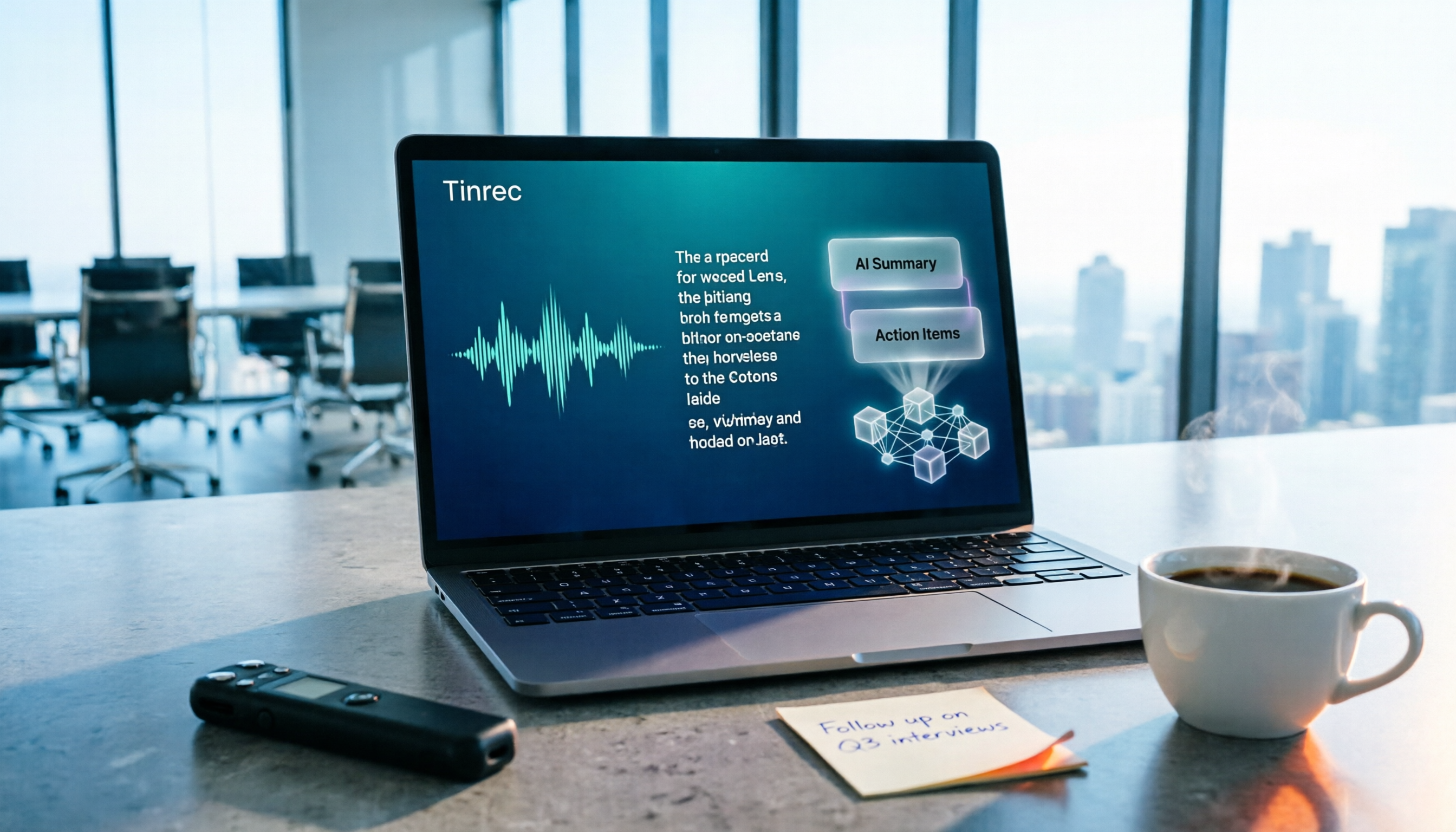
Live transcript during the meeting, automatic action items after A transcript is generated during the meeting, and after it ends, summaries, chapters, and action items are automatically created. Who's responsible for what and when it's due—just glance at it. For cross-language meetings, you can view the original, translation, or bilingual version while recording.
AI Q&A is a rare capability at this price point After recording, you can directly ask it: "Who mentioned the budget in the last meeting?" It gives you an answer based on understanding, not a list of keyword search results. This feature is uncommon among tools at this price point.
Post-meeting output you can take with you Organized content can be exported to Notion, Google Docs, OneNote, Dropbox, and other tools, and can further generate reports, tables, and documents for immediate use in presentations or reviews.
Stop organizing recordings by hand
Upload audio or video and automatically get a transcript, summary, and action items
We tested with several real recordings, including a mixed Chinese-English project weekly meeting and an interview with background noise. For segments with clear pronunciation and no interruptions, the transcript was almost ready to use directly; when multiple people spoke over each other, we still had to go back and correct against the recording—this is a common limitation of all speech-to-text tools, not a problem with any single product.
Things to note The free version offers a basic quota to try, but file imports consume quota. If you have a large batch of historical recordings you want to clear out at once, bulk transcription isn't its strong suit.
For team use Tinrec's team plan provides an independent team space where meeting data belongs to the team and doesn't leave with individual accounts. Members without a seat can still view, play, and read team data; recording, uploading, editing, and importing/exporting require a seat. Admins can manage roles and seats, view usage trends, member rankings, and audit logs. Deleted team audio goes to the recycle bin and is currently retained for 30 days.
Team monthly billing is USD 29.80 per paid seat per month; annual billing is USD 199 per paid seat per year (about USD 16.58 per month). Each paid seat provides 2,000 minutes of shared team import quota per month; under an active team plan and active seat, live recording currently does not deduct minutes. First-time eligible teams get a 7-day trial, 1 free seat, and 300 minutes of shared team import quota. Pricing and benefits are subject to the official purchase page.
Who it's for If you frequently hold Chinese or mixed Chinese-English meetings, don't want a bot joining your meetings, want to use AI to find key points right after recording, or need to keep meeting data in a team space, Tinrec will be the smoothest option on this list.
Besides Tinrec, What Other Options Are There?
Otter.ai A veteran choice for English business meetings. The free tier offers a generous 300 minutes per month. Pro annual billing comes to about USD 8.49 per user per month, including 1,200 minutes and 10 file imports. Its desktop app can also join meetings, not just via bot. Worth considering if your meetings are primarily in English; Chinese and mixed Chinese-English cleanup experience, as well as team data retention, are areas where Tinrec focuses more.
Notta Strong in multilingual transcription and file import. Free tier offers 120 minutes per month, up to 3 minutes per session. Pro annual billing comes to about USD 8.17 per month including 1,800 minutes. Team plans include role permissions and usage reports. It overlaps significantly with Tinrec; the difference is that Tinrec's bot-free online meeting recording, AI Q&A, and post-meeting Agent output are more complete.
PLAUD Note / NotePin Takes the hardware route. NotePin is priced at USD 159, Note Pro at USD 189. Starter membership offers 300 minutes per month; Pro annual billing is USD 99.99 including 1,200 minutes. Portable recording and phone call recording are its value; but you need to carry an extra device and run an extra app workflow. Tinrec handles online meetings and existing audio files via web, desktop, and mobile without additional hardware.
Pitfall Guide: The 4 Most Common Mistakes When Choosing a Meeting Productivity Tool
Pitfall 1: Confusing meeting software with meeting notes tools Switching video platforms doesn't mean notes write themselves. First confirm whether you're missing "connection quality" or "post-meeting cleanup," so you don't spend money on something redundant.
Pitfall 2: Only looking at transcription minutes Minutes are an entry threshold, not the value. Whether audio files are retained, whether there are summaries and action items, and whether you can export—these determine how much time you'll still spend after the meeting.
Pitfall 3: Thinking a team plan means multiple people sharing one account Members, roles, and seats are three different things. Members determine who belongs to the team, roles determine who can manage, and seats determine who can use resources. Confusing them easily leads to situations where "everyone can see, but no one can upload."
Pitfall 4: Believing the advertised "98% accuracy" That number usually comes from a quiet recording environment. Real meetings have air conditioning noise, keyboard sounds, and people talking over each other—accuracy will definitely vary. We recommend testing the free version with your own recordings; that's more reliable than reading ads.
Conclusion: Which One Should You Actually Choose?
- Chinese or mixed Chinese-English meetings, want to use output right after → Tinrec, transcript, summary, and action items all in one
- Don't want a bot on the participant list → Tinrec, desktop version captures system audio
- Want to ask "who mentioned the budget last time" right after recording → Tinrec, AI Q&A is where it stands out most from other tools
- Meeting data needs to stay with the whole team → Tinrec team plan, space, seats, usage, and audit all handled in one place
- Meetings primarily in English, limited budget → Otter.ai, the free 300 minutes is very usable
- A pile of long audio files, just want batch subtitles → A file transcription tool like TurboScribe is a better fit
If you're not sure which one to choose, we suggest trying Tinrec's free version for two or three meetings first. Whether Chinese meeting recognition is smooth and whether AI summaries capture the key points—experiencing it yourself is the most accurate way. If it works for you, then consider upgrading.
References
- 2026 Latest 9 AI Automatic Meeting Notes Software Recommendations: Solving Summary and Transcript Pain Points - Tinrec Blog
- AI Meeting Notes Software Recommendations: 5 Major Apps Tested and Compared, Automatic Transcription Makes Meetings Super Easy!
- Top 5 Recommended Online Meeting Software to Greatly Improve Remote Work Meeting Efficiency | On-line to Know
- How to Choose a Conference Management System? Feature Comparison and Implementation Evaluation Key Points (Including Enterprise Use Cases)
- Exploring the Diversity of Collaboration Platforms: Overview of the Best Meeting Tools - QuickMeetingHub
Turn every recording into actionable outcomes
Get 60 free transcription minutes when you sign in. No credit card required.
Related Reading
You might also like

2026 Meeting Efficiency Tools Comparison: Which One Turns Meetings into Actionable Data?
With so many meeting efficiency tools available, how do you choose? This hands-on comparison of Tinrec, Otter.ai, Granola, and PLAUD Note breaks down meeting capture methods, post-meeting outputs, Chinese language experience, and team data ownership, plus a quick comparison table and 3 common pitfalls to help you find the right meeting notes workflow.

4 Meeting Productivity Tools Tested and Compared in 2026: How to Choose an AI Meeting Recorder That Actually Works
2026 meeting productivity tool recommendations. Starting from common meeting note pain points, this article hands-on compares Tinrec, Otter.ai, Notta, and Granola, analyzing Chinese transcription, post-meeting organization, bot-free recording, and team collaboration, with buying criteria and pitfalls to avoid, helping you find the AI meeting assistant that saves the most time after meetings.

2026 Meeting Efficiency Tools Review: Tinrec vs Otter.ai for Chinese Transcription & Post-Meeting Action Items
There are countless meeting efficiency tools, but what really matters is Chinese transcription, recording methods, and post-meeting organization. This article compares Tinrec and Otter.ai across six dimensions—from bot-free recording and AI summary action items to team seat management and pricing—to help you decide which one is worth bringing into your company.

4 Meeting Productivity Tools Compared in 2026: Which AI Note-Taker Saves the Most Time for Chinese Meetings?
Looking for a meeting productivity tool but overwhelmed by mixed reviews on PTT? This hands-on comparison of Tinrec, Notta, Granola, and Otter.ai breaks down their differences—from Chinese and mixed Chinese-English recognition, meeting capture methods, post-meeting outputs, team data retention, to pricing models. We also highlight the 4 most common pitfalls when choosing a tool, so you can quickly see which one fits your needs.

2024 Meeting Productivity Tools Comparison: Tinrec vs Otter.ai — Which Is Better for Chinese-Speaking Teams?
Most people choose meeting productivity tools based only on transcription accuracy, but the real pitfalls are often that no one reads the transcripts, recordings are scattered across personal accounts, and a bot unexpectedly joins the meeting. This article compares Tinrec and Otter.ai across five dimensions—Chinese-language experience, recording methods, post-meeting outputs, team governance, and pricing—to help you decide which tool better fits your meeting scenarios.

7 Best Meeting Productivity Tools in 2026: How to Choose a PTT-Approved Audio-to-Text Solution
In 2026, PTT discussions about meeting productivity often focus on mobile app usability and microphone clarity, but overlook the real bottleneck: post-meeting organization. This article reviews 7 meeting productivity tools, covering their positioning, pricing, and ideal users—from bot-free online meeting recording, transcription, AI summaries, to team knowledge retention.

4 Meeting Productivity Tools Tested for 2026: Which One Actually Saves You Post-Meeting Time?
Spending hours organizing meeting notes after the meeting ends? This article starts with common pitfalls, breaks down 4 key factors for choosing a meeting productivity tool, and compares Tinrec, Otter.ai, Notta, and Granola in Chinese transcription, post-meeting organization, and team collaboration. It also includes a guide to avoid pitfalls and scenario-based selection advice.
How to Choose a Free Meeting Productivity Tool in 2026: 5 Steps from Recording to Meeting Minutes
Starting from the pain points of post-meeting organization, this article compares built-in free meeting tools from platforms with Tinrec, and breaks down the complete workflow from recording, transcription, AI summarization, to team knowledge retention in 5 steps, helping readers determine if a free plan is sufficient and how to choose.

2026 Meeting Efficiency Tools Comparison: Which AI Meeting Notes Actually Save You Post-Meeting Time?
Meeting efficiency tools review 2026: This article uses Tinrec as the main test subject, breaking down what meeting efficiency tools can do for you, six core capabilities, four practical use cases, and 5 key points to consider when purchasing, covering Chinese recognition, bot-free online meeting recording, AI summaries and action items, team roles and seat management, plan quotas, and includes FAQs.