

Turn recordings into transcripts and summaries in minutes
Upload audio or video for multilingual transcription, AI notes, and action items
4 Meeting Productivity Tools Compared in 2026: Which AI Note-Taker Saves the Most Time for Chinese Meetings?
Two-Hour Meeting, Two More Hours Organizing—What You Need Isn't a Recorder, It's a Solution That's Ready to Use After the Meeting
The choice you're facing is simple: keep doing the "phone on the table recording → listen again after the meeting → type up notes yourself" routine, or switch to a tool that turns meetings directly into transcripts, summaries, and action items?
The most common scenario: after an online meeting, listening to the recording again takes almost as long as the meeting itself, not to mention the time to organize it into minutes.
Another pain point is "who said what." In multi-person meetings, people talk over each other and speak quickly. With just an audio file, it's impossible to tell who said which line afterward.
And for Taiwanese users, the most frequent issue: meetings mix Chinese and English, with technical terms flying everywhere. Many tools' recognition breaks down completely in such situations.
If you've experienced these, the problem isn't that you're not diligent enough—it's that you chose the wrong tool.
Before Choosing a Meeting Productivity Tool, Understand These 5 Key Points
1. Chinese and mixed Chinese-English recognition
Official accuracy rates are almost always measured in quiet environments. What really matters: does your meeting have people mixing Chinese and English, speaking fast, or talking over each other?
The most practical approach is to test the free version with a recording of your own meeting. That's more accurate than any advertised number.
2. How the meeting is recorded
One method is sending a "meeting bot" to join the online meeting. For internal meetings it's fine, but with clients or external vendors, a stranger's account appearing in the participant list can be awkward.
The other is capturing system audio directly from your computer, without adding another participant. For those who frequently have external meetings, this difference is very practical.
3. How much output you get after the meeting
Tools that only provide a transcript still require you to read through it all. The real time-saver is automatic summaries, chapters, action items, and even the ability to "ask" what was discussed in the meeting.
4. Where the data ends up
Meetings recorded under a personal account often become irretrievable after changing devices or personnel. If meeting content is a team asset, confirm whether the tool has team spaces, member management, and data handover mechanisms.
5. How pricing is calculated
Some charge by minutes, others by seat. Pay special attention to whether "live recording" and "file upload" share the same quota—some tools calculate them separately.
Tinrec (秒聽錄音)—The One I Recommend Most After Actually Using It
Tinrec (秒聽錄音) is an AI meeting note-taking and collaboration tool for individuals and teams. It supports iOS, Android, and web, and the desktop version can capture computer system audio to handle online meetings.
Record Zoom, Meet, Teams without a meeting bot
When you start a meeting, open Tinrec desktop. It captures the meeting audio playing on your computer and transcribes in real time, without adding any bot account to the meeting room. For those who frequently meet with external clients, the participant list stays much cleaner.
Live transcript during the meeting, automatic summary and action items after
Transcription begins as you record. After the meeting, AI organizes a summary, chapters, and key points, and turns follow-up actions into to-dos—who's responsible for what and when it's due. No need to go through everything again.
AI conversational query: where it stands out from other tools
Traditional transcripts only let you Ctrl+F for keywords. Tinrec lets you ask questions like you would to a person, e.g., "What was the conclusion about the budget in this meeting?" or "What were the three concerns the client mentioned?" It answers based on semantics, not just highlighting keyword locations.
Recordings can also be turned into reports, tables, and documents, or exported to Notion, Google Docs, OneNote, Dropbox, etc. for further processing. Cross-language meetings can use real-time translation, viewed in original, translated, or bilingual format.
Stop organizing recordings by hand
Upload audio or video and automatically get a transcript, summary, and action items
For team use
Tinrec's team version is a separate team space, not "multiple people sharing one account." Meeting data belongs to the team. Admins can manage member roles, assign seats, view usage analytics and audit logs, and hand over resources when members change.
Note that the team version currently focuses on team-level sharing—all active members can read team data, without granular per-file permission control. Members without a seat can view and play but cannot upload, edit, or export.
Things to note
The free version offers a basic quota, suitable for trying a few meetings. If you have many meetings or need regular file uploads, you'll need a paid plan. Also, live recording and file import quotas are calculated differently—check carefully before evaluating.
Who it's for
If you have Chinese or mixed Chinese-English meetings, don't want a bot account in the meeting room, want to use AI to find key points directly after the meeting, and need meeting content to be retained within the team, Tinrec is currently the closest fit for these needs.
Besides Tinrec, What Other Options Are There?
Notta
Notta overlaps heavily with Tinrec, both support multi-platform transcription, file import, and team plans. Free version: 120 minutes per month, max 3 minutes per item. Pro annual billing is about USD 8.17/month. If you have a bunch of existing audio files to batch transcribe, its file processing quota is useful. But if you want real-time capture during meetings without a bot joining, plus post-meeting AI Q&A and report generation, Tinrec's workflow is more complete.
Granola
Granola also uses a no-bot approach, capturing meeting audio from the desktop and combining it with your own notes to generate content. Basic is free, Business is USD 14/user/month. Note that it does not support uploading pre-recorded audio files and does not save meeting audio. If you need to keep original recordings, upload files afterward, organize Chinese transcripts, and export to other tools, Tinrec covers a wider range.
Otter.ai
Otter.ai is a mature choice for English meetings. Basic is free with 300 minutes per month, Pro annual billing is about USD 8.49/user/month. If your meetings are almost entirely in English, it's a cost-effective option. But for Chinese and mixed Chinese-English recognition and organization, Tinrec is closer to the actual situation of Taiwanese users.
Pitfall Guide: The 4 Most Common Mistakes When Choosing a Meeting Productivity Tool
Pitfall 1: Only looking at official accuracy numbers
Those numbers are usually recorded in quiet environments. Real meetings have air conditioning noise, keyboard sounds, and people talking over each other—performance will definitely be lower. The best approach is to test the free version with your own recording, not just look at ads.
Pitfall 2: Ignoring "Chinese mixed with English"
Taiwanese meetings are rarely all Chinese or all English—product names, job titles, and technical terms are often mixed. Many foreign tools get stuck in such situations. When testing, remember to use your most realistic speaking style.
Pitfall 3: Thinking buying a tool automatically makes you efficient
If you only use it as "audio-to-text," you're only using part of its capabilities. For example, Tinrec's AI conversational query lets you ask directly after recording, "What was the conclusion of this meeting?"—much faster than flipping through a half-hour transcript yourself.
Pitfall 4: A few team members sharing one personal account
It seems to save money short-term, but long-term problems arise: unclear data ownership, quota conflicts, and lost meeting records when someone leaves. Teams should choose a team version, managing roles and seats separately, so data is retained.
Conclusion: Which One Should You Choose?
- For Chinese or mixed Chinese-English meetings, wanting accurate transcripts and summaries → Tinrec
- Don't want a meeting bot in the participant list → Tinrec (desktop captures system audio directly)
- Want to use AI to ask about meeting highlights, generate reports or tables after → Tinrec
- Meeting data needs to be stored, handed over, and managed within the team → Tinrec team version (roles, seats, usage, audit)
- Meetings are almost entirely in English → Otter.ai is a viable option
- Have a bunch of old audio files to batch transcribe → Tools focused on file transcription like Notta are more suitable
If you're still undecided, start with Tinrec's free version and try it with a real meeting recording. If the workflow feels smooth and transcript quality meets expectations, then consider upgrading or introducing the team version—no need to pay from the start.
References
- 2026 Computer Desk Recommendations PTT》10 High-CP Multi-Functional Computer Desks/Popular Gaming Desks See This Article!
- [Tech News] Top 3 Mobile "PTT App" Recommendations! Quickly Edit Posts, Switch Alt Accounts, and Track Pushes! | Jyes Communication ~ Challenging the Lowest Phone Prices
- 2026 Workplace Meeting Record Time Pain Points, PTT Hot Discussion on Voice Recorders and AI Recording Technology Provides Perfect Solution - 秒聽錄音Blog
- Speech-to-Text App PTT Hot Recommendations: 2026 Efficient Meeting Notes and Recording Transcription Tool Comparison - 秒聽錄音Blog
- Request for Video Conference Equipment Recommendations - PTT Reviews
Turn every recording into actionable outcomes
Get 60 free transcription minutes when you sign in. No credit card required.
Related Reading
You might also like

2026 Meeting Efficiency Tools Comparison: Which One Turns Meetings into Actionable Data?
With so many meeting efficiency tools available, how do you choose? This hands-on comparison of Tinrec, Otter.ai, Granola, and PLAUD Note breaks down meeting capture methods, post-meeting outputs, Chinese language experience, and team data ownership, plus a quick comparison table and 3 common pitfalls to help you find the right meeting notes workflow.

5 Meeting Productivity Tools Tested for 2026: Which AI Meeting Notes Actually Save Time?
The meeting is over—now the real pain begins. This hands-on comparison of Tinrec, Otter.ai, Notta, PLAUD Note, and more breaks down free tiers, Chinese and mixed-language transcription, post-meeting output, and team licensing, plus 5 buying tips and 4 common pitfalls to help you find the tool that truly saves time after the meeting.

4 Meeting Productivity Tools Tested and Compared in 2026: How to Choose an AI Meeting Recorder That Actually Works
2026 meeting productivity tool recommendations. Starting from common meeting note pain points, this article hands-on compares Tinrec, Otter.ai, Notta, and Granola, analyzing Chinese transcription, post-meeting organization, bot-free recording, and team collaboration, with buying criteria and pitfalls to avoid, helping you find the AI meeting assistant that saves the most time after meetings.

2026 Meeting Efficiency Tools Review: Tinrec vs Otter.ai for Chinese Transcription & Post-Meeting Action Items
There are countless meeting efficiency tools, but what really matters is Chinese transcription, recording methods, and post-meeting organization. This article compares Tinrec and Otter.ai across six dimensions—from bot-free recording and AI summary action items to team seat management and pricing—to help you decide which one is worth bringing into your company.

2024 Meeting Productivity Tools Comparison: Tinrec vs Otter.ai — Which Is Better for Chinese-Speaking Teams?
Most people choose meeting productivity tools based only on transcription accuracy, but the real pitfalls are often that no one reads the transcripts, recordings are scattered across personal accounts, and a bot unexpectedly joins the meeting. This article compares Tinrec and Otter.ai across five dimensions—Chinese-language experience, recording methods, post-meeting outputs, team governance, and pricing—to help you decide which tool better fits your meeting scenarios.

7 Best Meeting Productivity Tools in 2026: How to Choose a PTT-Approved Audio-to-Text Solution
In 2026, PTT discussions about meeting productivity often focus on mobile app usability and microphone clarity, but overlook the real bottleneck: post-meeting organization. This article reviews 7 meeting productivity tools, covering their positioning, pricing, and ideal users—from bot-free online meeting recording, transcription, AI summaries, to team knowledge retention.

4 Meeting Productivity Tools Tested for 2026: Which One Actually Saves You Post-Meeting Time?
Spending hours organizing meeting notes after the meeting ends? This article starts with common pitfalls, breaks down 4 key factors for choosing a meeting productivity tool, and compares Tinrec, Otter.ai, Notta, and Granola in Chinese transcription, post-meeting organization, and team collaboration. It also includes a guide to avoid pitfalls and scenario-based selection advice.
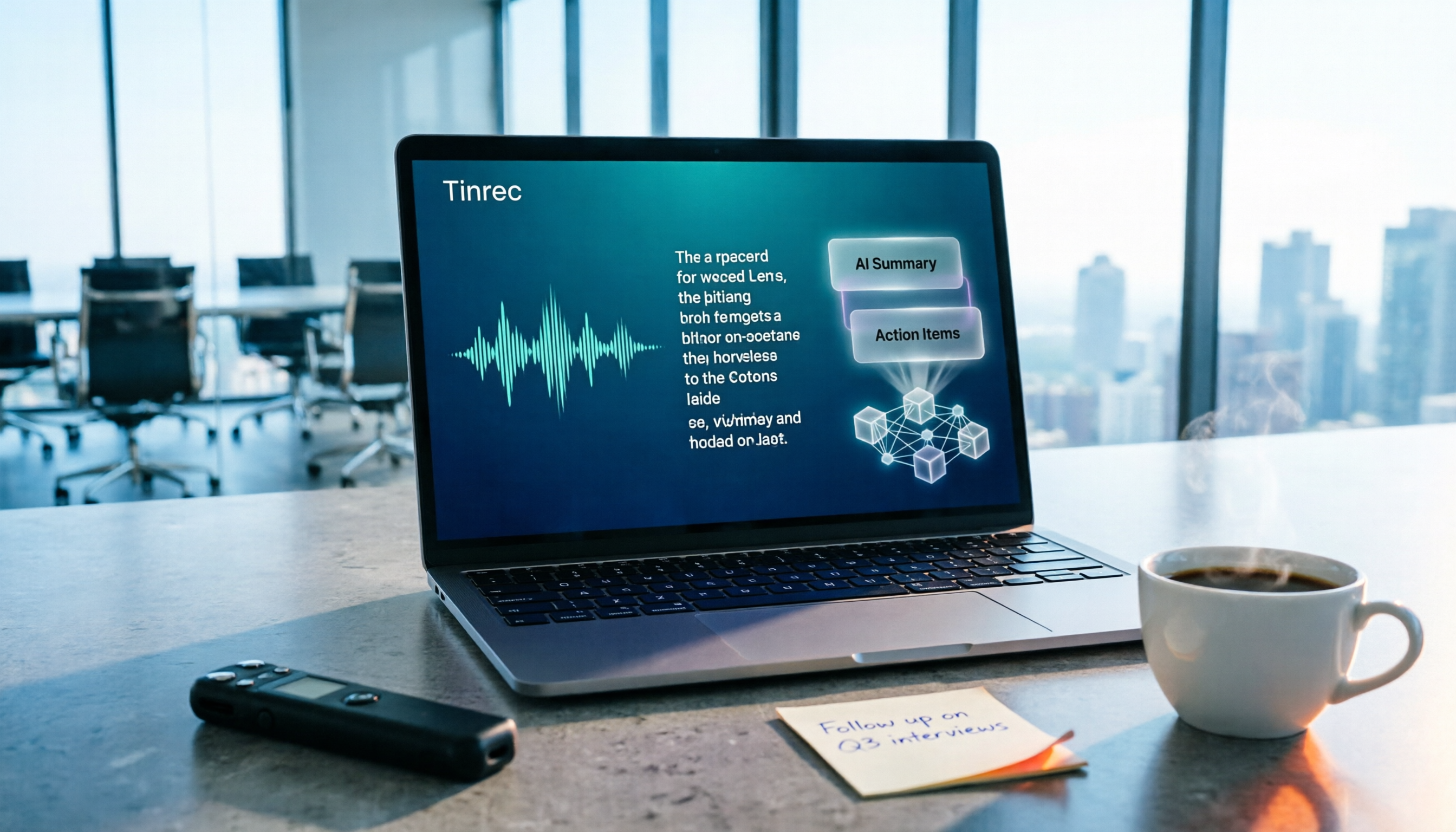
How to Choose a Free Meeting Productivity Tool in 2026: 5 Steps from Recording to Meeting Minutes
Starting from the pain points of post-meeting organization, this article compares built-in free meeting tools from platforms with Tinrec, and breaks down the complete workflow from recording, transcription, AI summarization, to team knowledge retention in 5 steps, helping readers determine if a free plan is sufficient and how to choose.

2026 Meeting Efficiency Tools Comparison: Which AI Meeting Notes Actually Save You Post-Meeting Time?
Meeting efficiency tools review 2026: This article uses Tinrec as the main test subject, breaking down what meeting efficiency tools can do for you, six core capabilities, four practical use cases, and 5 key points to consider when purchasing, covering Chinese recognition, bot-free online meeting recording, AI summaries and action items, team roles and seat management, plan quotas, and includes FAQs.