

Turn recordings into transcripts and summaries in minutes
Upload audio or video for multilingual transcription, AI notes, and action items
Tinrec vs Notta 2025: 5-Factor Comparison of Free Meeting Transcription Apps
Still Typing After the Meeting? You Don't Need a Recording App, You Need a Solution
It's 7:30 PM, everyone else has left the meeting room, and you're stuck scrubbing through a two-hour recording. Online meetings aren't any easier: fast talkers, mixed Chinese and English, and you're typing along only to end up with "let's discuss next time."
What's more frustrating is the word "free." Many meeting transcription apps claim to be free, but in reality, you can't record more than ten minutes before an upgrade prompt pops up. Once the free quota is used up, you're left with nothing.
If you've experienced these situations, this article is for you. We tested the same mixed Chinese-English meeting recording to compare free meeting transcription apps in 2025, clarifying the differences and pitfalls.
Before Choosing a Free Meeting Transcription App, Understand These 5 Key Points
1. Free quota depends on the "unit," not just the number Minutes per month and maximum minutes per session are two different things. Some tools offer 120 minutes per month but only allow 3 minutes per session—a 60-minute meeting would need to be split into 20 parts, and you'd want to give up just uploading them.
2. Chinese and mixed Chinese-English recognition Chinese-speaking teams rarely use a single language throughout a meeting. Sentences like "follow up on this case next week" are the first test for any tool. We recommend testing with your own meeting recording, not just relying on official claims.
3. How to record online meetings: bot or desktop capture Meeting bots join as a participant, requiring individual invitations, and often get stuck with external clients or strict permissions. Another approach is desktop capture, which directly records the computer's system audio, so no unfamiliar account appears in the meeting room.
4. What you can do after transcription Getting only a transcript is just one-third of the work. Summaries, chapters, action items, and the ability to ask questions directly about the meeting content are what determine whether you'll work overtime.
5. Cross-platform and data ownership Recording on mobile, organizing on computer, and using web version for meetings is common. Also, personal accounts and team spaces have different data ownership. If someone leaves, can meeting data be retained for handover? It's best to clarify this from the start.
Tinrec — Our Top Pick After Testing
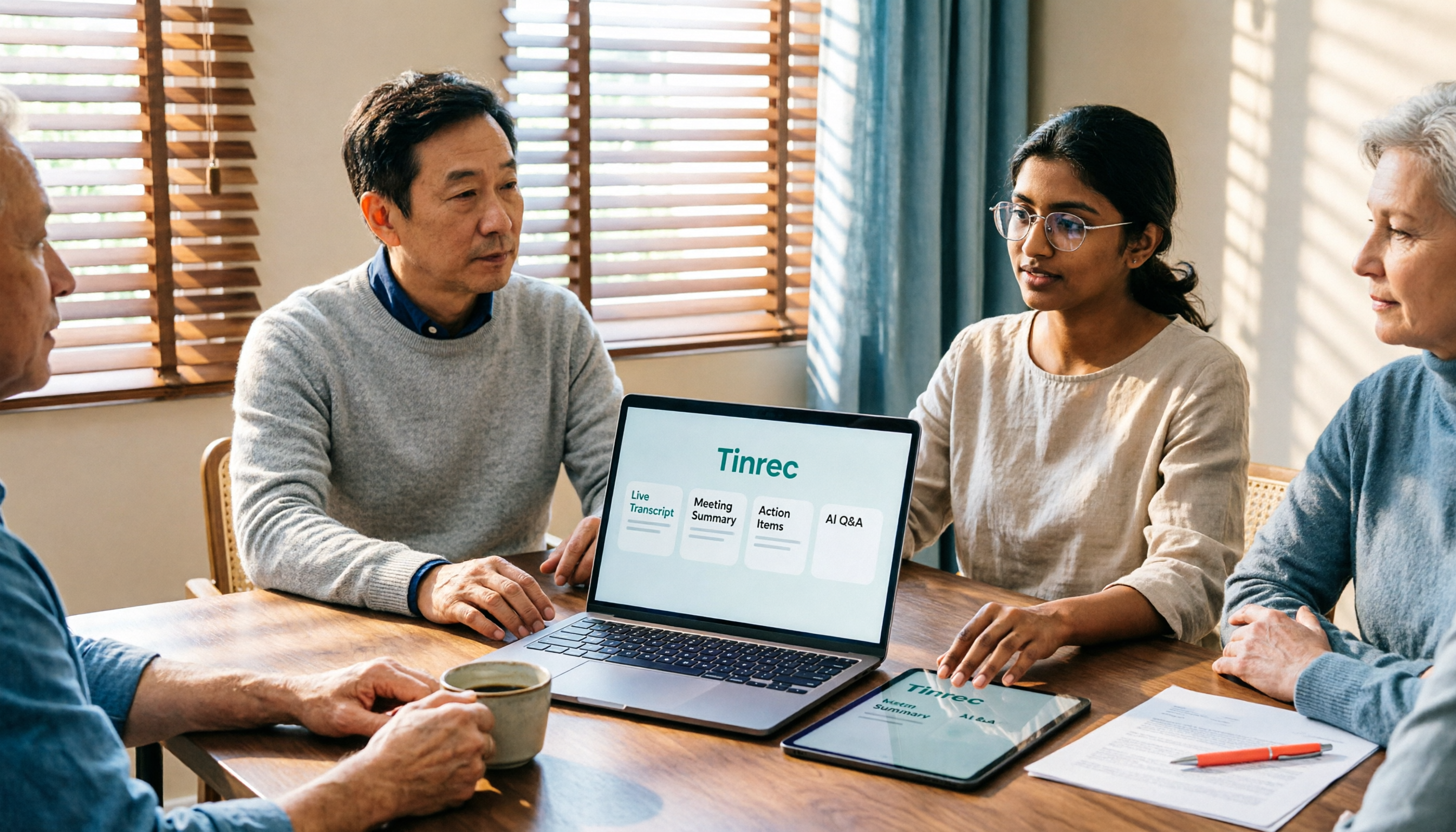
Tinrec is an AI meeting transcription and collaboration tool for individuals and teams, supporting iOS, Android, and web, with a desktop version for handling online meetings on computers.
**During meetings, it transcribes in real-time.** For in-person meetings, client interviews, or class recordings, just start real-time recording and text accumulates. The desktop version captures system audio directly, handling Zoom, Google Meet, Microsoft Teams, Webex, and other online meetings without inviting a bot or worrying about meeting links being blocked by third-party tools.
**After the meeting, the real work begins, and it does most of it for you.** The system automatically generates summaries, chapters, and key points, and extracts action items from discussions, making it clear who is responsible for what. More importantly, AI Q&A: you can directly ask "Who mentioned the budget last meeting?" or "What are the client's top three concerns?" and it answers based on semantics, not just a list of keyword search results.
**After output, it integrates back into your workflow.** Transcripts and meeting results can be exported to Notion, Google Docs, OneNote, Dropbox, and other tools, and Agent post-processing can generate reports, tables, and documents. For cross-language meetings, there's real-time translation with options to switch between original, translated, or bilingual view. Team-specific terminology can be maintained via hotwords to reduce misrecognition of proper nouns.
Three practical benefits:
- The free version covers the full process from recording, importing, transcribing to summarizing, so you can confirm quality before deciding to pay; actual quota is subject to app and official website announcements.
- No meeting bot, so no unfamiliar account suddenly appears in the meeting room.
- Chinese and mixed Chinese-English meetings are its strong suit, with post-meeting summaries, action items, and AI Q&A directly usable.
Stop organizing recordings by hand
Upload audio or video and automatically get a transcript, summary, and action items
**Limitations to note:** The free version offers a basic quota. If you need to organize long meetings daily, you'll need a paid plan (weekly, Pro monthly, and annual options available based on usage frequency). Also, it doesn't promise a fixed accuracy rate; recording quality, background noise, accents, and multiple simultaneous speakers can affect transcription results.
For team use, the team version provides a separate team space: meeting data belongs to the team, roles (who can manage) and seats (who can record, upload, edit) are managed separately, and you can view team usage trends and activity logs. Eligible teams can try 7 days, 1 free seat, and 300 minutes of shared team import quota; paid seats are USD 29.80/month or USD 199/year (about USD 16.58/month), each seat provides 2,000 minutes of shared team import quota per month, and real-time recording is currently not deducted by minutes under valid plans and seats. Actual prices and benefits are subject to the official purchase page.
**Who it's for:** Those who frequently have Chinese or mixed Chinese-English meetings, don't want bots in the meeting room, and want to ask key points and get action items right after recording.
Besides Tinrec, What Other Free Options Are There?
Notta: A multi-platform transcription tool supporting file import, translation, and team plans, with good Chinese recognition. But the free version offers 120 minutes per month and a maximum of 3 minutes per session, so a full meeting is nearly impossible to record. Pro annual is about USD 8.17/month. To avoid the hassle of splitting meetings, Tinrec's desktop version can record a full online meeting directly without a bot joining.
Otter.ai: A mature choice for English business meetings. The free Basic plan offers 300 minutes per month, a generous quota, with mature transcription and AI Chat. However, its main focus is English; Chinese and mixed Chinese-English meetings are not its primary scenario. If you record Chinese meetings, transcripts often require more manual proofreading. For Chinese meetings with real-time translation and bilingual view, Tinrec is clearly more convenient.
Granola: Also a bot-free AI meeting note tool, Basic is free, and it combines your handwritten notes to generate content. Note that it does not retain meeting audio files and does not support uploading existing pre-recorded audio files. Tinrec retains audio and can import audio and video files, so you can verify original statements later.
Pitfall Guide: 4 Common Mistakes When Choosing a Free Meeting Transcription App
**Pitfall 1: Only looking at "free," not the per-session limit.** A nice monthly minute count but only 3 minutes per session is more painful than paying. When choosing a tool, first confirm "can a 90-minute meeting be processed in one go?"
**Pitfall 2: Assuming the tool will automatically join meetings.** Most AI meeting tools rely on a bot joining as a participant, requiring individual invitations, and often can't get into external client or strict-permission meetings. Desktop capture of system audio is a less intrusive alternative.
**Pitfall 3: Treating the tool as just "recording to text."** If you only export the transcript and close it, you're only using one-third. Summaries, action items, and AI Q&A are where you save overtime hours.
**Pitfall 4: Ignoring data ownership and cross-platform.** Content recorded on a personal account can't be taken when you leave; team spaces belong to the team. Also, whether mobile, computer, and web versions are interoperable determines how smoothly you can organize afterward.
Conclusion: Which Free Meeting Transcription App Should You Choose in 2025?
- Chinese, mixed Chinese-English meetings, plus summaries, action items, and AI Q&A → Tinrec (try the full process with the free version)
- Online meetings without bots → Tinrec (desktop version captures system audio)
- Want to ask "who said what" right after recording → Tinrec (AI Q&A is its differentiator from similarly priced tools)
- Team sharing of meeting data → Tinrec Team Version (team space, roles and seats, usage and activity logs)
- Pure English meetings, maximum free quota → Otter.ai (300 minutes per month, a rare exception recommendation in this article)
- Only need to convert long audio files to subtitles → TurboScribe (free 3 files per day)
The most practical way to choose a tool is to throw your toughest meeting recording into the free version and try it once: see if the transcript is readable, if the summary captures key points, and if action items are missed. Then decide whether to pay—more accurate than reading ten reviews.
References
- No time limit! 3 free AI transcription tools, highly recommended! AI voice notes generate meeting minutes, presentations, mind maps | 104 Workplace
- AI meeting transcription software recommendation: 5 major app reviews, automatic transcription makes meetings easy!
- Recently many people ask me if there are AI tools for meeting notes. They still type manually, often can't multitask, and waste time. I always answer — SeaMeet. Why recommend? Here are the key points: - Linked to Google Meet, online meetings sync transcripts and real-time summaries, super convenient. - No need to refresh, after the meeting, directly email all participants. - Super simple operation, even seniors who've never used AI tools, I taught them in 10 minutes. - In-person meetings
- Top AI meeting transcription tools for 2026, time-saving must-haves for meetings!
- Meeting Ink - 2026 AI meeting transcription tool review | 7 speech-to-text and summary speed comparison | Meeting Ink - AI meeting transcription assistant automatic transcription and summary
Turn every recording into actionable outcomes
Get 60 free transcription minutes when you sign in. No credit card required.
Related Reading
You might also like

2026 Complete Guide to Downloading AI Office Tools: Installation Channels and How to Choose Between Tinrec and Notta
When searching for how to download AI office tools, the most common pitfalls are getting installation files from unknown sources or assuming chatbots are the only option. This complete guide covers official download channels and installation tips, and uses Tinrec as an example to explain how it differs from Notta in meeting capture methods, Chinese language experience, post-meeting organization, and team collaboration, helping you choose the right tool for your needs.

2026 AI Office Tools Comparison: What Are AI Office Tools and How They Differ from Regular Software
What exactly are 'AI office tools'? Starting from the meeting pain points of office workers, this article explains the differences between AI office tools and regular office software, covers four major categories, and provides hands-on comparisons of Tinrec, Otter.ai, Notta, and PLAUD Note, along with four key buying factors, pitfalls to avoid, and scenario-based recommendations.
2026 Top 5 AI Office Toolboxes Compared: From Audio Transcription to Meeting Minutes
When choosing an AI office toolbox, don't ask 'which one has the most features?' Instead, ask 'what do I get after the meeting ends?' This article uses Tinrec to demonstrate the complete workflow from bot-free recording, transcription, summaries, action items, to AI Q&A, and outlines 5 key purchasing criteria and FAQs to help you decide.

5 AI Office Tools Tested for 2026: Tinrec vs. General AI for Meeting Notes
How do you use AI office tools? This article starts with the decision point of whether to use general AI or a dedicated tool for meeting notes, tests and compares 5 common AI office tools for different scenarios, and fully explains how Tinrec handles audio-to-text, AI summaries, action item extraction, AI Q&A, and team collaboration, with buying tips and FAQs at the end.

2026 AI Office Tools Free Plans: 5 Options Compared
A roundup of free plans and practical uses for AI office tools in 2026, covering meeting recording, transcription, summaries, to-dos, AI Q&A, and team collaboration. Using Tinrec as a full walkthrough example, it lays out 5 plans from free to team tier to help you decide where to start and when to upgrade.

4 Free Meeting Transcription Apps Compared in 2026: Free Tiers, Chinese Recognition, and Audio Retention Explained
How do you choose a free meeting transcription app? This article compares Tinrec, Notta, Granola, and Otter.ai on free tier limits, Chinese recognition, audio retention, and team collaboration. It also covers 5 key buying factors and 4 common pitfalls to help you find a meeting transcription tool that truly saves time before upgrading to paid.

5 Free Meeting Notes Apps Compared for 2026: Tinrec's No-Bot Recording and Chinese Summaries Save Time
A practical guide to choosing a free meeting notes app in 2026, using Tinrec as an example to explain no-bot online meeting recording, Chinese transcripts, AI summaries and action item extraction, AI chat queries, and team spaces, while honestly listing free, Pro, and team plan pricing and limitations.

Free Meeting Notes App 2026: 5 Steps to Create Transcripts & Meeting Minutes
How can you use a free meeting notes app to produce a meeting record you can actually send out? Using Tinrec as an example, this guide walks you through 5 steps—from recording, generating a transcript, proofreading, creating meeting minutes, to exporting and sharing—plus practical details on free quotas, team plan seats, and FAQs.

What Are Free AI Office Tools in 2026? 5-Step Comparison and Selection Guide
What are free AI office tools? This article first uses 5 check dimensions to explain common misconceptions about free AI office tools, then compares the software-based Tinrec instant recording with the hardware-based PLAUD Note item by item, covering entry cost, Chinese recognition, platform coverage, post-meeting organization, and team collaboration, helping office workers find a zero-cost starting meeting notes solution that truly reduces overtime.