

Turn recordings into transcripts and summaries in minutes
Upload audio or video for multilingual transcription, AI notes, and action items
2026 Complete Guide to Downloading AI Office Tools: Installation Channels and How to Choose Between Tinrec and Notta
When you search for "how to download AI office tools," the first pitfall most people encounter is clicking on the first link in search results that looks like an official website. What you end up downloading is often not the tool itself, but a bunch of bundled promotional software. Or you install the mobile app first, only to realize later when you need to record an online meeting on your computer that you never installed the desktop version you actually need.
There's another common misconception: thinking that "AI office tools" only refers to chatbots. In reality, a whole category of specialized tools has emerged for meeting notes, transcription, summaries, and to-do organization, and each has its own download method. A more sensible approach is to first clarify what problem you want to solve and what devices you have (Windows, macOS, iOS, or Android), then only get installation files from official channels.
This article uses Tinrec as the main example to explain AI office tool downloads, installation, and how to choose, and also clarifies how it differs from transcription tools like Notta.
Why are people starting to look for Notta alternatives?
Notta is one of the first transcription tools many people try. It focuses on multilingual transcription, meeting notes, document import, and translation, and offers a free plan and team plans. It's relatively easy to use for those who occasionally want to turn a recording into text.
However, after using it for a while, some common issues arise. The free plan's quota runs out quickly, so you have to consider upgrading to organize a full meeting. The tool focuses on converting audio to text, but after transcription, summaries, to-dos, and follow-up questions often need to be handled separately. If the team needs to share meeting data, members, permissions, and usage also need to be managed.
If you feel the same way—not necessarily needing to replace a tool, but wanting a solution that "actually lets you use meeting content after downloading"—then Tinrec is worth checking out.
How to download AI office tools? Official channels and installation methods
Download channels for AI office tools generally fall into three categories:
- Official website: Desktop versions (Windows, macOS) are almost always downloaded from the official website.
- App Store / Google Play: Mobile versions are installed by searching in official stores.
- Web version: No installation needed; just open a browser and log in.
Take Tinrec as an example. After downloading the desktop version from the official website and installing it, you can log in with your account. It records online meetings by directly capturing your computer's system audio, so on first launch, the system will usually ask for microphone or audio-related permissions. Just follow the prompts to authorize; you don't need to add any meeting bot to the meeting room. For mobile, search for Tinrec in the App Store or Google Play. If you just want to try it out, the web version is the quickest.
There are three things to pay special attention to when downloading. First, only get installation files from official channels. Don't use APKs or third-party download sites from unknown sources—that's the most common source of bundled software and malware. Second, check the system requirements and versions, including differences between macOS and Windows versions and mobile OS versions. Third, company-issued devices may be restricted by IT policies; confirm whether approval is needed before installing.
Finally, a reminder: recording and transcription involve other people's voices and personal data. Please comply with local laws and regulations, and obtain consent from participants when necessary.
Tinrec vs Notta: What are the differences in core experience?
Meeting capture method. This is the most fundamental difference. Tinrec's desktop version directly captures your computer's system audio. Open the tool, press record, and it starts—no extra "participant" appears in the meeting room. For those who frequently meet on Zoom, Google Meet, Microsoft Teams, or Webex, this means no need to handle bot invitations and no worry about the host blocking external accounts. If you value keeping the meeting room as clean as possible, this approach is more convenient.
Language and Chinese experience. Notta's strength is multilingual support, which is undeniable. Tinrec focuses on Chinese meetings, mixed Chinese-English content organization, and real-time translation and bilingual comparison during recording. For Traditional Chinese users, it's common for phrases like "this campaign launches next week" to appear in meetings. Being able to handle mixed Chinese-English well is more practical than how many languages are supported. Actual transcription quality is still affected by recording quality, accents, background noise, and overlapping speakers. It's best to test with your own recordings.
Stop organizing recordings by hand
Upload audio or video and automatically get a transcript, summary, and action items
Post-transcription workflow. Transcription is just the starting point. Tinrec then generates AI summaries, chapters, and to-dos, and you can ask questions directly about the meeting—"What was the conclusion?" "Who is responsible for which item?" If you're used to transcribing text and then pasting it elsewhere to organize, this gap will accumulate after each meeting. Instead of spending an extra half hour manually organizing, let the tool prepare the first draft.
Export and integration. Tinrec supports exporting results to common tools like Notion, Google Docs, OneNote, and Dropbox, and can also generate reports, tables, and documents through Agent post-processing. This means it's not just an endpoint but part of your existing workflow. For those who need to submit weekly reports or meeting minutes, the time saved here is direct.
Team collaboration and governance. Personal use and team use are two different things. Tinrec's team plan provides an independent team space where meeting data belongs to the team. You can manage members, roles, and seats, view usage trends, query and export operation logs, and there's an audio recycle bin to recover accidentally deleted audio files. When a member leaves or loses their seat, data is not taken away but handed over to other active members. For teams with sharing needs, this is the key to long-term use.
Overview of Tinrec's core features
Real-time audio to text. Open Tinrec and press record; text is generated almost synchronously. During meetings, you can read the transcript while confirming key points, and the record is already formed when the meeting ends. Suitable for offline meetings, interviews, and on-site notes.
Bot-free online meeting recording. The desktop version captures system audio to handle meeting audio played on computers from platforms like Zoom, Google Meet, Microsoft Teams, and Webex, without inviting a bot. You start recording actively, and the meeting room stays as is.
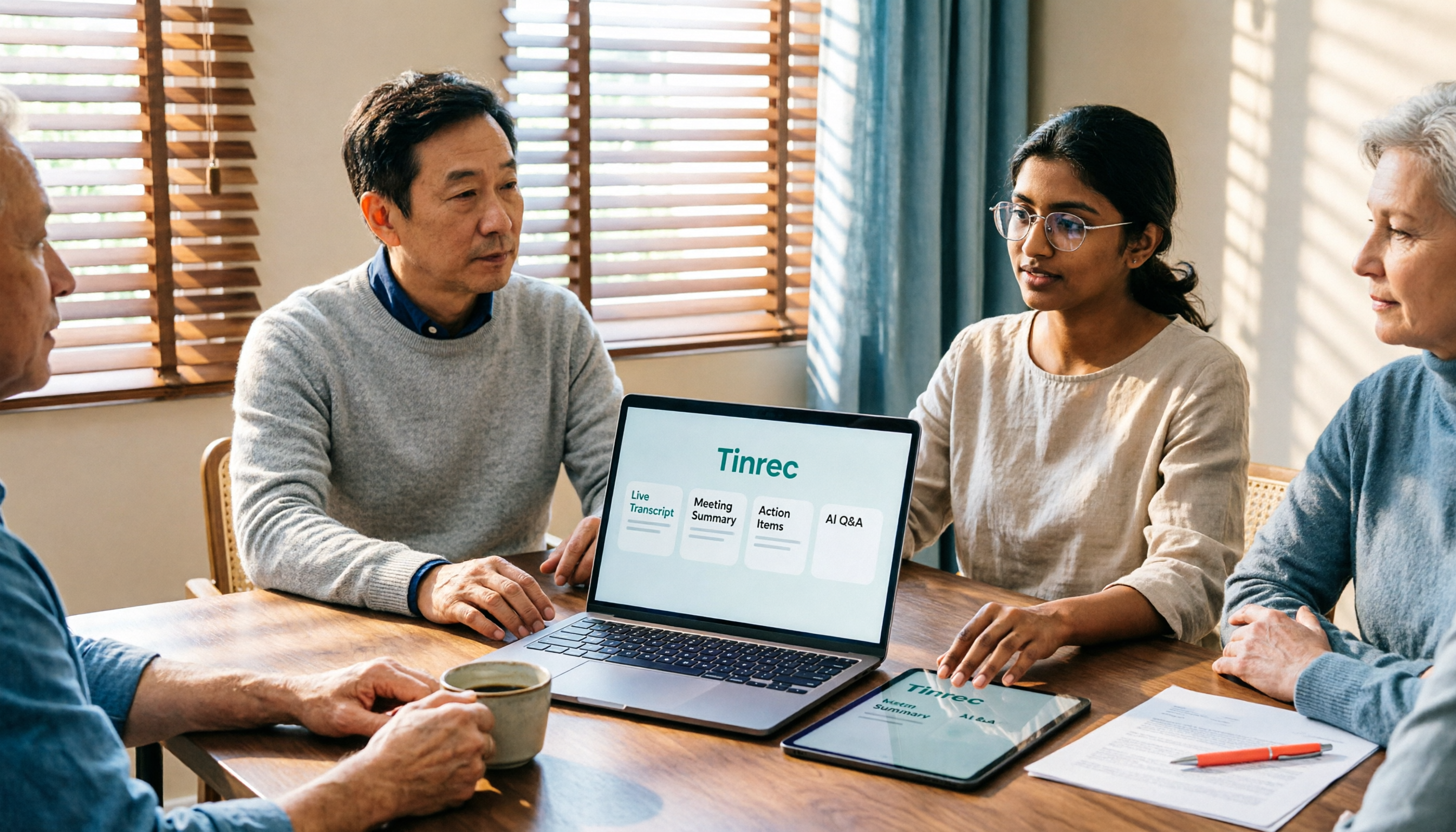
AI summaries, chapters, and to-dos. The most troublesome part of long meetings is finding key points later. Tinrec automatically generates summaries and chapters, breaking a one-hour discussion into readable sections and extracting to-dos from the conversation. When writing minutes after the meeting, you already have a draft.
AI Q&A and Agent post-processing. This is a feature many can't go back from after trying. After recording, ask directly "What was the conclusion of this meeting?" or "What concerns did the client raise?" It will give answers based on semantics, without you having to flip through dozens of pages of transcripts. When further delivery is needed, it can generate reports, tables, and documents.
Multi-format export and team space. Results can be exported to tools like Notion, Google Docs, OneNote, and Dropbox for further processing. The team version stores all meetings in one space, so new members can also access historical data, turning meetings from one-time records into searchable, queryable team assets.
Practical use cases
Weekly meetings. Keep Tinrec running for real-time transcription during the meeting. By the time it ends, the transcript and summary are ready, and to-dos are listed. What used to take half an hour to organize now just needs a quick review.
Client interviews and requirements meetings. Clients speak quickly and information is scattered; handwritten notes easily miss things. Record with Tinrec, then after the meeting ask directly "What conditions does the client care about?" or "What did we promise?"—more reliable than flipping through notes.
Classes, lectures, and training. After recording a two-hour course, first look at the summary to grasp the structure, then refer back to the transcript for details. No need to listen from start to finish for long content.
Personal notes and inspiration. Record a thought on the go, then find it later by keyword search—more practical than digging through phone memos.
Points to consider when choosing an audio-to-text tool
Is the download channel official? Only getting it from the official website or store is the most basic step to avoid bundled software.
Supported devices and platforms. Whether desktop, mobile, and web versions are all available determines whether you can use it conveniently in your work context. Tinrec works on computer, phone, and web, with no extra hardware needed.
Handling of Chinese and mixed Chinese-English. Mixed Chinese-English is common in meetings; this is more worth testing than the number of supported languages.
Post-meeting organization capabilities. Having only a transcript versus having summaries, chapters, to-dos, and Q&A makes a big difference in time spent after meetings.
Team and data ownership. If multiple people share, pay attention to whether data belongs to the team or individuals, whether there are seat and permission designs, and whether accidental deletion can be recovered. Tinrec's team version audio recycle bin provides a 30-day retention period, allowing recovery before permanent cleanup.
Recording and personal data compliance. Confirm local laws and occasion norms before use, and obtain participant consent when necessary.
Conclusion: Is Tinrec worth trying?
If you want a tool that you can download and put to use directly, advancing meetings from "recorded" to "organized, findable, and queryable," Tinrec does these steps well: bot-free recording of online meetings on desktop, organization of Chinese and mixed Chinese-English content, and post-transcription summaries, to-dos, AI Q&A, and multi-format export. For team sharing, the team version also handles members, seats, usage, and data handover.
The download process is also simple: desktop version from the official website, mobile from App Store or Google Play by searching Tinrec, or open the web version to try first. It's recommended to start with the free version and run a test with your own meeting recording to see if the transcript and summary meet your needs—that's more accurate than any review.
References
- Illustrator free download and free trial | Adobe Illustrator
- Open AI files without Illustrator! 3 free online AI file software recommendations!
- [AI Quick Guide] Read this! 2026 Recommended AI Free vs Subscription Tools to Improve Work Productivity & Career Competitiveness! (Continuously Updated) | 104 Career Power
- AI-Assisted Office Applications Series - YouTube
- 2026 Top 19 Strongest AI Tools Worldwide! See the Latest Top 100 AI Hot List Here!
Turn every recording into actionable outcomes
Get 60 free transcription minutes when you sign in. No credit card required.
Related Reading
You might also like

5 AI Office Tools Tested for 2026: Which One Actually Saves Time on Meeting Notes?
There are countless AI office tools, but the real question isn't which one ranks first—it's where you're stuck. This article starts with common selection pitfalls, then uses Tinrec as an example to demonstrate a complete workflow: bot-free online meeting recording, real-time transcription, AI summaries and action items, AI Q&A, and team knowledge retention. It also covers 5 key purchasing considerations, plan highlights, and FAQs.

6 AI Office Tools Compared for 2026: Which Is Best for Meeting Notes, Summaries, and Action Items?
Tired of spending time after meetings organizing transcripts, pulling out key points, and chasing action items? This article reviews 6 popular AI office tools in 2026, from Tinrec, Otter.ai, and Fireflies.ai to Notta, Granola, and TurboScribe. We compare audio-to-text transcription, post-meeting organization, AI Q&A, team collaboration, and pricing plans, with selection advice and usage considerations.

Free Meeting Notes Apps in 2026: Latest Features Tested + Complete Free Tier Guide
How to choose the best free meeting notes app in 2026? This guide walks you through the full process: what a free meeting notes app can do, its core capabilities, real-world use cases, and 5 key checkpoints when picking a tool. It also demonstrates Tinrec with a hands-on walkthrough from recording to transcript, AI summary, and action item extraction.

5 AI Office Tools Tested and Compared in 2026: What They Are, How to Use Them, and Which Is Best for Office Workers
What do AI office tools mean? Simply put, they are tools that use AI to help you handle office tasks like meeting notes, document organization, and data lookup. This article uses Tinrec as an example to help you understand the core capabilities, practical use cases, and purchasing considerations of AI office tools, with FAQs included. Tinrec turns meetings into searchable, collaborative, and actionable team data. The free version lets you experience audio-to-text, summaries, and AI Q&A.

4 AI Office Tools Tested for 2026: How to Download and Which Has the Best Free Tier?
Looking for AI office tools but not sure how to download them? We tested 4 popular tools, comparing download methods, free tiers, and meeting note features, and recommend Tinrec for finding the best fit.

2026 AI Office Tools Comparison: What Are AI Office Tools and How They Differ from Regular Software
What exactly are 'AI office tools'? Starting from the meeting pain points of office workers, this article explains the differences between AI office tools and regular office software, covers four major categories, and provides hands-on comparisons of Tinrec, Otter.ai, Notta, and PLAUD Note, along with four key buying factors, pitfalls to avoid, and scenario-based recommendations.
2026 Top 5 AI Office Toolboxes Compared: From Audio Transcription to Meeting Minutes
When choosing an AI office toolbox, don't ask 'which one has the most features?' Instead, ask 'what do I get after the meeting ends?' This article uses Tinrec to demonstrate the complete workflow from bot-free recording, transcription, summaries, action items, to AI Q&A, and outlines 5 key purchasing criteria and FAQs to help you decide.

5 AI Office Tools Tested for 2026: Tinrec vs. General AI for Meeting Notes
How do you use AI office tools? This article starts with the decision point of whether to use general AI or a dedicated tool for meeting notes, tests and compares 5 common AI office tools for different scenarios, and fully explains how Tinrec handles audio-to-text, AI summaries, action item extraction, AI Q&A, and team collaboration, with buying tips and FAQs at the end.

2026 AI Office Tools Free Plans: 5 Options Compared
A roundup of free plans and practical uses for AI office tools in 2026, covering meeting recording, transcription, summaries, to-dos, AI Q&A, and team collaboration. Using Tinrec as a full walkthrough example, it lays out 5 plans from free to team tier to help you decide where to start and when to upgrade.