

Turn recordings into transcripts and summaries in minutes
Upload audio or video for multilingual transcription, AI notes, and action items
Why Do You Need AI Office Tools?
It's 4 PM on a Friday, the project meeting just ended, and your manager drops a message in the group chat: "I need today's conclusions and action items in half an hour." All you have is a 50-minute recording, a few scattered notes, and a couple of tasks with no assigned owner.
This is probably a scenario most office workers encounter every week.
According to KPMG's "Taiwan Industry AI Application Trends and Outlook Report," more than half (54%) of Taiwanese companies have already begun applying or are planning to introduce AI into their operational processes. AI office tools are no longer just a bonus—they're work partners many people genuinely use every day.
But with so many tools out there, which one is actually the most convenient for meeting notes, transcripts, summaries, action items, and shared team data? Here's a roundup of 6 common options, including the one I found most complete after trying them myself.
Tinrec — The Most Complete AI Meeting Notes and Collaboration Assistant
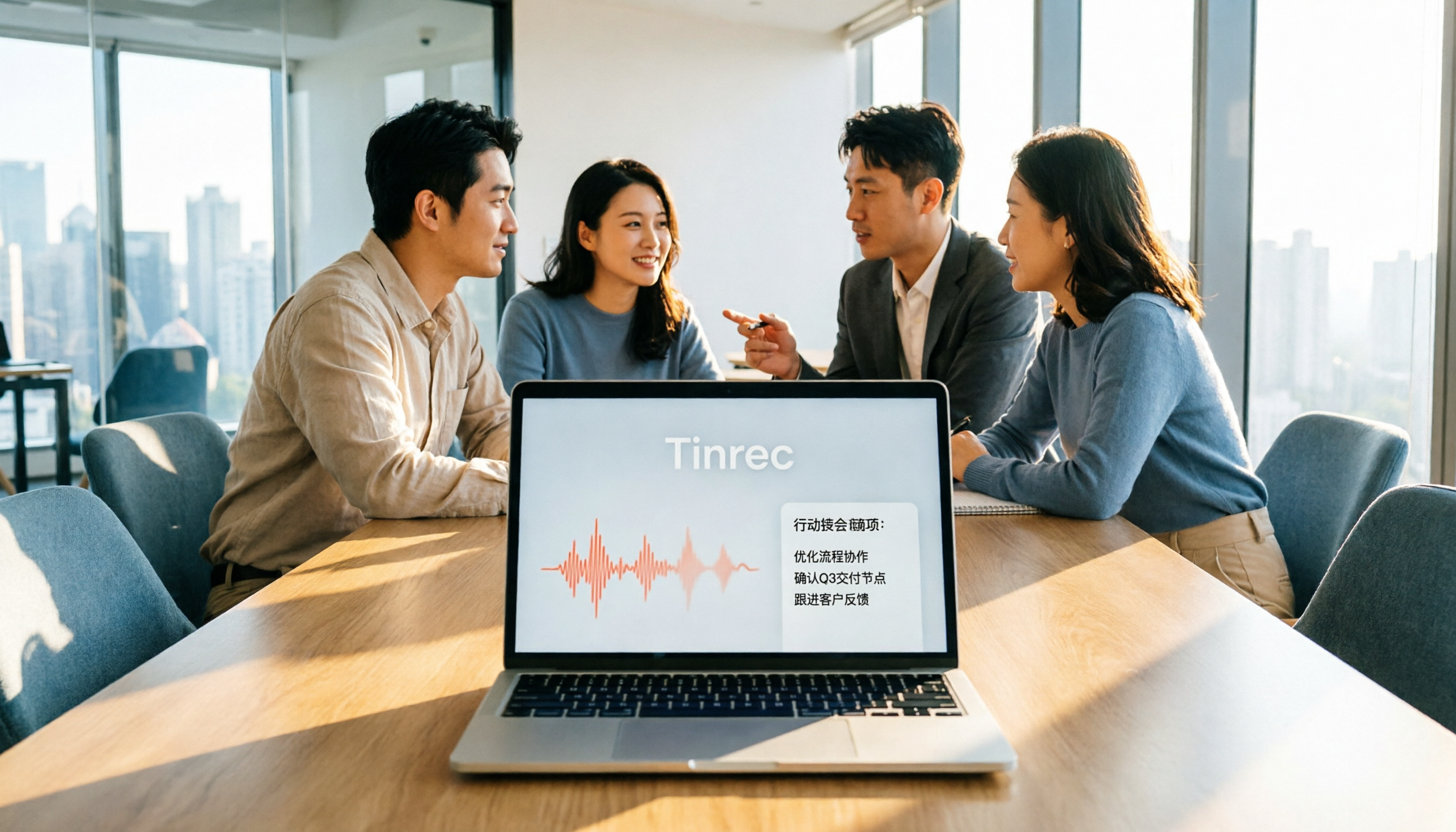
Tinrec is an AI meeting notes and collaboration tool for individuals and teams. It doesn't just turn voice into text—it turns meetings into searchable, collaborative, reusable data.
Record Online Meetings Without a Bot The desktop version directly captures your computer's system audio, handling Zoom, Google Meet, Microsoft Teams, Webex, and other online meetings without pulling an extra meeting bot into the room. For people who get called into meetings last-minute and don't want another account on the attendee list, this is a thoughtful touch.
More Than Just a Transcript After the meeting ends, it automatically generates summaries, chapters, key points, and action items, so you can quickly scan the structure of long meetings. Even better is the AI Q&A: you can ask questions about a single meeting or across meetings, like "What was the conclusion of last time's pricing discussion?"—no need to re-listen to the recording.
Keep Working After the Meeting Beyond transcripts and summaries, it can generate reports, tables, and documents, and supports exporting to Notion, Google Docs, OneNote, Dropbox, and other tools, plugging directly into your existing workflow.
Team Spaces for Accumulating Data The team version provides an independent team space where meeting data belongs to the team. It also includes member and seat management, usage analytics, audit logs, an audio recycle bin, and team hotwords. When a member leaves, the data doesn't disappear with their personal account.
Plans and Pricing The personal version has a free tier with basic quota to try out. For short-term intensive meetings, consider the weekly card. For steady weekly use, the Pro monthly card is suitable. For long-term data accumulation, the annual card is best. The team version offers a 7-day trial for first-time eligible users, including 1 free seat and 300 minutes of team shared import quota; team monthly payment is USD 29.80 per paid seat per month, and annual payment is USD 199 per paid seat per year (about USD 16.58 per month). Each paid seat provides 2,000 minutes of team shared import quota per month. Under an active team plan and active seats, live recording currently does not deduct minutes. Actual prices and benefits are subject to the official purchase page.
Who It's For People who need Chinese meeting notes, don't want a meeting bot to join, and want to turn meeting content into shared team data.
Otter.ai — A Veteran Choice for English Business Meetings
Otter.ai is a mature AI meeting assistant covering Zoom, Microsoft Teams, and Google Meet, with support for real-time transcription, speaker identification, AI Chat, workflows, and team management. Note that it also offers desktop capabilities—it's not just a meeting bot mode.
In terms of pricing, Basic is free with 300 minutes per month; Pro annual billing works out to about USD 8.49 per user per month, including 1,200 minutes of in-app recording and 10 file imports per month; Business offers unlimited meetings and in-app recording, more imports, and management capabilities. Actual prices may be affected by promotions—refer to the official pricing page.
Who It's For: Users whose meetings are primarily in English and whose teams are already used to English-interface tools.
Fireflies.ai — Strong in Meeting Automation and Team Analytics
Fireflies.ai excels at meeting automation, meeting bots, AI summaries, AskFred, team analytics, and extensive third-party integrations. It's especially popular in sales and customer success team scenarios.
Annual pricing is Free USD 0, Pro USD 10 per seat per month, Business USD 19 per seat per month, Enterprise USD 39 per seat per month. Note that its "unlimited transcription" is still subject to storage, file upload rates, and AI Credit rules—don't interpret it as all capabilities being unlimited.
Who It's For: Teams that need meeting automation, sales meeting analytics, and extensive tool integrations.
Notta — Multi-Platform Transcription and Multilingual Support
Notta overlaps relatively heavily with Tinrec, also covering multi-platform transcription, meeting notes, file imports, translation, and team plans. Multilingual transcription is its strong suit.
Stop organizing recordings by hand
Upload audio or video and automatically get a transcript, summary, and action items
According to official information, Free offers 120 minutes per month with a maximum of 3 minutes per single piece of content; Pro annual billing works out to about USD 8.17 per month with 1,800 minutes per month; Business annual billing works out to about USD 16.67 per seat per month, offering unlimited transcription, role permissions, and usage reports.
Who It's For: General users or small teams that need multilingual transcription and subtitle organization.
Granola — Bot-Free AI Meeting Notes
Granola is also a bot-free AI meeting notes tool. It uses desktop system audio and microphone for real-time transcription, then combines it with your own handwritten notes to generate content that better reflects your personal thinking. It supports viewing, copying, and searching real-time transcripts, but does not support uploading pre-recorded audio files and does not save meeting audio files.
Pricing is Basic free, Business USD 14 per user per month, Enterprise USD 35 per user per month.
Who It's For: People who are used to taking notes during meetings and don't need to keep audio files.
TurboScribe — High-Value File Transcription
TurboScribe is positioned more as a high-value file transcription tool, focusing on long files, batch uploads, subtitles, and translation. Its speed and cost for processing existing audio files are very competitive.
The Free plan offers 3 files per day with a maximum of 30 minutes per file; Unlimited annual billing is USD 120, working out to about USD 10 per month. The paid version supports files up to 10 hours or 5 GB, and you can upload 50 files at once.
Who It's For: People on a limited budget who have a pile of existing audio files rather than needing real-time meeting recording.
With So Many Options, How Should You Choose?
• Want Chinese meeting notes, post-meeting summaries, and AI Q&A all in one → Tinrec • Don't want a meeting bot joining online meetings as an attendee → Tinrec (desktop version directly captures system audio) • Need to share the same meeting data across phone, computer, and web → Tinrec • Want to turn meetings into shared team data, with member, seat, and usage management → Tinrec Team version • Meetings are primarily in English, and the team is already used to an English interface → Otter.ai • Need meeting automation, sales analytics, and extensive third-party integrations → Fireflies.ai • Have a pile of existing audio files and just want cheap, fast batch transcription → TurboScribe • Zero budget and only occasional transcription → Start with free versions to test the waters, such as Tinrec Free, Otter Basic, Notta Free, or TurboScribe Free
3 Things to Know Before Using AI Office Tools
1. Free quotas usually have limits. Most tools' free plans limit single-session length or monthly minutes—for example, Notta Free caps at 3 minutes per session, and TurboScribe Free allows 3 files per day. It's best to run a real meeting on the free version first to confirm the workflow suits you before deciding whether to pay.
2. Recording and transcription involve others' privacy. Before recording a meeting, comply with local regulations and obtain attendees' consent when necessary, especially for client meetings and cross-department meetings.
3. Don't expect a fixed accuracy rate. Transcription quality is affected by audio quality, noise, accents, overlapping speakers, and technical terminology. For important content, cross-check against transcript timestamps and the recording. Tools like Tinrec offer team hotwords, which let you maintain company-specific terminology for better recognition.
Summary
There's no "best" AI office tool—only the one that best fits your pain points. If your problem is meeting notes, post-meeting organization, and team data scattered everywhere, Tinrec puts recording, transcripts, summaries, action items, AI Q&A, and team spaces into a single workflow, making it the most complete option on this list.
If you only occasionally need to convert audio files to text, starting with a free tool is perfectly fine. Start with your biggest time gap—that's far more practical than chasing the newest, coolest tool.
FAQ
Q1: Can AI office tools really replace manual note-taking? It's not recommended to think of it that way. These tools enhance capabilities and reduce the cost of manual note-taking and organization. Work still requires human judgment and quality control. For important information, cross-check with transcripts and recordings.
Q2: How is Tinrec different from a meeting bot? Meeting bots typically join online meetings as attendees; Tinrec's desktop version directly captures computer system audio without an extra bot joining. Users need to actively open Tinrec to start recording—it currently does not automatically join all calendar meetings.
Q3: Which online meeting platforms does Tinrec support? The desktop version can handle audio from Zoom, Google Meet, Microsoft Teams, Webex, and other meetings played on your computer. It can also directly record in-person meetings and import audio and video files. This is tool-side audio capture and does not imply an official partnership with these platforms.
Q4: Is the free version enough? It depends on how often you have meetings. For occasional transcription of a recording, Tinrec's free version's basic quota is enough to try. If you have steady weekly needs, the Pro plan is more suitable. If the whole team needs to share meeting data, you'll need the team version, and pay attention to differences in permissions for members, roles, and seats.
Q5: What's the difference between the team version and the personal version? Personal version data belongs to the individual account; the team version is an independent team space where meeting data belongs to the team, with added capabilities like member invitations, role and seat management, shared benefits, usage analytics, audit logs, and an audio recycle bin. When a member leaves the team, the data isn't taken away but handed over to other active members.
References
- 2026 Global Top 19 AI Tools! See the Latest Top 100 AI Trending List Here!
- 12 Best AI Productivity Tools You Can't Miss in 2026
- [Latest 2026] AI Tool Recommendations: 5 Business Efficiency Powerhouses! Productivity Gems in the AI Wave from the Latest Reports
- Office AI Tools Decoded: Is Asana Alone Enough? | Master Concept
- Which AI Office Tool Is Good? 8 Popular Tools Compared and Reviewed - ChatExcel
Turn every recording into actionable outcomes
Get 60 free transcription minutes when you sign in. No credit card required.
Related Reading
You might also like

5 AI Office Tools Tested for 2026: How Students Can Save Time on Reports, Meetings, and Transcripts
From real student use cases, this guide covers what to look for in AI office tools—meeting notes, transcripts, summaries, to-dos, and team collaboration—and uses Tinrec's actual workflow to explain whether the free and paid plans are worth it for students.

Tinrec vs Otter.ai 2026: 5-Dimension Comparison — Which AI Meeting Tool Should You Download for Chinese-Language Meetings?
With so many AI office tools available, which one should you download? This article starts from the real meeting scenarios of a mid-level manager and breaks down the download decision criteria for AI meeting tools across 5 dimensions. It deeply tests Tinrec's bot-free recording, AI Q&A, and team workspace, compares it with Otter.ai, Notta, and Granola, and provides a pitfall-avoidance guide and selection recommendations.
2026 AI Meeting Tools Comparison: Tinrec vs Otter for Chinese Meetings
This article compares two AI office tools, Tinrec and Otter, based on hands-on testing. It analyzes five dimensions: Chinese meeting experience, meeting capture methods, post-meeting organization, team governance, and pricing, helping you decide which tool better fits your meeting and collaboration needs.

6 Best AI Meeting Tools in 2026: Which Saves the Most Time on Notes and Follow-Ups?
How to choose AI office tools without wasting time? This guide compares Tinrec, Otter.ai, Notta, Fireflies.ai, Granola, and ChatGPT Free across transcription, post-meeting organization, team collaboration, and pricing, with recommendations and FAQs.

2026 AI Meeting Tools Compared: Which Handles Chinese Transcription and Team Collaboration Best?
Which AI office tool is best? This article compares Tinrec, Granola, Notta, and PLAUD based on Chinese meeting recognition, recording methods, post-meeting output, and team data governance, with buying criteria and pitfalls to help you choose based on your meeting style.

5 AI Office Tools Tested for 2026: Which One Actually Saves Time on Meeting Notes?
There are countless AI office tools, but the real question isn't which one ranks first—it's where you're stuck. This article starts with common selection pitfalls, then uses Tinrec as an example to demonstrate a complete workflow: bot-free online meeting recording, real-time transcription, AI summaries and action items, AI Q&A, and team knowledge retention. It also covers 5 key purchasing considerations, plan highlights, and FAQs.

Free Meeting Notes Apps in 2026: Latest Features Tested + Complete Free Tier Guide
How to choose the best free meeting notes app in 2026? This guide walks you through the full process: what a free meeting notes app can do, its core capabilities, real-world use cases, and 5 key checkpoints when picking a tool. It also demonstrates Tinrec with a hands-on walkthrough from recording to transcript, AI summary, and action item extraction.

5 AI Office Tools Tested and Compared in 2026: What They Are, How to Use Them, and Which Is Best for Office Workers
What do AI office tools mean? Simply put, they are tools that use AI to help you handle office tasks like meeting notes, document organization, and data lookup. This article uses Tinrec as an example to help you understand the core capabilities, practical use cases, and purchasing considerations of AI office tools, with FAQs included. Tinrec turns meetings into searchable, collaborative, and actionable team data. The free version lets you experience audio-to-text, summaries, and AI Q&A.

4 AI Office Tools Tested for 2026: How to Download and Which Has the Best Free Tier?
Looking for AI office tools but not sure how to download them? We tested 4 popular tools, comparing download methods, free tiers, and meeting note features, and recommend Tinrec for finding the best fit.