

Turn recordings into transcripts and summaries in minutes
Upload audio or video for multilingual transcription, AI notes, and action items
5 AI Office Tools Tested for 2026: Which One Actually Saves Time on Meeting Notes?
Have you noticed that most people's first move when choosing an AI office tool is to open a ranking list and start scrolling from the top?
I've been testing tools for over a decade, and honestly, most of the top-ranked products are designed for English business meetings. Office workers in Taiwan face Chinese meetings, mixed Chinese-English discussions, and online meetings where half the people talk over each other—whether a tool feels natural is a completely different story.
Another common pitfall is treating "audio-to-text" as the end goal. But the real pain point of meeting notes was never whether you have a text file—it's whether you can still find that key promise two weeks later.
This article won't give you another impressive-looking list. Instead, I want to try a different approach: choose tools based on "where you're actually stuck," and use Tinrec as an example to demonstrate a complete workflow from recording to organization to team retention.
What Can AI Office Tools Do for You?
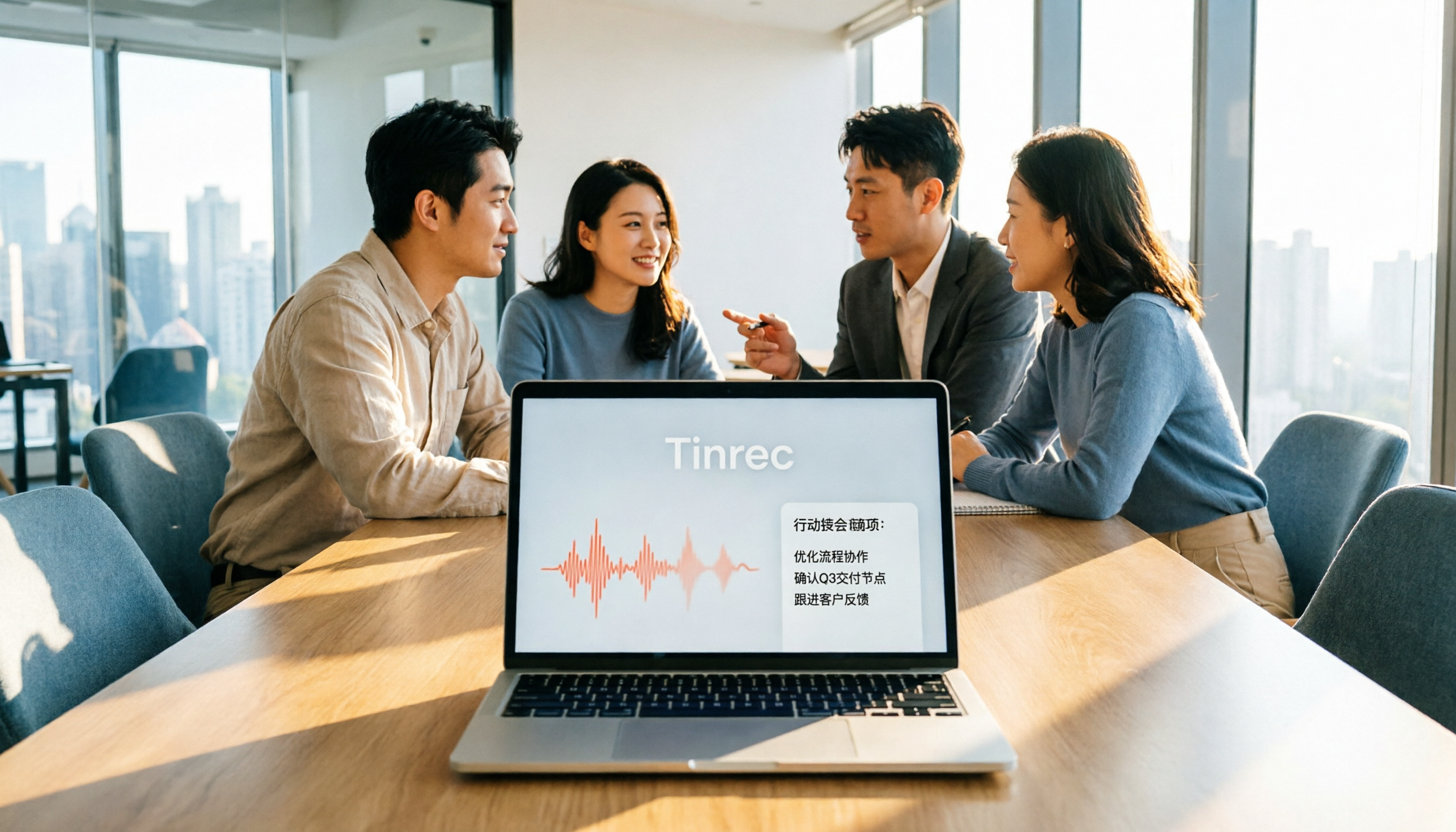
Scenario 1: Get meeting notes 5 minutes after the meeting ends In the past, after a two-hour meeting, you might spend another hour writing up notes. With Tinrec, the transcript accumulates while the meeting is happening. After it ends, AI has already organized the summary, chapters, and action items—who's responsible for what and when it's due, all clearly listed.
Scenario 2: Look back at that key conversation two weeks later "What was the client's concern about the quote last time?" Questions like this usually can't be found with keyword search. Tinrec supports asking questions directly about meeting content. It answers based on semantic understanding, rather than dumping a bunch of paragraphs containing keywords.
Scenario 3: No more missing parts of cross-language meetings For English or mixed Chinese-English meetings, Tinrec's real-time translation lets you listen while viewing the original text, translation, or bilingual comparison. No need to find a translator afterward.
Scenario 4: Keep meeting data with the team, not on someone's computer Tinrec's team plan centralizes meeting recordings, transcripts, summaries, and action items in a shared team space. New members can browse past meetings, and data doesn't disappear when members leave.
What Are the Core Capabilities of AI Office Tools?
Real-time transcription: Transcribes as it records, not after. During meetings, you can follow along with the text to confirm nothing important is missed, and later review with timestamps for reference.
Bot-free online meeting recording: This is what I find most practical. Tinrec's desktop version directly captures your computer's system audio, handling Zoom, Google Meet, Microsoft Teams, Webex, and other online meetings without inviting a meeting bot into the room—keeping the screen clean. Note that this means you need to actively open Tinrec and start recording; it's not the type that automatically joins all calendar meetings.
AI summaries, chapters, and action items: It doesn't just condense the transcript into a paragraph—it structures it. Long meetings are split into chapters, with conclusions and action items listed separately for quick focus.
AI conversational query: After transcription, you can ask questions directly, such as "Who mentioned the budget in this meeting?" or "What were the three concerns the client raised?" It answers based on semantic understanding, rather than telling you to go search manually.
Export and post-processing: Results can be exported to Notion, Google Docs, OneNote, Dropbox, and other common tools for continued use in your workflow. You can also use Agent post-processing to generate reports, tables, and documents, saving time on post-meeting weekly reports.
Team space and governance: The team plan provides an independent collaboration space where you can manage member roles, seats, usage trends, and activity logs. You can also add team-specific terminology to hotwords to improve recognition of professional terms.
Practical Use Cases
Weekly standups and project meetings: Recurring meetings are ideal for accumulating with Tinrec. Whether last week's action items were completed and what was decided this time—all stays in the same team space, no more relying on personal memory or fragmented screenshots in chat.
Customer interviews and sales communication: After a sales visit or requirements interview, Tinrec can directly organize customer needs, concerns, and commitments. Export key points as documents afterward so whoever takes over can quickly get up to speed.
Stop organizing recordings by hand
Upload audio or video and automatically get a transcript, summary, and action items
Course and interview transcripts: For those who need large amounts of transcription, you can upload existing audio or video files to Tinrec, organize them into searchable text in one go, and pick out quotable sections.
Content creation and material reuse: Interview recordings are no longer single-use. Through AI Q&A and summaries, the same recording can produce article drafts, social media posts, or internal reports—materials get reused.
5 Things to Watch When Buying AI Office Tools
First confirm where your meetings happen: For online meetings, ask clearly whether the tool joins via a meeting bot or captures system audio via desktop. Tinrec uses the latter—no extra bot appears in the participant list, but you need to start recording yourself.
Transcription is just the first step; organization is key: Whether it can automatically generate summaries, chapters, and action items, and whether you can ask questions directly about meeting content, determines whether you save typing time or the entire organization process. This is where Tinrec's AI Q&A and Agent post-processing stand out.
Actual performance with Chinese and mixed Chinese-English: Meetings in Taiwan are rarely pure Chinese or pure English. Tinrec covers Chinese, Traditional Chinese, and multilingual scenarios, and also supports real-time translation and team hotwords. But remember, no tool should be judged by official fixed accuracy rates—actual results depend on audio quality, accents, noise, and overlapping speakers. Best to test with your own meeting recording.
Team collaboration and data ownership: If meeting data is for the whole department, check whether the tool ties data to individual accounts. Tinrec's team plan is an independent team space where data belongs to the team, with roles and seats distinguished—members with roles manage, members with seats can record, upload, and edit, and members without seats can still view and play team data.
Quotas and pricing: Don't just look at total minutes—look at how minutes are deducted. Tinrec's team plan currently provides 2,000 minutes of shared import quota per paid seat per month. File and web imports use this shared quota, while real-time recording under active seats currently doesn't deduct by minutes. For first-time eligible teams, the trial offers 7 days, 1 free seat, and 300 minutes of shared import quota.
Frequently Asked Questions
Q1: With so many AI office tools, which one should I start with? A: Start with your biggest pain point, not the ranking list. If you have more than three meetings a week and still need to organize notes afterward, try a meeting notes tool first. Tinrec's free plan offers basic quota—try it with a real meeting to see if the summaries and action items match your needs.
Q2: Is Tinrec's free plan enough? A: For occasional recording organization or trying out the workflow, the free plan's basic quota is enough. If you have regular weekly meetings, the Pro plan is smoother. For short-term intensive interviews or courses, consider a weekly pass. For long-term accumulation of recording data, the annual plan's monthly cost is lower.
Q3: Can it really record Zoom or Teams meetings without inviting a bot? A: Yes. Tinrec's desktop version captures system audio played by your computer, so it can handle Zoom, Google Meet, Microsoft Teams, Webex, and other meetings on your computer without an extra bot joining the participant list. Note that you need to actively open Tinrec to start recording—it's not a mode that automatically joins all meetings.
Q4: What's the difference between the team plan and personal plan? A: Personal plan data belongs to the individual account; the team plan is an independent team space with member invitations, role and seat management, shared benefits, usage analytics, activity logs, and audio recycle bin. For departments that need handover and governance, these are the key differences.
Q5: Can AI-generated meeting notes be used directly? A: Treat them as a high-quality draft, not the final version. Tinrec can greatly reduce manual note-taking and organization time, but important numbers, commitments, and legal-related content should still be verified against the transcript timestamps and recording.
Q6: Are there legal issues with recording? A: It depends on your country and situation. In most cases, it's recommended to get participants' consent before recording and comply with local regulations. Tinrec's team plan provides management capabilities like activity logs and audio recycle bin, but note that audio in the recycle bin is retained for 30 days, after which it enters the cleanup process.
Conclusion
Whether an AI office tool is good has nothing to do with its ranking—it has everything to do with where you're stuck.
If your pain point is forgetting after meetings, notes scattered everywhere, and not finding key conversations two weeks later, what you need isn't just a transcription tool but a workflow that turns meetings into usable data. With Tinrec as an example, from bot-free recording, real-time transcription, AI summaries and action items, to export and team space—it covers this entire path.
I recommend starting with a real meeting on the free plan to see how AI-organized notes compare to what you normally do yourself. Prices and plan details are subject to the official purchase page.
References
- 2026 Global Top 19 AI Tools! See the Latest Top 100 AI Trending List Here!
- 12 Best AI Productivity Tools You Can't Miss in 2026
- Office AI Tools Decoded: Is Asana Alone Enough? | Master Concept
- 4 Recommended Office AI Tools for 2026 | Niche Picks That Understand Office Workers Better Than ChatGPT - AI Fengge
- Which AI Office Tool Is Good? 8 Popular Tools Compared - ChatExcel
Turn every recording into actionable outcomes
Get 60 free transcription minutes when you sign in. No credit card required.
Related Reading
You might also like

5 AI Office Tools Tested for 2026: How Students Can Save Time on Reports, Meetings, and Transcripts
From real student use cases, this guide covers what to look for in AI office tools—meeting notes, transcripts, summaries, to-dos, and team collaboration—and uses Tinrec's actual workflow to explain whether the free and paid plans are worth it for students.

Tinrec vs Otter.ai 2026: 5-Dimension Comparison — Which AI Meeting Tool Should You Download for Chinese-Language Meetings?
With so many AI office tools available, which one should you download? This article starts from the real meeting scenarios of a mid-level manager and breaks down the download decision criteria for AI meeting tools across 5 dimensions. It deeply tests Tinrec's bot-free recording, AI Q&A, and team workspace, compares it with Otter.ai, Notta, and Granola, and provides a pitfall-avoidance guide and selection recommendations.
2026 AI Meeting Tools Comparison: Tinrec vs Otter for Chinese Meetings
This article compares two AI office tools, Tinrec and Otter, based on hands-on testing. It analyzes five dimensions: Chinese meeting experience, meeting capture methods, post-meeting organization, team governance, and pricing, helping you decide which tool better fits your meeting and collaboration needs.

6 Best AI Meeting Tools in 2026: Which Saves the Most Time on Notes and Follow-Ups?
How to choose AI office tools without wasting time? This guide compares Tinrec, Otter.ai, Notta, Fireflies.ai, Granola, and ChatGPT Free across transcription, post-meeting organization, team collaboration, and pricing, with recommendations and FAQs.

2026 AI Meeting Tools Compared: Which Handles Chinese Transcription and Team Collaboration Best?
Which AI office tool is best? This article compares Tinrec, Granola, Notta, and PLAUD based on Chinese meeting recognition, recording methods, post-meeting output, and team data governance, with buying criteria and pitfalls to help you choose based on your meeting style.

6 AI Office Tools Compared for 2026: Which Is Best for Meeting Notes, Summaries, and Action Items?
Tired of spending time after meetings organizing transcripts, pulling out key points, and chasing action items? This article reviews 6 popular AI office tools in 2026, from Tinrec, Otter.ai, and Fireflies.ai to Notta, Granola, and TurboScribe. We compare audio-to-text transcription, post-meeting organization, AI Q&A, team collaboration, and pricing plans, with selection advice and usage considerations.

Free Meeting Notes Apps in 2026: Latest Features Tested + Complete Free Tier Guide
How to choose the best free meeting notes app in 2026? This guide walks you through the full process: what a free meeting notes app can do, its core capabilities, real-world use cases, and 5 key checkpoints when picking a tool. It also demonstrates Tinrec with a hands-on walkthrough from recording to transcript, AI summary, and action item extraction.

5 AI Office Tools Tested and Compared in 2026: What They Are, How to Use Them, and Which Is Best for Office Workers
What do AI office tools mean? Simply put, they are tools that use AI to help you handle office tasks like meeting notes, document organization, and data lookup. This article uses Tinrec as an example to help you understand the core capabilities, practical use cases, and purchasing considerations of AI office tools, with FAQs included. Tinrec turns meetings into searchable, collaborative, and actionable team data. The free version lets you experience audio-to-text, summaries, and AI Q&A.

4 AI Office Tools Tested for 2026: How to Download and Which Has the Best Free Tier?
Looking for AI office tools but not sure how to download them? We tested 4 popular tools, comparing download methods, free tiers, and meeting note features, and recommend Tinrec for finding the best fit.