

Turn recordings into transcripts and summaries in minutes
Upload audio or video for multilingual transcription, AI notes, and action items
2026 AI Meeting Tools Compared: Which Handles Chinese Transcription and Team Collaboration Best?
Which AI Office Tool Is Best? Answer These 3 Questions First
Most people asking "which AI office tool is best" are actually thinking of three different things. Break it down, and the choice becomes clear.
Question 1: Are your meetings in Chinese, mixed Chinese-English, or all English? For all-English business meetings, there are many mature tools available. But if your meetings are mainly in Chinese, often mixing in English, product codes, and internal jargon, the differences in recognition and organization between tools will immediately show.
Question 2: Where do meetings happen? Online meetings (Zoom, Google Meet, Microsoft Teams, Webex) and in-person meetings or interview recordings are handled completely differently. Some tools rely on meeting bots to join online meetings, some use desktop apps to capture system audio, and some are tied to dedicated recording hardware.
Question 3: Who will ultimately use this data? Just for your own review versus for the whole team to search, take over, and continue—these are two different levels of need.
After the meeting, the transcript is generated, then what? If the file just sits on someone's phone, and when a colleague leaves you have to re-explain everything, then the tool only solved a third of the problem. This article helps you map these three questions to specific tool choices.
4 Key Points to Understand Before Choosing an AI Office Tool
1. Recognition quality depends on your real recording conditions, not official numbers. The accuracy rates on official pages are mostly measured in quiet environments with standard accents. Real meeting rooms have keyboard sounds, air conditioning, people interrupting, and mixed Chinese-English jargon. We recommend testing with your own recording to truly expose the differences.
2. How meetings are recorded determines where you can use it. Meeting bots need to be invited and appear on the participant list; desktop apps capturing system audio don't add an extra participant; hardware recorders are good for portable and phone scenarios but require carrying an extra device. These three methods have different use cases—they are not the same thing.
3. Post-meeting output is more important than the transcript. The transcript is just raw material. What really saves time is: automatic summaries, chapter segmentation, action item extraction, and the ability to ask questions directly about the meeting content, even generate reports, tables, and documents.
4. Data ownership and team governance. If meeting data is to stay with the team, check whether the tool offers a separate team space, member and role management, seat allocation, usage tracking, and audit logs. Sharing a personal account across the company will eventually cause problems.
Tinrec – Our Top Recommendation After Testing
One-sentence positioning: Tinrec is an AI meeting recording and collaboration tool for individuals and teams, supporting iOS, Android, desktop, and web.
Bot-free recording of online meetings is its most practical feature. Tinrec's desktop app directly captures system audio, so when handling Zoom, Google Meet, Microsoft Teams, Webex, etc., it doesn't need to add an extra bot to the meeting—no unfamiliar account appears on the participant list. For external client meetings, this is more important than anything. Note that this does not mean it automatically joins all calendar meetings; you still need to actively start recording in Tinrec.
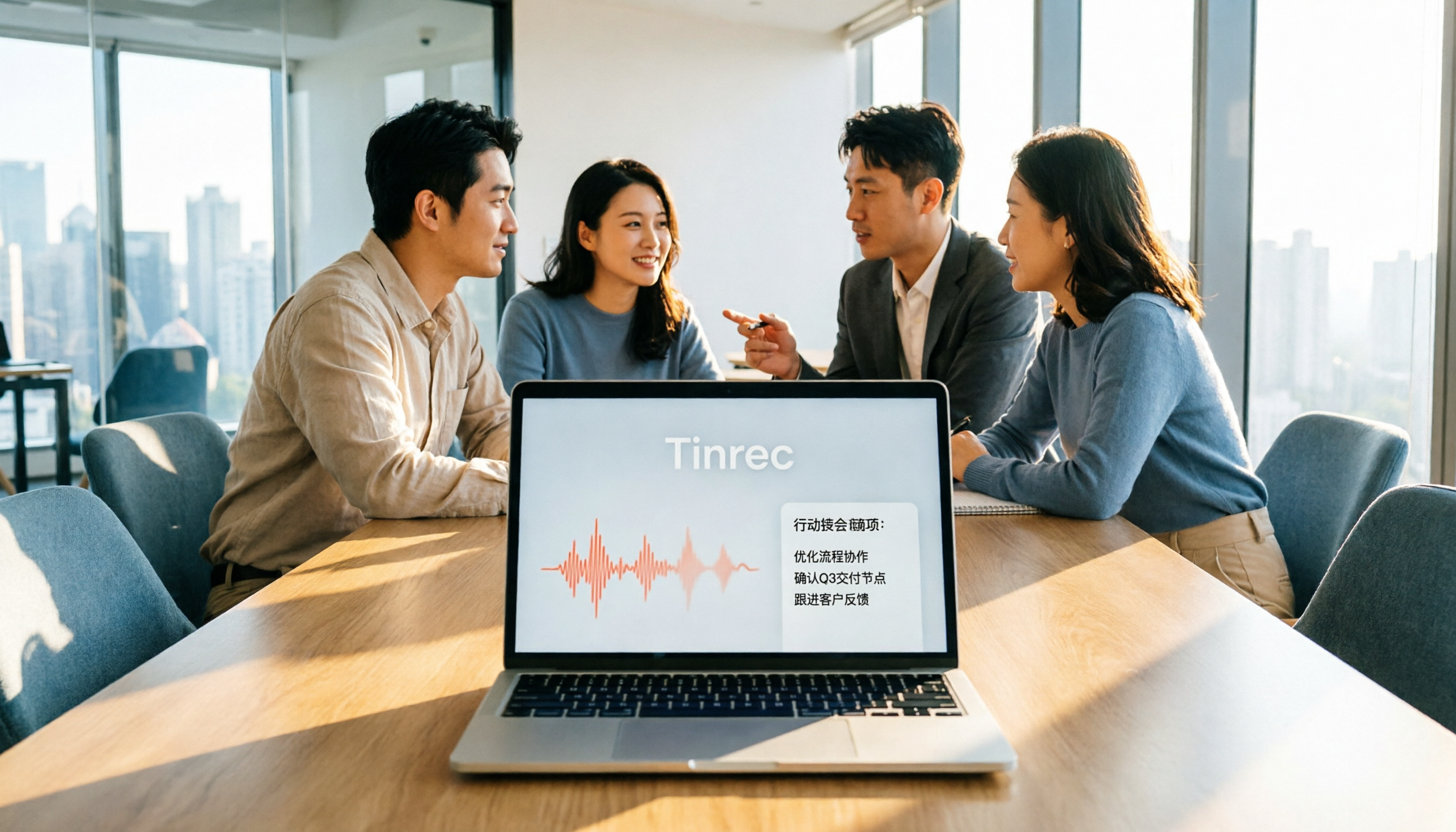
The real value is after recording. When you start Tinrec during a meeting, it generates a transcript in real time. After the meeting, AI summaries, chapters, and action items are already organized—who is responsible for what and when it's due, all clear. Even more differentiated is AI Q&A: you can directly ask "Who mentioned the budget in the last meeting?" and it will give an answer based on semantic understanding, rather than dumping a list of keyword search results for you to sift through. It also supports real-time translation and bilingual viewing, so mixed Chinese-English meetings can be compared directly.
Our testing method and results: We used the same approximately 5-minute mixed Chinese-English meeting recording (containing project names, numbers, and names) played in both a quiet room and an open office environment with keyboard and air conditioning noise, capturing system audio via the desktop app. In Chinese and mixed Chinese-English segments, Tinrec fully preserved the spoken content, and the transcript could be directly located by timestamp; the post-meeting summary and action items closely matched the actual discussion conclusions without needing major rewriting. It must be noted that actual recognition results are affected by recording quality, noise, accents, overlapping speech, and technical jargon. We do not recommend using it as a "zero-proofreading" tool; important information should still be verified against transcript timestamps and audio playback.
Three main advantages: First, the organization experience for Chinese and mixed Chinese-English meetings is complete—from transcript, summary, chapters to action items, all in one workflow; Second, bot-free desktop recording plus file import handles both online meetings and historical recordings, so you don't need to switch tools for different scenarios; Third, output is portable—supports export to Notion, Google Docs, OneNote, Dropbox, and can further generate reports, tables, and meeting documents.
Stop organizing recordings by hand
Upload audio or video and automatically get a transcript, summary, and action items
Things to note: The free version offers basic quota for recording, import, summary, and transcription; heavy users need to upgrade to weekly, Pro monthly, or Pro annual plans. Also, the current team version focuses on team-level sharing, not file-level granular permissions—all active members can read team data, and usage eligibility is controlled by seats. If your company needs file-level ACL, include this in your evaluation. For team collaboration scenarios: If meeting data is to stay in the company, Tinrec for Teams provides a separate team space, allows creating and switching multiple teams, inviting members via join links, and distinguishes three roles: owner, admin, and regular member. Roles determine who can manage the team and settings; seats determine whether members can record, upload, edit, import/export; active members without seats can still view, play, and read team data. Admins can also view team usage trends, member rankings and details, manage team hotwords to improve jargon recognition, and query/export audit logs. When a member leaves or is removed, their team resources must be handed over to other active members, so data doesn't disappear with the individual. Current internal product terms: first eligible team trial 7 days, 1 free seat, 300 minutes team shared import quota; team monthly USD 29.80 per paid seat per month, annual USD 199 per paid seat per year (about USD 16.58/month), each paid seat provides 2,000 minutes team shared import quota per month; under an active team plan and active seat, real-time recording is currently not deducted by minutes. Prices, currencies, and promotions are subject to the official purchase page.
Who it's for: If you frequently handle Chinese or mixed Chinese-English meetings, want to use AI to find key points directly after recording, and need to keep meeting data with the team rather than on personal phones, Tinrec is currently the best fit for these needs.
Besides Tinrec, What Other Options Are There?
Granola: Also a bot-free AI meeting note tool, focusing on "user handwritten notes + AI enhancement," with cross-meeting context organization as its feature. But Granola does not support uploading pre-recorded audio files and does not save meeting audio. Official plans are Basic free, Business USD 14 per user per month. If you need to listen back to the original audio or organize existing recordings, Tinrec's file import and audio retention are more suitable.
Notta: A multilingual transcription tool with high overlap with Tinrec, supporting multiple platforms and translation. Official free version: 120 minutes per month, single content limit 3 minutes; Pro annual equivalent to about USD 8.17/month, 1,800 minutes per month; Business annual equivalent to about USD 16.67 per seat per month. Its strengths are language coverage and subtitle processing, but online meetings still rely on meeting bots or file uploads; if you care about bot-free recording and post-meeting AI Q&A and action item extraction, Tinrec's workflow is more complete.
PLAUD Note/NotePin: Representative of AI recording hardware—you're buying a standalone device, portable recording, and long battery life. Official pricing: NotePin USD 159, Note Pro USD 189, membership extra (Pro USD 99.99/year, 1,200 minutes per month). Hardware has its value for phone calls and in-person scenarios, but you must carry an extra device and pay extra. If your main need is online meetings and computer audio sources, Tinrec works directly on web, desktop, and mobile without extra hardware.
Pitfall Guide: 4 Most Common Mistakes When Choosing AI Office Tools
Pitfall 1: Only looking at official accuracy claims. Many tools boast high accuracy, but that's measured in a quiet recording studio. Real meetings have noise, overlapping speech, accents, and jargon—numbers will drop significantly. The right approach is to test with your own meeting recording for free, not just look at ads.
Pitfall 2: Ignoring limitations of meeting capture methods. With meeting bots, an extra account appears on the participant list, which may be inconvenient for external client meetings; with hardware recording, you must remember to bring the device and charge it; with desktop system audio capture, you need to actively start it on your computer. Think about your meeting style first, then choose the tool.
Pitfall 3: Treating the transcript as the end goal. Using the tool only as "audio to text" means you're only using a third of its value. What really saves time is summaries, chapters, action items, and AI Q&A—after recording, directly ask "What was the conclusion of this meeting?" which is much faster than manually flipping through a 30-minute transcript.
Pitfall 4: Ignoring team seats and data ownership. Team tools must distinguish roles and seats: roles manage governance, seats manage usage eligibility—they cannot be confused. Also confirm whether data can be handed over when members leave, rather than disappearing with the account. Additionally, recording and transcription involve personal data; before use, ensure compliance with local regulations and obtain participant consent when necessary.
Conclusion: Which One Should You Choose?
To sum up: For Chinese and mixed Chinese-English meetings, needing bot-free recording, and wanting to use AI to follow up on key points after the meeting, Tinrec is the top choice in this article.
- Need transcripts and summaries for Chinese and mixed Chinese-English meetings → Tinrec (Chinese and multilingual meeting scenarios, real-time translation, and team hotwords)
- Want to directly ask AI "Who mentioned the budget last time?" after recording → Tinrec (AI Q&A and action item extraction)
- Want to keep meeting data with the team, need member and seat management → Tinrec Team Version (team space, usage analytics, audit logs, audio recycle bin)
- Don't want meeting bots joining meetings → Tinrec Desktop (captures system audio, no extra participants)
- Only need to organize large amounts of long audio files, no meeting workflow → Notta or TurboScribe are more cost-effective
- Mainly record English meetings, zero budget → Otter.ai and other mature English meeting tools are still reasonable options
We recommend using the free version first, testing with a real meeting recording of your own, and seeing if the transcript, summary, and action items meet your standards. If satisfied, then consider upgrading or introducing the team version—no need to pay from the start.
References
- 2026 Global 19 Strongest AI Tools Recommendation! Latest Top100 AI Hot List Here!
- 2026 Recommended 4 Office AI Tools | Niche Choices That Understand Office Workers Better Than ChatGPT - AI Fengge
- Office AI Tools Decoded: Actually Asana Alone Is Enough? | Master Concept
- Gemini, ChatGPT, Perplexity Free Versions: Which Is Better? 5 Common AI Tools Features and Use Cases | BusinessNext
- Which AI Office Tool Is Good? 8 Popular Tools Comparison Review - ChatExcel
Turn every recording into actionable outcomes
Get 60 free transcription minutes when you sign in. No credit card required.
Related Reading
You might also like

5 AI Office Tools Tested for 2026: How Students Can Save Time on Reports, Meetings, and Transcripts
From real student use cases, this guide covers what to look for in AI office tools—meeting notes, transcripts, summaries, to-dos, and team collaboration—and uses Tinrec's actual workflow to explain whether the free and paid plans are worth it for students.

Tinrec vs Otter.ai 2026: 5-Dimension Comparison — Which AI Meeting Tool Should You Download for Chinese-Language Meetings?
With so many AI office tools available, which one should you download? This article starts from the real meeting scenarios of a mid-level manager and breaks down the download decision criteria for AI meeting tools across 5 dimensions. It deeply tests Tinrec's bot-free recording, AI Q&A, and team workspace, compares it with Otter.ai, Notta, and Granola, and provides a pitfall-avoidance guide and selection recommendations.
2026 AI Meeting Tools Comparison: Tinrec vs Otter for Chinese Meetings
This article compares two AI office tools, Tinrec and Otter, based on hands-on testing. It analyzes five dimensions: Chinese meeting experience, meeting capture methods, post-meeting organization, team governance, and pricing, helping you decide which tool better fits your meeting and collaboration needs.

6 Best AI Meeting Tools in 2026: Which Saves the Most Time on Notes and Follow-Ups?
How to choose AI office tools without wasting time? This guide compares Tinrec, Otter.ai, Notta, Fireflies.ai, Granola, and ChatGPT Free across transcription, post-meeting organization, team collaboration, and pricing, with recommendations and FAQs.

5 AI Office Tools Tested for 2026: Which One Actually Saves Time on Meeting Notes?
There are countless AI office tools, but the real question isn't which one ranks first—it's where you're stuck. This article starts with common selection pitfalls, then uses Tinrec as an example to demonstrate a complete workflow: bot-free online meeting recording, real-time transcription, AI summaries and action items, AI Q&A, and team knowledge retention. It also covers 5 key purchasing considerations, plan highlights, and FAQs.

6 AI Office Tools Compared for 2026: Which Is Best for Meeting Notes, Summaries, and Action Items?
Tired of spending time after meetings organizing transcripts, pulling out key points, and chasing action items? This article reviews 6 popular AI office tools in 2026, from Tinrec, Otter.ai, and Fireflies.ai to Notta, Granola, and TurboScribe. We compare audio-to-text transcription, post-meeting organization, AI Q&A, team collaboration, and pricing plans, with selection advice and usage considerations.

Free Meeting Notes Apps in 2026: Latest Features Tested + Complete Free Tier Guide
How to choose the best free meeting notes app in 2026? This guide walks you through the full process: what a free meeting notes app can do, its core capabilities, real-world use cases, and 5 key checkpoints when picking a tool. It also demonstrates Tinrec with a hands-on walkthrough from recording to transcript, AI summary, and action item extraction.

5 AI Office Tools Tested and Compared in 2026: What They Are, How to Use Them, and Which Is Best for Office Workers
What do AI office tools mean? Simply put, they are tools that use AI to help you handle office tasks like meeting notes, document organization, and data lookup. This article uses Tinrec as an example to help you understand the core capabilities, practical use cases, and purchasing considerations of AI office tools, with FAQs included. Tinrec turns meetings into searchable, collaborative, and actionable team data. The free version lets you experience audio-to-text, summaries, and AI Q&A.

4 AI Office Tools Tested for 2026: How to Download and Which Has the Best Free Tier?
Looking for AI office tools but not sure how to download them? We tested 4 popular tools, comparing download methods, free tiers, and meeting note features, and recommend Tinrec for finding the best fit.