
Turn recordings into transcripts and summaries in minutes
Upload audio or video for multilingual transcription, AI notes, and action items
5 AI Office Tools Tested for 2026: How Students Can Save Time on Reports, Meetings, and Transcripts
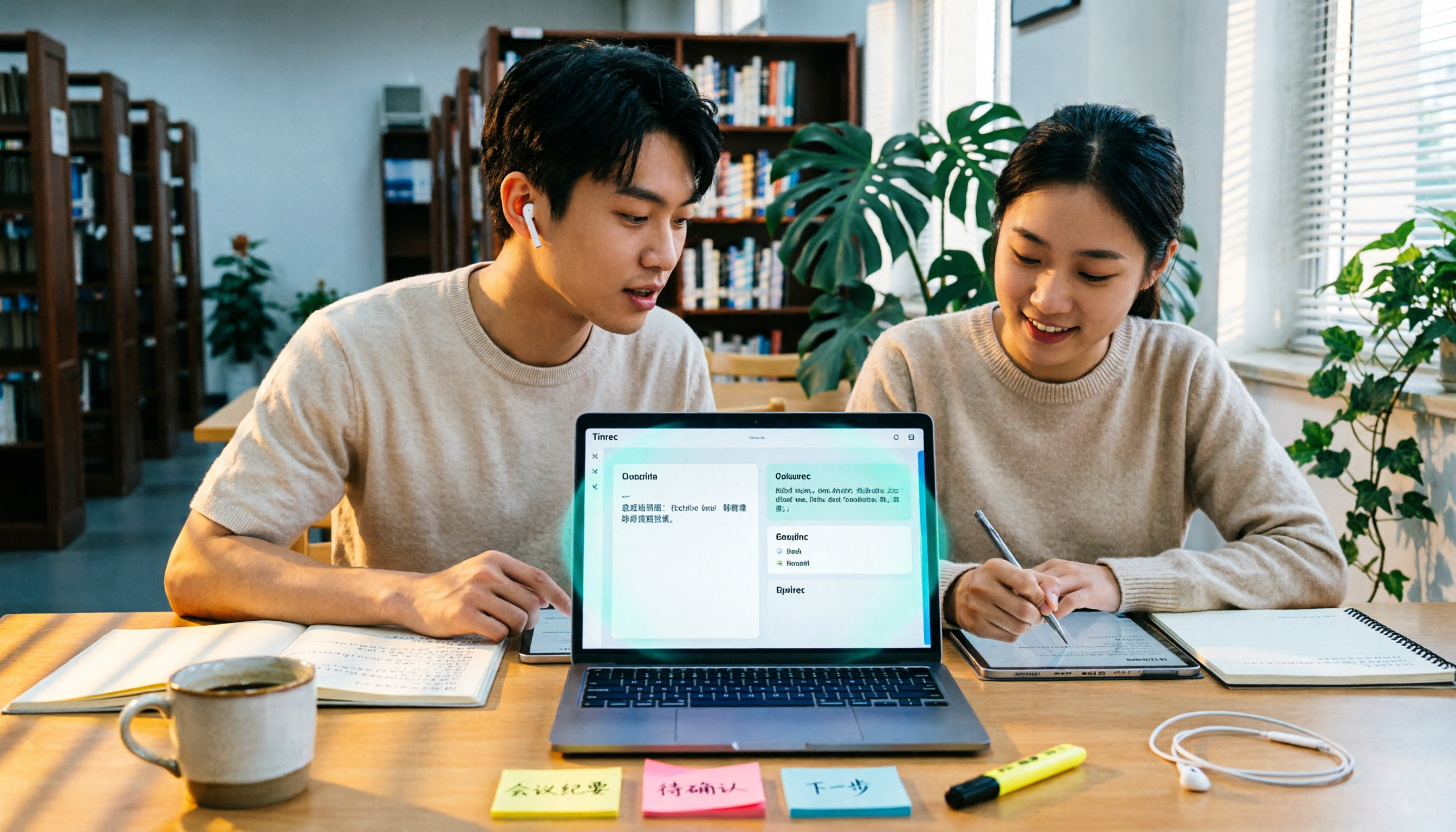
Last semester, while working on our graduation project, our group had a two-hour meeting on Google Meet. Four people talking fast and messy—I tried to type while listening. Afterward, everyone in the LINE group asked, "So what did we decide?" No one could answer. That night, staring at a blank mind map, I thought: if only the meeting could automatically turn into notes with conclusions and action items, I wouldn't have to re-listen to two hours of recording.
This semester, I've tried several AI office tools and learned some lessons the hard way. This isn't a spec sheet—it's my own整理 after using them for a full semester: which features are actually useful for students, whether free tiers are enough, and when it's worth paying.
What Can AI Office Tools Do for You?
Scenario 1: Group project meeting ends, meeting notes in 5 minutes Before, after a two-hour meeting, I'd spend another 40 minutes typing up notes into something presentable. Now I open Tinrec desktop before the meeting—it captures the computer's system audio directly, no need to invite any meeting bot. It works with Google Meet, Zoom, Microsoft Teams, and Webex. When the meeting ends, the transcript, summary, discussion conclusions, and action items are already organized. Who's responsible for what, what's due next time—all clearly listed.
Scenario 2: Two-hour general education lecture, don't want to re-listen before the exam Not being able to take notes fast enough in class is a common pain point. Tinrec can transcribe while recording, and also upload pre-recorded audio or video for transcription, then automatically generate summaries, chapters, and key points. Before exams, I don't have to put on headphones and listen from start to finish—I can jump to the section where the professor covered the exam points, saving more than half the time.
Scenario 3: English lectures, foreign teachers' classes Tinrec supports real-time translation. During recording, you can switch between original text, translation, or bilingual view. For those who need to read original literature or attend all-English lectures, this is much faster than throwing segments into a translation site afterward.
Scenario 4: Report delivery and formatting After transcription, Tinrec's Agent post-processing can generate reports, tables, and documents based on meeting content, then export to Notion, Google Docs, OneNote, Dropbox, or other tools you already use. Data doesn't get stuck in one app—it connects directly to your existing workflow.
What Are the Core Capabilities of AI Office Tools?
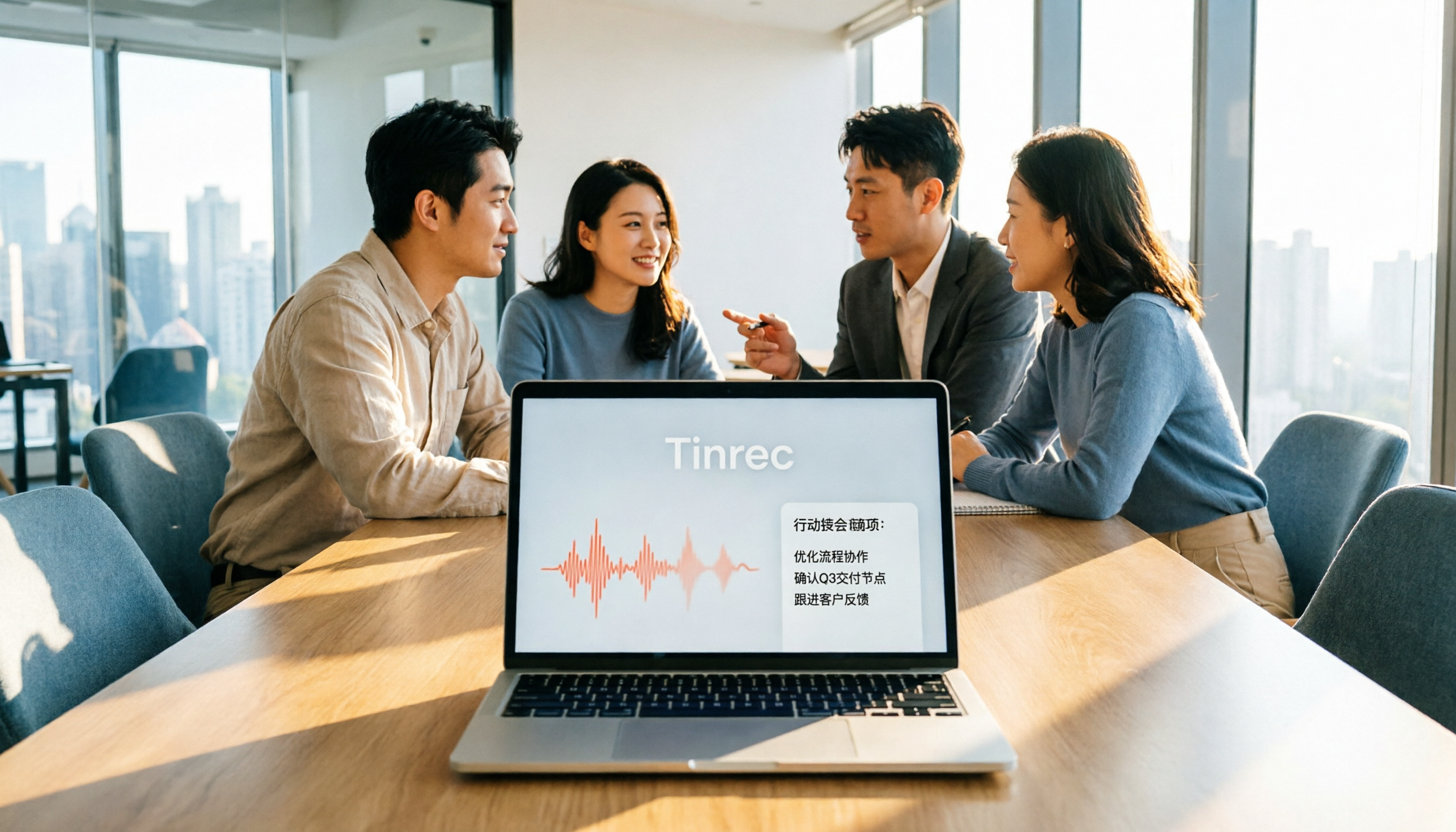
Bot-free online meeting recording Some tools send a bot account into the meeting, adding an extra participant on screen. Tinrec desktop takes a different approach: it captures the device's system audio directly, no bot needed. You just need to start recording before the meeting begins.
Real-time transcript and translation Text appears as you record, not after waiting for conversion. With real-time translation, cross-language classes or meetings can show both original and translated text simultaneously.
AI summaries, chapters, and key points The hardest part of long meetings is finding the key points. Tinrec breaks content into chapters and organizes summaries and highlights, so you can jump directly to sections of interest when reviewing.
Action item extraction and AI Q&A Action items mentioned in discussions are organized into to-dos. If you want to know a specific detail, you can ask questions directly about the meeting content, such as "What was the word count the professor mentioned for the report?" or "What was the budget cap the client mentioned?" It answers based on semantics, rather than making you search through the transcript manually.
Export, post-meeting processing, and team spaces Besides exporting to common formats and third-party tools, Tinrec also lets you store meeting data centrally in team spaces. The team version offers independent team spaces, member and seat management, usage analytics, audit logs, audio recycle bin, and team hotwords. Members without a seat can still view and read team data; only those with a seat can record, upload, edit, and import/export.
Practical Use Cases
Class and lecture notes Keep Tinrec running during class, and you'll have transcripts and summaries after. With the chapter feature, you can jump directly to sections when reviewing, no need to re-listen to the whole lecture.
Group projects and club meetings For online meetings, use desktop bot-free recording; for offline discussions, use phone recording. Afterward, put transcripts and to-dos into the team space. Next meeting, check last meeting's to-dos first—no one will ask "Where did we leave off?" again.
Stop organizing recordings by hand
Upload audio or video and automatically get a transcript, summary, and action items
Graduation project interviews Upload interview recordings to Tinrec, and get transcripts, key points, and quotable material all at once. When writing your thesis, search by keyword—much faster than repeatedly listening to audio files.
Internship interviews and online courses Mock interviews can be recorded to review your pacing; online courses can be turned into searchable notes using summaries and Q&A.
5 Things to Consider When Choosing an AI Office Tool
1. Chinese and mixed Chinese-English recognition experience In Taiwan, classes and meetings often mix Chinese and English. Test with your own recordings, don't just rely on marketing. Tinrec covers Chinese, Traditional Chinese, and multilingual scenarios, and supports mixed Chinese-English content organization. Actual results still depend on recording quality, accent, noise, and technical terminology.
2. How meetings are recorded If you don't want a bot account appearing in the meeting list, check whether the tool uses desktop system audio capture. Tinrec desktop can record online meetings without adding an extra participant; but it's user-initiated recording, not automatic joining of all calendar meetings.
3. What you can do after transcription Transcripts are just the first step. Tinrec connects summaries, chapters, to-dos, AI Q&A, translation, export, and Agent post-processing, so you get usable data, not a wall of text.
4. Free tier and payment rhythm Students have limited budgets, so first see if the free version can handle your usage frequency. Tinrec free version offers basic quota, letting you experience recording, import, summary, and transcription. Those with short-term concentrated meetings or interviews can consider a weekly pass; for steady weekly use, choose Pro monthly; to accumulate a whole semester's data, consider annual. The principle is simple: calculate how many times you'll use it per month, then decide whether to pay.
5. Data storage and collaboration If sharing within a group, pay attention to whether the tool uses personal accounts or team spaces. Tinrec team version makes meeting data owned by the team; when members leave or are removed, resources are transferred to other valid members, not disappearing with personal accounts. Deleted team audio goes to the recycle bin, currently retained for 30 days, and can be restored before permanent cleanup.
FAQ
Q1: Is the free version of AI office tools enough for students? Testing with the free version first is most accurate. Tinrec free version offers basic quota, letting you experience recording, import, summary, and transcription; if you only organize a few meetings or key classes per month, it's usually enough. If you have steady weekly needs, then choose weekly or Pro based on your rhythm—more practical than buying the most expensive plan from the start.
Q2: How to record online meetings? Do I need a bot to join? No. Tinrec desktop captures the computer's system audio directly. You just need to start recording before the meeting begins; no bot account will appear in the meeting. It handles Zoom, Google Meet, Microsoft Teams, and Webex meeting audio played on the computer. Remember, it's not a tool that automatically joins all calendar meetings—you need to press start yourself.
Q3: What transcription accuracy can I expect? Tinrec doesn't publicly promise a fixed number, because actual performance depends on recording quality, ambient noise, accent, multiple people speaking simultaneously, and technical terminology. For better results, use a stable microphone and reduce echo; if you're already using team spaces, you can maintain team hotwords and add department or lab-specific terms. For important content, it's recommended to cross-check with transcript timestamps and original audio.
Q4: How to share meeting data for group projects? Use team spaces, not a few people sharing one personal account. Tinrec team version allows creating and switching multiple team spaces, inviting members via join links, and distinguishing owners, admins, and regular members. Note that roles and seats are different: roles determine who can manage the team, seats determine who can record, upload, edit, and import/export; members without seats can still view, play, and read team data.
The team plan currently offers a 7-day trial with 1 free seat and 300 minutes of shared team import quota; monthly payment is USD 29.80 per paid seat per month, annual is USD 199 per paid seat per year (about USD 16.58 per month). Each paid seat provides 2,000 minutes of shared team import quota per month, and real-time recording under an active team plan is currently not deducted by minutes. Prices, currencies, and promotions are subject to the official purchase page.
Q5: Are there legal issues with recording? Yes, this is often overlooked. Before recording and transcribing, comply with local laws and obtain consent from all participants when required. The tool only helps organize content; authorization responsibility remains with the user.
Conclusion
The biggest value of AI office tools for students isn't helping you do more, but saving time you'd otherwise spend re-listening to recordings, re-copying notes, and chasing group members for conclusions. When choosing, first look at Chinese recognition experience, how meetings are recorded, and whether transcription can directly produce summaries and to-dos; price comes last.
If you're also looking for tools for group projects or final reports, start with Tinrec's free version basic quota—record a meeting or a class, see if transcripts, summaries, and to-dos actually help, then decide whether to upgrade.
References
- Which AI is best? Detailed introduction to six major AI tools—three heads and six arms, five fierce generals, build your own team!
- 12 Best AI Productivity Tools You Can't Miss in 2026
- Office AI tools decoded: Is Asana alone enough? | Master Concept
- AI tools lazy pack | 18 super practical AI recommendations! Generate images, write articles, make presentations, organize paper highlights—all OK | Tasker Good Articles Column
- [AI Lazy Pack] Just read this! 2026 recommended AI free vs subscription tools, improve work productivity & workplace competitiveness! (Continuously updated) | 104 Workplace Power
Turn every recording into actionable outcomes
Get 60 free transcription minutes when you sign in. No credit card required.
Related Reading
You might also like

Tinrec vs Otter.ai 2026: 5-Dimension Comparison — Which AI Meeting Tool Should You Download for Chinese-Language Meetings?
With so many AI office tools available, which one should you download? This article starts from the real meeting scenarios of a mid-level manager and breaks down the download decision criteria for AI meeting tools across 5 dimensions. It deeply tests Tinrec's bot-free recording, AI Q&A, and team workspace, compares it with Otter.ai, Notta, and Granola, and provides a pitfall-avoidance guide and selection recommendations.
2026 AI Meeting Tools Comparison: Tinrec vs Otter for Chinese Meetings
This article compares two AI office tools, Tinrec and Otter, based on hands-on testing. It analyzes five dimensions: Chinese meeting experience, meeting capture methods, post-meeting organization, team governance, and pricing, helping you decide which tool better fits your meeting and collaboration needs.

6 Best AI Meeting Tools in 2026: Which Saves the Most Time on Notes and Follow-Ups?
How to choose AI office tools without wasting time? This guide compares Tinrec, Otter.ai, Notta, Fireflies.ai, Granola, and ChatGPT Free across transcription, post-meeting organization, team collaboration, and pricing, with recommendations and FAQs.

2026 AI Meeting Tools Compared: Which Handles Chinese Transcription and Team Collaboration Best?
Which AI office tool is best? This article compares Tinrec, Granola, Notta, and PLAUD based on Chinese meeting recognition, recording methods, post-meeting output, and team data governance, with buying criteria and pitfalls to help you choose based on your meeting style.

5 AI Office Tools Tested for 2026: Which One Actually Saves Time on Meeting Notes?
There are countless AI office tools, but the real question isn't which one ranks first—it's where you're stuck. This article starts with common selection pitfalls, then uses Tinrec as an example to demonstrate a complete workflow: bot-free online meeting recording, real-time transcription, AI summaries and action items, AI Q&A, and team knowledge retention. It also covers 5 key purchasing considerations, plan highlights, and FAQs.

6 AI Office Tools Compared for 2026: Which Is Best for Meeting Notes, Summaries, and Action Items?
Tired of spending time after meetings organizing transcripts, pulling out key points, and chasing action items? This article reviews 6 popular AI office tools in 2026, from Tinrec, Otter.ai, and Fireflies.ai to Notta, Granola, and TurboScribe. We compare audio-to-text transcription, post-meeting organization, AI Q&A, team collaboration, and pricing plans, with selection advice and usage considerations.

Free Meeting Notes Apps in 2026: Latest Features Tested + Complete Free Tier Guide
How to choose the best free meeting notes app in 2026? This guide walks you through the full process: what a free meeting notes app can do, its core capabilities, real-world use cases, and 5 key checkpoints when picking a tool. It also demonstrates Tinrec with a hands-on walkthrough from recording to transcript, AI summary, and action item extraction.

5 AI Office Tools Tested and Compared in 2026: What They Are, How to Use Them, and Which Is Best for Office Workers
What do AI office tools mean? Simply put, they are tools that use AI to help you handle office tasks like meeting notes, document organization, and data lookup. This article uses Tinrec as an example to help you understand the core capabilities, practical use cases, and purchasing considerations of AI office tools, with FAQs included. Tinrec turns meetings into searchable, collaborative, and actionable team data. The free version lets you experience audio-to-text, summaries, and AI Q&A.

4 AI Office Tools Tested for 2026: How to Download and Which Has the Best Free Tier?
Looking for AI office tools but not sure how to download them? We tested 4 popular tools, comparing download methods, free tiers, and meeting note features, and recommend Tinrec for finding the best fit.