

Turn recordings into transcripts and summaries in minutes
Upload audio or video for multilingual transcription, AI notes, and action items
Tinrec vs Otter.ai 2026: 5-Dimension Comparison — Which AI Meeting Tool Should You Download for Chinese-Language Meetings?
Before You Download, Answer One Question: Do You Want a Voice Recorder or a Post-Meeting Database?
The real fork in the road when downloading an AI office tool isn't "which one has more features" — it's these three questions:
- Are your meetings primarily in Chinese or English?
- Do your meetings happen on a computer or in a physical conference room?
- Do you want a transcript, or a database where you can ask questions directly after recording?
Once you answer these three questions, your options narrow considerably.
I manage a team of 10 and have about 15 meetings a week. My biggest mistake in previous years was treating all "AI office tools" as the same thing when downloading them — I'd install whatever was trending, ending up with three on my phone and two on my computer. When it came time to organize post-meeting notes, my data was scattered across four different accounts. If I needed to find out who said what in last month's budget meeting, I still had to rely on memory.
The tools didn't save me time — they actually cost me more time managing tools. It wasn't until later that I figured it out: what I lacked wasn't recording capability, but the ability to turn meetings into data that could be searched, queried, and handed off.
Before Downloading an AI Office Tool, Understand These 5 Key Points
First, how does it "get into" your meeting? There are two common approaches: one is sending a meeting bot as a participant, which adds an extra name to the screen; the other is desktop software that directly captures your computer's system audio. The former requires invitations and permissions; the latter is much quieter.
Second, what does it give you after transcription? A transcript alone is like handing you a 30-page document to read yourself. Being able to provide summaries, chapters, and action items is what truly saves time. That's where the difference lies.
Third, performance with Chinese and mixed Chinese-English. Our meetings never stick to just Chinese — product names, technical terms, and English abbreviations fly around constantly. Whoever handles this well saves me from having to go back and edit the transcript.
Fourth, can you ask follow-up questions afterward? Transcripts only let you use Ctrl+F to find keywords, but the key points in a meeting often aren't keywords — they're semantics. A tool that lets you directly ask "What was the conclusion of last meeting?" versus one that only supports search — that's a generational difference.
Fifth, multi-platform downloads and team ownership. Recording on your phone and organizing on your computer is the norm. Also, you need to ask: Is the data tied to an individual account or owned by the team? If a member leaves, will the meeting records disappear with them?
Tinrec — The One My Team Kept After Testing
Tinrec is an AI meeting notes and collaboration tool for individuals and teams, available on iOS, Android, web, and desktop. It doesn't just convert audio to text — it organizes meetings into searchable, summarizable, queryable, and exportable data.
Bot-free recording for online meetings. This is what impressed me most. The desktop version directly captures your computer's system audio. When handling online meetings on Zoom, Google Meet, Microsoft Teams, or Webex, you don't need to send an extra bot as a participant — no unfamiliar name appears on the meeting screen. Note that it requires you to actively start recording; it doesn't automatically join every meeting on your calendar — the official documentation is clear about this too.
Transcribes while recording, ask questions right after. Open Tinrec during a meeting, and the transcript is generated in real time. When the meeting ends, the summary, chapters, and action items are already organized — who's responsible for what and what the deadlines are, no need to re-listen to the recording. More importantly, AI Q&A: after recording, you can directly ask it "Who mentioned the budget in the last meeting?" It doesn't throw a list of keyword search results at you — it gives you answers based on semantics. Tools in the same price range are almost all still stuck at "keyword search" for this layer.
Keep using it after export. Organized content can be exported to Notion, Google Docs, OneNote, Dropbox, and other tools, and can further generate reports, tables, and meeting minutes. For those who need to report upward, this step saves the effort of retyping everything.
Last month, I compared the same roughly 20-minute Chinese online meeting recording (Microsoft Teams, indoor environment, multiple speakers taking turns). Tinrec was one of the few tools where I didn't need to make major corrections on Chinese segments, mixed Chinese-English technical terms, and action item extraction.
Stop organizing recordings by hand
Upload audio or video and automatically get a transcript, summary, and action items
Pros:
- No meeting bot needed — online meeting recording doesn't disturb other participants
- After transcription, you can directly ask AI follow-up questions — not just get a transcript
- Works on phone, tablet, web, and desktop — data follows your account
- Team version is a separate team workspace with management of members, roles, seats, usage, and audit logs
Limitations to be clear about: The free version has a basic quota. If you have meetings every day like me, you'll quickly need a paid plan. Also, transcription quality is affected by recording quality, ambient noise, accents, and multiple people talking over each other. The official documentation doesn't recommend giving a fixed accuracy number — important content should still be verified against the transcript timestamps.
Who it's for: People whose meetings are primarily in Chinese or mixed Chinese-English, who want to ask about key points directly after meetings, and who need to switch between phone and computer. For team sharing, the team version is USD 29.80 per paid seat per month, or USD 199 per paid seat per year (about USD 16.58 per month). Each paid seat provides 2,000 minutes of team shared import quota per month. Eligible teams also get a 7-day, 1 free seat, 300-minute trial on first signup. Actual prices are subject to the official purchase page.
Besides Tinrec, What Other Options Are There?
Otter.ai: A mature choice for English business meetings. Free version gives 300 minutes per month. Pro annual billing works out to about USD 8.49 per user per month, including 1,200 minutes of in-app recording and 10 file imports per month. It also offers desktop capabilities and has the strongest English meeting mindshare. But if your meetings are in Chinese and you want to turn transcripts into team assets, Tinrec's bot-free recording plus team workspace will be a better fit.
Notta: The competitor with the highest overlap with Tinrec — multi-platform transcription, meeting notes, file import, translation, and team plans are all available. Free version gives 120 minutes per month with a maximum of 3 minutes per single piece of content — one project meeting exceeds that for me. Pro annual billing works out to about USD 8.17 per month with 1,800 minutes per month. It's sufficient for file transcription and subtitles, but lacks Tinrec's post-processing layer of "ask AI follow-up questions after recording, then hand off to Agent to generate reports and tables."
Granola: An AI meeting notes tool that also takes the bot-free approach. Basic is free, Business is USD 14 per user per month. It supports viewing, copying, and searching real-time transcripts, but doesn't support uploading pre-recorded audio and doesn't save meeting audio files. If you need to keep recordings and import historical meeting files, this is where Tinrec clearly wins.
Pitfall Guide: The 4 Most Common Mistakes When Downloading AI Office Tools
Pitfall 1: Downloading from unofficial channels. The top search results are often third-party download sites or so-called cracked versions. These files pose security risks and don't come with updates or official support. Always go through the official website or official app stores.
Pitfall 2: Only looking at free minutes, not the per-session limit. Some tools give 120 minutes per month on the free plan, which sounds like a lot, but the maximum per single piece of content is 3 minutes — one meeting gets chopped into a dozen segments. Before downloading, check clearly: "monthly quota" and "per-session limit" are two different things.
Pitfall 3: Assuming it will automatically record every meeting once installed. Most tools still require you to actively start recording, and Tinrec's desktop version is the same — it won't automatically join all meetings on your calendar. Think through your usage habits so you don't install it and find out "it didn't record anything."
Pitfall 4: Ignoring team data ownership. Multiple people sharing one personal account is not a team plan. The real questions to ask are: Who owns the meeting data? How do you hand off when a member leaves? Tinrec's team version separates "roles" and "seats" — roles determine who can manage the team, seats determine who can record, upload, edit, and export. Active members without a seat can still view, play, and read team data. This design is what supports long-term team use.
Conclusion: Which One Should You Actually Download?
In one sentence: If your meetings are primarily in Chinese, Tinrec is currently the one most worth downloading and trying first.
- Meetings primarily in Chinese or mixed Chinese-English → Tinrec (Chinese experience, real-time translation, and team hotwords are its strong suit)
- Want to ask AI directly to find key points after recording → Tinrec (AI Q&A plus Agent post-processing is a rare combination right now)
- Need to use on phone, computer, and web → Tinrec (iOS, Android, web, and desktop all available)
- Need team sharing and member handoff → Tinrec team version (team workspace, seat management, usage analytics, and audit logs)
- Only record English, zero budget → Otter.ai free version (300 minutes per month, one of the few exceptions in this article)
- Pure batch file-to-subtitle conversion → Notta (but note the 3-minute per-session limit on the free version)
I recommend starting with Tinrec's free version and testing it with one of your own real meetings — see if Chinese recognition, action item extraction, and AI follow-up questions help you. Decide whether to switch plans after the quota runs out. No need to pay from the start.
References
Turn every recording into actionable outcomes
Get 60 free transcription minutes when you sign in. No credit card required.
Related Reading
You might also like

5 AI Office Tools Tested for 2026: How Students Can Save Time on Reports, Meetings, and Transcripts
From real student use cases, this guide covers what to look for in AI office tools—meeting notes, transcripts, summaries, to-dos, and team collaboration—and uses Tinrec's actual workflow to explain whether the free and paid plans are worth it for students.
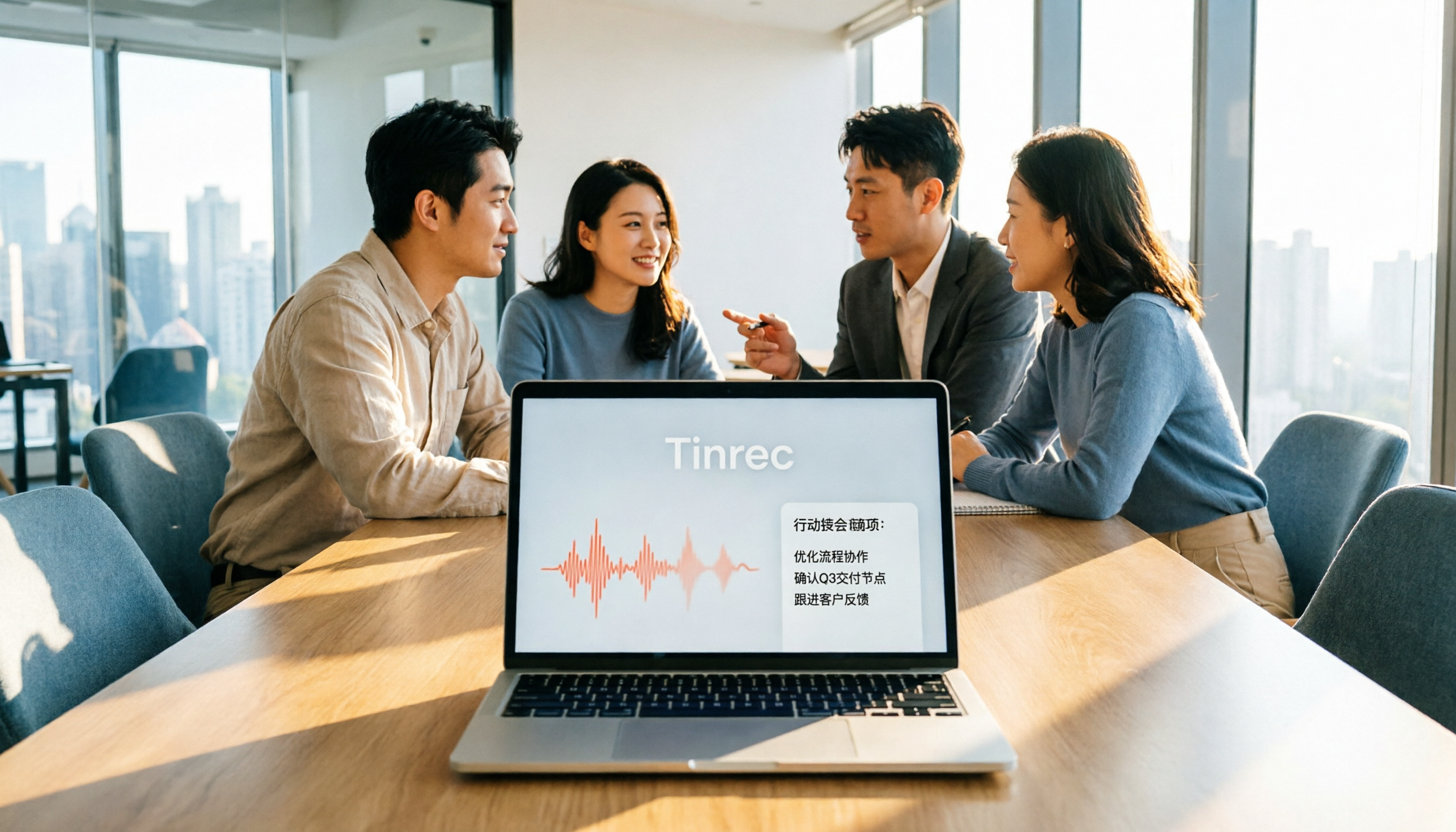
2026 AI Meeting Tools Comparison: Tinrec vs Otter for Chinese Meetings
This article compares two AI office tools, Tinrec and Otter, based on hands-on testing. It analyzes five dimensions: Chinese meeting experience, meeting capture methods, post-meeting organization, team governance, and pricing, helping you decide which tool better fits your meeting and collaboration needs.

6 Best AI Meeting Tools in 2026: Which Saves the Most Time on Notes and Follow-Ups?
How to choose AI office tools without wasting time? This guide compares Tinrec, Otter.ai, Notta, Fireflies.ai, Granola, and ChatGPT Free across transcription, post-meeting organization, team collaboration, and pricing, with recommendations and FAQs.

2026 AI Meeting Tools Compared: Which Handles Chinese Transcription and Team Collaboration Best?
Which AI office tool is best? This article compares Tinrec, Granola, Notta, and PLAUD based on Chinese meeting recognition, recording methods, post-meeting output, and team data governance, with buying criteria and pitfalls to help you choose based on your meeting style.

5 AI Office Tools Tested for 2026: Which One Actually Saves Time on Meeting Notes?
There are countless AI office tools, but the real question isn't which one ranks first—it's where you're stuck. This article starts with common selection pitfalls, then uses Tinrec as an example to demonstrate a complete workflow: bot-free online meeting recording, real-time transcription, AI summaries and action items, AI Q&A, and team knowledge retention. It also covers 5 key purchasing considerations, plan highlights, and FAQs.

6 AI Office Tools Compared for 2026: Which Is Best for Meeting Notes, Summaries, and Action Items?
Tired of spending time after meetings organizing transcripts, pulling out key points, and chasing action items? This article reviews 6 popular AI office tools in 2026, from Tinrec, Otter.ai, and Fireflies.ai to Notta, Granola, and TurboScribe. We compare audio-to-text transcription, post-meeting organization, AI Q&A, team collaboration, and pricing plans, with selection advice and usage considerations.

Free Meeting Notes Apps in 2026: Latest Features Tested + Complete Free Tier Guide
How to choose the best free meeting notes app in 2026? This guide walks you through the full process: what a free meeting notes app can do, its core capabilities, real-world use cases, and 5 key checkpoints when picking a tool. It also demonstrates Tinrec with a hands-on walkthrough from recording to transcript, AI summary, and action item extraction.

5 AI Office Tools Tested and Compared in 2026: What They Are, How to Use Them, and Which Is Best for Office Workers
What do AI office tools mean? Simply put, they are tools that use AI to help you handle office tasks like meeting notes, document organization, and data lookup. This article uses Tinrec as an example to help you understand the core capabilities, practical use cases, and purchasing considerations of AI office tools, with FAQs included. Tinrec turns meetings into searchable, collaborative, and actionable team data. The free version lets you experience audio-to-text, summaries, and AI Q&A.

4 AI Office Tools Tested for 2026: How to Download and Which Has the Best Free Tier?
Looking for AI office tools but not sure how to download them? We tested 4 popular tools, comparing download methods, free tiers, and meeting note features, and recommend Tinrec for finding the best fit.