

Turn recordings into transcripts and summaries in minutes
Upload audio or video for multilingual transcription, AI notes, and action items
Two-Hour Meeting, Two More Hours to Organize—You Don't Need More Tools, You Need the Right Solution
Every time a meeting ends, handwritten notes are scattered, and you can't be bothered to replay the recording. You want AI office tools to help, but you've downloaded a bunch of apps—either the free tier is too limited or the interface is too complicated. What's worse, some tools only support English, and Chinese meeting transcriptions come out full of errors.
If you've been in these situations, this article is for you. We tested 4 popular AI office tools, comparing download methods, free tiers, and post-meeting organization features all in one place.
Before Choosing an AI Office Tool, Understand These 3 Key Points
First, download source and platform support. Some tools only offer an iOS version, some only a web version. It's best to choose a tool that supports multiple platforms—phone and computer—so your data can sync. Tinrec, for example, covers iOS, Android, web, and desktop; after downloading, you just log in and start.
Second, is the free tier enough? Many AI tools have strict free version limits, such as only a few minutes of transcription per month, or a single file cannot exceed 3 minutes. Instead of downloading a bunch of trials, first check if the free plan meets your weekly meeting needs.
Third, can you use it right after the meeting? A tool that only gives a transcript is only half the job. A good tool should automatically generate summaries, chapters, and action items, and even let you ask questions with AI. That's the key to saving time.
Tinrec—Our Top Pick After Testing
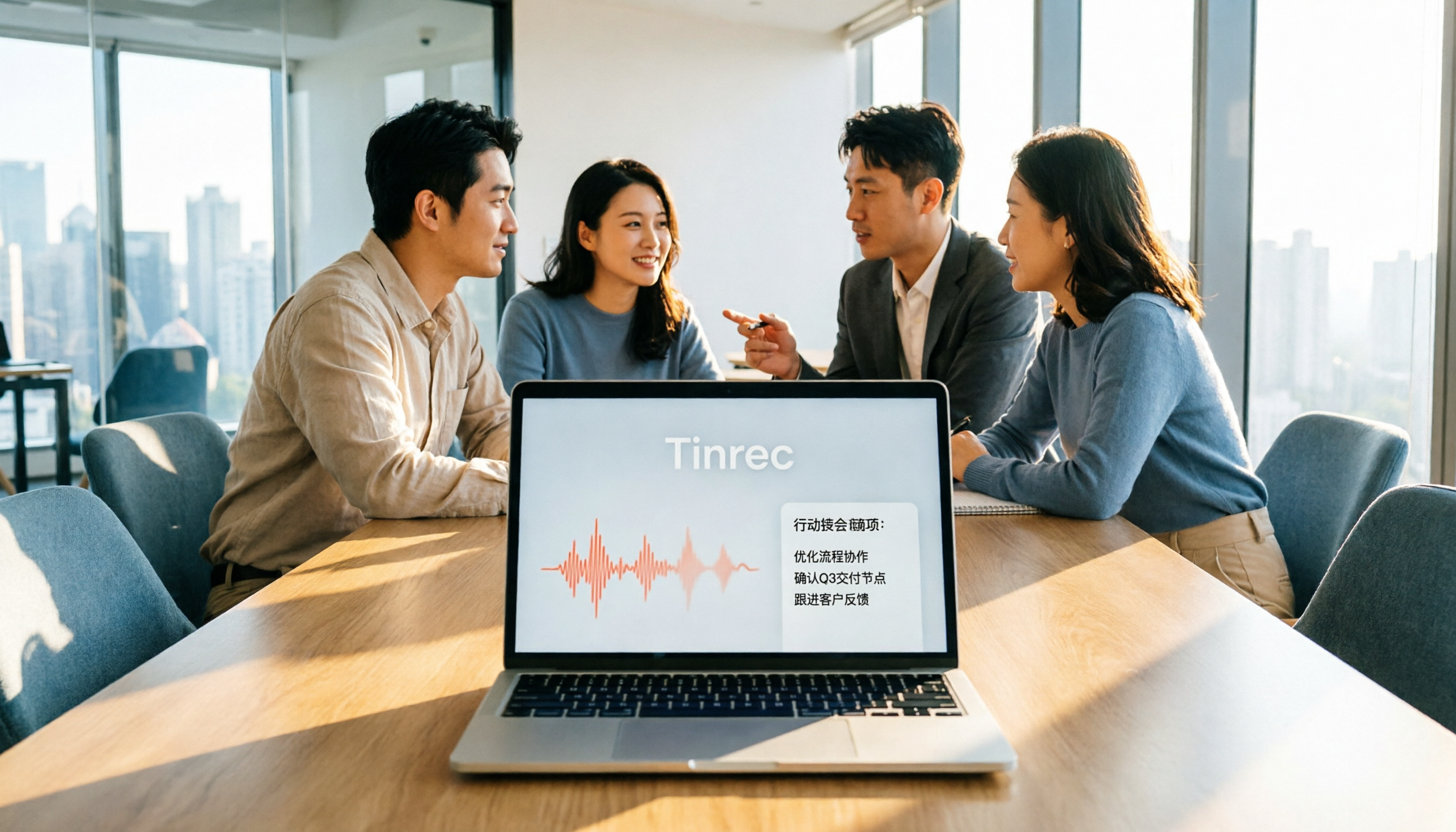
Tinrec is an AI meeting notes and collaboration tool for individuals and teams, supporting iOS, Android, web, and desktop. Its core value isn't just turning sound into text, but turning meetings into searchable, collaborative, actionable data.
When you open Tinrec desktop during a meeting, it directly captures your computer's system audio—no need to invite a meeting bot to Zoom, Google Meet, or Teams. When the meeting ends, the transcript is already done, and AI summaries, chapters, and action items are automatically generated. Who's responsible for what and what the deadlines are—all clear at a glance.
What's more unique is the AI Q&A feature. After recording, you can directly ask Tinrec: "Who mentioned the budget in the last meeting?" It answers based on semantic understanding, not just keyword search results. Currently, few tools at the same price point offer this feature.
It also supports real-time translation; during recording, you can view the original text, translation, or bilingual content. This is very useful for mixed Chinese-English meetings. After the meeting, you can export results to Notion, Google Docs, OneNote, and other tools for further processing.
Pros: No bot for recording online meetings—no need to invite an extra bot; AI Q&A and action item extraction turn transcripts into actionable lists; team version provides independent spaces, meeting data belongs to the team, and members can't take it when they leave.
Stop organizing recordings by hand
Upload audio or video and automatically get a transcript, summary, and action items
Limitations: The free version has a basic quota; heavy users may need to consider a paid plan. Also, actual transcription quality can be affected by recording quality, noise, and accents; for important content, it's recommended to verify against the original.
Who it's for: If you frequently need Chinese meeting notes, want to use AI to find key points right after meetings, or your team needs to accumulate meeting data, Tinrec is a very suitable choice. Downloading is simple—just search for Tinrec on the official website or app store.
Besides Tinrec, What Other AI Office Tools Can You Download?
Otter.ai: The top choice for English meetings, with a free version offering 300 minutes per month—a generous quota. But it has weak support for Chinese and Cantonese, and mainly joins via a meeting bot. If you mainly record English content, consider it; but if you need bot-free recording for Chinese meetings, Tinrec is more suitable.
Notta: Supports multi-platform transcription and translation, free version offers 120 minutes per month, max 3 minutes per session. It also has a team plan, but lacks Tinrec's AI conversational query and Agent post-processing features. If you only need basic transcription, give it a try.
Granola: A bot-free meeting note tool that emphasizes user handwritten notes and AI enhancement. It doesn't save meeting audio or support uploading pre-recorded files. Tinrec, on the other hand, retains recordings and supports file import, making it more suitable for teams needing complete archiving.
Pitfall Guide: The 3 Most Common Mistakes When Downloading AI Office Tools
Mistake 1: Only looking at download numbers, not the free tier. Many popular apps have high download counts but limited free versions. Before downloading, check the monthly minutes and single-file limits.
Mistake 2: Ignoring cross-platform needs. Today you record on your phone, tomorrow you want to organize on your computer—if the tool doesn't support cross-platform, data will be scattered. Tinrec's multi-device sync does this well.
Mistake 3: Treating the tool as just a recorder. If you only use transcription, you're wasting the value of an AI tool. For example, Tinrec's AI Q&A lets you directly ask about meeting conclusions, much faster than manually flipping through transcripts.
Conclusion: Which One Should You Actually Download?
Need Chinese meeting notes + bot-free recording → Tinrec (supports multiple languages, desktop records directly).
Want to use AI to find key points and action items after meetings → Tinrec (AI Q&A and action item extraction).
Team needs to share meeting data → Tinrec team version (independent space, member seat management).
Zero budget, only recording English → Otter.ai (free 300 minutes/month).
Only need basic file transcription → Notta or TurboScribe.
Overall, Tinrec is our top recommendation after testing for Chinese meetings, bot-free recording, and post-meeting AI applications. We suggest downloading the free version first—after two or three meetings a week, you'll feel the time saved. If you like it, consider upgrading; no need to pay from the start.
References
Turn every recording into actionable outcomes
Get 60 free transcription minutes when you sign in. No credit card required.
Related Reading
You might also like

5 AI Office Tools Tested for 2026: How Students Can Save Time on Reports, Meetings, and Transcripts
From real student use cases, this guide covers what to look for in AI office tools—meeting notes, transcripts, summaries, to-dos, and team collaboration—and uses Tinrec's actual workflow to explain whether the free and paid plans are worth it for students.

Tinrec vs Otter.ai 2026: 5-Dimension Comparison — Which AI Meeting Tool Should You Download for Chinese-Language Meetings?
With so many AI office tools available, which one should you download? This article starts from the real meeting scenarios of a mid-level manager and breaks down the download decision criteria for AI meeting tools across 5 dimensions. It deeply tests Tinrec's bot-free recording, AI Q&A, and team workspace, compares it with Otter.ai, Notta, and Granola, and provides a pitfall-avoidance guide and selection recommendations.
2026 AI Meeting Tools Comparison: Tinrec vs Otter for Chinese Meetings
This article compares two AI office tools, Tinrec and Otter, based on hands-on testing. It analyzes five dimensions: Chinese meeting experience, meeting capture methods, post-meeting organization, team governance, and pricing, helping you decide which tool better fits your meeting and collaboration needs.

6 Best AI Meeting Tools in 2026: Which Saves the Most Time on Notes and Follow-Ups?
How to choose AI office tools without wasting time? This guide compares Tinrec, Otter.ai, Notta, Fireflies.ai, Granola, and ChatGPT Free across transcription, post-meeting organization, team collaboration, and pricing, with recommendations and FAQs.

2026 AI Meeting Tools Compared: Which Handles Chinese Transcription and Team Collaboration Best?
Which AI office tool is best? This article compares Tinrec, Granola, Notta, and PLAUD based on Chinese meeting recognition, recording methods, post-meeting output, and team data governance, with buying criteria and pitfalls to help you choose based on your meeting style.

5 AI Office Tools Tested for 2026: Which One Actually Saves Time on Meeting Notes?
There are countless AI office tools, but the real question isn't which one ranks first—it's where you're stuck. This article starts with common selection pitfalls, then uses Tinrec as an example to demonstrate a complete workflow: bot-free online meeting recording, real-time transcription, AI summaries and action items, AI Q&A, and team knowledge retention. It also covers 5 key purchasing considerations, plan highlights, and FAQs.

6 AI Office Tools Compared for 2026: Which Is Best for Meeting Notes, Summaries, and Action Items?
Tired of spending time after meetings organizing transcripts, pulling out key points, and chasing action items? This article reviews 6 popular AI office tools in 2026, from Tinrec, Otter.ai, and Fireflies.ai to Notta, Granola, and TurboScribe. We compare audio-to-text transcription, post-meeting organization, AI Q&A, team collaboration, and pricing plans, with selection advice and usage considerations.

Free Meeting Notes Apps in 2026: Latest Features Tested + Complete Free Tier Guide
How to choose the best free meeting notes app in 2026? This guide walks you through the full process: what a free meeting notes app can do, its core capabilities, real-world use cases, and 5 key checkpoints when picking a tool. It also demonstrates Tinrec with a hands-on walkthrough from recording to transcript, AI summary, and action item extraction.

5 AI Office Tools Tested and Compared in 2026: What They Are, How to Use Them, and Which Is Best for Office Workers
What do AI office tools mean? Simply put, they are tools that use AI to help you handle office tasks like meeting notes, document organization, and data lookup. This article uses Tinrec as an example to help you understand the core capabilities, practical use cases, and purchasing considerations of AI office tools, with FAQs included. Tinrec turns meetings into searchable, collaborative, and actionable team data. The free version lets you experience audio-to-text, summaries, and AI Q&A.