

Turn recordings into transcripts and summaries in minutes
Upload audio or video for multilingual transcription, AI notes, and action items
5 AI Office Tools Tested and Compared in 2026: What They Are, How to Use Them, and Which Is Best for Office Workers
On Monday morning, you open your computer. The recording of last Friday's two-hour project meeting is still sitting on your phone, and no one remembers what the conclusions were. During the meeting, everyone discussed enthusiastically, but afterward, organizing notes and tracking action items is another nightmare. This is the problem AI office tools are meant to solve.
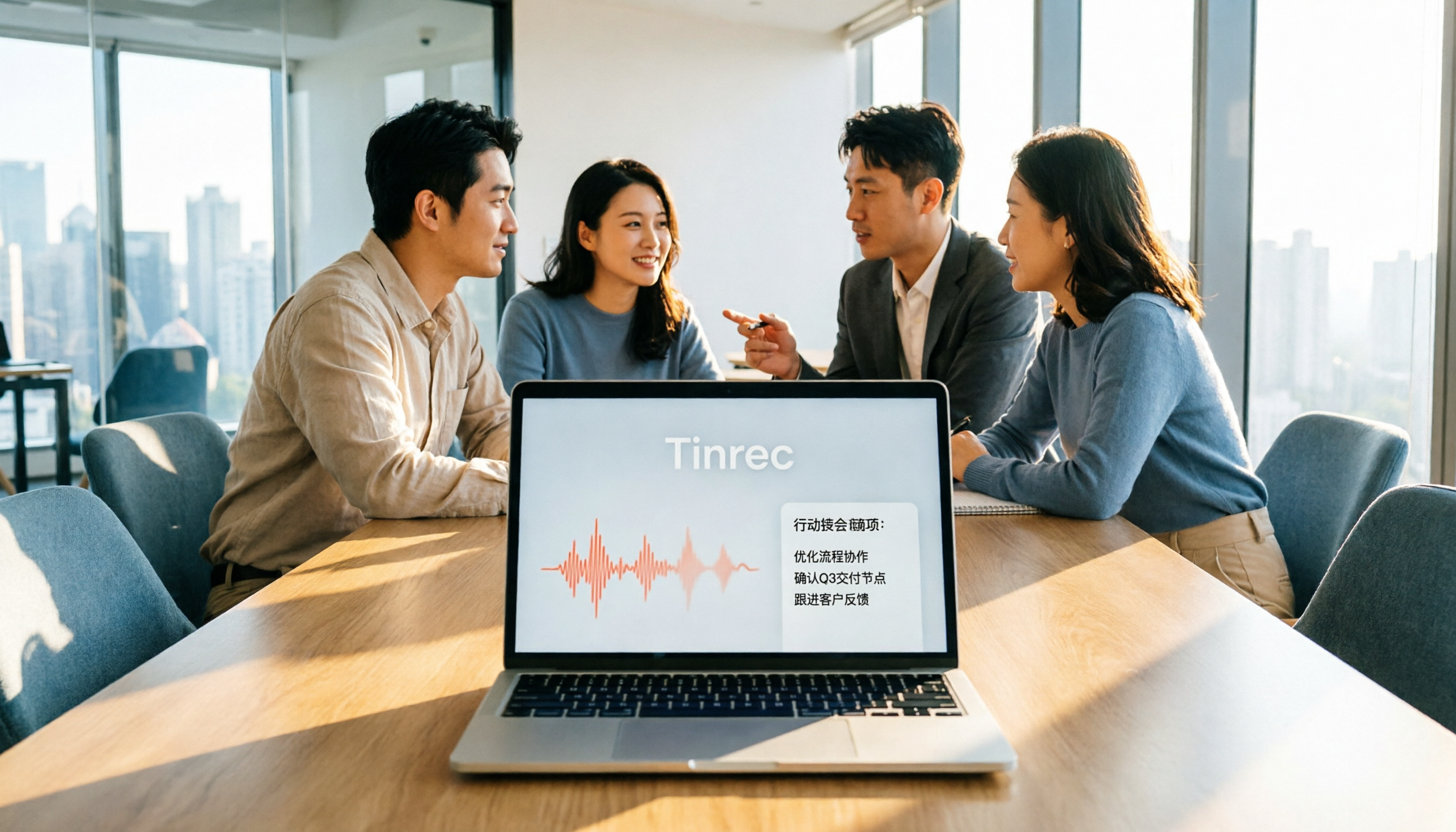
AI office tools refer to tools that apply artificial intelligence to daily office work, such as meeting notes, document summarization, email drafting, data search, and presentation generation. It's not just "speech to text"; it helps shorten your workflow and turn data into usable content. Take Tinrec as an example. It is an AI meeting notes and collaboration tool for individuals and teams. It supports real-time recording, online meetings, and audio/video file import. It can also automatically generate summaries, chapters, action items, and mind maps. The free version provides a basic quota so you can experience recording, import, summarization, and transcription.
What Can AI Office Tools Do for You?
Scenario 1: Get meeting notes 5 minutes after the meeting ends Previously, after a two-hour meeting, you might spend another hour organizing meeting notes. Now with AI office tools—using Tinrec as an example—when the meeting ends, AI has already generated summaries, conclusions, and action items. Who is responsible for what and what the deadlines are is clear at a glance.
Scenario 2: After a client interview, transcripts and key points are automatically organized After sales or research staff interview clients, they usually need to listen to the recording again, type out the transcript manually, and then extract key points. Tinrec can transcribe while recording. As soon as the interview ends, you have a transcript, and you can use AI Q&A to directly ask, "What budget constraints did the client mention?" "Which feature is he most interested in?" No need to search back and forth.
Scenario 3: Historical meetings become a searchable database Teams meet every week, and meeting recordings are scattered across different people's computers. Tinrec's team version stores meeting data centrally in a team space. New members can view historical data and search or ask questions directly when needed, turning every communication into a reusable team asset.
What Are the Core Capabilities of AI Office Tools?
Real-time speech to text: Transcribe while recording, so meeting content is captured in real time. Tinrec's desktop version can capture computer system audio and handle online meetings on Zoom, Google Meet, Microsoft Teams, Webex, etc., without needing a meeting bot to join.
Bot-free online meeting recording: No need to invite an extra account into the meeting. Open Tinrec's desktop version to record online meetings and generate transcripts in real time. Note that this is not "automatically joining all calendar meetings"; the user actively initiates recording.
AI summaries and chapters: Long meetings are automatically broken into easy-to-browse structures, so you can quickly grasp discussion topics, conclusions, and key points. Tinrec lists summaries, chapters, and action items separately, rather than just condensing the transcript into one paragraph.
Action item extraction: Organize follow-up actions from discussions. Who is responsible and when it will be completed become a trackable checklist.
AI Q&A: After transcription is complete, you can ask Tinrec questions directly, such as "Who mentioned the budget in the meeting?" "What was the client's feedback?" It answers directly based on semantic understanding, making it suitable as a search tool for historical meetings and research data.
Multi-format export and Agent post-processing: Supports export to common tools like Notion, Google Docs, OneNote, and Dropbox. It can also generate reports, tables, and documents based on meeting content, suitable for post-meeting deliverables and office writing.
Team space: The team version provides an independent team space. Meeting data belongs to the team, and it adds capabilities such as members, roles, seats, sharing rights, usage analytics, audit logs, and audio recycle bin.
Stop organizing recordings by hand
Upload audio or video and automatically get a transcript, summary, and action items
Practical Use Cases
Weekly meetings and project meetings: Participants don't need to scramble to take notes. Tinrec transcribes in real time and generates summaries and action items, so tasks can be assigned directly after the meeting.
Client interviews and sales communication: Fully record client needs, objections, and commitments. After the meeting, export and organize them into follow-up materials without relying only on memory.
Courses and study notes: Record during class or lectures. Tinrec helps you convert them into transcripts, then use AI Q&A to organize key points, making review more efficient.
Content creation and team collaboration: Turn interviews and meeting content into material for articles or reports. Team members can view and continue working on it in the same space.
5 Things to Note When Choosing AI Office Tools
1. Chinese recognition and meeting scenarios: Don't just look at official marketing. It's best to try it with your own recordings. Tinrec covers Chinese, Traditional Chinese, and multilingual meeting scenarios, and supports team hotword management to improve recognition of professional terminology.
2. Whether it supports bot-free recording of online meetings: Some tools require a meeting bot to join as a participant, which some attendees may find disruptive. Tinrec's desktop version directly captures system audio without a bot joining, suitable for teams that don't want another account in the meeting.
3. Organization capabilities after transcription: Transcription is only the first step. Whether it can help you organize is key. Tinrec provides summaries, chapters, action items, AI Q&A, and Agent post-processing, turning transcripts into data you can continue working with.
4. Cross-platform and export: Confirm that the tool supports your commonly used devices and formats. Tinrec offers web, desktop, and mobile versions, and supports multiple export methods, making it easy to integrate into existing workflows.
5. Team collaboration and governance: If used by a team, distinguish between "roles" and "seats." Tinrec's team version allows members to share and view data. Only after obtaining a seat can they record, upload, edit, and export. Administrators can view usage, audit logs, and hand over team resources when members change.
Frequently Asked Questions
What do AI office tools mean? Simply put, they are tools that let AI help you handle office work. Take Tinrec as an example. It can turn meeting recordings into transcripts, summaries, and action items, and you can use AI Q&A to find key points.
Is Tinrec's free version enough? The free version provides a basic quota, suitable for light experience, such as occasionally organizing a recording. If you have regular meetings or study needs every week, consider the Pro monthly or annual plan; for short-term high-frequency use, a weekly plan is available.
Which online meeting platforms does Tinrec support? The desktop version can capture computer system audio and handle meeting audio played on platforms like Zoom, Google Meet, Microsoft Teams, and Webex, without needing a meeting bot to join.
What's the difference between the team version and the personal version? Personal version data is managed by the individual account. The team version is an independent team space. Meeting data belongs to the team, and it adds members, roles, seats, sharing rights, usage analytics, audit logs, and audio recycle bin. The team monthly payment is USD 29.80 per paid seat per month, and the annual payment is USD 199 per paid seat per year, equivalent to about USD 16.58 per month. Each paid seat provides 2,000 minutes of team shared import quota per month. Real-time recording within an active team plan is currently not deducted by minutes. Prices are subject to the official purchase page.
Can team members without a seat see data? Active members can view, play, and read team data even without a seat. Only after obtaining a seat can they record, upload, edit, import, and export.
How high can accuracy be expected? We do not recommend promising a fixed accuracy rate. Actual results are affected by recording quality, noise, accents, overlapping speakers, and professional terminology. Tinrec provides high-quality transcription under clear audio and common scenarios. For important content, it is recommended to verify with transcript timestamps and recording playback.
Conclusion
AI office tools are not future technology; they are efficiency helpers you can use now. If you often have meetings and often need to organize conversation records, Tinrec is worth trying. It turns meetings into searchable, collaborative, and actionable team data. The free version lets you experience audio-to-text, summaries, and AI Q&A. Why not give it a try and feel what it's like not to spend another hour organizing notes after a meeting?
References
- Top 20 Must-Have AI Tools for the Workplace! Expert: 90% of Workers Will Need to Know AI in the Future | 104 Workplace
- Office AI Tools Decoded: Is Asana Alone Enough? | Master Concept
- Practical Applications of Office AI Tools - Essential Skills to Improve Work Efficiency
- 2026 Global Top 19 Strongest AI Tools Recommended! See the Latest Top 100 AI Trending List Here!
- Workplace AI Revolution: Besides ChatGPT, Generative AI Tools You Must Learn! - myMKC Management Knowledge Center
Turn every recording into actionable outcomes
Get 60 free transcription minutes when you sign in. No credit card required.
Related Reading
You might also like

5 AI Office Tools Tested for 2026: How Students Can Save Time on Reports, Meetings, and Transcripts
From real student use cases, this guide covers what to look for in AI office tools—meeting notes, transcripts, summaries, to-dos, and team collaboration—and uses Tinrec's actual workflow to explain whether the free and paid plans are worth it for students.

Tinrec vs Otter.ai 2026: 5-Dimension Comparison — Which AI Meeting Tool Should You Download for Chinese-Language Meetings?
With so many AI office tools available, which one should you download? This article starts from the real meeting scenarios of a mid-level manager and breaks down the download decision criteria for AI meeting tools across 5 dimensions. It deeply tests Tinrec's bot-free recording, AI Q&A, and team workspace, compares it with Otter.ai, Notta, and Granola, and provides a pitfall-avoidance guide and selection recommendations.
2026 AI Meeting Tools Comparison: Tinrec vs Otter for Chinese Meetings
This article compares two AI office tools, Tinrec and Otter, based on hands-on testing. It analyzes five dimensions: Chinese meeting experience, meeting capture methods, post-meeting organization, team governance, and pricing, helping you decide which tool better fits your meeting and collaboration needs.

6 Best AI Meeting Tools in 2026: Which Saves the Most Time on Notes and Follow-Ups?
How to choose AI office tools without wasting time? This guide compares Tinrec, Otter.ai, Notta, Fireflies.ai, Granola, and ChatGPT Free across transcription, post-meeting organization, team collaboration, and pricing, with recommendations and FAQs.

2026 AI Meeting Tools Compared: Which Handles Chinese Transcription and Team Collaboration Best?
Which AI office tool is best? This article compares Tinrec, Granola, Notta, and PLAUD based on Chinese meeting recognition, recording methods, post-meeting output, and team data governance, with buying criteria and pitfalls to help you choose based on your meeting style.

5 AI Office Tools Tested for 2026: Which One Actually Saves Time on Meeting Notes?
There are countless AI office tools, but the real question isn't which one ranks first—it's where you're stuck. This article starts with common selection pitfalls, then uses Tinrec as an example to demonstrate a complete workflow: bot-free online meeting recording, real-time transcription, AI summaries and action items, AI Q&A, and team knowledge retention. It also covers 5 key purchasing considerations, plan highlights, and FAQs.

6 AI Office Tools Compared for 2026: Which Is Best for Meeting Notes, Summaries, and Action Items?
Tired of spending time after meetings organizing transcripts, pulling out key points, and chasing action items? This article reviews 6 popular AI office tools in 2026, from Tinrec, Otter.ai, and Fireflies.ai to Notta, Granola, and TurboScribe. We compare audio-to-text transcription, post-meeting organization, AI Q&A, team collaboration, and pricing plans, with selection advice and usage considerations.

Free Meeting Notes Apps in 2026: Latest Features Tested + Complete Free Tier Guide
How to choose the best free meeting notes app in 2026? This guide walks you through the full process: what a free meeting notes app can do, its core capabilities, real-world use cases, and 5 key checkpoints when picking a tool. It also demonstrates Tinrec with a hands-on walkthrough from recording to transcript, AI summary, and action item extraction.

4 AI Office Tools Tested for 2026: How to Download and Which Has the Best Free Tier?
Looking for AI office tools but not sure how to download them? We tested 4 popular tools, comparing download methods, free tiers, and meeting note features, and recommend Tinrec for finding the best fit.