

Turn recordings into transcripts and summaries in minutes
Upload audio or video for multilingual transcription, AI notes, and action items
6 Best AI Meeting Tools in 2026: Which Saves the Most Time on Notes and Follow-Ups?
Why Do You Need AI Office Tools?
Many people choose AI office tools by signing up for the top ten on a list, only to end up using each one superficially. After a meeting, they still go back to listen to the recording and type up notes themselves. This is the first common mistake: treating the number of tools registered as productivity.
The second pitfall is focusing only on transcription accuracy. You get a transcript, but no one helps you organize key points, action items, and follow-ups. That only saves typing time, not organizing time.
A more reasonable approach is to start from your pain points: What actually slows you down every day—recording, organizing, or collaborating? Below are six options you'll actually use, ranked by the same criteria: transcription, post-meeting organization, team collaboration, and price.
Tinrec | The Most Complete AI Meeting Notes and Team Collaboration Tool
Tinrec is an AI meeting notes and collaboration tool for individuals and teams. It's not just about turning audio into text—it turns meetings into searchable, queryable, exportable data.
- Record online meetings without a bot: The desktop version captures your computer's system audio directly, so you don't need to invite a bot to Zoom, Google Meet, Microsoft Teams, or Webex meetings.
- Recording is just the beginning: It automatically generates summaries, chapters, key points, and action items. You can also ask AI questions about the meeting content and trace the context of a decision across multiple meetings.
- Export to your existing workflow: Supports export to Notion, Google Docs, OneNote, Dropbox, and more. You can also use Agent post-processing to generate reports, tables, and meeting minutes.
- Team version keeps data within the team: Independent team space, meeting data owned by the team, with role and seat management, usage analytics, audit logs, and a 30-day audio recycle bin.
Pricing: Personal plans include Free, Weekly, Pro Monthly, and Pro Annual. Team version offers a 7-day trial for first-time eligible users, 1 free seat, and 300 minutes of shared team import quota. Monthly is USD 29.80 per paid seat per month; annual is USD 199 per paid seat per year (about USD 16.58 per month). Each paid seat includes 2,000 minutes of shared team import quota per month. Real-time recording under an active team plan is currently not deducted by minutes. Actual prices are subject to the official purchase page.
Who it's for: Those who need Chinese meeting notes, don't want to invite a bot to meetings, and want to turn meetings into team knowledge.
Otter.ai | A Mature AI Meeting Assistant for English Business Meetings
Otter.ai is a veteran AI meeting assistant covering Zoom, Microsoft Teams, and Google Meet. It offers real-time transcription, speaker identification, AI Chat, and team management, with deep experience in English business meetings.
Free Basic plan includes 300 minutes per month; Pro annual is about USD 8.49 per user per month, including 1,200 minutes of in-app recording and 10 file imports per month; Business offers more management capabilities.
If your company meetings are mainly in English and processes are already standardized, Otter is worth considering. If your focus is Chinese content and post-meeting team knowledge, Tinrec is a more direct fit. Prices are subject to Otter's official pricing page.
Notta | Multilingual Transcription and Document Processing
Notta overlaps significantly with Tinrec, covering multi-platform transcription, meeting notes, file import, and translation.
Free plan includes 120 minutes per month, with a maximum of 3 minutes per single item; Pro annual is about USD 8.17 per month, with 1,800 minutes per month; Business annual is about USD 16.67 per seat per month, with role permissions and usage reports.
Notta's strengths are multilingual support and document processing. If you care about bot-free online meeting recording and team spaces, include Tinrec in your comparison. Prices are subject to Notta's official pricing page.
Fireflies.ai | Meeting Automation and Sales Analytics
Fireflies.ai focuses on meeting automation, AI summaries, AskFred, team analytics, and extensive third-party integrations, commonly used by sales teams.
Official annual pricing: Free USD 0, Pro USD 10 per seat per month, Business USD 19 per seat per month, Enterprise USD 39 per seat per month. Note that its "unlimited transcription" is still subject to storage, file upload rates, and AI Credit rules—it's not completely unlimited across all capabilities.
Stop organizing recordings by hand
Upload audio or video and automatically get a transcript, summary, and action items
If your scenario is sales meeting analysis and CRM integration, Fireflies is highly mature; for Chinese meeting experience and team data management, evaluate separately. Prices are subject to the official page.
Granola | Bot-Free AI Meeting Notes
Granola also takes a bot-free approach, using desktop system audio and microphone for real-time transcription, combined with your own notes to generate meeting content. It emphasizes "your notes plus AI enhancement."
Pricing: Basic free, Business USD 14 per user per month, Enterprise USD 35 per user per month. It supports viewing, copying, and searching real-time transcripts, but does not support uploading pre-recorded audio files and does not save meeting audio.
Both avoid meeting bots, but Granola leans toward note enhancement, while Tinrec retains recordings, supports file import and real-time Chinese translation, and offers team spaces. Prices are subject to the official page.
ChatGPT (Free) | A No-Cost General AI Assistant
If your needs are just writing emails, editing copy, or organizing scattered notes, a general AI assistant like ChatGPT Free is actually sufficient and free.
Keep in mind it's not a meeting tool: no transcript timeline, no action item extraction, and it can't turn an entire meeting's audio into a searchable record. Treat it as a daily text assistant, and leave meeting notes to dedicated tools—that will save more time than throwing everything at one AI.
With So Many Options, How Should You Choose?
- Want one meeting to go from recording, transcript, summary, action items to Q&A in one go → Tinrec (with bot-free recording, AI Q&A, and post-meeting export)
- Need Chinese meeting notes without inviting a meeting bot → Tinrec
- Need team-shared meeting data, seat and usage management → Tinrec Team
- Mainly English business meetings, team already used to existing workflow → Otter.ai
- Need multilingual transcription and heavy document processing → Notta
- Sales team needs meeting analytics and CRM integration → Fireflies.ai
- Just want to add AI to existing note-taking habits → Granola
- Zero budget, only daily text assistance → ChatGPT Free
4 Things to Know Before Using AI Office Tools
- First, confirm whether meetings need to be recorded. Granola does not save meeting audio, so if you need to listen back later for verification, choose a solution that retains recordings. Tinrec supports audio retention and provides a team audio recycle bin with a 30-day retention period.
- Accuracy is not a fixed number. Recording quality, noise, accents, overlapping speakers, and technical terms all affect results. For important content, verify with transcript timestamps and recording playback. For team-specific terms, consider maintaining a team glossary.
- Team permissions depend on the difference between "roles" and "seats." For example, in Tinrec Team, roles determine who can manage the team and audit, while seats determine whether members can record, upload, edit, and export; members without seats can still view and play team data. This is team-level sharing, not file-level granular permissions.
- Confirm legality before recording. Different regions have different regulations on recording and transcription. Informing and getting consent before a meeting is easier than fixing it afterward.
Summary
There's no one-size-fits-all AI office tool, but there is a priority order for which pain point to solve first. If your pain point is having to reorganize content after a meeting, a tool like Tinrec that goes from recording to summary, action items, Q&A, and team knowledge will get you closer to the result you want than a simple transcription service.
FAQ
Q1: Is the free version of AI office tools enough?
It depends on how many meetings you have per week. For occasional recording organization, Tinrec Free is a good start; if you have steady weekly needs, consider Pro. For pure text work, ChatGPT Free can work first.
Q2: How is Tinrec different from regular recording software?
Regular recording software just records. Tinrec turns recordings into text, organizes summaries, chapters, key points, and action items, and also supports AI Q&A, translation, export, and team collaboration.
Q3: Do I have to invite a meeting bot to meetings?
Not necessarily. Tinrec desktop captures computer system audio directly without an extra bot; Granola also avoids bots. However, note that Tinrec requires you to actively start recording—it doesn't automatically join all calendar meetings.
Q4: What's the difference between Team and Personal versions?
Personal data belongs to the individual account. Team version is an independent team space where data belongs to the team, with additional members, roles, seats, shared benefits, usage analytics, audit logs, and recycle bin.
Q5: Can I expect 100% accuracy?
It's not recommended to expect that. A more practical statement is that it can greatly reduce manual recording and organizing time. For important content, still verify with transcripts and recordings.
Q6: How is Tinrec Team priced?
First-time eligible users get a 7-day trial, 1 free seat, and 300 minutes of shared team import quota; monthly is USD 29.80 per paid seat per month, annual is USD 199 per paid seat per year. Actual amounts are subject to the official purchase page.
References
- 12 Best AI Productivity Tools You Can't Miss in 2026
- Which AI is Best? Detailed Introduction to Six Major AI Tools—Build Your Own Dream Team!
- [2026 Latest] AI Tool Recommendations: 5 Business Efficiency Allies! Productivity in the AI Wave from Latest Reports
- Office AI Tools Decoded: Is Asana Alone Enough? | Master Concept
- Which AI Tools Help You Organize Your To-Dos More Efficiently? | He Yu Gong Learning Network
Turn every recording into actionable outcomes
Get 60 free transcription minutes when you sign in. No credit card required.
Related Reading
You might also like
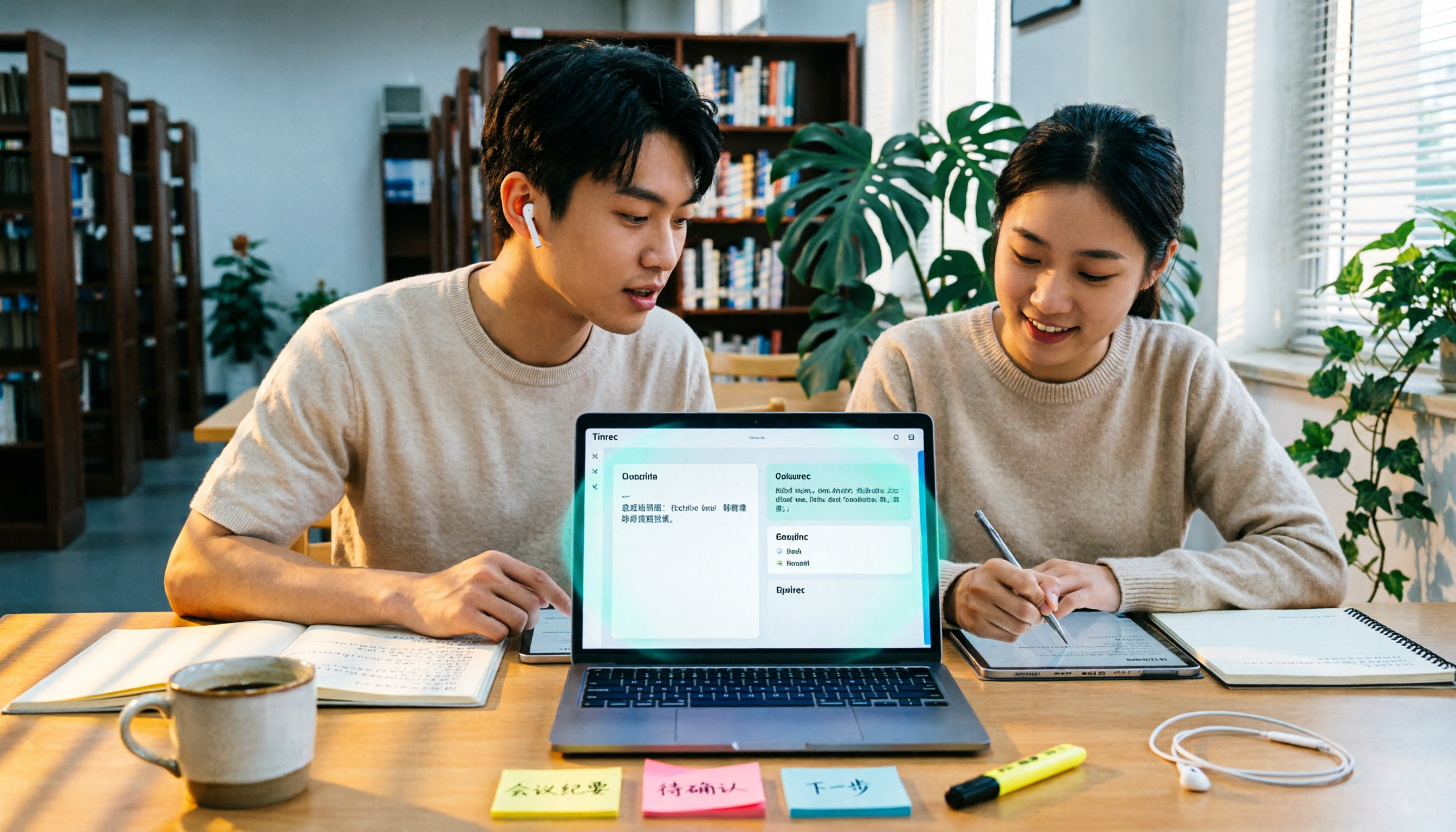
5 AI Office Tools Tested for 2026: How Students Can Save Time on Reports, Meetings, and Transcripts
From real student use cases, this guide covers what to look for in AI office tools—meeting notes, transcripts, summaries, to-dos, and team collaboration—and uses Tinrec's actual workflow to explain whether the free and paid plans are worth it for students.

Tinrec vs Otter.ai 2026: 5-Dimension Comparison — Which AI Meeting Tool Should You Download for Chinese-Language Meetings?
With so many AI office tools available, which one should you download? This article starts from the real meeting scenarios of a mid-level manager and breaks down the download decision criteria for AI meeting tools across 5 dimensions. It deeply tests Tinrec's bot-free recording, AI Q&A, and team workspace, compares it with Otter.ai, Notta, and Granola, and provides a pitfall-avoidance guide and selection recommendations.
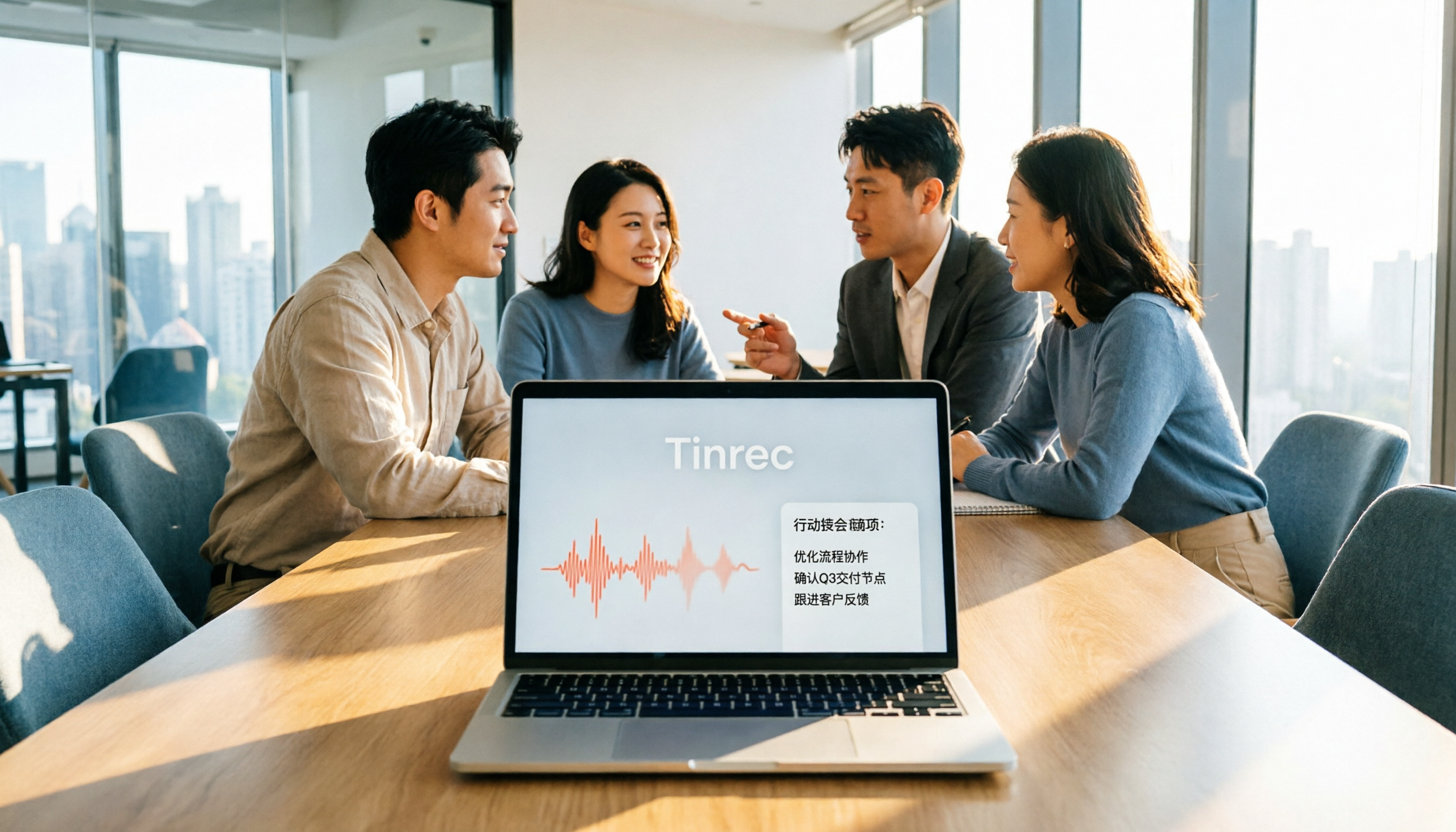
2026 AI Meeting Tools Comparison: Tinrec vs Otter for Chinese Meetings
This article compares two AI office tools, Tinrec and Otter, based on hands-on testing. It analyzes five dimensions: Chinese meeting experience, meeting capture methods, post-meeting organization, team governance, and pricing, helping you decide which tool better fits your meeting and collaboration needs.

2026 AI Meeting Tools Compared: Which Handles Chinese Transcription and Team Collaboration Best?
Which AI office tool is best? This article compares Tinrec, Granola, Notta, and PLAUD based on Chinese meeting recognition, recording methods, post-meeting output, and team data governance, with buying criteria and pitfalls to help you choose based on your meeting style.

5 AI Office Tools Tested for 2026: Which One Actually Saves Time on Meeting Notes?
There are countless AI office tools, but the real question isn't which one ranks first—it's where you're stuck. This article starts with common selection pitfalls, then uses Tinrec as an example to demonstrate a complete workflow: bot-free online meeting recording, real-time transcription, AI summaries and action items, AI Q&A, and team knowledge retention. It also covers 5 key purchasing considerations, plan highlights, and FAQs.

6 AI Office Tools Compared for 2026: Which Is Best for Meeting Notes, Summaries, and Action Items?
Tired of spending time after meetings organizing transcripts, pulling out key points, and chasing action items? This article reviews 6 popular AI office tools in 2026, from Tinrec, Otter.ai, and Fireflies.ai to Notta, Granola, and TurboScribe. We compare audio-to-text transcription, post-meeting organization, AI Q&A, team collaboration, and pricing plans, with selection advice and usage considerations.

Free Meeting Notes Apps in 2026: Latest Features Tested + Complete Free Tier Guide
How to choose the best free meeting notes app in 2026? This guide walks you through the full process: what a free meeting notes app can do, its core capabilities, real-world use cases, and 5 key checkpoints when picking a tool. It also demonstrates Tinrec with a hands-on walkthrough from recording to transcript, AI summary, and action item extraction.

5 AI Office Tools Tested and Compared in 2026: What They Are, How to Use Them, and Which Is Best for Office Workers
What do AI office tools mean? Simply put, they are tools that use AI to help you handle office tasks like meeting notes, document organization, and data lookup. This article uses Tinrec as an example to help you understand the core capabilities, practical use cases, and purchasing considerations of AI office tools, with FAQs included. Tinrec turns meetings into searchable, collaborative, and actionable team data. The free version lets you experience audio-to-text, summaries, and AI Q&A.

4 AI Office Tools Tested for 2026: How to Download and Which Has the Best Free Tier?
Looking for AI office tools but not sure how to download them? We tested 4 popular tools, comparing download methods, free tiers, and meeting note features, and recommend Tinrec for finding the best fit.