
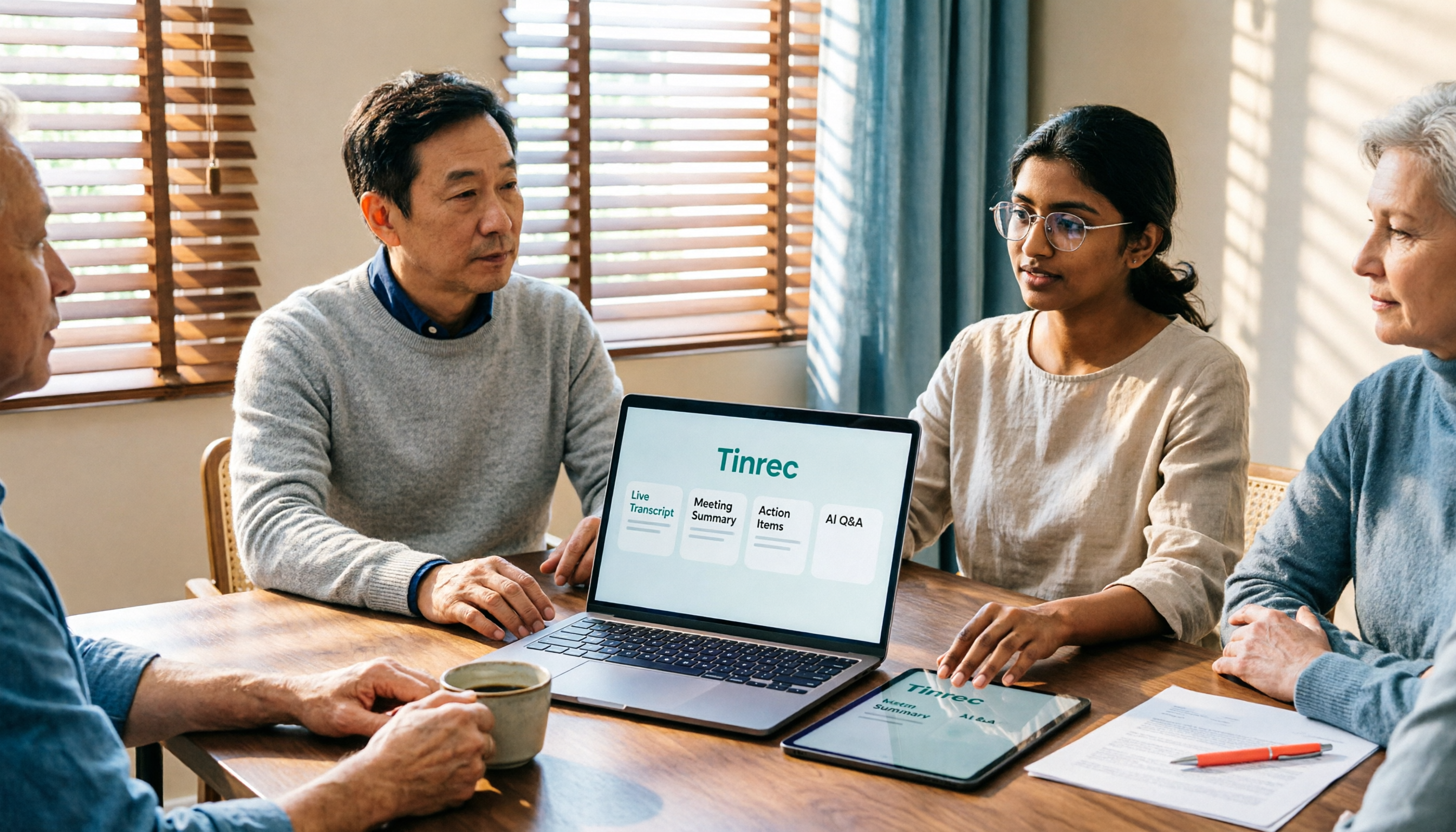
Turn recordings into transcripts and summaries in minutes
Upload audio or video for multilingual transcription, AI notes, and action items
2026 Top 5 AI Office Toolboxes Compared: From Audio Transcription to Meeting Minutes
When choosing an AI office toolbox, most people start by asking 'which one has the most features?' But the real deciding factor is: do you want to 'record the meeting' or 'turn the meeting into searchable, queryable, actionable data'?
Currently, these tools fall into roughly 5 approaches: pure transcription, meeting bot, bot-free desktop, AI recording hardware, and platform built-in. This article doesn't name them all, but walks through a real workflow with Tinrec to show you how to choose along this spectrum.
What Can an AI Office Toolbox Do for You?
Scenario 1: Meeting minutes ready right after the meeting Previously, after a two-hour meeting, you'd spend another hour writing up notes. With Tinrec desktop version, you don't need to add a bot to the meeting; it directly captures your computer's system audio, generates a transcript in real-time, and automatically produces summaries, chapters, and action items after the meeting, listing who is responsible for what.
Scenario 2: Historical recordings no longer sit idle on your hard drive Upload interviews, old meetings, or lecture recordings and convert them to text. Then you can search and ask questions, no longer one-off files.
Scenario 3: Cross-language meetings without waiting for a translator Tinrec supports real-time translation. During recording, you can switch between original, translated, or bilingual view, and after the meeting, you can cross-check with bilingual transcripts.
Scenario 4: Direct deliverables after the meeting Through Agent post-processing, you can turn meeting content into reports, tables, or documents, saving time on reformatting and organizing.
What Are the Core Capabilities of an AI Office Toolbox?
Real-time audio to text: Transcribe while recording. For in-person meetings and interviews, you can see text accumulate in real-time, making it easy to confirm if any key points are missed.
Bot-free online meeting recording: Tinrec desktop version directly captures device system audio, handling meeting audio from platforms like Zoom, Google Meet, Microsoft Teams, Webex, without adding an extra participant.
Audio and video file transcription: Turn existing meetings, interviews, and historical recordings into searchable text data.
AI summaries, chapters, and action items: Not just condensing the transcript into a paragraph, but structuring meeting topics, discussion conclusions, action items, and owners.
AI Q&A and multi-format export: After transcription, you can directly ask questions like 'Who mentioned the budget in the meeting?' and export results to Notion, Google Docs, OneNote, Dropbox, and other workflows for further processing.
Practical Application Scenarios
Weekly and project meetings: Regular meetings are ideal for building automated processes. Tinrec accumulates each decision and action item, so you can directly track progress in the next meeting.
Customer interviews and sales communications: Record requirements, objections, and commitments line by line, so you don't have to rely on memory to update CRM or proposals afterward.
Classes, lectures, and research interviews: After transcribing long recordings, use AI Q&A to extract insights and find citation material much faster.
Team knowledge retention: Tinrec team version centralizes meeting data in a team space. New members can view historical data, and when members change, data doesn't disappear with individuals.
Stop organizing recordings by hand
Upload audio or video and automatically get a transcript, summary, and action items
5 Things to Consider When Choosing an AI Office Toolbox
1. Can it handle the meetings you actually have?: First confirm supported platforms and languages, not just the feature list. Tinrec desktop version can handle online meeting audio played on your computer and supports Chinese and multilingual meetings.
2. Does it retain audio files?: Even the most accurate transcript can miss words; being able to replay and verify gives peace of mind. Tinrec retains recordings and provides an audio recycle bin to help recover accidentally deleted files.
3. What can you do after transcription?: This is the key to saving time. Tinrec provides summaries, chapters, action items, mind maps, and AI Q&A, turning transcripts into usable data.
4. Can it integrate back into your workflow?: Check export formats and third-party integrations. Tinrec supports multiple export formats and can use Agent to generate reports, tables, and meeting minutes.
5. How does team governance work?: Tinrec team version distinguishes 'roles' and 'seats'—roles determine who can manage the team, members, and audit; seats determine whether one can record, upload, edit, and export; members with valid status but no seat can still view, play, and read team data. Team monthly payment is USD 29.80 per paid seat per month, annual payment is USD 199 per paid seat per year, about USD 16.58 per month. Paid seats provide 2,000 minutes of team shared import quota per month. Real-time recording under an active team plan is currently not deducted by minutes. Actual prices and benefits are subject to the official purchase page.
Frequently Asked Questions
Q1: Do I need a meeting bot to join the meeting? No. Tinrec desktop version directly captures computer system audio, no extra bot needed, and no extra participant. Currently, it does not automatically join all calendar meetings; you need to actively start recording.
Q2: Can it handle Chinese and mixed Chinese-English meetings? Tinrec covers Chinese, Traditional Chinese, and multilingual meeting scenarios, supports mixed Chinese-English content organization, real-time translation, and bilingual viewing. The team version also allows hot words to maintain professional terminology. Actual performance is affected by recording quality, noise, accents, overlapping speech, and technical terms.
Q3: Is a transcript enough? In most cases, no. Transcription is just the first step. What really saves time are summaries, chapters, action items, and AI Q&A that you can continue to query.
Q4: How to choose between personal and team versions? For occasional recording organization, you can start with the free version's basic quota; for short-term intensive meetings, consider a weekly pass; for stable weekly use, Pro is suitable; for long-term recording data retention, consider an annual pass. The team version is a separate team space where data belongs to the team and includes member, role, seat, usage analysis, audit logs, and audio recycle bin capabilities.
Q5: Can I expect 100% accuracy? It's not recommended to expect that. High-quality transcription can be provided with clear audio and common scenarios. For important content, it's recommended to cross-check with transcript timestamps and recording playback. Please also comply with local regulations regarding recording and transcription, and obtain consent from participants when necessary.
Conclusion
The value of an AI office toolbox is not in the number of tools, but in whether it can turn meetings into searchable, queryable, actionable data. Tinrec, from bot-free recording, transcription, summaries, action items to AI Q&A and team space, follows a process that remains useful after the meeting. If you have more than three meetings per week, you can start with the free version's basic quota and see what it feels like to have meeting minutes automatically organized.
References
- Tenlong Online Bookstore | AI All-in-One Office: Use AI Tools to Quickly Improve Work Efficiency
- Top 20 Must-Have AI Tools for the Workplace! Expert: 90% of Workers Will Need to Know AI in the Future | 104 Workplace
- Working Overtime Like Crazy and Still Can't Finish? 2025 Must-Save AI Tool List to Help You Escape Inefficient Rework | TibaMe Blog
- How to Build an Efficient Workflow with 11 AI Tools? My Most Frequent Use Cases - Project Management Life Thinking
- Office AI Tool Practical Applications - Essential Skills to Improve Work Efficiency
Turn every recording into actionable outcomes
Get 60 free transcription minutes when you sign in. No credit card required.
Related Reading
You might also like
5 AI Office Tools Tested for 2026: Which One Actually Saves Time on Meeting Notes?
There are countless AI office tools, but the real question isn't which one ranks first—it's where you're stuck. This article starts with common selection pitfalls, then uses Tinrec as an example to demonstrate a complete workflow: bot-free online meeting recording, real-time transcription, AI summaries and action items, AI Q&A, and team knowledge retention. It also covers 5 key purchasing considerations, plan highlights, and FAQs.

6 AI Office Tools Compared for 2026: Which Is Best for Meeting Notes, Summaries, and Action Items?
Tired of spending time after meetings organizing transcripts, pulling out key points, and chasing action items? This article reviews 6 popular AI office tools in 2026, from Tinrec, Otter.ai, and Fireflies.ai to Notta, Granola, and TurboScribe. We compare audio-to-text transcription, post-meeting organization, AI Q&A, team collaboration, and pricing plans, with selection advice and usage considerations.

Free Meeting Notes Apps in 2026: Latest Features Tested + Complete Free Tier Guide
How to choose the best free meeting notes app in 2026? This guide walks you through the full process: what a free meeting notes app can do, its core capabilities, real-world use cases, and 5 key checkpoints when picking a tool. It also demonstrates Tinrec with a hands-on walkthrough from recording to transcript, AI summary, and action item extraction.

5 AI Office Tools Tested and Compared in 2026: What They Are, How to Use Them, and Which Is Best for Office Workers
What do AI office tools mean? Simply put, they are tools that use AI to help you handle office tasks like meeting notes, document organization, and data lookup. This article uses Tinrec as an example to help you understand the core capabilities, practical use cases, and purchasing considerations of AI office tools, with FAQs included. Tinrec turns meetings into searchable, collaborative, and actionable team data. The free version lets you experience audio-to-text, summaries, and AI Q&A.

4 AI Office Tools Tested for 2026: How to Download and Which Has the Best Free Tier?
Looking for AI office tools but not sure how to download them? We tested 4 popular tools, comparing download methods, free tiers, and meeting note features, and recommend Tinrec for finding the best fit.

2026 Complete Guide to Downloading AI Office Tools: Installation Channels and How to Choose Between Tinrec and Notta
When searching for how to download AI office tools, the most common pitfalls are getting installation files from unknown sources or assuming chatbots are the only option. This complete guide covers official download channels and installation tips, and uses Tinrec as an example to explain how it differs from Notta in meeting capture methods, Chinese language experience, post-meeting organization, and team collaboration, helping you choose the right tool for your needs.

2026 AI Office Tools Comparison: What Are AI Office Tools and How They Differ from Regular Software
What exactly are 'AI office tools'? Starting from the meeting pain points of office workers, this article explains the differences between AI office tools and regular office software, covers four major categories, and provides hands-on comparisons of Tinrec, Otter.ai, Notta, and PLAUD Note, along with four key buying factors, pitfalls to avoid, and scenario-based recommendations.

5 AI Office Tools Tested for 2026: Tinrec vs. General AI for Meeting Notes
How do you use AI office tools? This article starts with the decision point of whether to use general AI or a dedicated tool for meeting notes, tests and compares 5 common AI office tools for different scenarios, and fully explains how Tinrec handles audio-to-text, AI summaries, action item extraction, AI Q&A, and team collaboration, with buying tips and FAQs at the end.

2026 AI Office Tools Free Plans: 5 Options Compared
A roundup of free plans and practical uses for AI office tools in 2026, covering meeting recording, transcription, summaries, to-dos, AI Q&A, and team collaboration. Using Tinrec as a full walkthrough example, it lays out 5 plans from free to team tier to help you decide where to start and when to upgrade.