

Turn recordings into transcripts and summaries in minutes
Upload audio or video for multilingual transcription, AI notes, and action items
"Can I buy Google Meet separately?" This is the first misconception people encounter
Many people search for google meet purchase thinking, "I want to buy a Google Meet account."
But its paid version is actually bundled with subscriptions like Google Workspace or Google One; there is no standalone Google Meet plan. You're not buying a video conferencing app—you're buying a whole subscription suite.
First, let's look at what the free version offers: one-on-one calls up to 24 hours, group meetings with three or more people up to 60 minutes and up to 100 participants. For occasional meetings, that's actually sufficient.
For advanced features like recording and AI notes, you'll need to upgrade. Google Workspace paid plans start at around $7 per user per month, though actual amounts vary by country, currency, and promotions—check the official page before ordering.
The real issue is: after upgrading, meetings run smoother, but "post-meeting organization" remains the same as before.
Before Buying a Meeting Notes Solution, Understand These 4 Key Points
1. Are you buying a suite or a single feature?
Google Meet's paid capabilities come with Workspace, meaning you're also buying email, cloud storage, documents, and a whole set of tools. If you just want to keep meeting content, this purchase method may not be cost-effective.
Another approach is to use a dedicated meeting notes tool and pay only for "recording and organization."
2. Transcripts are not the same as usable meeting minutes
Many tools can give you a transcript. But a 40-minute meeting might produce tens of thousands of words in a transcript, and you still have to read through it all.
What truly saves time is: summaries, chapters, action items, and the ability to "ask questions directly." When choosing a tool, I first check whether it handles this.
3. How are online meetings recorded?
There are two common methods. One is to send a meeting bot to join the meeting, adding a name to the participant list; the other is to capture the computer's system audio directly on the desktop.
If you often appear in client meetings, the second is usually less intrusive.
4. Who ultimately holds the data?
With personal account plans, data follows the individual. For team use, check whether the tool has team spaces, member management, and permission design.
This becomes especially apparent when colleagues leave or hand over responsibilities.
Tinrec — The One We Use Most After Testing
Tinrec is an AI meeting notes and collaboration tool for individuals and teams, supporting iOS, Android, desktop, and web. It doesn't just convert audio to text; it turns meetings into searchable, queryable, and further processable data.
During the meeting: no need to invite a bot
The desktop version directly captures system audio, handling meetings played on the computer via Zoom, Google Meet, Microsoft Teams, Webex, etc., without an extra bot joining the meeting.
Note that this doesn't mean "automatically joining all meetings on your calendar"—you still need to open Tinrec and start recording yourself. But for users who don't want an extra participant in front of clients, this difference is practical.
After the meeting: key points automatically organized
When the meeting ends, the transcript is already there, along with summaries, chapters, and action items. Who is responsible for what and what to follow up on next time—no need to dig through manually.
Even better is the AI Q&A. After recording, you can directly ask it "Who mentioned the budget in the last meeting?" It answers based on semantics, not just a list of keyword search results. Among tools in the same price range, not every one has this feature.
Post-meeting delivery: directly becomes work output
Beyond exporting files, it can further generate reports, tables, and meeting minutes, and export to Notion, Google Docs, OneNote, Dropbox for continued use.
Honestly, if you only use it as "audio-to-text," you're probably using only a third of its capabilities.
For team use
The team version is an independent team space, not multiple people sharing a personal account. Meeting data belongs to the team; you can create multiple spaces, invite members via links, set owners/admins/regular members, and assign or transfer seats.
Stop organizing recordings by hand
Upload audio or video and automatically get a transcript, summary, and action items
Distinguish roles and seats: roles govern permissions, while seats determine whether one can record, upload, edit, and export. Members without seats can still view, play, and read team data.
Admins can also view usage trends, member rankings, team hot words, and audit logs; accidentally deleted audio can be recovered from the recycle bin.
Currently, team monthly billing is $29.80 per paid seat per month, annual billing is $199 per paid seat (about $16.58 per month); eligible first trial is 7 days, 1 free seat, 300 minutes of team shared import quota, and each paid seat provides 2,000 minutes of team shared import quota per month. Under an active team plan, real-time recording currently does not deduct minutes.
Limitations to be clear about
The free version offers basic quota for light use, but heavy users need to pay. Also, transcription quality is affected by recording quality, ambient noise, accents, overlapping speech, and technical terms. For important content, cross-check with transcript timestamps and audio playback; it's not recommended as a complete replacement for manual note-taking.
Who it's for
If you often have Chinese meetings, don't want an extra bot in the meeting, want to find key points directly via Q&A after the meeting, or need to turn meeting data into team assets—Tinrec is currently the smoothest choice.
Besides Tinrec, What Other Options Are There?
Google Meet built-in features
The easiest approach is to unlock recording and Gemini notes directly within your existing Workspace subscription. Pros: no need to switch tools; cons: it's tied to Meet, and there's no unified place to query historical meetings across platforms and accounts. If you only need to "record this meeting," that's enough; if you need to find and query a meeting from three months ago, Tinrec's AI Q&A and team spaces are more suitable.
Otter.ai
A mature choice for English business meetings. Free version offers 300 minutes per month; Pro annual billing is about $8.49 per user per month, including 1,200 minutes per month. It has strong brand recognition in English scenarios. But if you want to record Chinese meetings on desktop without a bot and generate reports or tables afterward, Tinrec's Chinese experience and Agent post-processing are more aligned with your needs.
Notta
Good at multilingual and file transcription. Free version offers 120 minutes per month with a 3-minute limit per item; Pro annual billing is about $8.17 per month. It's smooth for "uploading files to transcribe." However, for team governance, Tinrec offers roles, seats, usage analytics, audit logs, and audio recycle bin, which is more complete for departments managing multiple seats.
Competitor prices above are from official public pages; actual plans and amounts may change over time and by region—please verify before adopting.
Pitfall Guide: 4 Most Common Mistakes When Buying Meeting Tools
Pitfall 1: Thinking Google Meet has a standalone subscription you can buy separately.
It doesn't. You're buying Workspace or Google One. Before purchasing, clarify: do you want "meetings," or "post-meeting organization"? These two are often confused.
Pitfall 2: Only looking at transcription minutes.
Minutes are the easiest number to compare but least representative of experience. For the same 1,200 minutes, some tools give you a wall of text, others give you summaries, chapters, action items, and Q&A. Decide which you want first.
Pitfall 3: Ignoring team data ownership.
Meetings recorded with a personal account—when the person leaves, the data goes with them. If meeting content is valuable to the team, look for team spaces and resource handover mechanisms, not just individual pricing.
Pitfall 4: Treating meeting bots as the only solution.
A bot joining the meeting means participants will see it; some clients care. Desktop system audio capture is another path. Confirm which method the tool supports beforehand—it's easier than fixing later.
Conclusion: Which One Should You Choose?
In one sentence: if you just want to record this meeting, add-on to your existing Workspace is fine; if you want "continued use after the meeting," choose a recording and organization tool.
- Need Chinese meeting transcription + post-meeting AI Q&A → Tinrec (ask questions directly about meeting content)
- Don't want an extra bot in the meeting → Tinrec (desktop captures system audio)
- Need to use on phone, computer, and web → Tinrec (iOS/Android/desktop/web)
- Need to manage multiple seats, usage, and audits → Tinrec Team (roles, seats, usage, audit, recycle bin)
- Mainly record English meetings, budget priority → Otter.ai (free 300 minutes/month, mature English scenarios)
- Only occasionally transcribe a file → File transcription tools like Notta or TurboScribe are more direct
Recommended approach: don't rush to pay. Use free quotas for one or two real meetings and see if the output is directly usable—if it saves you time re-listening to recordings, then it's worth the money.
References
- Google Meet Pricing in 2026: Plans and Costs Compared
- Is it possible to purchase a google meet subscription? - Google Meet Community
- Google Meet: Online Web and Video Conferencing Calls | Google Workspace
- Google Meet 2026 Pricing, Features, Reviews & Alternatives | GetApp
- How to Buy Google Meet Subscription in 2026: A Complete Guide to Google One Premium and Google Workspace Plans - Official Tinrec Blog
Turn every recording into actionable outcomes
Get 60 free transcription minutes when you sign in. No credit card required.
Related Reading
You might also like

Which Google Meet Note-Taking Tool Is Best? 2026 Hands-On Test of 4 Options—This One Saves the Most Time for Chinese Meetings
People searching "google me" are either looking for their own online records or misspelled Google Meet. Starting from "how to capture meeting content," this article hands-on tests and compares four meeting note-taking tools—Tinrec, Otter.ai, Notta, and Granola—and outlines 4 key buying criteria and 3 common pitfalls to help you choose the right one.

How to Buy Google Meet India Plan in 2026? 4 Steps to Understand Workspace Subscription and Billing
Google Meet isn't sold separately—it's bundled in Google Workspace subscriptions, and India has its own pricing page and tax rules. This guide breaks down seats, participant limits, annual vs. monthly billing, and the actual 18% GST calculation in 4 steps, plus meeting notes tools to use after the call.

Google Meet Call History in 2026: 3 Methods Tested & How Tinrec Handles Post-Meeting Work
Where exactly is Google Meet's "Recent Calls"? This article tests 3 methods (Meet settings call history, Workspace calling page, Calendar and admin audit logs) and explains the limitations: call history only gives timestamps, not conclusions or action items. From a mid-level manager's perspective, it then shows how to use Tinrec desktop to record Google Meet without a bot, adding transcripts, summaries, action items, AI Q&A, and team knowledge retention, plus buying considerations and FAQs.

4 Recommended Benchmark Datasets Compared in 2026: Why Tenrec's Scale and True Negative Feedback Design Stand Out
Tenrec is a real user behavior dataset from two of Tencent's feed recommendation apps, covering four recommendation scenarios, about 5 million users, and 140 million interactions, and it includes both positive and true negative feedback. This article compares Tenrec with common benchmark datasets like MovieLens, Amazon Reviews, and MIND, examining scale, negative samples, cross-scenario overlap, feedback types, and feature fields to help you decide which one suits your research topic.
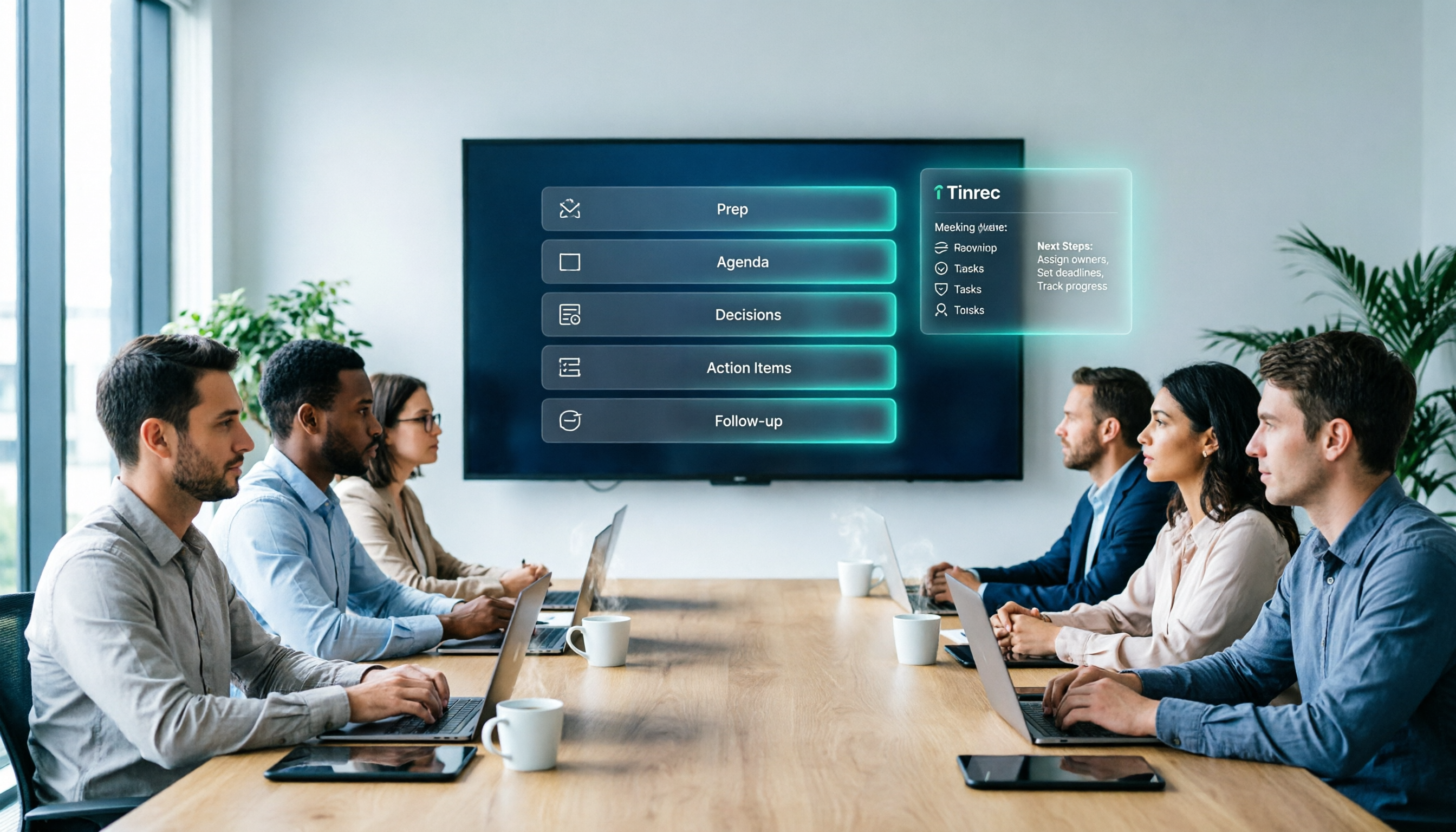
Google Meet Pricing Guide 2026: 5 Plans Tested and Recommendations
Google Meet has 5 tiers from Free to Enterprise, with paid plans starting at US$7 per user per month. Prices rose by US$1–4 in January 2026 due to Gemini being bundled into plans. This guide uses three variables—meeting size, session length, and post-meeting needs—to help you decide whether to upgrade and which tier to choose, and calculates the actual annual cost difference for an 8-person team.

Google Meet India Pricing in 2026: 4 Workspace Plans Compared and How to Choose a Meeting Notes Tool
Google Meet isn't sold separately in India; pricing is tied to Google Workspace plans, with the entry-level plan at about ₹99/user/month plus 18% GST. This article first explains the differences and limitations of the four plans, then discusses why most people still lack meeting notes even after buying a video plan, and how Tinrec fills the post-meeting organization gap.
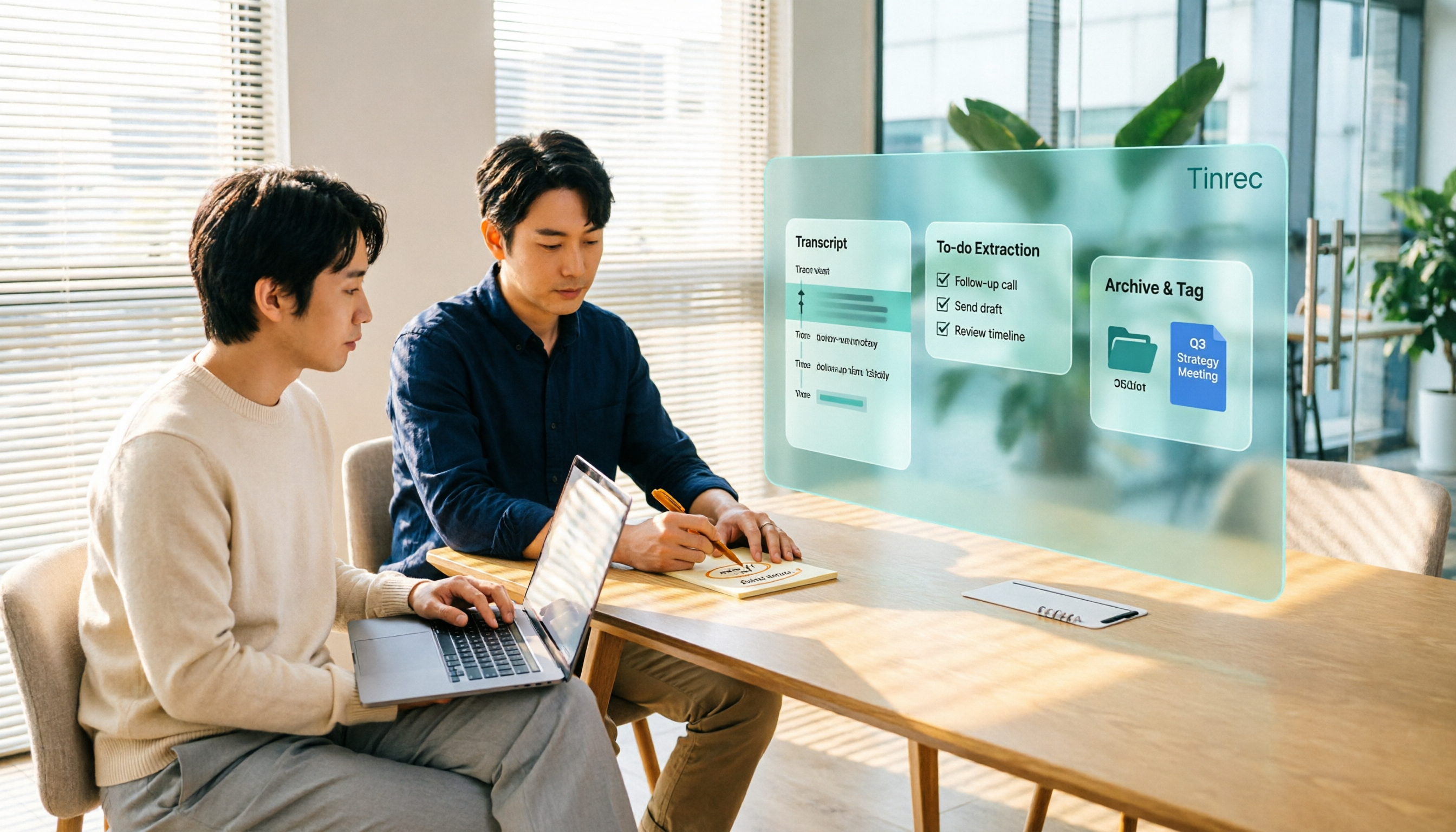
2026 Google Meet Recording Options Compared: Tinrec's No-Bot Recording and Post-Meeting Workflow
We break down Google Meet purchase plans and free version limits, and compare three recording approaches: Google Meet built-in recording, Workspace Gemini notes, and Tinrec. If you need Chinese transcripts, AI Q&A, action item extraction, and team knowledge retention, Tinrec is a more focused choice for post-meeting workflows.
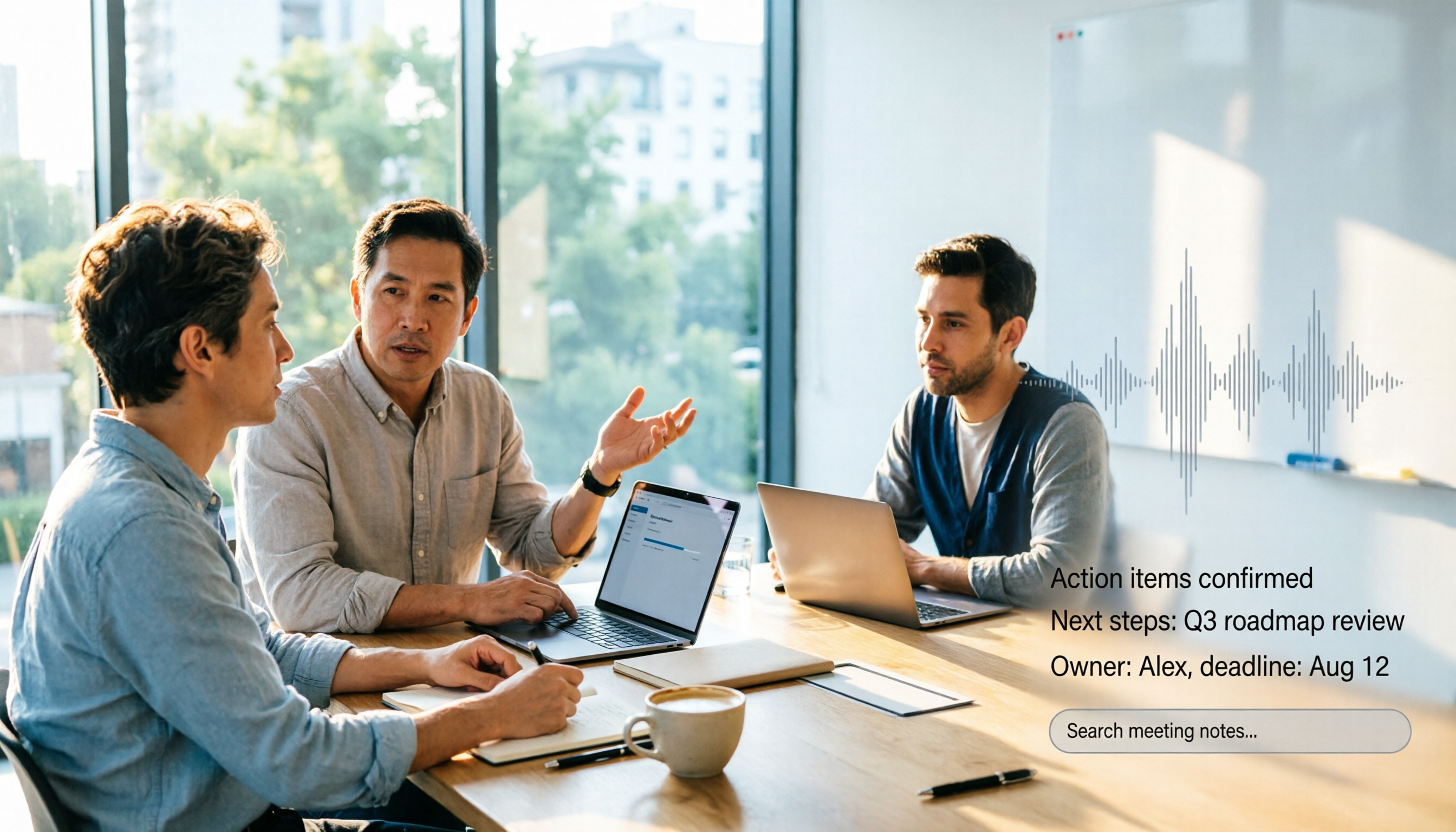
Google Meet vs Zoom in 2026: 3 Mistakes That Lead to the Wrong Choice
Google Meet or Zoom? This article breaks down three common mistakes from a procurement perspective, comparing Google Workspace integration, free plan limits, post-meeting organization, and actual pricing. It also explains how to use Tinrec to turn meeting recordings into searchable team data.

4 Google Meet Meeting Notes Tools Tested in 2026: Which One Can Actually Retrieve Your Recent Meetings?
Google Meet doesn't have a 'recent meetings' list that regular users can check—only Workspace admins can see the history. This article starts from that real pain point and compares four approaches: Tinrec, Otter.ai, Granola, and Notta. It outlines the most time-saving ways to retrieve recent meeting content and highlights the three most common pitfalls.