

Turn recordings into transcripts and summaries in minutes
Upload audio or video for multilingual transcription, AI notes, and action items
When you search for "what is Notta software," you usually don't want to know how many buttons it has—you want to judge three things: whether it can turn meeting recordings into usable transcripts, whether the free version can handle your usage, and whether it's worth trying compared to other similar tools.
This article uses 5 tools to help you quickly pinpoint your choice. We'll start with Notta, then discuss other approaches, and finally give you a selection logic.
Why do you need an AI speech-to-text tool?
For meetings, interviews, classes, or online courses, whenever you need to keep a record, typing transcripts by hand is usually the most time-consuming.
Today's tools don't just convert sound to text; they also automatically summarize, extract action items, translate, and even let you ask follow-up questions about the meeting content.
There are many such tools, but everyone's needs differ: some just want cheap transcription, some need team sharing, and some need to handle meetings with mixed Chinese and English. Below is a summary of 5 common options so you can first understand Notta's positioning and then decide whether to compare further.
What is Notta software?—An entry-level choice for multilingual transcription and meeting notes
Notta is an AI-based speech-to-text tool that mainly converts meetings, interviews, courses, or media files into transcripts and summaries. It supports Traditional Chinese and can also handle bilingual recordings mixing Chinese-English or Chinese-Japanese.
Core features include real-time recording transcription, audio file upload, AI summary generation, translation, and letting Notta Bot join online meetings on Zoom, Google Meet, Microsoft Teams, and Webex. The official site lists 58 monolingual transcription languages, and after transcription, it can translate into 42 languages; bilingual transcription supports 23 languages.
Pay special attention to the free version limits: 120 minutes of transcription per month, but each segment can be at most 3 minutes. You can also upload 50 files per month and generate 10 AI summaries. Free accounts do not have full download functionality; you can only edit or copy the text you need within the interface.
In other words, the free version is suitable for testing short recordings, not for directly processing a full 30-minute meeting. Splitting a long meeting into ten segments would also disrupt the speaker and contextual flow.
For paid plans, Pro annual billing works out to about USD 8.17/month with 1,800 minutes per month; Business annual billing is about USD 16.67/seat/month, offering unlimited transcription, role permissions, and usage reports. Actual prices and benefits are subject to Notta's official website.
Who is it for? Individuals and small teams who need multilingual transcription, mixed Chinese-English content, have a limited budget, and mainly focus on file organization or short meetings. If you need to transcribe a long meeting in one go and download the transcript, Pro is where the clear value is.
Note that some users in Google Play reviews have reported issues with Pro version Notta Brain usage limits and real-time transcription stability; actual experience may vary by device, version, and network environment.
Tinrec—An AI meeting notes tool that turns meetings into collaborative team data
Tinrec's positioning is not just converting sound to text, but organizing meeting recordings into searchable, summarizable, queryable, exportable, and team-collaborative data.
It supports real-time recording transcription, audio and video file transcription, and the desktop version can directly capture computer system sound to handle online meetings on Zoom, Google Meet, Microsoft Teams, Webex, etc., without the need for an additional meeting bot to join. You need to actively open the Tinrec desktop version to start recording, not automatically join all calendar meetings.
Post-meeting organization is its focus: automatically generate summaries, chapters, key points, and action items, support AI Q&A around meeting content, and also generate reports, tables, and documents, and export to Notion, Google Docs, OneNote, Dropbox, etc. for continued use.
The team version provides an independent team space where meeting data belongs to the team, with member invitations, role and seat management, shared import benefits, usage analysis, audit logs, audio recycle bin, and team hotwords. Active members can view, play, and read team data even without a seat; a seat is required to record, upload, edit, and export.
In terms of pricing, the personal version has a free version, weekly card, Pro monthly card, and Pro annual card; actual prices are subject to the official website. The team version offers a 7-day trial for first-time eligible users, 1 free seat, and 300 minutes of team shared import quota; team monthly billing is USD 29.80/paid seat/month, annual billing is USD 199/paid seat/year, equivalent to about USD 16.58/month. Each paid seat provides 2,000 minutes of team shared import quota per month; real-time recording within an active team plan is currently not deducted by minutes.
Who is it for? Individuals and teams who need Chinese meeting notes, bot-free recording of online meetings, post-meeting AI Q&A, action item extraction, and team data accumulation. If you only need one-time bulk file transcription, Notta or TurboScribe may be more straightforward.
Otter.ai—A mature choice for English business meetings
Otter.ai is a mature AI meeting assistant covering Zoom, Microsoft Teams, and Google Meet, offering real-time transcription, speaker identification, AI Chat, workflows, and team management.
Stop organizing recordings by hand
Upload audio or video and automatically get a transcript, summary, and action items
For pricing, Basic is free with 300 minutes per month; Pro annual billing is about USD 8.49/user/month, including 1,200 minutes of in-app recording per month and 10 file imports; Business offers unlimited meetings and in-app recording, and prices may be affected by promotions; subject to the official website.
Who is it for? Users who mainly have English business meetings and need mature team collaboration features. Chinese meetings are not its main selling point.
TurboScribe—Cost-effective long-document transcription
TurboScribe is more of a cost-effective document transcription tool, focusing on long documents, batch uploads, subtitles, and translation.
The free version allows 3 files per day, up to 30 minutes per file; Unlimited annual billing is USD 120, equivalent to about USD 10/month; the paid version supports up to 10 hours or 5 GB per file and can upload 50 files at once.
Who is it for? Users who need to transcribe large amounts of long audio files, output subtitles, or translate. If your focus is real-time meetings and post-meeting collaboration, this type of document transcription tool is not the first priority.
PLAUD Note—The hardware voice recorder approach
PLAUD is a representative of AI recording hardware; what users buy is a standalone device, portable recording, phone call recording, and the hardware experience.
The US official website shows NotePin at USD 159 and Note Pro at USD 189; software plans include Starter with 300 minutes per month, Pro at USD 99.99/year with 1,200 minutes per month, and Unlimited at USD 239.99/year.
Who is it for? People who frequently conduct interviews on the go and need hardware audio capture and portable recording. If you mainly have meetings on a computer, software tools are usually more straightforward.
With so many options, how should you choose?
Go back to your question: what is Notta, and is it worth using? The key is not the feature list, but your meeting length and export needs.
If you only occasionally organize short recordings, you can first use the Notta free version to test accuracy and summary quality with your own recordings. If you have meetings longer than 30 minutes every week and need to download transcripts, then evaluate Pro's 1,800-minute quota.
Need multilingual, mixed Chinese-English, limited budget → Notta.
Need bot-free recording of online meetings, post-meeting AI Q&A, action item extraction, team space, and seat management → Tinrec.
Mainly English business meetings, need mature team collaboration → Otter.ai.
Large amounts of long documents, subtitles, and translation → TurboScribe.
Portable hardware recording, phone call recording → PLAUD Note.
Don't just look at "how many minutes per month." The per-session limit, whether you can export, whether translation is supported, and how team permissions are calculated are often the key factors determining usability.
3 things to know before using these tools
First, free version limits are often hidden in per-session length and export. Notta's free version offers 120 minutes per month but only 3 minutes per session; Tinrec's team version uses shared team quota for document and web imports, while real-time recording within an active plan is currently not deducted by minutes. Testing with your own actual recordings is more accurate than looking at spec sheets.
Second, recording quality and language mixing have a big impact. Supporting multiple languages does not mean perfection in every scenario; mixed Chinese-English, overlapping speakers, and technical terms all require hotwords or manual correction.
Third, team use requires distinguishing roles and seats. In Tinrec's team version, active members can view data, but a seat is required to record, upload, edit, and export; Notta Business offers role permissions and usage reports. Not all members can edit all content.
Also, obtain participant consent before recording and transcription, and comply with local regulations.
Conclusion
Notta is a multilingual tool that converts speech into transcripts and summaries. The free version can be used for testing, but the 3-minute per-session limit is key; Pro is suitable for those with regular weekly meetings or interview needs.
If what you need is post-meeting organization, AI Q&A, action item extraction, bot-free recording, and team data accumulation, Tinrec is closer to such a workflow.
First list the meeting lengths you most often handle, whether you need downloads and translation, and whether you need team sharing, then try 1 to 2 of these 5 tools; this is less likely to lead to regret than buying a plan directly.
FAQ
Is the Notta free version enough?
The free version offers 120 minutes per month, max 3 minutes per session, 50 files per month, 10 AI summaries, and no full download functionality. It's fine for short recording tests, but splitting long meetings would break context; for regular use, consider Pro.
Does Notta support Traditional Chinese?
Yes. The official site lists 58 monolingual transcription languages, including Traditional Chinese; it can also handle mixed Chinese-English and Chinese-Japanese bilingual content, and after transcription, it can translate into 42 languages.
What's the difference between Notta and Tinrec?
Notta leans toward multilingual transcription and file processing; Tinrec leans toward meeting notes and team collaboration, emphasizing bot-free desktop recording, post-meeting AI Q&A, action items, team space, and seat management. Choose based on your use case.
Does Notta have a meeting bot?
Yes. Notta Bot can join Zoom, Google Meet, Microsoft Teams, and Webex. Tinrec's desktop version records by capturing system sound, so no bot needs to join the meeting.
How much does Notta's paid version cost?
Pro annual billing is about USD 8.17/month with 1,800 minutes per month; Business annual billing is about USD 16.67/seat/month, offering unlimited transcription, role permissions, and usage reports. Actual prices are subject to Notta's official website.
Which one is suitable for team use?
If you need roles, seats, usage analysis, audit logs, and a team database, consider Tinrec's team version; if you only need transcription and role permissions, Notta Business can also be included in the comparison. Actual benefits are subject to official pages.
References
- Notta | Learn AI
- Notta - Speech to Text, Voice Notes and Recording - Google Play App
- Comparison of 5 AI Meeting Notes Tools: Otter, Notta, and More Features and Pricing
- What is Notta? Free Version Limits, Pricing, and Traditional Chinese Transcript Tutorial | Mason AI Lab
- Super Useful Speech-to-Text Tool — Notta
Turn every recording into actionable outcomes
Get 60 free transcription minutes when you sign in. No credit card required.
Related Reading
You might also like

Is Notta Good in 2026? A 5-Step Hands-On Review and Meeting Notes Tool Selection Guide
Is Notta good? This article breaks down the complete workflow from speech-to-text to meeting notes in 5 steps, comparing Notta and Tinrec's actual methods, free quotas, and team plan pricing at each step, helping you decide which tool combination to choose based on meeting volume and budget.

2026 Comparison of 6 Audio-to-Text Software: What to Compare Before Downloading Notta?
People who search for 'Notta software download' usually already have a shortlist and are just one step away. This article starts from 'what problem are you really trying to solve?' and compares six tools—Notta, Tinrec, Otter, Fireflies, TurboScribe, and Granola—on their positioning, download methods, free quotas, and paid plans. It directly tells you which type of user should install which tool and the 4 things you must pay attention to before downloading.

6 AI Meeting Transcription Tools Tested for 2026: Which Country Is Notta From and How to Choose for Chinese Meetings?
Which country is Notta from? The answer is a three-part puzzle: registered in Singapore, developed in Shenzhen, with Japan as its main market. This article first clarifies Notta's company background and common misconceptions, then rounds up 6 AI meeting transcription tools worth trying in 2026, comparing free quotas, Chinese language support, and team collaboration capabilities.

How to Choose a Notta Alternative in 2026: Bot-Free Recording + AI Q&A to Find Key Points
Many people ask "which Notta is better" and keep switching tools without solving the problem. The issue usually isn't the tool but the selection method. This article starts with common misconceptions, breaks down 4 key criteria, shares my tested meeting notes workflow, and compares who Notta, Otter.ai, and PLAUD are each best for.

Notta Online vs. Others: 2026 Test of 4 Tools — Tinrec Best for Chinese Meeting Notes
Looking for a way to use Notta online directly? This article starts from the real needs of online transcription and outlines 4 key selection criteria. It compares Notta, Otter.ai, TurboScribe, and Tinrec in terms of free quotas, single-session limits, post-meeting organization, and team data ownership, helping you decide which tool suits your meeting and interview scenarios.
2026 Comparison of 4 Speech-to-Text Tools: Notta Free Plan Limits and Alternatives Explained
Notta's free plan offers 120 minutes per month, which sounds like a lot, but the 3-minute limit per recording makes it hard to complete a formal meeting. This article compares Notta, Otter.ai, TurboScribe, and Tinrec from four perspectives: free quota, export restrictions, Chinese recognition, and online meeting recording methods, to help you determine if the free version is sufficient and when to upgrade.
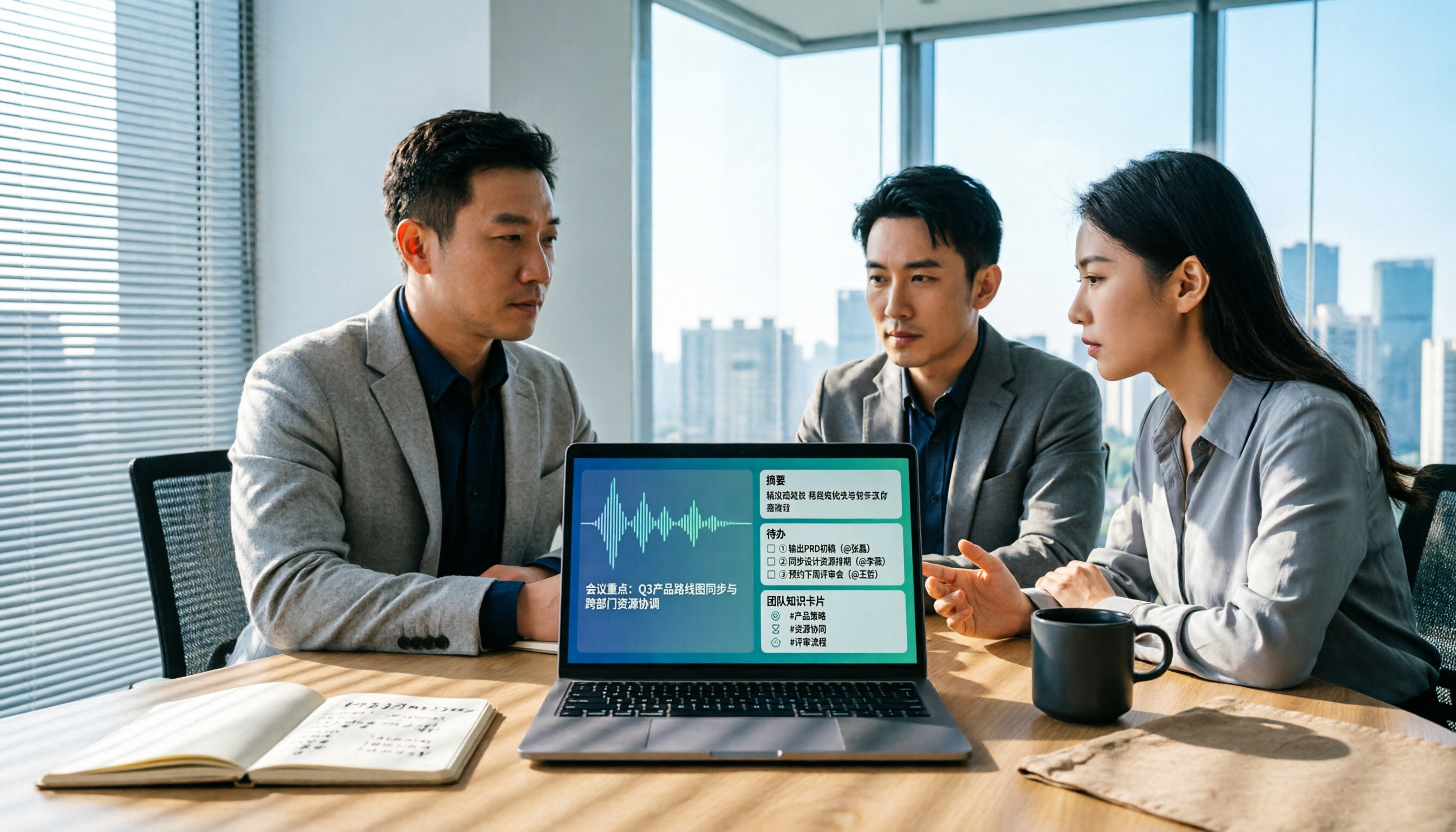
Best AI Meeting Notes Tools in 2026: 4 Tested for Chinese Meetings and Team Knowledge
Vocol news is everywhere, but purchasing decisions hinge on how meeting audio enters the system, what you get after the meeting, and who owns team data. This article breaks down 5 key selection criteria from real-world usage, compares Tinrec, Vocol.ai, Otter.ai, and Notta in positioning, quotas, and team governance, and lists 4 common pitfalls to help you choose the right meeting notes tool within budget.

AI Meeting Transcription Tools Pricing Comparison 2026: How Notta Charges, Which Free Plan Works
Searching for 'how Notta charges' often gets stuck on annual billing conversions, per-segment limits, and team seat calculations. This article breaks down Notta's free, Pro, and Business pricing logic, compares Tinrec, Otter.ai, and TurboScribe's pricing and free quotas, and outlines 4 key points to check before calculating costs and 3 common mistakes, helping you choose a plan that truly fits your usage and budget.

2026 AI Meeting Transcription Tools Compared: What Is Notta, and How to Choose Between Tinrec and Otter
Starting from the question 'What does Notta mean?', this article compares four AI meeting transcription tools—Notta, Tinrec, Otter, and Fireflies—covering their differences, free plan limits, ideal use cases, and key considerations for buying team versions.