

Turn recordings into transcripts and summaries in minutes
Upload audio or video for multilingual transcription, AI notes, and action items
Why can't you figure out how much you'll pay after searching 'how Notta charges'?
Most people look at the 'from USD 8.17 per month' line on the homepage first. But that number is usually the monthly average when billed annually; the actual charge deducts the entire year's fee at once.
Another common misunderstanding: the free plan's '120 minutes per month' doesn't mean you can record a 120-minute meeting. Notta's free plan has a 3-minute limit per segment; exceed that and you need to upgrade.
So the real question about 'how much it costs' is: which quota will my usage pattern hit?
Breaking down the pricing logic first is more useful than directly comparing prices.
Before calculating the cost of these tools, understand these 4 key points
1. Annual monthly fee is not equal to monthly deduction. The 'USD 8.17 per month' label is usually a conversion after annual payment, requiring a lump sum for over ten months. If budget is limited, factor in cash flow first.
2. Free quotas have both 'total' and 'per-segment limits'. 120 minutes per month sounds sufficient, but if each segment can only be 3 minutes, an online meeting must be split into several parts, which is impractical. When choosing a tool, look at both numbers together.
3. Minutes are not the only quota. Transcription minutes, file upload counts, and AI summary counts are three separate quotas in many plans. Looking only at minutes can easily underestimate actual needs.
4. Team plans are 'per seat' or 'per team'. This makes the biggest difference. Some plans charge per seat, others offer a fixed number of seats with add-ons; the per-person cost can vary several times.
Tinrec: Choose a plan by 'usage task', not by price ranking
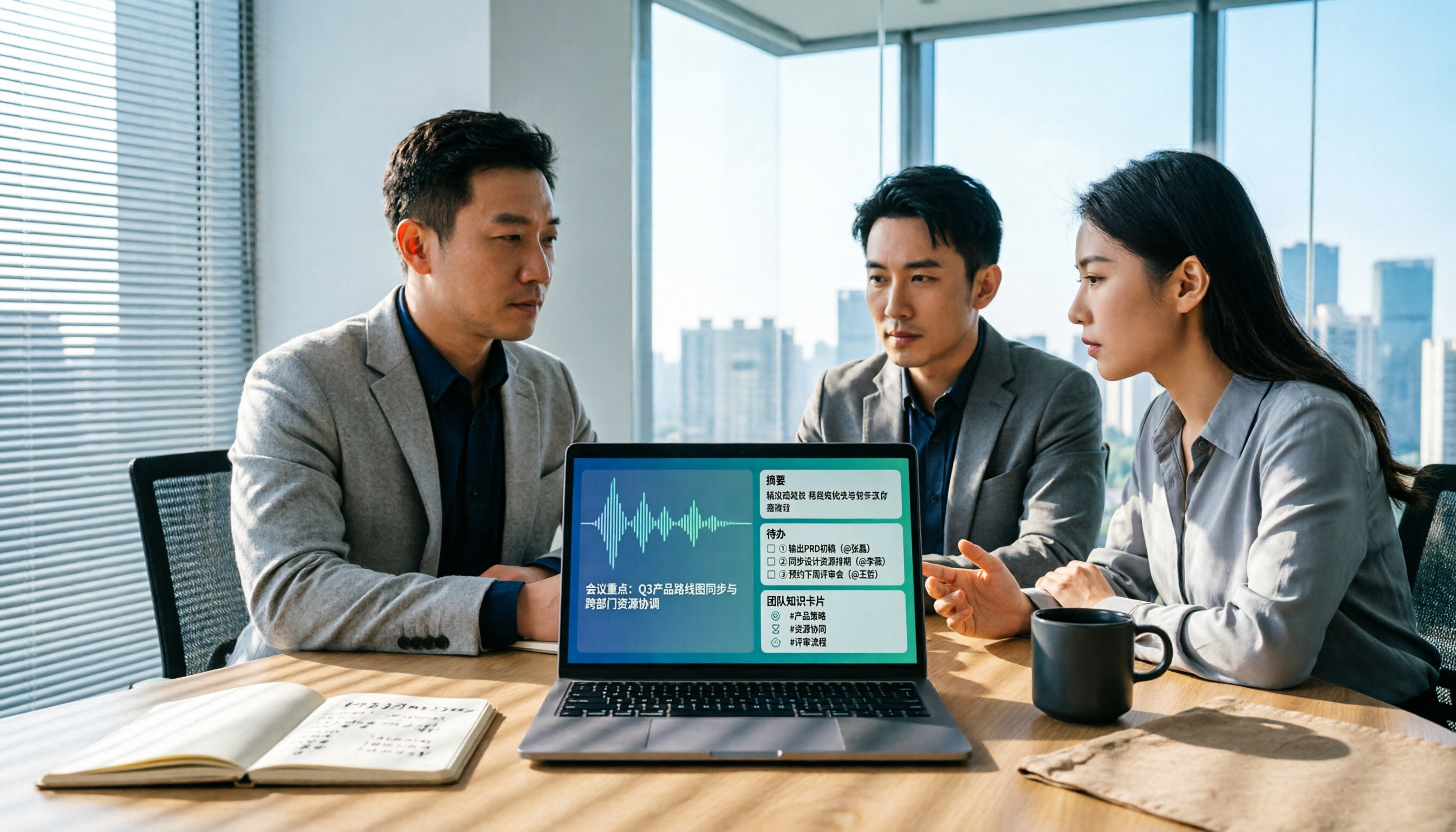
Tinrec is an AI meeting notes and collaboration tool for individuals and teams, supporting live recording, online meetings, audio and video file imports, and automatically generating transcripts, summaries, chapters, and action items.
Its pricing logic divides into several personal plans and team spaces based on usage frequency, rather than simply stacking prices by minutes.
Personal plans: Look at your usage rhythm first. If you only occasionally organize a recording, the free plan can help you judge if transcription quality is sufficient. For short-term intensive meetings, interviews, or courses, a weekly card is more reasonable than committing to a long-term plan. For those with steady weekly needs, the Pro monthly card is smoother; for long-term accumulation of recording data, the Pro annual card's monthly conversion is lower. This approach is relatively friendly to budget-sensitive users because you don't have to commit to a plan you won't use for a year.
Team plan: Independent space, not multiple people sharing one account. The team plan centralizes meeting data in a team space and provides member, role, and seat management. Currently, eligible teams can try 7 days with 1 free seat and 300 minutes of team shared import quota; paid plans are USD 29.80 per seat per month, or USD 199 per seat annually (about USD 16.58 per month), with each paid seat providing 2,000 minutes of team shared import quota per month.
Here's an easily overlooked detail: roles and seats are two different things. Roles determine who can manage the team and audit logs; seats determine whether members can record, upload, edit, and export. Active members without a seat can still view and play team data, but cannot perform uploads, edits, etc.
Also, under an active team plan and active seats, live recording currently does not deduct minutes; file and web imports consume team shared import minutes and do not use members' personal quotas.
Stop organizing recordings by hand
Upload audio or video and automatically get a transcript, summary, and action items
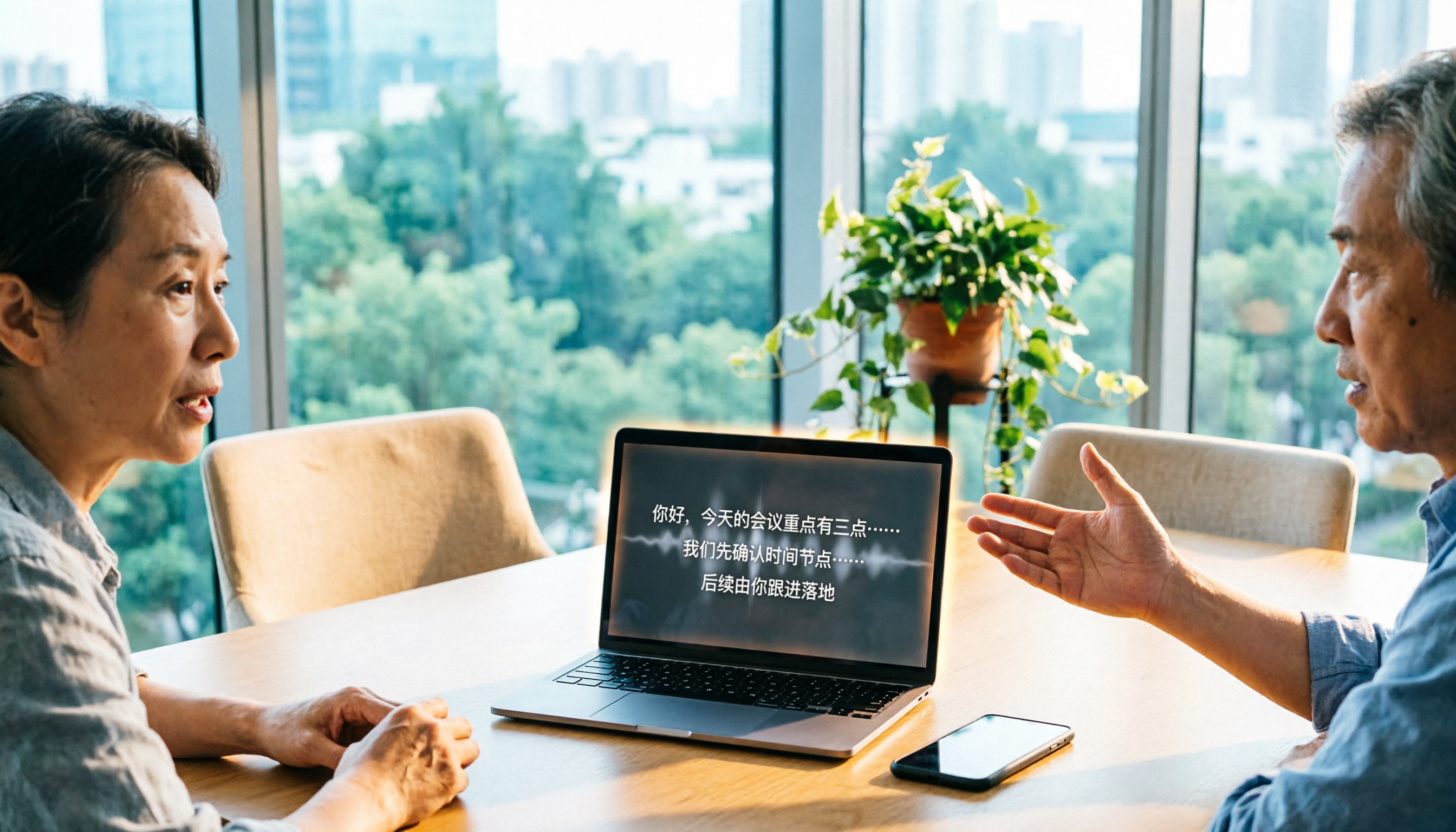
How does it work in practice? The desktop version directly captures computer system audio, so when handling online meetings like Zoom, Google Meet, Microsoft Teams, Webex, no extra meeting bot needs to be invited, and the host doesn't need to approve. After the meeting, you can generate summaries, chapters, and action items, ask questions directly about the meeting content, and export to common formats or third-party tools.
Limitations to note: Transcription quality is affected by audio quality, background noise, accents, and overlapping speech; for important content, cross-check with transcript timestamps and recording playback. The team plan currently focuses on team-level sharing, not fine-grained file-level permission control.
Who it's for: Individuals or teams who frequently hold Chinese meetings, don't want a bot to join meetings, and want to continue asking questions and organizing action items afterward will find it more useful.
Besides Tinrec, what other options are there?
Notta: Multilingual transcription and translation are its strengths, supporting many languages, suitable for cross-language meetings and subtitle organization. Free plan: 120 minutes per month, 3-minute per-segment limit; Pro annual billing converts to about USD 8.17 per month, 1,800 minutes per month. Business team plan pricing varies widely across sources (some quote two-seat monthly, others per-seat annual conversion); always refer to the official checkout page before ordering. If you need pure transcription and translation, it fits well; but if you want post-meeting Q&A, action item extraction, and team seat governance, Tinrec's team space puts these together.
Otter.ai: A mature choice for English business meetings; free plan offers 300 minutes per month, quite generous; Pro annual billing converts to about USD 8.49 per month. Its English experience and workflow integration are deep. However, if you mainly record Chinese meetings, Chinese scenarios are not its strong suit.
TurboScribe: Positioned for file transcription, focusing on long documents and batch uploads; free plan: 3 files per day, 30 minutes per file; Unlimited annual plan USD 120. It's great for transcribing a large batch of existing recordings into text at once; but it doesn't handle live meetings and post-meeting collaboration, which is exactly what Tinrec covers.
Pitfall guide: 3 most common mistakes when calculating costs for these tools
Pitfall 1: Only looking at the monthly fee number, not the billing cycle. Annual conversion looks cheap, but paying in full is not cost-effective for temporary users. Confirm how many months you'll use before deciding monthly or annual.
Pitfall 2: Treating 'minutes' as the only cost. File counts, AI summary counts, and export formats are often charged separately. Being able to record on the free plan doesn't mean you can export in your desired format; you need to actually test it.
Pitfall 3: Using a personal plan to force-fit team needs. Multiple people sharing one account saves money short-term, but data ownership, content handover after members leave, usage, and auditing will become issues. Once team size grows, look for plans with seat management.
Conclusion: Which one should you choose for your situation?
Just want to confirm transcription quality, very low usage → Try the free plan first; throw in a recording with proper nouns and multi-person dialogue, see if recognition and summaries are sufficient, then decide whether to pay.
Short-term intensive meetings, interviews, or courses → Short-term plans like Tinrec's weekly card are more reasonable than annual payment; stop when done.
Weekly meetings to organize, and want to ask about key points and action items afterward → Tinrec's Pro plan focuses on post-transcription summaries, Q&A, and export workflows.
Multi-person collaboration, need seat and usage management → Tinrec team plan; data belongs to the team, can be handed over when members change, and won't disappear when people leave.
Mainly recording English meetings → Otter.ai's free quota and English experience are worth trying first.
Have a batch of existing recordings to transcribe at once → TurboScribe's batch and long document processing are more suitable.
One final reminder: prices and plans for these tools may change; refer to the official checkout page for the amount and currency before ordering. When unsure which plan to choose, run a round of your own real recordings on the free quota first; it's usually faster than reading ten comparison articles.
References
Turn every recording into actionable outcomes
Get 60 free transcription minutes when you sign in. No credit card required.
Related Reading
You might also like

Is Notta Good in 2026? A 5-Step Hands-On Review and Meeting Notes Tool Selection Guide
Is Notta good? This article breaks down the complete workflow from speech-to-text to meeting notes in 5 steps, comparing Notta and Tinrec's actual methods, free quotas, and team plan pricing at each step, helping you decide which tool combination to choose based on meeting volume and budget.

2026 Comparison of 6 Audio-to-Text Software: What to Compare Before Downloading Notta?
People who search for 'Notta software download' usually already have a shortlist and are just one step away. This article starts from 'what problem are you really trying to solve?' and compares six tools—Notta, Tinrec, Otter, Fireflies, TurboScribe, and Granola—on their positioning, download methods, free quotas, and paid plans. It directly tells you which type of user should install which tool and the 4 things you must pay attention to before downloading.

6 AI Meeting Transcription Tools Tested for 2026: Which Country Is Notta From and How to Choose for Chinese Meetings?
Which country is Notta from? The answer is a three-part puzzle: registered in Singapore, developed in Shenzhen, with Japan as its main market. This article first clarifies Notta's company background and common misconceptions, then rounds up 6 AI meeting transcription tools worth trying in 2026, comparing free quotas, Chinese language support, and team collaboration capabilities.

How to Choose a Notta Alternative in 2026: Bot-Free Recording + AI Q&A to Find Key Points
Many people ask "which Notta is better" and keep switching tools without solving the problem. The issue usually isn't the tool but the selection method. This article starts with common misconceptions, breaks down 4 key criteria, shares my tested meeting notes workflow, and compares who Notta, Otter.ai, and PLAUD are each best for.

Notta Online vs. Others: 2026 Test of 4 Tools — Tinrec Best for Chinese Meeting Notes
Looking for a way to use Notta online directly? This article starts from the real needs of online transcription and outlines 4 key selection criteria. It compares Notta, Otter.ai, TurboScribe, and Tinrec in terms of free quotas, single-session limits, post-meeting organization, and team data ownership, helping you decide which tool suits your meeting and interview scenarios.
2026 Comparison of 4 Speech-to-Text Tools: Notta Free Plan Limits and Alternatives Explained
Notta's free plan offers 120 minutes per month, which sounds like a lot, but the 3-minute limit per recording makes it hard to complete a formal meeting. This article compares Notta, Otter.ai, TurboScribe, and Tinrec from four perspectives: free quota, export restrictions, Chinese recognition, and online meeting recording methods, to help you determine if the free version is sufficient and when to upgrade.
Best AI Meeting Notes Tools in 2026: 4 Tested for Chinese Meetings and Team Knowledge
Vocol news is everywhere, but purchasing decisions hinge on how meeting audio enters the system, what you get after the meeting, and who owns team data. This article breaks down 5 key selection criteria from real-world usage, compares Tinrec, Vocol.ai, Otter.ai, and Notta in positioning, quotas, and team governance, and lists 4 common pitfalls to help you choose the right meeting notes tool within budget.

5 AI Speech-to-Text Tools Tested and Compared in 2026: What Is Notta and Is the Free Version Enough?
Notta is a speech-to-text tool that supports multilingual real-time transcription, AI summaries, and translation. Its free version offers 120 minutes per month but only 3 minutes per session. Starting with "What is Notta?", this article organizes the positioning, pricing, and use cases of 5 AI speech-to-text and meeting notes tools to help you decide if the free version is enough and which one to choose.

2026 AI Meeting Transcription Tools Compared: What Is Notta, and How to Choose Between Tinrec and Otter
Starting from the question 'What does Notta mean?', this article compares four AI meeting transcription tools—Notta, Tinrec, Otter, and Fireflies—covering their differences, free plan limits, ideal use cases, and key considerations for buying team versions.