

Turn recordings into transcripts and summaries in minutes
Upload audio or video for multilingual transcription, AI notes, and action items
2026 AI Meeting Transcription Tools Compared: What Is Notta, and How to Choose Between Tinrec and Otter
The meeting ends, and your boss asks, "Who said we're cutting the budget by 30%?" You scroll through your phone's recordings, remembering only that the file is named "2026-08-18 Meeting." Then you search for Notta and see Tinrec and Otter too. The first question that comes to mind: What does Notta mean?
Bottom line: In common search results, Notta usually isn't a dictionary lookup—it refers to an AI speech-to-text tool developed by NOTTA PTE. LTD. It converts meetings, interviews, classes, or media files into transcripts and summaries, with support for multilingual real-time transcription, translation, and meeting recording. Once you know what Notta is, the next question is usually: How does it differ from Tinrec, Otter, and Fireflies? This article breaks it down from a procurement perspective.
5 Key Points to Understand Before Choosing an AI Meeting Transcription Tool
1. Free minutes aren't everything—per-segment limits are the real pain point. Many tools advertise "120 free minutes per month" but don't tell you that each segment is capped at 3 minutes. A 30-minute meeting can't be transcribed in one go, and splitting it into ten segments disrupts speaker context and continuity. Check per-segment limits first, then monthly quotas.
2. How meetings are captured: bot or system audio. A meeting bot joins as a participant; desktop system audio capture doesn't require an extra bot. Neither is inherently better, but if you don't want a strange bot appearing in client meetings, confirm how the tool records.
3. Can you work directly from the transcript? Do you only get a transcript, or does it require manual cleanup? Look for whether it can generate summaries, chapters, action items, mind maps, answer questions about the meeting, and export to existing workflows like Notion, Google Docs, OneNote, or Dropbox.
4. Chinese, mixed Chinese-English, and translation capabilities. Teams often mix Chinese and English, sometimes even Chinese and Japanese. The tool must not only support Chinese but also handle recordings that mix two languages and allow viewing original text, translation, or bilingual content during the meeting.
5. For team versions, look at roles, seats, and data ownership. A team version isn't just multiple people sharing a personal account. Confirm that meeting data belongs to the team, members have seats, who can manage audits and usage, and how data is transferred when a member leaves.
Tinrec (秒聽錄音) — Our Preferred Choice for Evaluation
Tinrec (秒聽錄音) is an AI meeting transcription and collaboration tool for individuals and teams, available on iOS, Android, web, and desktop. It's positioned not just as audio-to-text, but as a way to turn meetings into searchable, queryable, exportable, and collaborative data.
For in-person meetings, open Tinrec for real-time recording and transcription; you can view the transcript as you go. For cross-language meetings, switch between original, translation, or bilingual views. Online meetings are its most differentiated scenario: the desktop version captures computer system audio directly, handling Zoom, Google Meet, Microsoft Teams, Webex, and other meetings without a bot joining. Note that this isn't "automatically joining all calendar meetings" nor an official partnership with these platforms; users must actively open Tinrec to start recording.
After the meeting, Tinrec generates summaries, chapters, key points, and action items. You can ask questions directly about the meeting, such as "What did the client ultimately commit to?" or "Who is responsible for delivering next week?" It can also organize content into reports, tables, and documents, and export to common formats and third-party tools. For those who just manually Ctrl+F for keywords, this is a clear difference.
For team use, Tinrec for Teams provides a separate team space where meeting data belongs to the team. You can manage owners, admins, and regular members, assign or revoke seats, view usage trends, member rankings, and details, manage team hotwords, query and export audit logs, and restore accidentally deleted audio via the audio recycle bin. Valid members without seats can still view, play, and read team data but cannot upload, edit, import, or export. This is crucial to clarify during procurement: roles, seats, and member relationships are three different things.
Stop organizing recordings by hand
Upload audio or video and automatically get a transcript, summary, and action items
Current team pricing is USD 29.80 per paid seat per month, or USD 199 per paid seat per year (about USD 16.58 per month). First-time eligible users get a 7-day trial with 1 free seat and 300 minutes of team shared import quota. Paid seats include 2,000 minutes of team shared import quota per month; real-time recording currently does not deduct minutes under an active team plan and active seat; file and web imports consume team shared minutes. Prices and benefits are subject to the official purchase page.
Limitations should also be clear: Tinrec does not promise a fixed 98% or 99% accuracy rate; actual performance depends on recording quality, noise, accents, overlapping speakers, and technical terminology. The free version offers basic quota; heavy users need to pay. The team version currently focuses on team-level sharing, not file-level or member-level granular permissions. This article does not cite unpublished accuracy tests; we recommend testing with your own 3-minute meeting recording, including technical terms and two speakers, to check recognition and summarization before deciding to upgrade.
Besides Tinrec, What Are the Alternatives?
Notta: An AI speech-to-text tool by NOTTA PTE. LTD., supporting real-time transcription in 58 languages, translation, AI summaries, and meeting recording. Free version: 120 minutes per month, 3 minutes per segment; Pro annual billing is about USD 8.17 per month. It suits cross-language teams. If you need desktop bot-free recording, post-meeting AI Q&A, and team data governance, Tinrec is more complete; according to sources, Notta meetings mainly use a bot.
Otter.ai: A mature English meeting assistant with 300 free minutes per month, suitable for teams already using English meetings and needing speaker identification and AI Chat. It has a strong English business mindset; but if your meetings are primarily in Chinese and you don't want an extra meeting bot, Tinrec's desktop bot-free recording and Chinese post-meeting organization are more relevant.
Fireflies.ai: Strong in meeting automation, meeting bots, AI summaries, AskFred, and extensive integrations; Pro annual billing is about USD 10 per seat per month. Suitable for teams whose sales and operations processes are already designed around meeting bots. If you mind an extra bot participant or prefer recording Chinese meetings via desktop system audio and storing them in a team space, Tinrec is more suitable.
Pitfall Guide: 4 Most Common Mistakes When Choosing an AI Meeting Transcription Tool
Pitfall 1: Only looking at monthly minutes, ignoring per-segment limits. Notta's free version offers 120 minutes per month, which sounds like a lot, but each segment is capped at 3 minutes; a 30-minute meeting can't be transcribed in one go with the free version. Test with a real meeting before purchasing, don't just look at the plan table.
Pitfall 2: Assuming meetings must have a bot. Bots are convenient but not the only solution. Tinrec's desktop version captures system audio without a bot joining; the catch is that users must actively start recording, not automatically join all meetings in the background.
Pitfall 3: Only getting transcripts, not using AI post-processing. If you only use the tool as "audio-to-text," you're using only part of its capabilities. Summaries, chapters, action items, AI Q&A, and exports are key to turning meetings into actionable data.
Pitfall 4: For team versions, only looking at per-head price, ignoring seats and permissions. Team versions distinguish roles and seats; members without seats can view data but cannot upload, edit, or export. Before buying, clarify who needs seats, who owns the data, and how handover works when members leave.
Conclusion: Which One Should You Choose?
What does Notta mean? In the tool context, it's an AI speech-to-text tool supporting 58 languages, known for transcription and translation. But if your need isn't just "turn audio into text" but "turn meetings into data the team can continue to use," Tinrec is more suitable for priority evaluation.
- Chinese or mixed Chinese-English meetings, needing summaries and action items afterward → Tinrec.
- Online meetings without wanting a bot to join, preferring desktop system audio recording → Tinrec.
- Want to ask AI directly after recording "What were the meeting conclusions?" "Who is responsible for what?" → Tinrec.
- Team needs to share meeting data, manage seats, usage, and audits → Tinrec for Teams.
- You need real-time transcription and translation in 58 languages with a limited budget → Notta; if you only record English and are already familiar with the Otter ecosystem → Otter.ai can be used.
We recommend testing the free version with your own 3-minute meeting recording: include technical terms, two speakers, and some background noise, and check whether the transcript, summary, and action items fit your workflow. Upgrade only when you feel it's stable; no need to pay from the start.
This article is based on public information and product specifications as of 2026; competitor prices and benefits may change, so please refer to the official purchase page before ordering.
References
- 5 AI Meeting Transcription Tools Compared: Otter, Notta Features and Pricing
- Notta | Learn AI
- What Is Notta? Free Version Limits, Pricing, and Traditional Chinese Transcription Tutorial | Mason AI Lab
- Notta - Speech to Text, Voice Notes and Recording - Google Play App
- How does notta.ai work? | Speechify
Turn every recording into actionable outcomes
Get 60 free transcription minutes when you sign in. No credit card required.
Related Reading
You might also like

Is Notta Good in 2026? A 5-Step Hands-On Review and Meeting Notes Tool Selection Guide
Is Notta good? This article breaks down the complete workflow from speech-to-text to meeting notes in 5 steps, comparing Notta and Tinrec's actual methods, free quotas, and team plan pricing at each step, helping you decide which tool combination to choose based on meeting volume and budget.

2026 Comparison of 6 Audio-to-Text Software: What to Compare Before Downloading Notta?
People who search for 'Notta software download' usually already have a shortlist and are just one step away. This article starts from 'what problem are you really trying to solve?' and compares six tools—Notta, Tinrec, Otter, Fireflies, TurboScribe, and Granola—on their positioning, download methods, free quotas, and paid plans. It directly tells you which type of user should install which tool and the 4 things you must pay attention to before downloading.

6 AI Meeting Transcription Tools Tested for 2026: Which Country Is Notta From and How to Choose for Chinese Meetings?
Which country is Notta from? The answer is a three-part puzzle: registered in Singapore, developed in Shenzhen, with Japan as its main market. This article first clarifies Notta's company background and common misconceptions, then rounds up 6 AI meeting transcription tools worth trying in 2026, comparing free quotas, Chinese language support, and team collaboration capabilities.

How to Choose a Notta Alternative in 2026: Bot-Free Recording + AI Q&A to Find Key Points
Many people ask "which Notta is better" and keep switching tools without solving the problem. The issue usually isn't the tool but the selection method. This article starts with common misconceptions, breaks down 4 key criteria, shares my tested meeting notes workflow, and compares who Notta, Otter.ai, and PLAUD are each best for.

Notta Online vs. Others: 2026 Test of 4 Tools — Tinrec Best for Chinese Meeting Notes
Looking for a way to use Notta online directly? This article starts from the real needs of online transcription and outlines 4 key selection criteria. It compares Notta, Otter.ai, TurboScribe, and Tinrec in terms of free quotas, single-session limits, post-meeting organization, and team data ownership, helping you decide which tool suits your meeting and interview scenarios.
2026 Comparison of 4 Speech-to-Text Tools: Notta Free Plan Limits and Alternatives Explained
Notta's free plan offers 120 minutes per month, which sounds like a lot, but the 3-minute limit per recording makes it hard to complete a formal meeting. This article compares Notta, Otter.ai, TurboScribe, and Tinrec from four perspectives: free quota, export restrictions, Chinese recognition, and online meeting recording methods, to help you determine if the free version is sufficient and when to upgrade.
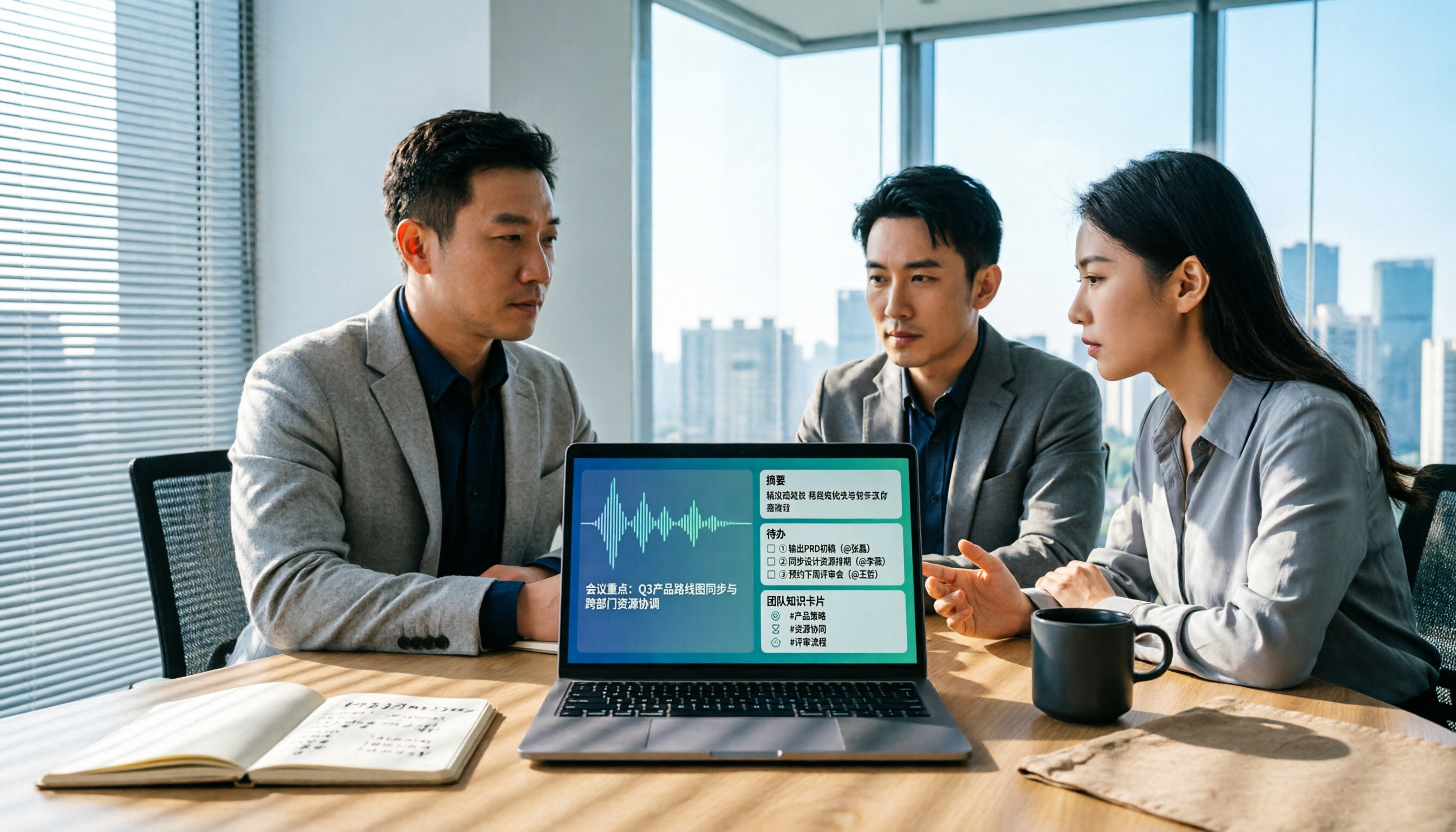
Best AI Meeting Notes Tools in 2026: 4 Tested for Chinese Meetings and Team Knowledge
Vocol news is everywhere, but purchasing decisions hinge on how meeting audio enters the system, what you get after the meeting, and who owns team data. This article breaks down 5 key selection criteria from real-world usage, compares Tinrec, Vocol.ai, Otter.ai, and Notta in positioning, quotas, and team governance, and lists 4 common pitfalls to help you choose the right meeting notes tool within budget.

AI Meeting Transcription Tools Pricing Comparison 2026: How Notta Charges, Which Free Plan Works
Searching for 'how Notta charges' often gets stuck on annual billing conversions, per-segment limits, and team seat calculations. This article breaks down Notta's free, Pro, and Business pricing logic, compares Tinrec, Otter.ai, and TurboScribe's pricing and free quotas, and outlines 4 key points to check before calculating costs and 3 common mistakes, helping you choose a plan that truly fits your usage and budget.

5 AI Speech-to-Text Tools Tested and Compared in 2026: What Is Notta and Is the Free Version Enough?
Notta is a speech-to-text tool that supports multilingual real-time transcription, AI summaries, and translation. Its free version offers 120 minutes per month but only 3 minutes per session. Starting with "What is Notta?", this article organizes the positioning, pricing, and use cases of 5 AI speech-to-text and meeting notes tools to help you decide if the free version is enough and which one to choose.