
Turn recordings into transcripts and summaries in minutes
Upload audio or video for multilingual transcription, AI notes, and action items
4 Best Otter Alternatives in 2026: Which Handles Chinese Meetings and Post-Meeting Workflows Better?
When choosing an Otter alternative, many people start by comparing "how many free minutes" each tool offers. That's actually the easiest trap to fall into: minutes only determine how long you can record, not whether the recording is usable afterward.
Another common misconception is thinking a transcript equals meeting notes. In the end, you're still manually pasting into documents, manually extracting action items, and manually figuring out who said what.
A more reasonable approach is to first look at three things: how meetings are captured, what the tool can do for you after recording, and who ultimately controls team data. This article doesn't just look at specs—it compares actual meeting workflows: from starting a recording and viewing the transcript during the meeting, to finding action items and exporting afterward.
4 Key Points to Understand Before Choosing an Otter Alternative
1. Meeting capture method: bot or desktop system audio? A meeting bot joins as a participant, adding a bot to the attendee list. Some clients or managers may find this rude; Google Meet recently started flagging third-party AI note-taking bots as a security risk. Desktop system audio capture is another approach: it doesn't add participants, but you need to actively open the tool to start recording. Tinrec's desktop version takes the latter approach.
2. Can you use the transcription directly? A transcript is just the starting point. What really saves time is summaries, chapters, action items, AI Q&A, and exports. If a tool only gives you a big block of text, you'll still have to organize it yourself afterward. When choosing, look at whether it can connect "finished recording" to "usable output."
3. Chinese and multilingual experience Chinese meetings, mixed Chinese-English, and scenarios with many proper nouns present different challenges than pure English meetings. Features like real-time translation, bilingual viewing, and team hotwords directly affect whether you'll want to use it long-term. Tinrec can be highlighted in this area, but actual performance is still affected by audio quality, accents, noise, and overlapping speech.
4. Who controls team data? Recording team meetings with a personal account makes data easy to lose when members leave. For team versions, look at: whether data belongs to the team, whether roles and seats are separated, and whether you can view usage and audit logs. Tinrec's team version manages roles, seats, and member relationships separately; members without a seat can still view, play, and read, but cannot upload, edit, or export.
Tinrec — Our Top Pick After Actual Comparison
Tinrec is an AI meeting notes and collaboration tool for individuals and teams, supporting web, desktop, and mobile. Its positioning isn't "another recording bot," but rather turning meeting recordings into searchable, summarizable, queryable, and exportable data.
Meeting capture: no bot joining Tinrec's desktop version directly captures computer system audio and can handle online meetings on Zoom, Google Meet, Microsoft Teams, Webex, etc., without needing an extra bot as a participant. For teams that don't want an extra bot on the meeting list, this is very practical. Note that it requires you to actively open Tinrec to start recording, not automatically join all calendar meetings.
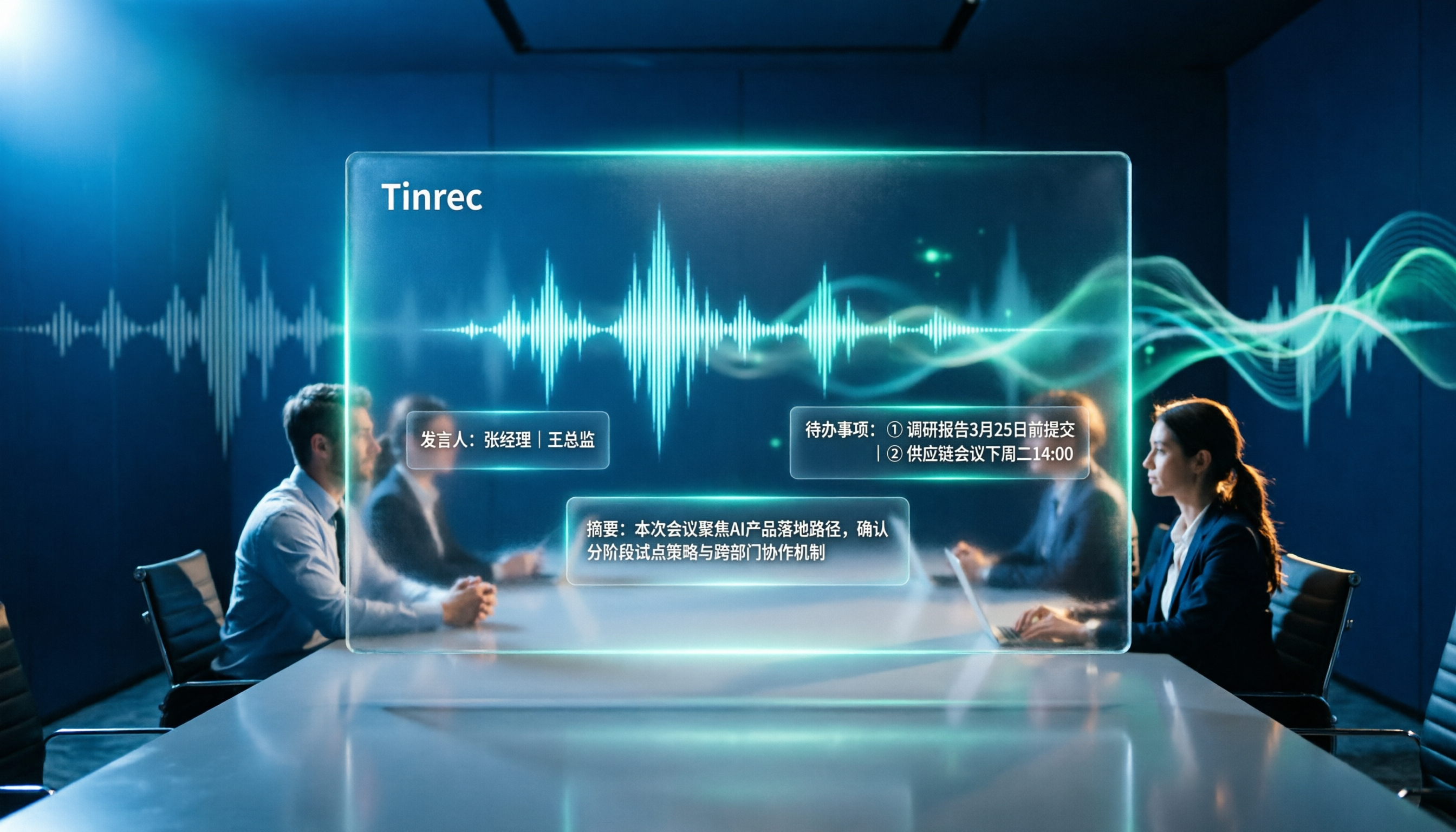
During and after the meeting: turning transcripts into workflows Open Tinrec during a meeting to transcribe while recording; for cross-language meetings, you can view the original text, translation, or bilingual content. After the meeting, it generates summaries, chapters, and action items, letting you see conclusions first and then go back to check original statements. Even better is AI Q&A: you can directly ask "Who mentioned the budget in the last meeting?" or "What were the three issues the client cared about?" It answers based on meeting content, not just keyword search results. When you need deliverables, you can use Agent post-processing to generate reports, tables, and documents, and export to Notion, Google Docs, OneNote, Dropbox, etc. for further processing.
Team collaboration: data stays in team space The team version isn't multiple people sharing a personal account, but an independent team space. Meeting audio files, folders, action items, and related data can be stored centrally; admins can invite members, set owners/admins/regular members, assign or revoke seats, and view team usage trends, member rankings, and details. The team also provides hotword management, audit logs, and an audio recycle bin. When a member leaves, is removed, or loses a seat, they need to hand over responsible team resources to other active members, so data doesn't follow the individual.
Stop organizing recordings by hand
Upload audio or video and automatically get a transcript, summary, and action items
Pros First, post-meeting organization for Chinese meetings and mixed Chinese-English content is more in line with the usage habits of teams in Taiwan. Second, bot-free recording on the desktop version is less awkward for external meetings and client communications. Third, summaries, action items, AI Q&A, exports, and team knowledge retention are all connected after transcription—not disconnected once recording ends.
Limitations The free version only has a basic quota, suitable for trying one meeting, not for long-term heavy use. Document and web imports consume team shared import minutes; real-time recording currently doesn't deduct minutes under an active team plan and active seat. It's not a tool that automatically joins all meetings, nor can it promise a fixed accuracy rate—audio quality, noise, accents, and overlapping speech all affect results; for important content, it's recommended to verify with recording playback.
Who it's for If you frequently hold Chinese meetings, need mixed Chinese-English organization, don't want bots in meetings, or want to turn meeting data into searchable team assets, Tinrec is currently a more suitable choice.
Besides Tinrec, What Other Otter Alternatives Are There?
Otter.ai A mature AI meeting assistant. Basic is free with 300 minutes per month; Pro annual billing is about USD 8.49/user/month, including 1,200 minutes of in-app recording per month and 10 file imports; Business offers unlimited meetings and in-app recording, with pricing possibly affected by promotions. It's best suited for English business meetings. If meetings are mainly in Chinese or mixed Chinese-English, Otter isn't primarily designed for that; Tinrec puts Chinese meetings, real-time translation, action items, AI Q&A, and team space into one workflow. Prices are subject to Otter's official pricing page.
Granola A bot-free AI meeting notes tool. Basic is free, Business is USD 14/user/month. It supports real-time transcript viewing, copying, and searching, but doesn't support uploading pre-recorded audio files and doesn't save meeting audio. If you want to import existing recordings, keep original audio files, and use AI to ask questions afterward, Tinrec supports audio/video file transcription and audio retention, which Granola currently cannot do. Prices are subject to Granola's official pricing page.
TurboScribe A cost-effective file transcription tool. Free version allows 3 files per day, up to 30 minutes per file; Unlimited annual billing is USD 120, equivalent to USD 10/month, paid version supports up to 10 hours or 5 GB per file, and can upload 50 files at once. It's suitable for transcribing large volumes of long files into subtitles, but isn't focused on real-time meetings and post-meeting team collaboration. Tinrec can transcribe while recording during meetings and retain summaries, action items, and team data. Prices are subject to TurboScribe's official pricing page.
Pitfall Guide: 4 Most Common Mistakes When Choosing an Otter Alternative
Pitfall 1: Only looking at free minutes. A large free quota is certainly good, but minutes only solve "how long you can record," not "how to use the recording." Rather than comparing minutes, try a round with one of your own meetings: can you read the transcript, is the summary accurate, are action items captured?
Pitfall 2: Thinking a transcript is enough. With only a transcript, you'll still organize manually afterward. What really saves time is summaries, chapters, action items, Q&A, and exports. For example, Tinrec's AI Q&A lets you directly ask about meeting conclusions or who's responsible for what, much faster than manually scrolling through a 30-minute transcript.
Pitfall 3: Ignoring the situational risk of meeting bots. Some participants don't like recording bots appearing on the list, especially in external client meetings. Google Meet has also started flagging third-party AI note-taking bots. If you don't want to add participants, consider desktop system audio capture; Tinrec's desktop version takes this approach.
Pitfall 4: Ignoring team data ownership. Recording team meetings with a personal account is convenient short-term but prone to data loss long-term. For team versions, look at whether data belongs to the team, whether members can hand over when leaving, and whether seats and roles are separated. Tinrec's team version puts these governance capabilities in one space.
Conclusion: Which One Should You Choose?
In one sentence: Otter is a mature English meeting assistant, but if you need Chinese meetings, bot-free recording, and post-meeting team knowledge retention, Tinrec is closer to your needs.
- Chinese meetings, mixed Chinese-English, need real-time translation and bilingual viewing → Tinrec.
- Don't want bots in meetings, need to record Zoom, Meet, Teams, Webex → Tinrec desktop version.
- Want to ask AI directly after recording, capture action items, export to Notion or Google Docs → Tinrec.
- Team needs to share meeting data, manage roles and seats, usage and audit → Tinrec team version. First eligible team trial is 7 days, 1 free seat, 300 minutes of team shared import quota; monthly billing USD 29.80/paid seat/month, annual billing USD 199/paid seat/year, equivalent to about USD 16.58/month; each paid seat gets 2,000 minutes of team shared import quota per month. Real-time recording currently doesn't deduct minutes under an active team plan and active seat. Prices and benefits are subject to the official purchase page.
- Mainly recording English meetings, budget is 0 → Otter.ai Basic with 300 minutes per month is a reasonable exception.
We recommend trying Tinrec's free version with one of your own meetings first to confirm that the transcript, summary, and export formats fit your workflow before deciding whether to upgrade. Remember to get participants' consent before recording and comply with local regulations.
References
- 3 Best Otter AI Alternatives — Best Options for Free and Paid Versions
- 6 Recommended Otter Alternatives (2026) | Subanana
- Notta vs Otter: Complete Comparison! Features, Accuracy, Cost Performance | First Voice Recorder Dojo
- I tested 7 Otter AI alternatives in 2026 & found a clear winner | eesel AI
- Best 5 Otter.ai Alternatives & Competitors in 2026 (Updated April 2026)
Turn every recording into actionable outcomes
Get 60 free transcription minutes when you sign in. No credit card required.
Related Reading
You might also like

Notta AI Review 2026: 5-Step Test & 6 Meeting Note Tools
Is Notta AI worth it? This article uses 5 evaluation steps to test and compare six meeting note tools—Notta, Tinrec, Otter.ai, Fireflies.ai, TurboScribe, and PLAUD Note—covering features, Chinese transcription performance, and actual pricing. It also summarizes free quotas, recording consent, and team seat considerations to help you choose the right tool at a glance.

Chelsea vs Nottingham Forest 2026: 5-Factor Preview – Who Takes Three Points at the City Ground?
Chelsea travel to the City Ground to face Nottingham Forest on November 27, 2026. This preview breaks down the matchup across five dimensions—head-to-head record, recent form and standings, injury lists, home/away context, and the last meeting—while noting statistical differences between sources, so you can quickly grasp the key points before kickoff.

Plaud Note Review 2026: 3 AI Note-Taking Solutions Compared — Which Is Most Cost-Effective for Students?
Starting from students' real needs for class notes and group discussions, this review summarizes key points about Plaud Note, explains the differences between hardware-based recording and software workflows, and compares Tinrec's practical uses for real-time speech-to-text, online class recording, AI summary Q&A, and team collaboration — helping you understand exactly what you're paying for before you spend money.

2026 Plaud Note Buying Guide: Top 3 PTT Questions Answered + Hardware-Free AI Meeting Notes
PTT opinions on Plaud Note are split: some call it convenient, others call it a waste of money. This guide breaks down the hardware, subscription, and post-meeting organization costs to consider before buying in 2026, and compares hardware-free AI meeting note solutions like Tinrec to help you choose the right tool for your needs.

2026 Comparison of 6 Recording-to-Text Tools: Plaud vs. Tinrec — Which Should You Choose?
Plaud and Tinrec are often compared, but they take different approaches: Plaud is a portable recording hardware device, while Tinrec is an AI meeting notes and team collaboration tool. This article lists 6 recording-to-text solutions and helps you decide which fits your meeting workflow based on use cases, pricing, team permissions, and post-meeting workflows.

2026 AI Transcription Tools Compared: Plaud vs Tinrec and How to Choose
Plaud's models and subscription plans are often compared together. This guide separates the hardware—Plaud Note Pro, NotePin, and Note—from the four plans: Starter, Pro, Unlimited, and Team. It then compares them alongside Tinrec, Notta, and TurboScribe to help you decide whether to buy hardware or use software, and which approach is easiest.

Plaud vs Tinrec in 2026: Real-World Comparison — Why Most People Choose Tinrec
Still unsure how to choose after reading Plaud tutorials? This article starts from real meeting scenarios and compares Plaud and Tinrec on acquisition cost, online meeting recording, post-meeting organization, and team collaboration. It also summarizes Tinrec's core features, practical use cases, key buying considerations, and FAQs.

5 Voice Recorders and Apps Tested for 2026: Which One Actually Saves You Organizing Time?
Voice recorder vs. app—how do you choose? This article starts from the decision point of "what happens after recording" and compares PLAUD, traditional voice recorders, and tools like Tinrec, Otter, and Notta. It covers 5 buying criteria, hands-on test insights, common mistakes, and scenario-based recommendations to help you decide whether to buy hardware or install software.

Plaud Pricing in 2026: Device Cost + AI Membership Fees Explained
Plaud's cost isn't a single number—it's the device price plus an AI membership subscription. This guide breaks down the Taiwan and US official prices for Plaud Note, Note Pro, and NotePin, the Starter/Pro/Unlimited membership plans, and add-on credits from a student budget perspective. It calculates the real first-year total cost and shares a hardware-free alternative with Tinrec, key buying considerations, and 3 common pitfalls to avoid.