

Turn recordings into transcripts and summaries in minutes
Upload audio or video for multilingual transcription, AI notes, and action items
Notta Pricing 2026 vs. Alternatives: 4 Key Differences with Tinrec
"How much does Notta actually cost per month?" Last week, a manager from the department next door stopped me in the break room to ask this. He had three screenshots of the official website saved on his phone but still couldn't figure out how much his 10-person team would pay per year.
The problem isn't him—it's a common misconception when researching pricing: most people only look at the "sticker monthly fee" without factoring in the "actual usable cost per meeting" and "how many person-hours post-meeting organization takes." I fell into this trap last year—my budget looked great, but two months after launch, I realized the real expense wasn't the subscription fee; it was the time my subordinates and I spent staying late to organize meeting notes.
If you're also researching Notta's pricing for your 2026 tool budget, here's the full breakdown of the costs I actually calculated and why I later switched to Tinrec.
Why are people starting to look for Notta alternatives?
Notta is a mature cross-platform AI transcription and meeting assistant that can handle online meetings on Zoom, Google Meet, Microsoft Teams, Webex, etc. It also supports audio-to-text and multilingual translation. In 2026, they also launched the Notta Memo hardware recorder (USD 149) that magnetically attaches to the back of a phone.
But in practice, managers usually get stuck on these issues: the free plan offers 120 minutes per month with a 3-minute limit per recording, which runs out after testing one formal weekly meeting; paid plans are priced by "transcription minutes," making it hard to balance usage across team members; and the summaries and action items that actually need to be delivered after a meeting often require additional tools to complete.
If your real goal in checking pricing is "to know whether this money is worth it," then you should compare the usable cost per minute plus the person-hours saved. That's why I later switched to Tinrec.
Tinrec vs. Notta: What are the core experience differences?
Meeting capture method
This determines whether you can record "the real meeting." Tinrec's desktop version directly captures computer system audio without pulling a meeting bot into the room as an 11th participant—no unfamiliar account appears in client meetings. Note that Tinrec requires you to actively open the desktop version to start recording; it currently does not automatically join all calendar meetings—I'm stating this upfront so you don't have the wrong expectations.
How quotas are calculated
This is the dimension most easily overlooked but most impactful on annual budgets. Under an active plan and active seats, Tinrec's team version currently does not deduct real-time recording by minutes; only file and web imports consume the team shared import quota (2,000 minutes per paid seat per month). This means: the more meetings you have, the cost doesn't scale linearly. In contrast, plans based primarily on transcription minutes are harder to predict in months with heavy meeting loads.
Can post-meeting output be used directly?
Transcripts are just an intermediate product. Tinrec automatically generates summaries, chapters, and action items, and you can use AI Q&A to directly ask "What was the conclusion of this meeting?" or "Who is responsible for what?" You can even use Agent post-processing to turn content into reports, tables, or meeting documents, then export to Notion, Google Docs, OneNote, Dropbox. For those who need to submit weekly reports, the difference is "five minutes of copy-paste" versus "an hour of re-listening to recordings."
Team governance and member turnover
People leave, but data shouldn't leave with them. Tinrec's team version is an independent team space where meeting data belongs to the team; when a member leaves or is removed, their resources can be transferred to other active members. Management distinguishes between "roles" and "seats"—roles govern administration, seats determine whether one can record, upload, and edit. An honest limitation: currently it's team-level sharing, not file-level permissions, so don't expect to set who can view individual files.
Pricing structure
Tinrec's team version is USD 29.80 per paid seat per month, or USD 199 per paid seat per year (about USD 16.58 per month); eligible teams can try 7 days free with 1 free seat and 300 minutes of team shared import quota. The personal version offers a free plan, weekly pass, Pro monthly, and Pro annual; actual prices are subject to the official purchase page. Note that Notta's Business plan annual billing works out to about USD 16.67 per seat per month—the numbers are quite close—so what really matters is "how much non-minute-deducted recording volume you get at the same price point," not who saves a dollar on the monthly fee.
Stop organizing recordings by hand
Upload audio or video and automatically get a transcript, summary, and action items
Tinrec's core features at a glance
Real-time recording to text
Open and record, text appears as you speak—suitable for offline meetings, interviews, and on-site communication. The transcript is already there when the meeting ends, so you don't have to wait for uploads to finish and then check for omissions.
Bot-free online meeting recording and real-time translation
The desktop version handles meeting audio playing on the computer and can display original text, translation, or bilingual view simultaneously. No need to find a separate interpreter for cross-language meetings, and no need to cross-reference two transcripts afterward.
AI summaries, chapters, and action items
Long meetings are automatically structured. After a meeting, first check the chapters for key points, then confirm who needs to do what and when from the action item list. This is the workflow I use most heavily.
AI Q&A
Ask questions about a single meeting or multiple meetings, such as "When was the last decision made on this project?" without manually flipping through thirty pages of transcripts. Especially useful for cross-month projects.
Agent post-processing and multi-format export
Further process meeting content into reports, tables, and documents, and export to existing workflows. Saves the repetitive labor of "listening to recordings, typing, and formatting."
Real-world use cases
Weekly department meetings
For a 10-person weekly meeting, I used to take notes while leading the meeting and often missed what I said myself. Now I keep the desktop version recording, and afterward I just check the summary to confirm three things: whether last week's action items were closed, who is responsible for what this week, and whether there are risks that need to be escalated. The whole process went from 40 minutes to under 10 minutes.
One-on-one interviews
Interview content is sensitive and not suitable for a bot to join. Using Tinrec's desktop version to capture system audio means the other person doesn't see an extra account in the meeting room, and the necessary records are still kept. Difficulties mentioned by team members and promised adjustments can be looked up later.
Cross-department coordination meetings
The most time-consuming part of cross-department work isn't the meeting itself but the post-meeting follow-up. With transcripts and AI Q&A, when asked "What was the last conclusion?" I can find the exact timestamp in the original text within 30 seconds, without flipping through three notebooks.
Client interviews and requirements meetings
Client requirements, objections raised, and commitments made on the spot will definitely be missed if you rely on memory. After recording, summaries and action items can directly become draft follow-up emails and internal notes, and the next day a report can be generated for your manager.
Points to consider when choosing a speech-to-text tool
Calculate the actual cost per meeting first, not the monthly fee
Calculate "monthly fee ÷ actual transcription minutes per month," then multiply by how many meetings your team holds per week. Some plans look cheap on paper but hit quota limits when meeting volume increases.
Confirm the meeting capture method complies with company policies
Using a bot to join meetings leaves a record in others' meeting lists, which some clients may mind. Capturing system audio via desktop doesn't add participants. Neither is absolutely better or worse, but first confirm your organization's security and notification policies.
Can post-meeting output be delivered directly?
If your end goal is "a meeting summary that can be sent to your boss," then summaries, action items, and export formats are more important than the transcript itself.
Who owns the data when members leave?
Ask clearly whether team data belongs to individuals or the team, and how handover works after a member leaves. For teams with high turnover, this is especially critical.
Test free quotas with your own meetings
Test with a real meeting that has accents and background noise—that's more accurate than any review. Tinrec's free version lets you run a few recordings with basic quota to see how it handles Chinese and mixed Chinese-English, then decide whether to upgrade—test before you pay, that's my advice.
Conclusion: Is Tinrec worth a try?
Back to the original question: when you check Notta's pricing in 2026, what you really want isn't a number but an answer to "is this money worth it?"
Based on my experience, Tinrec is worth considering for three reasons: first, bot-free desktop recording is less awkward in client meetings and interviews; second, the team version doesn't deduct real-time recording by minutes under active seats, making budgeting easier for teams with heavy meeting loads; third, post-meeting from summary, action items to AI Q&A and export is an all-in-one pipeline, so you don't need to stitch together three tools.
It also has clear limitations: currently no file-level permissions, no automatic joining of calendar meetings, and transcription quality is affected by recording quality and accents—important content should still be verified against the original. I'm stating these upfront so your evaluation is more accurate.
If you just want to verify the results first, run two or three of your own meetings with Tinrec's free version. Testing with your own recordings is more direct than reading ten reviews.
References
- Notta Pricing 2026: Plans & Hidden Costs
- Notta review 2026: features, pricing, and limits
- Notta Software Pricing, Alternatives & More 2026 | Capterra
- Notta Pricing 2026: Plans, Costs & Free Options | AISO Tools
- Notta AI Pricing 2026: Free vs Paid Plans, Features, and Differences Explained - Official Tinrec Blog
Turn every recording into actionable outcomes
Get 60 free transcription minutes when you sign in. No credit card required.
Related Reading
You might also like

2026 Sales Meeting Notes Template: A Complete Guide from Transcripts to Action Item Tracking
The most common mistake with sales meeting notes is filling out the template from memory after the meeting. Drawing on real-world experience from a mid-level manager, this guide explains how to use Tinrec to turn client meeting recordings into transcripts, summaries, and action items, then organize them into trackable, transferable sales meeting notes. It also covers 5 key factors to consider when choosing a tool and answers common questions.

Sales Meeting Notes Template Guide 2026: 6 Tools Tested and Recommended
Searching for sales meeting notes examples on PTT often means you're missing not just a form, but a process that makes notes usable after the meeting. This guide first provides a ready-to-use sales meeting notes template with fields, then shares hands-on reviews, pricing, and use cases for 6 transcription and AI meeting notes tools, helping you decide whether to use a template manually or let tools auto-generate transcripts, summaries, and action items.

2026 Sales Meeting Notes Template Free Options: 5 Tools Compared
Sales meeting notes often get stuck on three problems: can't write fast enough, spend too long re-listening afterward, and no one follows up. This guide covers 5 free or free-tier options, from AI meeting note tools to pure transcription services, plus the fields a sales meeting template should have and tips for choosing the right approach for your team.

How to Use a Sales Meeting Notes Template in 2026: 5 Steps from Recording to Deal Tracking
The most common failure with sales meeting notes is filling them in from memory after the meeting. This article flips the order with 5 steps: first use Tinrec to record the meeting completely, transcribe it, and generate a summary—then go back and fill in the template. Includes copy-ready table fields, AI prompt templates, and team collaboration practices.

4 Sales Meeting Notes Tools Worth Recommending in 2026: From Free to Team Editions
If you can't finish filling out sales meeting notes, the problem usually isn't the form—it's the process of relying on people to recall what happened after the meeting. This article looks at it from the perspective of a real sales team: which 8 fields a sales meeting should capture, the 4 key points to check before choosing a tool, and a comparison of Tinrec, Otter.ai, Notta, and PLAUD Note's use cases and limitations. It ends with scenario-based recommendations.

Which Sales Meeting Notes Template Is Best? 2026 Hands-On Test of 4 AI Tools—This One Wins for Chinese Sales Meetings
Still manually filling out sales meeting notes in Excel? I tested 4 AI meeting tools, comparing Chinese transcription, post-meeting action item extraction, AI follow-up questions, and team data ownership. Here are the key buying factors, pitfalls to avoid, and recommendations for different sales teams.

Otter Chinese Alternatives Compared 2026: Tinrec vs Notta — Which Is More Practical for Chinese?
Is Otter.ai actually good for Chinese? I tested and compared Otter.ai, Tinrec, and Notta on Chinese meetings, mixed Chinese-English speech, post-meeting organization, and team collaboration to tell you which one is better suited for teams in Taiwan, plus key points to consider when choosing.
2026 Sales Meeting Notes Table Tools Buying Guide: 6 Hands-On Tests and Recommendations
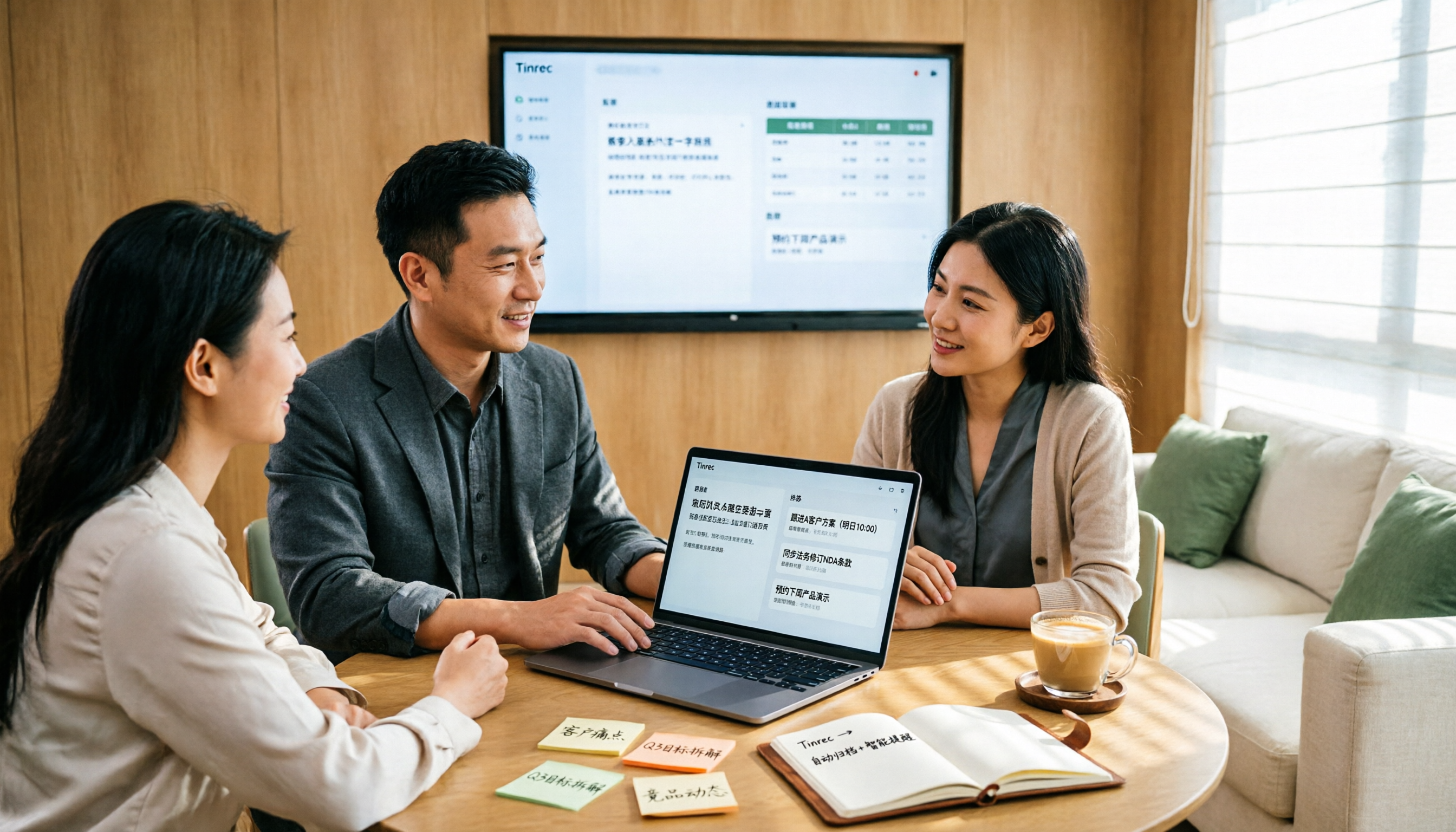
The most common pitfall with sales meeting notes tables is filling in fields from memory after the meeting. Drawing on real-world experience from mid-level managers, this article reviews six tools that can turn sales meetings into transcripts, summaries, action items, and exportable tables, including Tinrec, Otter.ai, Fireflies.ai, Notta, Granola, and TurboScribe. It explains each tool's positioning, pricing, and ideal users, and offers selection advice and usage notes.
2026 Sales Meeting Notes Templates: 6 Free Options Compared
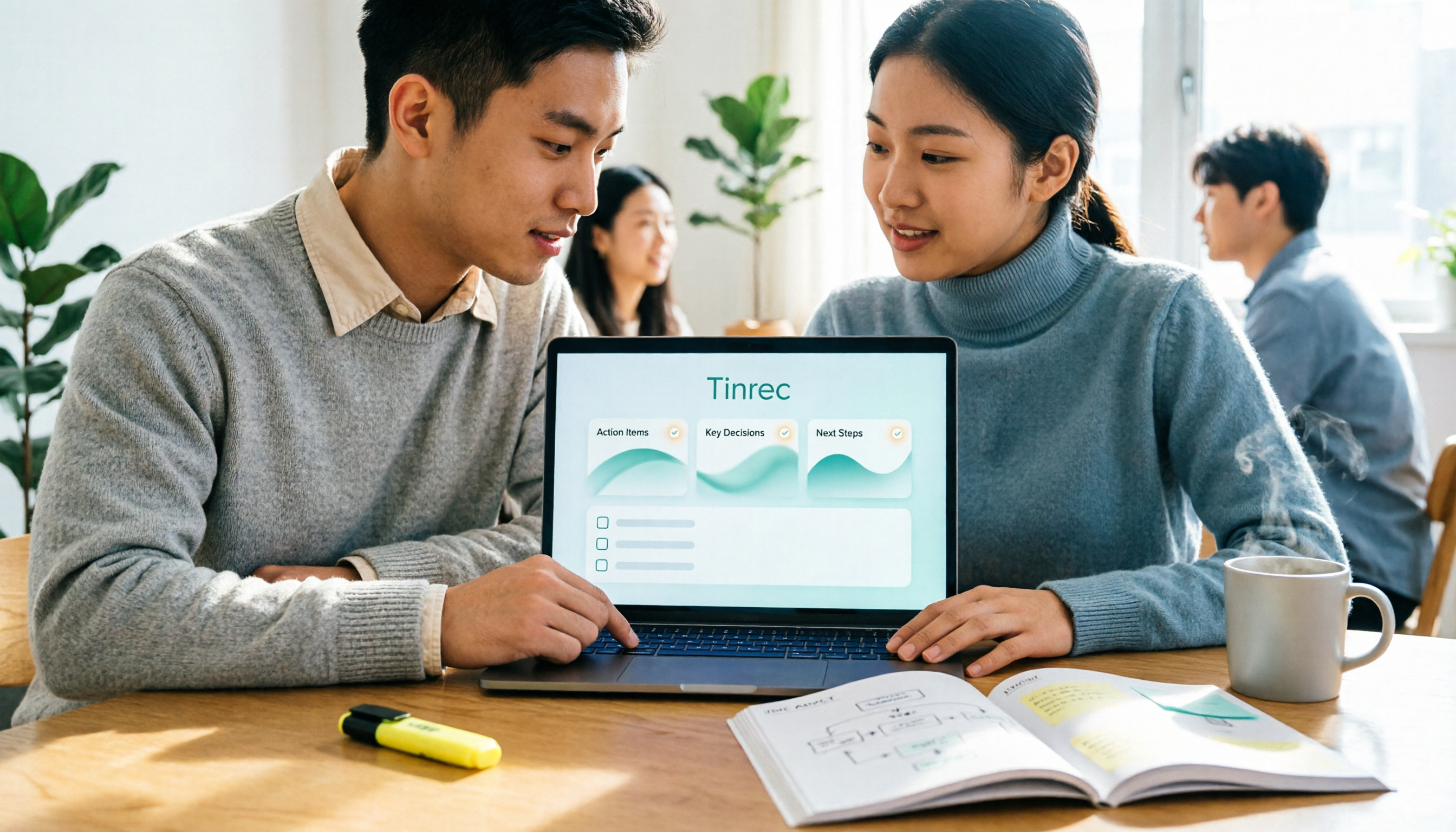
Starting from a student's perspective of getting tired of searching for templates on Dcard, this article reviews 6 sales meeting notes solutions: from plain text templates and free transcription tools to AI meeting notes that can automatically generate summaries and action items. It includes each option's free quota, pricing, and use cases to help you pick the most time-saving one.