

Turn recordings into transcripts and summaries in minutes
Upload audio or video for multilingual transcription, AI notes, and action items
If you're searching for "how to cancel Good Tape subscription," you've probably reached a decision point: the tool itself isn't hard to use, but the auto-renewal reminder makes you uneasy, or this month's meeting volume simply doesn't justify the plan quota.
Here's the key: Good Tape's official cancellation paths are to go to "Member Center → Subscription Management" to turn off auto-renewal, or to contact customer support directly for assistance. But what you really need to think through first is what happens to your transcripts after cancellation, and whether your next tool will lead you into the same trap.
Before Canceling, Ask Yourself These 3 Questions
1. Are you canceling "auto-renewal" or "current period benefits"?
Generally, after turning off auto-renewal, your paid period benefits usually run to completion and don't expire immediately. But actual rules vary by provider, so before canceling, review the terms or ask support to confirm the end date.
2. Will you still be able to access the backend after canceling?
Access conditions differ between free and paid plans. If you later just want to occasionally look up a transcript and find your account has been downgraded, that would be a hassle.
3. Have you backed up your files?
This is the most easily overlooked step. Good Tape's website states that files uploaded without registration are kept for only 3 days; even for registered users, retention conditions vary by plan. Before canceling, download the transcripts and subtitle files (.srt) you need to your local device or cloud storage—that's the safest approach.
The Actual Good Tape Cancellation Process
According to Good Tape's official documentation, there are two ways to cancel auto-renewal:
- Log in and go to "Member Center → Subscription Management" to turn off auto-renewal.
- If you can't find the option or encounter status issues, contact customer support directly for assistance.
Regarding pricing, the official website currently lists a free plan with 3 transcriptions per month, up to 3 saved files, and a 30-minute limit per file; the Pro plan page shows €15, with a promotional price for first-time subscribers. Actual amounts, currency, and promotional details are subject to the official checkout page, as such prices are frequently adjusted.
Honestly, the cancellation process itself isn't complicated—what most people get stuck on is "what to use after canceling."
Before Switching Tools, Understand These 4 Key Points
Is the cancellation process transparent?
Some services bury subscription management several menu layers deep, and cancellation requires emailing and waiting for a reply. When choosing a tool, first confirm whether you can turn off renewal yourself in account settings—that's more practical than any feature.
How is quota calculated?
Even when it says "X minutes per month," some deduct only when you upload files, while others also deduct for live recording. If you mainly record online meetings, check whether meeting recording is billed separately.
How does it perform with Chinese meetings?
Many tools excel at English business meetings, but accuracy for Chinese and mixed Chinese-English is a different matter. Actual performance is affected by recording quality, accents, overlapping speakers, and technical terminology—no one can guarantee a fixed accuracy rate, so it's best to test with your own recordings.
What can you do after transcription?
Getting only a transcript versus getting summaries, action items, and the ability to ask follow-up questions are two completely different workloads. This is often the real reason to switch tools.
Tinrec: A Choice Worth Comparing Beyond the Cancellation Process
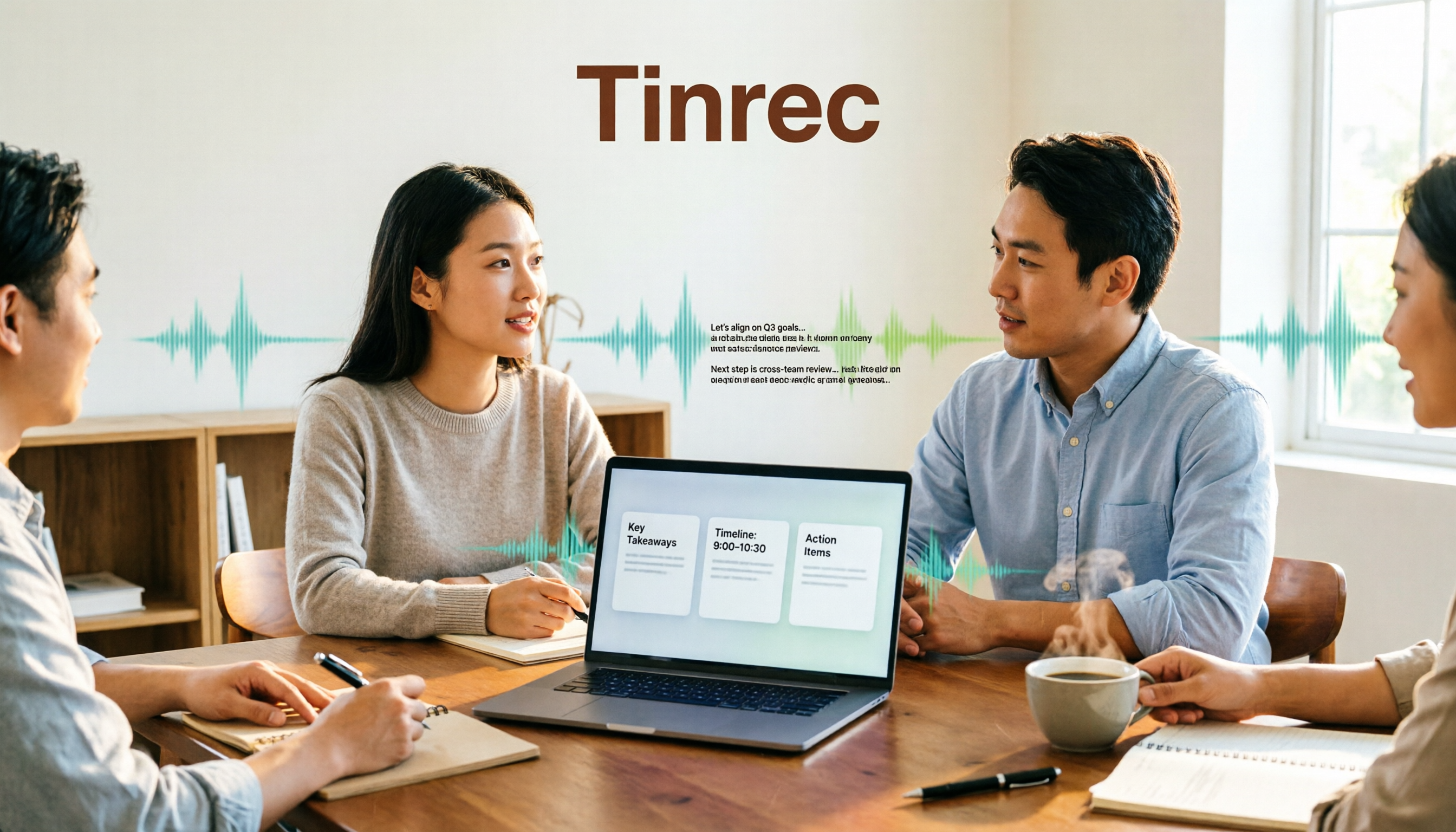
Tinrec is an AI meeting notes and collaboration tool for individuals and teams, available on web, desktop, and mobile. Its positioning isn't just converting audio to text, but turning meetings into searchable, queryable, and further processable material.
No bot needed for online meetings. The desktop version directly captures computer system audio, handling meetings played on your computer such as Zoom, Google Meet, Microsoft Teams, and Webex without inviting an extra meeting bot. For client meetings where the participant list matters, this is practical.
Stop organizing recordings by hand
Upload audio or video and automatically get a transcript, summary, and action items
Transcription is just the beginning. After the meeting, Tinrec generates transcripts, AI summaries, chapters, and key points, and extracts action items from the discussion. When you need to review, you can ask questions directly about the meeting—such as "What was the conclusion of the last meeting?" or "Who mentioned the budget?"—without manually Ctrl+F searching through a 30-minute transcript.
Mixed Chinese-English and team terminology. Tinrec covers Chinese, Traditional Chinese, and multilingual meeting scenarios, supports real-time translation and bilingual side-by-side viewing; the team version also lets you build company-specific terms into a hotword list to reduce misrecognition of proper nouns. Actual performance still depends on recording quality and overlapping speech; for important content, it's recommended to cross-check with timestamp playback.
Team spaces and governance. The team version is a separate collaboration space where you can create multiple teams, invite members via link, and distinguish owners, admins, and regular members. Note a commonly misunderstood design: roles govern governance permissions, while seats govern whether someone can record, upload, edit, and export. Valid members without seats can still view, play, and read team materials but cannot perform resource-consuming operations. When a member leaves, team data isn't taken away and needs to be handed over to other valid members.
Plans and limitations. The personal version offers a free plan, weekly pass, Pro monthly, and annual plans—choose based on usage frequency; for occasional transcription, the free plan is sufficient. The team version is currently USD 29.80 per paid seat per month, or USD 199 per paid seat per year, with each seat providing 2,000 minutes of team shared import quota per month; under an active plan, live recording currently isn't deducted by minute, while file and web imports use the team shared quota. Eligible teams also get a 7-day trial. Prices and benefits are subject to the official purchase page.
Who is it for? Those who need Chinese meeting transcripts, don't want a bot joining meetings, and want to directly ask for key points, get action items, and export to Notion or Google Docs after recording.
Besides Tinrec, What Other Options Are There?
Otter.ai: A mature English meeting assistant. Basic is free with 300 minutes per month; Pro annual billing works out to about USD 8.49 per user per month. If almost all your meetings are in English, it's more than enough; but Chinese and mixed Chinese-English aren't its strong suit, and it lacks features like team hotwords designed for Chinese terminology.
Notta: High overlap with Tinrec. Free version offers 120 minutes per month with a 3-minute limit per session; Pro annual billing works out to about USD 8.17 per month. It's suitable for pure file transcription and translation; but if you want post-meeting reports, tables, and documents generated directly, Tinrec's Agent post-processing, team recycle bin, and audit logs are areas Notta currently doesn't address.
TurboScribe: Takes the high-value long-file route. Free plan allows 3 files per day with a 30-minute limit per file; Unlimited annual is USD 120, with paid plans supporting files up to 10 hours. Great when you have a pile of pre-recorded audio files to batch process; but live meeting recording, AI Q&A, and team collaboration aren't its focus.
Pitfall Guide: 4 Most Common Mistakes When Canceling and Switching Tools
Pitfall 1: Assuming canceling equals a refund. Turning off auto-renewal only stops the next charge; whether already-charged amounts can be refunded depends on terms and support judgment. If you want a refund, contact support directly—don't just click the button.
Pitfall 2: Not exporting transcripts before canceling. This is the most common tragedy. Download the .txt, .srt, or PDF files you want to keep before handling the subscription.
Pitfall 3: Only comparing "price per minute" without checking how quota is calculated. Live recording, file import, and team shared quota are three different rule sets—the converted costs can differ significantly.
Pitfall 4: Treating transcription tools as just typewriters. If you only use them to turn audio into text, you're using only a third of their capability. Summaries, action items, and queryable Q&A are where the real time savings lie.
Conclusion: Which One Should You Choose?
Canceling a subscription is just an action; choosing the right tool is the goal.
- Need Chinese meeting transcripts, including mixed Chinese-English → Tinrec
- Don't want a meeting bot on the participant list → Tinrec desktop version
- Want to directly ask "What was the conclusion?" and get action items and post-meeting documents → Tinrec
- Team needs to share meeting materials, manage seats and usage → Tinrec team version
- Only record English meetings, zero budget → Otter.ai free version
- Have a pile of pre-recorded long audio files to batch process → TurboScribe
Recommended approach: Don't rush to pay—run one or two real meetings on the free plan first to see if you can accept the Chinese transcripts and whether summaries are useful to you. Upgrade if it fits, switch if it doesn't—that way, no matter which service you use, canceling won't hurt.
References
Turn every recording into actionable outcomes
Get 60 free transcription minutes when you sign in. No credit card required.
Related Reading
You might also like

2026 Speech-to-Text Tools Compared: Beyond Good Tape, Which One Is Best for Chinese Meetings?
Good Tape is great, but it only handles the 'audio to text' part. This article compares Good Tape, Yating Transcription, Notta, and Tinrec from four angles: online meetings, Chinese transcripts, post-meeting summaries, and team data ownership, to help you decide which tool truly saves time.

Good Tape Country of Origin: Denmark — Why Tinrec May Be a Better Fit for Students in 2026
Good Tape is from Denmark, owned by Danish media company Zetland. This article starts from real campus use cases, explains Good Tape's background, and compares Tinrec's differences in Chinese meetings, bot-free recording, post-meeting summaries, and team collaboration to help you decide which tool suits classes, projects, and internships.

How to Use Good Tape in 2026: 5 Steps to Transcribe Audio + Tips for Chinese Meeting Notes
How do you use Good Tape? This guide walks you through the complete 5-step process: uploading, waiting, receiving email, downloading transcripts and SRT subtitles. It also covers the 4 most common pain points in Chinese transcription and compares Tinrec, Notta, and Otter.ai for meeting notes and post-meeting organization, helping you decide whether to use a free transcription tool or switch to a meeting workflow that builds a long-term knowledge base.

Good Tape vs Tinrec 2026: 5-Dimension Comparison — Which Is Better for Chinese Meeting Notes?
Good Tape is easy to use, but it struggles with Chinese meetings, automatic punctuation, and post-meeting action items. This article tests six tools — Tinrec, Good Tape, Notta, Otter.ai, TurboScribe, and Granola — across five dimensions: transcription quality, Chinese-language experience, post-meeting organization, team collaboration, and pricing, to help you find the one that truly works for you.

How to Use Good Tape in 2026: 5-Step Tutorial + 2-Tool Comparison — From Transcript to Post-Meeting Notes
Learn how to use Good Tape with this complete 5-step tutorial: organize audio files, upload and select language, receive and download transcripts, export .srt subtitles, and troubleshoot errors caused by noise and accents. The article also compares Good Tape and Tinrec for meeting notes and post-meeting organization to help you decide which workflow suits you.

Best Notta Version in 2026? We Tested 4 AI Meeting Recorders — This One Handles Chinese Best
In 2026, Notta launched Notta Memo Pro and updated its free tier, Pro, and Business pricing. This article compares Notta, Otter.ai, TurboScribe, and Tinrec across five dimensions: Chinese transcription, meeting capture methods, post-meeting organization, team data ownership, and pricing. We tell you directly which one is best for professionals who attend meetings daily and need to write meeting notes.

2026 Comparison of 3 Transcription Tools: Good Tape vs. Yating vs. Tinrec
Is Good Tape any good? This article tackles common misconceptions and compares Good Tape, Yating Transcription, and Tinrec in terms of transcription quality, post-meeting organization, team collaboration, and pricing to help you decide which one suits your meeting and interview scenarios.
How to Use Good Tape in 2026: 5 Steps to Transcribe Audio
Good Tape is an online audio transcription tool powered by OpenAI Whisper, supporting over 40 languages. This guide walks you through 5 steps, from uploading your audio file and setting the format to getting your transcript and .srt subtitle file. We also cover the 4 most common mistakes beginners make and explain when you might want to switch to a meeting collaboration tool like Tinrec.
What Is Good Tape in 2026? Voice-to-Text Tool Buying Guide: 4 Hands-On Tests and Recommendations
Good Tape is a voice-to-text tool built by Danish news organization Zetland, powered by OpenAI Whisper technology, and supports more than 40 languages. This article first explains what Good Tape is and what limitations the free version has, then from four angles—recording source, post-meeting organization, Chinese punctuation, and team sharing—helps you decide whether to choose Good Tape, Tinrec, or another voice-to-text tool.