
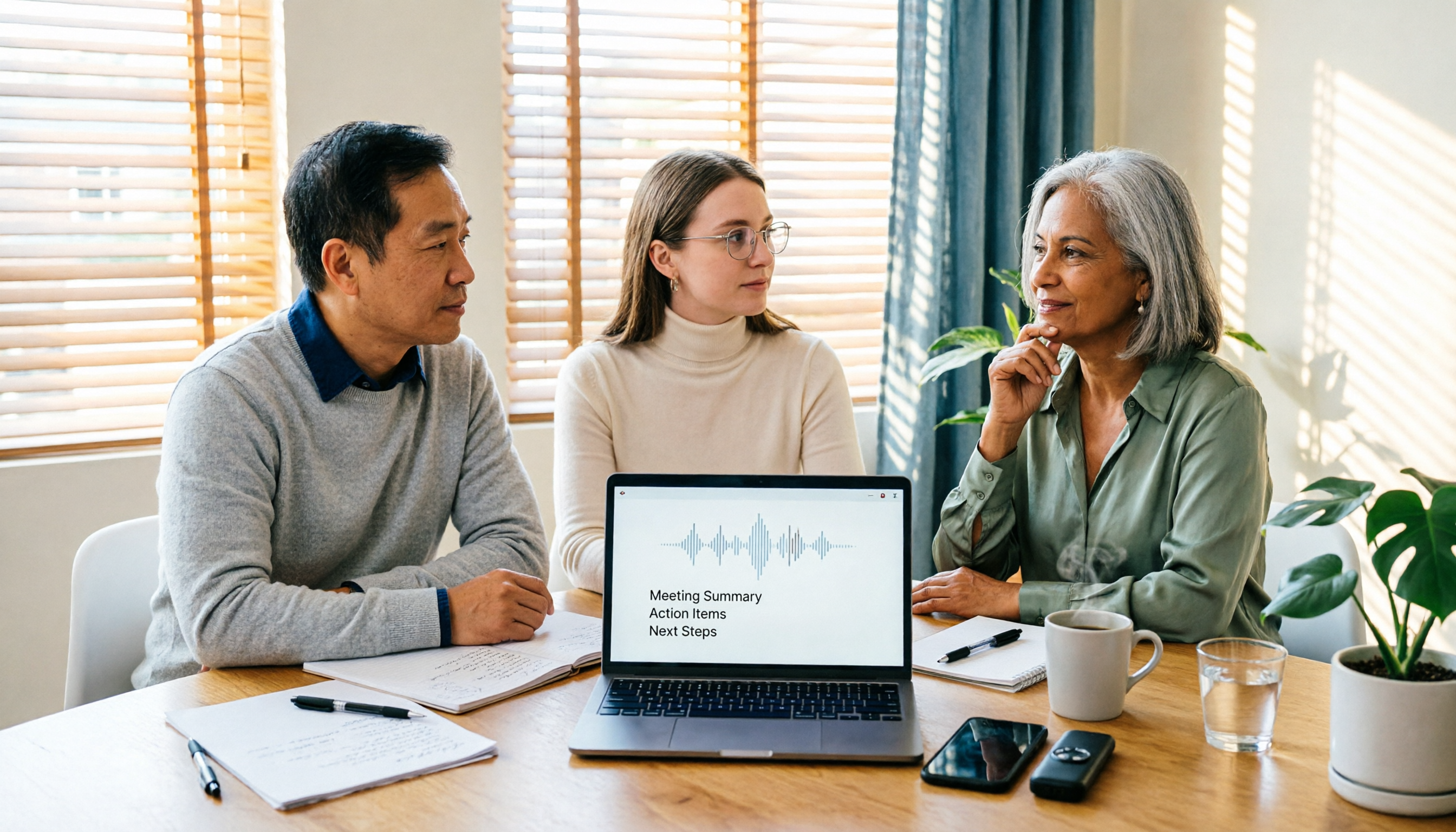
Turn recordings into transcripts and summaries in minutes
Upload audio or video for multilingual transcription, AI notes, and action items
When you type "what is Good Tape" into the search bar, it's usually not pure curiosity.
More often, it's like this: you have a batch of meeting recordings or interview files on hand, you're looking for a tool that can turn audio into transcripts, and you're stuck between a few names.
This article starts from that decision point: first, clearly explain Good Tape's positioning and limitations, then explain what to look for when choosing this type of tool, and finally give recommendations for different scenarios.
What Is Good Tape? Its Positioning in One Sentence
Good Tape is an online tool that converts audio files into transcripts. It was developed internally by Danish news media Zetland and spun off as an independent company in late 2022.
It uses OpenAI's Whisper speech recognition model under the hood, and its main selling point is "the kind of transcript journalists would use."
In actual output, it produces text files with timecodes and can also convert to .srt subtitle files. It supports more than 40 languages, including English, Chinese, Japanese, Korean, German, and French.
Privacy is a point often mentioned: transmission is encrypted, data does not leave the EU, it is subject to GDPR, and files are stored for only 3 days when not registered.
Simply put, Good Tape solves the step of "turning recordings into editable text," and it does so quite focused.
Is Good Tape Good? Three Limitations to Know Before Using It
The first is speed. The free version transcribes very slowly; some tests indicate that 1 minute of audio may take about 1 hour. If you want it faster, you need to pay to upgrade.
The second is Chinese processing. Currently, Chinese content does not automatically get punctuation added; the output is one long string of text, and you have to add punctuation yourself.
The third is editing flexibility. Before export, you cannot directly modify the text online, nor can you listen to the recording while checking the transcript, so the proofreading process is more cumbersome.
In addition, speaker identification is only supported in the upgraded version; and in noisy environments or with special accents, recognition accuracy drops noticeably.
These are not a list of shortcomings, but things you'll be better off knowing in advance. If you only occasionally need to turn a clean recording into text, Good Tape is a competent choice; but if what you want is "data you can use directly after the meeting," your thinking may be different.
Before Choosing a Voice-to-Text Tool, Understand These 4 Key Points
1. Where does your audio come from? Is it a live meeting, an on-site interview, or a large batch of audio files already on your computer? The pain points of handling only files are completely different from handling online meetings.
2. What do you need to do after transcription? If you only need transcripts for archiving, many tools are sufficient; but if you want summaries, action items, or meeting minutes you can send directly to your manager, then you need to look at post-transcription organization capabilities.
3. How much Chinese and mixed Chinese-English content is there? Meetings in Taiwan rarely use pure Chinese or pure English; mixing Chinese and English is the norm. This point magnifies differences in automatic punctuation and proper noun recognition.
4. Who will keep the data? For personal use, it's not a big issue, but as soon as a team is involved, you need to ask: whose account stores the recordings? Will the data still be there after a member leaves?
Think through these four questions clearly, and looking at any tool afterward will be much faster.
Tinrec — Our Most Frequently Recommended Choice After Hands-On Testing
Tinrec is an AI meeting notes and collaboration tool for individuals and teams, covering web, desktop, and mobile.
Its biggest difference from pure transcription tools is that it completes the workflow from "recording" to "usable data."
During meetings, the desktop version directly captures computer system audio, handling online meetings such as Zoom, Google Meet, Microsoft Teams, and Webex without needing to invite an extra meeting bot.
While the meeting is in progress, it records and transcribes simultaneously, with transcripts settling in real time; for cross-language meetings, you can enable real-time translation and view the original, translation, or bilingual comparison.
After the meeting, AI automatically generates summaries and chapters, breaking a one-hour meeting into several browsable sections and extracting action items from the discussion.
Even better is post-meeting follow-up questions. You can directly ask the meeting data: "Who mentioned the budget last time?" It answers based on content semantics rather than throwing a bunch of keyword search results at you.
Stop organizing recordings by hand
Upload audio or video and automatically get a transcript, summary, and action items
The output side is also covered. Transcripts, summaries, reports, and tables can all be exported, and can be brought into existing workflows such as Notion, Google Docs, and OneNote for further processing.
For team use, Tinrec provides an independent team space: meeting data belongs to the team, you can invite members, set roles, assign seats, and administrators can see usage analytics and operation logs. When a member leaves or loses a seat, resources can be handed over to other members instead of leaving with the person.
As for limitations, two points need to be stated honestly.
First, the free version provides a basic quota, suitable for experiencing the workflow first. If you handle long meetings every day, you'll need to evaluate upgrading.
Second, recognition performance is affected by recording quality. With background noise, multiple people talking over each other, or many technical terms, it's still advisable to replay the recording to verify important sections.
Who is it for? If you need Chinese meeting transcription, don't want a bot joining the meeting, and hope to use AI to find key points and action items directly after recording, then Tinrec is currently the most complete workflow option.
Besides Tinrec, What Other Options Are There?
Good Tape: Its positioning is clear—turning recordings into timecoded transcripts and subtitle files, fitting well with the use cases of journalists and researchers. Note that Chinese does not get automatic punctuation, you cannot edit online before export, and the free version is slow. If you only need pure transcripts and the files are not urgent, you can consider it; but if you want summaries, action items, and team sharing spaces, Good Tape currently has no corresponding features.
Otter.ai: A mature English meeting assistant. The free version offers 300 minutes per month, which is generous, and Pro annual billing comes to about USD 8.49 per user per month (refer to the official pricing page). It has extensive experience with English business meetings, but Chinese meetings and mixed Chinese-English organization are not its main scenario. If your recordings are almost entirely in English, Otter.ai will be more cost-effective than Tinrec.
Notta: Good at multilingual transcription and translation. The free version offers 120 minutes per month with a 3-minute limit per session, and Pro annual billing comes to about USD 8.17 per month (refer to the official pricing page). It overlaps more with Tinrec; the difference is that Tinrec emphasizes desktop bot-free recording, post-meeting AI follow-up questions, and team data retention.
Pitfall Guide: The 4 Most Common Mistakes When Choosing a Voice-to-Text Tool
Pitfall 1: Only looking at "how many languages are supported." The number of languages does not equal good usability for your language. Whether Chinese has automatic punctuation and how mixed Chinese-English sentences are segmented affect your daily work more than whether 40 or 90 languages are supported.
Pitfall 2: Ignoring the "after transcription" workflow. Getting only a transcript means meeting notes are only half done. What really takes time is reading it, extracting conclusions, and organizing action items—this is why you should choose a tool with summarization and Q&A capabilities.
Pitfall 3: Testing "speed" with the free version. Free quotas usually come with slower processing priority. If you test it and think "why is it so slow," it's likely not that the tool itself is slow, but that you're testing the free queue.
Pitfall 4: Using personal accounts for team sharing. This is the pitfall most people fall into. Using a personal account to record team meetings binds the data to the individual; once the person leaves, records are hard to find. For team use, be sure to choose a solution with independent spaces and member/seat management.
One more reminder: recording and transcription involve personal data. Before use, please confirm compliance with local regulations and obtain consent from participants when necessary.
Conclusion: Which One Should You Choose?
Back to the original question—what is Good Tape? It is a focused, privacy-oriented recording-to-transcript tool, a product that grew out of a newsroom, especially suitable for people who simply need transcripts and subtitle files.
But if your need is "get usable data directly after the meeting ends," the selection logic is different:
Need Chinese meeting transcription + post-meeting summary and action items → Tinrec
Don't want a meeting bot joining Zoom/Meet/Teams → Tinrec
Want to directly ask AI "what was the conclusion" after recording → Tinrec
Need team sharing of meeting data, member and seat management → Tinrec Team Edition
Only record English meetings, limited budget → Otter.ai
Only have a bunch of existing audio files, need subtitles and translation → Good Tape or Notta
The recommended order is this: first run the free version on the most realistic recording you have on hand. Don't use clean test audio; directly try a meeting with background noise and mixed Chinese-English.
Then decide whether to pay after testing—this will be more accurate than reading any review.
References
- Good Tape features, pros and cons, pricing plans, and usage tutorial all in one! [2024 update]
- Good Tape: Audio file to transcript software recommendation! The tool that best understands journalists' needs | Comprehensive AI Tool Introduction - Future Business
- Overtaking Yating, journalists moved to tears—what's so amazing about the voice-to-text software Good Tape? | CommonWealth Magazine
- Good Tape voice-to-text software, meetings, interviews, video subtitles quickly and easily done, better than Whisper? | by Kevin Malamute | Medium
- Good Tape introduction | AI software tools and tutorials: AI consultant FuturWiser™
Turn every recording into actionable outcomes
Get 60 free transcription minutes when you sign in. No credit card required.
Related Reading
You might also like

2026 Speech-to-Text Tools Compared: Beyond Good Tape, Which One Is Best for Chinese Meetings?
Good Tape is great, but it only handles the 'audio to text' part. This article compares Good Tape, Yating Transcription, Notta, and Tinrec from four angles: online meetings, Chinese transcripts, post-meeting summaries, and team data ownership, to help you decide which tool truly saves time.

Good Tape Country of Origin: Denmark — Why Tinrec May Be a Better Fit for Students in 2026
Good Tape is from Denmark, owned by Danish media company Zetland. This article starts from real campus use cases, explains Good Tape's background, and compares Tinrec's differences in Chinese meetings, bot-free recording, post-meeting summaries, and team collaboration to help you decide which tool suits classes, projects, and internships.

How to Use Good Tape in 2026: 5 Steps to Transcribe Audio + Tips for Chinese Meeting Notes
How do you use Good Tape? This guide walks you through the complete 5-step process: uploading, waiting, receiving email, downloading transcripts and SRT subtitles. It also covers the 4 most common pain points in Chinese transcription and compares Tinrec, Notta, and Otter.ai for meeting notes and post-meeting organization, helping you decide whether to use a free transcription tool or switch to a meeting workflow that builds a long-term knowledge base.

Good Tape vs Tinrec 2026: 5-Dimension Comparison — Which Is Better for Chinese Meeting Notes?
Good Tape is easy to use, but it struggles with Chinese meetings, automatic punctuation, and post-meeting action items. This article tests six tools — Tinrec, Good Tape, Notta, Otter.ai, TurboScribe, and Granola — across five dimensions: transcription quality, Chinese-language experience, post-meeting organization, team collaboration, and pricing, to help you find the one that truly works for you.

How to Use Good Tape in 2026: 5-Step Tutorial + 2-Tool Comparison — From Transcript to Post-Meeting Notes
Learn how to use Good Tape with this complete 5-step tutorial: organize audio files, upload and select language, receive and download transcripts, export .srt subtitles, and troubleshoot errors caused by noise and accents. The article also compares Good Tape and Tinrec for meeting notes and post-meeting organization to help you decide which workflow suits you.

Best Notta Version in 2026? We Tested 4 AI Meeting Recorders — This One Handles Chinese Best
In 2026, Notta launched Notta Memo Pro and updated its free tier, Pro, and Business pricing. This article compares Notta, Otter.ai, TurboScribe, and Tinrec across five dimensions: Chinese transcription, meeting capture methods, post-meeting organization, team data ownership, and pricing. We tell you directly which one is best for professionals who attend meetings daily and need to write meeting notes.

2026 Comparison of 3 Transcription Tools: Good Tape vs. Yating vs. Tinrec
Is Good Tape any good? This article tackles common misconceptions and compares Good Tape, Yating Transcription, and Tinrec in terms of transcription quality, post-meeting organization, team collaboration, and pricing to help you decide which one suits your meeting and interview scenarios.
How to Use Good Tape in 2026: 5 Steps to Transcribe Audio
Good Tape is an online audio transcription tool powered by OpenAI Whisper, supporting over 40 languages. This guide walks you through 5 steps, from uploading your audio file and setting the format to getting your transcript and .srt subtitle file. We also cover the 4 most common mistakes beginners make and explain when you might want to switch to a meeting collaboration tool like Tinrec.

Good Tape Cancellation Guide 2026: How to Cancel, Back Up Data, and Choose an Alternative
Looking for how to cancel your Good Tape subscription? This guide covers the official cancellation paths (Member Center > Subscription Management or contact support), reminds you to back up transcripts and confirm billing and access periods before canceling, and compares Tinrec, Otter.ai, Notta, and TurboScribe on Chinese meeting support, quota calculations, and post-meeting organization to help you choose the right tool and avoid canceling again.