

Turn recordings into transcripts and summaries in minutes
Upload audio or video for multilingual transcription, AI notes, and action items
Why most people stumble when choosing a transcription tool—you don't just need text conversion, you need to save time on organization
Many people's first step in choosing a transcription tool is to compare "who offers more free minutes" or "who transcribes faster." This approach can easily lead to pitfalls.
Because what really eats up your time is often not the hour of transcription, but the three hours after. The audio file turns into a large block of text, and you still have to segment it, extract key points, listen back to find out who said what, and then copy the to-dos to another place.
Another common misconception is thinking that "having a transcript" equals "having meeting minutes." In reality, they are very different: a transcript is raw material, while minutes, decisions, and action items are the deliverables.
If you've ever experienced "not knowing where to start reading after transcription," this article is for you. Below are our own usage insights, cross-referenced with public test results from media outlets such as BusinessNext and CommonWealth Magazine, comparing Good Tape, Yating Transcription, and Tinrec side by side.
Before choosing a transcription tool, understand these 4 key points
First, what can you do after transcription. Just outputting text versus automatically generating summaries, chapters, and action items represent completely different workloads. With the former, you have to read everything yourself; with the latter, you can jump straight to the conclusion.
Second, how the meeting is recorded. Some tools require a meeting bot to join the meeting room as a "participant," while others prefer using a desktop version to directly capture the computer's system audio. The former requires remembering to invite the bot; the latter requires remembering to press start yourself. Both work, but suit different scenarios.
Third, actual performance in Chinese and multiple languages. Official accuracy rates are usually measured in quiet environments. Real meetings have air conditioning noise, keyboard sounds, multiple people talking over each other, and technical jargon—differences only show up in such situations.
Fourth, free quota and pricing structure. Some tools are free but only handle short audio files at a time; others give a fixed number of minutes per month. First figure out "how much you'll roughly use per month," then decide whether to pay.
Keep these four points in mind, and the differences among the three tools will become clear.
Tinrec—the one we open most often after testing
Tinrec is an AI meeting notes and collaboration tool for individuals and teams, available on web, desktop, and mobile. Its positioning is not just "converting sound to text," but turning meetings into searchable, queryable, and further processable material.
Record online meetings without a bot. The desktop version directly captures the computer's system audio, so when dealing with Zoom, Google Meet, Microsoft Teams, Webex, etc., you don't need to invite an extra bot into the meeting room. This is practical for external client meetings—you don't have to explain to the other party "what that account joining the meeting is."
Transcribe while recording, with real-time translation. For cross-language meetings, you can switch between original text, translation, or bilingual view without waiting until after the meeting.
Post-meeting organization is its main strength. After recording, it automatically generates summaries, chapters, key points, and action items. For long meetings, you can jump through chapters first. More importantly, the AI Q&A: you can directly ask it "who mentioned the budget in the last meeting" or "what were the client's concerns about pricing," and it will answer based on the content, not just throw keyword search results at you.
Output can be taken directly. Supports export to Notion, Google Docs, OneNote, Dropbox, etc., and can use Agent post-processing to generate reports, tables, and meeting minutes, saving the "copy-paste-reformat" step.
Stop organizing recordings by hand
Upload audio or video and automatically get a transcript, summary, and action items
Team version turns data into team assets. The team version provides an independent team space where meeting data belongs to the team, with roles, seats, usage analytics, audit logs, audio recycle bin, and team hotwords. Roles determine who can manage; seats determine who can record, upload, edit, and export—members without seats can still view, play, and read team data. Currently, the team monthly plan is USD 29.80 per paid seat per month, annual plan USD 199 per paid seat per year (about USD 16.58 per month). Paid seats provide 2,000 minutes of shared team import quota per month; under an active team plan, real-time recording is currently not deducted by minutes. The first eligible team trial is 7 days, 1 free seat, 300 minutes shared import quota.
Limitations to note. The free version has limited quota; heavy users need to pay. The team version currently focuses on team-level sharing, not file-level permissions. Transcription accuracy is still affected by recording quality, accents, overlapping speech, and technical jargon; for important content, it's recommended to listen back with timestamps for verification. Also, it does not automatically join all meetings on your calendar; you need to actively start recording.
Who it's for. People who frequently hold Chinese meetings, need to quickly capture key points and action items afterward, want to use both mobile and computer, or want to accumulate meeting data into a team knowledge base.
Besides Tinrec, who are Good Tape and Yating Transcription for?
Good Tape: A cloud transcription service from Denmark, powered by OpenAI's Whisper model. It focuses on quickly getting clean text after upload, automatically labeling speakers. The official claim is 99.98% accuracy, and it emphasizes compliance with EU GDPR and not using user-uploaded data for training. Output is mainly plain text, timestamped text, and SRT subtitle files. If you just want to turn a recording into text, it does the job well. However, its features are relatively focused on transcription; it lacks AI Q&A, action item extraction, and team spaces. For multi-person collaboration, you have to download files and organize separately. Taiwanese Hokkien vocabulary has also been caught misjudged in public tests.
Yating Transcription: A veteran local Taiwanese service. In BusinessNext's test, it performed best in speaker identification and punctuation. It can even recognize Taiwanese Hokkien terms like "sì-kè khuànn." The downside is slower speed—about 20 minutes for a 1-hour audio file—and number presentation and paragraph length are hard to adjust, affecting reading efficiency. It also lacks AI Q&A, action item extraction, team spaces, and bot-free online meeting recording. For pure Taiwanese Mandarin with light needs, it's worth considering; for organizing large volumes of meetings, it's more laborious.
Pitfall guide: 3 most common mistakes when choosing a transcription tool
Pitfall 1: Only comparing free minutes, not "subsequent organization time." A large free quota sounds cost-effective, but if you still have to spend two hours manually organizing after transcription, that "free" is actually expensive. When choosing a tool, include post-meeting organization in the cost.
Pitfall 2: Treating transcripts as meeting minutes. A transcript is raw material, not a finished product. Without summaries, chapters, and action items, you have to read from the first sentence to the last. If a tool can directly answer "what was the conclusion of this meeting," that's truly time-saving.
Pitfall 3: Sharing a personal account for team collaboration. Giving your personal account password to colleagues may be convenient short-term, but problems arise long-term—unclear data ownership, broken access when members leave, and no way to track who changed what. For team use, use team spaces and manage roles, seats, and usage separately.
Conclusion: Which one should you choose?
In one sentence: If you want "conversion to text," Good Tape is competent; if you want "usable right after the meeting," Tinrec is smoother.
- Chinese meetings + need post-meeting summaries and action items → Tinrec, generates summaries, chapters, and action items at once.
- Want to ask questions directly to find key points after recording → Tinrec, has AI Q&A, no manual Ctrl+F.
- Need to use on mobile, computer, and web → Tinrec, multi-device sync.
- Team needs to accumulate meeting data, manage members and usage → Tinrec team version, with seats, usage, and audit.
- Just want to turn a recording into plain text, single user → Good Tape is sufficient.
- Mainly all-Taiwanese Hokkien interviews → Yating Transcription, still has advantages in Taiwanese Hokkien vocabulary recognition.
We recommend first using the free quota to run one or two of your own meeting recordings, see if the transcribed results look good and if organization is effortless, then decide whether to upgrade. After all, everyone's meeting style is different; what others say is good may not fit your workflow.
References
- Yating Transcription, Good Tape, Vocol.ai tested: This AI transcription software has the highest CP value! | BusinessNext
- Hands-on review: Unboxing Good Tape, Yating Transcription, Vocol.ai—which AI transcription software is best?
- Why I chose GoodTape over MacWhisper? My real experience after writing 500 blog posts
- Overtaking Yating, reporters moved to tears—what's so amazing about Good Tape? | CommonWealth Magazine
- Good Tape features, pros and cons, pricing, and tutorial all in one! [2024 update]
Turn every recording into actionable outcomes
Get 60 free transcription minutes when you sign in. No credit card required.
Related Reading
You might also like

2026 Speech-to-Text Tools Compared: Beyond Good Tape, Which One Is Best for Chinese Meetings?
Good Tape is great, but it only handles the 'audio to text' part. This article compares Good Tape, Yating Transcription, Notta, and Tinrec from four angles: online meetings, Chinese transcripts, post-meeting summaries, and team data ownership, to help you decide which tool truly saves time.

Good Tape Country of Origin: Denmark — Why Tinrec May Be a Better Fit for Students in 2026
Good Tape is from Denmark, owned by Danish media company Zetland. This article starts from real campus use cases, explains Good Tape's background, and compares Tinrec's differences in Chinese meetings, bot-free recording, post-meeting summaries, and team collaboration to help you decide which tool suits classes, projects, and internships.

How to Use Good Tape in 2026: 5 Steps to Transcribe Audio + Tips for Chinese Meeting Notes
How do you use Good Tape? This guide walks you through the complete 5-step process: uploading, waiting, receiving email, downloading transcripts and SRT subtitles. It also covers the 4 most common pain points in Chinese transcription and compares Tinrec, Notta, and Otter.ai for meeting notes and post-meeting organization, helping you decide whether to use a free transcription tool or switch to a meeting workflow that builds a long-term knowledge base.

Good Tape vs Tinrec 2026: 5-Dimension Comparison — Which Is Better for Chinese Meeting Notes?
Good Tape is easy to use, but it struggles with Chinese meetings, automatic punctuation, and post-meeting action items. This article tests six tools — Tinrec, Good Tape, Notta, Otter.ai, TurboScribe, and Granola — across five dimensions: transcription quality, Chinese-language experience, post-meeting organization, team collaboration, and pricing, to help you find the one that truly works for you.

How to Use Good Tape in 2026: 5-Step Tutorial + 2-Tool Comparison — From Transcript to Post-Meeting Notes
Learn how to use Good Tape with this complete 5-step tutorial: organize audio files, upload and select language, receive and download transcripts, export .srt subtitles, and troubleshoot errors caused by noise and accents. The article also compares Good Tape and Tinrec for meeting notes and post-meeting organization to help you decide which workflow suits you.

Best Notta Version in 2026? We Tested 4 AI Meeting Recorders — This One Handles Chinese Best
In 2026, Notta launched Notta Memo Pro and updated its free tier, Pro, and Business pricing. This article compares Notta, Otter.ai, TurboScribe, and Tinrec across five dimensions: Chinese transcription, meeting capture methods, post-meeting organization, team data ownership, and pricing. We tell you directly which one is best for professionals who attend meetings daily and need to write meeting notes.
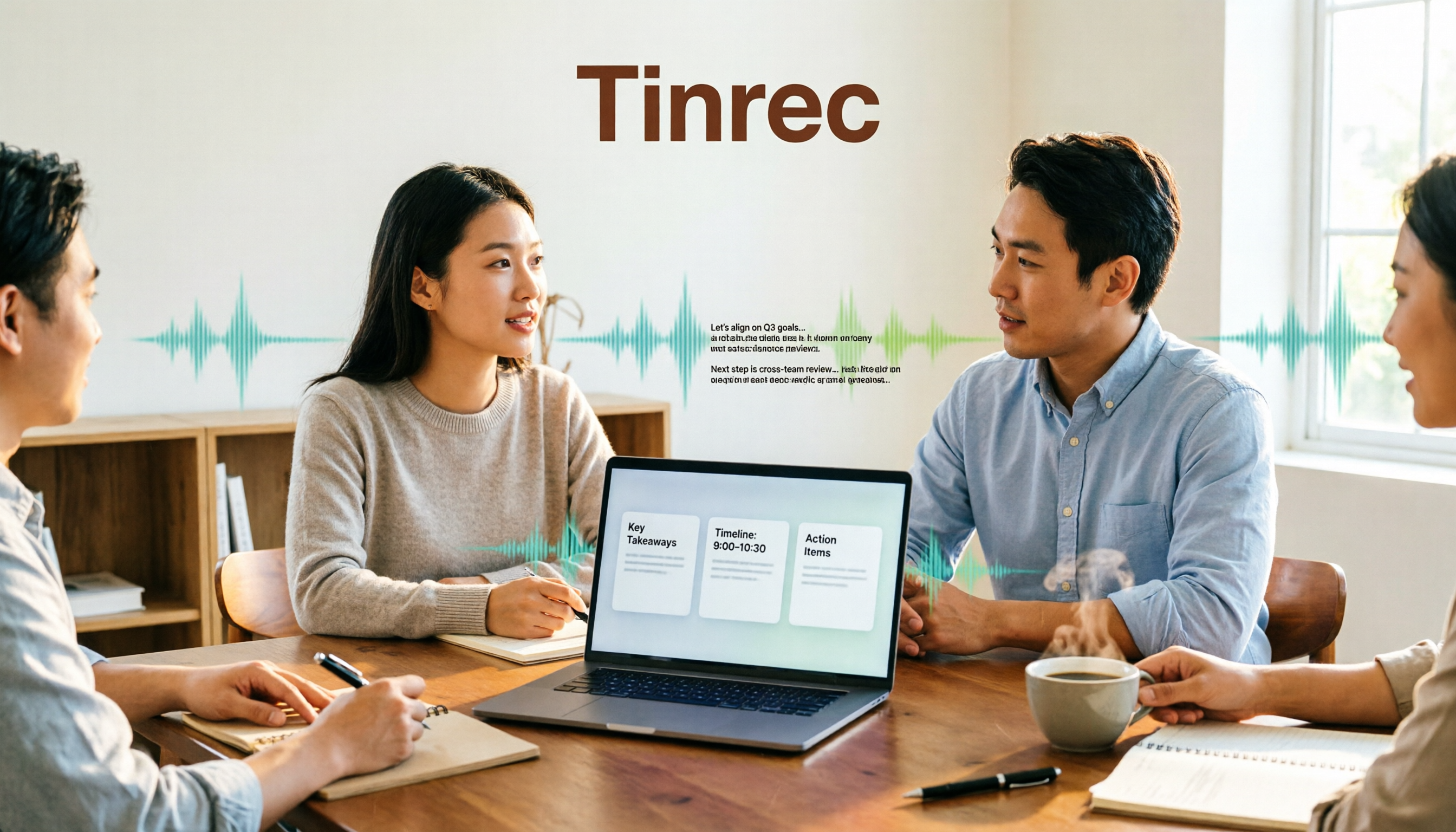
How to Use Good Tape in 2026: 5 Steps to Transcribe Audio
Good Tape is an online audio transcription tool powered by OpenAI Whisper, supporting over 40 languages. This guide walks you through 5 steps, from uploading your audio file and setting the format to getting your transcript and .srt subtitle file. We also cover the 4 most common mistakes beginners make and explain when you might want to switch to a meeting collaboration tool like Tinrec.
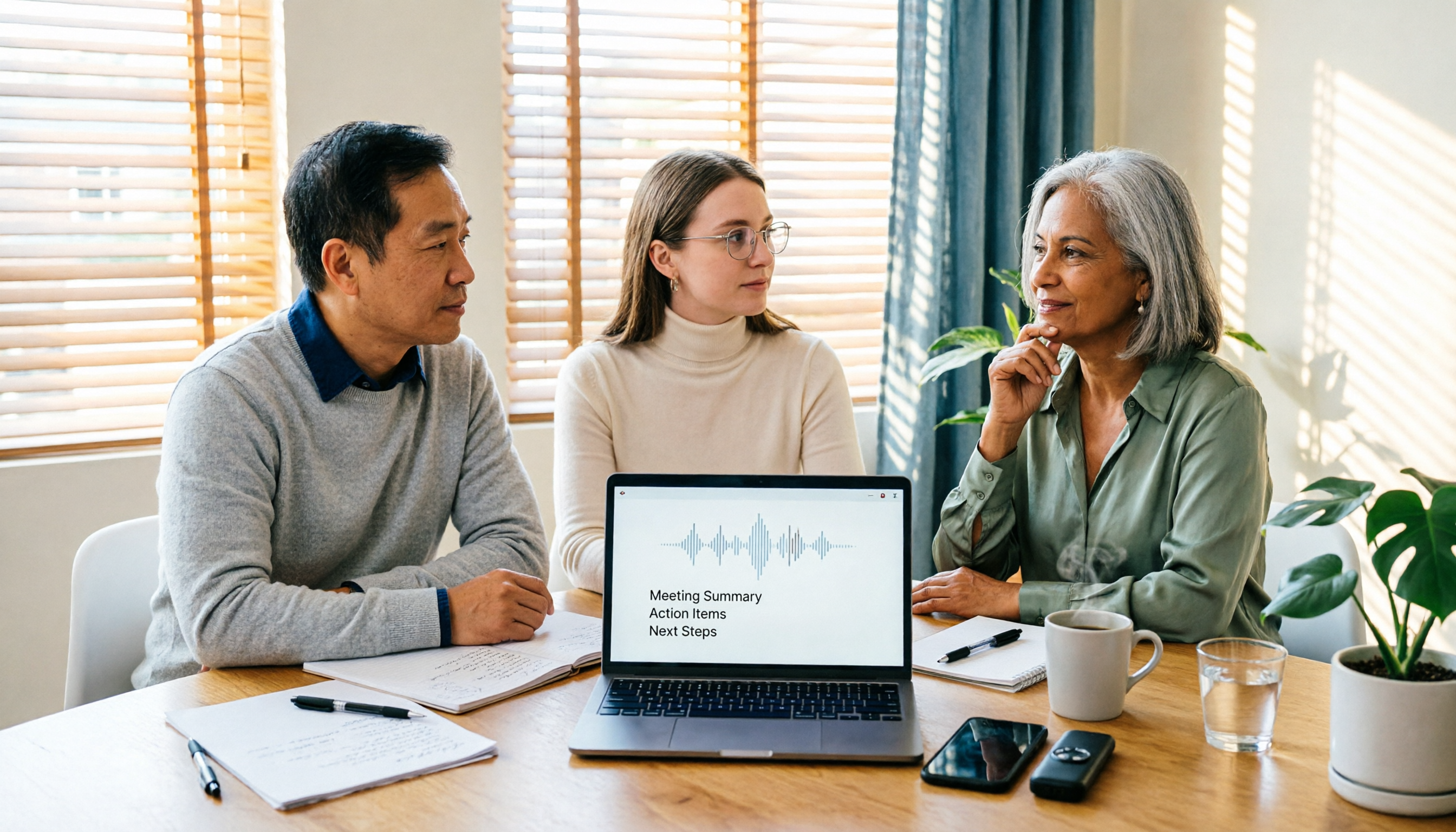
What Is Good Tape in 2026? Voice-to-Text Tool Buying Guide: 4 Hands-On Tests and Recommendations
Good Tape is a voice-to-text tool built by Danish news organization Zetland, powered by OpenAI Whisper technology, and supports more than 40 languages. This article first explains what Good Tape is and what limitations the free version has, then from four angles—recording source, post-meeting organization, Chinese punctuation, and team sharing—helps you decide whether to choose Good Tape, Tinrec, or another voice-to-text tool.

Good Tape Cancellation Guide 2026: How to Cancel, Back Up Data, and Choose an Alternative
Looking for how to cancel your Good Tape subscription? This guide covers the official cancellation paths (Member Center > Subscription Management or contact support), reminds you to back up transcripts and confirm billing and access periods before canceling, and compares Tinrec, Otter.ai, Notta, and TurboScribe on Chinese meeting support, quota calculations, and post-meeting organization to help you choose the right tool and avoid canceling again.