

Turn recordings into transcripts and summaries in minutes
Upload audio or video for multilingual transcription, AI notes, and action items
How Much Does Yating Transcription Cost in 2026? 5 Steps to Understand Online Pricing and Alternatives
The meeting ends, and the overtime begins
"What was the conclusion of last week's cross-department meeting?" When my boss asked that, I flipped through three minutes of notes and still couldn't find that key budget number.
I'm not the only one with this problem. I manage 10 people and have about 15 meetings a week: weekly meetings, project progress meetings, one-on-ones, cross-department coordination, client visits. The most annoying part was never the meeting itself—it was afterward: decisions to organize, action items to assign, and comparing what was said last time. Handwritten notes are too slow, re-listening to recordings takes too much time, and asking subordinates to help organize means they're busy too.
Over the years, I've used several online transcription services, from Taiwan's local Yating Transcription to later switching to Tinrec. This article isn't a sponsored puff piece; it only covers three things: how Yating Transcription's online fees are actually calculated, when it's cost-effective, and why someone with my meeting volume eventually switched tools.
Where does the money for online transcription actually go? 5 steps to calculate it
Taking Yating Transcription as an example (the following is a summary of public information; actual fees are subject to the official website):
Step 1: First distinguish between "real-time recording" and "uploading audio files" Yating Transcription's real-time recording feature is free for basic use; only processing already-recorded audio files is charged by audio length. In other words, "free" means recording on the spot and viewing text on the spot, not unlimited uploading.
Step 2: Confirm the total length of your audio files Pricing is based on audio duration at NT$100 per hour; buying 3 hours gets a 10% discount at NT$270. Purchased hours can be used within 3 years from the purchase date, so you pay for what you use with no monthly fee pressure. Bulk hours have additional discounts; for purchases over 50 hours at once, contact a representative for a quote.
Step 3: Factor in the time for "post-meeting organization" After the transcript is ready, what else do you need to do? Yating has smart paragraphing, punctuation, and speaker labeling, which indeed saves a lot of manual work. But summaries, decision points, and action items still have to be picked out one by one from the transcript yourself.
Step 4: Calculate how many hours you actually use per month Based on my own volume: 3 one-hour meetings per week, about 12 hours a month, at NT$100 per hour that's roughly NT$1,200. If you only occasionally transcribe an interview, buying 3 hours for NT$270 can last a long time.
Step 5: Compare the total cost of "transcript only" versus "including post-meeting organization" This is the key. If your need is just turning voice into text, buying by the hour is very intuitive. But if what you want is "get summaries, action items, and meeting materials you can query right after the meeting," then what you need to compare isn't just the per-hour unit price, but how much your saved tens of minutes of organization time is worth converted to your hourly rate.
Before choosing an online transcription tool, understand these 4 key points
- Billing model: By audio duration (pay for what you use) or monthly subscription (fixed cost). For people with stable meeting volume, subscriptions are more predictable; for those who only record a few meetings a year, buying hours saves more.
- How far the output goes: Just a transcript, or does it include summaries, chapters, action items, and AI Q&A? The latter determines how much time you still need for post-processing.
- Recognition of Chinese and Taiwanese accents: Local tools usually have an advantage here, especially for Taiwanese Hokkien and mixed Chinese-English speech. But actual recognition is affected by recording quality, noise, and multiple people talking over each other—don't just look at promotional numbers; test with your own audio files for the most accurate results.
- Multi-person collaboration and data ownership: When a team uses it, pay attention to whether it's "everyone shares one account" or "independent team spaces, roles, and seats." The former is cheaper, but data ownership, handover, and permissions will all become issues.
Tinrec—the main tool I kept after testing
One-sentence positioning: Tinrec is an AI meeting notes and collaboration tool for individuals and teams, covering web, desktop, and mobile.
I initially only used it for transcripts, but the reason I kept it was—it handles "after the meeting," not "recording."
Stop organizing recordings by hand
Upload audio or video and automatically get a transcript, summary, and action items
- Record online meetings without a bot: The desktop version directly captures computer system audio to handle Zoom, Google Meet, Microsoft Teams, and Webex meetings without inviting a bot to join as a participant. This is especially noticeable for external or client meetings—no need to explain "why there's an extra account in the meeting."
- Transcribe while recording, ready right after the meeting: Real-time recording syncs the transcript, and after the meeting it automatically generates summaries, chapters, and action items. Meetings I used to spend 40 minutes organizing now start with checking the summary to confirm direction, then clicking back on the timeline to verify a few key sentences.
- AI Q&A: This is my most-used feature. Before reporting to my boss, I directly ask "What was the conclusion about the budget in the last meeting?" and it searches the meeting content for the answer instead of throwing a bunch of keywords for me to dig through myself.
- Export and post-processing: Can export to Notion, Google Docs, OneNote, and other common tools, and can use Agent post-processing to generate reports, tables, and meeting minutes that are ready to hand over.
Three most practical advantages: First, meeting data is retained and no longer scattered across audio files and notebooks; second, mixed Chinese-English and multilingual meetings have real-time translation and bilingual viewing; third, the team version turns meetings into team assets rather than files on someone's phone. The team version currently has independent team spaces, allowing multiple spaces, inviting members via link, setting owner/admin/regular member, and distinguishing "roles" from "seats"—members without seats can still view and play data, but need a seat to record, upload, or edit. Paid seats provide 2,000 minutes of shared import quota per month; under an active team plan and seats, real-time recording currently does not deduct minutes. Team first trial is 7 days, 1 free seat, 300 minutes shared import quota; monthly USD 29.80 per paid seat, annual USD 199 per paid seat (about USD 16.58/month). Actual prices are subject to the official purchase page.
Honest limitations: The free version has limited quota, and heavy use requires payment; importing documents and web links consumes shared quota, not unlimited; recognition is still affected by recording quality, accents, overlapping speech, and technical terms—I still click back to the recording to verify important numbers.
Who it's for: People who have meetings three or more times a week, need summaries and action items, and have to deliver materials to bosses or clients after meetings, as well as departments that need to turn meetings into team data.
Besides Tinrec, what other options are there?
Yating Transcription: A veteran local Taiwanese brand, friendly to Taiwanese Mandarin, Taiwanese Hokkien, and mixed Chinese-English recognition, supports WORD, TXT, PDF, and SRT export, with data staying in Taiwan. Fees are based on audio duration (NT$100 per hour, NT$270 for 3 hours), real-time recording is free for basic use, and registration includes a small number of trial minutes, with quota per official announcement. Note that one account cannot be used on multiple devices simultaneously, and output is mainly transcripts and the editor, without AI Q&A around meeting content—summaries and action items after recording still need to be done yourself. Suitable for budget-oriented people who mainly transcribe Taiwanese accents.
Otter.ai: A veteran in English meetings, with a generous free version of 300 minutes per month and mature summaries and AI Q&A. But Chinese and Taiwanese Hokkien are not its strong suit; if most of your meetings are in English, it may be more cost-effective than Tinrec; if mainly Chinese, the experience will differ.
Notta: Good multilingual transcription and translation, free version 120 minutes per month with a 3-minute limit per session. But it doesn't have Tinrec's desktop method of capturing online meetings without a bot, so post-meeting organization for long meetings still needs to be supplemented yourself.
Pitfall guide: 3 most common mistakes when choosing a transcription tool
Pitfall 1: Seeing "free real-time recording" and thinking you won't spend money all year. Free usually means "record on the spot, view on the spot." Once you need to upload existing audio files, export, or share with a team, you'll hit quota limits. Think clearly about your usage scenario first, then judge whether the free version is enough.
Pitfall 2: Only comparing per-hour unit price without calculating your own organization time. NT$100 per hour sounds cheap, but if you need another 40 minutes to extract key points and write action items from a meeting transcript, that cost is far higher than the tool fee. Include "your hourly rate × organization time" and the conclusion often changes.
Pitfall 3: The whole team shares one personal account. Cheap, but data ownership is unclear, departing employees take data, and quota is contested. If a team uses it, choose a plan with independent team spaces, roles, and seats so data can be handed over when members change.
Conclusion: Which one should you choose?
- Mainly recording Taiwanese Mandarin/Taiwanese Hokkien, low usage frequency, want to keep unit price low → Yating Transcription, buy hours, pay for what you use.
- Multiple meetings per week, need summaries, action items, and queryable meeting materials → Tinrec.
- Need to use on phone, computer, and online meetings, and don't want a bot joining meetings → Tinrec desktop version.
- Want to turn meetings into team data, manage members and usage → Tinrec team version (7-day trial, 1 free seat).
- Mainly English meetings, zero budget → Otter.ai free version.
My advice is simple: first use the free quota to run a recording of your own meeting, and see whether the transcript quality and post-meeting organization process are smooth. There is no absolute best tool, only one that fits your current meeting volume.
References
- Yating Transcription: Online Speech-to-Text Service, Fees at a Glance! | All-in-One AI Tools Introduction – Future Commerce
- Complete Guide to Yating Transcription: Free Version, Fees, and Alternatives at a Glance
- Yating Transcription
- Is Yating Transcription Free? How Yating Transcription Fees Are Calculated and Whether Buying Hours Is Worth It
- Is Yating Transcription Free? Complete Comparison of 2026 Speech-to-Text Tool Fees and Performance - Tinrec Blog
Turn every recording into actionable outcomes
Get 60 free transcription minutes when you sign in. No credit card required.
Related Reading
You might also like

Tinrec vs Yating Transcript in 2026: 5-Dimension Comparison — Which Is Better for Post-Meeting Organization?
Yating Transcript pricing is not a fixed monthly fee; instead, you purchase hours based on audio length. The billing logic differs between real-time recording and uploaded audio files. This article compares Tinrec and Yating Transcript across 5 dimensions—cost, free quota, post-meeting organization, online meeting recording, and team collaboration—to help you decide which one better suits your use case.

4 Transcription Tools Tested in 2026: Which One Finds Its Features Fastest When the Toolbar Disappears?
After recording, the toolbar is gone—export button, playback bar, all missing. This article first helps you recover the toolbar in Yating Transcriber (5 troubleshooting steps), then compares Yating Transcriber, Tinrec, Otter.ai, and Notta from four angles: interface stability, feature discoverability, post-transcription capabilities, and pricing, to tell you which one is least likely to get you lost.

Yating Transcript Pricing Guide 2026: How It Works, Free Minutes, and How to Choose
Is Yating Transcript free or paid? This guide breaks down the cost structure, free-tier limits, post-meeting organization, accent recognition, and team collaboration, with a side-by-side comparison to Tinrec, so you can decide which pricing model fits your meeting frequency.

2026 Comparison of 3 Transcription Apps: Is Yating Transcriber Free Version Enough?
Is Yating Transcriber free? Is the free version sufficient? This article compares Yating Transcriber, Tinrec, and Notta from four perspectives: free quota, Chinese recognition, post-meeting organization, and team collaboration, to help you decide which one suits your meeting and interview scenarios.

2026 Comparison of 3 Transcription Tools: Yating, Built-in Platforms, and Tinrec — Which to Choose?
A breakdown of Yating transcription costs and common billing misconceptions, plus an explanation of which use cases Tinrec suits from the perspectives of meeting notes, AI summaries, action item extraction, and team collaboration.

2026 Comparison of 4 Transcription Software Costs: Is Yating Transcription Worth It?
How is Yating Transcription priced? This article breaks down the difference between pay-per-duration and free trial credits, and compares the pricing structures and post-meeting workflows of Tinrec, Otter.ai, and Notta to help you determine which pricing model saves the most.

How to Use Yating Transcript Toolbar in 2026: 5-Step Tutorial and Hands-On Comparison
How exactly do you use the Yating Transcript toolbar? This guide walks you through 5 steps, from recording in the app, dealing with the 99% progress bar stuck, to exporting from the top right corner, and also covers a practical limitation: one account cannot be used on multiple devices simultaneously. At the end, we compare Tinrec's differences in Chinese meetings, bot-free recording, and post-meeting AI Q&A to help you decide which one fits your meeting workflow.

2026 iPhone Recording Management Tools Compared: Where Recordings Are Stored and How to Turn Them into Transcripts
Where do iPhone recordings actually live? Without exporting, they stay in the Voice Memos app; they sync only if iCloud is enabled, and they appear in the Files app only after export. This guide first explains the three storage locations and export steps, then compares Tinrec, Notta, Otter.ai, and PLAUD for recording organization to help you choose the right tool.
4 iPhone Voice Memo Export & Transcription Tools Tested: Which Gets You a Transcript Fastest in 2026?
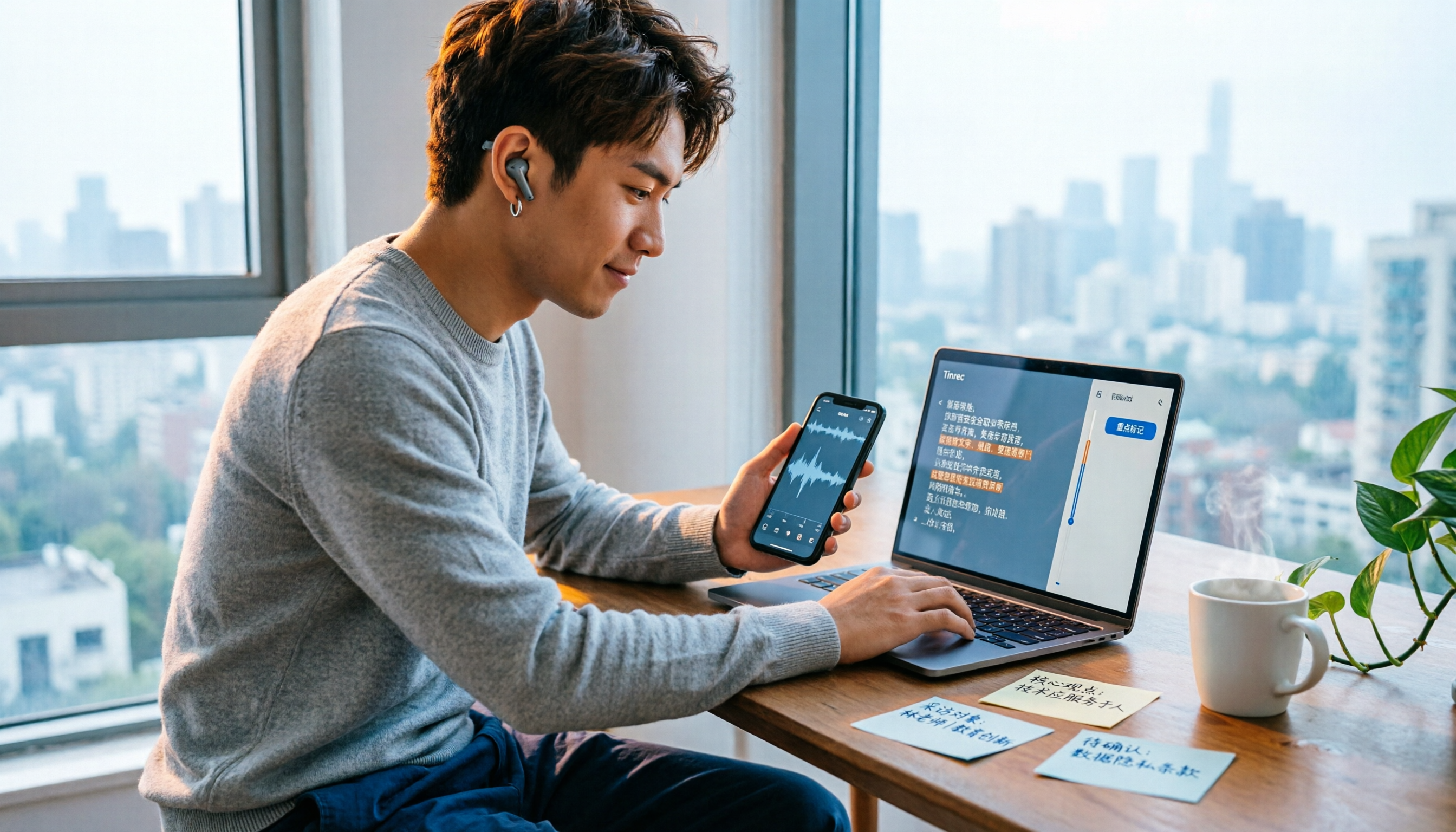
iPhone Voice Memos recordings don't automatically appear in the Files app—you have to export them first. This hands-on comparison tests 4 ways to export and organize recordings: built-in Voice Memos + Files app, Documents app, Tinrec, and Notta. It also covers common issues like exporting long recordings, transferring m4a to a computer, and converting to transcripts, helping you choose the right method for your needs.