
Turn recordings into transcripts and summaries in minutes
Upload audio or video for multilingual transcription, AI notes, and action items
The night before finals, I opened 20 unnamed recording files
The night before finals, I opened this semester's recording folder and found over 20 audio files with similar names—I couldn't remember which one was the class where the professor covered exam topics. Then I did what everyone does before an exam: I started playing from the first file, got distracted by my phone after 40 minutes, and ended up texting a classmate, "Which chapters does the final actually cover?"
This happened to me three times. After the third time, I finally admitted: the problem isn't whether I recorded the lecture, but that after recording, the file is basically unusable.
If you've been in these situations, this article is for you:
- Can't take notes fast enough in class: The professor talks fast and flips slides even faster. Your handwritten notes are illegible later, so you think "I'll record now and organize later"—but that "later" never comes.
- Group discussions with no conclusions: A two-hour capstone meeting with everyone talking over each other. Before dispersing, someone asks, "So what did we decide?" Silence. You have to schedule another meeting.
- Reviewing feels like a lottery: To find the 30 seconds where the professor says "this will be on the exam," you have to drag the timeline and listen file by file—like drawing lots.
So this isn't about convincing you to buy a more expensive voice recorder. Instead, I'll clearly explain the three approaches I actually used this semester: which one can truly turn "20 hours of lectures" back into "2 hours of key points."
Before choosing a recording organization tool, understand these 4 key points
1. Are you buying a "file" or "searchable data" Recording clearly is only the first step. What really determines whether you review is whether you can immediately see a transcript, summary, chapters, or even ask it "which chapter does the final cover" after recording. Tools that only give you an audio file usually mean you'll finish the exam before you think about organizing it.
2. Check how free quotas are calculated Many tools say "300 free minutes per month," but the devil is in the details: Does it reset monthly, or is the single-session limit only 3 minutes? Do you need a separate subscription to unlock summaries and templates? For students, these two things are more practical than recording quality.
3. Do you really need to carry an extra hardware device A dedicated recording device is indeed convenient—just press a button—but that's an extra equipment cost plus a monthly subscription. First ask yourself: Am I mostly sitting in front of a laptop or phone? If so, the device you already have might be enough.
4. Can it record online classes and online meetings Many classes this semester were online. Some approaches send a "bot" into the meeting as a participant; others capture system audio directly from your computer. The latter doesn't require an extra strange account on the participant list and feels more natural for online classes and online group meetings.
Tinrec—the one I kept using this semester
In one sentence: Tinrec is an AI meeting notes and collaboration tool for individuals and teams, usable on phone, computer, and web. The point isn't just "recording" but "being able to use it directly after recording."
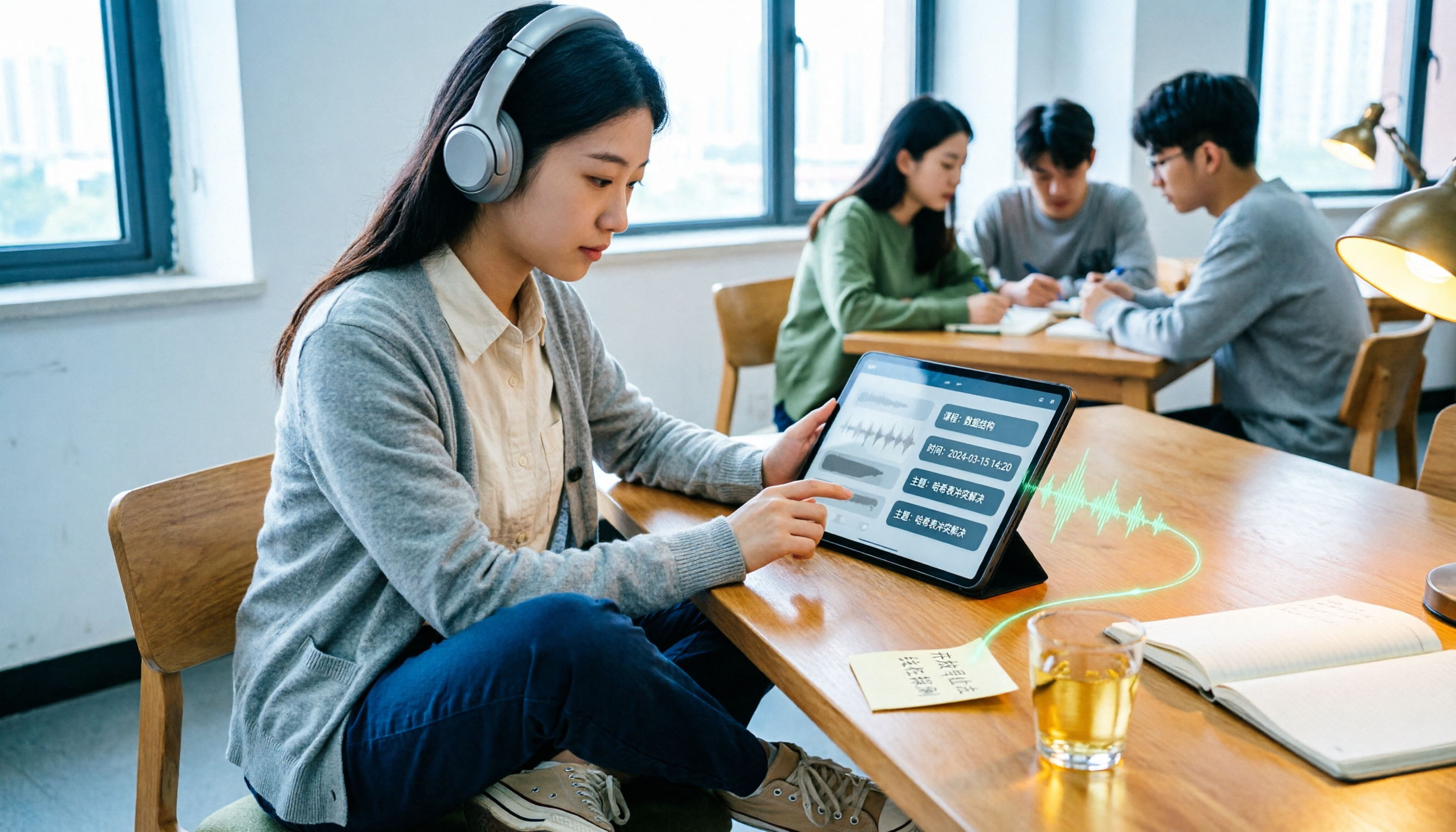
Class recording: live transcript as you record I use Tinrec's real-time recording in class, and the transcript appears on screen as it goes. Previously, I'd spend double the time re-listening after class. Now, as I walk out of the classroom, the transcript is already segmented and time-stamped, and the summary highlights the points the professor repeated three times. I tested it with a 50-minute general education lecture recorded in an echoey classroom—the transcript was readable, and the summary captured the "exam scope" section. That matters more for my review than a few percentage points of word error rate.
Pre-exam review: ask it questions directly This is my most-used feature. Previously, I'd listen to the recording from start to finish. Now I directly ask in the meeting data: "Which chapters does the professor mention for the final exam?" It answers based on the content instead of dumping keywords for me to search. For a finals week with six subjects, this difference is very real.
Group discussions and online classes: no bot invitation needed When our project group meets online, I use the desktop version to capture system audio directly—no need to invite a bot to join the meeting. It works with Zoom, Google Meet, Teams, and similar platforms. After the meeting, AI organizes summaries and action items—who's responsible for which page, what to submit before the next meeting—listed directly, finally ending the awkward "so what's the conclusion?"
Other features I find useful
- Supports importing audio and video files, so those unnamed recordings on my phone can be organized in one go.
- Real-time translation and bilingual comparison, useful for watching English videos in general education courses.
- Transcripts, summaries, and action items can be exported to Notion, Google Docs, and other tools I already use, without retyping.
Stop organizing recordings by hand
Upload audio or video and automatically get a transcript, summary, and action items
Honest limitations The free version provides a basic quota to let you experience the recording, import, and summary workflow. If you record several classes every week like me, you'll eventually hit the quota ceiling and need to consider paying. Also, in noisy classrooms, when multiple people talk over each other, or when the professor uses a lot of department-specific jargon, the transcript will still have spots needing manual correction. For important exam points, I still click back to the recording to verify those 30 seconds. No tool should be treated as "100% accurate."
A note on the team version Our capstone group has five people, and sharing one cloud account is actually scary—if someone leaves the group or changes topics, data gets scattered. Tinrec's team version is a separate team space where you can create multiple teams, invite members via link, and distinguish "roles" (who can manage members and team settings) from "seats" (who can record, upload, edit). Members without a seat can still view and play team data, and when a member leaves, data is handed over to others instead of being taken away. The plan details: first-time eligible users get a 7-day trial, 1 free seat, and 300 minutes of team-shared import quota; monthly USD 29.80 per paid seat per month, annual USD 199 per paid seat per year. For a five-person group, it's not cheap, but if an entire student association or lab needs to share meeting data, this structure is much clearer than "everyone sharing one login."
Besides Tinrec, what else did I try this semester?
PLAUD Note / NotePin: the hardware-style portable recording card This is the device most people DM me about: "Is it good?" Its strength is the hardware experience: the card attaches magnetically to the back of your phone, press once to start recording, especially handy for phone calls. Recordings are automatically saved as standard audio files, playable anytime in the app. It supports transcription in 112 languages and has nicely designed template summaries. Official US website prices are currently NotePin USD 159, Note Pro USD 189; membership: Starter 300 minutes per month, Pro annual USD 99.99 for 1,200 minutes per month. After using it for a semester, my take: it does recording very well, but for students it's two expenses—equipment plus monthly subscription—and once the quota runs out, you have to pay more. Many user reviews also mention the hours are never enough. Also, it's a hardware microphone approach, so online classes on a computer require extra workarounds; Tinrec's desktop version captures system audio directly, so you don't have to find the device before a meeting.
Notta: strong in file transcription and translation Free version: 120 minutes per month, but max 3 minutes per single item—for a 50-minute class, that means cutting into a dozen segments, impractical. Pro annual works out to about USD 8.17 per month, 1,800 minutes per month; multilingual and translation are indeed good. It's more of a "convert files to text" tool; post-meeting action item organization and team data retention aren't its focus. If you want bot-free recording of online meetings and the ability to query content directly after recording, Tinrec's workflow is more complete.
Granola: bot-free meeting notes, but with limitations Basic is free, Business about USD 14 per user per month. The design concept is "you take notes while listening, AI enhances them," and the English meeting experience is smooth. But note: it doesn't save meeting audio files and doesn't support uploading pre-recorded audio—a major drawback for students who want to organize class recordings afterward and listen back to those 30 seconds before exams. Tinrec keeps recording files and can import existing audio, which makes a big difference.
Pitfall guide: the 4 most common mistakes when choosing a recording organization tool
Pitfall 1: Only looking at transcription, not what comes after Many people compare tools only on "how accurate is the transcription," but what really eats your time is "what happens after transcription." If you still have to read through a 50-minute transcript yourself to extract key points, it's not much different from re-listening to the recording. Before choosing, ask: Does it automatically provide summaries, chapters, action items? Can you ask it questions directly?
Pitfall 2: Only looking at total free minutes, not single-session limits "120 minutes per month" sounds sufficient, but if each session is limited to 3 minutes, you'll need to split one class into 15 segments. When testing, use your longest class directly—don't just test a 5-minute short recording.
Pitfall 3: Thinking you must buy hardware to start Most students' classes, online courses, and group meetings happen in front of a laptop or phone. First run a complete workflow (record → transcript → summary → export) on the device you already have. You'll then know whether you really need that device, instead of spending money first and then finding reasons to use it.
Pitfall 4: Sharing one account for group projects We almost fell into this trap this semester. The problem with shared accounts isn't login conflicts—it's "data ownership": who uploaded what, who can edit, what happens when someone leaves the group. For long-term projects, choosing a solution with team spaces, roles, and seat distinctions will save a lot of arguments. Also, always inform and get consent before recording—it's both courtesy and a legal requirement.
Conclusion: Which one should you choose?
In one sentence: If you want "usable immediately after recording," Tinrec is the only one I kept using this semester.
- Class recording + pre-exam key point extraction → Tinrec. Live transcript while recording, post-meeting summaries and chapters, and you can directly ask where the exam points are.
- Need to record phone calls, like the press-to-record feel → PLAUD Note series. The hardware experience is genuinely good, but first calculate how much "device + subscription" costs per semester.
- Purely need bulk file-to-subtitle and translation → Transcription tools like Notta are more suitable.
- Mainly English meetings, used to writing your own notes → Granola is worth trying, but remember it doesn't keep audio files or accept pre-recorded files.
- Group projects, lab-shared meeting data → Tinrec's team version with roles and seats is clearer than sharing an account.
One final piece of advice for those with tight budgets like me: Don't pay right away. First run a round of your own real recordings on the free version—pick a class you have the most reason to re-listen to, throw it in, and see if its summary can save you 40 minutes of listening. If yes, then consider upgrading; if not, that money is better spent on textbooks.
References
- Plaud Taiwan | Official Website | Leading AI Recording Device Brand
- Plaud Note │ The Smartest AI Voice Recording Card
- PLAUD NOTE | AI Smart Recording Card | Free 300 Minutes Transcription Per Month - Sentra
- Plaud Note Pro Unboxing Review | Portable AI Recording Evolved! Is It Good? Who Should Buy It - Mr. Mad
- [Unboxing] Ultra-Thin AI ChatGPT Voice Recorder Plaud Note Review: Smooth Experience for Meeting Notes/Phone Call Transcription Summaries
Turn every recording into actionable outcomes
Get 60 free transcription minutes when you sign in. No credit card required.
Related Reading
You might also like

5 Tested Ways to Download iPhone Voice Memos in 2026: Which Is Fastest and Won't Get Stuck on Large Files?
Can't find a download button after recording a voice memo? This article tests 5 ways to get iPhone recordings out—saving to Files, AirDrop, email, and iCloud web—comparing speed, limitations, and pitfalls. It also explains how to use Tinrec to turn recordings into searchable, queryable transcripts and meeting materials.

5 iPhone Recording Tools Tested and Compared in 2026: What Happens After Recording Is What Matters
Most people choose an iPhone recording tool based only on whether it captures audio when you press record, but the real pain comes after recording. This article starts from the pain points of post-meeting organization and compares five options: Tinrec, Recorder Pro, Recording Tool, Voice Recorder, and the built-in Voice Memos, including costs, suitable users, and selection advice.

How to Download iPhone Voice Memos in 2026: A Complete 5-Step Guide
Recorded a voice memo but can't get it off your iPhone? This guide starts with the most common download mistakes, then walks through 5 steps to export iPhone recordings to a computer. It also explains how to turn audio files into transcripts, summaries, and action items after downloading. Includes practical limits of Apple's built-in methods, iCloud, AirDrop, and email, plus hands-on experience with Tinrec for organizing recordings and plan details.

2026 iPhone Recording App Comparison: Is the Built-in Voice Memos Enough?
The built-in Voice Memos app on iPhone is actually more useful than you might think, but it falls short when you need to write meeting minutes, find key points, or share with a team. This article starts with the built-in features and compares four options: Voice Memos, GarageBand, Notta, and Tinrec. We cover key buying factors, common pitfalls, and scenario recommendations to help you decide which recording method truly meets your needs.
2026 iPhone Recording Showdown: Voice Memos Stuck on 'Downloading' — Time to Switch?
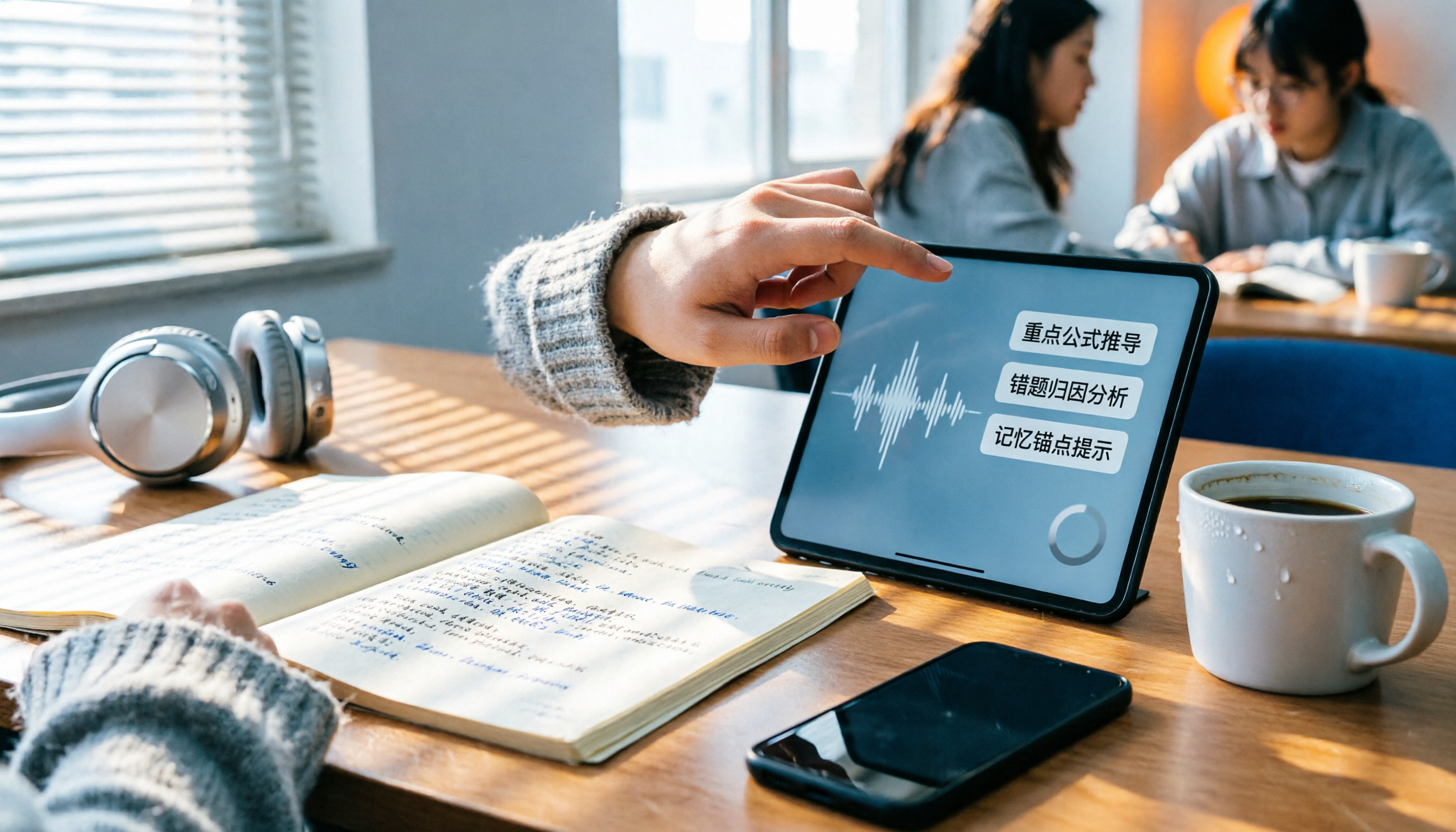
The night before finals, you open Voice Memos and every recording shows 'Downloading.' Tapping the three dots does nothing, rebooting doesn't help. This article tackles the decision of whether to fix the built-in app or switch tools, comparing iPhone's built-in Voice Memos with Tinrec across five dimensions: troubleshooting the 'Downloading' issue, where recordings are stored, cross-device use, post-meeting organization, and student budget. It ends with clear recommendations.
5 iPhone Recording Download Tools Tested for 2026: Which Saves the Most Time on Export and Transcription?
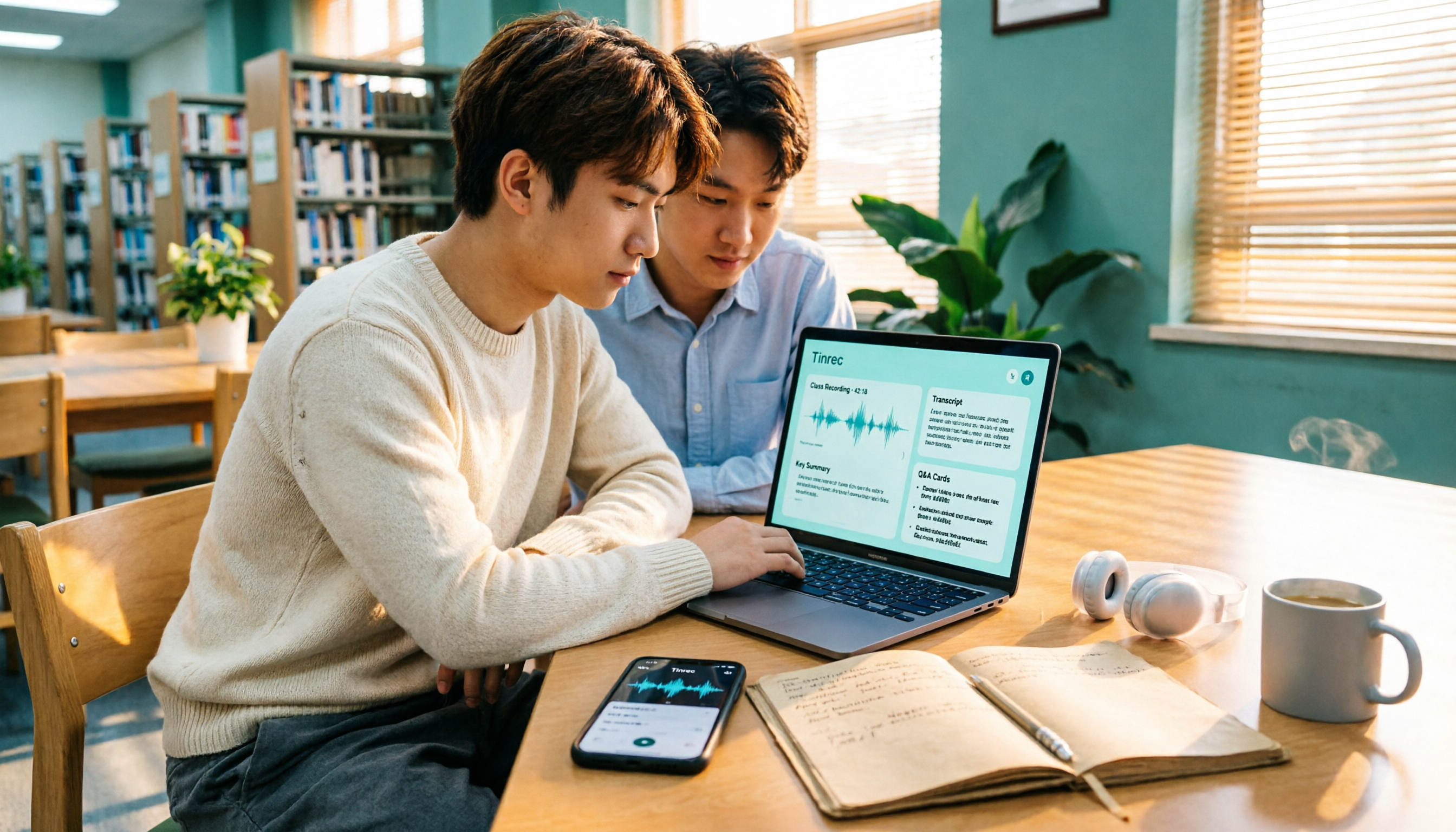
Downloading iPhone recordings often gets stuck at "can't get the file out, and even when you do, it's unusable." Starting from real student scenarios like working on projects and recording lectures, this article tests and organizes 6 solutions: built-in Voice Memos plus Files app, Recorder Pro, Notta, Otter.ai, TurboScribe, and Tinrec, which can simultaneously handle export, transcription, AI summaries, and Q&A. It also includes free quotas, pricing, and selection advice.

How to Download iPhone Voice Memos in 2026: 3 Methods + AI Transcription
Downloading iPhone voice memos involves two separate tasks: extracting the audio file and making it usable afterward. This guide first shows you three ways to save iPhone recordings to your computer and the cloud, then explains how to use Tinrec to turn m4a files into transcripts, summaries, and action items, and compares the differences between the Personal and Team plans.
Tinrec vs Notta in 2026: 5-Dimension Comparison of the iPhone Recording App Everyone on PTT Is Talking About
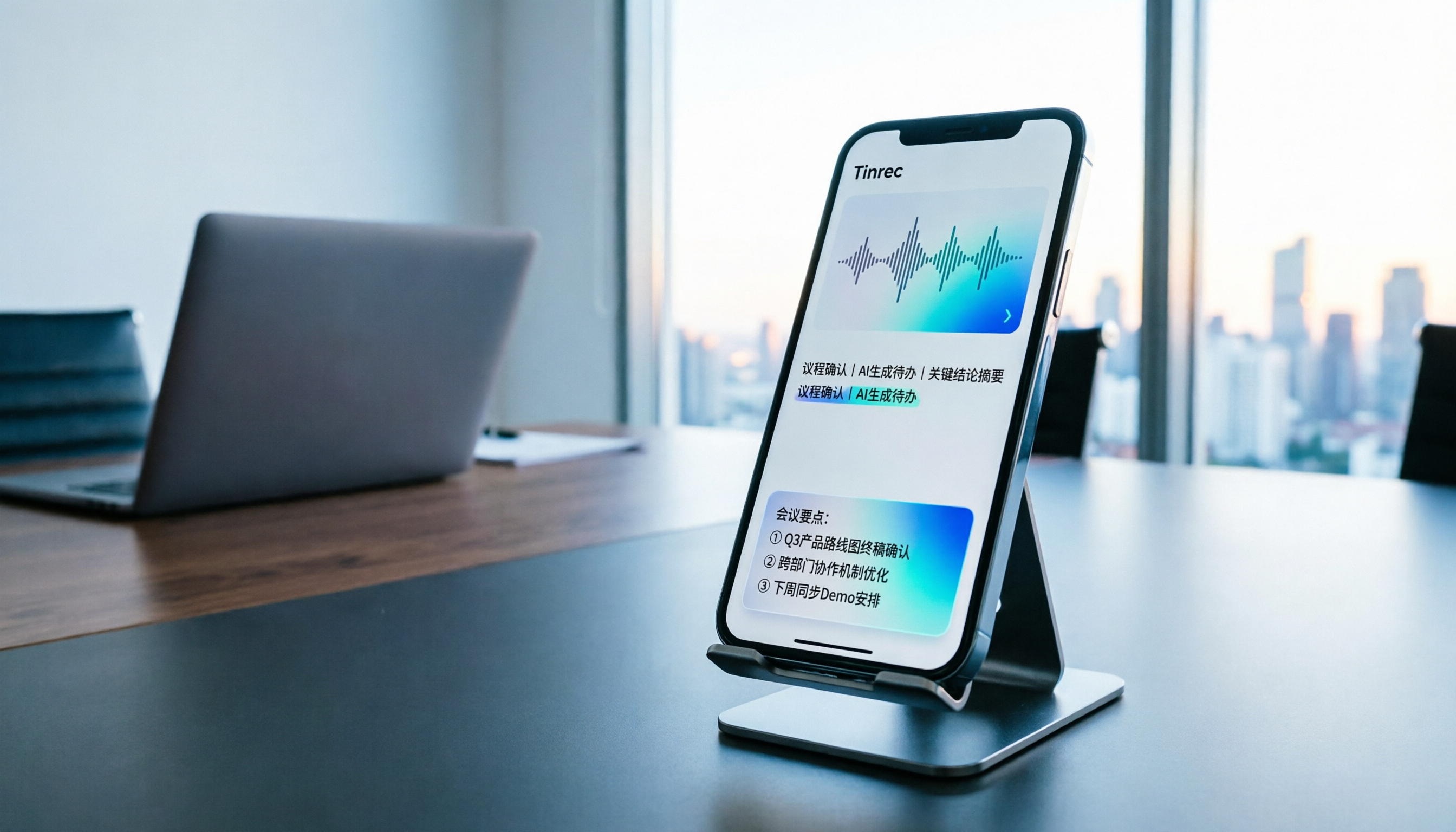
Every few weeks, someone on PTT asks for iPhone recording app recommendations. Common complaints include recordings stopping when a call comes in and files showing 00:00 after a meeting. This guide covers 7 practical options—from the built-in Voice Memos and AI meeting assistants to recording hardware—and compares Tinrec and Notta across 5 dimensions to help you choose the right solution for meetings, interviews, classes, and calls.

2026 AI Voice Recorder Buying Guide: PLAUD vs. Tinrec and 3 Real-World Tests
Is the PLAUD voice recorder worth it? This guide tackles common buying mistakes, compares PLAUD Note, PLAUD Note Pro, and Tinrec on recording, transcription, post-meeting organization, and team collaboration, and offers 5 key buying factors and pitfalls to help you decide between a hardware recorder and an AI meeting notes tool that handles online meetings.