
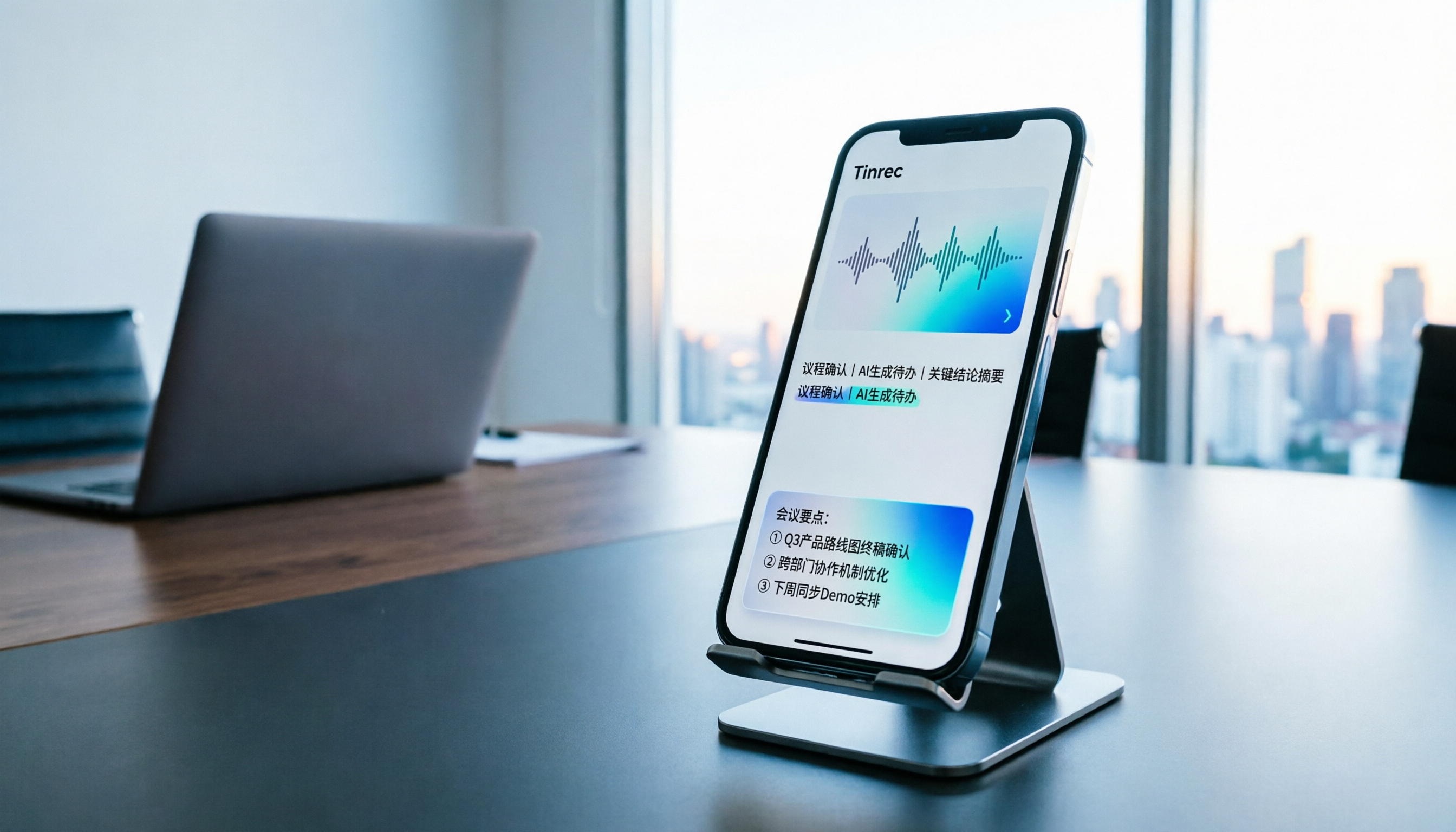
Turn recordings into transcripts and summaries in minutes
Upload audio or video for multilingual transcription, AI notes, and action items
Tinrec vs Notta in 2026: 5-Dimension Comparison of the iPhone Recording App Everyone on PTT Is Talking About
Why You Need More Than Just 'Can It Record'—You Need 'Can It Finish and Can You Find It'
You hit record for a meeting, open the file two hours later, and it shows 00:00. Or a call comes in mid-recording, the recording stops on its own, and you're left reconstructing notes from memory. Both scenarios have been reported on the PTT iOS board and are exactly why 'iPhone recording app recommendation' threads keep popping up.
iPhone's built-in Voice Memos handles quick notes, but for long meetings, bilingual interviews, or situations requiring transcripts and action items, you'll usually need a third-party tool. Below are 7 common approaches, followed by a 5-dimension comparison of Tinrec and Notta so you can pick one that fits your workflow.
Tinrec (Miao Ting Recording)—The Most Complete AI Recording Assistant
In one sentence: turn meeting recordings into searchable, queryable, actionable data.
- Transcribe while recording, works online and offline: Mobile app does real-time recording, great for in-person interviews and on-site notes; desktop version captures system audio directly, handling Zoom, Google Meet, Microsoft Teams, and Webex without sending a bot into the meeting as a participant.
- More than just a transcript after the meeting: Automatically generates summaries, chapters, key points, and action items, plus AI Q&A around the meeting content—for example, ask directly 'What was the budget cap the client mentioned?'
- Outputs work products: Generates reports, tables, and documents, and exports to Notion, Google Docs, OneNote, Dropbox, and other tools, bringing results back into your existing workflow.
- Chinese and bilingual experience: Supports real-time translation, viewable in original, translated, or bilingual side-by-side; team plan also maintains custom vocabulary to improve recognition of technical terms.
- Team plan accumulates data: Independent team space, role and seat management, usage analytics, audit logs, audio recycle bin (30-day retention), and resource handover when members leave.
Plans and pricing: Individual plan offers Free, Weekly, Pro Monthly, and Pro Annual—choose based on usage frequency; Team plan is USD 29.80 per paid seat per month, or USD 199 per paid seat per year (about USD 16.58/month), with each paid seat providing 2,000 minutes of team shared import quota per month; real-time recording under an active plan is currently not deducted by minute.
Who it's for: Individuals and teams needing Chinese meeting notes, who don't want a bot joining meetings, and who need to turn recordings into minutes and action items afterward. Actual transcription quality is affected by recording quality, noise, accents, and overlapping speakers; for important content, cross-check against the transcript and recording.
Voice Memos—Free and Sufficient, But Don't Expect It to Be a Meeting Assistant
Positioning: Built into iPhone, zero cost, zero setup. Biggest advantage is simplicity—record and use directly within the app and system features. Limitations are basic: no transcripts, chapters, or action item organization; according to PTT user reports, incoming calls during recording may cause interruptions. Suitable for short interviews, idea capture, and class backups where you just need to 'record it first.'
Notta—A Veteran Choice for Multilingual Transcription
Positioning: Covers multi-platform transcription, meeting notes, file import, translation, and team plans—overlaps most with Tinrec. Highlights are multilingual transcription and file import; Business plan offers unlimited transcription, role permissions, and usage reports. Official pricing: Free at 120 minutes per month, max 3 minutes per item; Pro annual equivalent to USD 8.17/month, 1,800 minutes per month; Business annual equivalent to USD 16.67 per seat per month. Suitable for those focused on file transcription and translation with relatively simple meeting recording needs.
Otter.ai—The Old Guard of English Meeting Assistants
Positioning: A mature AI meeting assistant covering Zoom, Microsoft Teams, and Google Meet, with speaker identification, AI Chat, and team management. Pricing: Basic free at 300 minutes per month; Pro annual equivalent to USD 8.49 per user per month, including 1,200 minutes of in-app recording and 10 file imports per month; Business offers unlimited meetings and in-app recording. Suitable for users primarily in English business meetings who need a mature meeting automation ecosystem.
Stop organizing recordings by hand
Upload audio or video and automatically get a transcript, summary, and action items
Granola—Another Bot-Free AI Meeting Notes Approach
Positioning: Real-time transcription via desktop system audio and microphone, combined with user handwritten notes to generate meeting content. It supports viewing, copying, and searching real-time transcripts, but does not support uploading pre-recorded audio files and does not save meeting audio. Pricing: Basic free, Business USD 14 per user per month, Enterprise USD 35 per user per month. Suitable for those who like to take notes during meetings and don't need to keep recording files.
TurboScribe—Cost-Effective File Transcription
Positioning: Focused on file transcription, emphasizing long files, batch uploads, subtitles, and translation. Free: 3 files per day, max 30 minutes per file; Unlimited annual USD 120 (about USD 10/month), paid version supports files up to 10 hours or 5 GB, and up to 50 files per upload. Suitable for those who already have a batch of recorded audio files and need batch conversion to text.
PLAUD Note / NotePin—The Hardware Route for Recording Calls Too
Positioning: AI recording hardware—you're buying a standalone device and portable recording experience. US official site currently shows NotePin USD 159, Note Pro USD 189; membership plans: Starter 300 minutes per month, Pro USD 99.99/year (1,200 minutes per month), Unlimited USD 239.99/year. Suitable for frequent field workers who need a physical device for long recordings; if you only want to use your phone for notes, you may not need an extra device.
With So Many Options, How Should You Choose?
First, look at the 5-dimension differences between Tinrec and Notta:
- Meeting capture method: Tinrec desktop uses system audio with no bot; Notta primarily uses meeting bots, desktop, or file uploads.
- Post-meeting organization depth: Tinrec offers summaries, chapters, action items, AI Q&A, and Agent post-processing; Notta focuses on transcription, translation, and summaries.
- Chinese and bilingual: Both support Chinese; Tinrec emphasizes mixed Chinese-English content, real-time translation, and team custom vocabulary.
- Team governance: Tinrec team plan includes roles/seats, usage analytics, audit logs, and recycle bin; Notta Business offers role permissions and usage reports.
- Price and quota: Notta Pro annual equivalent to about USD 8.17/month, 1,800 minutes per month; Tinrec individual plan offers Free, Weekly, Pro Monthly, and Annual; team plan is seat-based with shared import quota.
Scenario-based comparison is faster:
| Your Scenario | Recommended Direction | Reason |
|---|---|---|
| Need Chinese meeting minutes + action items, plus ability to query | Tinrec | Transcription followed by summaries, chapters, action items, and AI Q&A |
| Don't want a bot joining meetings | Tinrec, Granola | Both use desktop bot-free capture |
| Have a bunch of long audio files for batch transcription | TurboScribe | Large file length and batch upload capacity |
| Primarily English business meetings | Otter.ai | Mature English meeting ecosystem |
| Need a physical device, frequent field work | PLAUD | Hardware form factor, portable recording |
| Just occasional casual recording | Voice Memos | Free, zero setup |
4 Things to Know Before Using an iPhone Recording App
- Call recording has system-level limitations. According to source summaries, apps on the App Store claiming two-way call recording mostly only record your own voice or are completely silent; iOS 18 built-in call recording plays a notification sound and has regional and language support restrictions. To keep call records, you typically need speakerphone plus external recording, or use desktop for online meetings.
- Airplane mode doesn't guarantee a complete recording. Some PTT users turned on airplane mode and still ended up with a 00:00 file. Checking the length immediately after recording is the lowest-cost self-protection.
- Test for 10 seconds before important meetings. Confirm microphone, storage space, and battery, and develop a habit of recording in segments to avoid losing everything if a single long file fails.
- Respect consent for recording and transcription. Check local regulations before recording and obtain participant consent when necessary. AI tools can significantly reduce manual note-taking costs, but for important information, still cross-check transcript timestamps against the original recording.
Conclusion
There's no one-size-fits-all iPhone recording app—the key is whether you need recording or usable meeting data. If you want Chinese meeting notes, bot-free recording, post-meeting summaries and action items, plus team data accumulation, Tinrec is the most complete in this list; if you focus on file transcription, English meetings, or hardware portable recording, Notta, TurboScribe, Otter.ai, and PLAUD each have clear coverage. In practice, start with a free plan to run through your own meeting workflow, confirm transcript quality and organization flow, then decide whether to upgrade.
References
- Discussion: Any recommended... stable recording apps? - iOS Board - PTT
- [iphone call recording ptt] Comparison of 4 solutions: iOS 18 built-in vs AI tools - Miao Ting Recording Blog
- 2026 comparison of 4 iPhone call recording apps: Is PTT-hyped AI transcription tool Tinrec really time-saving? - Miao Ting Recording Blog
- Expert-curated top 10 recording app ranking | mybest
- Question: Please recommend an app for recording classes? Thanks ^_^ - iOS Board - PTT Web
Turn every recording into actionable outcomes
Get 60 free transcription minutes when you sign in. No credit card required.
Related Reading
You might also like

5 Tested Ways to Download iPhone Voice Memos in 2026: Which Is Fastest and Won't Get Stuck on Large Files?
Can't find a download button after recording a voice memo? This article tests 5 ways to get iPhone recordings out—saving to Files, AirDrop, email, and iCloud web—comparing speed, limitations, and pitfalls. It also explains how to use Tinrec to turn recordings into searchable, queryable transcripts and meeting materials.

5 iPhone Recording Tools Tested and Compared in 2026: What Happens After Recording Is What Matters
Most people choose an iPhone recording tool based only on whether it captures audio when you press record, but the real pain comes after recording. This article starts from the pain points of post-meeting organization and compares five options: Tinrec, Recorder Pro, Recording Tool, Voice Recorder, and the built-in Voice Memos, including costs, suitable users, and selection advice.

How to Download iPhone Voice Memos in 2026: A Complete 5-Step Guide
Recorded a voice memo but can't get it off your iPhone? This guide starts with the most common download mistakes, then walks through 5 steps to export iPhone recordings to a computer. It also explains how to turn audio files into transcripts, summaries, and action items after downloading. Includes practical limits of Apple's built-in methods, iCloud, AirDrop, and email, plus hands-on experience with Tinrec for organizing recordings and plan details.

2026 iPhone Recording App Comparison: Is the Built-in Voice Memos Enough?
The built-in Voice Memos app on iPhone is actually more useful than you might think, but it falls short when you need to write meeting minutes, find key points, or share with a team. This article starts with the built-in features and compares four options: Voice Memos, GarageBand, Notta, and Tinrec. We cover key buying factors, common pitfalls, and scenario recommendations to help you decide which recording method truly meets your needs.
2026 iPhone Recording Showdown: Voice Memos Stuck on 'Downloading' — Time to Switch?
The night before finals, you open Voice Memos and every recording shows 'Downloading.' Tapping the three dots does nothing, rebooting doesn't help. This article tackles the decision of whether to fix the built-in app or switch tools, comparing iPhone's built-in Voice Memos with Tinrec across five dimensions: troubleshooting the 'Downloading' issue, where recordings are stored, cross-device use, post-meeting organization, and student budget. It ends with clear recommendations.
5 iPhone Recording Download Tools Tested for 2026: Which Saves the Most Time on Export and Transcription?
Downloading iPhone recordings often gets stuck at "can't get the file out, and even when you do, it's unusable." Starting from real student scenarios like working on projects and recording lectures, this article tests and organizes 6 solutions: built-in Voice Memos plus Files app, Recorder Pro, Notta, Otter.ai, TurboScribe, and Tinrec, which can simultaneously handle export, transcription, AI summaries, and Q&A. It also includes free quotas, pricing, and selection advice.

How to Download iPhone Voice Memos in 2026: 3 Methods + AI Transcription
Downloading iPhone voice memos involves two separate tasks: extracting the audio file and making it usable afterward. This guide first shows you three ways to save iPhone recordings to your computer and the cloud, then explains how to use Tinrec to turn m4a files into transcripts, summaries, and action items, and compares the differences between the Personal and Team plans.

2026 AI Voice Recorder Buying Guide: PLAUD vs. Tinrec and 3 Real-World Tests
Is the PLAUD voice recorder worth it? This guide tackles common buying mistakes, compares PLAUD Note, PLAUD Note Pro, and Tinrec on recording, transcription, post-meeting organization, and team collaboration, and offers 5 key buying factors and pitfalls to help you decide between a hardware recorder and an AI meeting notes tool that handles online meetings.
2026 AI Recording & Transcription Tools Compared: Is PLAUD Worth It & Which Saves the Most Time?
Starting from the pain point of students unable to sort through a pile of unnamed recordings before finals, this hands-on comparison tests Tinrec, PLAUD Note, Notta, and Granola across three scenarios: classroom lectures, online classes, and group discussions. It also covers free quotas, subscription costs, and pitfalls to help budget-conscious students choose the right tool.