

Turn recordings into transcripts and summaries in minutes
Upload audio or video for multilingual transcription, AI notes, and action items
2026 AI Voice Recorder Buying Guide: PLAUD vs. Tinrec and 3 Real-World Tests
Common Misconception: Buy a Voice Recorder and Meeting Notes Appear Automatically?
Many people search "Is the PLAUD voice recorder worth it?" and see unboxing posts praising its slim body, long battery life, and call recording, then assume meeting notes will be generated automatically after purchase. That's the most common misconception. A voice recorder essentially only solves "capturing the audio"; the real pain points come later: converting to a transcript, summarizing, extracting action items, archiving the data, and even letting the team search and query it afterward.
Another inefficient approach is recording on your phone and then feeding it into a generic transcription app. It works, but the workflow is fragmented: recording in one app, transcription in another, and summaries manually copied to note-taking software. For occasional use, it's fine, but once you have weekly meetings, this patchwork process makes you even less likely to organize.
A more reasonable way to decide is to ask yourself three questions: Are most of your meetings online or offline? Do you need to record phone calls on the go? Do you need AI Q&A, action item extraction, and team sharing afterward? If your answers lean toward online meetings and post-meeting organization, then instead of carrying an extra device, compare software workflows that cover "record → transcribe → summarize → query → export."
5 Key Points to Understand Before Buying an AI Voice Recorder
1. Don't judge transcription accuracy by marketing numbers alone. Official accuracy figures are usually measured in quiet environments with standard accents. Real meetings have air conditioning noise, keyboard clicks, people talking over each other, and mixed languages. You should test with a recording of your own meeting and check whether it can label speakers and customize vocabulary.
2. Post-meeting organization matters more than recording specs. A 32-hour battery is attractive, but if the transcript has no chapters, no summary, and no action items, you'll still spend time re-listening. A truly time-saving tool breaks long meetings into browsable sections and extracts "who needs to do what."
3. Do you need extra hardware? The advantage of a voice recorder is portability, standalone recording, and some models can record calls; the downside is another device to charge, sync, and manage. If you mainly meet on a computer, desktop software that captures system audio directly eliminates a step.
4. Subscription quotas and long-term costs. Many AI recording products use a hardware-plus-subscription model. Free tiers are usually only enough for light use, and heavy meeting users hit the limit quickly. When buying, calculate "device price + annual subscription fee" together, not just the initial purchase amount.
5. Team collaboration and data retention. If personal recordings stay only on your phone, data is hard to hand over when you leave or change devices. If your company has department meetings and project weekly meetings, confirm whether the tool offers team spaces, member seats, usage management, and audit logs.
Tinrec — Our Top Pick After Real Use
Tinrec is an AI meeting notes and collaboration tool for individuals and teams, available on web, desktop, and mobile. Its one-line positioning: turn meetings into searchable, collaborative, actionable team data. For most office workers, it solves not the "recording" step but the part after recording that no one wants to organize.
Take online meetings: Tinrec's desktop version directly captures computer system audio, handling meeting audio from Zoom, Google Meet, Microsoft Teams, Webex, and other platforms without inviting a meeting bot. Just open Tinrec and start recording to generate a transcript while the meeting is ongoing. This is especially useful for external client meetings: no extra bot in the participant list, and no need to explain who it is.
For offline meetings or interviews, you can use real-time recording to text. During recording, you can view the original text, translation, or bilingual content, which is especially convenient for meetings with mixed Chinese and English. After the meeting, Tinrec generates summaries, chapters, and action items, breaking long meetings into easy-to-review structures; if you want to know "who mentioned the budget in the last meeting," you can directly ask AI questions about the meeting content instead of manually Ctrl+F through the transcript.
Stop organizing recordings by hand
Upload audio or video and automatically get a transcript, summary, and action items
Another differentiator for Tinrec is post-meeting output. It can further generate reports, tables, and documents from meeting content and supports multi-format export to Notion, Google Docs, OneNote, Dropbox, and other tools. This means you don't just get a transcript and stop; you can directly enter reporting, review, or project tracking workflows. Actual transcription results are still affected by recording quality, accents, background noise, and overlapping speakers; for important content, verify against transcript timestamps and recording playback.
Advantages: First, "no extra hardware"—usable on web, desktop, and mobile, record online meetings directly without carrying a separate voice recorder. Second, "complete post-meeting workflow"—transcript, summary, chapters, action items, AI Q&A, translation, and export all in one place. Third, "team data retention"—the team version provides independent team spaces, meeting data owned by the team, and management capabilities including members, roles, seats, usage analytics, audit logs, and audio recycle bin. The team version currently offers a 7-day trial for first-time eligible users, 1 free seat, and 300 minutes of team shared import quota; paid seats are USD 29.80/month or USD 199/year, with 2,000 minutes of team shared import quota per seat per month, and real-time recording is currently not deducted by minutes under active plans and seats. Prices and benefits are subject to the official purchase page.
Limitations to be clear about: Tinrec is not a hardware voice recorder, has no standalone body, and does not focus on on-the-go call recording; if you need to put a physical device in your pocket for long recordings, hardware still has its value. Also, the free version has only basic quota, and heavy users need to evaluate Pro or team plans. It suits people who frequently have online meetings, need post-meeting summaries and action items, and want to retain meeting data for the team; if you only occasionally record audio, start with the free version.
Besides Tinrec, What Are the Alternatives?
PLAUD Note: The hardware recording card representative. Unboxing reviews show it's slim, can record continuously for 30 hours, standby for 60 days, and phone call transcription is a strength; the app offers 300 free minutes per month, Pro 1,200 minutes per month. Suitable for people who often record calls on the go, but Tinrec's team spaces, member seat management, and no-extra-hardware online meeting handling are not the same workflow as PLAUD Note.
PLAUD Note Pro: A slimmer evolution. Reviews mention it weighs about 30g, credit-card size, aviation-grade aluminum, and focuses on one-touch call recording without speakerphone; the US official website price is USD 189. Suitable for those who value hardware quality and call recording, but for post-meeting team collaboration, member seat management, and cross-platform export workflows, software like Tinrec is more direct.
Pitfall Guide: 3 Most Common Mistakes When Choosing an AI Voice Recorder
Pitfall 1: Only looking at recording specs, ignoring transcription and organization. 30-hour battery and 60-day standby are attractive, but what really takes time is re-listening and organizing. Before buying, confirm whether transcription supports your language, can label speakers, and has summaries and action items.
Pitfall 2: Ignoring subscription costs and quotas. Many products have a one-time hardware cost, but transcription requires a subscription. After the free quota runs out, you either pay or go back to manual typing. Calculate hardware price plus subscription price together to know the long-term cost.
Pitfall 3: Assuming a voice recorder can automatically handle online meetings. A voice recorder captures in-room sound; online meeting audio is in the computer. If most of your meetings are on Zoom or Teams, desktop software that directly captures system audio is more reliable than placing an extra voice recorder. This is also Tinrec desktop's advantage: no bot, directly record system audio.
Conclusion: Which One Should You Choose?
Let's answer the initial question: Is the PLAUD voice recorder worth it? If your core need is "on-the-go recording, call recording, no speakerphone," the hardware experience of PLAUD Note and Note Pro is indeed valuable. But if you're asking "can meeting notes be organized automatically," a voice recorder alone isn't enough; you also need to consider its transcription subscription and post-meeting workflow.
Most office workers' scenarios are actually better suited to Tinrec:
- Frequently use Zoom, Google Meet, Teams for meetings → Tinrec (desktop version records without a bot, directly generates transcript).
- Want to see summaries, chapters, and action items immediately after recording → Tinrec (post-meeting organization in the same workflow).
- Want to ask "who said what" about meeting content → Tinrec (supports AI Q&A).
- Need to retain meeting data for the team → Tinrec team version (team spaces, seats, usage, and audit).
- Need on-the-go call recording, prefer standalone hardware → PLAUD Note or Note Pro (this is the strength of hardware voice recorders).
We recommend starting with Tinrec's free version to experience the basic quota, confirm that transcription and post-meeting organization fit your meeting style, then consider upgrading; if you often record calls, then compare PLAUD hardware and subscription plans. Choosing the right workflow is more likely to help you leave work on time than buying an extra device.
References
- [Unboxing] Ultra-Slim AI ChatGPT Voice Recorder Plaud Note Review: Smooth Experience for Meeting Notes/Call Transcription Summaries
- Plaud Note Pro Unboxing Review | Portable AI Smart Recording Evolved! Is It Good? Who Is It For? - Mr. Mad
- Plaud Taiwan | Official Website | Leading Brand in AI Recording Devices
- Plaud Note │ The Smartest AI Smart Recording Card Ever
- PLAUD [Official Flagship] NOTE AI Smart Recording Card | Other Brands | Yahoo Shopping Center
Turn every recording into actionable outcomes
Get 60 free transcription minutes when you sign in. No credit card required.
Related Reading
You might also like

5 Tested Ways to Download iPhone Voice Memos in 2026: Which Is Fastest and Won't Get Stuck on Large Files?
Can't find a download button after recording a voice memo? This article tests 5 ways to get iPhone recordings out—saving to Files, AirDrop, email, and iCloud web—comparing speed, limitations, and pitfalls. It also explains how to use Tinrec to turn recordings into searchable, queryable transcripts and meeting materials.

5 iPhone Recording Tools Tested and Compared in 2026: What Happens After Recording Is What Matters
Most people choose an iPhone recording tool based only on whether it captures audio when you press record, but the real pain comes after recording. This article starts from the pain points of post-meeting organization and compares five options: Tinrec, Recorder Pro, Recording Tool, Voice Recorder, and the built-in Voice Memos, including costs, suitable users, and selection advice.

How to Download iPhone Voice Memos in 2026: A Complete 5-Step Guide
Recorded a voice memo but can't get it off your iPhone? This guide starts with the most common download mistakes, then walks through 5 steps to export iPhone recordings to a computer. It also explains how to turn audio files into transcripts, summaries, and action items after downloading. Includes practical limits of Apple's built-in methods, iCloud, AirDrop, and email, plus hands-on experience with Tinrec for organizing recordings and plan details.

2026 iPhone Recording App Comparison: Is the Built-in Voice Memos Enough?
The built-in Voice Memos app on iPhone is actually more useful than you might think, but it falls short when you need to write meeting minutes, find key points, or share with a team. This article starts with the built-in features and compares four options: Voice Memos, GarageBand, Notta, and Tinrec. We cover key buying factors, common pitfalls, and scenario recommendations to help you decide which recording method truly meets your needs.

2026 iPhone Recording Showdown: Voice Memos Stuck on 'Downloading' — Time to Switch?
The night before finals, you open Voice Memos and every recording shows 'Downloading.' Tapping the three dots does nothing, rebooting doesn't help. This article tackles the decision of whether to fix the built-in app or switch tools, comparing iPhone's built-in Voice Memos with Tinrec across five dimensions: troubleshooting the 'Downloading' issue, where recordings are stored, cross-device use, post-meeting organization, and student budget. It ends with clear recommendations.
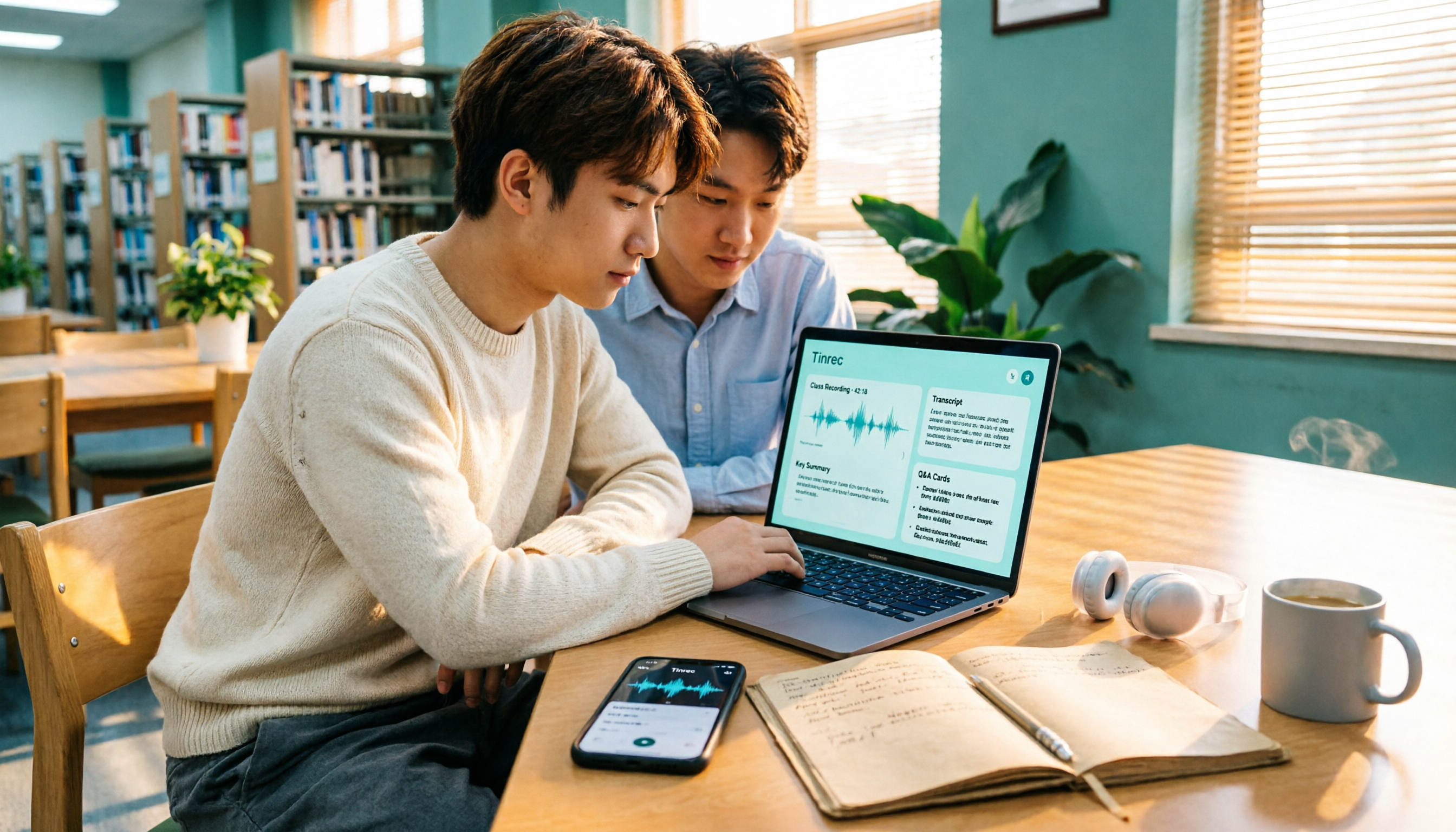
5 iPhone Recording Download Tools Tested for 2026: Which Saves the Most Time on Export and Transcription?
Downloading iPhone recordings often gets stuck at "can't get the file out, and even when you do, it's unusable." Starting from real student scenarios like working on projects and recording lectures, this article tests and organizes 6 solutions: built-in Voice Memos plus Files app, Recorder Pro, Notta, Otter.ai, TurboScribe, and Tinrec, which can simultaneously handle export, transcription, AI summaries, and Q&A. It also includes free quotas, pricing, and selection advice.

How to Download iPhone Voice Memos in 2026: 3 Methods + AI Transcription
Downloading iPhone voice memos involves two separate tasks: extracting the audio file and making it usable afterward. This guide first shows you three ways to save iPhone recordings to your computer and the cloud, then explains how to use Tinrec to turn m4a files into transcripts, summaries, and action items, and compares the differences between the Personal and Team plans.
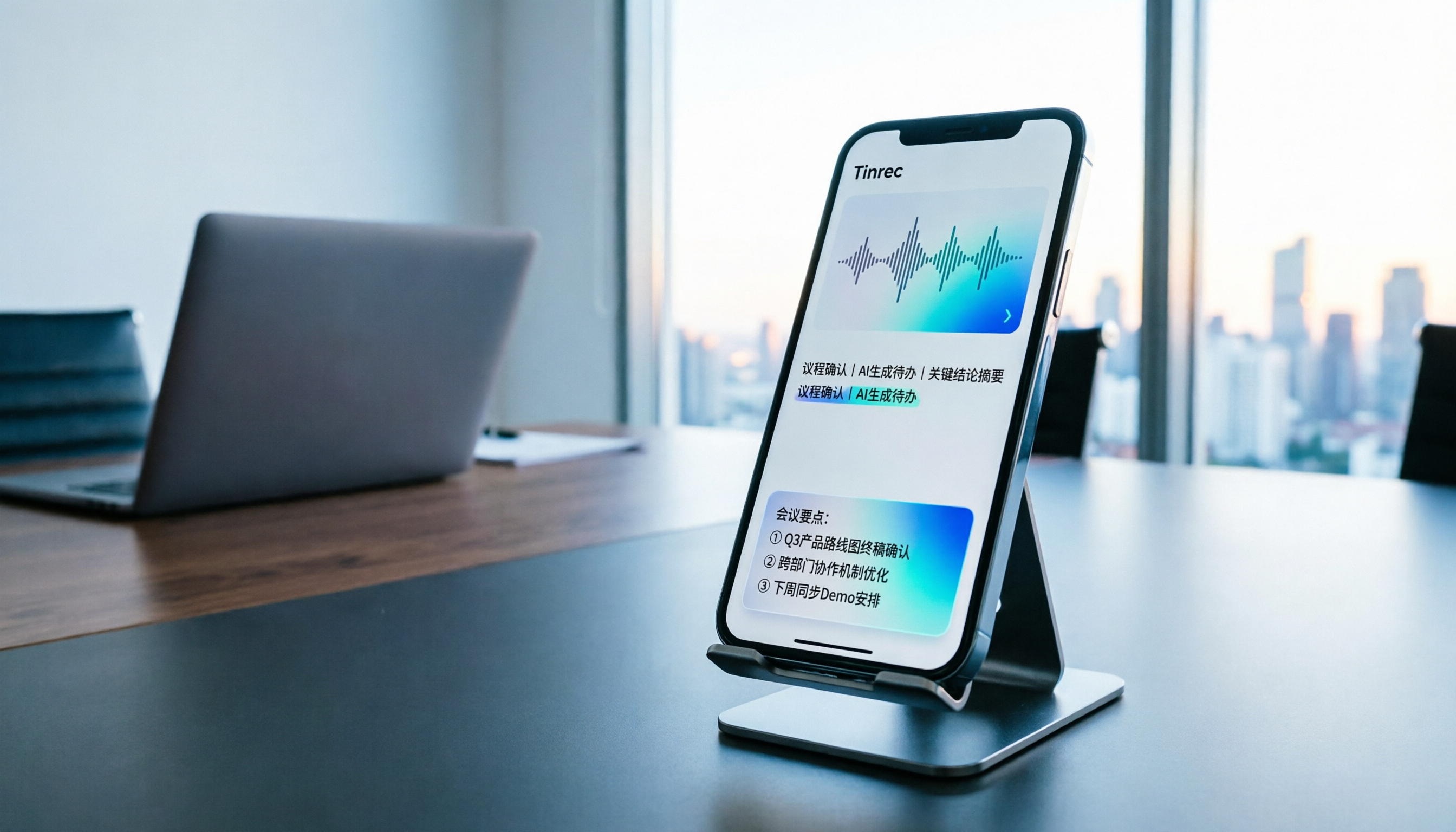
Tinrec vs Notta in 2026: 5-Dimension Comparison of the iPhone Recording App Everyone on PTT Is Talking About
Every few weeks, someone on PTT asks for iPhone recording app recommendations. Common complaints include recordings stopping when a call comes in and files showing 00:00 after a meeting. This guide covers 7 practical options—from the built-in Voice Memos and AI meeting assistants to recording hardware—and compares Tinrec and Notta across 5 dimensions to help you choose the right solution for meetings, interviews, classes, and calls.

2026 AI Recording & Transcription Tools Compared: Is PLAUD Worth It & Which Saves the Most Time?
Starting from the pain point of students unable to sort through a pile of unnamed recordings before finals, this hands-on comparison tests Tinrec, PLAUD Note, Notta, and Granola across three scenarios: classroom lectures, online classes, and group discussions. It also covers free quotas, subscription costs, and pitfalls to help budget-conscious students choose the right tool.