
Turn recordings into transcripts and summaries in minutes
Upload audio or video for multilingual transcription, AI notes, and action items
After a meeting ends with a one-hour recording, many technical or administrative workers turn to GitHub for open-source Speech-to-Text (STT) projects to generate transcripts. However, open-source models often require programming knowledge, consume significant hardware resources, and typically output plain text, failing to address the post-meeting need to extract action items and decision summaries.
This article will review the mainstream GitHub speech-to-text open-source models as of 2026, providing a multi-dimensional comparison table, hands-on tutorials, and frequently asked questions.
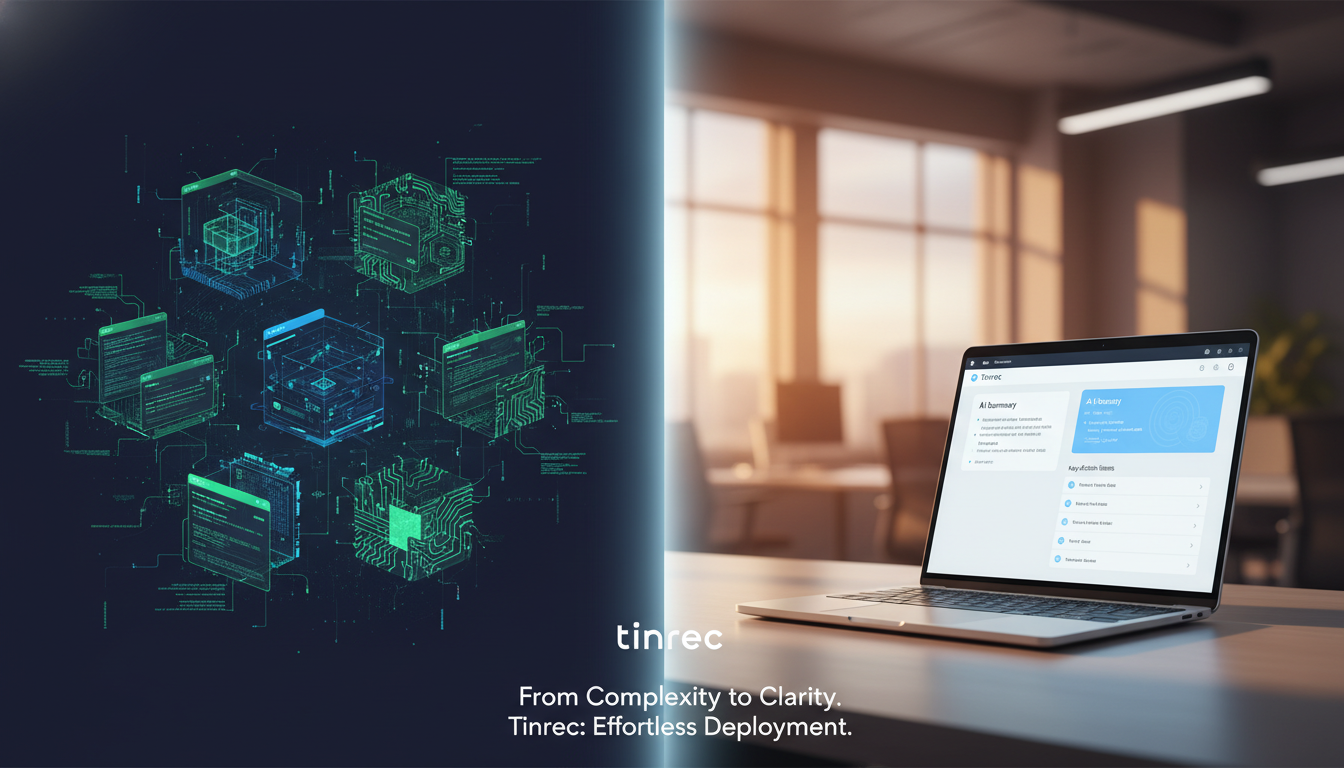
Quick navigation conclusions:
- If you have development skills and GPU resources: Prioritize deploying Faster-Whisper for a balance of accuracy and speed.
- If you need a deployment-free, ready-to-use solution and value meeting summaries and action items: Consider SaaS tools like Tinrec that provide a complete workflow from recording to action.
Why Look for Speech-to-Text Solutions on GitHub? Current State and Pain Points of Open Source Technology
Automatic Speech Recognition (ASR) technology aims to convert human speech into written text. On GitHub, STT technology has formed a mature open-source ecosystem covering areas such as general transcription and streaming ASR. Despite its strength, relying solely on open-source projects in practical office and study scenarios has several clear pain points:
- High deployment and hardware barriers: Most high-accuracy models (e.g., Whisper Large-V3) require significant memory and GPU resources, making them difficult to run smoothly on standard office laptops.
- Low information density, high review cost: Models typically output plain text transcripts without formatting. Users still spend considerable time organizing key points, recalling decision details, and cannot quickly identify who said what.
- Lack of downstream action conversion: Most tools only provide transcripts without decision summaries or action items, leaving recordings archived but never truly utilized.
In-Depth Review of 5 Top GitHub Speech-to-Text Open-Source Models in 2026
Based on accuracy, speed, and resource usage, here are the most popular open-source projects on GitHub:
1. Whisper (OpenAI)
First open-sourced in 2022, this end-to-end ASR model supports over 99 languages. Its accuracy is extremely high (~95%), making it suitable for general transcription and subtitle generation. However, it has high resource requirements: the largest Large-v3 model has ~1.5B parameters and uses about 10GB of memory, making inference extremely slow on CPU only.
2. Faster-Whisper
Rewritten and optimized using the CTranslate2 framework, it is up to 4x faster than the original Whisper with identical accuracy. Memory usage can be reduced by up to 50%. With GPU acceleration, processing speed is very high, making it the top choice for resource-constrained scenarios.
3. SenseVoice
An audio understanding foundation model open-sourced by Alibaba Cloud's Tongyi Qianwen team. Compared to Whisper, SenseVoice has a clear advantage in Mandarin and Cantonese speech recognition, making it ideal for Chinese-language meetings and enterprise applications.
4. Vosk
An extremely lightweight offline speech recognition model. Model sizes range from 50 to 300 MB and can run on Android, iOS, and Raspberry Pi devices. It supports over 20 languages with low latency, making it ideal for privacy-sensitive or network-restricted IoT scenarios.
5. SeamlessM4T
Released by Meta, this multilingual translation and transcription model supports input audio in up to 101 languages. It is particularly suitable for multilingual translation scenarios where preserving speech style and emotion is important.
Open-Source Models vs. Real-Time AI Tools: Comparison Table
For different user decision formulas, the following table compares mainstream open-source models and an out-of-the-box AI recording assistant (Tinrec) across six operational dimensions:
Stop organizing recordings by hand
Upload audio or video and automatically get a transcript, summary, and action items
| Dimension | Faster-Whisper (Open Source) | SenseVoice (Open Source) | Tinrec (SaaS Application) |
|---|---|---|---|
| Language Support | 99+ languages (multilingual) | Optimized for Chinese, Cantonese | Automatic recognition of 10 languages including Chinese, English, Japanese, Korean, Taiwanese, etc. |
| Deployment Difficulty & Hardware | Requires Python/GPU environment, high barrier | Requires development environment, moderate barrier | No deployment needed, supports Web/iOS/Android |
| Real-time Performance & Speed | Fast (primarily batch processing) | Fast (optimized for Chinese) | Real-time transcription during recording (no latency) |
| Summaries & Action Items | None (plain transcript only) | None (plain transcript only) | Auto-generates meeting minutes, conclusions, and action items |
| AI Query Capability | Only Ctrl+F keyword search | Only Ctrl+F keyword search | Semantic-based AI chat query, direct questioning |
| Price & Free Tier | Completely free (but bear hardware costs) | Completely free | Up to 100 minutes of free recording per month |
Hands-On Tutorial: Complete Workflow from Recording to Action Items
Traditional recordings have very low information density. To convert time-based content into scannable, searchable, actionable text, take Tinrec as an example and follow these steps:
Step 1: Real-Time Transcription (for in-person meetings / class notes)
During meetings or classes, the biggest fear is missing key points. Open the app to start real-time recording, and the system will instantly convert speech to text with no waiting.
- Go to the Real-Time Transcription feature page.
- Tap Start Recording. The screen will display the converted dialogue text in real time, keeping you informed.
- After the session, the system automatically identifies speakers and generates a complete discussion thread.

Step 2: Audio & Video File Transcription (for old files / interview transcripts)
If you already have recording files downloaded from Google Meet or voice memos:
- Go to the Audio File Transcription section.
- Upload the audio file. The system will automatically process it and produce a transcript.
- Wait for the system to auto-generate AI meeting minutes and an action item list, saving significant manual effort.


Step 3: Online Video Link Parsing (for self-study / podcast content)
For foreign-language YouTube videos or podcasts without subtitles, no need to download files:
- Copy the target video or podcast URL.
- Paste it into the Podcast/Online Video Transcription input box.
- Generate a key summary and text transcript of the video with one click, improving knowledge absorption efficiency.

Step 4: AI Chat Query for Key Content (Core Differentiator)
Traditional transcripts rely solely on Ctrl+F to find exact words. If you forget the original phrasing, you're stuck. With the AI chat feature, you can search for key points as if asking a person.
- Go to the AI Chat Query page for a specific recording.
- Enter a natural language question, e.g., "What did the boss say the project deadline is?"
- AI intelligently retrieves the answer based on the recording's semantics and provides an accurate response.

FAQ: Speech-to-Text Buying Guide
Q1: Why can't the STT model I downloaded from GitHub perform real-time transcription?
Most high-accuracy models (e.g., the original non-streaming Whisper) must process a complete audio segment before returning results. For real-time subtitles, look for projects labeled as "Streaming ASR" or use applications with built-in real-time conversion.
Q2: Can I run open-source speech-to-text models on an iPhone?
Yes. Lightweight models like Vosk (50-300MB) can run on iOS. However, due to limited phone computing power and high battery consumption, if you need high accuracy and cross-language support, it's advisable to use a cloud-based app that supports both iOS and Android.
Q3: Can I use these tools to record remote meetings in Teams or Google Meet?
Yes. Open-source solutions typically require a virtual audio cable to route system audio to the program. For convenience, you can also export the meeting recording file after the session and upload it for batch transcription.
Q4: The meeting transcript is tens of thousands of words long. How can I quickly find action items?
Pure ASR models cannot perform logical summarization. You would need to feed the transcript into a large language model like ChatGPT a second time, or directly use a voice assistant that includes AI meeting minutes and action item extraction, saving you the trouble of moving data around.
Q5: For international meetings with code-switching between Chinese and English, do open-source models support automatic multilingual switching?
Models like SeamlessM4T or Whisper have multilingual capabilities, but accuracy for code-switching (e.g., Chinese-English) depends on fine-tuning. For such scenarios, choose tools that explicitly support "automatic multilingual recognition" and cross-language translation.
Q6: What is the typical free tier for speech-to-text tools?
GitHub open-source projects are completely free, but the hidden cost is your computer's hardware and electricity. SaaS tools on the market usually adopt a subscription model and often provide a basic free tier for testing (e.g., 100 minutes of recording transcription per month).
Turn every recording into actionable outcomes
Get 60 free transcription minutes when you sign in. No credit card required.
Related Reading
You might also like

2026 Real-Time Translation Tools Compared: Which Is Best for Cantonese Meeting Notes?
iOS 26.1 finally lets iPhone users interact with Apple Intelligence in Cantonese, but real-time understanding and post-meeting searchability are two different things. This comparison of Tinrec, Apple's built-in real-time translation, Google Translate, and Notta—covering language support, transcript retention, and team collaboration—helps you find the best choice for Cantonese meetings.

Tinrec vs Traditional Cantonese Translation Apps in 2026: A 5-Dimension Comparison—Which Is More Practical for Real-Time Translation and Meeting Notes?
When looking for a Cantonese real-time translation app, first clarify whether you need to translate a 'conversation' or a 'meeting.' This article compares Tinrec with traditional translation apps across 5 dimensions: real-time bilingual display, bot-free online meeting recording, post-meeting summaries and action items, and team roles and seat costs. It also honestly explains limitations regarding accents and accuracy.

4 Free Cantonese Speech-to-Text Tools Tested and Compared in 2026: Which One Gives You the Most Free Usage?
From free usage limits and Cantonese with mixed Chinese-English recognition to post-transcription summaries, action items, and exports, here's how to choose a free Cantonese speech-to-text tool in 2026. Using Tinrec as an example, we explain no-bot online meeting recording, AI summary Q&A, and how team data can be retained.

4 Android Cantonese Voice Input Solutions Compared: Which Saves the Most Time in 2026?
When using Cantonese voice input on an Android phone, most people only think about 'speaking is faster than typing,' but what you really need to decide is: do you want short phrase input or meeting-level recording? This article compares four common approaches, breaking down real-time transcription, AI summaries, action item extraction, AI Q&A, and team collaboration capabilities. It also demonstrates a practical workflow with Tinrec and provides five key purchasing decision points and FAQs.
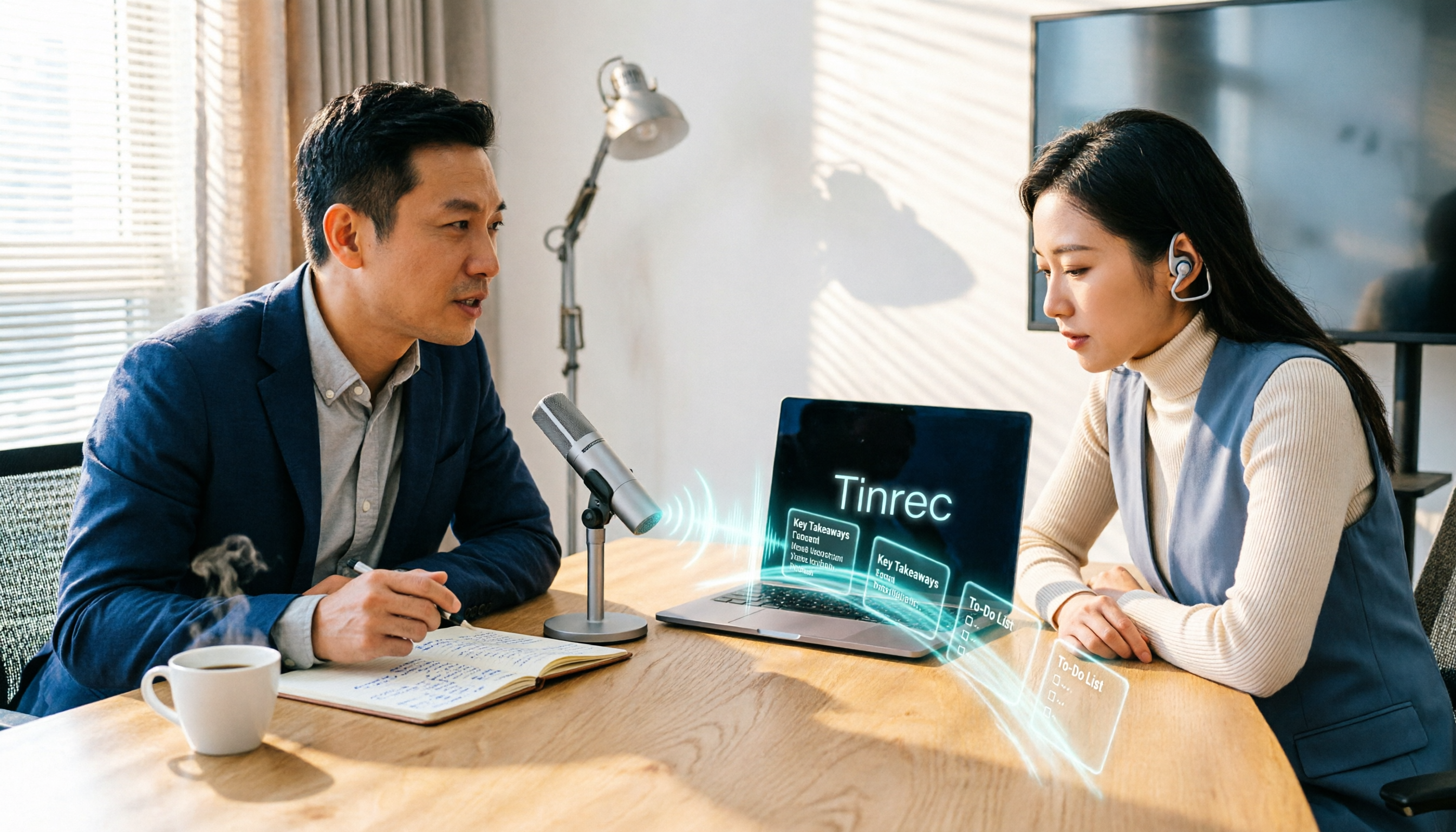
5 Cantonese to Mandarin Translation Tools Compared: Which Can Organize Meeting Notes?
Hong Kong clients speak Cantonese in meetings, and you have Cantonese interview videos, but you don't know which tool to use? This article reviews 5 common Cantonese to Mandarin translation tools, explaining the suitable scenarios for web translators, mobile apps, and AI meeting note tools, and shares a practical workflow to turn entire Cantonese recordings into transcripts, summaries, and action items.
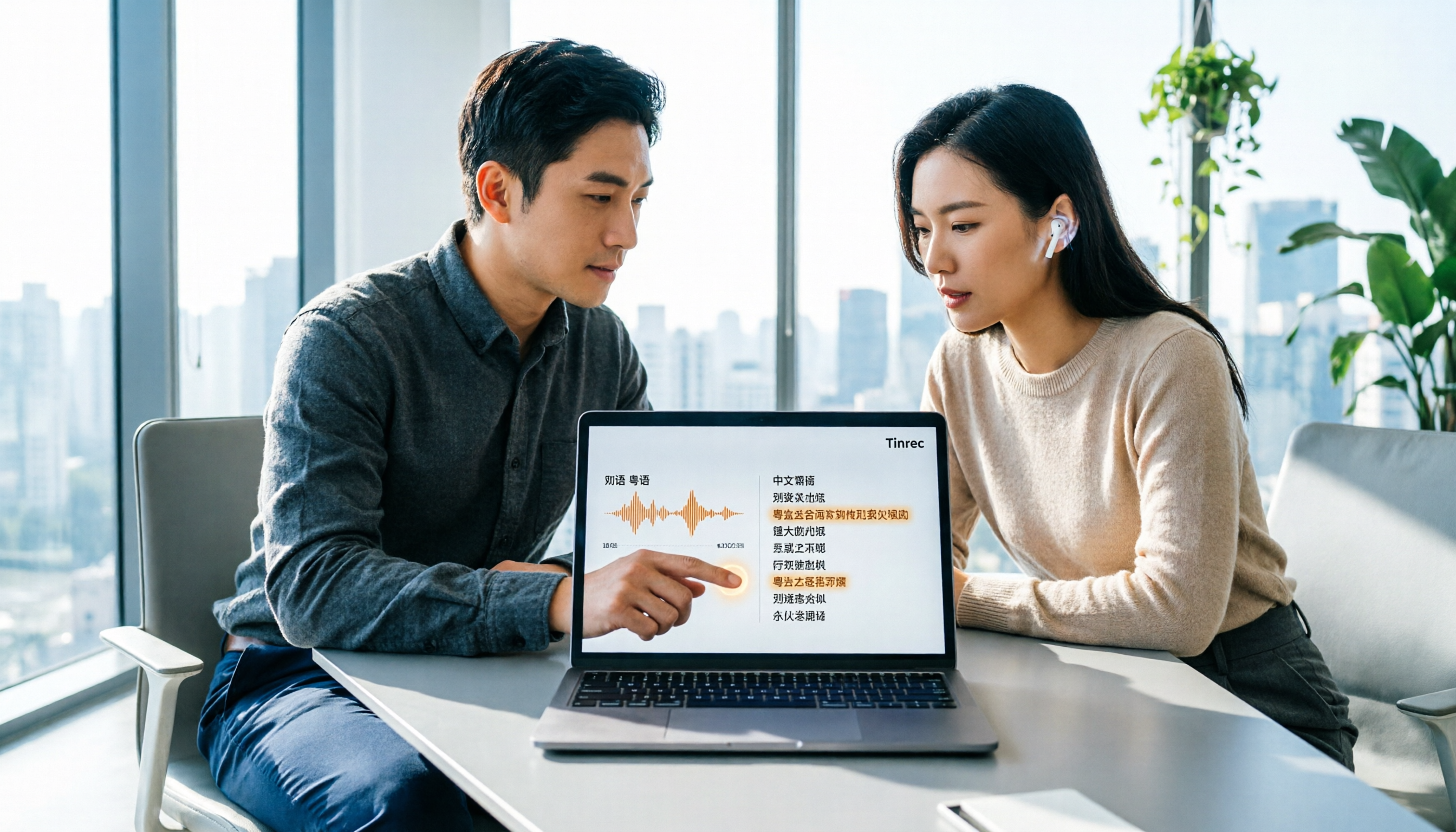
Cantonese Translation Software 2026: Tinrec Transcripts + Real-Time Bilingual Comparison
When you have Cantonese content to handle at work, a pure translation tool only solves "understanding in the moment," but what meetings really need is "findable afterward." This article compares Tinrec and PLAUD Note across 5 dimensions—transcript retention, translation and bilingual comparison, post-meeting output, cross-platform and team collaboration, and the cost threshold of hardware and subscriptions—to help you decide which tool better fits your Cantonese and Chinese meeting workflow.

6 Cantonese Translator Tools Tested in 2026: Which One Turns Cantonese Meetings into Usable Transcripts?
Looking for a Cantonese translator? First decide whether you need to translate a single sentence or an entire meeting. This guide reviews 6 common Cantonese translation tools, from free web translators and Cantonese-Mandarin apps to AI meeting assistants that generate transcripts and summaries. Learn which tool fits which scenario and what common pitfalls to avoid.

4 Cantonese Translator Tools Tested: Which Is Best for Live Meeting Translation?
We compare four popular Cantonese translation and meeting transcription tools, covering their real-world differences from word lookup to full meeting transcripts, live translation, summaries, and action items. If you need to handle Cantonese or mixed Chinese-English content in meetings, interviews, or classes, Tinrec stands out for its bot-free recording, AI Q&A, and team knowledge retention.

How to Use Cantonese Voice Input on Windows 10 in 2026: A Complete 5-Step Guide
Trying to use Cantonese voice input on Windows 10 often gets stuck on language switching, limited built-in support, or Chrome extensions that only work in the browser. This guide uses 5 decision steps to compare Windows built-in voice input, VoiceIn, and Tinrec, covering everything from real-time input to post-meeting transcripts, summaries, action items, and team collaboration, so you can find the Cantonese voice workflow that fits you best.