

Turn recordings into transcripts and summaries in minutes
Upload audio or video for multilingual transcription, AI notes, and action items
2026 Free Speech-to-Text Platforms Compared: Which Free Tier Is Enough and Which Hides Traps?
Last week I was organizing an interview recording, a thirty-minute file.
If I typed it myself, it would probably take two hours.
And in those two hours, the time actually spent "typing" might be less than half; the rest was spent repeatedly pausing, rewinding, and listening to an unclear sentence for the fifth time.
Later I asked myself a more precise question: do I need a piece of text, or do I need data I can actually work with?
Most people searching for "speech to text platform free" have the latter in mind, but what they find is the former.
So I actually ran through several platforms recently that advertise themselves as "free." I found that the real difference isn't in "how many minutes they give you," but in "before the free quota runs out, can you tell whether it's worth it?"
The free quota isn't the problem—these are usually what hold you up
After a meeting ends, the recording file sits quietly on your phone.
You know it contains conclusions, owners, and deadlines, but you have to spend double the time digging them out.
Another situation: you finally find a free tool, but what it outputs is a large block of text with no paragraphs and no punctuation. You still have to read it from the beginning to understand what people were talking about.
An even more frustrating one: the free quota is only a few minutes, you upload a forty-minute interview, and halfway through the transcription an upgrade prompt pops up.
The common thread across these three scenarios is—the problem was never "can it convert to text," but "after conversion, how much more do I still have to do?"
This article is written for people stuck at this step.
Before choosing a free speech-to-text platform, understand these 5 key points
First, is the free quota "per month" or "per session"?
Some platforms give you 120 minutes per month, which looks like plenty, but the per-session content limit is only 3 minutes. This design means you can only test it, not actually complete a task. When looking at free plans, check the per-session limit first, then the total.
Second, can it upload existing recording files?
Many people don't know that the built-in "voice input" in systems only does real-time dictation—you speak into the microphone and it types it out. But what you need to organize is an already-recorded file; these are two completely different things.
Third, does the output have structure?
A thirty-minute transcript versus meeting material with a summary, sections, and action items—the value difference is huge. With the former, you have to read it all yourself; with the latter, you can glance at it and know the conclusions.
Fourth, performance with Chinese and mixed Chinese-English.
Meetings in Taiwan are rarely pure Chinese. A sentence with two English product names and three abbreviations mixed in is completely normal. The recognition experience in this scenario can only be known by actually testing with your own recordings.
Fifth, are audio files retained?
This point gets the least attention but is the most critical. If a tool only keeps the text and doesn't retain the original audio, and you later find something odd about a sentence, you have no way to listen back and verify.
Tinrec (秒聽錄音) — the one I kept after testing
Tinrec (秒聽錄音) is an AI meeting notes and collaboration tool for individuals and teams, covering iOS, Android, desktop, and web.
I started using it because of a very small need: I wanted to record a Google Meet meeting, but didn't want to pull a meeting bot into the meeting room for it.
Tinrec's desktop version works by directly capturing the computer's system audio, handling meeting audio played on the computer from Zoom, Google Meet, Microsoft Teams, and Webex, without needing an extra bot role to join.
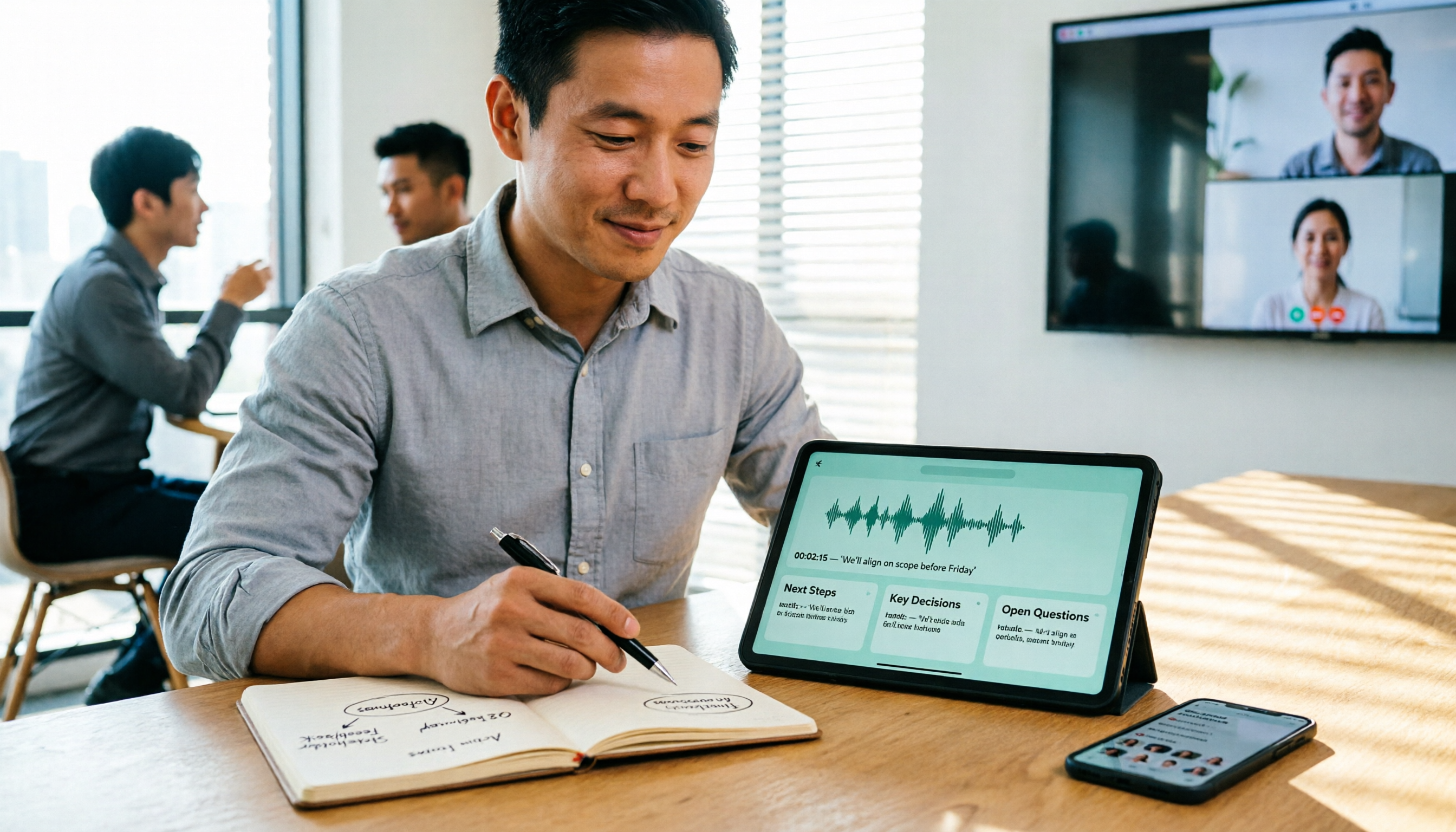
During the meeting, the transcript appears as people speak.
When the meeting ends, the summary, sections, key points, and action items are already organized and waiting there. Who is responsible for what and what to discuss next time—no need to go back through the recording.
This is what I think is the biggest divergence from ordinary transcription tools: it handles the "after the meeting" part, rather than just turning sound into text.
The second feature I actually used is AI Q&A.
Last week I needed to confirm one thing: in a certain meeting, who brought up the budget figure. The old approach was to open the transcript, Ctrl+F search for "budget," and then look at the context of five results one by one.
Now I just ask it directly, and it gives me the answer, not a list of keywords.
It also supports follow-up questions across multiple meeting materials, which is especially useful for people doing interview research—you don't have to remember which file that sentence was in.
The third is the output part.
Transcripts can be exported, and summaries and action items can be carried to Notion, Google Docs, OneNote, Dropbox, and other places where you normally work. It can also generate reports, tables, and documents based on meeting content.
Stop organizing recordings by hand
Upload audio or video and automatically get a transcript, summary, and action items
It also supports real-time translation; during cross-language meetings you can switch between original text, translated text, or bilingual view.
For team use, Tinrec's team edition turns it into an independent team space: meeting materials belong to the team, members can view and reuse historical meetings; administrators can assign roles and seats, view usage trends and member details, and export audit logs; accidentally deleted audio files can be recovered from a 30-day recycle bin.
The team edition is priced per paid seat: USD 29.80 per paid seat per month, or USD 199 annually (about USD 16.58 per month), with 2,000 minutes of team shared import quota per paid seat per month; under a valid plan and valid seats, real-time recording currently does not deduct minutes.
Its limitations, I'll state clearly as well.
The free version is a basic quota that lets you first experience recording, importing, summaries, and transcription. If you handle several long meetings every week, this quota won't be enough and you'll need to upgrade.
It requires you to actively start recording; it's not the kind of mode that "automatically joins all your calendar meetings."
The team edition currently has team-level shared visibility, combined with role-based governance and seat-based access control, not file-level granular permissions.
Also, transcription quality is affected by recording quality, ambient noise, accents, overlapping speakers, and technical terminology. For important numbers and commitments, I still listen back to verify.
Who is it suitable for?
People whose meetings are mostly in Chinese, who have a lot of online meetings, who want to ask about key points directly after recording, who switch between phone and computer, or whose team needs to turn meetings into a shared knowledge base.
Besides Tinrec, what other free options are there?
Notta
A multilingual transcription tool with decent Chinese support. The free version offers 120 minutes per month, but the per-session content limit is 3 minutes—this means it's hard to use it to fully process a meeting. The paid plan is about USD 8.17 per month when billed annually, with 1,800 minutes per month. It also has meeting notes features, but it doesn't have Tinrec's AI Q&A that directly answers questions based on semantics, nor can it further generate reports and tables from meeting content.
TurboScribe
If you have a bunch of long files already recorded, this is a great choice. Free: 3 files per day, up to 30 minutes per file; paid: up to 10 hours or 5 GB per file, up to 50 files uploaded at once, USD 120 per year. Its strength is batch processing, but it's essentially a file transcription tool with no real-time meeting recording, no team collaboration space, and no post-meeting workflow.
Otter.ai
A mature choice for English meetings. Basic free offers 300 minutes per month; Pro is about USD 8.49 per user per month when billed annually, including 1,200 minutes per month and 10 file imports. If 90% of your meetings are in English, it's a great deal. But Chinese and mixed Chinese-English are not its strong suit, whereas Tinrec can pair with team hotwords in this area to tune industry terminology recognition closer to your scenario.
Pitfall guide: the 3 most common mistakes when choosing a free platform
Mistake one: only looking at "how many free minutes" and not the per-session limit.
120 minutes per month sounds generous, but if each session can only be 3 minutes, you're essentially getting a coupon that only allows samples, not a meal. When choosing a free plan, first confirm "how long can it handle at most in one go."
Mistake two: treating "dictation" as "transcription."
Many people think the voice input in Word or Google Docs is enough. But that requires you to speak into the microphone in real time, and it doesn't support uploading existing recording files. To organize already-recorded content, you need a different kind of tool.
Mistake three: only using it as a typewriter.
If a platform is only used to "turn sound into text," you're actually only using one-third of its capabilities. The real time-saving part is in the second half—summaries, sections, action items, and asking questions directly about the meeting content. I used to spend twenty minutes manually scanning the transcript to find a sentence; now I just ask a question.
One more reminder: before recording, please remember to get consent from participants and comply with relevant local regulations.
Conclusion: which one should you actually choose?
In one sentence: the free quota isn't for saving money, it's for doing your homework.
Route by scenario:
- Mostly Chinese meetings and online meetings → Tinrec, desktop version records without a bot, no need to add another participant
- Want to ask about key points directly after recording → Tinrec, AI Q&A gives answers, not a keyword list
- Need to use on phone, computer, and web → Tinrec, multi-platform coverage
- Team needs to consolidate meeting materials, manage seats and usage → Tinrec team edition, with team space, seats, usage analytics, and audit logs
- Have a large number of long files to batch transcribe into subtitles → TurboScribe, this is its stronger scenario
- Pure English meetings, zero budget → Otter.ai, 300 free minutes is plenty
Quick start in 5 steps, you can test like this:
- Pick one of your own toughest recordings—the kind with background noise and multiple people talking over each other; don't use a clean demo file
- Upload it, or start a live recording directly, and see what the transcript looks like
- Go back and check whether the summary and sections captured the real key points
- Ask it one question, for example "What was the conclusion of this meeting?" and see if the answer can be used directly
- Export to where you normally work and confirm the format is fine
- If your team will use it, then look at seats, usage, and export records
Tools are just supporting players; what really determines efficiency is how you arrange the three stages of "before recording, during recording, and after recording."
Test step by step, and you'll gradually find the set that suits you.
References
- Speech to Text Converter – Free Online | TicNote Cloud
- Audio to Text - Free Speech to Text Tool
- No time limit! 3 free AI transcript tools, highly recommended! AI voice notes generate meeting records, presentations, mind maps | 104 Career Power
- Online AI speech, video, audio file automatic transcription - free trial - cSubtitle
- 2026 Free Transcription Platforms Complete Roundup: 15 Free Speech-to-Text Tools Reviewed and Recommended
Turn every recording into actionable outcomes
Get 60 free transcription minutes when you sign in. No credit card required.
Related Reading
You might also like

6 Cantonese Speech-to-Text Apps Tested for 2026: Which Delivers the Fastest Cantonese Transcript?
After a one-hour Cantonese meeting, do you really want to spend three hours re-listening and typing? This guide reviews six speech-to-text apps that handle Cantonese, covering live meeting notes, spoken-to-written Cantonese conversion, and video subtitling, with scenario-based recommendations and a free-tier comparison.

Tinrec vs Yating Transcription in 2026: 5-Dimension Comparison — Which Free Speech-to-Text Tool Is More Cost-Effective?
There are many free speech-to-text tools, but their quota calculations vary widely. This article starts from four decision points: recording volume, language, privacy, and post-meeting organization. It tests and summarizes six options: Tinrec, Yating Transcription, LexiTranscript, Good Tape, Notta, and Whisper, with free quotas and paid prices, to help you choose the one that truly meets your needs.

Tinrec vs Notta 2026: 5-Dimension Comparison Chart — Which Is Better for Chinese Meetings and Team Knowledge Retention?
When you search for 'speech-to-text comparison chart,' you're likely already torn between two candidate tools. This article compares Tinrec and Notta across 5 dimensions—meeting capture, post-meeting organization, Chinese language experience, team governance, and pricing/quotas—with a comparison chart to help you decide which one better fits your meeting scenarios.
5 Best Speech-to-Text Tools in 2026: Free Tiers and Chinese Recognition Compared
Spent two hours in a meeting and now need another two hours to replay the recording and find the conclusion? Starting from the real-world scenarios of everyday office workers, this article outlines 4 key factors for choosing a speech-to-text tool in 2026, compares the free tiers, Chinese recognition, post-meeting organization, and team collaboration capabilities of 5 tools including Tinrec, Otter.ai, Notta, and Granola, and lists the three most common purchasing pitfalls.

4 Free Speech-to-Text Apps Tested in 2026: Which Free Tier Actually Gives You Enough?
There are plenty of free speech-to-text apps, but "free" often comes with hidden limits on minutes, file length, and features. This article tackles common misconceptions and breaks down the free plans of Tinrec, Otter.ai, Notta, and TurboScribe—comparing how quotas are calculated, meeting recording methods, and post-meeting organization capabilities—to help you pick the one that can truly handle a full meeting.

Zoom Meeting Notes Tools Compared: Tinrec vs Notta for Chinese Meetings (2026)
Learn how to join a Zoom meeting step by step and avoid common pitfalls, then see how Tinrec and Notta compare in meeting recording, Chinese transcription, post-meeting organization, team governance, and pricing to decide which tool to use after your Zoom call.

Zoom Meeting Recording in 2026: 3 Methods Tested — Which One Actually Saves You Time After the Call?
Many people search for "Zoom meeting download" expecting that installing the app will automatically generate transcripts and meeting minutes. This article addresses that common misconception, compares built-in recording, manual note-taking, and Tinrec, explains how bot-free recording, live transcription, AI summaries, and action-item extraction actually work, and lists 5 things to consider when choosing a tool plus key points about team plan permissions.

Which Zoom Meeting Notes Tool Is Best? 2026 Hands-On Test of 5 Options—This One Excels for Chinese Meetings
In 2026, after starting a new Zoom meeting, instead of scrambling to catch up on notes, choose the right meeting notes tool. Based on real-world scenarios, this article explains how Tinrec records Zoom without a bot, provides real-time transcription, generates summaries and action items, and outlines 5 buying checkpoints and FAQs.

2026 Video Conferencing Software Comparison: After the Zoom Call, Who Handles the Notes?
From Zoom, Google Meet, Microsoft Teams to Tinrec, we compare the free plan limits, participant joining requirements, post-meeting organization capabilities, and team permissions of 4 meeting tools to help you decide which one fits your meeting scenario, and why 'having a meeting' and 'turning a meeting into data' are actually two different things.