

Turn recordings into transcripts and summaries in minutes
Upload audio or video for multilingual transcription, AI notes, and action items
Why Do You Need Free Speech-to-Text? First, Understand Your Usage Volume
Type "free speech to text" into the search bar, and you'll get a dozen or so tools, with quotas ranging from 3 minutes per day to 300 minutes per month, and prices from $0 to over a hundred dollars per hour.
The real question isn't which one is the most famous, but three things: how many hours of recording you have per week, whether the content is pure Mandarin or mixed with Taiwanese and English, and whether these recordings can be uploaded to someone else's server.
Most people first look for this type of tool because they're forced to by a 90-minute meeting or a two-hour class. Typing a transcript manually takes about 4 to 6 hours for every hour of recording, which is why people would rather spend time finding a tool.
In this article, I list the 6 options I've tested and organized. First, I'll explain who each option is for, and finally, how to choose and the pitfalls to watch out for with free plans.
Tinrec — Not Just a Transcript, but Also Turns Your Meetings into Queryable Data
Tinrec is an AI meeting notes and collaboration tool for individuals and teams, available on web, desktop, and mobile. It doesn't just convert sound to text; it organizes meetings into searchable, summarizable, queryable, and exportable data.
Record online meetings without inviting a meeting bot. The desktop version directly captures your computer's system audio, so when handling meetings on Zoom, Google Meet, Microsoft Teams, or Webex, you don't need an extra bot on the participant list. Note that this doesn't mean it automatically joins all meetings on your calendar; you still need to open Tinrec yourself to start recording.
The workflow after transcription is the key. After the meeting, it automatically generates summaries, chapters, key points, and action items. Long meetings can be browsed in segments without listening from the beginning. This is especially useful for project meetings over an hour.
You can ask questions about the meeting content. This is where it differs most from most pure transcription tools. You can directly ask "What was the budget cap the client mentioned?" or "What three things were decided in the last meeting?" and let it find the answers from the transcript, instead of slowly scrolling through with Ctrl+F yourself.
The team version turns meeting data into team assets. It provides a separate team space where you can create multiple teams, invite members via links, set owners and admins, and distinguish roles and seats. Members without seats can still view, play, and read team data, but recording, uploading, editing, and importing/exporting require a seat. It also includes usage analytics, audit logs, team hotwords, and an audio recycle bin (retained for 30 days).
Free and paid plans: The personal version has a free version to experience recording, importing, summaries, and transcription with basic quota; for short-term intensive use, consider a weekly card; for stable use, the Pro monthly card is suitable; for long-term data accumulation, the Pro annual card. The team version offers a 7-day trial with 1 free seat and 300 minutes of shared team import quota for first-time eligible users; thereafter, monthly payment is USD 29.80 per paid seat per month, annual payment is USD 199 per paid seat per year (about USD 16.58 per month), and each paid seat provides 2,000 minutes of shared team import quota per month. Real-time recording is currently not deducted by minutes under an active plan and seat. Actual prices and benefits are subject to the official purchase page.
Who it's for: People who need Chinese meeting notes, want to organize minutes and action items after meetings, and want meeting data to remain in the team for continuous use.
Yating Transcription — A Local Option for Taiwanese Accents and Taiwanese Hokkien
Developed by the Taiwan AI Labs (AILabs), it emphasizes being 100% made in Taiwan, optimized for Taiwanese accents, and supports Taiwanese Mandarin, Taiwanese Hokkien, and mixed Chinese-English.
Its free quota is its most generous aspect: the real-time recording feature is completely free and unlimited, and audio file uploads come with 20 minutes. The paid plan is NT$100 per hour, with discounts for purchases of 3 hours or more, and data is not transmitted outside Taiwan.
Note that it focuses on real-time recording scenarios, and transcription speed is relatively slower. If you have a bunch of recorder files to batch process, the experience will be more cumbersome.
Who it's for: Taiwanese Hokkien interviews, fieldwork, oral history recording for elders, or those who simply need "text as you record."
LexiTranscript — Daily Reset Quota, Deleted After Transcription
Its main selling point is the daily free quota, with good Chinese recognition performance, no credit card required, and quota reset daily.
Stop organizing recordings by hand
Upload audio or video and automatically get a transcript, summary, and action items
On the paid side, there's an unlimited use plan for NT$260, which is quite competitive in the market. It uses a "delete after use" design, so audio files are not retained on the server after transcription, which is relatively reassuring for privacy-sensitive users.
Who it's for: People who only have a few short interviews per week, want to keep transcripts for their own quote verification, but don't want to pay a monthly fee for it.
Good Tape — Simple Interface, but Be Patient with the Free Version
The interface is clean and easy to get started with, making it the first transcription service many people try.
However, the free version has long queue times; in testing, it could take over an hour to get results, which can be painful on a deadline afternoon.
Who it's for: People who are not in a hurry, use it only once or twice a week, and value simplicity of interface over speed.
Notta — Complete Multilingual and Team Plans
It is comprehensive in transcription, translation, and team plans, with multilingual support as its strength.
Current official figures: Free version 120 minutes per month, maximum 3 minutes per single content; Pro annual payment equivalent to about USD 8.17 per month, 1,800 minutes per month; Business annual payment equivalent to about USD 16.67 per seat per month, including role permissions and usage reports. Subject to the official price page.
Who it's for: Scenarios with a high proportion of English and a need for standardized team permissions and usage reports.
Google Docs Voice Typing and Whisper — Truly Free, but You Have to Do It Yourself
If you don't want to pay at all, these two paths are the most practical.
Voice typing in Google Docs is completely free, but it's essentially real-time dictation, suitable for speaking into a microphone, not for processing an hour-long meeting recording afterward.
OpenAI Whisper, on the other hand, runs locally offline, with all processing done on your own computer. It's suitable for confidential meetings, legal, or medical recordings. The downside is that it requires some technical skill, and running long audio files consumes computer performance.
Who it's for: People with extremely sensitive data or those willing to spend time setting up their own tools.
With So Many Options, How Should You Choose?
• Want to transcribe and then ask questions, capture action items, and generate meeting minutes → Tinrec is currently one of the few choices that connects "record → understand → act."
• Need to record Zoom, Meet, Teams without inviting a bot into the meeting → Tinrec desktop version directly captures system audio.
• Team needs to share meeting data, manage seats and usage → Tinrec team version, with roles and seats managed separately, so data won't be taken away when members leave.
• Need to switch between phone, tablet, and computer → Tinrec, with multi-device continuity.
• Only need real-time recording in Taiwanese Hokkien or Taiwanese Mandarin → Yating Transcription.
• Only transcribe one or two short recordings per week, with a tight budget → LexiTranscript's daily quota or Good Tape.
• Mainly English meetings, need complete team reports → Notta.
• Extremely sensitive content, don't want to upload at all → Whisper local execution.
4 Things to Know Before Using Free Speech-to-Text
1. Quota calculations are different. Some tools calculate "real-time recording" and "file upload" separately, while others share the same pool. For example, Tinrec's team version does not deduct minutes for real-time recording; only files and web imports consume the shared quota. Understanding the rules prevents running out mid-month.
2. Free plans often have single-file length limits. For example, Notta's free version has a maximum of 3 minutes per single content, so an hour-long meeting must be split into files first. This is easily overlooked when comparing plans.
3. Think clearly about whether data will be retained. For confidential content, choose plans that "delete after use" or run locally, such as LexiTranscript, which doesn't store audio after transcription, or Whisper, which is fully offline. Enterprise users should check whether the service provider has a clear privacy policy and data cleanup process.
4. Don't expect 100% accuracy. Accents, background noise, and overlapping speakers all affect results. A more reliable approach is to treat AI transcripts as a tool that "saves 80% of first-draft time," and still verify important quotes and numbers against the recording and timestamps.
Finally, remember to obtain consent from participants before recording according to local regulations, especially for external client meetings.
Conclusion
There is no absolute best free speech-to-text tool, only the one that best fits your recording volume and scenario.
If your need is just to occasionally turn a recording into text, Yating Transcription's free real-time recording and LexiTranscript's daily quota can handle it.
But if you have meetings every day and want to capture key points, ask questions, and hand over transcripts for team reuse, then Tinrec is the one in this list that completes the latter part of the workflow most thoroughly, and it's worth trying the free version first before deciding.
Confirm your recording volume and privacy needs first, then choose a tool. That will be much more effective than reading ten ranking articles.
References
- 2026 Complete Inventory of Free Transcription Platforms: 15 Free Speech-to-Text Tool Reviews and Recommendations
- [AI Voice Notes] Top 5 AI Transcription Tools! Help You Generate Transcripts and Meeting Notes Highlights, Free vs Subscription, Pros and Cons Comparison | 104 Job Bank
- 2026 Latest 9 Free Speech-to-Text Tools: Solving Transcript Organization and Meeting Summary Pain Points - Tinrec Blog
- No Time Limit! 3 Free AI Transcription Tools, Highly Recommended! AI Voice Notes Generate Meeting Records, Presentations, Mind Maps | 104 Job Bank
- Want to Convert Recordings to Text for Free? 6 Speech-to-Text Software to Help You Quickly Produce Drafts (Including Tinrec) - Tinrec Blog
Turn every recording into actionable outcomes
Get 60 free transcription minutes when you sign in. No credit card required.
Related Reading
You might also like

6 Cantonese Speech-to-Text Apps Tested for 2026: Which Delivers the Fastest Cantonese Transcript?
After a one-hour Cantonese meeting, do you really want to spend three hours re-listening and typing? This guide reviews six speech-to-text apps that handle Cantonese, covering live meeting notes, spoken-to-written Cantonese conversion, and video subtitling, with scenario-based recommendations and a free-tier comparison.

2026 Free Speech-to-Text Platforms Compared: Which Free Tier Is Enough and Which Hides Traps?
How to choose a free speech-to-text platform in 2026? I tested and compared the free tier limits and post-meeting workflows of Tinrec, Notta, TurboScribe, and Otter.ai, and compiled 5 key buying factors, 3 common mistakes, and scenario-based selection advice to help you find a free solution that truly gets the job done.

Tinrec vs Notta 2026: 5-Dimension Comparison Chart — Which Is Better for Chinese Meetings and Team Knowledge Retention?
When you search for 'speech-to-text comparison chart,' you're likely already torn between two candidate tools. This article compares Tinrec and Notta across 5 dimensions—meeting capture, post-meeting organization, Chinese language experience, team governance, and pricing/quotas—with a comparison chart to help you decide which one better fits your meeting scenarios.
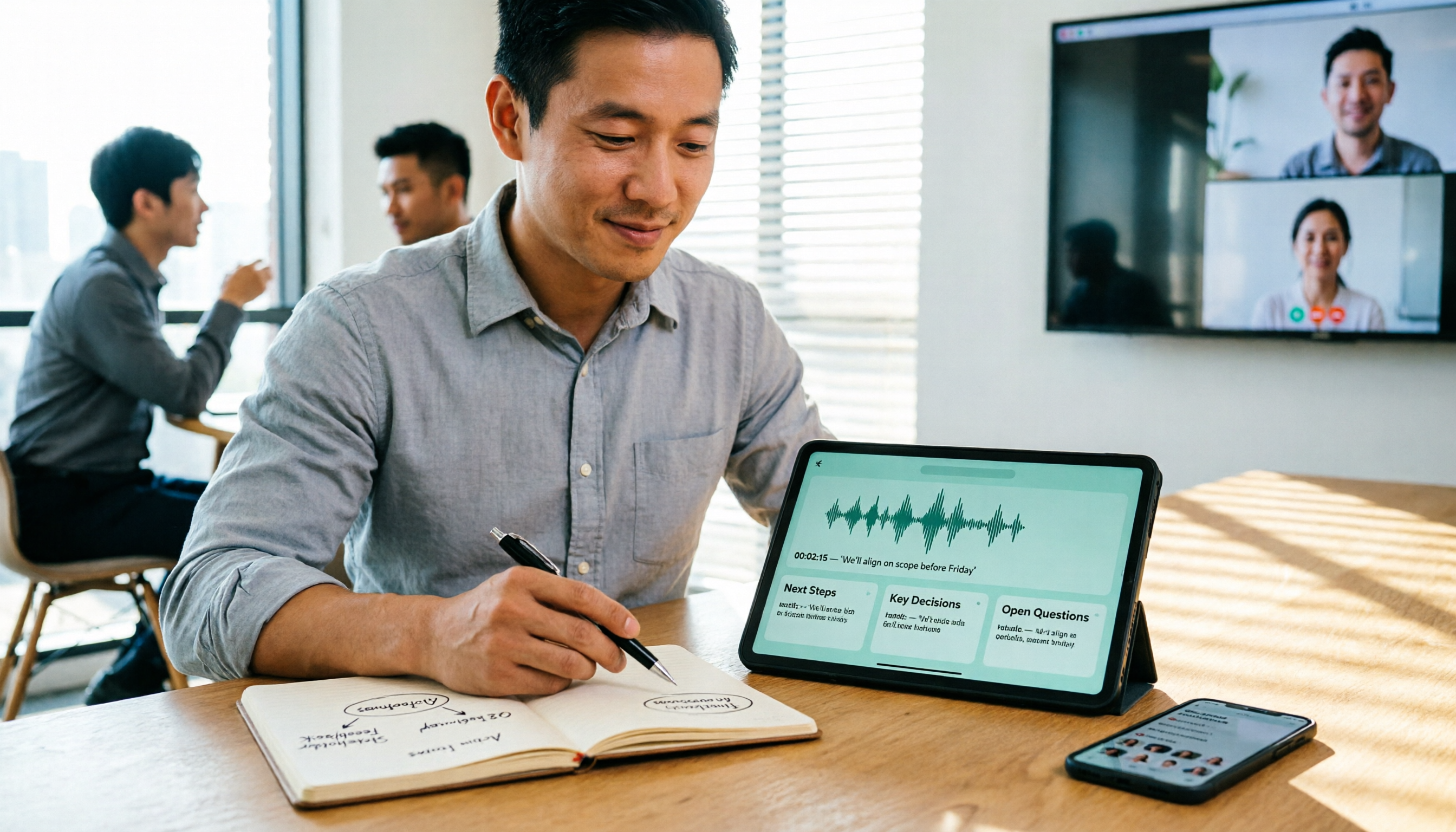
5 Best Speech-to-Text Tools in 2026: Free Tiers and Chinese Recognition Compared
Spent two hours in a meeting and now need another two hours to replay the recording and find the conclusion? Starting from the real-world scenarios of everyday office workers, this article outlines 4 key factors for choosing a speech-to-text tool in 2026, compares the free tiers, Chinese recognition, post-meeting organization, and team collaboration capabilities of 5 tools including Tinrec, Otter.ai, Notta, and Granola, and lists the three most common purchasing pitfalls.

4 Free Speech-to-Text Apps Tested in 2026: Which Free Tier Actually Gives You Enough?
There are plenty of free speech-to-text apps, but "free" often comes with hidden limits on minutes, file length, and features. This article tackles common misconceptions and breaks down the free plans of Tinrec, Otter.ai, Notta, and TurboScribe—comparing how quotas are calculated, meeting recording methods, and post-meeting organization capabilities—to help you pick the one that can truly handle a full meeting.

Zoom Meeting Notes Tools Compared: Tinrec vs Notta for Chinese Meetings (2026)
Learn how to join a Zoom meeting step by step and avoid common pitfalls, then see how Tinrec and Notta compare in meeting recording, Chinese transcription, post-meeting organization, team governance, and pricing to decide which tool to use after your Zoom call.

Zoom Meeting Recording in 2026: 3 Methods Tested — Which One Actually Saves You Time After the Call?
Many people search for "Zoom meeting download" expecting that installing the app will automatically generate transcripts and meeting minutes. This article addresses that common misconception, compares built-in recording, manual note-taking, and Tinrec, explains how bot-free recording, live transcription, AI summaries, and action-item extraction actually work, and lists 5 things to consider when choosing a tool plus key points about team plan permissions.

Which Zoom Meeting Notes Tool Is Best? 2026 Hands-On Test of 5 Options—This One Excels for Chinese Meetings
In 2026, after starting a new Zoom meeting, instead of scrambling to catch up on notes, choose the right meeting notes tool. Based on real-world scenarios, this article explains how Tinrec records Zoom without a bot, provides real-time transcription, generates summaries and action items, and outlines 5 buying checkpoints and FAQs.

2026 Video Conferencing Software Comparison: After the Zoom Call, Who Handles the Notes?
From Zoom, Google Meet, Microsoft Teams to Tinrec, we compare the free plan limits, participant joining requirements, post-meeting organization capabilities, and team permissions of 4 meeting tools to help you decide which one fits your meeting scenario, and why 'having a meeting' and 'turning a meeting into data' are actually two different things.